Something significant happened in the AI video space when OpenAI pushed Sora 2 to its next capability threshold: full-length AI movies. Not just 10-second clips. Not demo reels. Actual cinematic sequences with consistent characters, persistent environments, and narrative flow across minutes of footage. This changes the conversation about what AI-generated video can be, and filmmakers, studios, and independent creators are paying very close attention.
The leap from "short video clip" to "coherent cinematic film" is not cosmetic. It requires the model to maintain spatial consistency, track characters across scenes, preserve lighting logic, and hold narrative structure over time. Sora 2 is the first publicly accessible model to do all of that with enough fidelity to produce something that can sit in a proper timeline and tell a story.
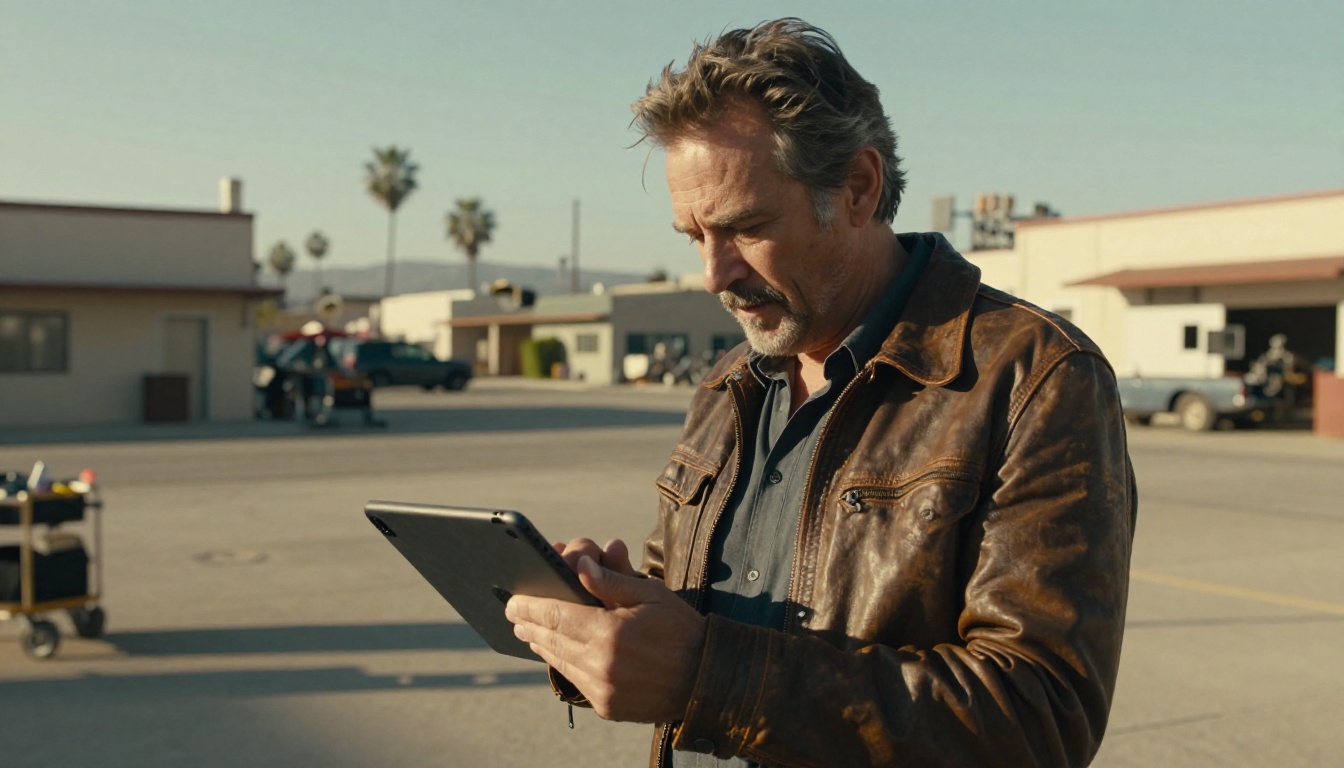
What Sora 2 Actually Does Now
From Clips to Full Movies
The original Sora model captured attention in early 2024 with its ability to produce visually stunning short clips. The quality was extraordinary: realistic motion, photorealistic textures, coherent physics. But the clips were short, isolated, and did not persist across a longer piece. Characters changed appearance between shots. Lighting logic broke down. You could not build a film from it without extensive manual stitching and correction in post.
Sora 2 addresses that directly. The model now supports extended generation windows, meaning it can produce sequences long enough to qualify as short films. More critically, it maintains character consistency across scenes: a character introduced in shot one will look the same in shot fifteen, even across different environments and lighting conditions. That consistency is the core technical achievement separating Sora 2 from everything that came before it.
💡 What "full AI movie" actually means: Sora 2 can generate continuous narrative video with consistent characters and environments, long enough to tell a short-film story without human editing between every clip.
The Technical Leap
What makes this possible is a combination of architectural improvements in Sora 2. OpenAI trained the model on significantly more cinematic content, including structured narrative sequences rather than random video clips. The model built a stronger internal representation of scene continuity, cause-and-effect between frames, and screen direction, which is the filmmaking principle governing how characters face each other and move through a space across cuts.
The result is a model that thinks cinematically, not just visually. When you give Sora 2 a prompt describing a woman walking through a crowded market, stopping at a spice stall, and locking eyes with a stranger across the crowd, it generates a connected sequence where the geography holds, the woman is the same woman throughout, and the emotional logic of the moment reads correctly.
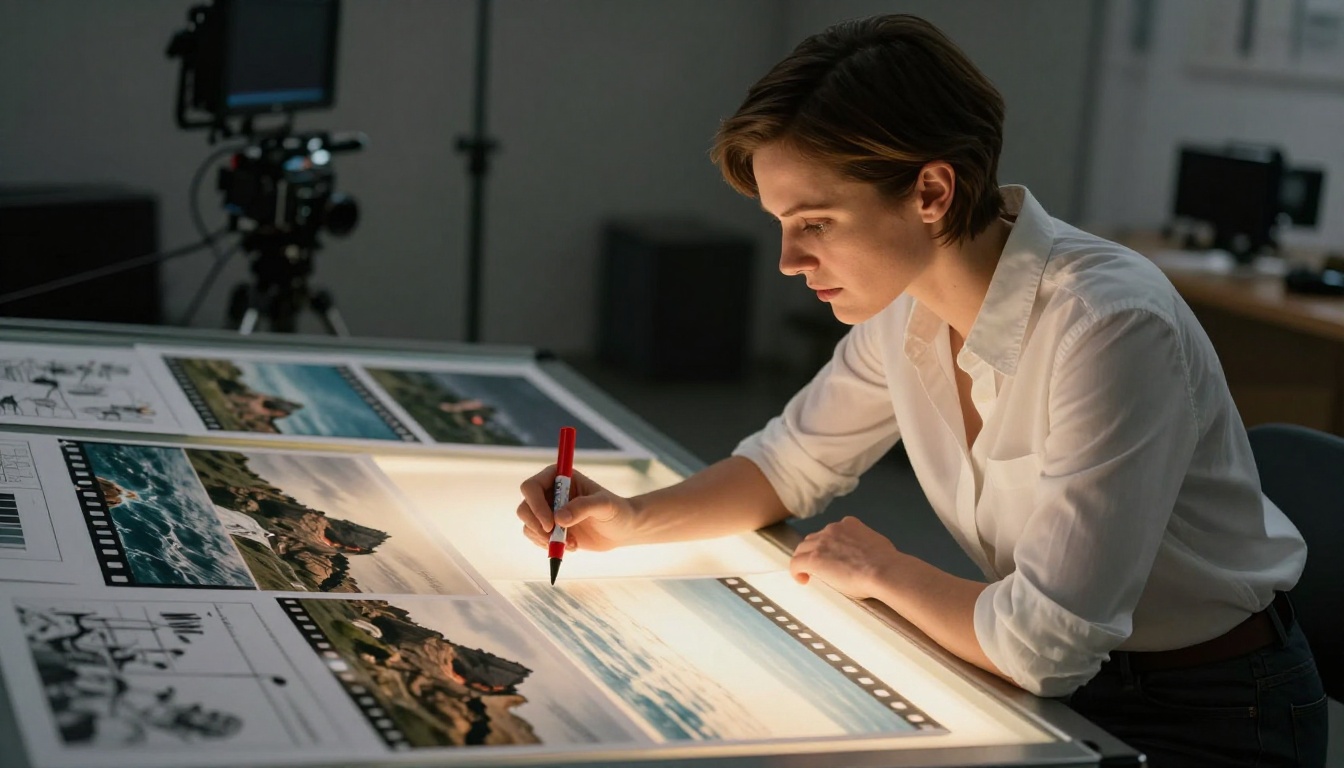
How Sora 2 Compares to the Competition
The AI video generation space is crowded right now. Sora 2 sits at the top of the capability ladder for narrative film generation, but it has strong competition from several directions. Here is how the main players stack up:
| Model | Strength | Character Consistency | Best For |
|---|
| Sora 2 | Narrative coherence | Very High | Short films, cinematic sequences |
| Sora 2 Pro | Maximum quality output | Very High | Professional production |
| Gen-4.5 by Runway | Speed, editing workflows | High | Rapid iteration, fast prototyping |
| Kling v3 | Motion realism | High | Action sequences, physical motion |
| Veo 3 | Visual fidelity with audio | High | Cinematic content with integrated sound |
| LTX-2.3 Pro | Speed and quality balance | Medium-High | Fast production, social content |
Sora 2 Pro is the version for serious production work. It delivers higher resolution output and more precise adherence to detailed prompts. The standard Sora 2 is excellent for ideation and shorter films where faster iteration matters more than maximum fidelity.
Veo 3 from Google deserves a specific mention because it natively generates synchronized audio alongside video. If your film needs ambient sound, dialogue-adjacent audio, or music beats synchronized to visual action, Veo 3 handles that in a single generation pass, which is a significant production workflow advantage.
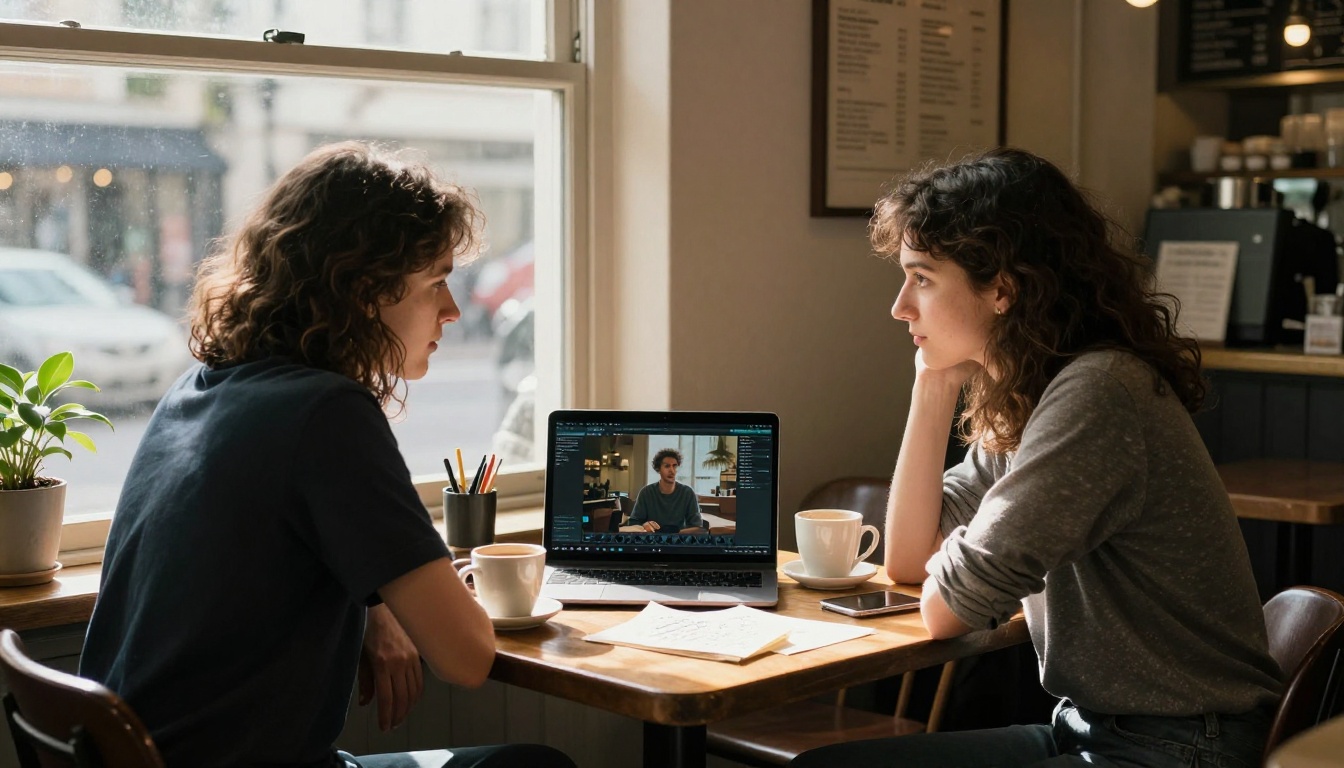
What Filmmakers Are Doing With It
Short Films Are Already Happening
Within months of Sora 2's expanded capabilities becoming available, independent filmmakers began producing short films using AI-generated footage. The typical workflow involves writing a structured shot list, generating each scene with Sora 2, doing minimal color correction, and layering audio in post. The process is dramatically faster than traditional production.
A short film that would have required a three-day shoot, a small crew, equipment rental, and location permits can now be produced in a single focused session by one person with a laptop. The cost drops from thousands of dollars to a modest credit fee.
💡 Real filmmaker workflow: Write a shot-by-shot screenplay first. Treat each shot description as a Sora 2 prompt. Iterate on any shots that are not working, then assemble in a standard video editor. Add licensed or AI-generated audio last.
Documentary and Historical Reconstruction
Documentary filmmakers are finding Sora 2 useful for illustrating historical events or situations that were never filmed. A documentary about a historical disaster can now include photorealistic reconstruction footage generated from Sora 2 rather than relying on grainy archival material or expensive recreation shoots.
This raises serious questions about disclosure and authenticity that the industry is actively working through. As a production tool for clearly-labeled reconstructions, the capability is genuinely valuable and already in use on several projects.
Music Video Production
Music video directors have been among the earliest and most enthusiastic adopters. The visual demands of a music video align perfectly with what Sora 2 does well: consistent visual style, emotional resonance, and the ability to generate striking imagery at pace. A solo artist with a Sora 2 subscription can now produce a professional-quality music video without a production budget.
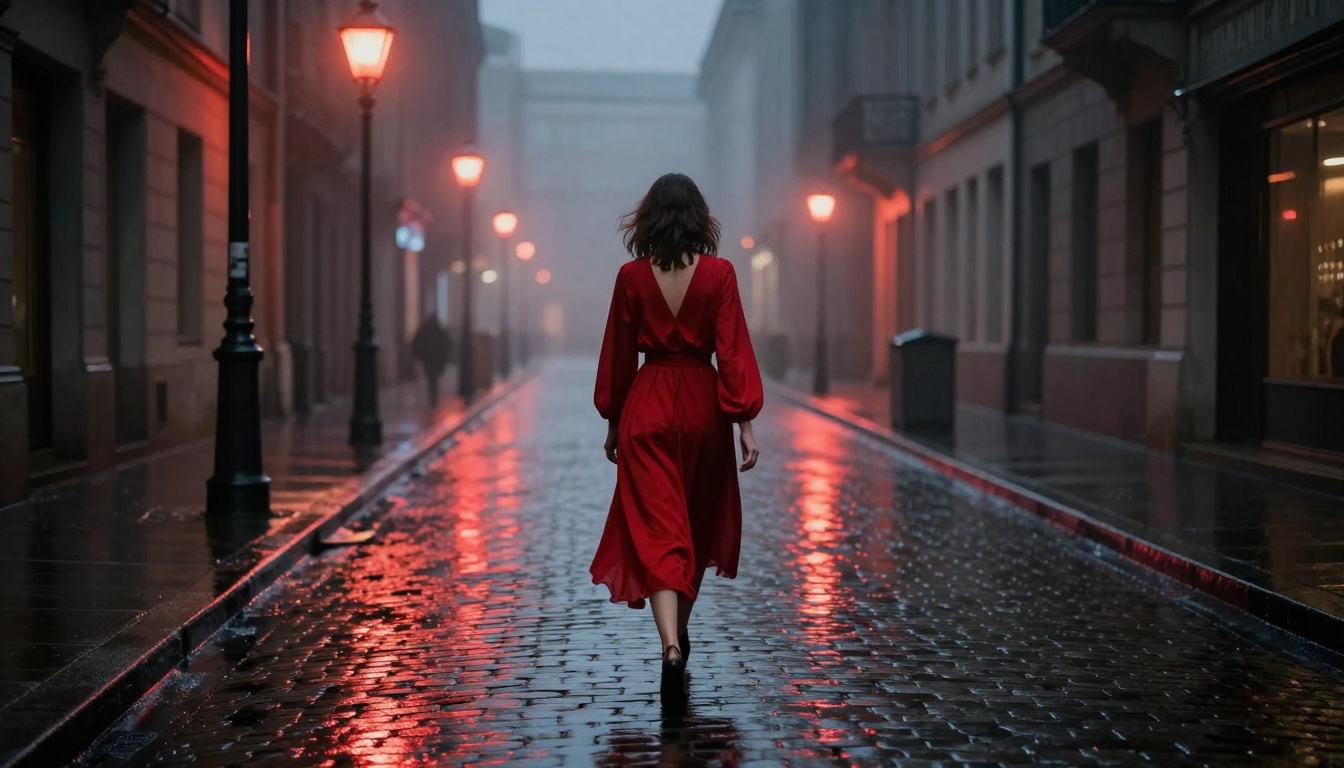
The Real Limitations
What Still Does Not Work
Sora 2 is extraordinary but not perfect. Several limitations are worth knowing before committing to it for a serious project:
- Text in frame: Generated text remains unreliable. Names on signs, dialogue titles, and captions produced by the model often contain errors or visual distortions.
- Hand and finger detail: A persistent challenge across all generative video models. Close-up shots of hands performing precise tasks can produce artifacts or anatomical inconsistencies.
- Specific physics interactions: While Sora 2 handles most physical motion correctly, very precise physics scenarios, such as liquid pouring into a transparent container, can still break down under close inspection.
- Long-duration character continuity at scale: Sora 2 holds character consistency well across connected scenes, but generating an entire 20-minute film with the same character in every scene is still beyond reliable production use.
💡 Workaround for text: If your film needs text on screen, including titles, signs, and subtitles, generate without it and add in post-production with your video editor. Do not rely on Sora 2 to render accurate text.
Cost and Access
Sora 2 Pro is not a free tool. Extended generation sessions consume significant compute, and for a short film, costs can add up. Platforms like PicassoIA offer access to Sora 2 with credit-based pricing, which lets creators budget per project rather than committing to a subscription tier that may not match their production cadence.
How to Use Sora 2 on PicassoIA
Since Sora 2 is available directly on PicassoIA, here is exactly how to use it to generate cinematic AI movies.
Step 1: Structure Your Prompt Like a Shot
The difference between a mediocre Sora 2 output and a cinematic one is almost entirely in the prompt. Do not write generic descriptions. Write like a cinematographer.
Weak prompt: "A woman walking in a city at night."
Strong prompt: "A woman in a dark coat walks slowly through a rain-slicked cobblestone alley at 2am, practical streetlamp overhead casting a tight circle of amber light, shallow focus, anamorphic lens, film grain, cinema verité movement."
Every Sora 2 prompt should include:
- Subject and action — who is doing what
- Environment — where, what time, what mood
- Lighting — source, quality, direction, color temperature
- Camera — lens type, movement, focal distance
- Visual style — film stock, grain, color palette
Step 2: Use the Storyboard Method
Before generating anything, write a shot list for your film. Number each shot. Write the Sora 2 prompt for each one. This approach lets you iterate on individual shots without regenerating everything, and it keeps your visual language consistent across scenes.
For a 3-minute short film, plan for 15 to 25 shots. Each shot prompt should reference shared story elements: the same character description, the same environment descriptor. Use the exact same character description phrase in every shot where that character appears. Copy-paste it rather than paraphrasing. Even small variations in wording can produce visual drift across shots.
💡 Consistency tip: Build a "character bible" before you start generating. Write a few sentences describing your character's appearance precisely. Paste this into every single prompt that includes them.
Step 3: Assemble and Refine
Once you have all your shots, download them and bring them into a video editor. Do a rough assembly pass first: cut to story, do not worry about pacing yet. Once the story reads correctly in rough form, go back and regenerate any shots that are not working. Then do your color grade, add audio, and export.
The Sora 2 Pro model outputs higher resolution footage that holds up better for larger screen formats. If you are producing for cinema or large-format display, use Pro from the start to avoid resolution issues at the end of the process.
Sora 2 is exceptional for narrative film, but it is not the right tool for every job. Here is where other models on PicassoIA deliver better results for specific production scenarios.
For Fast Iteration and Concept Testing
Gen-4.5 by Runway generates video very fast, making it ideal for rapid concept testing. If you are in early ideation for a film project and want to test visual ideas quickly before committing to full Sora 2 generation, Gen-4.5 is an efficient first pass that saves both time and credits.
For Action and Dynamic Motion
Kling v3 handles fast motion, physical action, and dynamic sequences with exceptional quality. For action-heavy scenes in your film, Kling v3 often produces more natural-looking motion than models trained more heavily on slower or static footage. The Kling V3 Motion Control variant adds precise motion direction capabilities on top of that.
For Audio-Integrated Video
Veo 3 generates video and ambient audio together in a single pass. If you want your AI movie to have environmental sound baked in from generation rather than layered in post, Veo 3 is the right tool for that job. Veo 3 Fast is available when you need quicker iterations with the same audio-integrated approach.
For High-Volume Production at Speed
LTX-2.3 Pro and LTX-2.3 Fast from Lightricks are designed for high-volume generation at speed. When you need to produce a large number of shots quickly, these models deliver strong quality without the generation wait times of heavier models.
P-Video handles text, image, and audio-to-video generation at accessible pricing, making it a solid option for creators producing at higher volumes or working with tighter budgets.
What This Means for Indie Filmmakers
The Budget Wall Just Moved
Traditional independent filmmaking has always been constrained by one thing more than anything else: money. Camera packages, crew, locations, post-production. A $50,000 indie short film budget is considered lean. Sora 2's ability to generate cinematic content from text prompts does not eliminate the budget wall, but it moves it dramatically in the creator's favor.
A solo creator with no prior production experience can now produce a visually compelling short film for a fraction of what it cost even two years ago. That changes who gets to make films. It changes which stories get told. It opens the medium to creators who previously had no path to production.
Stories That Were Always Unfilmable
Some stories were theoretically compelling but practically impossible to shoot at small-budget scale: space sequences, historical period pieces, fantasy environments, extreme weather events, large-scale crowd scenes. Sora 2 removes the practical barriers to these visuals. A screenwriter with a story set in 1920s Shanghai can now see that story rendered in photorealistic cinematic footage without a multi-million dollar period recreation budget.
💡 Think about what was previously unfilmable: The strongest use of Sora 2 is not replacing what you could already film cheaply. It is making the stories that were always priced out of your reach finally possible.
Craft Still Drives the Work
Sora 2 does not replace filmmaking craft. A weak story told with AI visuals is still a weak story. Composition, pacing, character, emotional truth: these are the filmmaker's work. What Sora 2 does is remove the industrial barrier between a filmmaker's vision and its visual realization.
The creators getting the best results from Sora 2 are those with strong cinematography knowledge, solid prompting skills, and clear storytelling instincts. Prompting is essentially a translation skill: converting visual literacy into language that Sora 2 can act on precisely. The craft is still entirely in human hands.
Start Making Your First AI Film
The shift from AI clips to AI movies is not a distant prospect. It already happened. Sora 2 is available now, and creators are already using it to produce work that would have been impossible without significant production infrastructure eighteen months ago.
The tools are on PicassoIA. The models are ready. You do not need a camera, a crew, or a location. You need a story, a clear shot list, and the patience to iterate. Start with something short: three to five shots. Work on your prompting until the output matches what you see in your head. Then build from there.
Whether you use Sora 2, reach for Sora 2 Pro for maximum quality, combine it with Kling v3 for action-heavy sequences, or add Veo 3 for integrated cinematic audio, the full toolkit for AI movie production is right here. The only thing between you and your first AI film is the story you decide to tell.


