OpenAI's Sora 2 does not just generate video clips. It synthesizes plausible motion, light behavior, and physical interaction from a written description, then wraps it in synchronized audio generated alongside the footage. Released after the original Sora demonstrated the concept was real, Sora 2 is the version that made the technology practical: higher resolution, longer clips, more consistent motion, and a prompt-response relationship that actually behaves the way you expect. Whether you are a filmmaker, a content creator, or simply someone trying to understand where AI-generated media is heading, Sora 2 represents a clear marker of how far text-to-video synthesis has come. This article breaks down exactly how the model works, what it produces, how it stacks up against rivals, and how to use it on PicassoIA today.
What Sora 2 Actually Is
Sora 2 is a video generation model built on a diffusion transformer architecture. Unlike earlier video generators that stitched together image frames with optical flow tricks, Sora 2 was trained on a massive dataset of video paired with text descriptions, learning to model how pixels change across time rather than just across space. That difference is significant. Most image generators learn "what things look like." Sora 2 learns "how things move."
The model accepts a text prompt and optionally a reference image, then outputs a video clip matching the described scene. The original Sora could produce clips up to 60 seconds. Sora 2 refines that with stronger coherence in longer sequences, better handling of camera motion instructions, and native audio generation woven into the same inference pass.
The Shift from Image to Time
Standard image diffusion models operate in a two-dimensional latent space. You describe a scene, the model denoises a random noise field step by step until something coherent appears. Video is fundamentally different: the output is a three-dimensional structure where the third axis is time. Sora 2 compresses video into spatiotemporal patches, small blocks of pixels across both space and time, and processes them with a transformer that attends across both dimensions simultaneously. This means it does not generate frame 1, then frame 2 by referencing frame 1. It generates the entire clip in one coherent pass, which is why motion feels less like a flipbook and more like a real temporal sequence.

How It Handles Motion and Physics
One of the early criticisms of first-generation video AI was that objects moved, but they moved wrong. Hair would morph. Water would loop awkwardly. Hands would gain or lose fingers between frames. Sora 2 does not fully solve these problems, but it addresses them significantly by training on real-world physics priors. When you describe "a glass of water being knocked off a table," the model draws on learned patterns of liquid spreading, glass fragments, and impact shadows. It does not simulate physics with equations. It approximates physics through pattern recognition at scale, and at Sora 2's scale that approximation is often indistinguishable from real footage.
The Technology Behind the Output
Diffusion in Time
The core mechanism is diffusion, the same process that powers modern image generators. Start with noise. Apply a learned denoising process conditioned on a text embedding. Repeat until signal emerges. For video, this process operates across a temporal latent space rather than a flat image latent space. Sora 2 uses a Diffusion Transformer (DiT) backbone, where the transformer's attention mechanism handles both spatial relationships (this pixel near that pixel) and temporal relationships (this frame near that frame). The result is a model that "thinks" about time as naturally as it thinks about space.

Spatial and Temporal Coherence
Coherence is the word that separates good video AI from great video AI. Spatial coherence means objects look the same from one frame to the next. A red car in frame 1 is still a red car in frame 300. Temporal coherence means motion feels physically plausible rather than randomly generated. Sora 2 achieves both through its training regime, which included detailed video captions describing not just what is in the scene but how it changes over time. The training pipeline involved re-captioning large video datasets with richer temporal descriptions, teaching the model to associate specific language patterns with specific motion behaviors.
💡 In your Sora 2 prompts, describe motion explicitly. "A woman walks through a park" is weaker than "A woman walks slowly through a sunlit park, her coat moving in a light breeze, camera following at shoulder height." Temporal and motion language significantly improves coherence.
What Sora 2 Produces
Resolution and Clip Length
Sora 2 outputs video at up to 1080p resolution in the standard tier and 4K in the Pro configuration. Clips run from 5 seconds up to around 20 seconds in standard mode, with extended generation available in Pro. The native aspect ratio is 16:9 widescreen, though portrait and square outputs are supported for social media use cases. Frame rate defaults to 24fps for a cinematic feel, with 30fps available for a more documentary style. At 1080p/24fps with the coherence improvements in Sora 2, the output genuinely looks like intentional cinematography when the prompt is written well.

Audio Synchronization
This is Sora 2's most surprising capability. Earlier text-to-video models produced silent clips. Sora 2 generates ambient audio, atmospheric sound design, and in some cases music, synchronized to the visual content. A video of ocean waves includes the sound of waves. A busy street scene includes traffic noise and crowd murmur. The audio is not added in post-processing. It is generated in parallel with the video during inference, meaning the model has learned associations between visual content and its corresponding sonic environment. The quality is not broadcast-ready in every case, but for content creation and prototyping it represents a significant workflow acceleration.
Sora 2 vs. The Competition
The text-to-video space in 2027 is crowded with strong alternatives. How Sora 2 fits into that landscape depends on what you prioritize.
Veo 3, Kling, and Seedance
Google's Veo 3 is Sora 2's closest peer in terms of architecture sophistication. Both generate native audio. Both handle complex scene descriptions with strong coherence. Veo 3's strength is photorealism in outdoor and natural scenes. Sora 2's edge comes in narrative prompts with multiple subjects and explicit camera motion instructions.
Kling v3 Video from Kwai trades audio for speed and cinematic motion control. It is consistently one of the fastest production-quality models available. If you need rapid iteration on visual style without caring about audio, Kling v3 remains a top choice.
Seedance 2.0 from ByteDance is particularly strong on dynamic motion: scenes with fast movement, action sequences, and high-energy content. It also generates audio natively, making it a strong competitor to Sora 2 for content creators who prioritize energy over narrative polish.
Where Sora 2 Wins and Loses
Sora 2 wins on prompt fidelity for complex descriptions. When you write a detailed scene with specific camera angles, specific subject behaviors, and specific lighting conditions, Sora 2 follows that description more faithfully than most alternatives. It also wins on the combination of resolution, coherence, and native audio in a single model.
Where it struggles: generation speed is not its strength. Compared to Kling v2.6 or fast-mode variants of other models, Sora 2 takes longer per clip. For rapid iteration on visual concepts, faster models may be more practical in the early stages of a project.
Writing Prompts That Work
Sora 2 responds well to specific, cinematic language. The model was trained on richly described video content, which means vague prompts produce generic results and detailed prompts produce specific, controlled ones. This is not a quirk. It is a direct consequence of how the model learned to map language to motion.
What the Model Responds To
- Camera language: Terms like "dolly in," "tracking shot," "rack focus," and "aerial pull-back" produce real camera behaviors, not just static scenes.
- Lighting descriptors: "Golden hour backlight," "overcast diffused light," and "hard side-lighting" directly affect the visual tone of the output.
- Subject behavior specifics: "A woman runs" is weaker than "A woman sprints across wet pavement, arms pumping, coat billowing behind her."
- Time of day and weather: These cues influence the audio layer as well as the visual. "A rainy evening city street" produces both rain visuals and rain sound.
- Surface textures: Mentioning "wet cobblestones," "dry desert sand," or "polished marble" gives the model material context that affects how light behaves in the scene.
Common Mistakes in Video Prompts
- Describing images, not motion: "A beautiful mountain at sunset" is an image prompt. "A wide shot slowly pushing into a mountain at sunset as clouds drift across the peak" is a video prompt.
- Overloading subjects: The model handles scenes with 1-2 main subjects well. Five subjects with individual behaviors often produces incoherent motion.
- Ignoring camera entirely: Video generation without camera instructions defaults to static shots. Camera language is not optional if you want cinematic results.
- Leaving out time cues: "A forest" could be any time of day, any weather. "A misty morning forest with low fog rolling between the trees" gives the model temporal and atmospheric context it can act on.
💡 Before generating, read your prompt aloud. If it sounds like an image caption, add motion, camera behavior, and atmospheric time before submitting.
How to Use Sora 2 on PicassoIA
Sora 2 is available on PicassoIA without needing a direct OpenAI account or API key. The platform wraps the model in a clean interface with full parameter controls for resolution, duration, and audio settings.
Step-by-Step with Sora 2
- Open the Sora 2 model page on PicassoIA.
- In the prompt field, enter your full scene description. Include subject, motion, camera angle, lighting, and time of day.
- Select your desired resolution. For most social media uses, 720p or 1080p is appropriate.
- Set clip duration between 5 and 20 seconds depending on scene complexity.
- Enable audio generation if ambient sound is needed for your output.
- Click Generate and wait for inference to complete. Sora 2 typically takes 30 seconds to a few minutes depending on resolution and clip length.
- Download your clip or copy the hosted URL for direct embedding in your project.
When to Choose Sora 2 Pro
Sora 2 Pro is the upgraded tier with access to 4K output and extended clip lengths. Choose it when:
- You need output for large-screen or broadcast display
- Your project requires clips longer than 15 seconds
- You are producing content for commercial contexts where resolution is non-negotiable
- You need the highest available prompt fidelity for complex, multi-subject narrative scenes
For quick social media clips or rapid concept tests, standard Sora 2 is sufficient and noticeably faster to generate.
Other Models Worth Trying
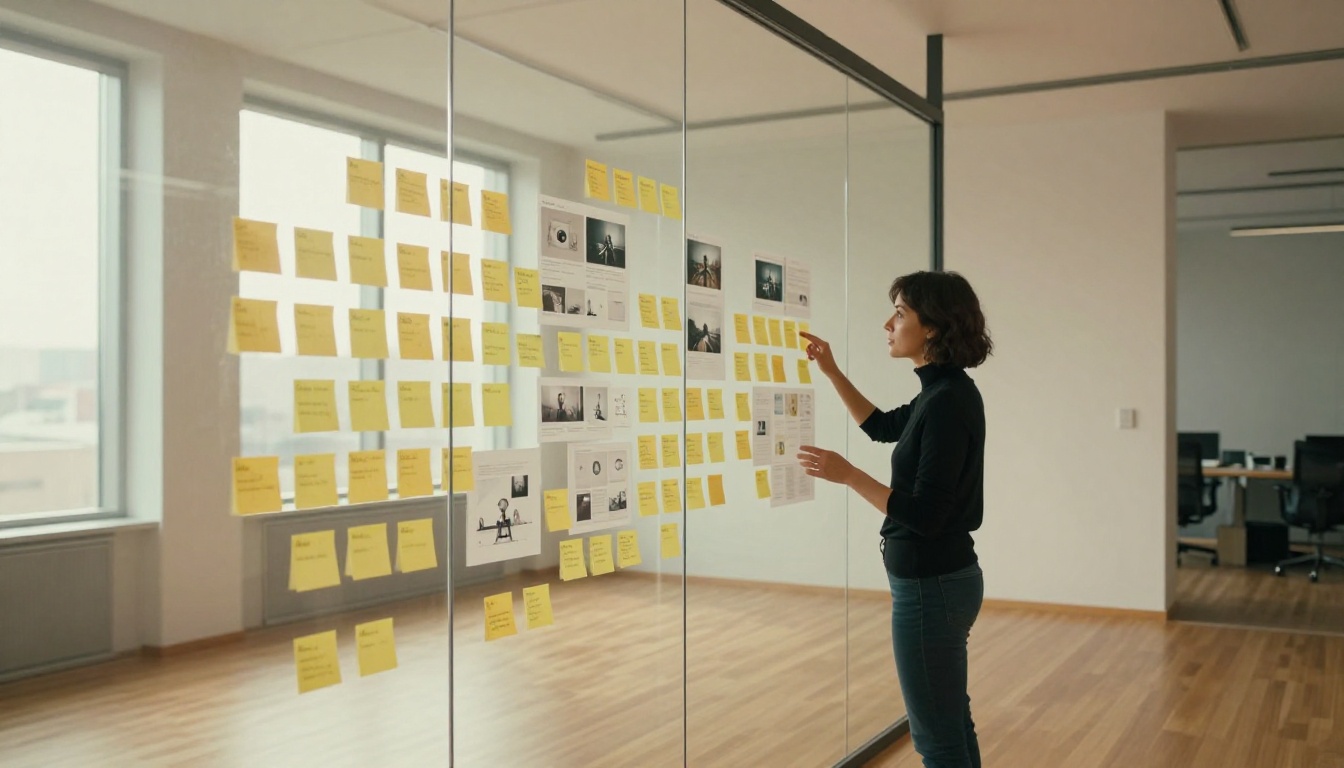
If Sora 2 does not fit your specific workflow, PicassoIA's video catalog offers strong alternatives across different priorities.
For Speed
Kling v3 Video and Kling v2.6 generate cinematic-quality clips significantly faster than Sora 2. For workflows requiring dozens of iterations per session, speed becomes a real factor. Both models handle camera motion instructions well and produce 1080p output with strong visual coherence.
Seedance 2.0 Fast is the rapid-iteration option for dynamic content. It trades some coherence for generation speed, making it ideal for rough drafts and concept testing before committing to a final model.
For Cinematic Quality
Veo 3.1 is Google's latest iteration, offering 1080p output with native audio and improvements to photorealism over the base Veo 3. For natural environments and documentary-style footage, it competes directly with Sora 2 Pro at this tier.
LTX 2 Pro from Lightricks supports 4K output and excels at controlled, stable camera motion. For product shots, architecture visualizations, or any content where smooth deliberate camera movement is the priority, LTX 2 Pro is worth comparing directly against Sora 2 Pro.
Start Creating AI Video Today
The gap between a text description and a polished video clip has never been smaller. Sora 2 moved that marker significantly: better coherence, real synchronized audio, and a prompt-language relationship that rewards careful description rather than punishing it.
PicassoIA brings Sora 2 and Sora 2 Pro together with over 100 video models including Veo 3, Kling v3 Video, and Seedance 2.0 in one place. That makes it practical to run the same prompt through multiple models, compare outputs side by side, and decide which one fits the scene you are trying to build.
Start with one scene. Write it the way a cinematographer would brief a crew: subject, motion, camera, light, time. See what Sora 2 does with it. Then run the same prompt through Kling or Veo. The differences between models become obvious quickly, and that comparison is how you develop real intuition for which model to reach for on any given project.


