OpenAI dropped something in early 2025 that made people stop scrolling: a short film generated entirely by Sora 2, and it looked like it came off a real production set. No obvious artifacts. No warping hands. No objects phasing through walls. Just footage that, at first glance, you would mistake for something a real camera crew spent two days shooting on location.
This is not marketing language. This is where AI video actually is right now, and the short film is the clearest proof yet that the gap between generated and real has collapsed to a level that matters.
The clip circulated across film communities, social media feeds, and technology forums. A significant portion of first-time viewers did not identify it as AI-generated. That reaction tells you more about the state of the technology than any benchmark chart could.

What Sora 2 Actually Did
Sora 2 is OpenAI's second-generation text-to-video model. The short film it produced contains multiple connected scenes with consistent characters, real-world physics, and continuity across cuts that feels planned rather than accidentally correct.
Most AI video models fall apart the moment something moves. Hair blows in the wrong direction. Water ripples against gravity. A person walks and their feet disconnect from the ground. Sora 2 handles all of these with a stability that earlier models never achieved, and the short film makes this impossible to ignore.
The Scene That Stopped People
The most-discussed sequence in the film is set on a rain-slicked urban street at night. A protagonist moves through the frame, interacting with the environment in ways that look physically grounded. Puddle reflections update as the character moves. Clothing folds and wrinkles with body motion. Steam from nearby vents drifts with consistent wind direction across the full clip.

That kind of environmental coherence over multiple seconds is what separates Sora 2 from every AI video tool that came before it. Earlier systems could nail a single frame but lost consistency the moment the scene evolved beyond that opening shot.
Duration and Scene Stitching
The short film pushes beyond the typical 10-20 second clips that AI video tools are known for. While the full sequence requires stitching multiple generations together, the visual continuity holds in a way that feels intentional. Characters retain their appearance across cuts. Lighting conditions feel like they belong to the same world and the same time of day.
Worth noting: Sora 2 does not yet produce fully autonomous long-form films from a single prompt. What makes this short film compelling is how well each clip connects to the next, not that it was rendered in one continuous pass.
Why It Looks So Real
The realism in the Sora 2 short film is not one thing. It is a combination of improvements across several interdependent systems working in concert.

Physics and Object Behavior
This is where Sora 2 makes the most visible leap forward. Previous generative video models were trained primarily to look good in individual frames. Sora 2 was trained with much greater emphasis on how objects behave over time, from one frame to the next, across the full duration of a clip.
Liquids flow with correct viscosity. Paper bends when picked up. A heavy coat moves differently from a light shirt in the same wind. These details are not hardcoded tricks. They happen because the model has internalized physical relationships rather than pattern-matching on visual surface features alone.
| Element | Sora 1 Behavior | Sora 2 Behavior |
|---|
| Water surfaces | Flat, looping artifacts | Dynamic, responsive ripples |
| Hair and fabric | Stiff, inconsistent | Fluid, weight-appropriate |
| Shadows | Often disconnected | Matched to light source |
| Object interaction | Clipping and phasing | Solid contact maintained |
| Character consistency | Drifts between frames | Stable across full clips |
Light, Shadow, and Depth
Lighting in the Sora 2 film behaves like a real director of photography composed each shot. When a character walks past a street lamp, the shadow shifts direction at the correct angle. When they step into a doorway, the ambient light falls off gradually rather than in an abrupt cut between zones.

This is what breaks most AI video systems. They can handle static lighting in a single frame. But when the light source position changes relative to a moving subject, they fail in ways that are immediately obvious to any trained eye. Sora 2 handles this better than anything before it, at least in controlled, well-described scenes.
Practical tip: If you want to test any AI video model's actual spatial reasoning, watch how shadows move as a character walks. That single variable reveals more about the model's 3D spatial awareness than resolution or stylistic polish ever could.
Camera Motion That Feels Intentional
One frequently overlooked aspect of the short film is how the camera itself moves. In earlier AI video systems, camera movement was often jittery, randomly drifting, or artificially smooth in ways that felt synthetic. In the Sora 2 film, camera movement has weight. A slow push-in carries momentum. A slight pan holds the inertia you expect from a real camera operator behind real glass.
That sense of camera physicality is part of why the footage reads as real. A human brain watching film footage does not just evaluate the subjects in the frame. It evaluates the camera too, and if the camera behaves like a machine rather than a person, the whole illusion breaks.
Sora 1 vs Sora 2
OpenAI did not simply scale up Sora. The second generation represents a substantial reworking of how the model processes space, time, and physical relationships between objects.

What Changed in the Model
The original Sora was already impressive at launch, producing coherent video from text prompts at a quality level nobody had seen publicly. But it had specific failure modes: characters drifted in appearance across a clip, physics broke down around the five-to-seven second mark, and scenes with multiple moving objects degraded quickly in the less prominent areas of the frame.
Sora 2 addresses most of these directly:
- Temporal coherence is significantly better, meaning subjects stay consistent across longer clip durations
- Spatial processing has improved, which is why object interactions look grounded rather than floating
- Prompt adherence is tighter, so the model more accurately produces what you describe in the text input
- Camera behavior feels planned, with natural motion rather than the jittery artifacts of earlier versions
- Scene depth is more convincing, with foreground and background elements feeling like they occupy the same physical space at the same moment
Where It Still Struggles
Sora 2 is not without limits. Text rendering inside video clips remains unreliable. Highly detailed faces at extreme close range still show occasional issues that register as synthetic. Scenes with more than four independent moving objects tend to produce quality degradation in the less prominent elements.
None of these limitations appear in the short film, which is part of why it is so striking. OpenAI clearly selected scenarios that play to the model's demonstrated strengths while sidestepping the edge cases where it still has room to improve.
What Filmmakers Need to Know
The Sora 2 short film is not just a technology demonstration. It is a direct signal to the filmmaking industry about how specific workflows are changing in real time.
Pre-Visualization Changed Overnight
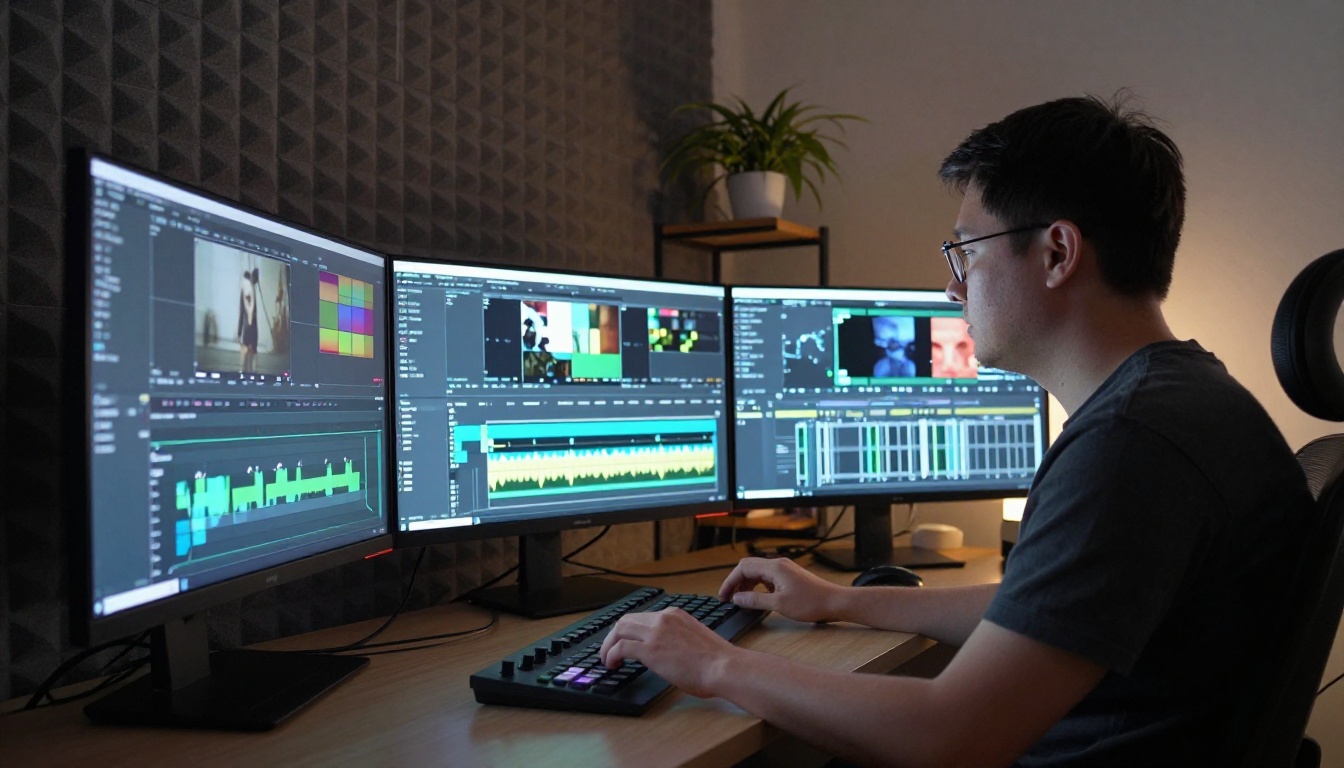
The most immediate application for working filmmakers is pre-visualization. Traditionally, directors and cinematographers sketch scenes, create storyboards, or shoot low-budget reference footage to communicate a vision to a crew. That process takes days or weeks and costs real money.
With Sora 2, a director can describe a scene and receive photorealistic reference footage in minutes. Not a cartoon approximation. Actual video showing lighting, motion, pacing, and mood with enough fidelity to communicate a specific look to a full production crew.
For independent filmmakers: This is the most significant near-term shift. You do not need a budget to pre-visualize ambitious shots anymore. You need a precise description and the right model.
The Budget Conversation
The Sora 2 short film has sparked a real conversation about what happens to certain line items when AI can produce footage that replaces specific types of production work. Establishing shots, environmental inserts, background scenes, and transitional footage are all candidates for AI generation on productions where every dollar is counted.
This does not remove the human camera from the equation. It focuses the human-operated camera where it matters most: the close-up, the performance, the moment that requires a real person reacting to real context. The atmospheric and spatial elements that surround those performances are now negotiable in a way they simply were not before.
How to Use Sora 2 on PicassoIA
The good news is that you do not need to wait for a direct API integration to start working with Sora 2. It is available directly on PicassoIA alongside Sora 2 Pro for higher-fidelity output.
Here is how to get consistent, high-quality results from the model:
Step 1: Write a scene, not a frame
Sora 2 produces better results when your prompt describes a sequence rather than a static snapshot. Instead of "a woman standing on a street," try "a woman in a dark wool coat walks slowly along a rain-soaked street at night, pausing to look up at a red shop sign, steam rising from the gutter to her left." The motion gives the model something to build with.
Step 2: Name the light source
Lighting is where Sora 2 earns its results. Describe the source, its direction, and its color temperature explicitly. "Warm amber streetlamp from the right, cool blue ambient from overcast sky above" produces dramatically better output than just "night scene."
Step 3: Set camera intent
The model responds well to camera movement instructions. "Slow push-in on the subject" or "static wide shot with background in sharp focus" gives the model structural direction and produces more deliberate-feeling footage with purpose behind every frame.
Step 4: Aim for clips under 10 seconds
For the most coherent results, target specific, short moments with clear beginning and end states. String multiple clips together in editing for longer sequences, just as the Sora 2 short film itself was assembled.
Step 5: Iterate from your best outputs
When a clip reaches about 80% of the intended result, describe what you want to preserve and what needs to change. Sora 2 Pro handles higher-detail scenes where maximum fidelity is the priority.
Other Models Worth Testing
PicassoIA hosts a broad set of text-to-video options alongside Sora 2 and Sora 2 Pro that serve different production scenarios:
| Model | Best For |
|---|
| Sora 2 Pro | Maximum realism, cinematic quality output |
| Gen-4.5 by Runway | Creative control, stylized footage |
| Kling v3 | Character-driven scenes, motion fidelity |
| Veo 3 | Photorealistic environments, broad scenes |
| LTX-2.3 Pro | Fast iteration with high consistency |
Testing two or three side by side on the same prompt is the fastest way to find which model fits your specific scenario and visual style.
What the Short Film Actually Proves
Beyond the impressive frames, the Sora 2 short film establishes something more important: that AI video has crossed the perceptual threshold that matters for storytelling.
Who This Benefits Most
The people who will benefit most from tools like Sora 2 are not major studios. They already have what they need. The real beneficiaries are solo creators, micro-budget filmmakers, music video directors working with limited resources, and documentary makers who need footage they cannot afford to shoot in the field.
The barrier to photorealistic video is dropping in a direct line. What required substantial crew and equipment a few years ago now requires a subscription and a detailed prompt. The asymmetry between large and small productions is compressing, and the Sora 2 short film is the clearest visual evidence of that shift so far.
What Audiences Saw
When the clip first circulated, a significant portion of viewers did not identify it as AI-generated on first watch. That is not a failure of audiences to spot synthetic media. That is a success of the model at the thing that actually matters: the brain accepts the footage as plausible reality.
The film did not look real because of impressive pixel statistics. It looked real because it communicated through motion, light, and physical space in a way that matched how human visual cognition reads "this actually happened in a real place at a real moment."

That is the actual benchmark for AI video. Not resolution. Not frame quality. Whether the brain says yes or no to reality. Sora 2 passed that test in public, on the open internet, with a film that most viewers took at face value on first watch.
The deeper question raised by the short film is not technical at all. It is about what happens when the tools for photorealistic storytelling become widely accessible. Every creator who has had a story in their head but lacked the production resources to tell it now has a shorter path to the screen.
Start Making Your Own AI Films
If the Sora 2 short film sparked something for you, the practical next step is to start working with the model directly. Writing strong video prompts is a learnable craft. Each generation shows you how the model interprets language, where it excels, and where to sharpen your descriptions to close the gap between what you imagine and what appears on screen.
PicassoIA gives you access to Sora 2, Sora 2 Pro, and over 87 text-to-video models spanning every visual style and production scenario. No crew required. No equipment list. No location permits.
You need a scene in your mind and the words to describe it with precision.
Start here: Open PicassoIA, load Sora 2, and write a single scene with specific lighting, a character in motion, and a specific time of day. See what comes back. Then change one variable and run it again. That iteration process is how you develop real skill directing AI-generated video.
The short film that made the internet question reality was made by a model trained on the patterns of human storytelling. The next one could come from you.


