OpenAI's Sora 2 just crossed a threshold that filmmakers, content creators, and visual storytellers have been waiting for since the first wave of text-to-video AI arrived: true 4K output. This is not a minor spec bump buried in a changelog. It is a structural upgrade that changes what AI-generated video can actually do in professional contexts. For the first time, text-to-video AI can produce footage that holds up on a broadcast monitor, a large-format screen, or a 65-inch 4K television without the telltale softness that gave away its synthetic origin. The implications stretch from solo YouTube creators all the way to studio post-production pipelines.

What Changed in Sora 2
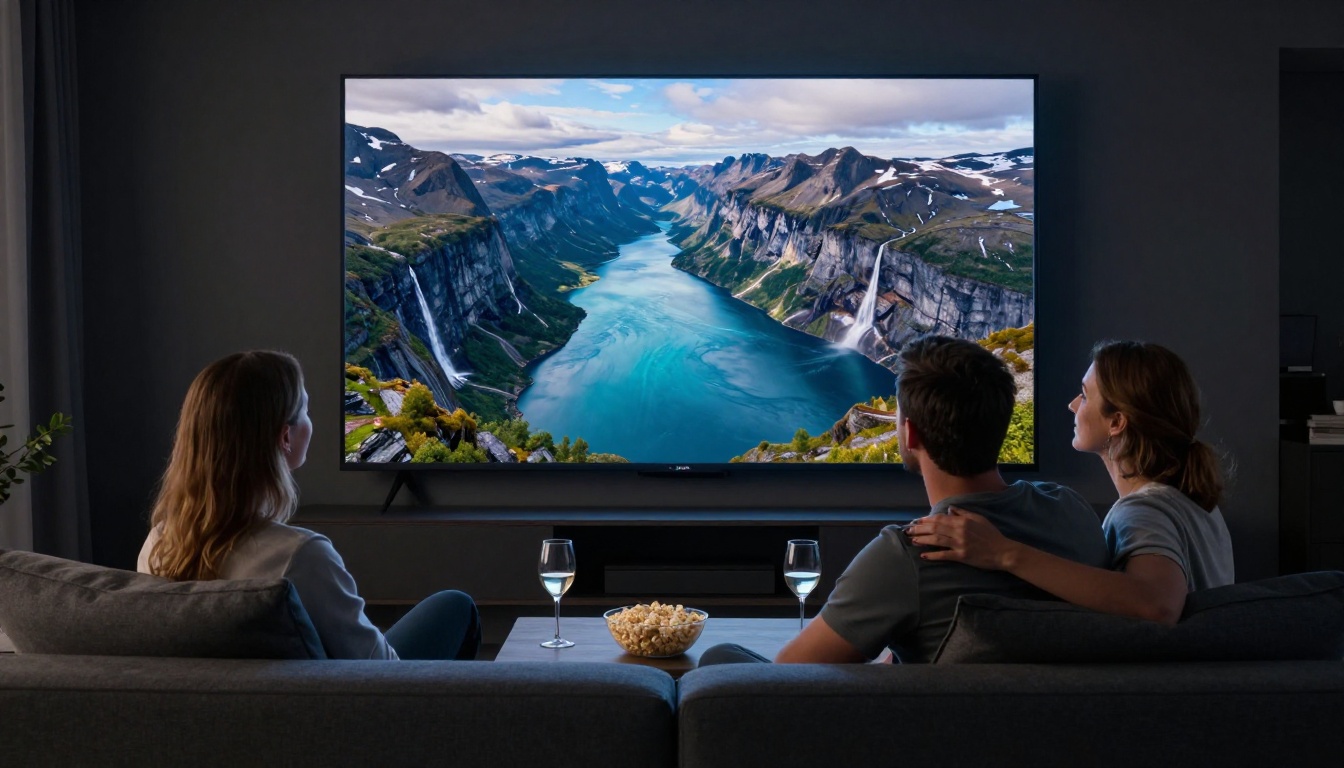
The original Sora, released in early 2024, topped out at 1080p. That was genuinely impressive for its time. The temporal consistency, the physics simulation, and the prompt adherence were all ahead of what the market expected. But 1080p has hard ceilings. You cannot crop into the footage without degrading quality. You cannot deliver to broadcast or streaming platforms that require 4K minimum. On a 65-inch television, 1080p AI video looked soft in ways that broke the illusion.
Sora 2 changes that entirely. The new model supports native 4K output at 3840 x 2160 pixels per frame. At 24 frames per second, a 10-second clip now contains nearly 2 billion pixels of original AI-generated visual data. That is not just a bigger file. It is a different tier of visual fidelity.
Resolution Breakdown: 1080p vs 4K
| Resolution | Pixels Per Frame | Total Pixels at 10s 24fps | Ideal Screen Size |
|---|
| 1080p Full HD | 2,073,600 | ~497 million | Up to 42 inches |
| 4K UHD | 8,294,400 | ~1.99 billion | 55 inches and above |
| 8K | 33,177,600 | ~7.96 billion | 80 inches and above |
The jump from 1080p to 4K is not 2x. It is four times the pixel count per frame. Sora 2 is rendering four times more visual information than its predecessor in each generation.
Other Sora 2 Upgrades
Resolution is the headline, but it comes alongside several other meaningful improvements:
- Better physics simulation: Water, smoke, cloth, and fire behave with noticeably more realism across longer clip durations
- Improved prompt adherence: Complex multi-subject scenes are now handled with significantly greater accuracy
- Extended clip length: Output can reach 20 seconds in a single generation, double what was reliably achievable before
- Stable camera motion: Smooth pan, tilt, and dolly moves hold their path without mid-clip drift
- HDR color support: High Dynamic Range metadata is embedded in 4K outputs for compatible displays and delivery pipelines

Why 4K Matters for AI Video
Pixel count alone does not tell the full story. The real value of 4K is in what it enables downstream, and what it protects you from.
The Pixel Count Problem
At 1080p, you have no room to reframe in post. If your AI video places a subject slightly off-center or the horizon tilts half a degree, correcting it means cropping and losing quality. At 4K, you can punch in to 150 percent and still deliver a clean 1080p output. You can stabilize shaky footage, correct lens distortion, and reframe entirely without a visible quality hit. For professional editors, that headroom is not optional. It is standard practice.
Where 4K Actually Shows Up
💡 The 4K difference is most visible in three areas: fine textures, fast motion, and dark scenes. Hair, fabric weave, motion blur edges, and shadow gradients all resolve sharply at 4K where they would blend into noise at 1080p.
The specific contexts where 4K AI video output delivers a clear, measurable advantage:
- YouTube and major streaming platforms: YouTube automatically serves 4K to viewers with capable connections. 1080p uploads appear softer on modern displays when streamed side by side.
- Digital out-of-home advertising: Billboards, kiosk screens, and digital signage now run at 4K and above. 1080p source material shows its limits immediately.
- Broadcast and film production: Professional delivery specifications require at minimum 2K. 4K is the current standard for any high-end deliverable.
- Large-format projection: Conference rooms, event stages, and cinema deployments all demand 4K source material to fill the screen without visible degradation.
- Post-production compositing: Visual effects work requires 4K source plates to composite cleanly with other high-resolution elements.

How Sora 2 4K Compares to Rivals
The text-to-video space is intensely competitive right now. Several models now support high-resolution output, and knowing where Sora 2 fits helps you make the right tool choice for each project.
Sora 2 vs Kling v3
Kling v3 from Kuaishou is arguably Sora 2's strongest current competition on resolution and motion quality. Both models support 4K output with good temporal consistency. Where they diverge:
| Feature | Sora 2 | Kling v3 |
|---|
| Max Resolution | 4K (3840x2160) | 4K |
| Max Clip Length | 20 seconds | 10 seconds |
| Physics Realism | Very strong | Strong |
| Motion Blur | Natural film-like | Slight over-smoothing |
| Multi-subject Scenes | Excellent | Good |
| Audio Generation | Not included | Not included |
Sora 2 handles complex, multi-subject scenes with greater accuracy. Kling v3 produces slightly smoother motion that can occasionally look uncanny on close inspection at full 4K resolution. Kling v3 Omni Video adds both text and image input alongside 4K output, making it a strong choice for projects where you need to start from a specific reference frame.
Sora 2 vs Veo 3 and Gen-4.5
Veo 3 from Google is the other major player at the absolute top end of AI video quality. Google's model has earned consistent praise for its handling of interior lighting with complex mixed light sources, and it supports 4K output. Veo 3's headline differentiator is native audio generation baked into the video clip, something Sora 2 does not currently include.
Runway's Gen-4.5 approaches the problem from a different angle entirely. Rather than maximizing raw resolution, Gen-4.5 prioritizes character consistency across multiple shots, which is critical for narrative video production. If you need the same character to appear across several scenes with a consistent face and costume, Gen-4.5 handles this more reliably than any other model currently available.
💡 Quick decision framework: Use Sora 2 for cinematic realism and complex scenes. Use Kling v3 for smooth branded motion with a reference image. Use Veo 3 when ambient audio matters. Use Gen-4.5 when character consistency across clips is the priority.

How to Use Sora 2 on PicassoIA
Sora 2 and Sora 2 Pro are both available directly through PicassoIA, giving you instant access to 4K AI video generation without requiring an OpenAI enterprise account or direct API access. Here is the full workflow.
Step 1: Write Your Prompt
Your prompt is the most important variable in the generation process. For 4K output, write prompts that describe visual complexity, because that is exactly where high resolution pays off. Instead of writing "a forest at sunset," write:
"A dense old-growth forest in the Pacific Northwest at golden hour, shafts of warm amber light cutting through the canopy, a shallow creek in the foreground reflecting the orange sky, fallen moss-covered logs at the base of massive Douglas fir trunks, slow camera dolly forward, cinematic depth of field, 4K resolution"
Include camera movement, lighting direction, time of day, and focal length hints. Sora 2 responds exceptionally well to cinematographic language and scene layering.
Step 2: Choose Your Settings
On the PicassoIA model page for Sora 2, the key parameters to configure are:
- Resolution: Select 4K from the output resolution options
- Aspect Ratio: 16:9 for standard widescreen delivery, 9:16 for vertical social content
- Duration: Set your target clip length, up to 20 seconds for standard Sora 2
- Quality Mode: Select "cinematic" or highest fidelity for most professional use cases
For maximum output quality on detail-critical projects, Sora 2 Pro runs additional refinement passes on the 4K output, which is visible especially in close-up shots and fine textures.
Step 3: Review and Iterate
Generation takes between 2 and 6 minutes for a full 4K clip depending on scene complexity and duration. Once complete, you can preview directly in the browser before downloading the raw 4K file. If the result needs adjustment, small changes to lighting descriptions or camera movement language often produce significantly different results on the next generation.

Who Benefits Most from 4K AI Video
Not every use case requires 4K. But understanding who gains the most helps clarify when Sora 2 is the right tool versus faster, lighter alternatives like LTX-2.3-Fast or Hailuo 2.3.
Filmmakers and Cinematographers
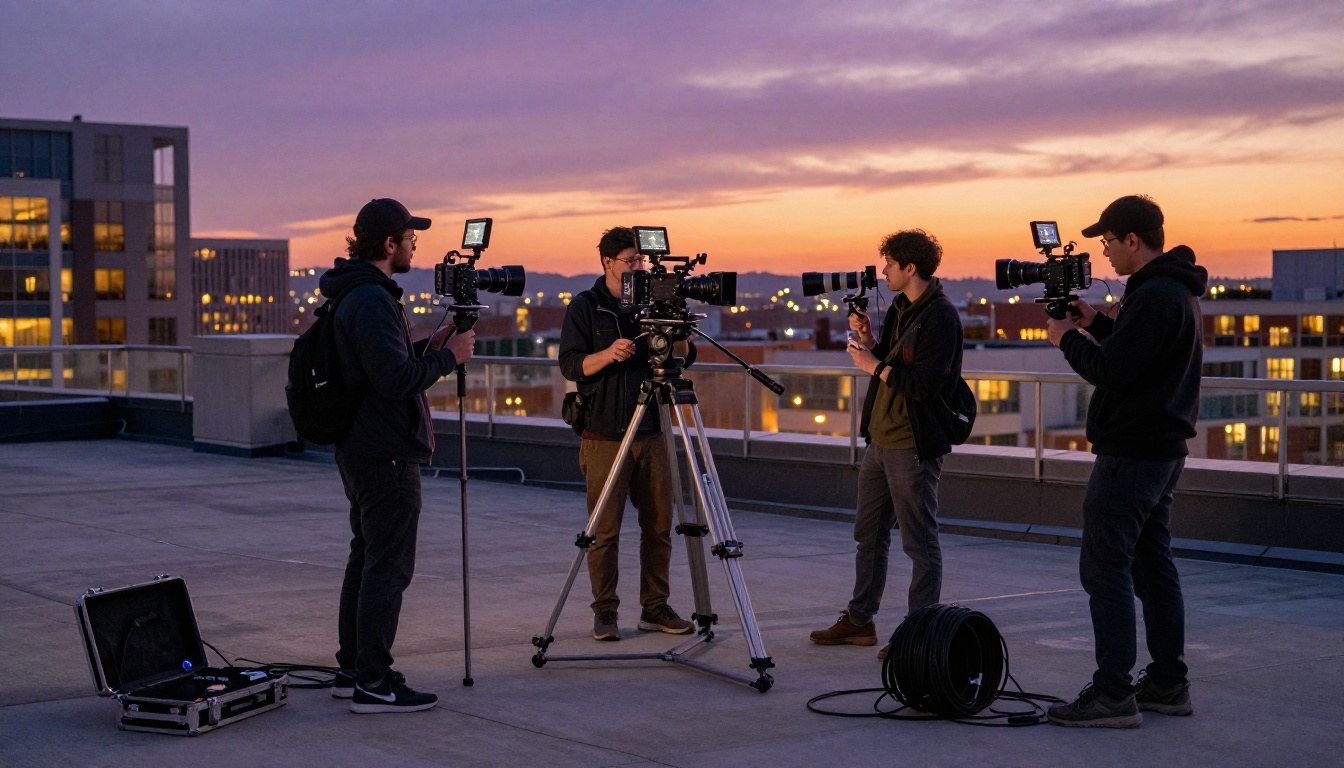
Independent filmmakers can now use Sora 2 to generate establishing shots, aerial backgrounds, and cutaways that are visually indistinguishable from expensive location footage. A 4K AI-generated aerial shot of a mountain range, output from Sora 2 and composited with live-action material, holds up in a professionally color-graded timeline.
The cost difference is significant. An aerial drone package for a single day of filming costs between $2,000 and $10,000 depending on location and crew size. A 4K Sora 2 generation costs a fraction of that and can be iterated in minutes, with entirely different locations each time.
Social Media Creators
YouTube, TikTok, and Instagram all favor high-resolution uploads in their recommendation systems. Creators who upload at 4K see better initial distribution than those uploading at 1080p, all else equal. For AI-assisted content creation, Sora 2's 4K output gives creators a direct quality advantage that is visible to both algorithms and audiences.
Brands and Marketing Teams
Marketing video is produced at 4K as a baseline in 2027. Agencies expect 4K deliverables across all digital channels. Brands using AI video generation for ad content need 4K output to meet those specs and avoid the quality conversation during client review. With Sora 2, a brand can generate a full set of product lifestyle videos at 4K in a fraction of the time and budget of a traditional production shoot.
Beyond resolution, Sora 2's improvements to physics, lighting accuracy, and subject behavior mean that brand videos no longer carry the visual artifacts that marked first-generation AI video as synthetic.
Prompting Tips for 4K Output
Getting the most from Sora 2's 4K capability requires thinking about prompts differently than you would for lower-resolution generation.
Scene Complexity Matters
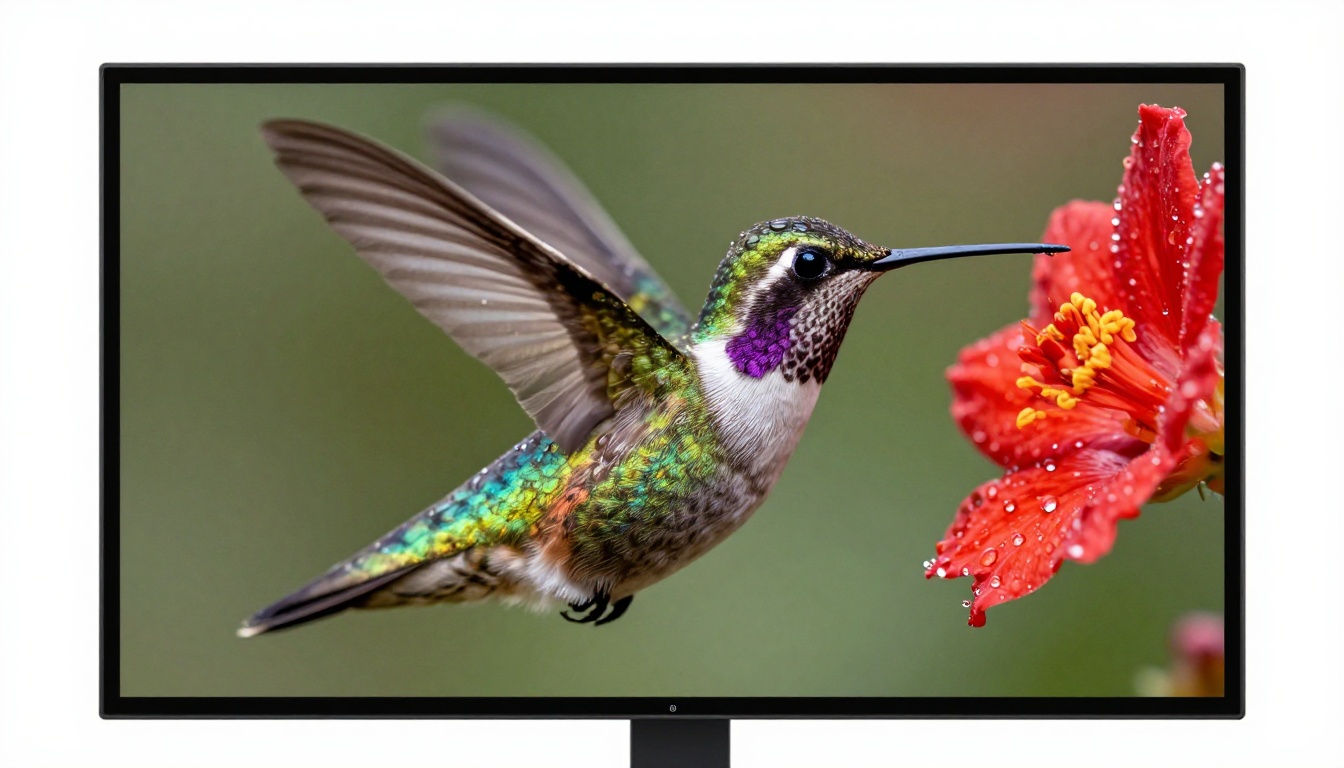
At 4K, detail that would be invisible or lost in noise at 1080p is now clearly rendered. This works directly in your favor when you write prompts that specify rich visual complexity: varied surface textures, multiple light sources, foreground and background depth layers. At 1080p, these details blend together into a flat impression. At 4K, they stack beautifully into a dense, photorealistic image.
Practical tip: Include specific surface texture descriptions in your prompts. "Worn leather," "rough stone," "polished wood grain" all give Sora 2 something to render at full 4K resolution that makes the output feel physically real.
Camera Direction in Prompts
Sora 2's 4K output benefits strongly from explicit camera movement descriptions. Cinematographic terms produce the best results:
- "Slow push in" for a gentle, controlled dolly forward
- "Rack focus from foreground to background" for a depth transition mid-clip
- "Handheld verité style" for organic, naturalistic camera feel
- "Locked-off wide shot" for a static, composed frame
- "Low angle crane rising" for a dramatic elevated reveal
💡 Pro tip: End your prompt with the phrase "photorealistic, cinema-grade, 4K resolution" to anchor Sora 2's output quality ceiling and signal the generation parameters explicitly.
| Prompt Element | Effect on 4K Output |
|---|
| Lighting direction ("light from left") | Correct, consistent shadow placement |
| Camera lens ("85mm f/1.8") | Realistic, natural depth of field |
| Time of day ("golden hour") | Accurate sky tone and shadow length |
| Surface texture ("rough concrete") | Micro-detail visible in 4K render |
| Camera movement ("slow crane up") | Intentional, smooth motion path |
| Weather condition ("light overcast") | Soft, diffused natural lighting |
Sora 2 Pro: When to Upgrade
Standard Sora 2 handles the vast majority of use cases well. Sora 2 Pro is the right choice when you need the absolute ceiling of output quality and are generating content where every pixel is scrutinized.
Use Sora 2 Pro when:
- The video will appear in a theatrical context, on a trade show wall, or in large-format projection
- You need to crop or reframe the footage significantly in post-production
- The scene includes fine details central to the visual narrative: faces at close range, small objects, text in the environment
- You are delivering to a client or platform with explicit quality standards and review processes
- The clip will be used as a 4K source plate for VFX compositing
Standard Sora 2 is sufficient when:
- The output is for social media or web playback at normal viewing sizes
- You are iterating quickly through multiple creative concepts before committing to a final version
- Speed of generation is more important than the incremental quality improvement
- The final delivery will be downscaled to 1080p anyway
Make Your Own 4K AI Video Now
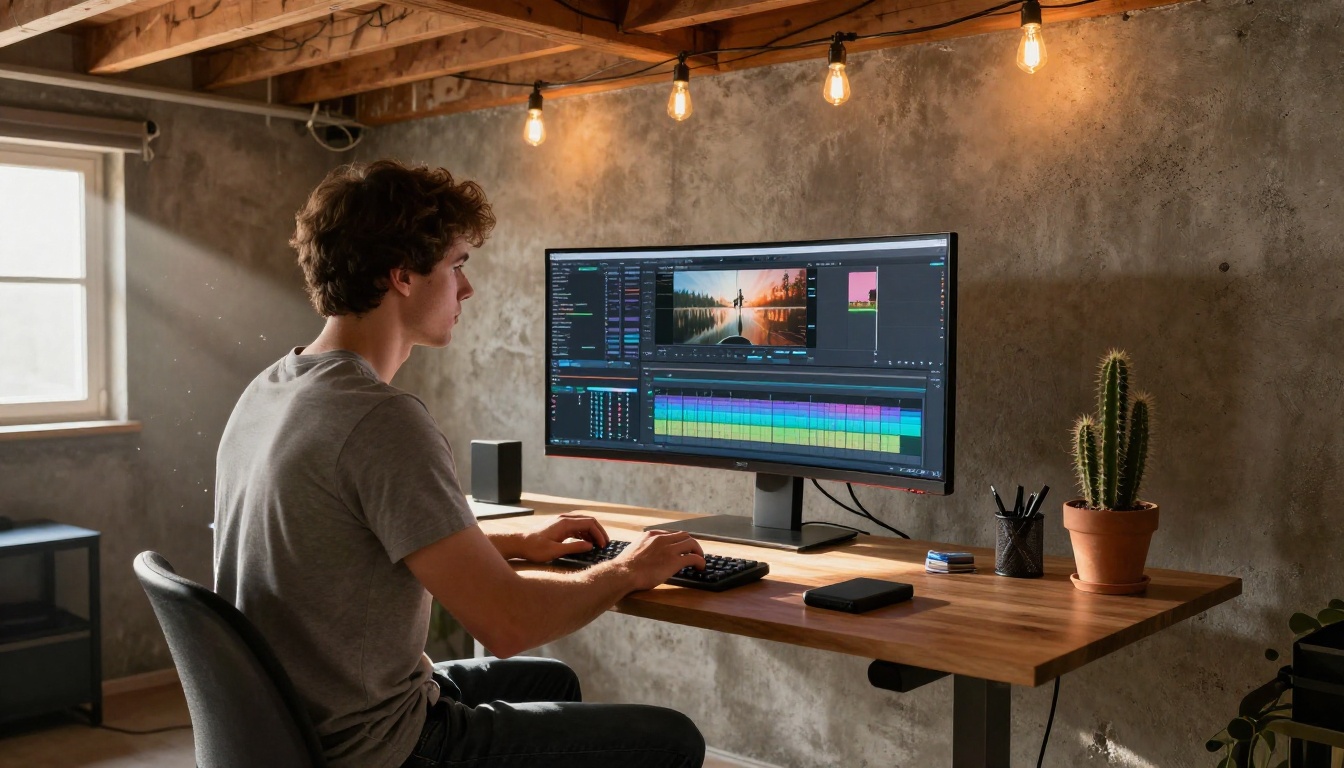
Sora 2's 4K support arrives at a moment when the bar for video quality is higher than it has ever been. Audiences who grew up streaming 4K content have internalized what sharp, high-fidelity footage looks like. AI video that does not meet that standard gets dismissed before the content even registers.
With Sora 2 and Sora 2 Pro available on PicassoIA today, you have direct access to the highest-resolution AI video generation on the market without any special accounts or API setup. Write your first prompt now, go for a complex scene with rich texture detail and clear camera direction, and see what 4K AI generation actually looks like at its current ceiling.
PicassoIA also offers Kling v3, Veo 3, Runway Gen-4.5, LTX 2.3 Pro, and over 80 additional text-to-video models in a single platform. You can compare outputs side by side, combine the strongest clips from different models into a single edit, and build a video production workflow that simply did not exist two years ago.
The 4K era of AI video is already here. The question is what you will create with it.


