Sora 2 Pro's content moderation system has become one of the most discussed features in AI video generation circles. Creators are frustrated, marketers are confused, and nobody can agree on exactly what triggers a rejection. Some users report that mildly suggestive prompts get flagged instantly while others share examples of borderline content that passed through without issue. So what is actually happening inside Sora 2 Pro's safety architecture, and how does it compare to platforms that offer creators genuine freedom?
What Sora 2 Pro Actually Does
Sora 2 Pro is OpenAI's flagship video generation model, capable of producing high-definition clips from text prompts with impressive coherence and motion quality. The model ships with a multi-layer content moderation system designed to prevent the generation of prohibited content, including explicit sexual material, graphic violence, and images that could be used to create harmful deepfakes.
How the safety layer works
The moderation system in Sora 2 Pro operates at two distinct stages. The first stage is a prompt classifier that evaluates the text input before any video frames are rendered. This classifier uses a combination of keyword detection and semantic intent analysis, meaning that even prompts that do not contain explicit words can be flagged if the overall phrasing suggests prohibited content.
The second stage is a post-generation review that scans completed video frames before returning them to the user. This layer catches anything the prompt classifier missed, though it also adds processing time and can occasionally reject content that was never intended to be problematic.
What triggers a rejection
According to documented user reports throughout 2025, the following categories consistently trigger Sora 2 Pro's filters:
- Explicit nudity or sexual acts (blocked reliably)
- Suggestive positioning combined with terms like "intimate", "seductive", or specific body part descriptions
- Swimwear or lingerie in certain framing contexts, particularly when combined with action verbs
- Real person names in combination with any physical description
- Minors in any adult-adjacent context (blocked absolutely, with account warnings)
What does not reliably get blocked is more interesting. Fashion shoots, artistic nude references framed as fine art photography, glamour-style descriptions that avoid explicit terms, and creator content described in professional photography language often pass through without issue.
Testing the Filters
The most common complaint from content creators is not that Sora 2 Pro blocks explicit content, which most accept as a reasonable policy. The frustration is the inconsistency. Two prompts that describe essentially the same visual result can produce completely different outcomes depending on specific word choices.
Suggestive content: what happens?
Testing shows that Sora 2 Pro's filters respond more to specific nouns and adjectives than to the overall intent of a prompt. A prompt describing a woman in a bikini walking on a beach generates successfully in most cases. Change "walking" to "posing" and add "seductively" and the rejection rate climbs sharply. The semantic classifier appears to weight emotional and motion-related modifiers heavily.
💡 Practical finding: Creator communities have documented that describing physical scenarios using professional photography terminology (lighting conditions, camera angles, lens specifications) significantly reduces false positive rejections on borderline content.
This creates a paradox. Sophisticated users who understand how to phrase prompts in technical terms can access more content than casual users who describe scenes in natural language. The filter is not content-neutral. It favors users with specific technical vocabulary.
Where it gets complicated
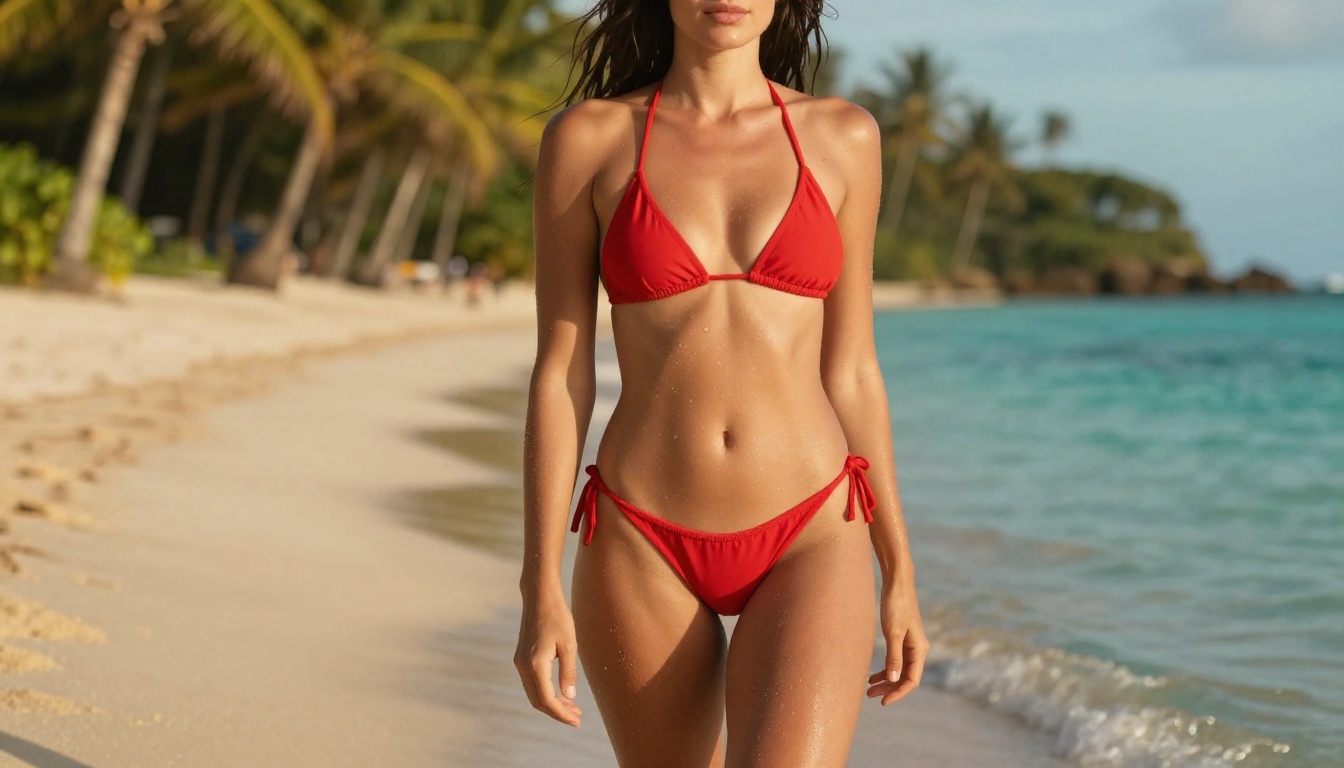
The line between fashion content, artistic photography, and adult content is genuinely blurry, and Sora 2 Pro's classifier struggles with this ambiguity. Prompts that describe swimwear editorial shoots, fine art figure studies, or commercial beauty campaigns frequently produce inconsistent results across repeated attempts with identical prompts.
Several documented cases from creator communities show the same prompt generating successfully three times and failing twice across five consecutive attempts. This randomness makes Sora 2 Pro difficult to rely on for any professional workflow involving physical appearance and clothing.
Comparison with other models
| AI Video Model | Suggestive Content | Artistic Nudity | Explicit Content |
|---|
| Sora 2 Pro | Inconsistent | Usually blocked | Always blocked |
| Seedance 2.0 | Often allowed | Blocked | Blocked |
| P-Video | Allowed | Allowed | Allowed |
| PicassoIA Video | Allowed | Allowed | Contextual |
| Kling v2.6 | Often allowed | Usually blocked | Blocked |
The contrast is stark. While Sora 2 Pro's filter is erratic and unpredictable even for non-explicit content, platforms like PicassoIA offer far more consistent behavior for creators working in legitimate adult entertainment, fashion, or glamour photography contexts.
Why Filters Feel Inconsistent
The inconsistency in Sora 2 Pro's moderation is not accidental. It reflects a deliberate design tension between keeping the product accessible for general audiences while attempting to catch adversarial use cases that rely on professional-sounding language to generate prohibited content.
Prompt wording matters more than you think
OpenAI's classifier updates frequently, sometimes multiple times per week. A prompt strategy that works reliably on Monday may produce rejections by Friday as the classifier gets adjusted. This moving target problem is particularly frustrating for studios and individual creators who build automated workflows around Sora 2 Pro.
The semantic analysis layer attempts to infer intent rather than just scan for flagged words. This is why technical photography language sometimes helps. The classifier interprets "shot at f/1.4 with natural rim lighting" as professional photographic intent, even when the subject description is identical to what would be rejected in plain language.
The loophole debate
Creator communities have documented numerous prompt engineering strategies that appear to bypass Sora 2 Pro's filters for borderline content. Whether these constitute genuine loopholes or simply examples of the classifier working as intended by allowing non-explicit suggestive content is genuinely contested.
💡 Key insight: The filter is not looking for "sexy content." It is trying to identify content that crosses specific legal and policy thresholds. Content that is suggestive but clearly non-explicit sits in a gray zone where the classifier's behavior is fundamentally unpredictable.
What this means practically: Sora 2 Pro is not a reliable tool for any use case that regularly touches the line between suggestive and explicit content, even when staying firmly on the non-explicit side.
The Real Cost of Over-Filtering
The economic cost of false positive content rejections is real and measurable. For individual creators, a rejected video generation attempt means wasted credits. For studios running automated batch workflows, it can mean thousands of failed API calls and delays that cascade across production schedules.
Creative projects blocked unfairly
Beyond the credit cost, over-filtering damages legitimate creative work. Fashion brands producing AI-assisted lookbook content, adult entertainment studios working on safe-for-work promotional material, fitness content creators demonstrating exercises in athletic wear, and fine art photographers experimenting with figure studies all report Sora 2 Pro blocking content that is clearly within acceptable boundaries under virtually any reasonable standard.
The frustration is compounded because there is no appeal mechanism. A rejected generation does not return detailed information about why the classifier triggered. Creators receive a generic error message and must guess what aspect of their prompt caused the issue, then reformulate and try again at additional cost.
What creators actually need
Professionals working in fashion, glamour photography, artistic photography, and adult entertainment need AI video tools that:
- Apply consistent, predictable rules rather than shifting behavior week to week
- Provide transparency about what is and is not allowed
- Offer a genuine review mechanism for false positives
- Separate content categories so professional adult content can be generated on verified creator accounts
Sora 2 Pro currently delivers on none of these four points.
Best NSFW AI Models on PicassoIA

For creators who need reliable, uncensored AI generation without the inconsistency of Sora 2 Pro's moderation, PicassoIA offers a curated selection of models that respect creative freedom. The platform does not restrict adult content the way mainstream AI tools do, and the models below represent the current top recommendations:
-
Seedream 4.5 ⭐ The top recommendation for NSFW image generation. Accepts adult content, supports image editing workflows, and delivers exceptional quality in under 3 seconds. Note: the newer Seedream 5 Lite does not support NSFW and should not be used for adult content.
-
PicassoIA Image Editor Pro An img2img model with the biggest advantage in the catalog: unlimited generations. Elite and Infinite subscribers can generate 1,000 images, 10,000 images, as many as needed, at no extra cost. Compare that to models like Nano Banana 2 where 1,000 images would run approximately $100. Accepts NSFW, delivers results in under 1 second, and includes a 3-generation free trial with no credit card required.
-
Qwen Image 2 Open-source model that lets you edit or create any image in seconds with very detailed realism.
-
Grok Imagine Image Converts any image to bikini format in a highly realistic way.
-
Recraft V4 Very realistic text-to-image results with no content filters.
-
P-Image NSFW text-to-image generation that returns results in under 1 second.
-
Wan 2.2 Image (PrunaAI) Generate highly realistic images from text without content restrictions.
For video generation without restrictions:
-
PicassoIA Video Unlimited video generation from text prompts at up to 720p and 5 seconds per clip.
-
P-Video Text, image, or audio to video at up to 1080p. Safety filter is disabled by default. Draft mode enables instant low-resolution previews before the full render.
-
Grok Imagine Video Clips up to 15 seconds from text, an image, or an existing video. No watermarks.
-
LTX 2.3 Pro Highest fidelity option at up to 4K at 50fps. Includes retake and extend editing modes for frame-precise control.
Unlike many mainstream AI platforms, PicassoIA gives creators full creative freedom with uncensored, high-performance models.
👉 Explore the full lineup at picassoia.com/en/all-models.
Sora 2 Pro on PicassoIA
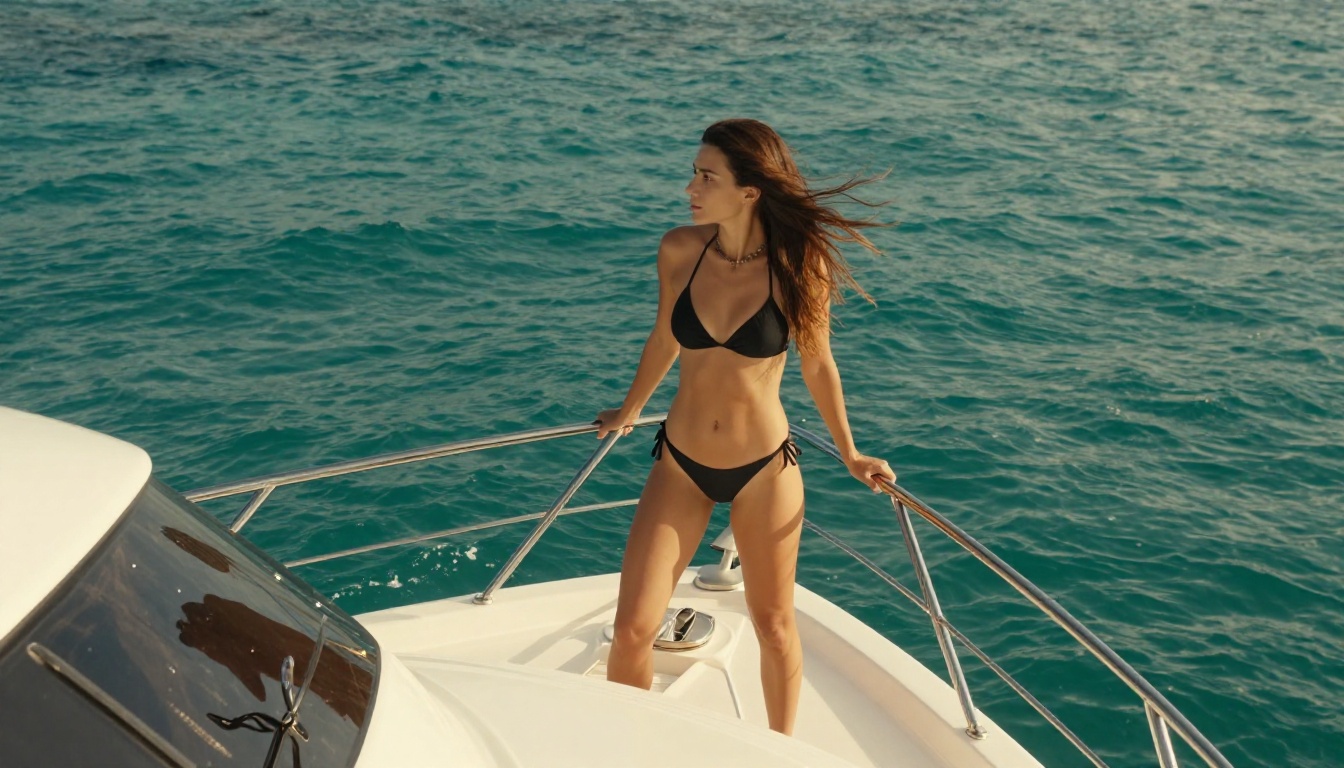
Interestingly, Sora 2 Pro is available directly through PicassoIA. This gives creators access to the model within a platform that makes it significantly easier to compare outputs against less restrictive alternatives without switching between different services.
How to use it on PicassoIA
Using Sora 2 Pro through PicassoIA follows a clear workflow:
- Navigate to the Sora 2 Pro model page on PicassoIA
- Enter your text prompt in the generation field
- Select your desired resolution and duration settings
- Submit the generation and wait for the result
- If the content filter triggers, reformulate your prompt using more technical, photography-oriented language
- For consistently better results on suggestive content, switch to P-Video or PicassoIA Video which do not apply the same restrictions
The platform also offers Sora 2 as an alternative for creators who want the OpenAI motion quality without the Pro tier's specific filter configuration.
Parameter tips for better results
When using Sora 2 Pro for borderline content, specific choices make a meaningful difference:
- Frame the scene as professional photography: Use terms like "editorial", "lookbook", "fine art", or "fashion photography" in your prompt
- Describe lighting technically: Include setups like "natural side lighting at f/1.8" or "ambient diffused studio lighting"
- Avoid emotional descriptors: Words that imply mood or intent (seductive, sensual, intimate) are more likely to trigger the classifier than physical descriptions
- Use passive framing: "A woman resting in a bikini" generates more reliably than "A woman posing in a bikini"
Video Generation Without Restrictions

For creators who have spent hours troubleshooting Sora 2 Pro rejections, the appeal of uncensored video generation platforms is obvious. The models available on PicassoIA that offer unrestricted generation are not lower-quality alternatives. Several of them, including LTX 2.3 Pro and Kling v2.6, produce video quality that competes directly with Sora 2 Pro in terms of motion coherence, detail, and cinematic feel.
The realistic choice for a professional creator in 2027 is not to fight Sora 2 Pro's content moderation. It is to use the right tool for each job. For safe-for-work commercial content where Sora 2 Pro's quality is the priority, use it. For fashion, glamour, or adult content where reliability matters more than any single model's quality ceiling, use platforms that do not treat you as a suspect.
💡 For video creators: PicassoIA's Picasso IA Video model offers unlimited generations at 720p. This alone eliminates the credit anxiety that makes Sora 2 Pro's inconsistent filtering so operationally damaging.
The visual effects workflow matters too. When building content that combines multiple generated clips, the ability to iterate rapidly without hitting filter walls is worth more than marginal quality differences between models. Consistent output beats perfect output when you are working on a production schedule.
What the Filter Situation Tells Us
Sora 2 Pro's content filters are neither completely broken nor reliably working. They are an imperfect system with real detection capability for explicitly prohibited content combined with significant false positive rates on content that is legal, professional, and legitimate.
For creators working strictly in safe-for-work territory, the filters are mostly invisible and Sora 2 Pro is an excellent tool. For creators who regularly produce content near the boundary between suggestive and explicit, the filters are a significant operational problem that cannot be engineered around reliably.
The most honest assessment: Sora 2 Pro works well for what it was designed to serve. It was not designed for the fashion creator who needs to generate 200 swimwear campaign clips in a day, or the adult entertainment studio building safe-for-work promotional material, or the fine art photographer producing artistic figure studies. Those creators need different tools.
PicassoIA exists precisely because those creators have legitimate needs that mainstream platforms do not serve. The model catalog at picassoia.com/en/all-models is built around giving creators full control over their output without arbitrary restrictions that serve no creative purpose.
Create Without Limits on PicassoIA
If Sora 2 Pro's content moderation has blocked a project you know should be allowed, PicassoIA gives you a direct path to the same quality results without the friction. Start with Seedream 4.5 for image generation that accepts adult content and delivers results in under 3 seconds. For video, P-Video turns your text prompt, reference image, or audio file into up to 1080p clips with the safety filter disabled by default.
The platform's Elite and Infinite subscription plans include unlimited generations on PicassoIA Image Editor Pro, which means you can run the iterative, high-volume workflows that Sora 2 Pro's credit system makes prohibitively expensive, at no additional cost.
The full catalog of models, including every NSFW-capable option, is available at picassoia.com/en/all-models. Whether you need images generated in under a second or 4K video with frame-precise editing, the tools are there, they work consistently, and they will not reject your prompt because you used the wrong adjective.


