The video editing landscape has shifted dramatically in recent years, with AI technologies fundamentally changing how professionals approach post-production. Among these innovations, Sora 2 Pro stands out as a particularly transformative tool that bridges the gap between complex technical workflows and creative expression. What makes this platform different isn't just its AI capabilities—it's how those capabilities integrate seamlessly into existing professional pipelines without requiring complete workflow overhauls.
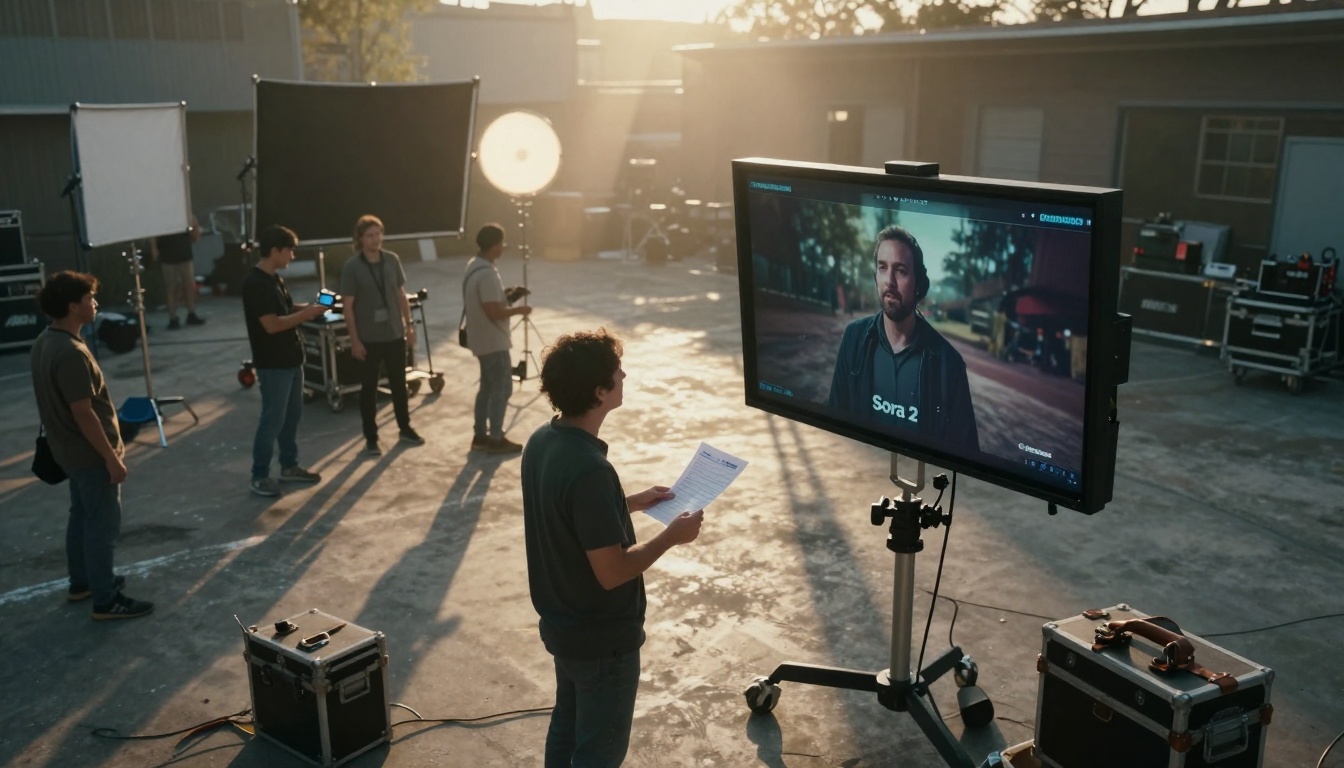
Professional film sets now integrate Sora 2 Pro directly into on-set review processes, allowing directors to visualize AI-generated sequences alongside practical footage during production.
What Sora 2 Pro Actually Does
At its core, Sora 2 Pro functions as an intelligent assistant for video editors, but that description barely scratches the surface. The system analyzes your raw footage, identifies patterns in your editing style, and suggests optimizations that would typically require hours of manual work. Unlike basic auto-editing tools, Sora 2 Pro understands context—it distinguishes between a documentary interview and a commercial spot, applying appropriate pacing, transition styles, and color treatment suggestions.
💡 Key Insight: Sora 2 Pro's AI doesn't replace human editors—it amplifies their capabilities. The system learns from your corrections, becoming more aligned with your specific style preferences over time.
The platform integrates with industry-standard software through plugins and APIs, meaning you're not locked into a proprietary ecosystem. Whether you're working in Adobe Premiere Pro, DaVinci Resolve, or Final Cut Pro, Sora 2 Pro functions as a collaborative layer that enhances rather than replaces your existing tools.
The Timeline Revolution
Traditional video editing involves manually arranging clips on a timeline, a process that becomes exponentially more complex with larger projects. Sora 2 Pro introduces intelligent timeline management that automatically organizes clips based on multiple criteria:
| Organization Method | Traditional Approach | Sora 2 Pro Approach |
|---|
| Scene Detection | Manual marking with markers | Automatic scene boundary detection with confidence scores |
| Clip Grouping | Manual folder creation | AI-suggested groupings based on visual similarity and content |
| Transition Placement | Trial and error experimentation | Context-aware transition suggestions with preview rendering |
| Audio Sync | Manual waveform matching | Automatic multi-track synchronization with drift correction |

The tactile experience of editing changes with Sora 2 Pro—less time spent on mechanical tasks, more focus on creative decisions.
The timeline becomes a living document that adapts to your workflow. When you add new footage, Sora 2 Pro automatically suggests placement options based on your established editing patterns. If you consistently place establishing shots at the beginning of sequences and close-ups during emotional moments, the system learns these preferences and applies them to new material.
Motion Tracking Without Hassle
Motion tracking represents one of the most technically demanding aspects of video editing, traditionally requiring frame-by-frame manual adjustment. Sora 2 Pro transforms this process through several key innovations:
- Multi-object tracking: Simultaneously follows multiple subjects without manual initialization
- Predictive movement analysis: Anticipates object trajectories for smoother tracking paths
- Obstruction handling: Maintains tracking through occlusions and scene changes
- Scale and rotation compensation: Automatically adjusts for perspective changes
Creative directors leverage Sora 2 Pro's motion tracking to visualize complex camera movements before committing to physical production.
The practical impact becomes evident in specific use cases. For documentary filmmakers tracking wildlife, Sora 2 Pro maintains focus on animals as they move through complex environments. For commercial work requiring product highlights, the system ensures consistent framing despite camera movement or subject interaction.
Color Grading Made Intelligent
Color grading represents both artistic expression and technical challenge, requiring careful balance between creative vision and technical constraints. Sora 2 Pro approaches color grading with a nuanced understanding of both dimensions:
Technical Excellence:
- Automatic exposure correction across inconsistent lighting conditions
- White balance normalization for mixed-light environments
- Skin tone preservation while adjusting overall color balance
- Legal broadcast color range compliance checking
Creative Enhancement:
- Mood-based color palette suggestions (dramatic, cheerful, mysterious, etc.)
- Genre-appropriate grading templates with customizable intensity
- Shot-to-shot consistency automation
- Time-of-day simulation for continuity correction
💡 Color Workflow Tip: Start with Sora 2 Pro's automatic corrections, then apply your creative grade on top. The system's technical adjustments create a consistent base layer, allowing your artistic choices to shine without fighting technical inconsistencies.

Technical discussions between editors and engineers focus on parameter optimization rather than basic correction tasks.
The system particularly excels with challenging footage. Mixed lighting scenarios—common in event videography and documentary work—receive intelligent treatment that preserves the natural feel while correcting color imbalances. Low-light footage gains usable detail without introducing artificial-looking noise reduction artifacts.
Audio Synchronization That Works
Audio problems plague even experienced editors, from subtle drift issues to complete loss of sync in multi-camera setups. Sora 2 Pro addresses these challenges through several interconnected systems:
Multi-Modal Sync Detection:
- Waveform pattern matching across multiple tracks
- Transient detection for sharp audio events
- Lip movement analysis through computer vision
- Ambient sound consistency checking
Intelligent Correction:
- Gradual drift compensation without audible artifacts
- Multi-camera alignment with sub-frame precision
- Automatic room tone matching for seamless edits
- Dialogue enhancement with context-aware processing
Practical Workflow Integration:
- Real-time sync status visualization
- One-click correction application
- Manual override with visual feedback
- Batch processing for entire projects
The system's audio intelligence extends beyond simple synchronization. When working with interview footage, Sora 2 Pro can identify and enhance primary speaker audio while reducing background noise—all while maintaining natural room acoustics that prevent the "processed" sound common with aggressive noise reduction.
Export Optimization Tips
Export settings represent the final hurdle between completed edit and delivered product, with countless variables affecting quality, file size, and compatibility. Sora 2 Pro provides intelligent export guidance based on your specific delivery requirements:
Destination-Based Optimization:
| Destination | Recommended Settings | Sora 2 Pro Adjustments |
|---|
| YouTube | H.264, VBR 2-pass, Optimal bitrate | Automatic resolution scaling, thumbnail generation |
| Broadcast | ProRes 422 HQ, Fixed bitrate | Legal range checking, closed caption integration |
| Social Media | Square/vertical formats, Compressed audio | Platform-specific optimization, aspect ratio conversion |
| Archival | Lossless formats, Maximum quality | Future-proof encoding, metadata preservation |
Quality vs. Size Balancing:
- Intelligent bitrate allocation based on scene complexity
- Motion-adaptive compression that preserves detail in active scenes
- Audio bitrate optimization for dialogue vs. music content
- Multi-format simultaneous export with shared processing
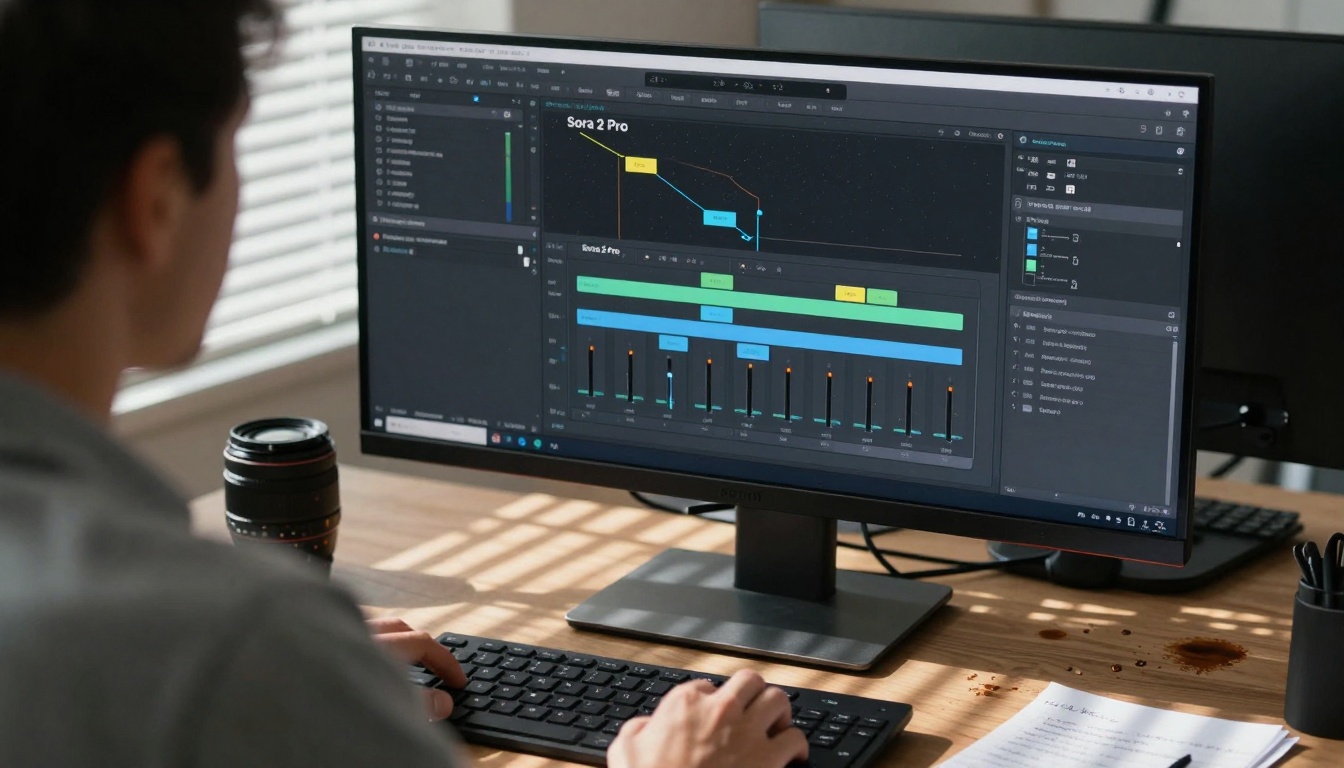
Complex node-based workflows become manageable through Sora 2 Pro's visual organization and parameter optimization suggestions.
The export process includes comprehensive validation. Before final rendering, Sora 2 Pro checks for common issues: audio peaks exceeding platform limits, color values outside legal ranges, aspect ratio inconsistencies, and metadata completeness. These pre-export checks prevent time-consuming re-renders and client feedback cycles.
Real Production Results
Theoretical capabilities matter less than actual production outcomes. Across various professional environments, Sora 2 Pro demonstrates measurable impact:
Documentary Production:
- 40% reduction in assembly edit time
- Consistent color across disparate source materials
- Automated interview synchronization
- Intelligent B-roll selection based on content analysis
Commercial Work:
- Rapid client revision cycles through AI-assisted alternatives
- Product shot consistency across multiple takes
- Automatic compliance with brand color guidelines
- Multi-format optimization for different campaign channels
Corporate Video:
- Speaker focus maintenance in multi-presenter events
- Automatic lower-third generation from participant lists
- Consistent audio levels across different recording environments
- Template-based rapid production for recurring content types
Independent Film:
- Budget-conscious optimization without quality compromise
- Creative look development through AI-assisted experimentation
- Resource allocation toward creative decisions rather than technical tasks
- Festival submission formatting automation
Modern production facilities integrate Sora 2 Pro across multiple workstations, creating collaborative AI-assisted editing environments.
The common thread across these applications: Sora 2 Pro handles the repetitive, time-consuming technical tasks, allowing creative professionals to focus on storytelling, emotional impact, and artistic expression.
How to Use Sora 2 Pro on PicassoIA
Since Sora 2 Pro is available on PicassoIA's text-to-video collection, the integration process follows a straightforward workflow:
Step 1: Account Setup
- Create or log into your PicassoIA account
- Navigate to the Sora 2 Pro model page
- Review available subscription tiers and select based on your production volume
Step 2: Initial Configuration
- Install the appropriate plugin for your editing software (Premiere Pro, DaVinci Resolve, or Final Cut Pro)
- Connect your PicassoIA account through the plugin interface
- Configure default settings based on your typical project requirements
Step 3: Project Integration
- Begin your standard editing workflow
- Access Sora 2 Pro tools through the integrated panel in your editing software
- Apply AI-assisted functions to specific tasks as needed
- Review and adjust AI suggestions based on your creative direction
Step 4: Workflow Optimization
- Allow Sora 2 Pro to learn from your corrections and adjustments
- Create custom presets for recurring project types
- Establish approval workflows for AI-generated content
- Monitor time savings and quality improvements through analytics
💡 Integration Strategy: Start with one specific task—like color consistency or audio sync—and expand usage as you become comfortable with the workflow. This gradual approach prevents workflow disruption while demonstrating immediate value.
The PicassoIA platform provides additional advantages through integration with other AI models. For projects requiring complementary tools, you can combine Sora 2 Pro with Flux for image generation, WAN for video generation, or Gemini for language processing.
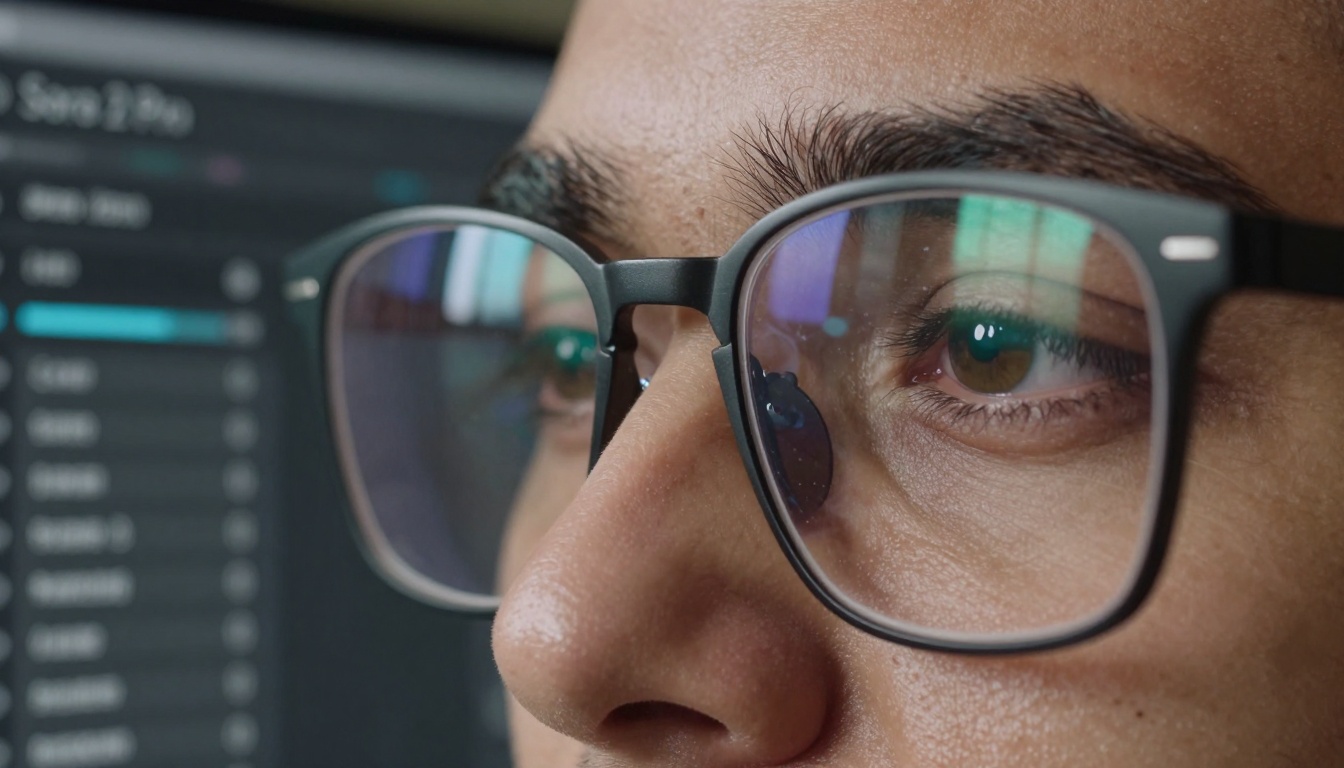
The detailed interface becomes second nature through consistent use, with editors developing intuitive relationships with AI assistance tools.
Common Workflow Mistakes
Despite its sophistication, Sora 2 Pro works best when integrated thoughtfully into existing workflows. Common implementation errors include:
Over-Reliance Without Review:
- Accepting all AI suggestions without critical evaluation
- Failing to establish quality control checkpoints
- Ignoring context-specific requirements that AI might miss
Insufficient Training Time:
- Expecting perfect results immediately without correction history
- Not providing clear feedback through the correction interface
- Switching between contradictory directions confusing the learning system
Integration Disruption:
- Attempting complete workflow overhaul simultaneously
- Not training team members on new collaborative patterns
- Failing to establish clear division between AI and human tasks
Technical Misconfiguration:
- Incorrect plugin installation or version mismatches
- Suboptimal hardware allocation for AI processing
- Network configuration issues affecting cloud processing

Pre-production storyboard reviews now incorporate AI-generated visualizations, allowing creative teams to make informed decisions before filming begins.
The most successful implementations treat Sora 2 Pro as a collaborative team member rather than automation replacement. Editors maintain creative control while delegating technical execution, creating a symbiotic relationship that enhances both efficiency and quality.
Final Thoughts
The evolution of video editing tools follows a clear trajectory: from purely manual processes to increasingly intelligent assistance. Sora 2 Pro represents a significant milestone in this evolution, not because it automates editing (many tools attempt this), but because it understands the nuanced relationship between technical execution and creative expression.
What emerges from consistent use isn't just faster editing—it's better editing. When technical hurdles diminish, creative energy redirects toward storytelling impact, emotional resonance, and visual innovation. The editor's role evolves from technical executor to creative director, with AI handling the execution of established creative decisions.
The practical implications extend beyond individual editors to entire production ecosystems. Tighter feedback loops between conception and execution, reduced revision cycles through better initial results, and resource allocation toward creative rather than technical challenges—these systemic improvements compound across projects and teams.

Successful render completion becomes collaborative celebration rather than solitary technical achievement, reflecting the team-oriented nature of modern AI-assisted production.
For professionals considering Sora 2 Pro integration, the question shifts from "Can this save time?" to "How will this change what we create?" The answer increasingly appears in the work itself—projects that balance technical excellence with creative ambition, delivered through workflows that respect both the art and science of visual storytelling.


