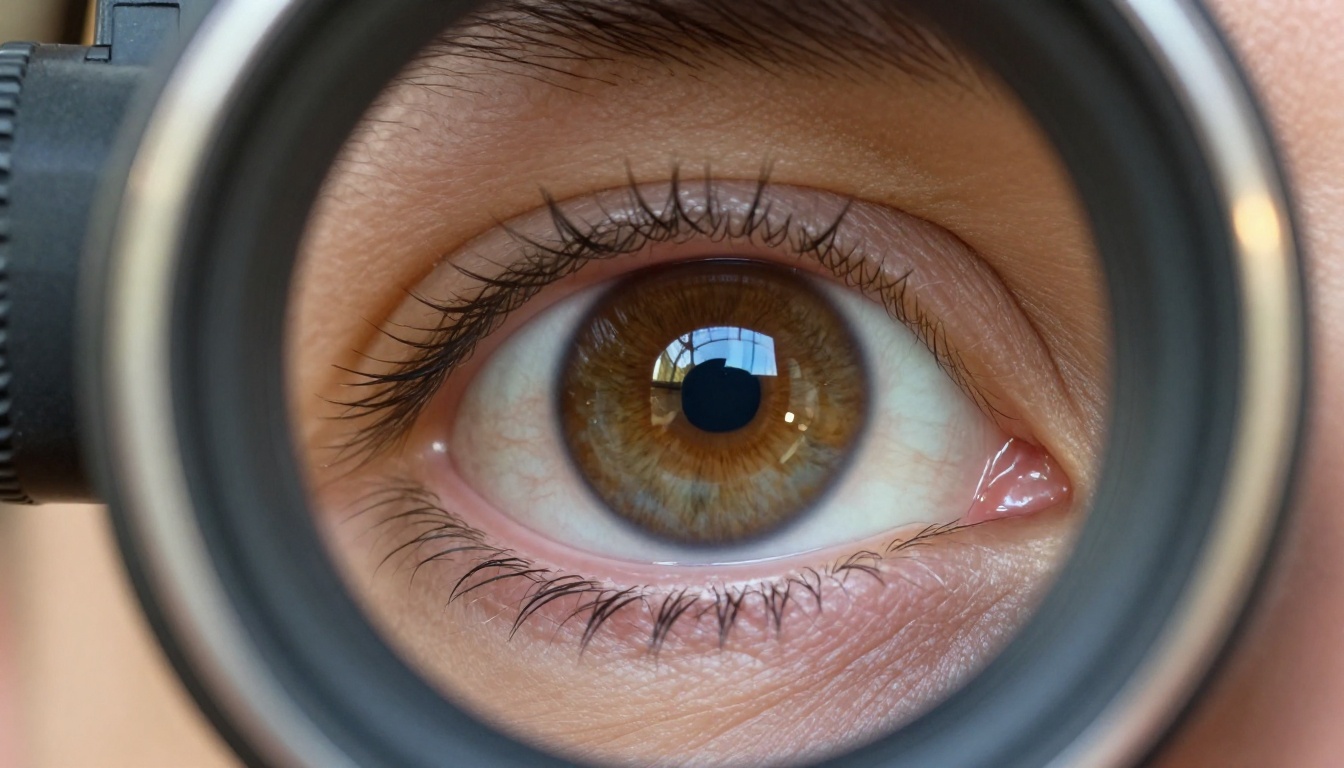
Something broke open with Sora 2 Pro. For the first time in AI video, you can ask for a dolly push-in toward a face and actually get one. Not a zoom, not a blur, not a generic forward pan. An actual optical dolly move with the spatial parallax and inertia you would expect from a physical camera. That distinction might sound academic until you have spent time fighting other models to get camera motion that does not look like a PowerPoint transition. With Sora 2 Pro, the physics finally feel real enough to use in production.
This is a practical breakdown of what camera moves are actually working now, how to prompt for them, and what you need to know before you spend credits on a long clip.
Why Camera Movement Breaks Most AI Video
Most AI video models generate motion by interpolating between frames. The scene looks like it moves, but the model has no concept of camera physics. When you ask for a dolly shot, you get something that resembles zooming. When you ask for a pan, you get a warped smear. Background elements move at wrong rates relative to the foreground, depth relationships collapse, and the result reads immediately as synthetic.
Sora 2 Pro approaches this differently. Its spatial reasoning system maintains 3D scene consistency across frames, which means foreground and background elements move at physically correct parallax rates during camera motion. It is not perfect, but it is far closer to real than anything that existed 18 months ago.
The Inertia Problem
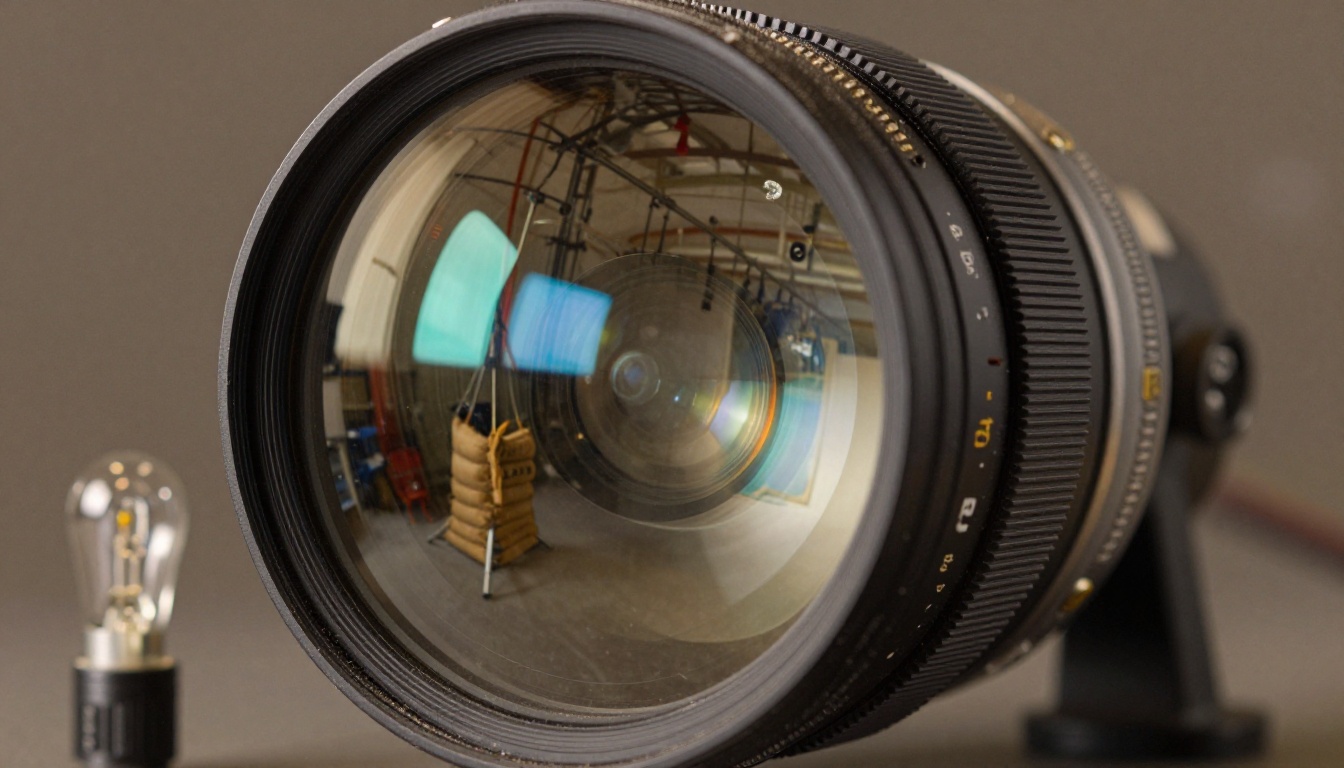
Real cameras have weight. They accelerate into a move and decelerate out of it. A human operating a 15kg camera rig does not start at full speed and stop dead. AI models historically generated constant-velocity movement that looked mechanical even when the motion was directionally correct.
Sora 2 Pro handles inertia in prompts when you describe it explicitly. Words like "easing into the move," "gradually decelerating," or "slow to a stop" reliably produce that weighted, organic quality. Without those descriptors, you will get cleaner but slightly robotic movement. The difference is subtle in a freeze frame and immediately obvious in motion.
Motion Blur Done Right
One of the surest tells for synthetic video is incorrect motion blur. Real cameras produce motion blur that is directional, consistent with shutter angle, and affects moving subjects differently than static backgrounds. AI video that gets motion blur wrong produces a smeared, equal-opacity blur on everything, which looks nothing like an actual 1/48 shutter at 24fps.
Sora 2 Pro prompts that include shutter angle or equivalent depth-of-field language, such as "cinematic 24fps motion blur" or "180-degree shutter motion," do noticeably better at producing directional, physically motivated blur on subjects while keeping static scene elements sharper. This single prompt addition can be the difference between a shot that reads as synthetic and one that reads as filmed.
The dolly shot is the single most cinematically powerful move in the repertoire, and it is the one where Sora 2 Pro most consistently delivers. The model seems particularly well-trained on this move, producing correct parallax separation between foreground and background elements in a way that feels physically grounded.
Slow Push-In on Faces
The classic dramatic push-in toward a face is where Sora 2 Pro is most reliable. The formula that works:
💡 Proven prompt structure: "Slow dolly push-in, camera moves from 2 meters to 0.8 meters from subject over 5 seconds, 85mm lens, subject remains in center frame, background falls increasingly out of focus, easing in and out of movement."
What makes this work: the explicit distance range gives the model a spatial anchor, the lens specification keeps depth-of-field behavior consistent, and the easing instruction removes mechanical constant velocity.
For best results with face push-ins:
- Specify the starting and ending distance in meters or feet
- Name the focal length, with 85mm or 50mm working best since ultra-wides produce distortion that breaks the illusion
- Describe the lighting source in the scene to help the model maintain shadow consistency as the camera angle shifts
- Keep the subject static, because face push-ins with a moving subject degrade fast
- Describe skin texture or scene texture so the model has fine-detail anchors to maintain across frames
Dramatic Dolly-Out
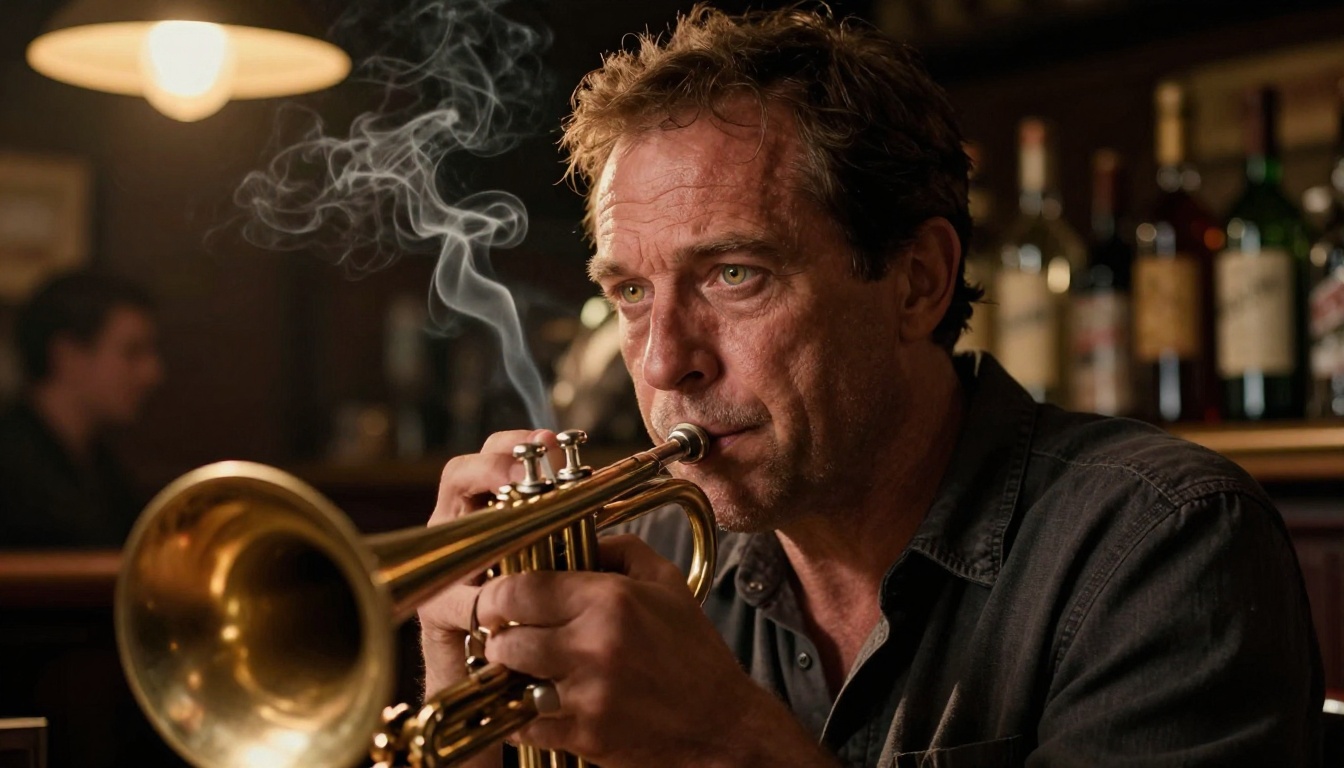
Pulling away from a subject is cinematically powerful for revelation shots or emotional distancing. The model handles this slightly less consistently than push-ins because it has to generate increasingly complex background information that was not in the initial frame.
| Pull-Out Type | Works Well | Common Failure Mode |
|---|
| Interior scene | Yes, consistent | Background objects sometimes pop in |
| Landscape/exterior | Usually | Horizon line can drift |
| From extreme close-up | Sometimes | Proportion distortion at transition |
| Moving subject | Rarely | Subject motion competes with camera motion |
For dolly-outs, start with a medium shot rather than an extreme close-up, and pre-describe the environment behind the subject in your prompt so the model is not generating new scene information mid-clip. Saying "the room behind the subject contains a large window with afternoon light, bookshelves on the left wall, and a wooden floor" gives the model its background before it needs it.
Pans and Tilts That Don't Jitter
Pan and tilt shots are where AI video has traditionally fallen apart. The horizontal sweep across a scene requires consistent geometry across every frame, and any deviation reads as a jitter or a warp that immediately breaks the shot.
Smooth Horizontal Sweeps
Sora 2 Pro produces stable pans when the scene has strong geometric anchors. Architectural environments with clear horizontal lines, landscapes with a defined horizon, and interiors with visible floor-ceiling geometry all give the model something to lock onto across frames.
The prompting pattern that works:
💡 Pan prompt formula: "Smooth horizontal pan from left to right at constant 15-degree-per-second rate, tripod-mounted, 35mm lens, [detailed scene description], no subject motion, full pan of approximately 60 degrees over 5 seconds."
What to avoid in pan shots:
- Crowds or dense foreground foliage: too many independently moving elements compound the geometry problem
- Extreme focal lengths: a 200mm pan shows very little scene content per second and the model fills it poorly
- Simultaneous subject motion: either the subject moves or the camera moves, not both, until you move into tracking shots
Vertical Tilt Reveals
The upward tilt revealing something tall is one of the most satisfying shots in cinema, and Sora 2 Pro handles it well when you are explicit about the geometry. The model responds to architecture particularly well because buildings have inherent vertical lines that stabilize frame-to-frame consistency.
For tilt shots:
- Describe the starting frame, specifically what is at the bottom of frame before the tilt begins
- Describe what appears as the camera tilts upward
- Specify the speed as slow or deliberate to avoid rushed, unconvincing movement
- Mention the lens to constrain the field of view and prevent unexpected framing
Tracking and Follow Shots
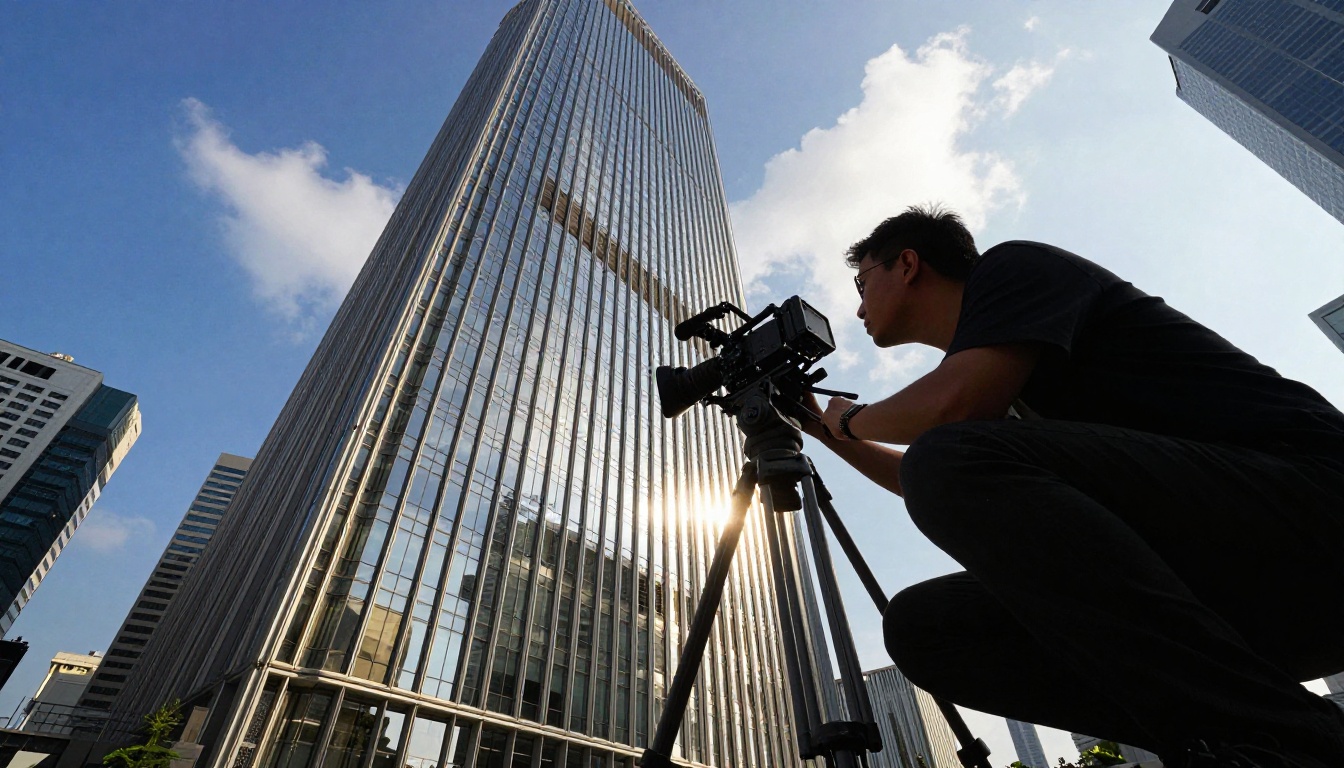
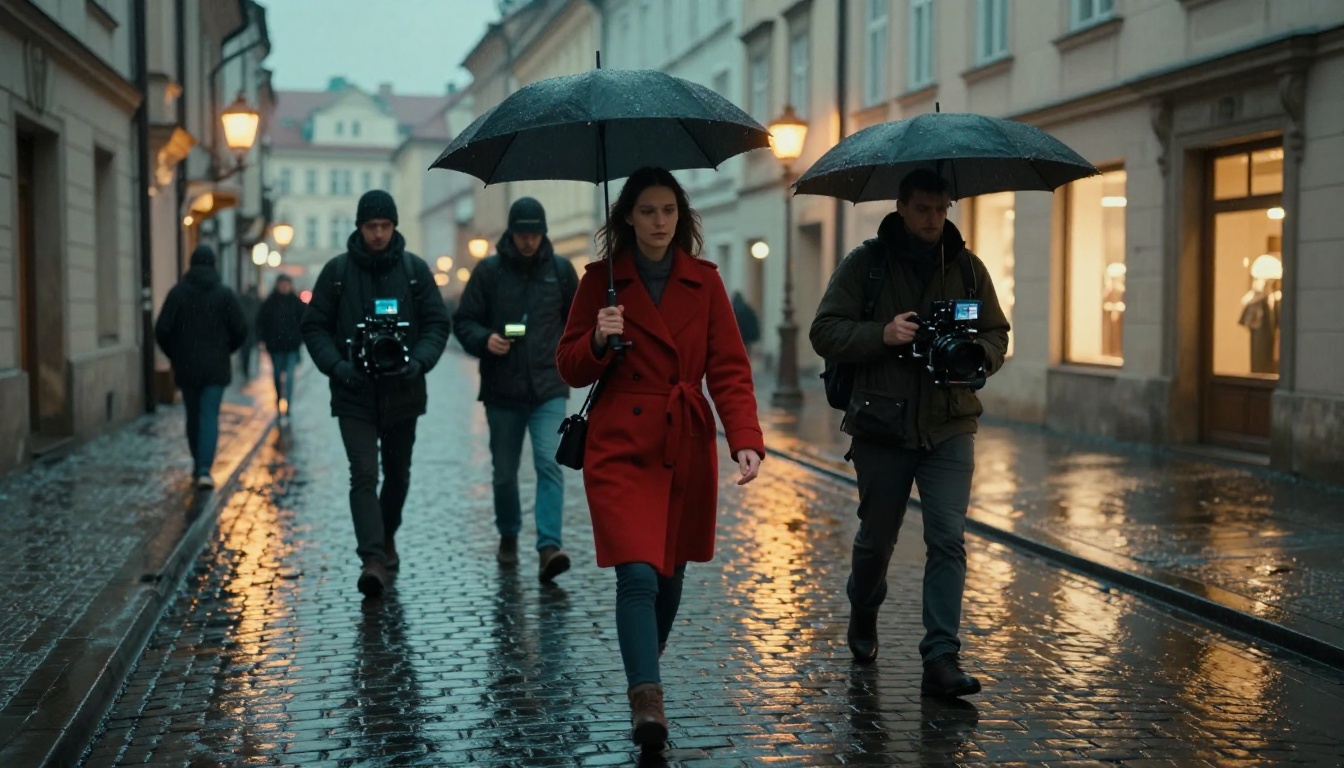
Tracking shots, where the camera follows a moving subject, are the hardest moves in AI video. The model has to maintain subject consistency across frames while also computing the correct background motion for the camera's path. It is two hard problems simultaneously, and the failure rate is higher than for static-camera moves.
Subject Locking at Speed
Sora 2 Pro handles walking-pace subject tracking well. Running-pace and vehicle-speed tracking degrades more significantly, though it is still ahead of most competitors at the same price point.
For walking-pace tracking:
💡 Tracking prompt formula: "Camera tracks with subject from behind at 1.5 meters distance, maintaining constant subject size in frame, subject walks through [environment], gimbal-stabilized smooth motion, 35mm lens, subject stays centered-right in frame."
The "gimbal-stabilized" descriptor matters. It tells the model to produce smooth following motion rather than handheld-style variation, which the model can confuse with tracking shot wobble.
The Running Camera
Fast-tracking shots of running subjects or moving vehicles require more patience with Sora 2 Pro. They work, but inconsistently. The model sometimes loses subject coherence mid-clip, producing a brief flickering artifact as it recalculates subject position.
What helps:
- High-contrast subjects: a red jacket against a grey wall is easier to track than a grey jacket against a grey wall
- Simple, clean backgrounds: limiting background complexity lets the model allocate more reasoning to the moving foreground
- Specify the camera's path, not just the subject's: "camera mounted on vehicle traveling parallel to subject at 20km/h" gives the model a physical framework to anchor the shot
- Short clips: four to six seconds of fast tracking is more reliable than eight to ten seconds where drift accumulates
Handheld vs. Gimbal Simulation
The choice between handheld and gimbal-style camera motion changes a scene's emotional register entirely. Sora 2 Pro can do both, and the prompting difference is specific enough that getting it wrong produces the opposite of what you want.
When Imperfection Sells It
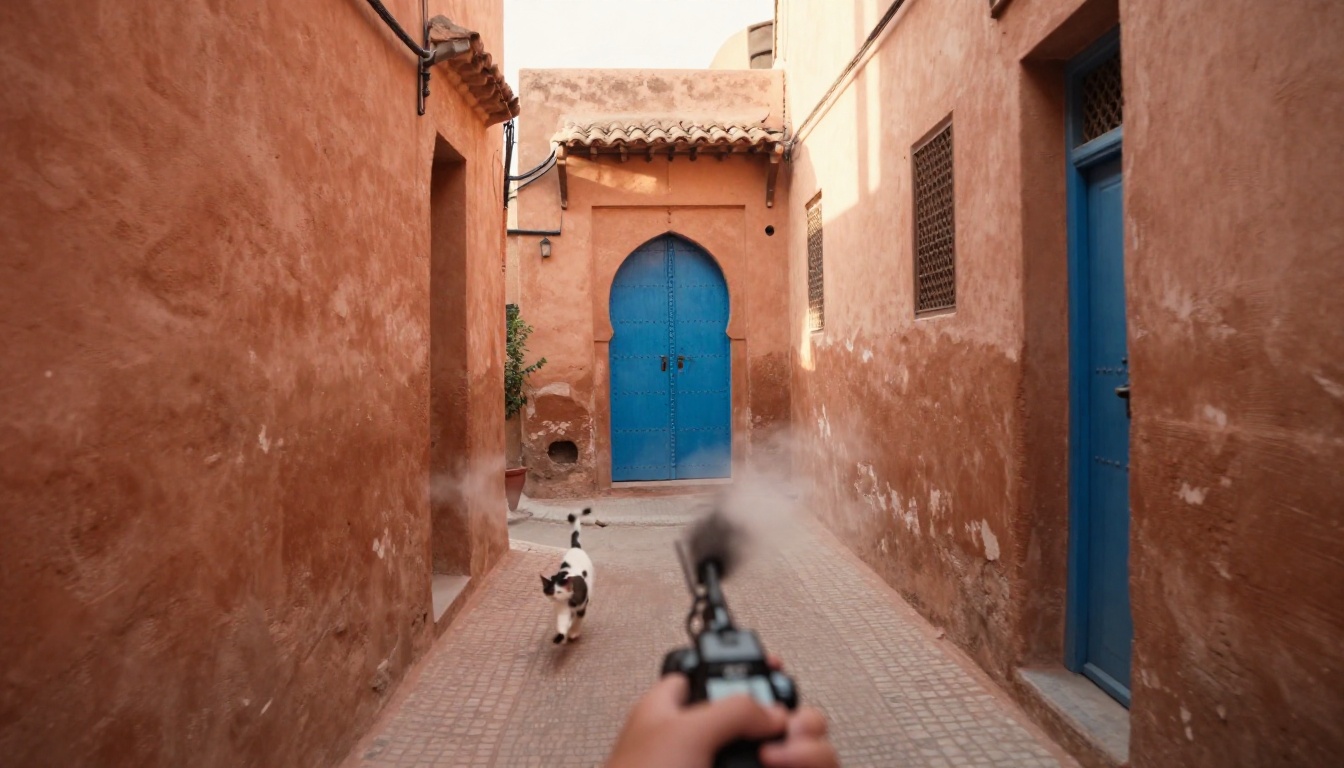
Handheld camera motion adds immediacy, tension, and documentary realism. The controlled imperfection of a human shoulder-mounted camera, the slight breathing rhythm, the occasional micro-correction, all of this reads as authenticity to a viewer.
To get this from Sora 2 Pro:
💡 Handheld prompt additions: "shoulder-mounted, slight handheld breathing motion, organic camera movement, naturalistic micro-corrections, cinema verite style."
The model interprets "cinema verite" as a specific shooting style with well-defined movement characteristics, making it more reliable than just saying "shaky." The latter can produce random jitter rather than the rhythmic, motivated sway of a real human operator.
Gimbal-Smooth Results
For gimbal motion, the prompt vocabulary shifts. Terms like "electronically stabilized," "floating camera movement," "gimbal-mounted," and "buttery smooth" reliably produce the distinctive over-stabilized feel that audiences now associate with modern action documentary and social-media filmmaking.
The gimbal style is actually easier for Sora 2 Pro to produce consistently because it lacks the complex, semi-random variation of true handheld. The model generates a clean, smooth path and the result is more frame-to-frame stable. If you need the shot to read as professional and composed rather than documentary and raw, default to gimbal descriptors.
Crane Shots and Aerial Reveals
The crane shot moving upward from ground level to reveal a larger environment is one of cinema's oldest and most effective moves. It provides spatial context, creates scale, and transitions smoothly from intimate to grand in a way that editing cannot replicate.
Rising Shots That Open Scenes
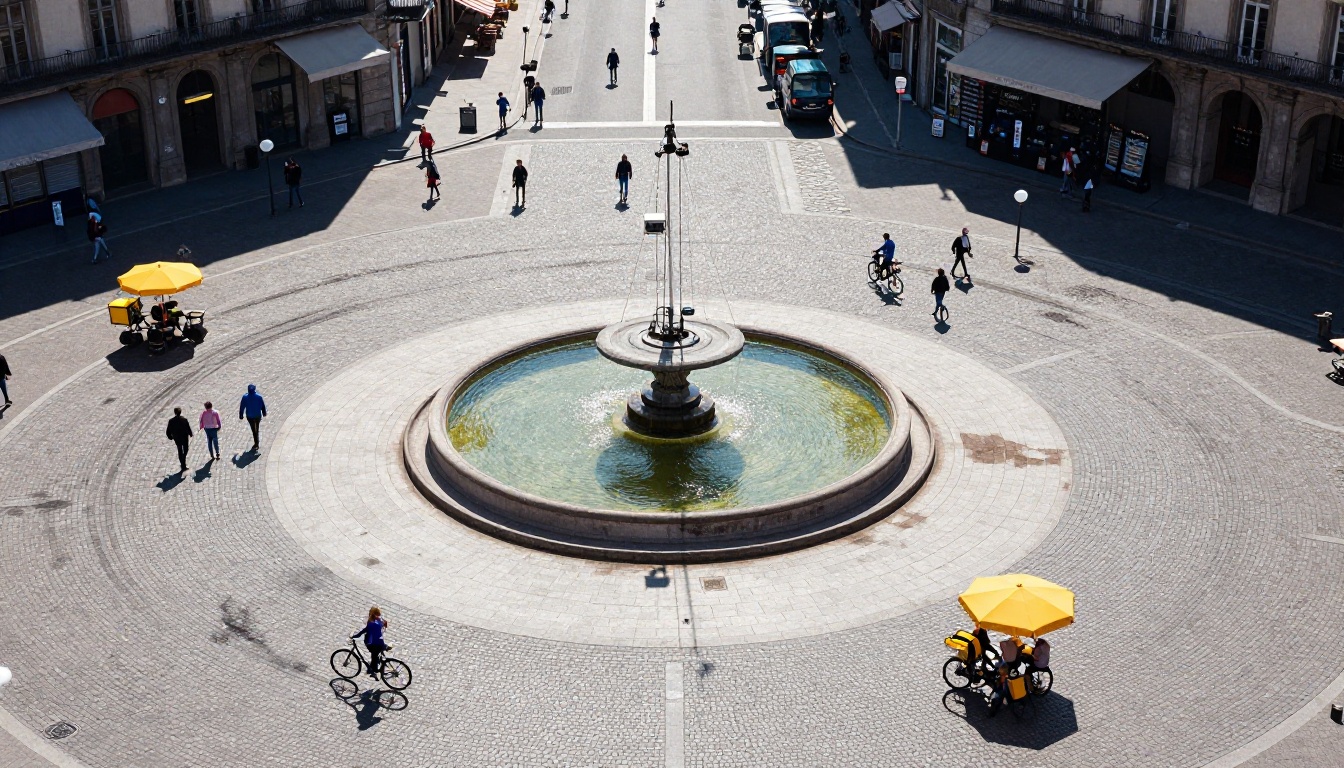
Sora 2 Pro handles rising crane shots better than almost any other move. The vertical component means foreground elements drop out of frame predictably, reducing the model's burden of maintaining foreground geometry across frames. Less to track means fewer opportunities for artifacts.
Effective rising shot prompts include:
- "Camera rises vertically from ground level at 0.5 meters per second"
- "Pedestal-up movement revealing the full scene"
- "Crane arm rises while camera tilts down to maintain subject in frame"
That last variant, rising while simultaneously tilting down, produces the elegant boom shot common in narrative cinema. Sora 2 Pro handles it when you specify both movements explicitly rather than assuming the model will infer the tilt from the rise.
Descending to Subject
The reverse, descending from a high position onto a specific subject, is more challenging because the model has to generate increasingly detailed scene information as the camera approaches. It works best when:
- The subject is stationary and well-described in the prompt
- The landing position is described explicitly, such as "camera descends to 1 meter above and 2 meters in front of subject"
- The environment is not overly complex, since the model fills in detail as it descends
- The descent speed is slow, giving the model more frames to distribute the detail generation
How to Use Sora 2 Pro on PicassoIA
Sora 2 Pro is available directly on PicassoIA's text-to-video collection. Here is what the prompting workflow looks like in practice.
Step-by-Step Prompting
Step 1: Establish the static scene first
Write a detailed description of the environment, lighting, and subject before introducing any camera motion. The model reads scene-setting language as the foundation for all subsequent frame generation. A detailed scene description is not wasted tokens.
Step 2: Specify camera position and starting orientation
Tell the model exactly where the camera is at frame zero. "Camera at eye level, 3 meters from subject, facing subject directly" is more reliable than "medium shot of subject." The physical language gives the model a spatial coordinate system.
Step 3: Describe the motion with physical language
Use cinematographic terminology the model has been trained on: dolly, pedestal, crane, boom, pan, tilt, track, push-in, pull-out. Combine these with rate descriptors: slow, gradual, constant velocity, accelerating, decelerating.
Step 4: End the clip description
Tell the model where the camera ends up: "ending 0.5 meters from subject's face" or "finishing at a 45-degree pan to the right." This gives the model a trajectory to work toward rather than leaving it open-ended, which often results in the motion stopping abruptly.
Step 5: Specify cinematic quality markers
Close with technical markers: resolution, frame rate, film stock emulation, and lighting quality. These do not just affect the look, they influence how the model interprets the whole prompt's visual register.
Parameter Tips for Better Moves
| Parameter | Recommendation | Why |
|---|
| Duration | 5-8 seconds | Longer clips degrade faster for camera motion |
| Resolution | 1080p | Camera movement artifacts are more visible at 4K |
| Aspect ratio | 16:9 | Native training ratio, fewest artifacts |
| Seed | Fixed seed for retries | Consistent starting point for iterating prompts |
Other Models Worth Trying for Camera Control
Sora 2 Pro leads for raw camera physics, but other models on PicassoIA offer specific advantages depending on your workflow and shot type.
Video 01 Director from Minimax is built specifically around camera movement control and offers a structured interface for defining camera paths without natural language prompting. For users who find prompt-based camera control frustrating, the Director model's waypoint system is a more deterministic option with fewer surprises.
Kling v3 Motion Control from KwaiVGI gives you explicit motion vector control, letting you draw camera paths directly on the frame. It is a completely different interaction model, more granular and precise, though it requires more setup per clip than prompt-based generation.
Kling v3 Video from KwaiVGI produces cinematic motion at 1080p with strong subject consistency, making it a solid choice for narrative shots where character coherence matters more than camera physics precision.
Kling v2.6 Motion Control handles tracking shots with a moving subject more consistently than Sora 2 Pro in some test scenarios, particularly for lateral tracking at speed.
Ray 3.2 from Luma is strong on cinematic aesthetics and HDR rendering, making it worth testing for dolly shots where color fidelity matters more than physical accuracy.
Wan 2.7 I2V handles image-to-video camera motion with high consistency, particularly for crane and pedestal moves when you have a reference frame to start from.
Seedance 2.0 from ByteDance handles motion in busy scenes with multiple moving subjects better than most alternatives, though at the cost of some camera-physics precision.
Gen 4.5 from Runway is competitive for cinematic motion with its built-in camera control system that uses numeric values rather than language descriptions, giving you a different kind of precision.
Comparison at a glance:
| Model | Dolly/Push | Pan/Tilt | Tracking | Handheld | Best For |
|---|
| Sora 2 Pro | Excellent | Very Good | Good | Good | Overall physics quality |
| Video 01 Director | Good | Excellent | Good | Limited | Precise path control |
| Kling v3 Motion Control | Good | Good | Very Good | Good | Motion vector workflow |
| Ray 3.2 | Very Good | Good | Limited | Limited | Cinematic color/HDR |
| Gen 4.5 | Good | Very Good | Good | Good | Structured camera params |
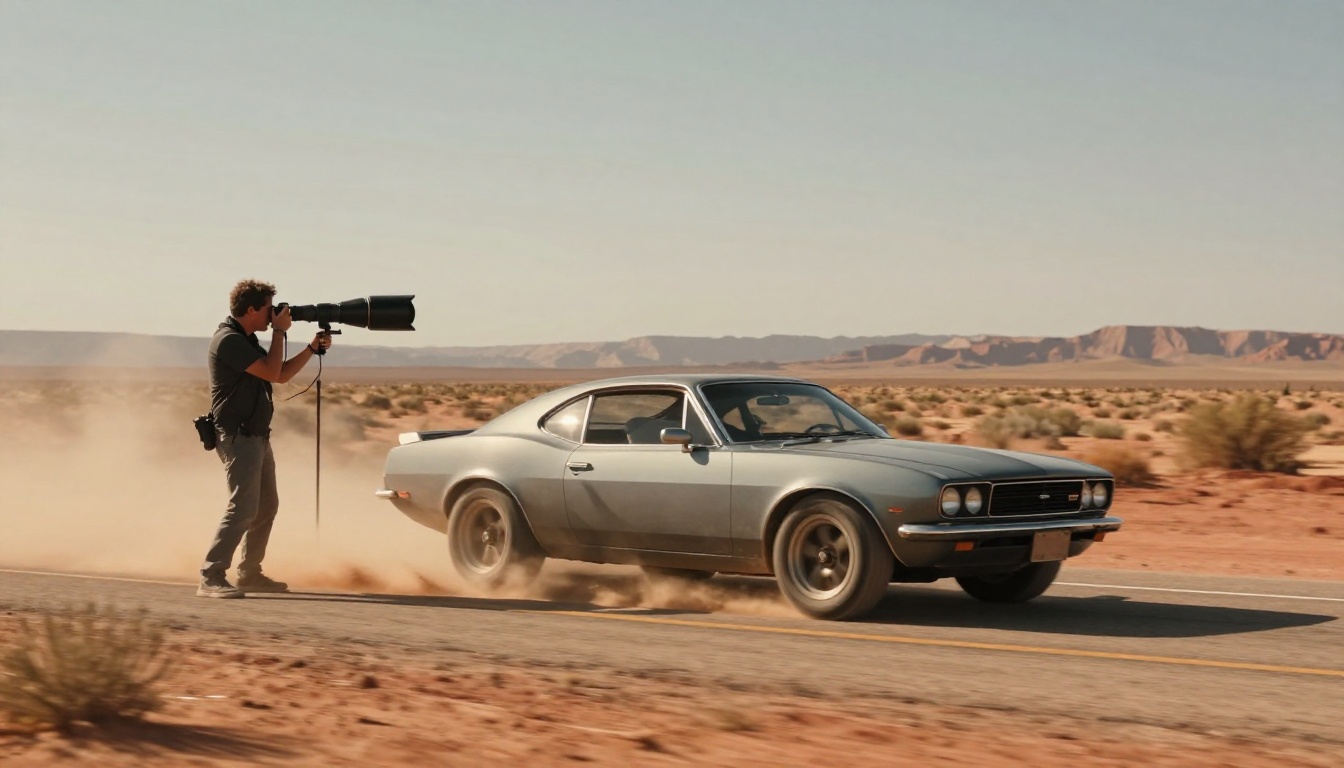
Start Generating Cinematic Shots Now
Camera motion in AI video has reached a point where the gap between AI-generated and professionally shot footage is finally narrowing to something interesting. It is not invisible yet, but it is close enough to use in real projects, especially when the motion is correctly specified and the scene is well-described.
The prompting patterns in this article come from repeated testing of what actually produces consistent results versus what works once and fails the next time. Start with the dolly push-in formula, the most reliable move in the model's repertoire. Then branch into pans once you have a feel for how the model responds to your scene descriptions. Graduate to tracking shots after that.
PicassoIA gives you direct access to Sora 2 Pro, Video 01 Director, Kling v3 Motion Control, and the other motion-capable models mentioned here, all from one platform. If you are serious about camera movement in AI video, this is where you run your experiments. Head to picassoia.com/en/all-models to see the full catalog and start with whichever move you have been trying to get right.