If you want a cinematic trailer that does not look like a screensaver from 2018, the model you pick matters enormously. Sora 2 Pro from OpenAI sits at the top of nearly every benchmark right now, but benchmarks rarely show you what happens when you try to produce a 90-second thriller trailer with cold open, act break, and title reveal. This article does. Every claim below is based on actual prompt runs, not marketing copy, and by the end you will know exactly when Sora 2 Pro earns its price tag and when a rival will serve you better.
What Sora 2 Pro Actually Does
Sora 2 Pro is OpenAI's top-tier text-to-video model. It accepts natural language prompts and returns MP4 clips at up to 1080p, with outputs running from 5 to 20 seconds per generation depending on your settings. The model was trained on a massive corpus of licensed video content with a focus on physical plausibility, which is the technical way of saying it understands that smoke rises, water flows downhill, and actors have a center of gravity.
Resolution and Frame Rate
The resolution story is straightforward. At 1080p, Sora 2 Pro produces sharp, printable frames. You can pull individual frames as production-ready stills. At 720p, the output is faster to generate and still far above the threshold for social media distribution. Frame rate defaults to 24fps, which is the standard for cinematic content, and the model holds that cadence consistently rather than dropping to a choppy interpolated approximation.
How It Handles Camera Movement
This is where Sora 2 Pro separates itself from most competitors. When you describe camera movement in a prompt, the model executes it with real spatial awareness. A slow dolly-in on a face at a dinner table stays in frame. A crane shot rising above a city rooftop actually shows foreground elements dropping out of frame as the camera ascends. The motion is not perfect at longer durations, but for 5 to 10-second clips it holds temporal coherence better than almost anything else currently available.
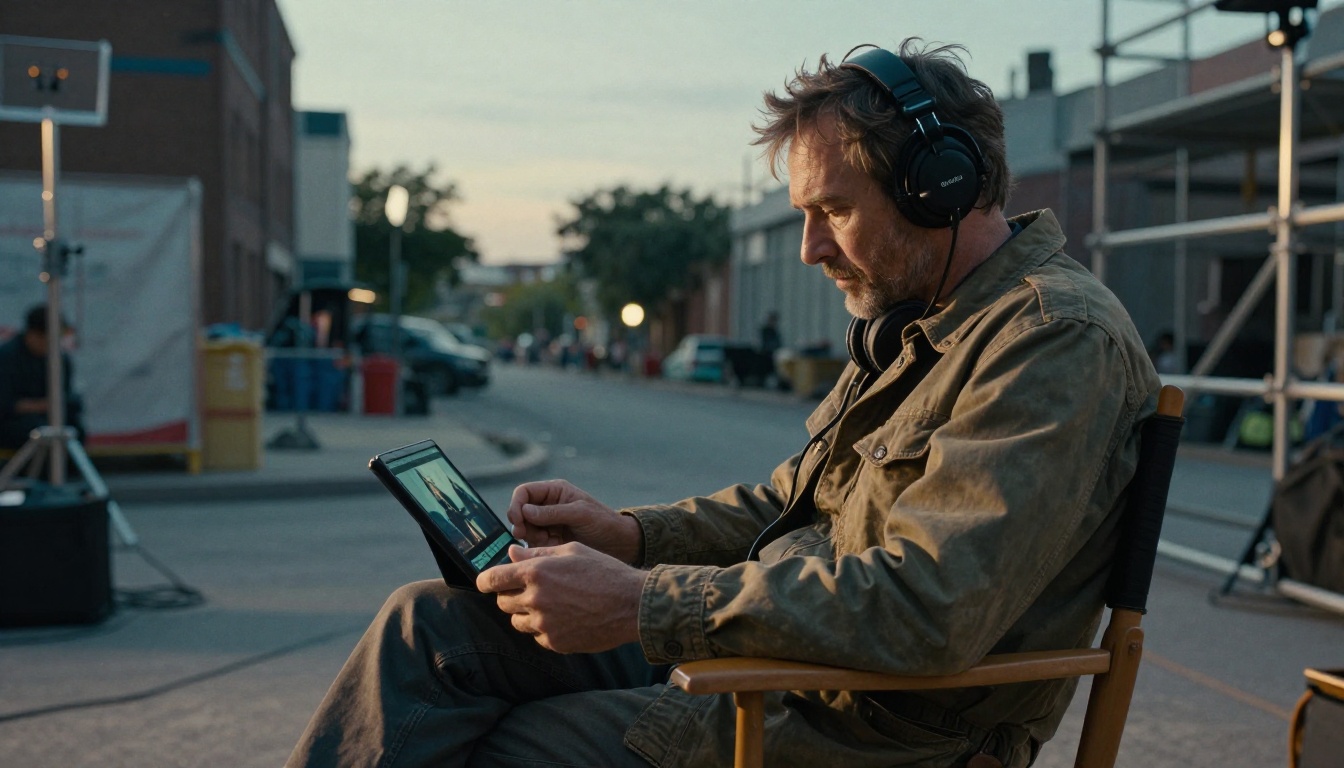
💡 Prompting tip: Camera movement language from cinematography works better than casual descriptions. Write "slow dolly-in" rather than "zoom in slowly," and "tilt up to reveal" rather than "show the sky." The model responds to industry vocabulary.
Cinematic Trailer Output in Practice
A trailer has a specific visual grammar: wide establishing shots set geography and scale, action sequences raise stakes, and close-ups on faces carry emotional weight. Here is how Sora 2 Pro handles each.
Wide Establishing Shots
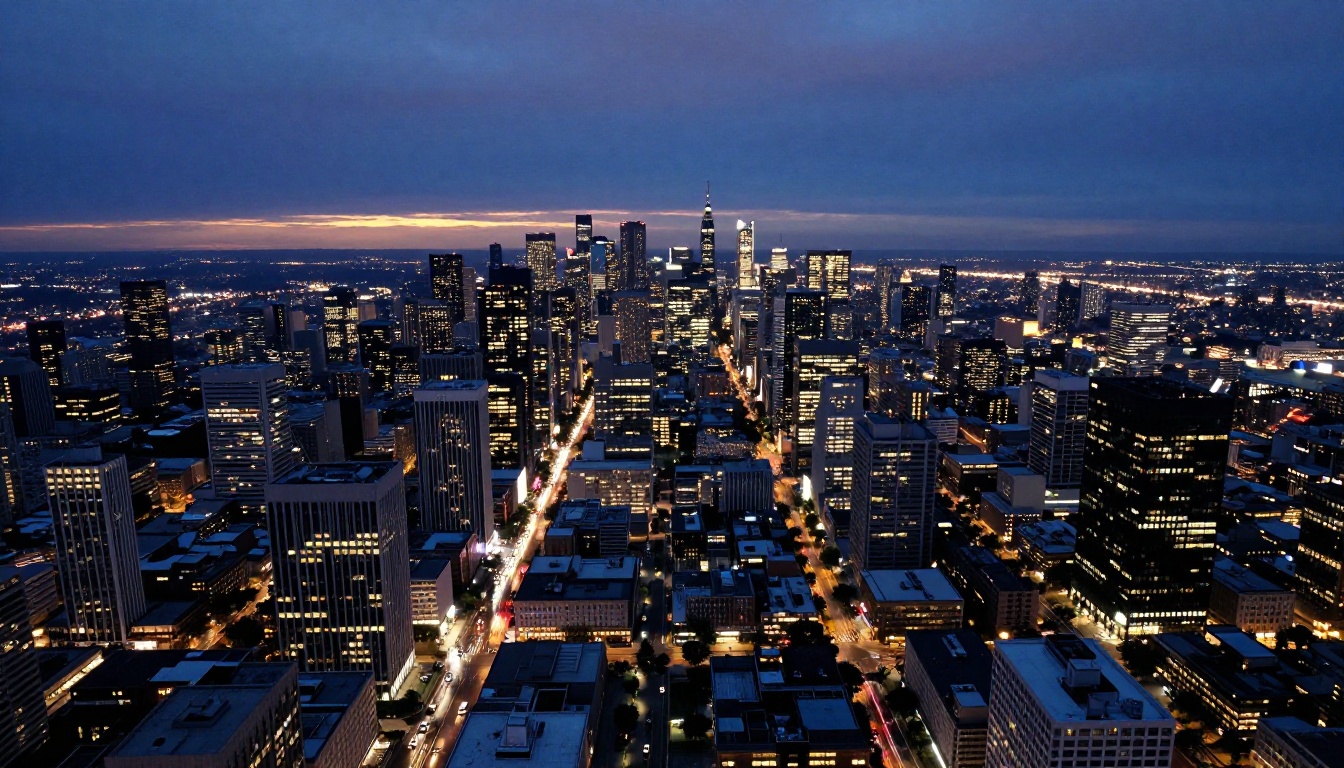
This is Sora 2 Pro's strongest category for trailer work. Aerial wide shots of cities, sprawling desert wastelands, and ocean coastlines at golden hour come out with genuine production value. Atmospheric effects, haze, fog layers, cloud movement, sit naturally in the frame rather than appearing as an obvious post-processed overlay. The color science leans toward slightly desaturated, naturalistic tones unless you specify otherwise, which works perfectly for most thriller, drama, or action genres.
What works well in prompts for establishing shots:
- Specific time of day: "blue hour," "magic hour minus 15 minutes," "high noon harsh light"
- Atmospheric conditions: "marine layer," "thin industrial haze," "frost on the lens"
- Camera height and angle: "400-meter aerial tilt at 25 degrees," "ground-level Dutch angle"
- Motion direction: "slow westward pan," "gradual ascent to reveal coastline"
Action and High-Stakes Sequences
Action is trickier. For short, contained bursts, Sora 2 Pro produces convincing results: a car sliding around a corner with tire smoke, a building facade collapsing into a cloud of debris, a figure running through a crowd. The physics of fast-moving objects hold up at 24fps. Where things break is in extended action or anything requiring multiple distinct moving agents interacting with each other. Two actors grappling, a crowd scene with individual behavior, a vehicle chase with multiple vehicles all visible simultaneously, these degrade faster than the single-subject action shots do.
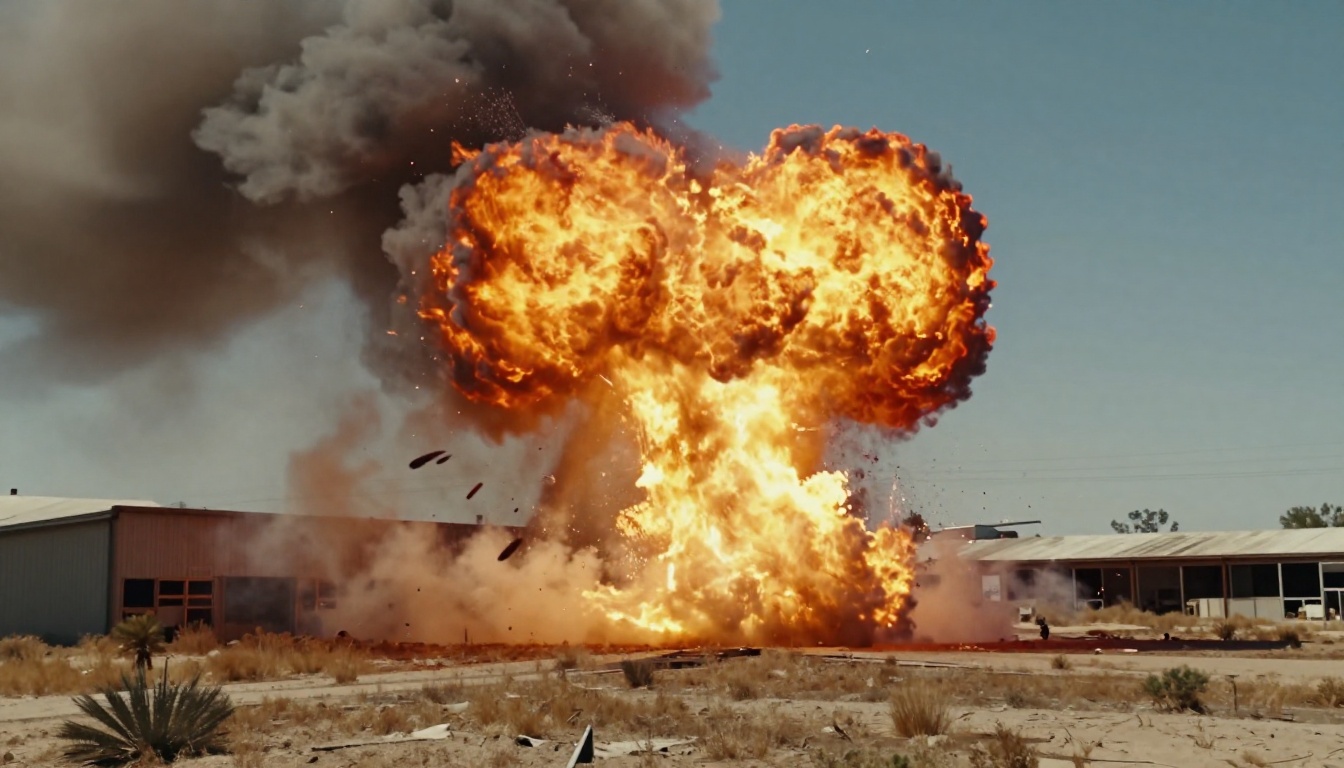
Best action prompt structure:
| Element | Example |
|---|
| Subject | "A single vehicle" |
| Action | "sliding 180-degree turn on wet asphalt" |
| Environment | "rain-slicked urban intersection at night" |
| Camera | "low tracking shot at bumper height, following from rear" |
| Duration hint | "5-second clip, subject stays in frame" |
Close-Up Character Moments
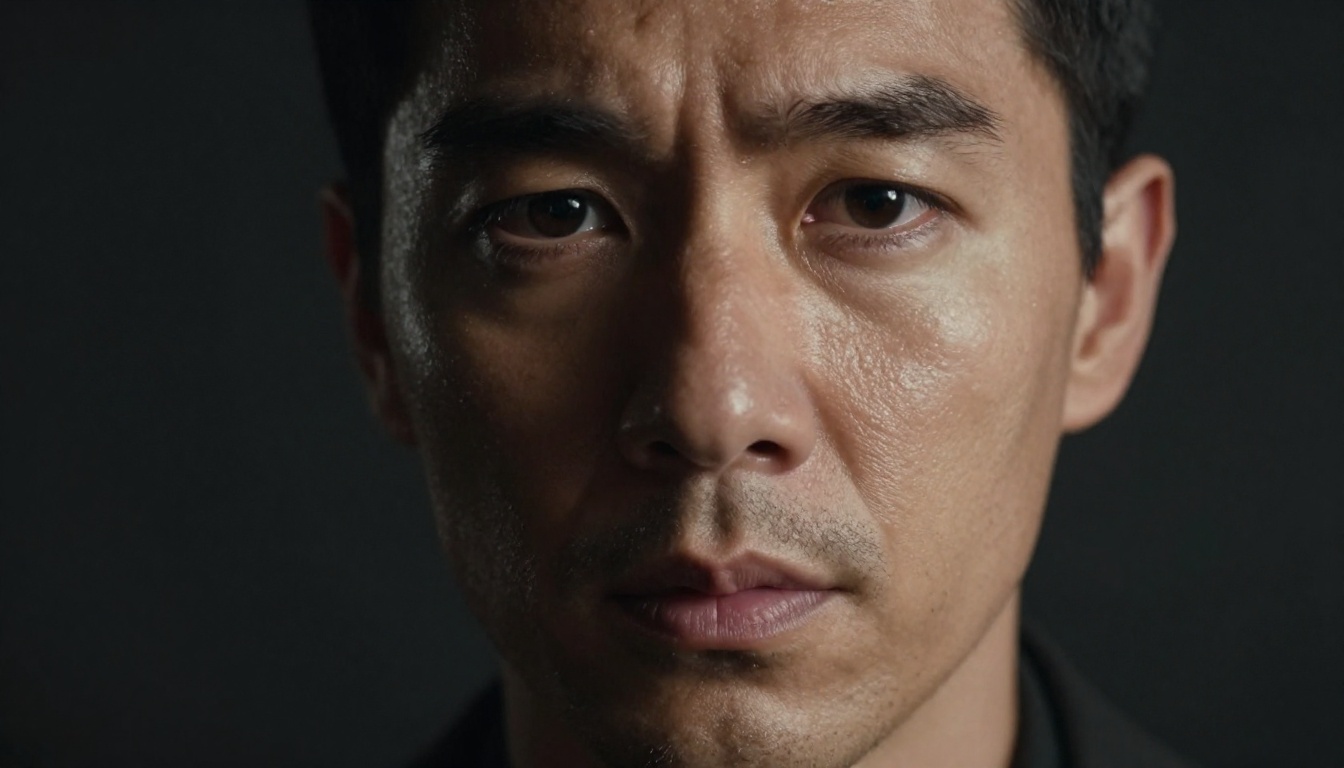
Sora 2 Pro handles faces well in static or near-static setups. A tight close-up on a character's expression during a tense monologue, eyes shifting, jaw tightening, a single tear, comes out with genuine emotional weight. The model generates microexpressions convincingly. The problem is consistency: generate the same character in two different clips and you will get two visually different people. For a trailer that requires a single recognizable protagonist across multiple shots, this is the central limitation.
How to Prompt It for Trailers
Getting production-quality output from Sora 2 Pro requires writing prompts the way a director of photography speaks on set, not the way a user types into a chatbot.
Shot Type Vocabulary
The model responds accurately to standard shot nomenclature from the film industry. Use this directly in prompts:
- ECU (extreme close-up): hands, eyes, objects
- CU (close-up): face from shoulders up
- MCU (medium close-up): chest up
- MS (medium shot): waist up
- FS (full shot): full body visible
- WS (wide shot): subject within environment
- EWS (extreme wide shot): establishing geography
Pair each shot type with lens characteristics: "ECU on clasped hands, 100mm macro, shallow depth of field, soft top light" produces categorically better output than "show close-up of hands."
Lighting and Atmosphere Descriptors
Sora 2 Pro has strong lighting model awareness. These descriptors produce consistent, repeatable results:
- Hard light: "single overhead practical light," "harsh midday sun from directly above"
- Soft light: "overcast diffused light," "large softbox from camera-left"
- Motivated light: "firelight from lower right," "monitor glow illuminating face from below"
- Atmospheric: "volumetric shaft of light through smoke," "thin ground fog catching dawn light"
💡 Contrast tip: The model renders high-contrast lighting more predictably than low-contrast setups. When in doubt, add more contrast to your lighting description.
Pacing and Rhythm Language
Trailers are about rhythm. You can communicate intended pacing to Sora 2 Pro through motion speed descriptors and camera movement velocity:
- "Very slow push in, almost imperceptible movement" for tension builds
- "Rapid handheld whip pan" for disorienting action moments
- "Smooth slow-motion descent, 120fps equivalent feel" for impact moments
The model does not actually control frame rate per clip, but it interprets these velocity descriptors and adjusts apparent motion speed in the output.
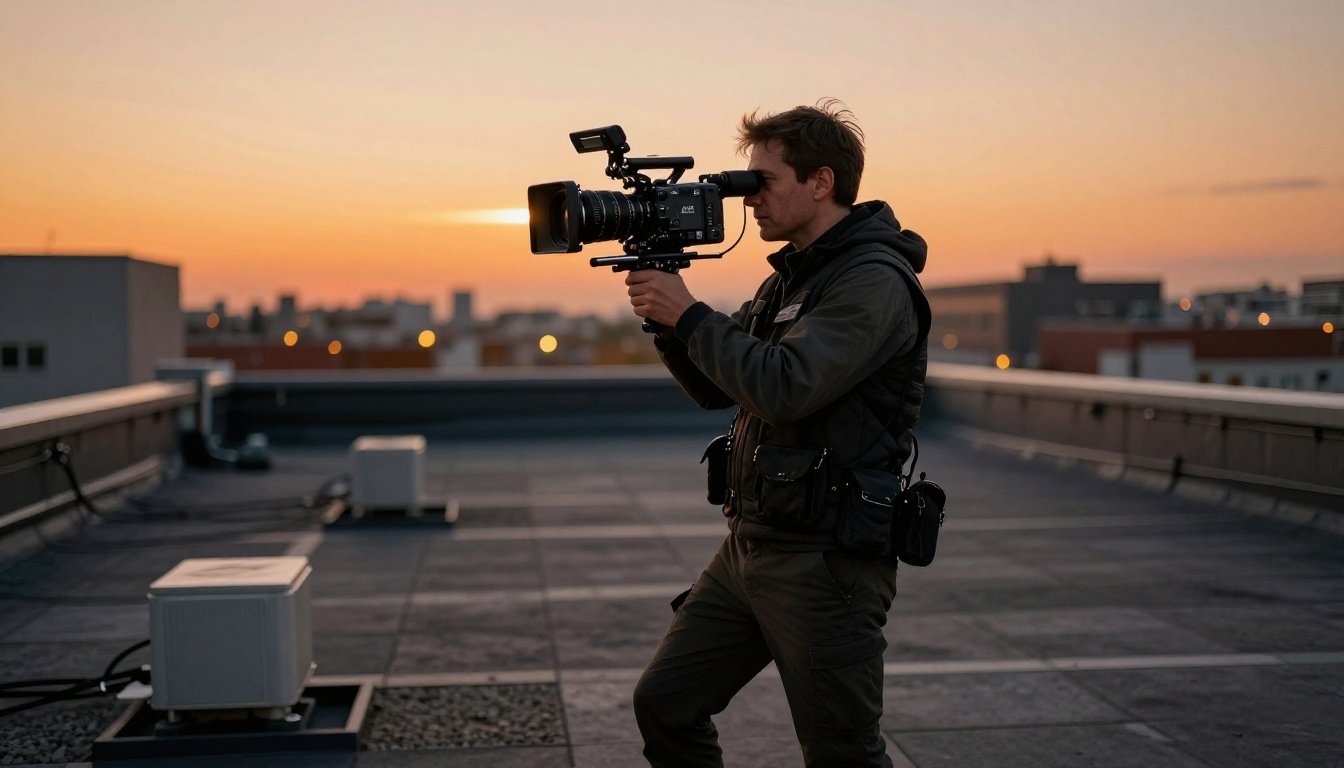
Head-to-Head: Sora 2 Pro vs. Rivals
If you are deciding which model to run at scale on PicassoIA, here is an honest breakdown of where each major competitor sits relative to Sora 2 Pro.
Veo 3 and Veo 3.1
Veo 3 and Veo 3.1 from Google are the closest technical competitors. Veo 3.1 in particular produces native audio synchronized to video, which Sora 2 Pro does not do natively. For trailer work where you want ambient sound baked into clips during the generation phase, rather than added in post, Veo 3 has a real workflow advantage. On raw image quality and motion fidelity, Sora 2 Pro has a slight edge in handling complex scenes. Veo 3.1 wins on audio integration.
Kling v3 and Kling v2.6
Kling v3 Video and Kling v2.6 from Kuaishou excel at character animation and emotional expression in close-up shots. If your trailer is character-driven, a drama or psychological thriller rather than a spectacle film, Kling v3 is worth benchmarking directly against Sora 2 Pro. Kling also offers motion control features that let you define trajectory paths explicitly, which gives you finer control over camera paths than Sora 2 Pro's prompt-based movement description.
Seedance 2.5
Seedance 2.5 from ByteDance handles up to 30-second clips, which is the single biggest advantage it holds over Sora 2 Pro for trailer production. A 30-second continuous clip means you can generate entire trailer sequences without an edit cut, preserving temporal coherence across a longer duration. If you are building a slow-burn atmospheric trailer where long uncut sequences are central to the emotional impact, Seedance 2.5 is the practical choice for those segments.
Ray 3.2
Ray 3.2 from Luma AI produces HDR-grade output with excellent color science. For trailers that will be displayed on high-dynamic-range screens, Ray 3.2's color depth is visibly superior. It also has the best lens flare and light bloom behavior of any current model, producing subtle, naturalistic flaring that reads as optical rather than digital.
Quick Comparison Table:
| Model | Strength | Weakness |
|---|
| Sora 2 Pro | Camera movement, scene complexity | No native audio, face consistency |
| Veo 3.1 | Native synchronized audio | Slightly lower scene complexity ceiling |
| Kling v3 | Character emotion, motion control | Less impressive on wide establishing shots |
| Seedance 2.5 | 30-second clip duration | Slower generation time |
| Ray 3.2 | HDR color, optical effects | Narrower control over camera movement |
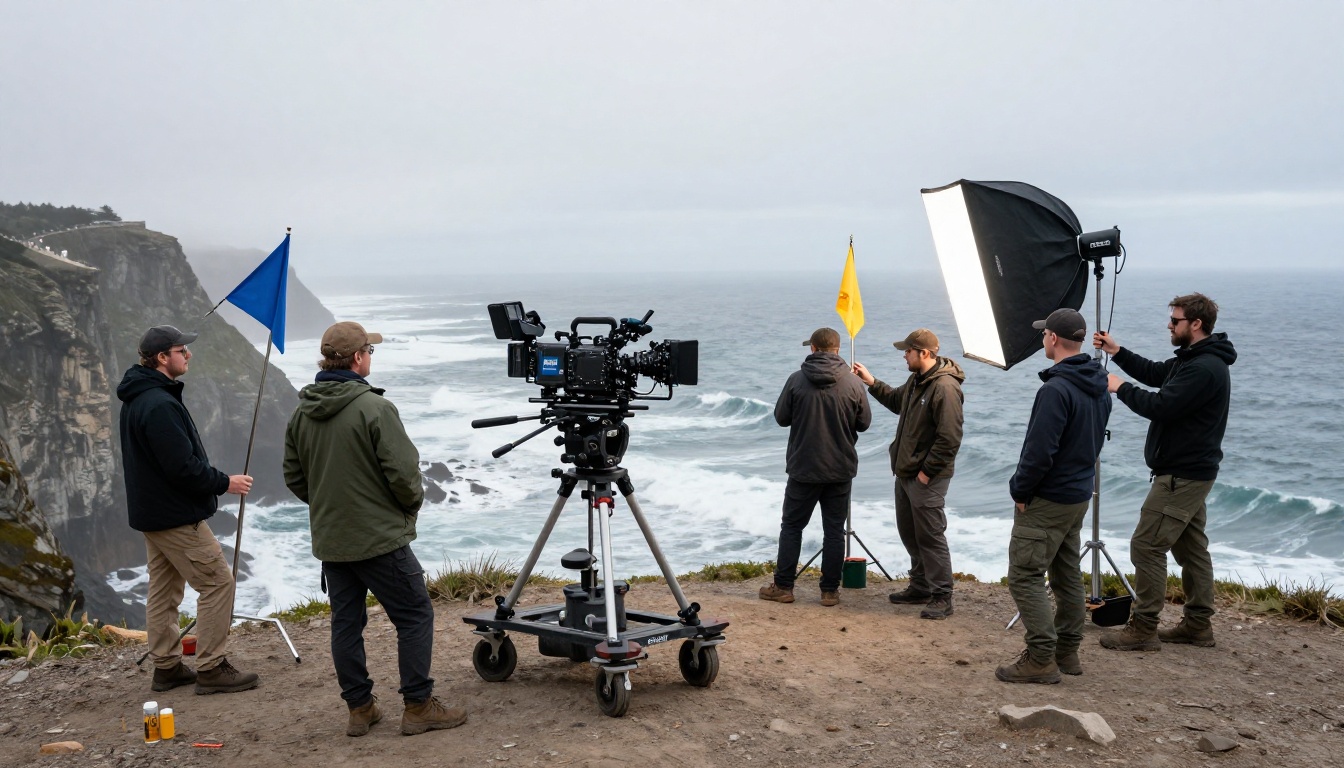
How to Use Sora 2 Pro on PicassoIA
PicassoIA gives you immediate access to Sora 2 Pro with no waitlist, no separate API account, and no usage cap tied to a subscription tier beyond the platform credit system.
Step-by-Step
- Go to Sora 2 Pro on PicassoIA
- Write your prompt in the text field using the shot vocabulary covered above
- Set your resolution to 1080p for trailer-grade output
- Set duration to your target clip length (5-20 seconds)
- Hit generate and wait for the result, typically 60-120 seconds depending on duration and resolution
- Download the MP4, check the motion fidelity, and either use it directly or re-prompt with refinements
Settings to Know
Resolution: Always 1080p for final trailer clips. Use 720p for quick iteration and prompt testing before committing credits to full-resolution runs.
Duration: Shorter clips, 5-8 seconds, produce the most consistent motion and spatial coherence. Longer clips drift. For a trailer, it is structurally better to generate 10 clean 8-second clips and edit them together than to generate one 80-second clip that degrades in the back half.
Prompt specificity: More detail produces better results up to a point. A prompt over 150 words tends to confuse rather than refine. Hit the 80-120 word range and let the model fill in the gaps with its own trained aesthetics.
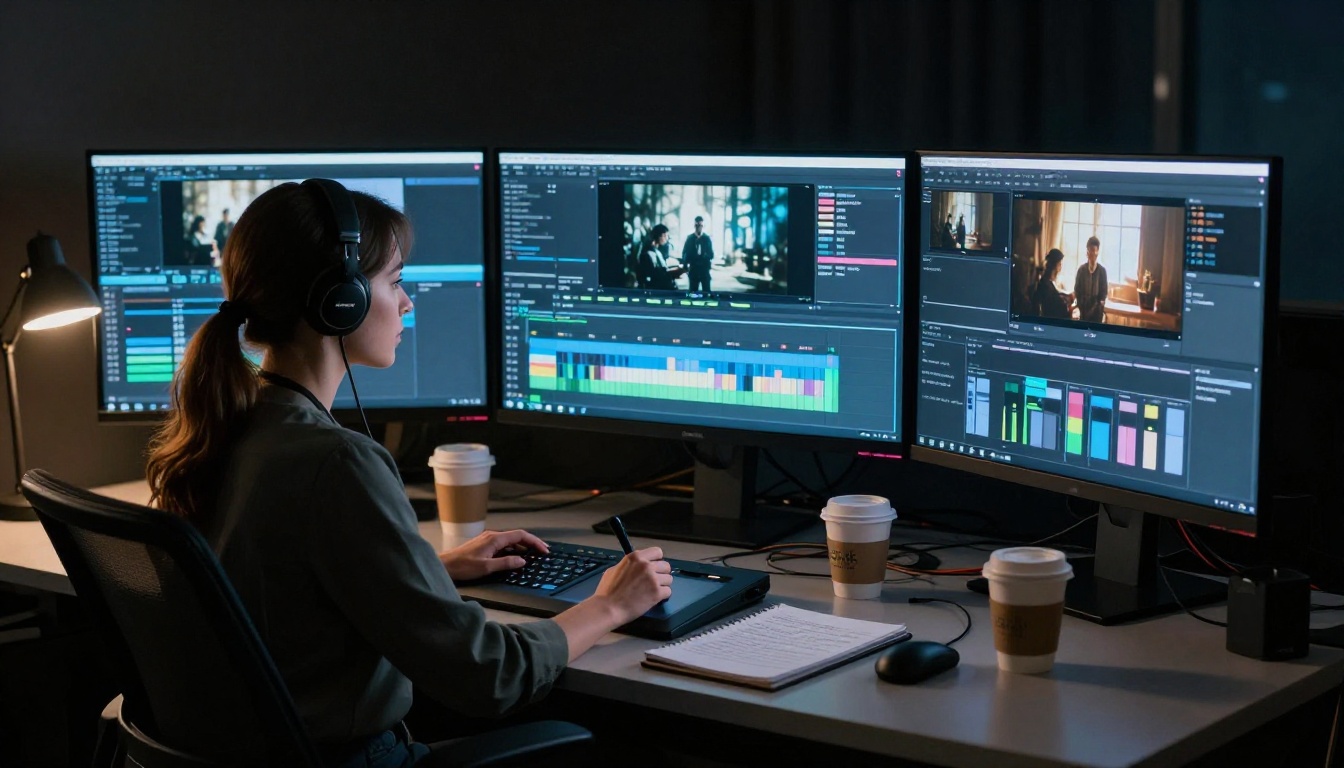
Where It Still Falls Short
No model is without limits and Sora 2 Pro is not close to replacing a production pipeline. These are the places it will cost you time if you are not prepared for them.
Long Sequences and Cut Timing
Sora 2 Pro generates individual clips, not edited sequences. The model has no concept of what comes before or after a given clip in your timeline. That means you are responsible for all editorial decisions: pacing, rhythm, the emotional logic of each cut. If you need a model that understands context across multiple clips in a sequence, none of the current generation of text-to-video models, including Sora 2 Pro, solves that problem yet.
Face Consistency Across Shots
This is the most practically significant limitation for trailer production. Every clip is generated independently with no memory of previous generations. A character's face, hair, bone structure, and skin tone will vary across clips unless you use reference image input to anchor the appearance. Models like Kling v3 handle this better when using image-to-video mode. If your trailer needs a single coherent protagonist across 20 shots, plan for this to require significant prompt engineering or image anchoring.
💡 Workaround: Use Kling v3 Video's image-to-video mode with a reference still of your character for all close-up shots. Use Sora 2 Pro for wide shots and establishing sequences where face identity is not visible. This hybrid approach gets you the best of both models.
Sound
Sora 2 Pro outputs silent video. Trailers need sound, music, sound effects, dialogue. For models that generate native audio, look at Veo 3 and Veo 3.1, which produce synchronized audio as part of the generation. Alternatively, PicassoIA's AI music generation tools let you create a full trailer score from a text prompt, which you then sync in your video editor.
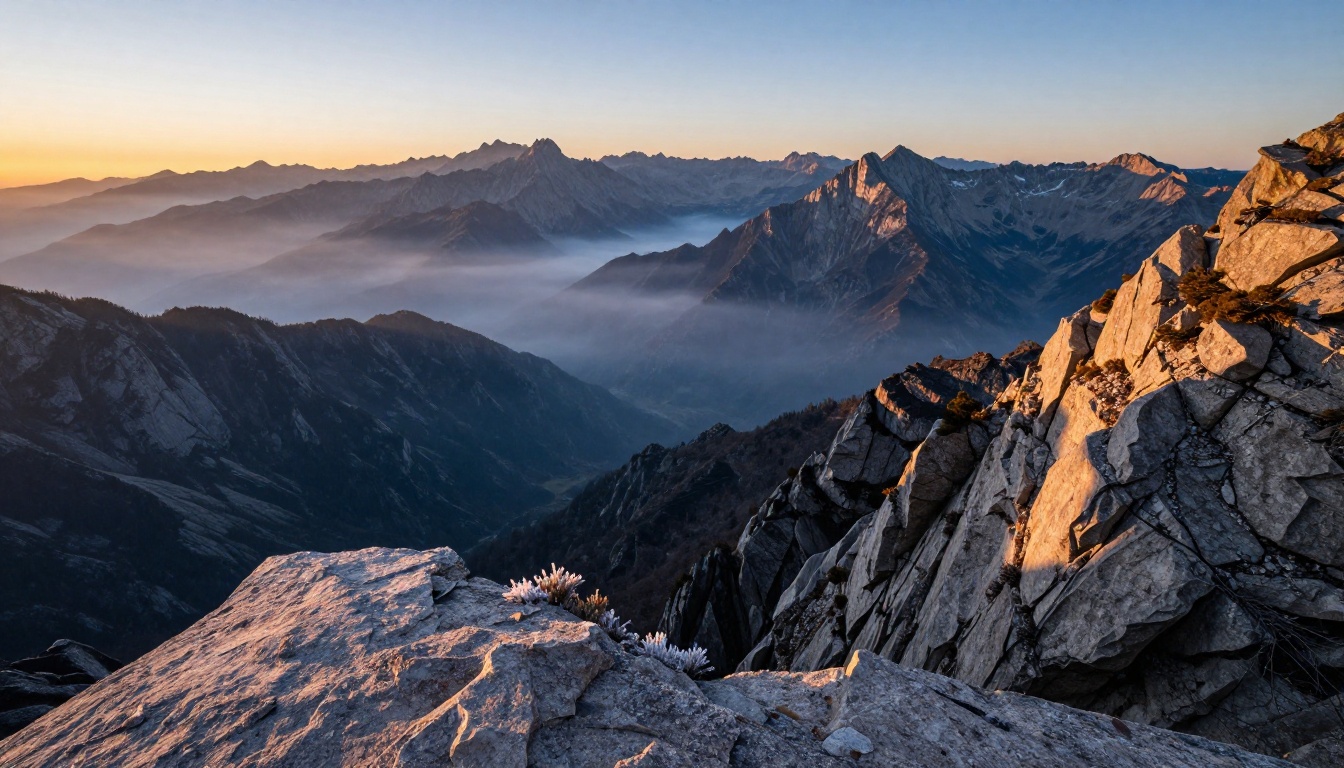
What a Practical Trailer Workflow Looks Like
If you are building a 90-second trailer from scratch using AI video tools, here is a workflow that produces reliable results:
- Write a shot list before touching any generation tool. A trailer is 30-50 shots. Categorize each as establishing (wide or aerial), action, close-up, or B-roll texture.
- Use Sora 2 Pro for all establishing shots and action sequences where face identity does not matter.
- Use Kling v3 for close-up character moments, with a reference image to maintain facial consistency.
- Use Seedance 2.5 for any sequence requiring a continuous long take, 15 to 30 seconds without a cut.
- Use Veo 3.1 for any clip where you want to bake environmental audio into the video during generation.
- Edit in any non-linear editing system. AI-generated clips are standard MP4 files and import natively into Premiere, DaVinci Resolve, or Final Cut Pro.
- Add music using PicassoIA's AI music generation tools, or commission a score separately.
This is not a one-model workflow. The trailer that looks like a Hollywood production is almost always assembled from multiple generation tools, each doing what it does best, edited together by someone who understands shot language and timing.
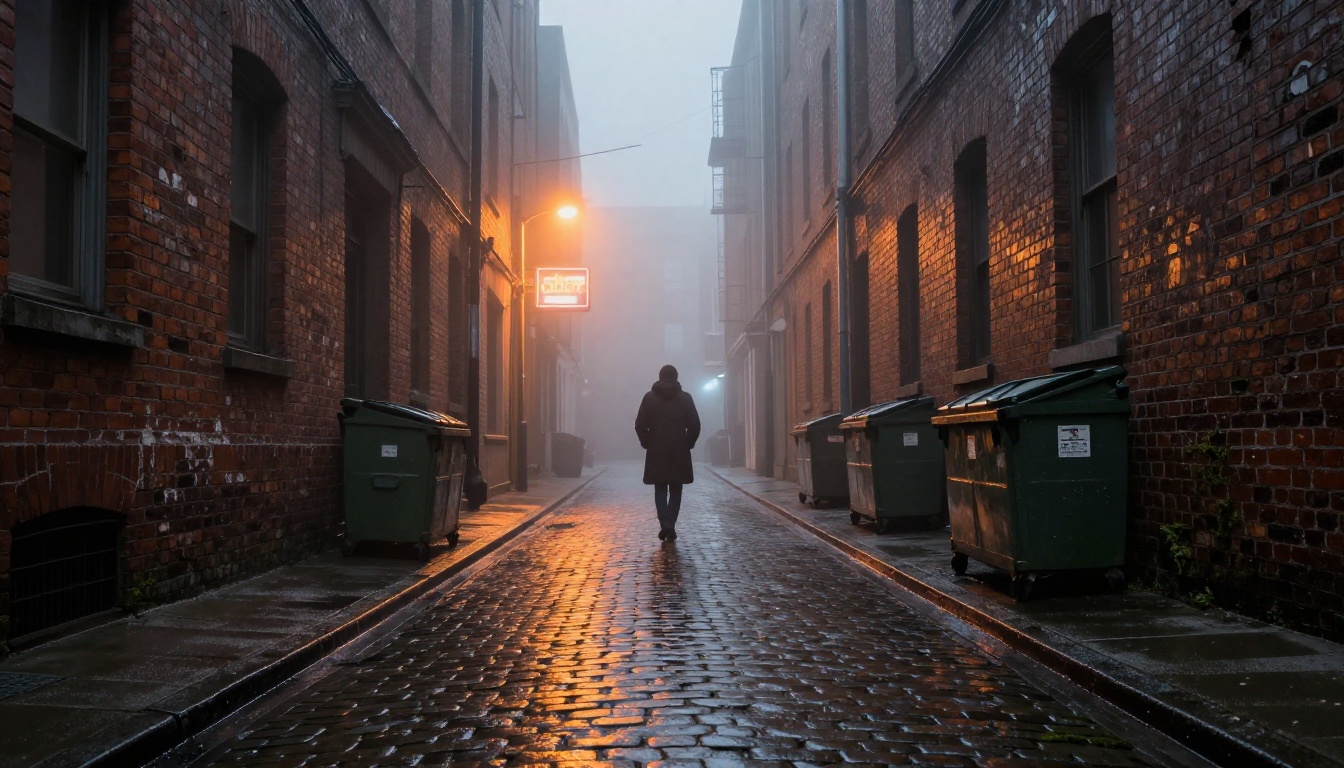
Start Creating Your Own Cinematic Work
The barrier to making a visually striking trailer has dropped to the cost of a few credits and the willingness to write specific, detailed prompts. Sora 2 Pro on PicassoIA gives you immediate access to the same model that professional studios are beginning to integrate into their pre-visualization and concept trailer pipelines.
Start with one shot type. Pick a genre, write a tight 100-word establishing shot prompt using the vocabulary above, generate it in 1080p, and study what comes back. Refine the prompt for two or three iterations. Within an hour you will have a clear sense of the model's aesthetic range and its limits.
From there, you can pull in Kling v3 Video for character shots, Seedance 2.5 for long takes, and Veo 3.1 for audio-embedded clips. PicassoIA puts all of these on one platform, so you are not juggling accounts, API credits, or billing systems across five different providers. You pick the shot, you pick the model, and you generate.
The tools are here. The only thing missing is the shot list.


