If you've spent time prompting Sora 2 Pro on its free tier, you already know the friction: type something even mildly provocative, hit generate, watch the spinner turn for thirty seconds, and receive a content policy error instead of a clip. The free plan gives you access to one of the most technically capable video generators available in 2027, but that capability comes wrapped in a content moderation system calibrated to OpenAI's risk tolerance, not yours.
This breakdown covers what the free tier actually gives you in terms of credits and resolution, exactly where OpenAI draws its moderation lines, why free users experience harder restrictions than subscribers, and which platforms currently offer real creative freedom for adult and suggestive AI content generation.
What Sora 2 Pro's Free Tier Actually Gives You
OpenAI has adjusted Sora's access tiers several times since the model's launch, but the structure as of 2025 gives free-adjacent users a monthly credit allocation sufficient for roughly 10 to 20 video generations, depending on output length and resolution selected. Pro subscribers paying $200 per month receive a meaningfully higher generation cap and priority queue access.
Monthly Credits and Generation Time
Free-tier credits deplete faster than most users expect. A 5-second clip at 480p costs fewer credits than a 10-second clip at 720p, so the practical generation count varies considerably based on how you use the tool. Hitting the credit ceiling mid-project is common, and there is no way to purchase additional credits without upgrading to a paid plan. The monthly reset is the only path back to generation capacity.
For creators running iterative workflows where many prompt variations are tested before a usable output emerges, the free credit allocation runs out fast. This is true even before any content restrictions come into play. Most creators report exhausting their monthly free allocation within the first week of serious use.
Resolution and Duration Limits on Free
Free users are restricted to 480p or 720p in most scenarios. Sora 2 Pro can technically produce up to 20 seconds of video, but free-tier users are capped at 5-second clips. 1080p output and longer durations require the paid Pro tier at $200 per month. The base Sora 2 model is also available on PicassoIA for creators who don't need the extended Pro parameters.

Sora 2 Pro on PicassoIA is accessible through the platform's text-to-video collection, which means you can run it alongside 116 other video models without managing a separate OpenAI subscription. For creators who want to compare outputs across models before committing to a single one, this is a significant practical advantage.
Where OpenAI Draws the Line
The technical limits on the free tier are one constraint. The content moderation system is the more significant barrier for most people asking how uncensored Sora 2 Pro's free tier actually is.
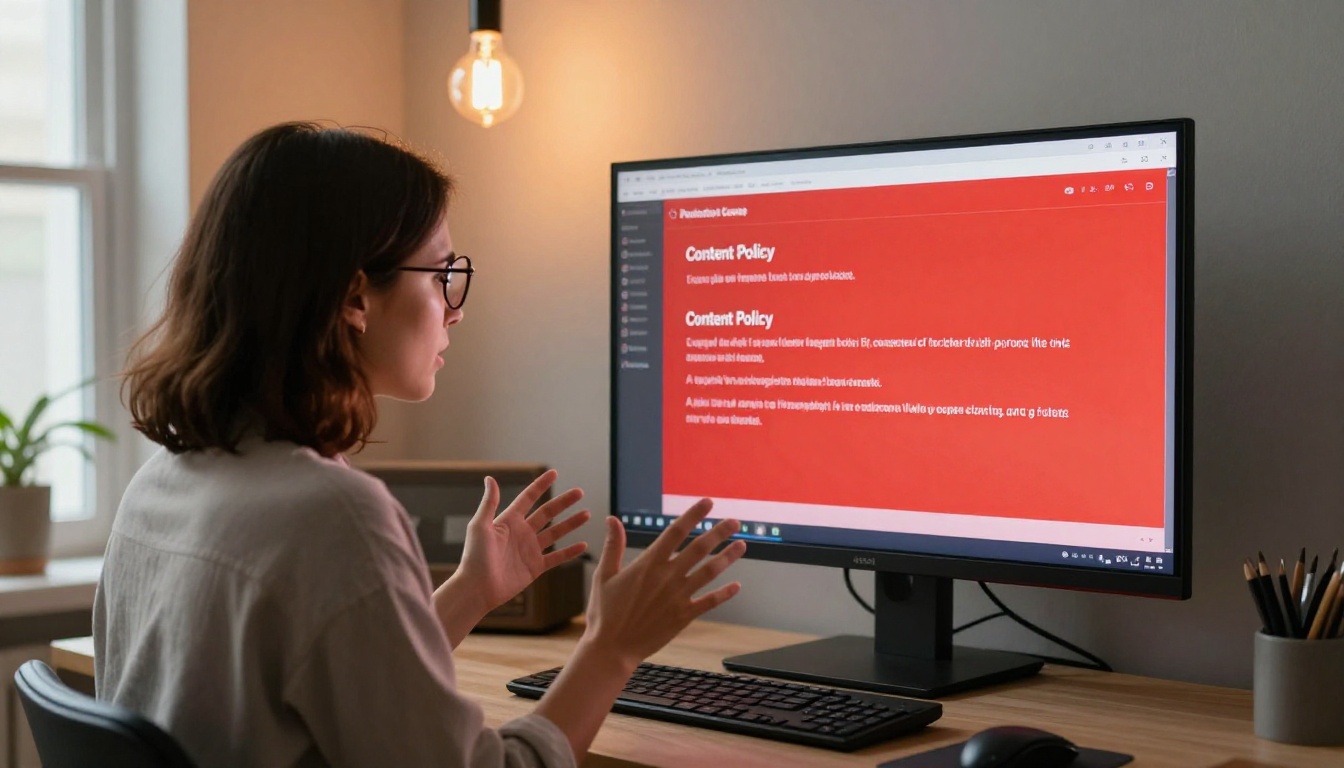
What the Usage Policy Actually Says
OpenAI's usage policy for Sora explicitly prohibits:
- Explicit sexual content of any kind, including nudity in sexual contexts
- Suggestive depictions that could be read as sexualizing individuals
- Graphic violence or gratuitous harm scenarios
- Non-consensual scenarios involving real or fictional people
- Realistic deepfakes of public figures in compromising situations
- Content targeting minors in any adult context
The policy language is deliberately broad. Phrases like "inappropriate sexual content" and "harmful depictions" give OpenAI's automated moderation system wide latitude to flag prompts that fall well short of explicit material. When there is ambiguity, the system is calibrated to block rather than allow.
What Gets Flagged Immediately
In practice, the moderation system flags these prompt types within seconds before any rendering begins:
- Any mention of nudity, nakedness, or exposed skin in a non-clinical, sexualized framing
- Descriptions of physical intimacy between characters, even implied or romantic
- Prompts describing swimwear, lingerie, or underwear in "sensual," "seductive," or "suggestive" contexts
- References to specific body parts in non-clinical language
- Adult entertainment industry scenarios or aesthetics
- Terms commonly associated with adult content even when used in non-explicit sentences
The prompt analysis runs before generation starts, which is why flagged requests return a rejection within seconds. Nothing renders. The credit is not charged. But the prompt is a dead end with no explanation of what triggered the block.
The Gray Zone
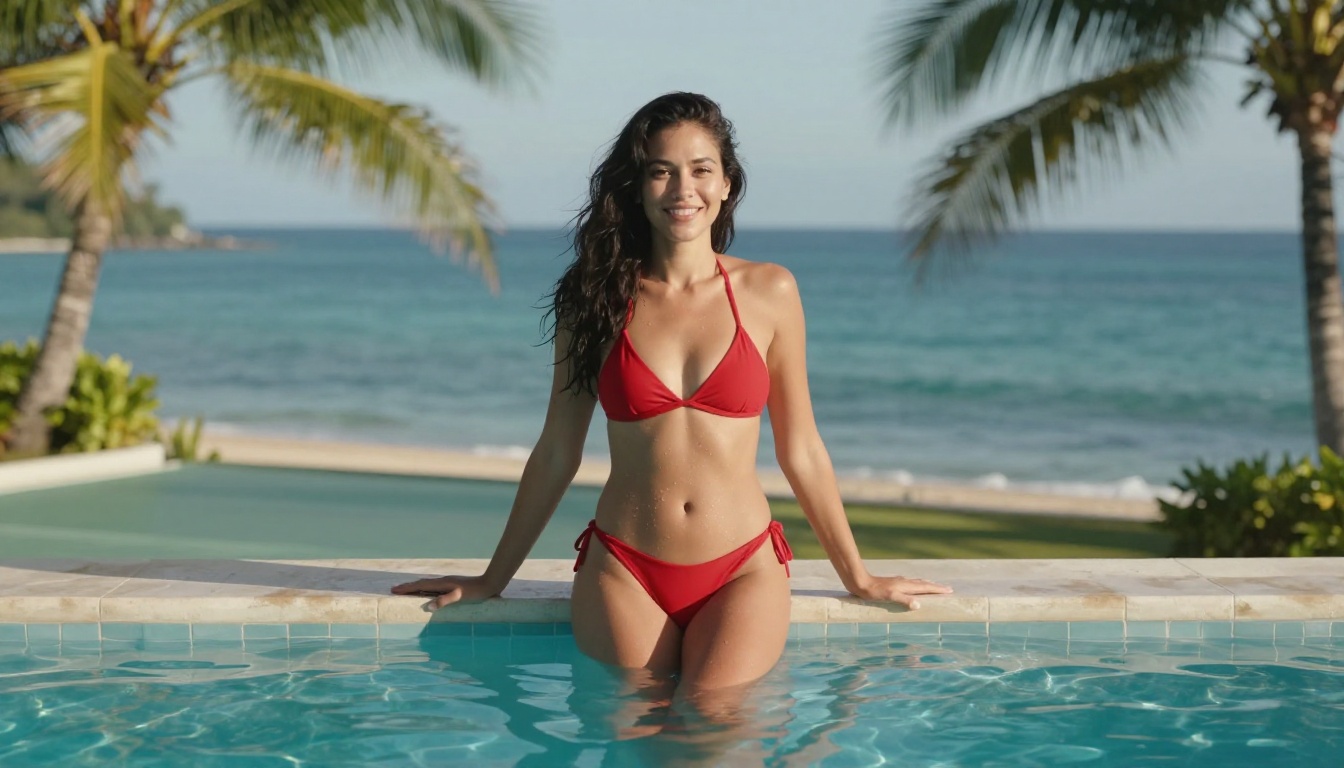
Some content lands in a genuinely unpredictable middle space. A woman in a bikini on a beach sometimes passes, sometimes triggers a flag, sometimes generates partially and then stops. The variability depends on the full prompt context, the framing of adjacent descriptors, and how the classifier interprets apparent intent.
Adding qualifiers like "fashion editorial," "cinematic," "artistic photography," or "sports media" can shift a borderline prompt from failed to successful. The inconsistency is a consequence of probabilistic content classifiers that optimize for recall over precision. When uncertain, the system errs toward blocking.
This is the core problem for iterative creative workflows: you cannot reliably build a process around content that may or may not generate depending on how the classifier interprets your phrasing on a given day.
Why Free Users Hit Harder Restrictions
Paid Sora Pro subscribers don't receive a different content policy, but they do experience different practical outcomes in certain scenarios.
Priority Queuing and Moderation Layers
Free-tier users sit in a lower-priority generation queue, which extends wait times. There is credible community evidence, though nothing officially confirmed by OpenAI, that free-tier prompts undergo more aggressive pre-screening than Pro subscriber prompts. The rationale typically offered is risk surface management: free accounts are less accountable than verified paying customers with associated payment methods and billing history.
Whether or not the moderation threshold actually differs by tier, the practical experience is that Pro subscribers report fewer false-positive blocks on borderline content.
No Recourse When Blocked
For free users, a content policy error on a prompt is a complete dead end. There is no review mechanism, no appeal queue, and no explanation beyond a generic violation message. The system does not tell you which word or phrase triggered the block. It does not suggest a rephrasing. It simply stops.
Paid subscribers can contact ChatGPT support, which does not override content policy decisions but at least provides a feedback channel. Free users have no equivalent option.
Seedream 4.5: The Real Starting Point for Uncensored Images
If adult or suggestive AI generation is the actual requirement, Seedream 4.5 on PicassoIA is where to begin. This ByteDance text-to-image model produces outputs at 2K and 4K resolution and includes a disable_safety_checker parameter that fundamentally changes what is generatable.
When this toggle is enabled, moderation relaxes to block only illegal content, specifically child sexual abuse material. Everything else, including artistic nudity, implied nudity, bikini and lingerie content, and suggestive glamour photography, becomes accessible. The output quality at 4K rivals commercial photography in terms of skin texture realism, lighting accuracy, and compositional control.
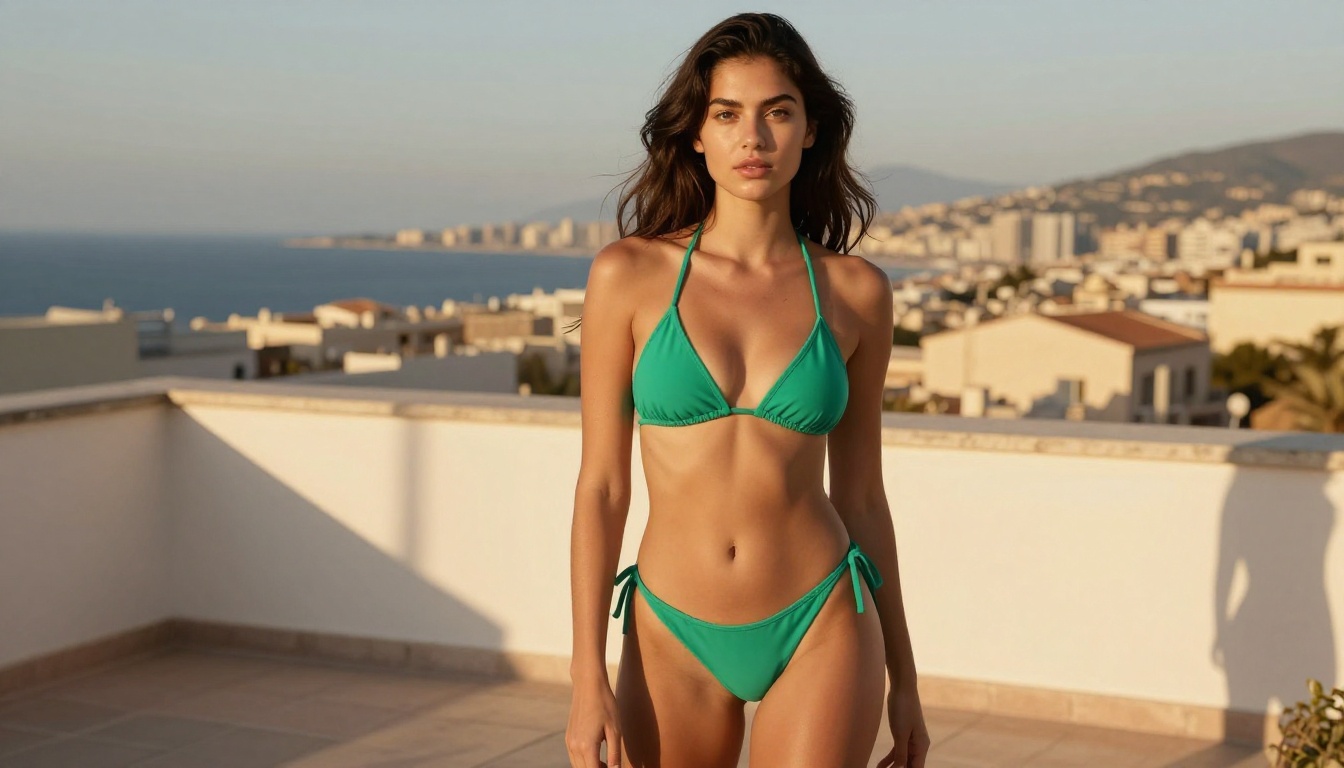
Sora 2 Pro generates video only, not static images. Creators who want high-quality suggestive imagery as source material for downstream video workflows need a dedicated image tool, and Seedream 4.5 is the strongest currently available for this use case.
Generating Without Filters
With the safety checker disabled, Seedream 4.5 delivers results that hold up at 4K against commercial photography. The model accepts between 1 and 14 reference images, so you can blend an existing visual style or maintain consistent character appearance across a batch. The sequential image generation feature lets you produce up to 15 variations from a single prompt in one run, which supports rapid iteration without repeated manual submission.
💡 Tip: For uncensored content on Seedream 4.5, descriptive specificity matters more than it does on standard models. Include lighting direction (e.g., "volumetric morning light from the left"), camera specifications (e.g., "Canon EOS R5 85mm f/1.4, shallow depth of field"), and surface textures (e.g., "silk with natural drape, visible fabric grain"). Vague prompts produce inconsistent results. Cinematic and photorealistic language is significantly more reliable.
How to Use Seedream 4.5 on PicassoIA
- Open Seedream 4.5 from PicassoIA's text-to-image collection.
- Write your prompt in the prompt field. Be specific: describe the subject, environment, lighting conditions, and camera angle.
- Select 4K for print-quality or portfolio work, or 2K for web and social content.
- Choose an aspect ratio. 16:9 suits cinematic and landscape compositions; 9:16 works for portrait and mobile-first formats.
- Toggle Disable Safety Checker to switch from standard moderation to the relaxed adult-content mode.
- Set Max Images to any value up to 15 to generate a batch of variations from one prompt.
- Optionally upload 1 to 14 reference images to blend an existing visual style or maintain character consistency.
- Hit generate. Most outputs return within 15 to 20 seconds.
PicassoIA Image Editor Pro for Unlimited Edits
Once you have a base image from Seedream 4.5, PicassoIA Image Editor Pro is the refinement layer. There is no per-edit quota and no daily cap. Upload your generated image, describe the specific change you want in plain language, and receive the edited result in one to three seconds.

The model accepts up to three reference images simultaneously and lets you address each one by number in the prompt. This enables multi-source compositing operations in a single pass:
- Outfit swaps: Describe the target clothing and the model applies it to the existing subject with realistic fabric rendering.
- Background replacement: Specify a new environment and the subject is placed into it without re-generating from scratch.
- Multi-source compositing: Upload three images and instruct the model to combine specific elements from each ("use the outfit from image 2 on the person from image 1 in the setting from image 3").
- Lighting adjustments: Describe target lighting conditions and the model reapplies them to the existing image.
- Style transfers: Specify a visual treatment and the model applies it while preserving the subject.
💡 Pro Tip: Lock a seed value in PicassoIA Image Editor Pro when you find a result worth keeping. The same seed combined with the same prompt and same inputs reproduces the identical output. This is essential for batch consistency when creating multiple related images from one base.
Video Models That Actually Deliver
For creators who specifically need video generation with fewer restrictions than Sora 2 Pro imposes, PicassoIA hosts over 117 text-to-video models across every major AI video provider.
Seedance 2.5 vs Sora 2 Pro
Seedance 2.5 is ByteDance's flagship video model and the most direct quality comparison to Sora 2 Pro. At the Pro tier it produces up to 30 seconds of video at 1080p with synchronized native audio. The practical content policy difference is meaningful: prompts that trigger a policy error on Sora 2 Pro frequently complete successfully on Seedance 2.5, particularly in the bikini, glamour, and suggestive content categories.
For creators who don't need a paid subscription, Seedance 2.5 Lite generates up to 10 seconds of video at no cost and with no credit ceiling. It is free and unlimited on PicassoIA, which removes the primary frustration of the Sora 2 Pro free tier entirely.
Do not use Seedream 5 Lite for adult content: that model applies strict content blocking that rejects suggestive prompts at a similar rate to Sora 2 Pro.
Kling v3, Veo 3, and Wan 2.7
PicassoIA's video library covers different creative priorities:
- Kling v3 Video: Cinematic-quality output with strong prompt adherence and smooth character motion at 1080p. Handles complex human subjects and realistic lighting transitions exceptionally well.
- Veo 3: Google's flagship video model with native audio generation built in. Strong on atmospheric scenarios, environmental storytelling, and dialogue-adjacent content.
- Wan 2.7 T2V: Open-architecture model producing 1080p output. Notably good at human subjects and action sequences, and tends toward more permissive content handling than American-developed platforms.
- LTX 2.3 Pro: 4K video generation from text or image prompts. Fills the gap when Sora's 1080p ceiling is insufficient for the intended output format.
- Ray 3.2: Luma's cinematic HDR model with exceptional color grading, atmospheric depth, and fine detail retention across motion.
- PicassoIA Video: PicassoIA's own free and unlimited video generator. No credit system, no priority queue, no subscription. Available immediately to any PicassoIA user.
All of these run through a single PicassoIA account without separate API setups or per-model subscriptions.

| Feature | Sora 2 Pro Free | Seedance 2.5 Lite | Seedream 4.5 | PicassoIA Video |
|---|
| Cost | Free, credit cap | Free, unlimited | Free | Free, unlimited |
| Max Resolution | 720p | 720p | 4K (images) | Varies by model |
| Max Duration | 5 seconds | 10 seconds | N/A, images only | Varies by model |
| Content Policy | Strict | Moderate | Relaxed with toggle | Model-dependent |
| Adult Content | Not allowed | Partial | Yes, with toggle | Model-dependent |
| Batch Generation | No | No | Up to 15 images | No |
| Watermark | None | None | None | None |
| Account Required | OpenAI | PicassoIA | PicassoIA | PicassoIA |
For video with moderate content flexibility and no credit ceiling, Seedance 2.5 Lite is the strongest free option. For image generation with full adult content support, Seedream 4.5 with the safety checker disabled is the practical choice. For variety across 117 video models in one place, PicassoIA removes the credit ceiling and the subscription juggling simultaneously.
Start Creating on PicassoIA
Sora 2 Pro's content policy reflects OpenAI's institutional risk tolerance, and the free tier sits at the most restricted end of that already-conservative spectrum. For anyone who needs suggestive, glamour, or adult AI content, Sora 2 Pro is not the right tool at any tier level. The model is technically capable, but its moderation system is designed for mainstream content and brand safety, not creative freedom.
PicassoIA brings together the models that actually work for this use case. Seedream 4.5 for 4K images with a toggle that relaxes the content ceiling. PicassoIA Image Editor Pro for unlimited iterative editing with no daily quota. Seedance 2.5 Lite for free video generation without credit anxiety. And over 117 video models, from Kling v3 to Veo 3 to Wan 2.7, accessible from a single account without managing separate subscriptions.
The full model library, spanning over 90 text-to-image models and 117 text-to-video models, is at picassoia.com/en/all-models. No credit ceiling to hit mid-project, no separate API account per model, no policy error explaining nothing.


