The line between amateur and professional filmmaking has blurred. Where once you needed a crew of twenty, expensive equipment, and months of post-production, now you need a clear vision and the right words. Sora 2 Pro from OpenAI represents more than just another AI video generator—it's a paradigm shift in how cinematic stories are told. This technology doesn't just create videos; it crafts sequences with the emotional depth, visual coherence, and technical polish that rival productions costing thousands.
What makes Sora 2 Pro different isn't just its ability to generate moving images. It's how those images feel. The subtle lens flare in a sunset car scene, the authentic tear welling in an actor's eye, the way fabric moves with physical accuracy—these aren't algorithmic approximations. They're cinematic moments born from understanding film language. For independent creators, students, and even established filmmakers looking to visualize concepts, this tool changes what's possible with limited resources.
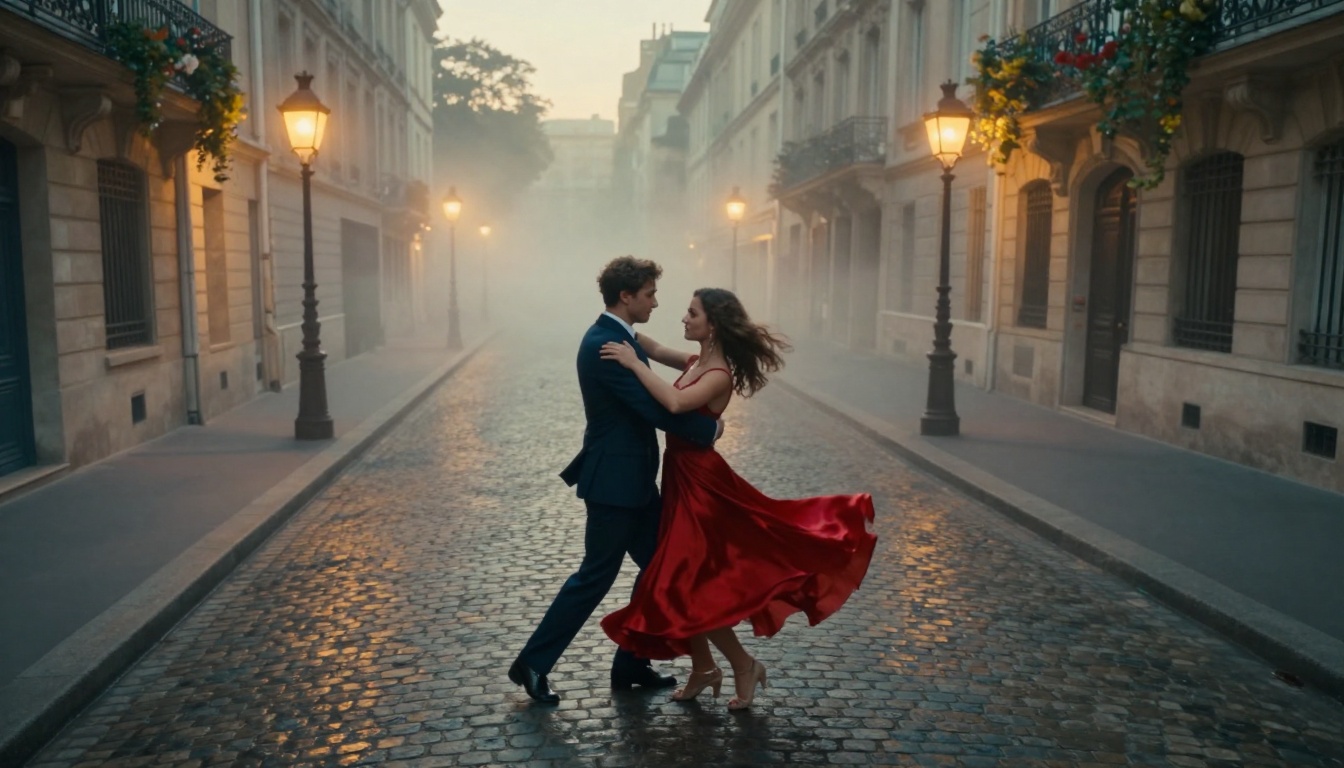
Cinematic aerial drone shot of a romantic couple dancing in Paris, showcasing Sora 2 Pro's emotional and visual depth
What Sora 2 Pro Actually Does
The technical specifications matter, but they only tell half the story. At its core, Sora 2 Pro is a diffusion-based video generation model that understands both the literal meaning of your prompts and the cinematic intent behind them. When you write "a couple dancing in Paris at golden hour," it doesn't just show two people moving—it understands that golden hour means warm, diffused light, long shadows, and a specific emotional tone.
Technical Capabilities That Matter
💡 Key Insight: Sora 2 Pro doesn't generate frames independently. It understands temporal coherence—how objects move consistently through time, how lighting changes naturally, and how camera movements follow physical laws.
Resolution and Duration:
- 1080p output at cinematic 24 frames per second
- Variable lengths from 3 seconds to 20 seconds per generation
- Seamless looping for longer sequences when combined
What It Understands:
- Complex camera movements (dolly, pan, track, crane, drone)
- Natural lighting conditions (golden hour, blue hour, night, interior practicals)
- Physical interactions (cloth movement, fluid dynamics, particle effects)
- Emotional expressions (subtle micro-expressions, authentic reactions)
- Environmental consistency (weather, time of day, seasonal changes)
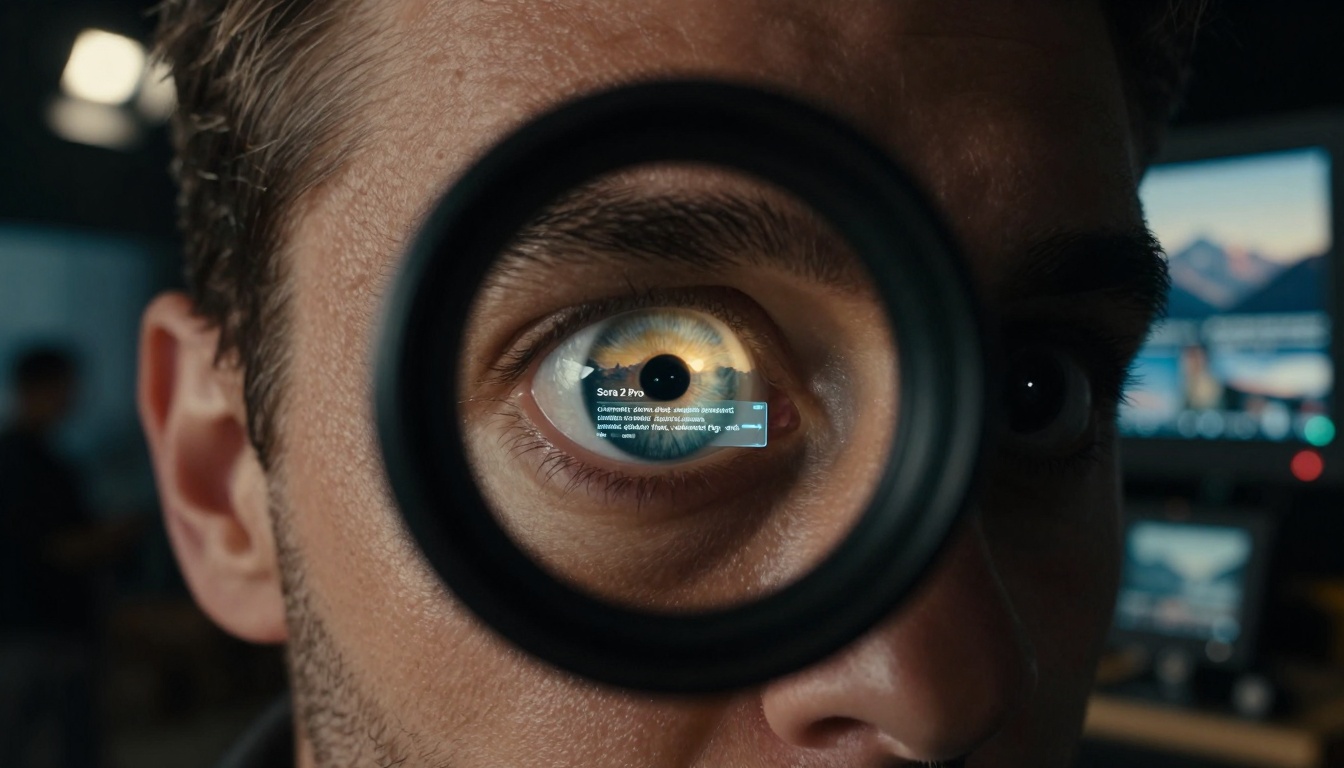
The moment of creative vision—a director's eye peering through the viewfinder with Sora 2 Pro interface reflected
Cinematic Quality Breakdown
The term "cinematic" gets thrown around too easily in AI circles. With Sora 2 Pro, it has specific meaning. Let's break down what makes the output feel like it belongs on a screen rather than a social media feed.
Lighting That Tells Stories
Natural lighting isn't just about brightness—it's about direction, quality, and emotional impact. Sora 2 Pro demonstrates remarkable understanding here:
| Lighting Type | Sora 2 Pro Interpretation | Cinematic Effect |
|---|
| Golden Hour | Warm, diffused, long shadows | Romantic, nostalgic, hopeful |
| Blue Hour | Cool, moody, low contrast | Melancholic, mysterious, contemplative |
| Practical Lighting | Directional, creates pools | Intimate, realistic, grounded |
| Studio Lighting | Controlled, dramatic shadows | Professional, high-production value |
| Natural Daylight | Even, high dynamic range | Documentary, authentic, immediate |
Why This Matters: Most AI video generators treat lighting as a visual property. Sora 2 Pro treats it as a narrative tool. The same scene with different lighting tells completely different stories.
Camera Work That Feels Professional
Camera movement in Sora 2 Pro isn't just panning left to right. It understands cinematic language:
- Steadicam smoothness for following shots
- Dolly zooms for dramatic emphasis
- Crane movements for establishing shots
- Drone perspectives for epic scale
- Handheld authenticity for documentary feel
- Locked-off shots for dramatic tension
💡 Pro Tip: Specify your camera movement in the prompt. "Smooth dolly movement around the subject" yields different results than "static locked-off shot." The model understands these cinematic terms.
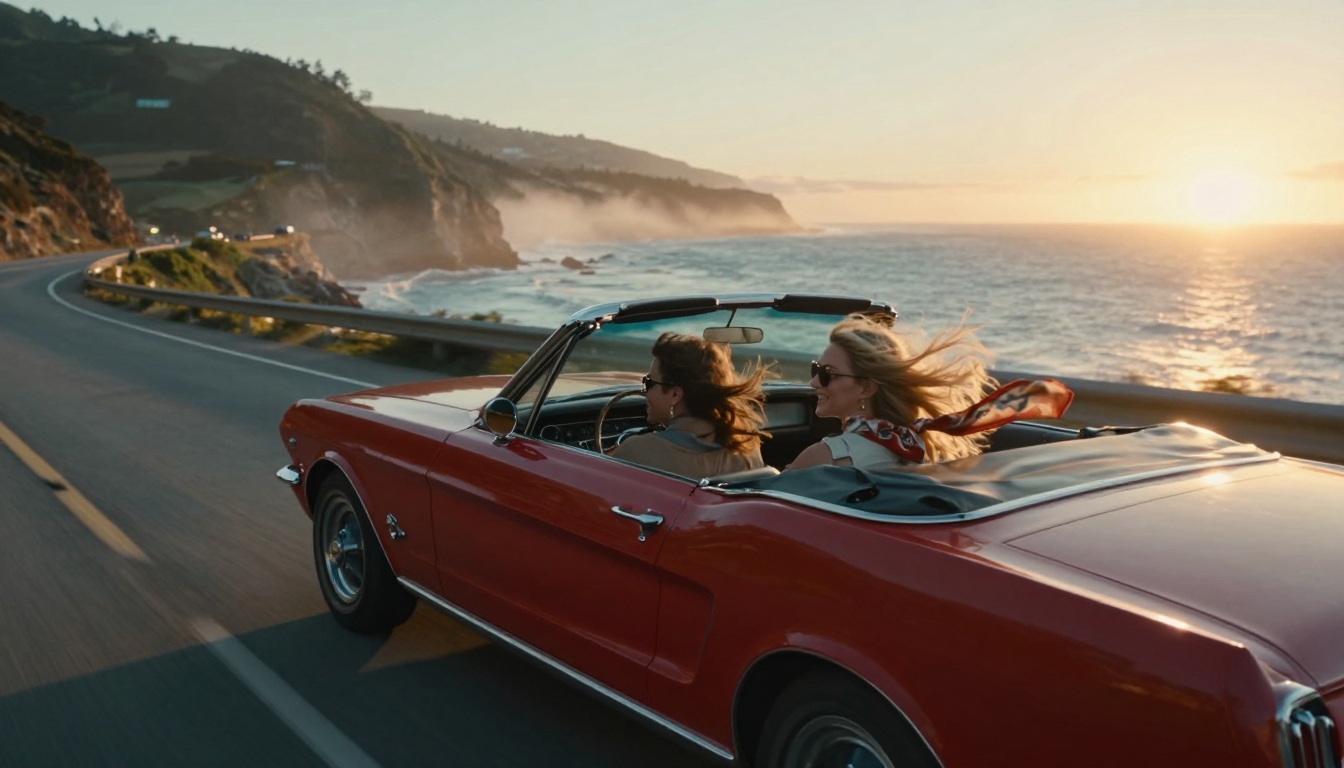
Vintage convertible driving along coastal highway—showcasing Sora 2 Pro's motion and lighting capabilities
This is where Sora 2 Pro separates from previous generations. The ability to capture authentic human emotion isn't about rendering faces accurately—it's about understanding what emotion looks like in cinematic context.
Micro-Expressions That Feel Real
Watch any Sora 2 Pro generated performance closely. Notice:
- Eyes that dilate with emotional intensity
- Lips that quiver before speaking
- Brows that furrow in concentration
- Cheeks that flush with embarrassment
- Hands that tremble with nervous energy
These aren't random animations. They're coordinated emotional responses that match the scene context. When you prompt "an actress about to cry but holding back tears," you get the moment before the tear falls—the tension, the vulnerability, the internal struggle.
Why Emotional Accuracy Changes Everything
For short films, emotional authenticity makes or breaks the experience. Sora 2 Pro understands:
- Timing of emotional reveals (when to show vs. when to hide)
- Physical manifestation of feelings (how anger shows in clenched jaws)
- Cultural context of expression (how different cultures show grief)
- Age-appropriate responses (how teenagers vs. adults express joy)
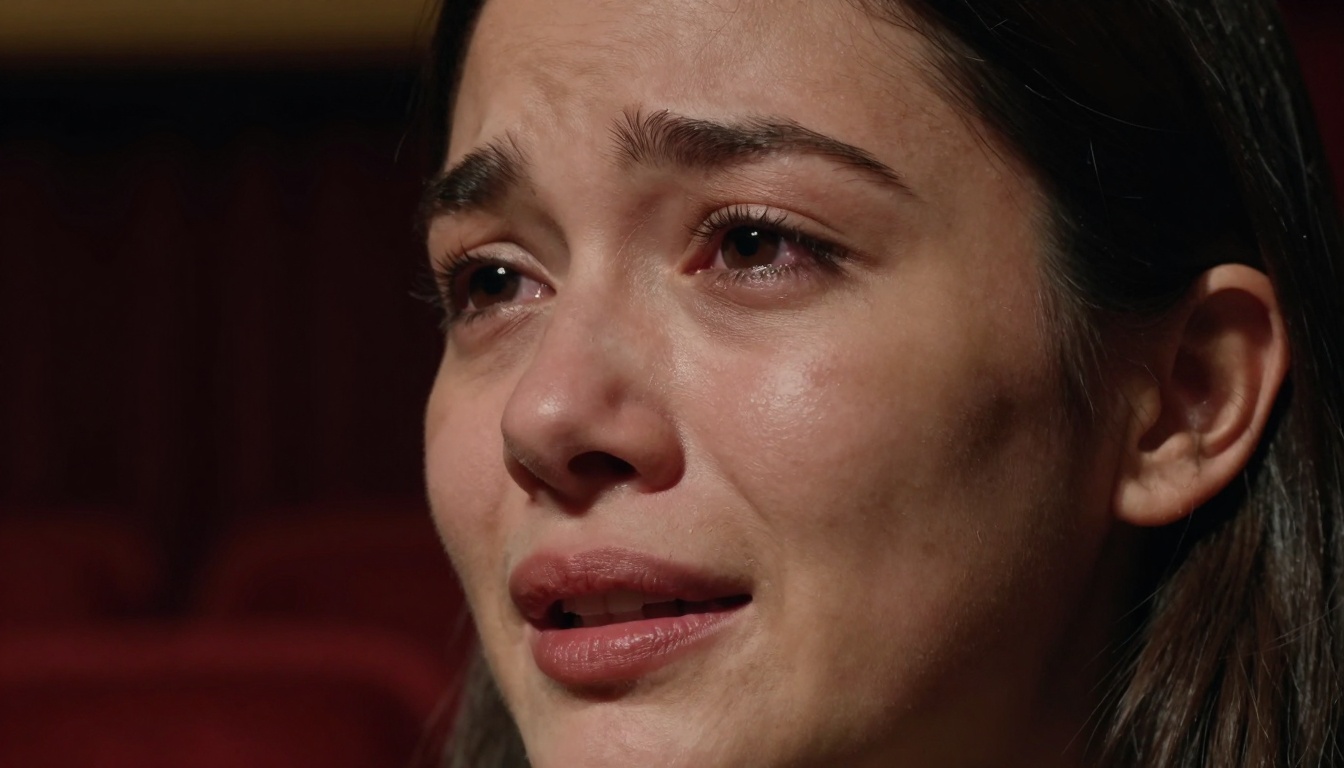
Extreme close-up capturing nuanced emotional performance with authentic micro-expressions
Practical Applications for Filmmakers
Beyond technical marvels, what can you actually do with Sora 2 Pro? The applications are more practical than you might think.
Pre-Visualization and Concept Testing
Instead of expensive location scouting and test shoots:
- Generate mood boards with consistent cinematic style
- Test lighting setups before arriving on location
- Visualize camera movements for complex sequences
- Create animatics for storyboard approval
- Test actor chemistry with generated performances
Cost Savings: A single day of location scouting can cost $2,000-5,000. Sora 2 Pro lets you test dozens of locations in minutes.
Supplementing Real Footage
Not everything needs to be generated from scratch:
- Add establishing shots to location-based filming
- Create impossible camera moves (drone through windows)
- Generate background plates for VFX composites
- Add atmospheric elements (rain, fog, dust)
- Create flashback/dream sequences with different visual styles
💡 Workflow Integration: Export Sora 2 Pro clips as ProRes files for seamless editing in DaVinci Resolve or Premiere Pro. The color grading and resolution match professional workflows.
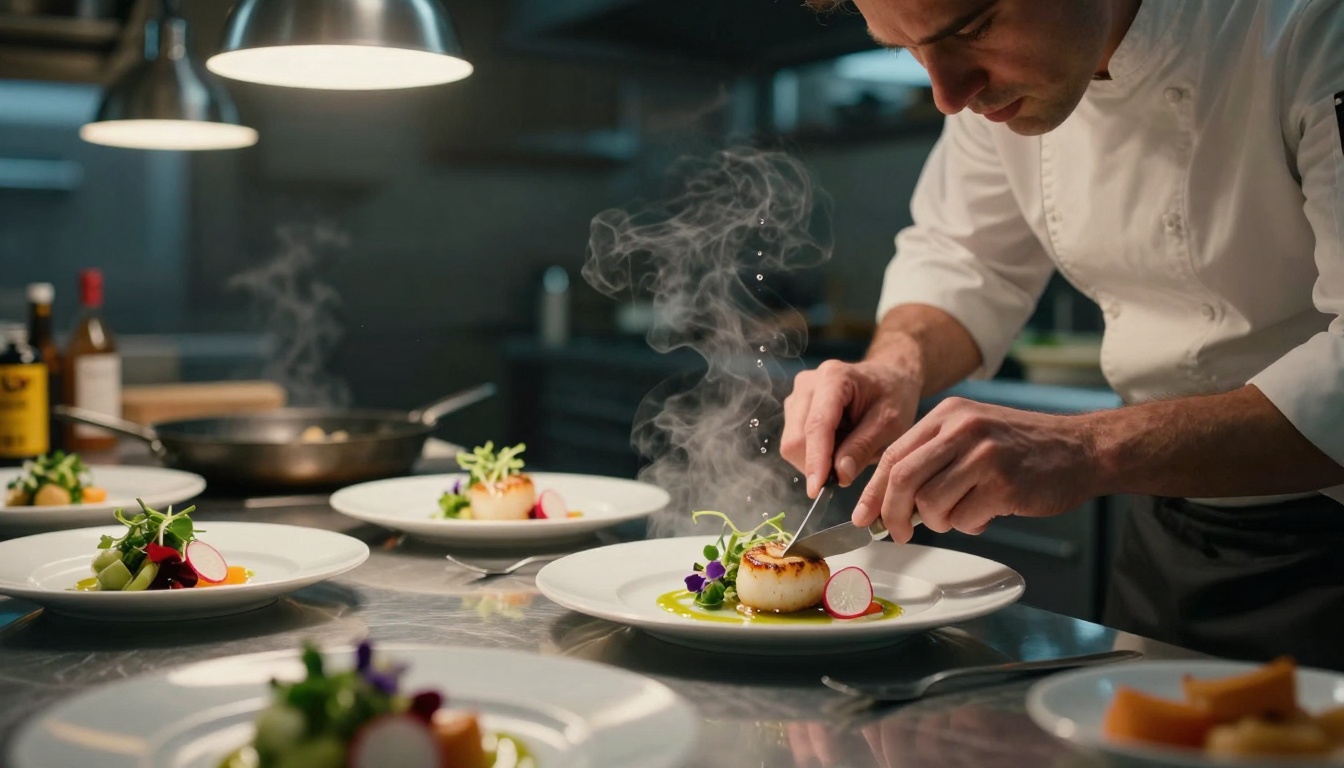
Cinematic food preparation scene demonstrating Sora 2 Pro's detail rendering and atmospheric effects
It's important to understand where Sora 2 Pro fits in the landscape. While other tools exist, each has different strengths.
Sora 2 Pro vs. Google Veo 3.1
| Feature | Sora 2 Pro | Veo 3.1 |
|---|
| Cinematic Understanding | Exceptional | Good |
| Emotional Performance | Industry-leading | Average |
| Lighting Control | Precise and nuanced | Basic |
| Camera Movement | Cinematic variety | Limited options |
| Consistency Across Frames | Excellent | Good |
| Prompt Understanding | Contextual and nuanced | Literal |
Key Difference: Sora 2 Pro thinks like a cinematographer. Veo 3.1 thinks like an animator.
Sora 2 Pro vs. Traditional Methods
| Aspect | Traditional Filming | Sora 2 Pro Generation |
|---|
| Cost per minute | $5,000-50,000 | $10-100 |
| Time to produce | Weeks to months | Minutes to hours |
| Creative control | Complete but slow | Rapid iteration |
| Physical limitations | Weather, locations, crew | None |
| Emotional authenticity | Requires skilled actors | Built into generation |
| Technical quality | Depends on equipment | Consistently high |
The Hybrid Approach: Most professional productions will use both. Generate what's difficult to film, film what's difficult to generate.
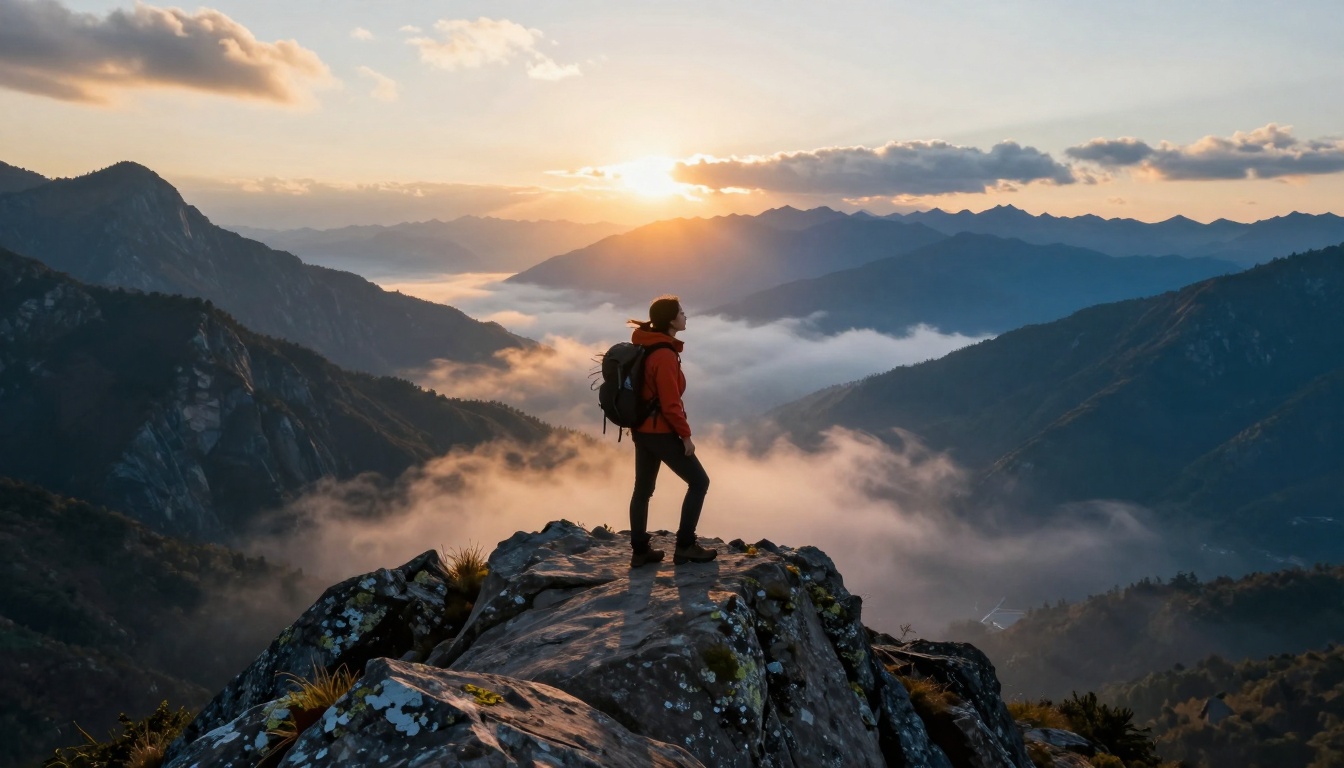
Epic mountain landscape demonstrating Sora 2 Pro's environmental rendering and scale
How to Get Cinematic Results
Generating with Sora 2 Pro isn't about typing random prompts. It's about speaking the language of cinema. Here's how to structure your prompts for maximum impact.
The Cinematic Prompt Formula
Basic Structure: [Subject] + [Action/Emotion] + [Environment] + [Lighting] + [Camera] + [Style]
Example Breakdown:
- Subject: "A young couple in their 20s"
- Action/Emotion: "dancing romantically with joyful expressions"
- Environment: "on a Parisian cobblestone street with historic buildings"
- Lighting: "golden hour sunlight creating long shadows"
- Camera: "smooth aerial drone shot circling around them"
- Style: "cinematic color grading with teal and orange palette, Kodak Vision3 film grain"
Advanced Techniques
Layer Your Prompts:
- Establishing shot (wide, shows environment)
- Medium shot (shows character and context)
- Close-up (emotional detail)
- Insert shot (detail of important object)
- Reaction shot (character response)
Control Motion Precisely:
- "Slow motion at 120fps showing fabric movement"
- "Time-lapse of clouds moving across sky"
- "Real-time natural movement of leaves in wind"
- "Hyperlapse through city streets at night"
Direct Camera Like a Pro:
- "Smooth dolly movement from behind subject to front"
- "Crash zoom into character's eyes"
- "Whip pan to reveal surprise element"
- "Dutch angle for dramatic tension"
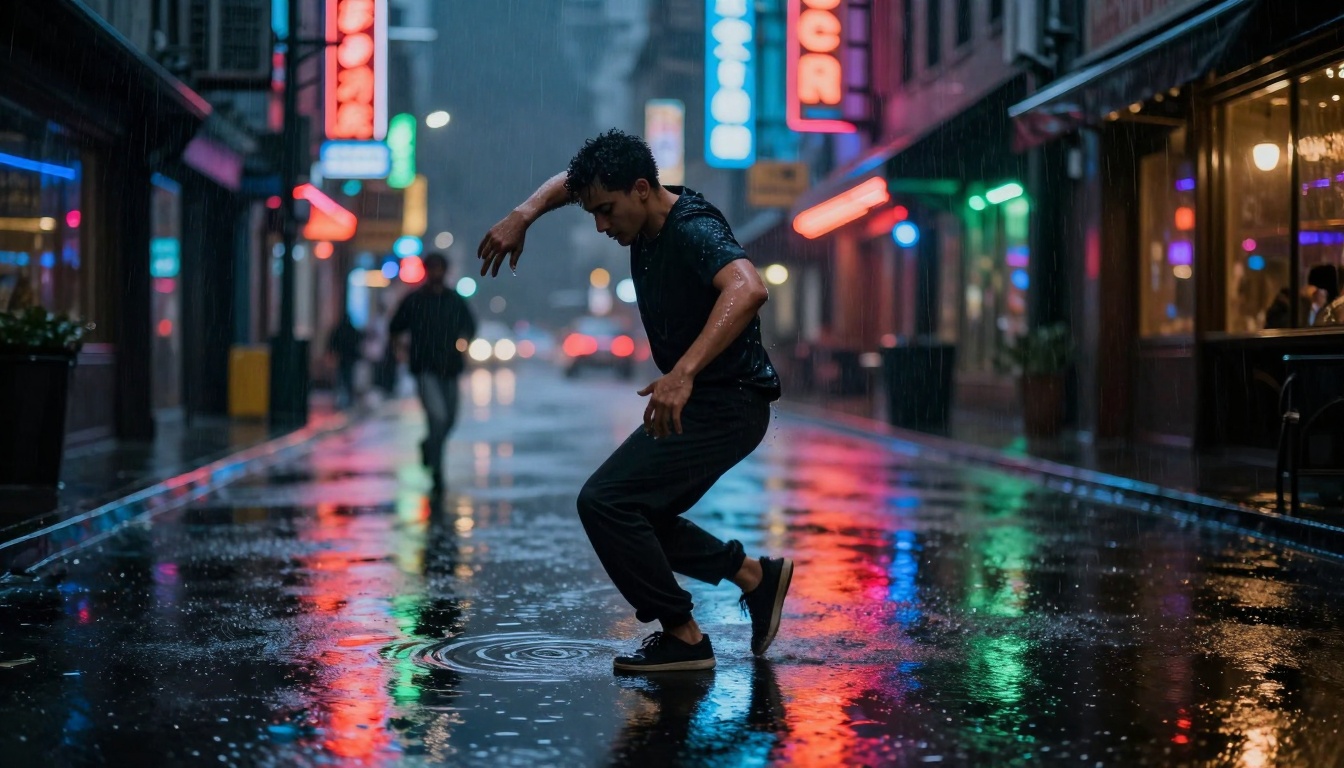
Urban dance sequence in rain demonstrating complex lighting and reflection handling
Technical Workflow Integration
Making Sora 2 Pro part of your actual filmmaking pipeline requires understanding the technical workflow.
File Formats and Specifications
Export Options:
- ProRes 422 HQ for professional editing
- H.264 for quick reviews and sharing
- DPX sequence for VFX pipelines
- OpenEXR for HDR workflows
Resolution and Frame Rates:
- 1080p at 24fps (cinematic standard)
- 4K upscaling available through separate models
- Variable frame rate support for slow motion
- Anamorphic desqueeze for widescreen formats
Editing Pipeline Integration
DaVinci Resolve Workflow:
- Import Sora 2 Pro clips into media pool
- Apply consistent LUT for color matching
- Use Resolve's neural engine for tracking/masking
- Export final timeline with cinema-grade encoding
Adobe Premiere Pro Workflow:
- Create proxy files for smooth editing
- Use Essential Graphics for title integration
- Apply Lumetri color for final grading
- Export with maximum quality settings
Sound Design Synchronization
Challenge: Generated videos don't include sound
Solution:
- Generate video with clear emotional beats
- Use AI audio tools like Google Lyria 2 for music
- Add foley and sound effects in post
- Use Minimax Speech 2.6 HD for voiceovers
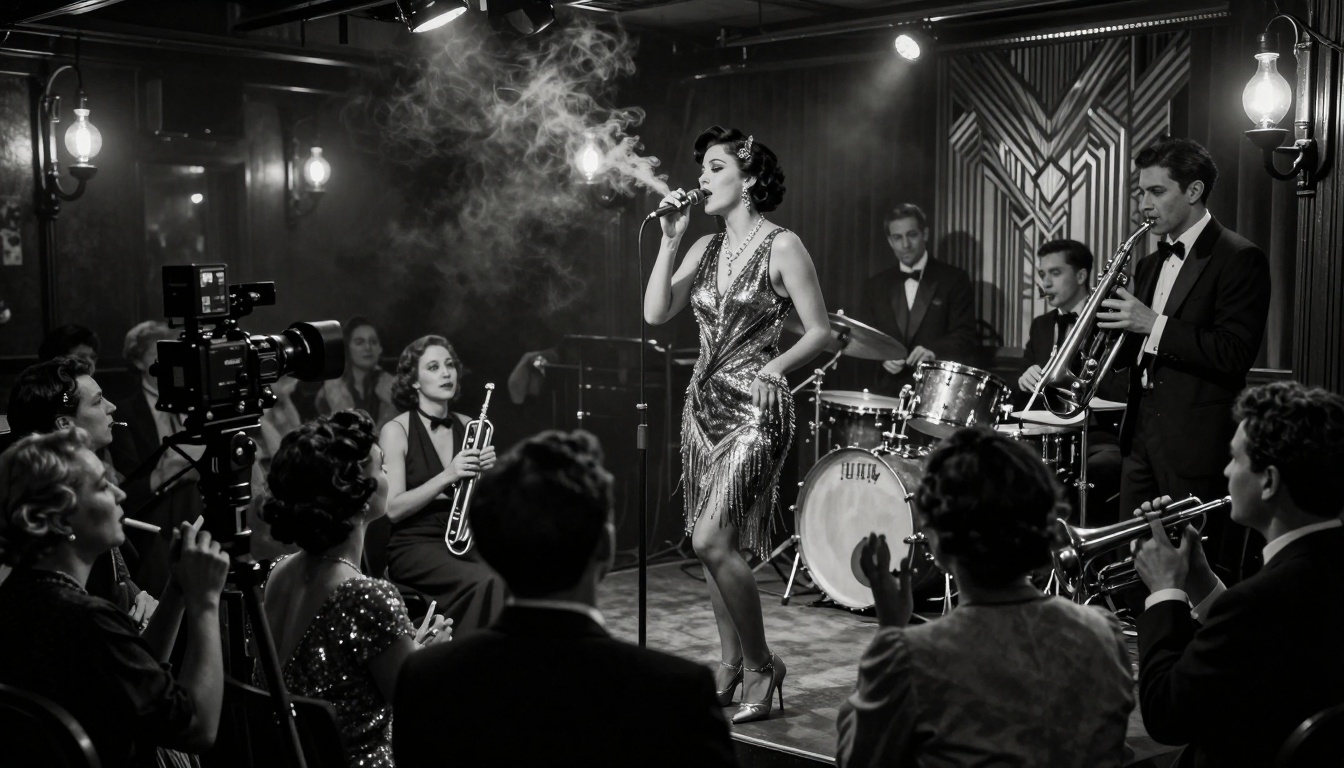
1920s jazz club recreation showing period accuracy and atmospheric rendering
Limitations and Workarounds
No tool is perfect. Understanding Sora 2 Pro's limitations helps you work around them effectively.
Current Constraints
Duration Limits:
- Maximum 20 seconds per generation
- Workaround: Generate multiple clips and edit together
- Pro tip: Generate with overlapping action for seamless cuts
Consistency Challenges:
- Character consistency across different angles
- Workaround: Use consistent descriptive language
- Pro tip: Generate all shots of a character in one session
Physical Accuracy:
- Complex physics sometimes break
- Workaround: Simplify physical interactions
- Pro tip: Test physics-heavy scenes with short clips first
Ethical Considerations
Representation and Bias:
- Ensure diverse character representation
- Avoid stereotypical portrayals
- Consider cultural context carefully
Intellectual Property:
- Don't replicate copyrighted characters
- Create original designs and concepts
- Understand fair use in your jurisdiction
Transparency:
- Disclose AI generation when appropriate
- Maintain artistic integrity in storytelling
- Use as tool enhancement, not replacement
Parkour action sequence showcasing motion dynamics and physical accuracy
The Future of AI-Assisted Filmmaking
Sora 2 Pro isn't the end point—it's the beginning. The trajectory points toward even more integrated workflows.
Upcoming Developments
Multimodal Integration:
- Script-to-video direct conversion
- Storyboard-to-animatic automatic generation
- Audio-reactive visuals synchronized to music
- Interactive editing with AI suggestions
Professional Features:
- CinemaDNG raw output for maximum grading flexibility
- Multi-camera angle generation from single prompt
- Character consistency across entire productions
- Style transfer from reference footage
Industry Impact Predictions
Short Form Content:
- Social media films with cinematic quality
- Advertising spots produced in hours not weeks
- Music videos with unlimited visual creativity
- Documentary B-roll for historical recreations
Feature Film Integration:
- Pre-visualization for complex sequences
- Background plates for VFX heavy scenes
- Dream sequences with surreal aesthetics
- Flashbacks with period-accurate details
Getting Started with Your First Cinematic Short
Ready to create? Here's a practical step-by-step approach for your first Sora 2 Pro short film.
Step 1: Define Your Story
Keep it simple for your first project:
- One location
- One or two characters
- Clear emotional arc
- Simple visual style
Example: "A chef preparing a special meal, remembering cooking with their grandmother, emotional close-up on their face as they taste the finished dish."
Step 2: Break Into Shots
Shot list structure:
- Establishing shot (restaurant exterior at night)
- Medium shot (chef working in kitchen)
- Close-up (hands preparing ingredients)
- Flashback shot (young chef with grandmother)
- Extreme close-up (chef's emotional expression)
- Final shot (beautifully plated dish)
Step 3: Generate with Precision
Prompt examples:
- Shot 1: "Exterior of elegant restaurant at night, rain on windows, warm light from inside, cinematic establishing shot"
- Shot 2: "Master chef in professional kitchen, focused expression, preparing ingredients with precision, medium tracking shot"
- Shot 3: "Extreme close-up on chef's hands chopping vegetables with expert knife skills, shallow depth of field"
Step 4: Edit and Polish
Post-production checklist:
- Color grade for consistency
- Add sound design and music
- Pace edits to emotional beats
- Add titles and credits
- Export final version
Where This Technology Is Heading
The most exciting aspect isn't what Sora 2 Pro can do today—it's where this technology is going tomorrow.
Personalization and Style
Future versions will likely include:
- Director style emulation (create in the style of your favorite filmmaker)
- Personal character libraries (consistent characters across projects)
- Custom visual vocabularies (develop your unique cinematic language)
- Interactive refinement (adjust generated content in real-time)
Collaborative Workflows
Imagine:
- Real-time collaborative generation with team members
- Version control for iterative refinement
- Asset management for reusable elements
- Cross-platform compatibility with existing tools
Ethical and Creative Evolution
The conversation will shift from:
- "Can AI make films?" to "How do we make better films with AI?"
- "Is this authentic?" to "How do we maintain artistic integrity?"
- "Will this replace filmmakers?" to "How does this empower filmmakers?"
Your Next Move
The barrier to cinematic storytelling has never been lower. What was once the domain of film schools and production companies is now accessible to anyone with a clear vision and the willingness to experiment.
Start small. Generate a single emotional close-up. Create a beautiful establishing shot. Craft a moment that makes you feel something. Then build from there.
The tools will continue to evolve, but the fundamentals won't change: compelling stories, authentic emotion, visual coherence. Sora 2 Pro gives you the means to execute those fundamentals with professional polish.
What story will you tell first?


