The first time most people generated an AI video without having to layer in audio afterward, something clicked. Sora 2 Pro's native audio is that moment: a technical milestone dressed as a workflow improvement, quietly removing the friction that kept AI video from feeling like a finished product. No more exporting a silent clip, dragging it into a DAW, hunting for royalty-free sound beds, and hoping the sync holds. The audio is simply there, generated in tandem with the visual content, timed to what happens on screen.
That shift is bigger than it sounds.
What "Native Audio" Actually Means
Silence Was Never Free
AI video generators have been producing silent clips for years. That silence came with a hidden tax. Every video needed a second pass: sound effects sourced or synthesized separately, music selected and trimmed, ambient backgrounds added to fill dead air, and all of it synced by hand. For short-form social content this might take an hour. For longer pieces or large batches, it compounded fast.
The assumption baked into most production workflows was that video and audio were separate problems requiring separate pipelines. Sora 2 Pro rejects that assumption at the architecture level.
How Sora 2 Pro Generates Sound
Native audio in this context means the model generates sound as part of the same inference pass that produces the video frames. The audio is not an afterthought stitched on from a library, and it is not produced by a secondary model that reads the finished video as input. It emerges from the same conditioning signals: the text prompt, any reference images, and the internal temporal representation of what is happening frame by frame.
The result is causal alignment. When a door closes in the video at frame 47, the thud appears in the audio at that exact moment. When water flows across rocks, the sound spectrum of the generated audio matches the volume and speed suggested by the visual motion. This is not approximation. It is synchronization baked into how the model processes time.
💡 What this means in practice: You type a prompt, you get a finished clip with matching sound. That clip can often go straight to publish without any audio post-processing step.
The Technical Architecture Behind the Audio
Multi-Modal Conditioning
The architecture treats video frames and audio spectrograms as two views of the same underlying event. During training, the model sees paired video-audio data and learns a joint latent space where visual motion and sonic texture co-evolve. At inference time, the model decodes both streams simultaneously from that shared representation.
This is a meaningful departure from models that generate video first, then apply a separate audio captioning or synthesis stage. The quality difference shows up most in transient events: footsteps, impacts, object interactions, and speech-adjacent content. A model that generates audio from a finished video clip can describe what happened, but a model that generates both together can produce the feel of the event as it unfolds.
Temporal Alignment: Sound to Frame
Temporal alignment is the hardest part of any audio-visual generation system. Human perception is extremely sensitive to A/V sync errors. Studies show that viewers detect audio delay at roughly 45 to 75 milliseconds and audio lead at around 125 milliseconds. Above those thresholds, content feels "off" even when viewers cannot articulate why.
Sora 2 Pro addresses this at the model level rather than with post-hoc alignment algorithms. The temporal representations of the two streams are tied at the architecture level, meaning the model cannot produce a sound that arrives significantly before or after its visual trigger without incurring training loss. The practical effect is near-broadcast quality A/V sync without any manual correction.
Ambient vs. Foley vs. Music
Not all audio is equal in how it benefits from native generation. Here is how the three primary types break down:
| Audio Type | Sora 2 Pro Performance | Manual Alternatives Still Useful? |
|---|
| Ambient / Room tone | Excellent | Rarely |
| Foley (object and footstep impacts) | Very Good | For precision work |
| Dialogue / Speech | Good (non-specific) | For scripted speech |
| Composed Music | Limited | For scoring |
The sweet spot is ambient soundscape and foley-style event audio. For content that needs a composed underscore or specific sung lyrics, a dedicated audio tool still makes sense. But for the majority of social, editorial, and advertising video content, native audio covers the ground.
How It Stacks Up Against Competing Models
Veo 3 vs. Sora 2 Pro Audio Quality
Google's Veo 3 was one of the first widely available models to ship with native audio, setting an early benchmark for the category. Veo 3 excels at naturalistic soundscapes and cinematic ambience. Its dialogue generation is arguably the strongest in the field for non-scripted conversational audio.
Sora 2 Pro differentiates itself on motion-impact audio and on the quality of its visual motion in the first place. The foley response to fast-moving subjects is more precise, and the overall visual fidelity means the audio has more detail to respond to. Think of it this way: better visuals give the audio generation more to work with.
Veo 3.1 narrows the gap further in Google's favor on certain content types, particularly outdoor natural scenes and crowd sequences. Both models sit at the top of the stack for production-quality native audio video generation.
Seedance 2.0 and the ByteDance Approach
ByteDance's Seedance 2.0 takes a different angle. Rather than attempting the full ambient-plus-foley-plus-music spectrum, Seedance 2.0 focuses on clean environmental audio and motion-matched sound effects with very low latency generation. The result is a model that is faster to generate and highly reliable on the audio sync front, but narrower in sonic palette.
Seedance 2.0 Mini strips this further for speed, making it a strong option when you are producing high volumes of short-form content and need audio-synced output at scale without waiting on slower model inference.
Wan 2.2 S2V's Sound Synchronization
Wan 2.2 S2V (Sound-to-Video) flips the paradigm entirely: you provide an audio input and the model generates video that matches it. This is the opposite of Sora 2 Pro's approach, but the two can be combined in a workflow. Generate audio-synced video with Sora 2 Pro first, then use Wan 2.2 S2V to extend or restyle specific sections with the audio as the driving signal.
For models with built-in audio on PicassoIA, the landscape also includes Flux 3, Pixverse v6, and Q3 Turbo, each of which ships with audio generation baked in at varying quality tiers.
Real-World Use Cases That Changed
Short-Form Content Creators
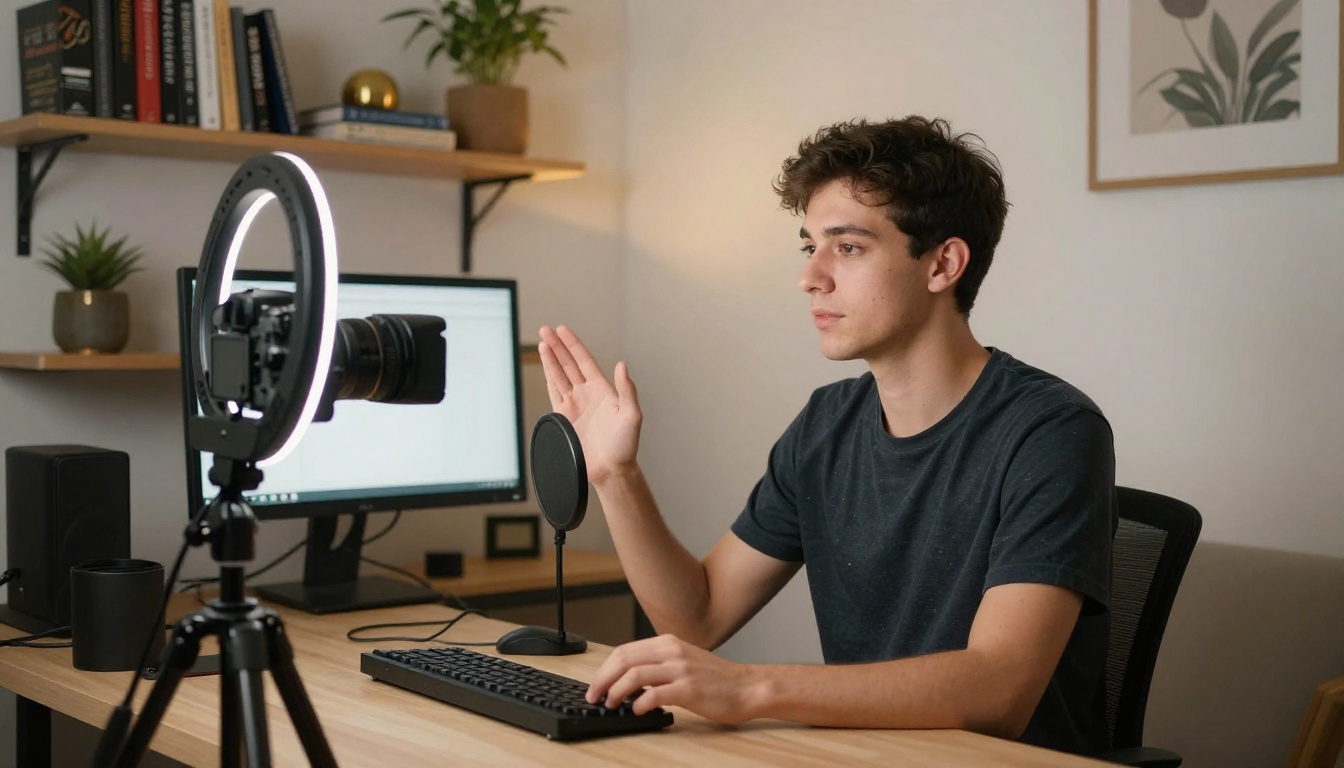
Before native audio, a short-form creator producing daily content faced a repetitive audio assembly task for every single video. Stock music licensing, sound effect searching, and sync trimming ate significant time. With Sora 2 Pro, a creator prompts for a lifestyle clip or product shot and gets back a fully audible, sync-ready video.
The speed advantage compounds. A creator producing 10 clips per day saves roughly 10 to 20 minutes per clip on audio work alone. Over a month, that is hours recovered for actual creative decisions rather than technical assembly.
💡 Tip: For short-form content, write audio cues into your video prompt explicitly. Phrases like "waves crashing in the background" or "busy cafe ambience" directly condition the audio generation alongside the visual output.
Film Previs and Storyboarding
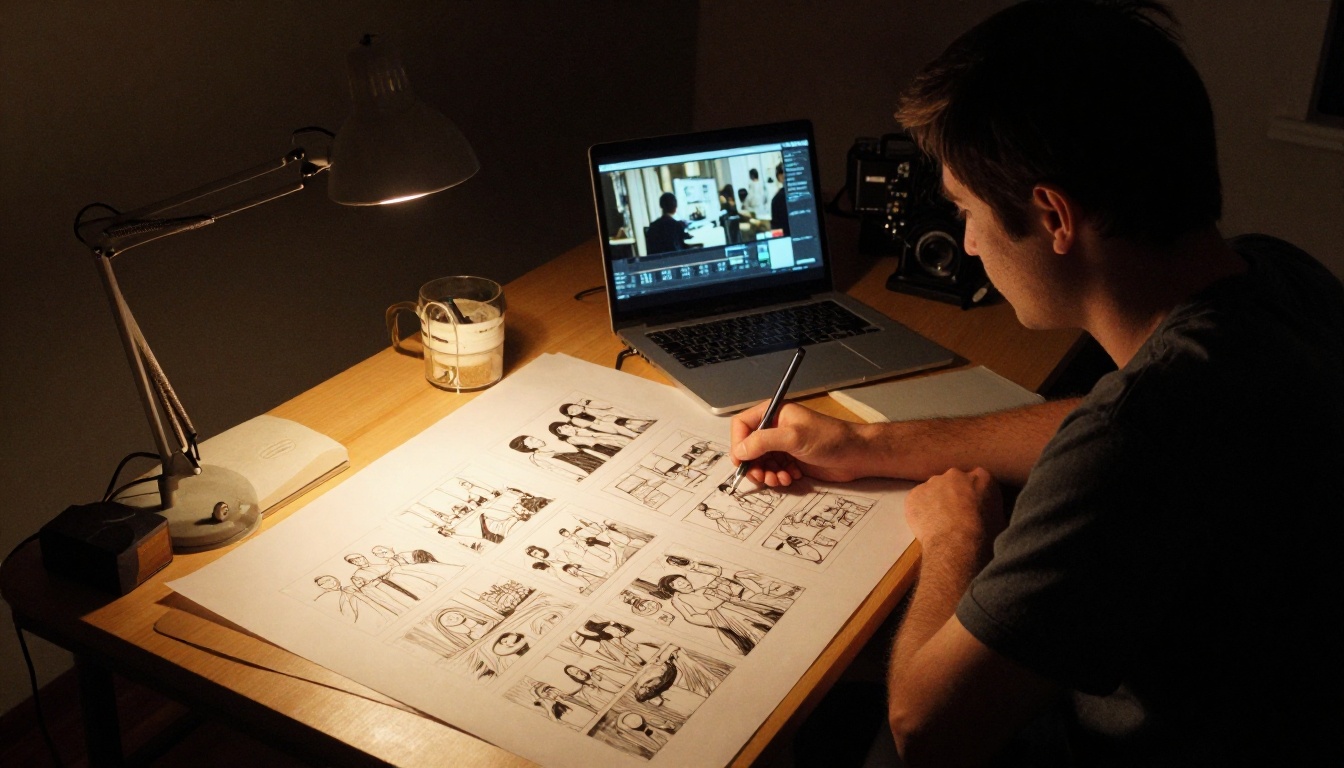
Previsualizations have always been silent affairs. You build the rough cut, drop in placeholder music, and hope the production team can read past the audio void to judge the pacing. Native audio generation changes what a previs communicates. A director can now present an AI-generated previs where footsteps echo in the correct space, doors close with appropriate weight, and ambient sound sets the emotional register of each scene.
This is not a post-production tool. It is a pitch and planning tool, and it shortens the gap between concept and approvals significantly.
Social Media Ads and Product Video
Advertising video on social platforms auto-plays. Viewers encounter content mid-scroll with their phones unmuted, and the first half-second of audio is a filtering mechanism: keep watching or keep scrolling. A video that opens with the right ambient sound, a product impact, or a voiced moment captures attention differently than a silent clip waiting to be tapped.
Grok Imagine Video 1.5 and Hailuo 02 also carry native audio support, giving advertisers more model choices depending on the visual style the campaign requires.

How to Use Sora 2 Pro on PicassoIA
PicassoIA makes Sora 2 Pro accessible without any API keys or credit card setup required at the model level. The workflow is straightforward.
Step-by-Step
- Open the model page: Navigate to Sora 2 Pro on PicassoIA.
- Write your prompt: Describe the scene with specificity. Include setting, subject action, lighting quality, and any audio cues you want to influence the sound generation.
- Set resolution: Choose your output resolution. For production-ready content, select the highest available option.
- Generate: Submit the prompt. Sora 2 Pro's inference time is longer than lighter models, but the output quality justifies the wait.
- Review audio sync: Play the generated clip with sound on before downloading. Check any high-motion moments for audio alignment.
- Download and publish: The clip is ready for direct use. No secondary audio step required.
Tips for Better Audio Results
- Name sounds in your prompt: "the crackle of a fireplace," "rain on glass," "city traffic distant" are effective conditioning signals.
- Describe acoustic space: "in a large cathedral with reverb" or "in a small dry recording booth" shapes the room response of the generated audio.
- Align visual motion with audio expectations: A prompt describing a violent storm but showing a calm lakeside will produce conflicting audio. Make them consistent.
- Shorter clips for sync precision: 5 to 10 second clips give the model the cleanest window for accurate sync. Longer clips introduce more variables.
💡 Also worth trying: Veo 3 and Seedance 2.0 for different visual styles, both with native audio. Side-by-side comparisons often reveal which model suits your content type better.
Other PicassoIA Models with Built-In Audio
Sora 2 Pro is the headline, but it is not the only model on PicassoIA producing audio-synced video. If budget, speed, or visual style pulls you in a different direction, these are worth knowing.
Best Models for Audio-Synced Video
| Model | Audio Type | Best For | Speed |
|---|
| Sora 2 Pro | Full native audio | High-production video | Slower |
| Veo 3 | Native audio + dialogue | Cinematic, outdoor | Moderate |
| Seedance 2.0 | Environmental audio | Short-form, social | Fast |
| Flux 3 | Synced audio | Artistic, stylized | Moderate |
| Pixverse v6 | AI audio | Cinematic commercial | Fast |
| Q3 Turbo | Built-in audio | 1080p, batch work | Fast |
| Grok Imagine Video 1.5 | Native audio | Image-to-video | Moderate |
For workflows where you want to drive video with an audio file rather than a text prompt, Audio to Video by Lightricks inverts the flow entirely: feed it a sound file and it generates synchronized animation. The LTX 2 Pro and Kling v3 Video round out the high-resolution options for creators who need 4K output with strong motion fidelity, though their audio implementations are narrower than Sora 2 Pro's.
What Comes After Native Audio

Native audio is not the endpoint. It is the floor that the next round of competition builds on. The open questions now are about control: can you specify the exact BPM of background music? Can you feed a reference audio clip and ask the model to match its energy? Can you generate audio for only one region of the frame while keeping another silent?
These are solvable problems. Several research groups are already working on spatially-aware audio generation, where the sound field corresponds to the three-dimensional scene geometry rather than just the visual content in aggregate. A model that knows a sound source is on the left side of frame and moving right can pan the audio appropriately without any user instruction.
The trajectory for AI video moves toward fully authored, fully synchronized, and fully controllable audio-visual content generated from text alone. Sora 2 Pro is a significant step along that path. The manual audio assembly workflow for AI video is not gone yet, but it is clearly on borrowed time.
The models that once required hours of post-production audio work now hand you a finished, broadcast-ready clip in minutes. That is what Sora 2 Pro's native audio actually changes: not just the quality of the sound, but the entire shape of the production day.
Start Creating Audio-Synced Video Right Now
The best way to understand what native audio does to your workflow is to try it on a prompt you would normally struggle to source sound for. A crowded marketplace in a foreign city. A thunderstorm over open plains. A product reveal with a satisfying mechanical click. Write the scene, generate it, and listen.
PicassoIA hosts over 87 video generation models including Sora 2 Pro, Veo 3, Seedance 2.0, Flux 3, and every other audio-capable model discussed here. You can run side-by-side tests on the same prompt across multiple models to find the one that fits your content type. No setup required, no silent clips.
The silence is over.


