Camera angle isn't just an artistic choice. In AI video generation, it's a technical parameter that shapes every frame, determines what the model prioritizes, and controls how a subject is framed, lit, and perceived. Sora 2 Pro has made camera angles one of its most discussed features since launch, and for adult content creators specifically, understanding this system is what separates mediocre outputs from genuinely cinematic results.
This article breaks down every camera angle type available in Sora 2 Pro, shows you how to prompt each one precisely, compares performance against competing models on PicassoIA, and points you to where you can generate NSFW content without restrictions.
What Sora 2 Pro Gets Right
Sora 2 Pro understands spatial language better than any previous OpenAI video model. You can describe a camera position in plain English and it responds with accurate, stable framing. That matters enormously for NSFW and adult content work, where the angle, proximity, and composition are the difference between a compelling scene and an awkward one.
The Built-In Camera System
Sora 2 Pro's camera awareness operates through natural language parsing. You don't need to input camera coordinates or cinematography jargon, although that jargon produces better results. The model reads angle descriptions from phrases like "shot from below," "aerial perspective," "extreme close-up," or "over-the-shoulder view" and translates them into consistent visual framing throughout the clip.
What distinguishes Sora 2 Pro from its predecessor Sora 2 is angle stability across frames. Earlier iterations would sometimes drift from the instructed camera position mid-clip, gradually normalizing back to a neutral eye-level perspective. Sora 2 Pro holds the established angle significantly more reliably, which is critical for adult content where consistency of framing defines the output's entire character.
The model also handles lens simulation well. Specifying focal length in a prompt, say 24mm wide angle versus 135mm telephoto portrait lens, produces distinctly different depth-of-field rendering and spatial distortion. This level of responsiveness to cinematographic language is what makes Sora 2 Pro worth understanding in detail.
Why Camera Angle Matters for NSFW Content
Most creators think about what they generate. The top creators think about how the camera sees it. Camera angles in NSFW AI video serve three distinct purposes: they control subject emphasis (what the model draws the eye toward), they establish mood and power dynamics in the composition, and they determine the relationship between light source and subject.
A worm's-eye shot positioned at ground level makes a subject appear physically dominant and expansive. An aerial view creates psychological exposure and vulnerability. A close-up isolates and intensifies intimacy. A POV shot collapses the distance between viewer and subject entirely. Getting these right is the entire craft of cinematic adult content creation.
Low Angle and Worm's Eye View
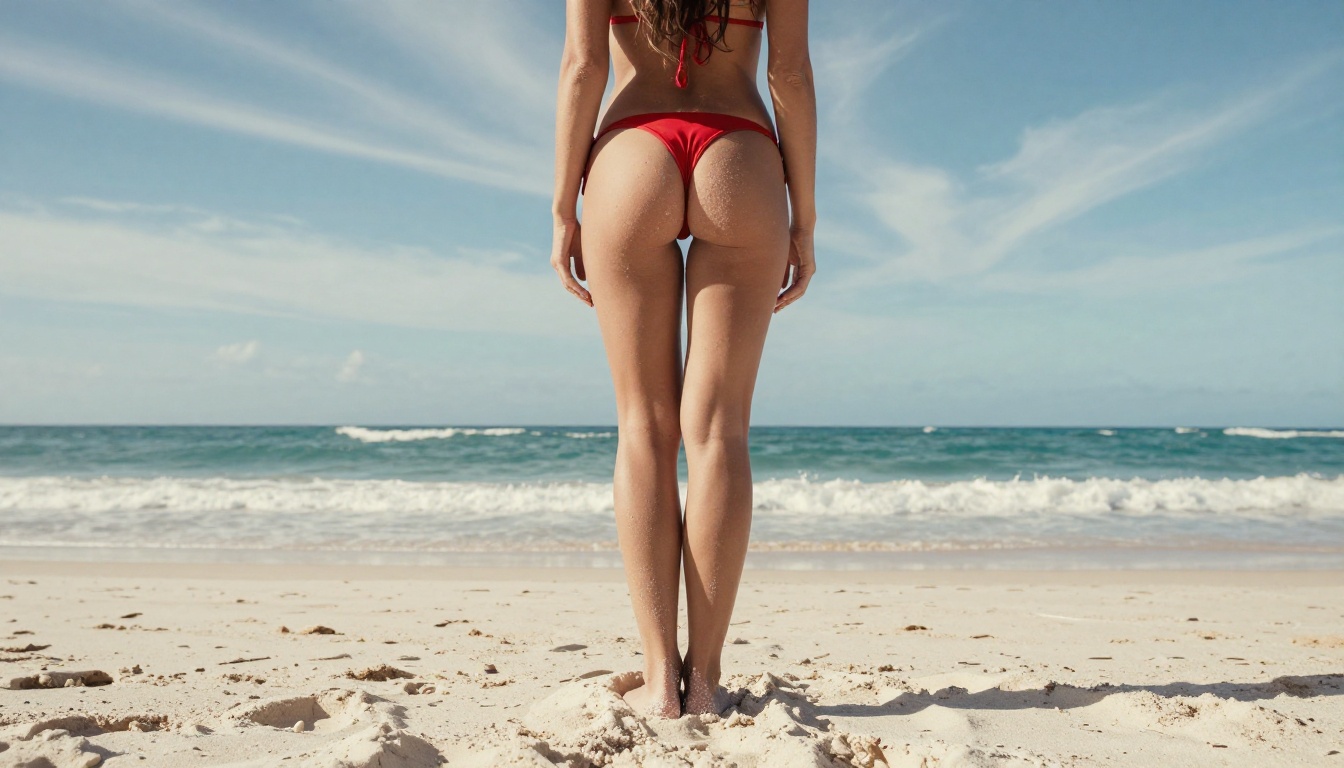
The low angle shot is arguably the single most powerful tool in adult AI video generation. Positioning the camera below the subject and looking upward creates a sense of scale, authority, and physical dominance that no other angle replicates. Sora 2 Pro handles this shot type exceptionally well, preserving realistic body proportions while rendering the characteristic perspective distortion of a wide lens from a low position.
How to Prompt It Precisely
The word "low angle" alone is not enough. Sora 2 Pro responds to specific height, elevation angle, and lens specification. These formulations consistently deliver results:
extreme low angle, camera at ankle height, looking upward at 15 degrees, 24mm wide lens, dramatic perspectiveworm's-eye view from ground level, subject towering against open sky, strong vertical lines, ground texture in foregroundcamera positioned at knee height shooting upward, full body against blue sky horizon, wide angle lens distortion
Always include the subject's position relative to the camera and what the background contains in relation to the shot. Sora 2 Pro uses both pieces of information to establish the correct spatial relationship and maintain it across frames.
What Renders Well at Low Angles
The low angle from Sora 2 Pro delivers excellent leg and torso elongation, particularly when you specify a wide-angle lens. Skin texture and lighting hold up realistically at this angle. The primary limitation appears at very extreme worm's-eye positions where the model can misread proportions in the upper body and face. Adding anatomically correct proportions, natural body geometry to extreme low-angle prompts reduces this distortion.
💡 Tip: Add volumetric sunlight from behind, strong rim lighting outlining subject silhouette against sky to low angle shots for maximum cinematic impact.
Aerial and Bird's Eye View
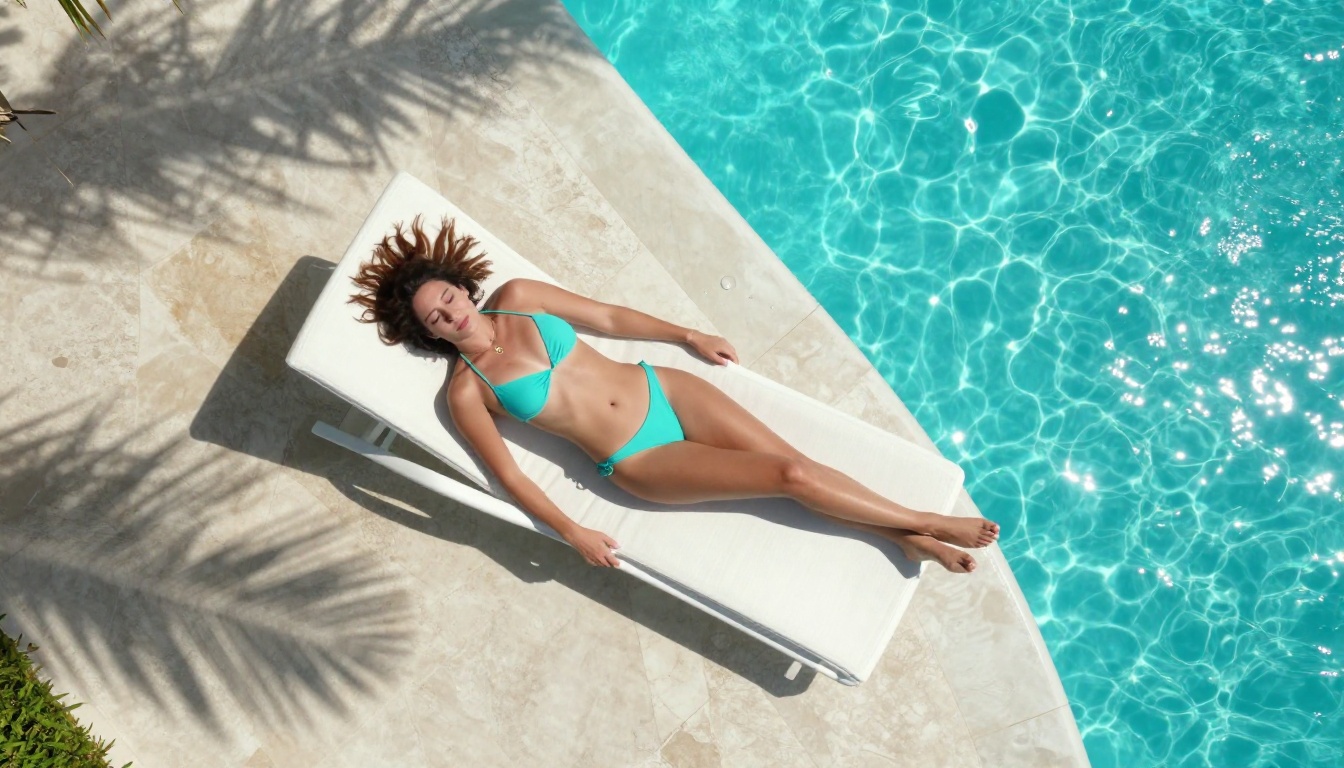
Shooting from directly above creates an entirely different psychological dynamic in AI-generated content. The overhead angle removes the subject's ability to "face" the camera in a traditional way, producing an exposed and intimate perspective that works powerfully for reclined poses, poolside scenes, and any setting where a horizontal subject on a textured surface is the focus.
Overhead Shots Done Right
Sora 2 Pro renders overhead perspectives with strong detail retention on surfaces, which is where most competing models fall short. Pool tile patterns, fabric textures of sun loungers, and skin detail are all rendered with good clarity from above. Midday overhead lighting, specified in the prompt, minimizes competing shadows and produces the cleanest overhead results.
Reliable aerial prompts:
aerial bird's-eye view directly overhead, camera 8 meters above looking straight down, 50mm telephoto lens, natural overhead sunlighttop-down drone perspective from directly above, subject lying on pool lounger, pool water visible at frame edgeoverhead angle at 90 degrees, full body visible, minimal shadows from direct overhead sunlight
The Overhead Limitation
True 90-degree perpendicular overhead shots remain a persistent challenge for Sora 2 Pro. The model occasionally introduces a slight tilt to what should be a flat overhead view. To counteract this, add perfectly perpendicular to ground, no tilt, flat overhead perspective, no diagonal lean to the prompt. This resolves the issue in most cases.
Close-Up and Extreme Close-Up
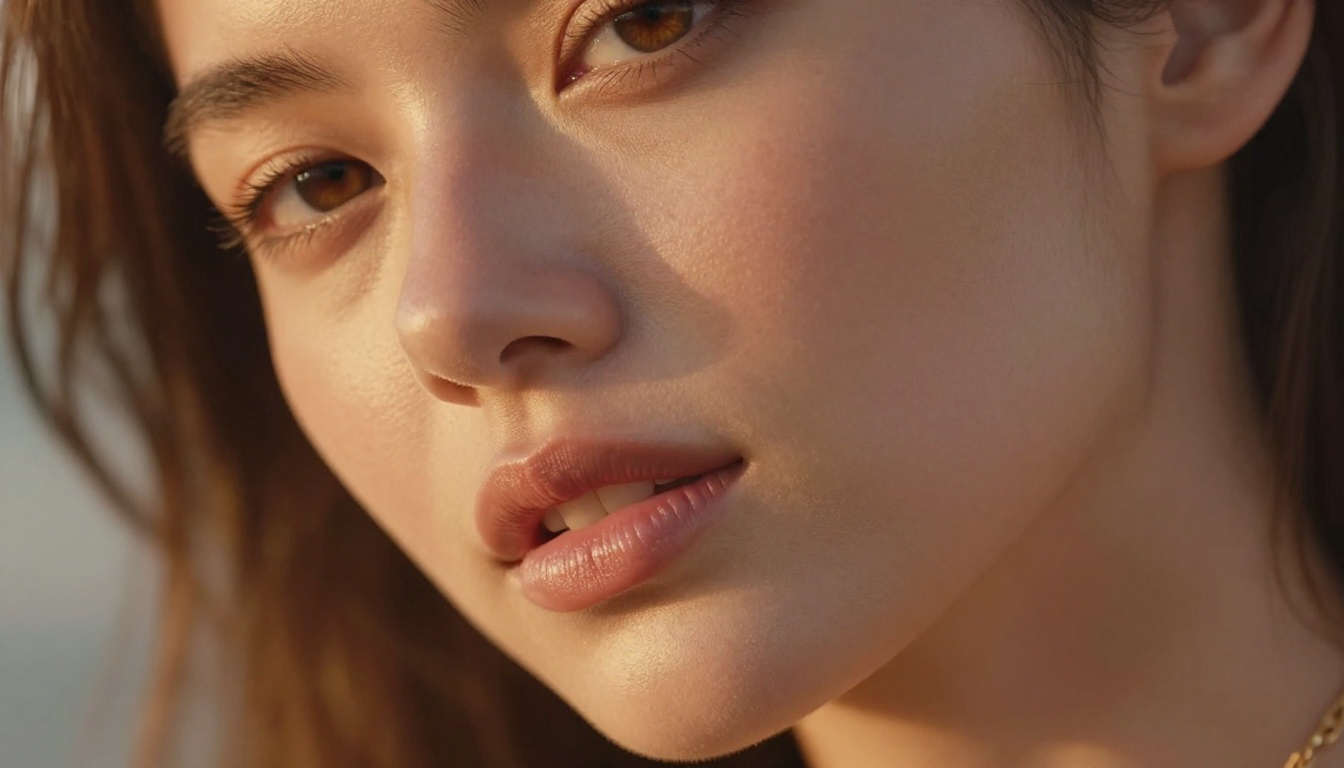
The close-up shot is where Sora 2 Pro's skin and facial rendering earns its reputation. The model produces realistic pore detail, natural skin texture variation, and believable micro-expressions at close range. For adult content, the ECU (extreme close-up) is particularly effective for face and upper body framing where intimacy and detail are the goals.
Depth of Field Control
The best close-ups use precise depth of field, and Sora 2 Pro responds well to lens specification. A 135mm f/1.8 telephoto, razor-thin depth of field, eyes in sharp focus, background blurred to smooth creamy bokeh prompt produces a distinctly different result from a generic close-up shot instruction. The model simulates lens character accurately when given specific parameters.
💡 For Still Images: Seedream 4.5 is the top recommendation for close-up NSFW image generation. It accepts adult content, generates in under 3 seconds, and skin rendering at close range is exceptional.
Effective close-up prompt patterns:
extreme close-up, face and neck only, 135mm telephoto f/1.8, eyes in sharp focus, warm rim light from left, Rembrandt shadowtight portrait crop from collarbone to forehead, Hasselblad medium format aesthetic, natural backlight, shallow depth of fieldmedium close-up with shallow depth of field, direct eye contact, background bokeh warm amber tones, visible skin texture
Dynamic Angles: Dutch, POV, and Over-the-Shoulder
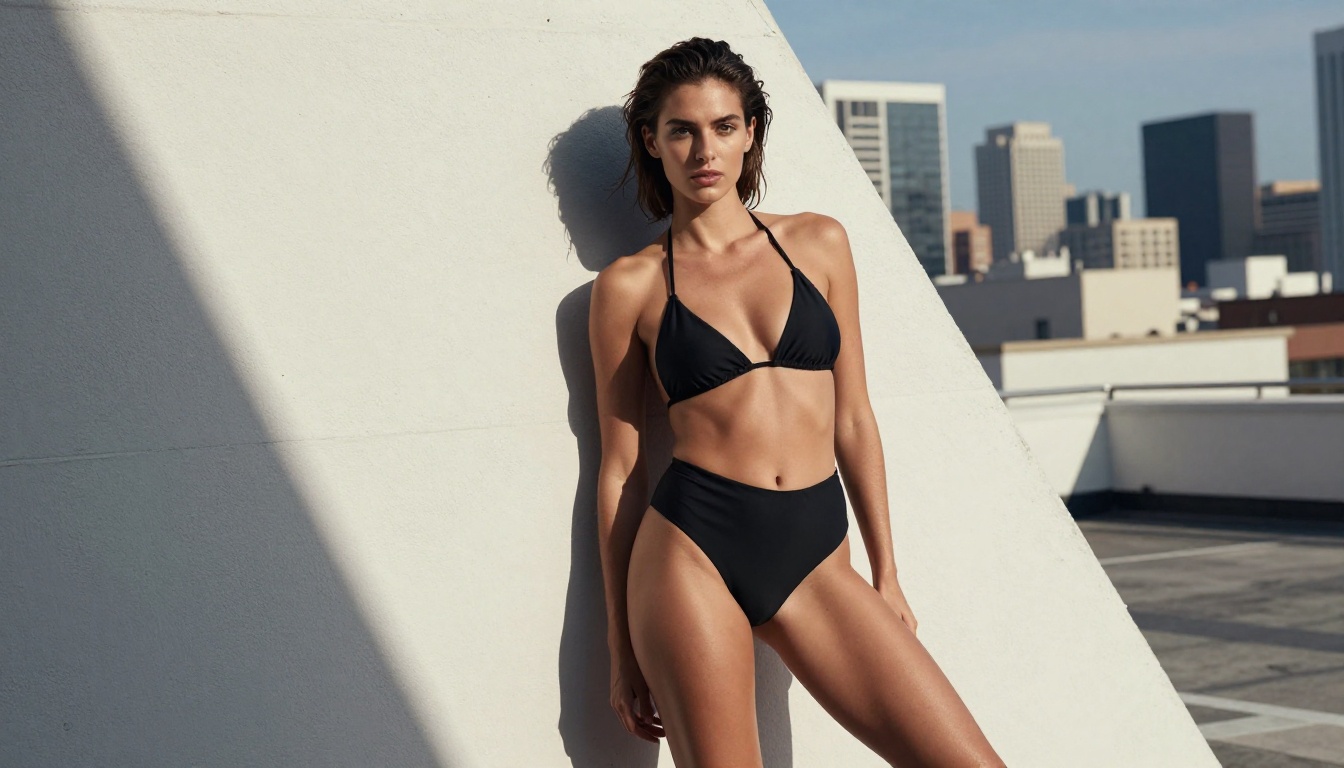
These three shot types add distinct layers of energy: tension, immersion, and relational depth. Each one creates a different psychological experience for the viewer.
Dutch Angle for Energy and Style
The Dutch angle, achieved by tilting the camera along its lens axis, introduces visual dissonance that reads as excitement, tension, or dynamic energy. In adult content, it adds fashion-editorial character and visual dynamism to what would otherwise be static compositions.
Prompt structure: camera tilted 25 degrees clockwise creating Dutch angle composition, diagonal horizon across frame, [subject] against [background], dynamic cinematic style
The degree of tilt matters. A 10-degree Dutch angle reads as subtly off-kilter, while a 30-degree tilt is unmistakably dramatic. Choose based on the energy level the scene demands.
First-Person POV
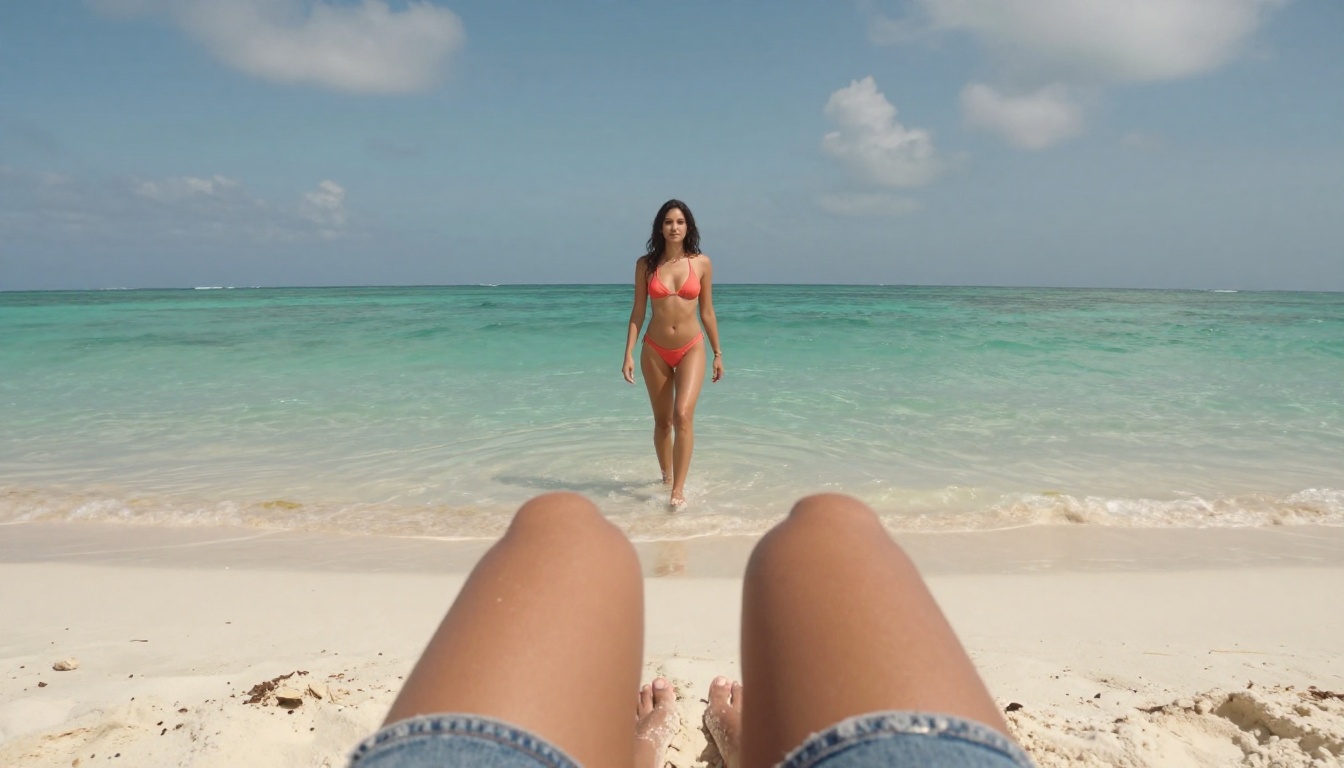
POV shots place the viewer inside the scene, creating an immersive first-person perspective that no other angle type replicates. Sora 2 Pro handles this well when you anchor the viewpoint with realistic foreground elements that ground the perspective for the model.
The most effective POV prompts reference what the "viewer" sees at the bottom of the frame: their own hands, knees, or feet. This detail signals to the model what type of perspective is being requested and produces dramatically more consistent first-person framing.
first-person POV shot, viewer's bare feet and knees visible in lower foreground on sandy beach, looking out at [subject] approaching from distance, 35mm lens, immersive warm afternoon light
Over-the-Shoulder
The OTS shot creates depth and relational composition by placing a near-camera subject in the foreground while the primary subject appears in the middle-to-background distance. In adult content, this creates voyeuristic intimacy and spatial depth that flat head-on framing cannot deliver.
over-the-shoulder from just behind [character A]'s shoulder, [subject B] visible at medium distance facing toward camera, 85mm telephoto creating depth and subject separation, natural light
Sora 2 Pro vs. Competing AI Video Models
How does Sora 2 Pro's camera angle system compare against other models available on PicassoIA?
Sora 2 Pro leads on camera angle precision and realistic rendering, but its NSFW content policy restricts what you can generate. For unrestricted adult content with strong camera angle control, Kling v3 Motion Control and Video 01 Director are serious alternatives that combine cinematic angle precision with more permissive content policies.
P-Video deserves specific attention here: it has its safety filter disabled by default, supports text, image, and audio inputs, and outputs up to 1080p. For adult content with camera angle control, it's one of the most capable options on the platform.
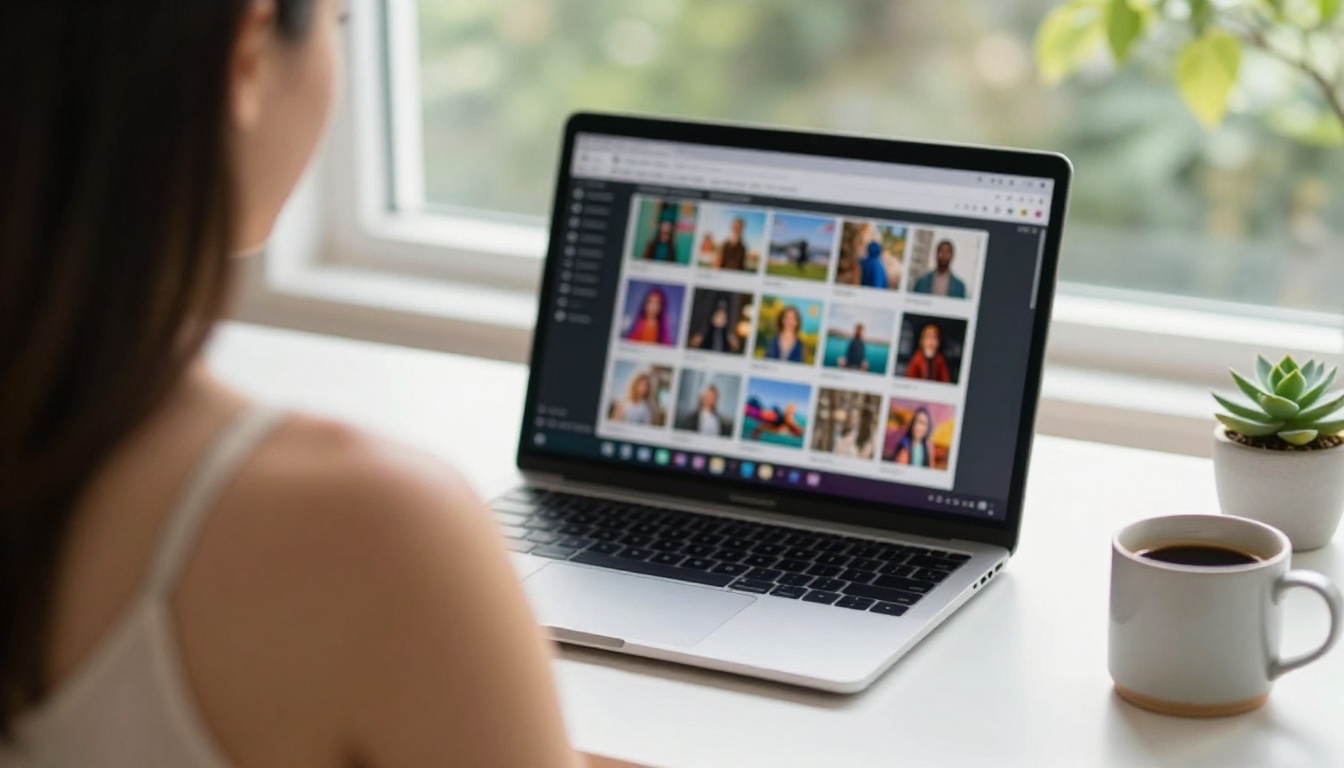
The Best NSFW Models on PicassoIA
If Sora 2 Pro's content policy doesn't fit your project, these models on PicassoIA deliver fully uncensored results with no filtering.
Seedream 4.5 First
Seedream 4.5 is the clear starting point for NSFW image generation. It accepts adult content without restriction, supports both text-to-image and image editing workflows, and delivers results in under 3 seconds. The skin and texture rendering at every camera angle is strong, from tight close-ups to full-body wide shots. This is the model to use when quality matters most.
Important: the newer Seedream 5 Lite does not support NSFW content. Use Seedream 4.5 specifically for adult material.
Unlimited Volume With PicassoIA Image Editor Pro
PicassoIA Image Editor Pro is built for high-volume creators. Elite and Infinite plan subscribers get unlimited generations included at no extra cost. Where generating 1,000 images on models like Nano Banana 2 costs around $100, Image Editor Pro covers that same volume within your subscription. Results arrive in under a second, NSFW content is accepted fully, and a 3-generation free trial is available with no credit card required.
The Complete Lineup
- Seedream 4.5 ⭐ - NSFW image generation in under 3 seconds, image editing supported
- PicassoIA Image Editor Pro - Unlimited generations included, img2img, results in under 1 second, free trial
- Qwen Image 2 - Open-source, edit or create any image with very detailed realism
- Grok Imagine Image - Realistic image-to-image conversions, strong for swimwear and bikini formats
- Recraft V4 - Very realistic text-to-image output
- P-Image - NSFW text-to-image in under 1 second
- PicassoIA Video - Unlimited video generation up to 720p and 5 seconds per clip
- P-Video - Text, image, or audio to video up to 1080p with safety filter off by default
- Grok Imagine Video - Clips up to 15 seconds, no watermarks, image and text input
- LTX 2.3 Pro - Highest fidelity at up to 4K/50fps with retake and extend editing modes
💡 Browse the complete catalog at picassoia.com/en/all-models
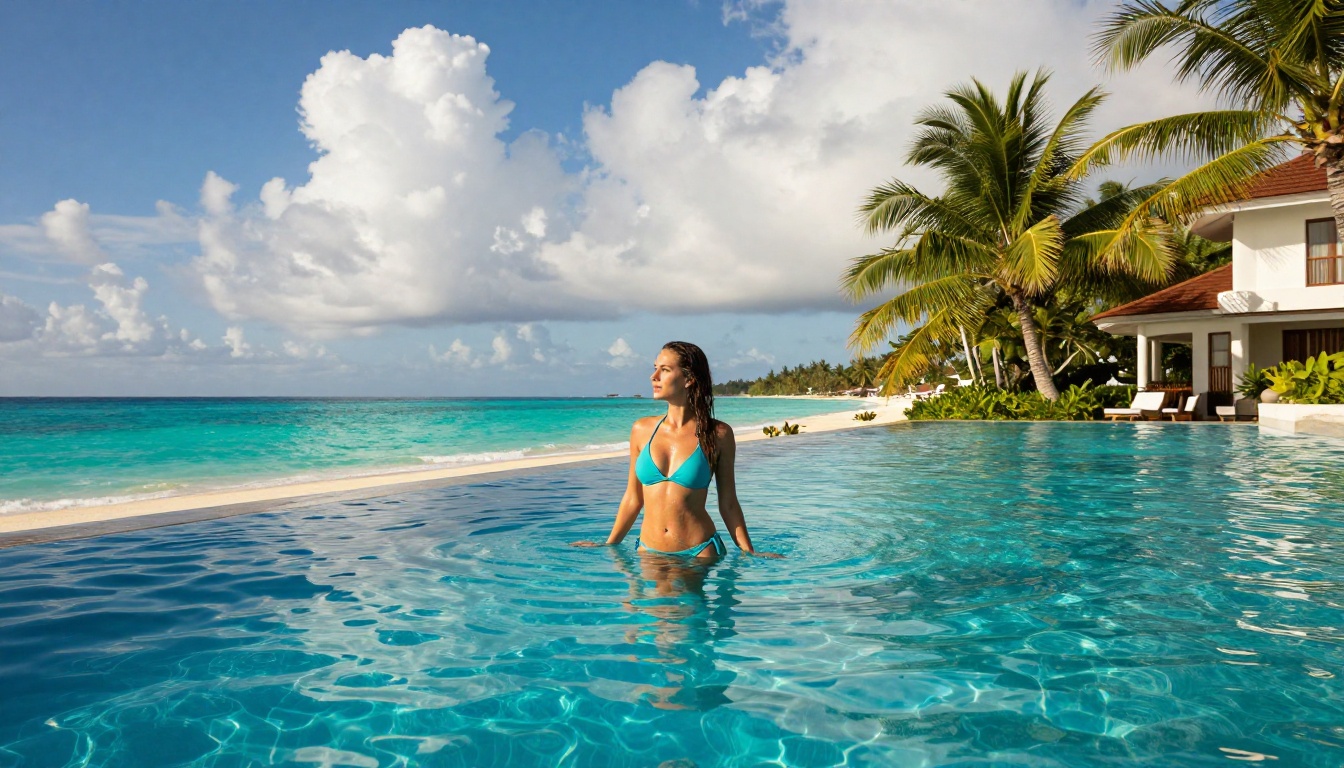
How to Use Sora 2 Pro on PicassoIA
Sora 2 Pro is accessible directly on PicassoIA. Here's the practical workflow for camera angle work:
Step 1: Open the Sora 2 Pro model page on PicassoIA.
Step 2: Write your prompt leading with the camera angle specification, then the subject description, then the environment, then lighting conditions, then lens details.
Step 3: Set resolution to 1080p. Camera angle work benefits from full resolution to preserve spatial detail.
Step 4: Generate. Sora 2 Pro typically returns results within 30 to 90 seconds depending on queue load.
Step 5: Review the angle. If the camera position drifted from your specification, add more precise language in a follow-up generation. Phrases like maintain exact camera position throughout clip and static camera, no movement, fixed angle help stabilize results when the model normalizes toward neutral.
The Prompt Formula
The most reliable format for camera angle control in Sora 2 Pro:
[Camera angle + height + degree] + [Subject + pose/action] + [Environment/background] + [Lighting direction and quality] + [Lens focal length + aperture] + [Film style]
Example: Extreme low angle from ankle height looking upward at 15 degrees, woman standing confidently at ocean's edge, turquoise ocean and clear blue sky behind her, golden hour sunlight from left creating warm rim lighting, Sony 24mm f/2.8 wide angle, Kodak Portra 400 film grain, photorealistic RAW 8K
Prompt Templates for Every Shot Type
These work directly in Sora 2 Pro or adapt for other models:
Low Angle: extreme low angle, camera at ankle height looking up at 15 degrees, [subject] towering against [sky], wide 24mm lens, dramatic upward perspective, ground texture in foreground
Aerial: directly overhead bird's-eye view, camera 8 meters above looking straight down, [subject] lying on [surface], natural overhead midday sunlight, 50mm telephoto lens, minimal shadows
Extreme Close-Up: extreme close-up from collarbone to forehead, [subject's] face, 135mm f/1.8, eyes in sharp focus, background blurred to warm bokeh, Rembrandt lighting from left
Dutch Angle: camera tilted 25 degrees clockwise, Dutch angle composition, diagonal horizon, [subject] in [setting], dynamic tension in frame, cinematic style
POV: first-person POV, viewer's bare feet and legs visible in lower foreground, [subject] approaching from distance through [environment], 35mm lens, afternoon warm light, immersive
Over-the-Shoulder: over-the-shoulder from behind [character A]'s shoulder, [subject B] visible at medium distance facing camera, 85mm telephoto, natural depth, warm ambient light
Drone 45-Degree: drone perspective from 15 meters altitude at 45-degree downward angle, [subject] visible below surrounded by [environment], natural daylight, wide angle coverage
What Goes Wrong and How to Fix It
The same mistakes appear across every creator's first camera angle experiments:
| Mistake | Why It Fails | Fix |
|---|
| Vague positioning ("shot from below") | Model interprets loosely, defaults to neutral | Specify exact height, degree, and lens |
| No background description | Model can't establish spatial relationship | Always describe the environment behind the subject |
| Conflicting angle terms | "Close-up wide overhead" contradicts itself | Pick one primary angle descriptor per prompt |
| Missing lighting direction | Shadows appear arbitrary and inconsistent | Specify light source position and quality |
| Generic style only ("realistic") | No lens character or depth of field | Add film stock, camera model, focal length |
Missing lens specification is the single most common omission. A 24mm wide lens at low angle produces powerful distortion and elongation. An 85mm telephoto at the same position compresses depth and gives a completely different quality. The lens choice is half of what makes the angle work.
Ambient light sourcing is the second most overlooked element. Specify where the light comes from relative to the camera position: golden hour sunlight from left, 30 degrees elevation produces a completely different mood than harsh overhead midday sun or soft diffused overcast light from above.
Fixing these two elements alone will improve your camera angle results more than any other adjustment.
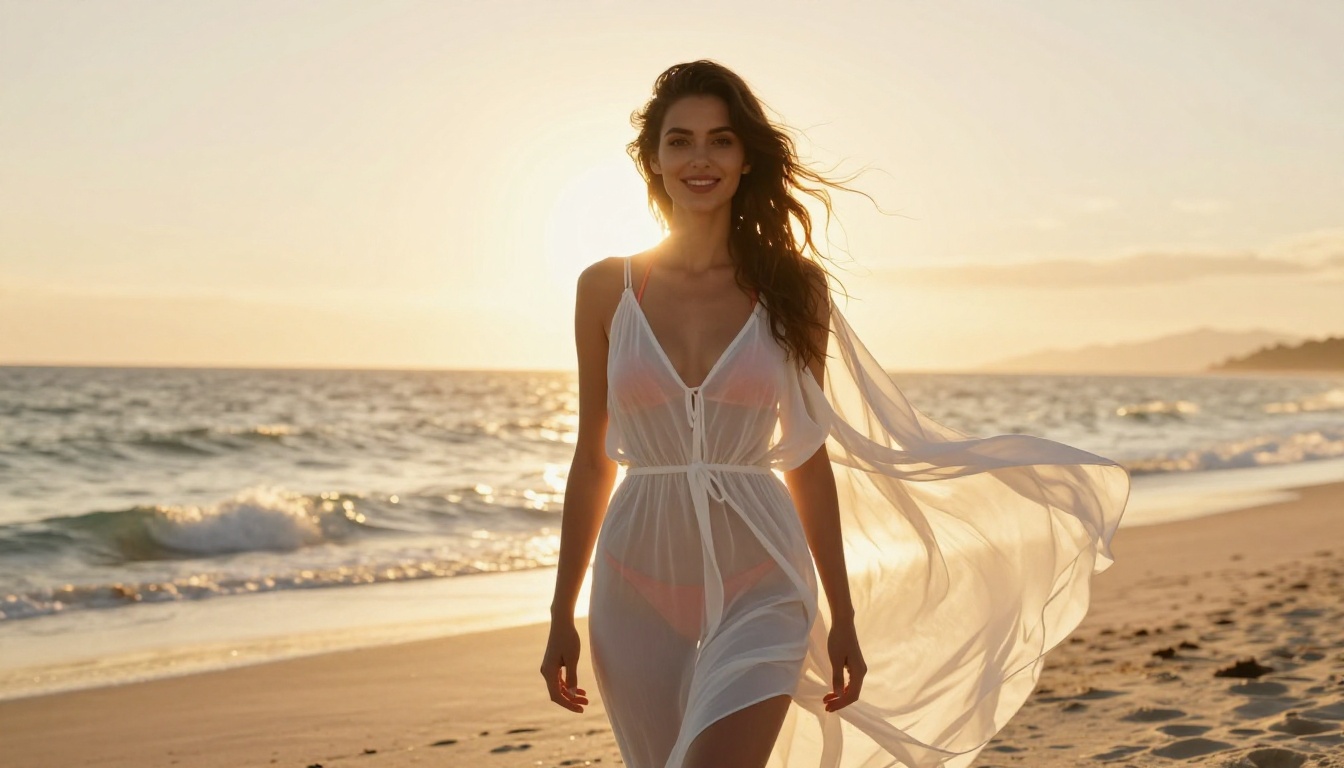
Put It to Work
Camera angle mastery is what separates creators who get generic AI outputs from those who produce something worth sharing. Sora 2 Pro gives you precise cinematic control across every shot type covered in this article. When its content policy is a limitation, Seedream 4.5 and PicassoIA Image Editor Pro give you full creative freedom without restrictions, and models like P-Video and Grok Imagine Video bring that freedom to video generation.
Pick one angle from this article. Drop the prompt template into PicassoIA. See what comes back. The instinct builds from there, and the output quality will reflect it immediately.
Explore every model available, including the full NSFW lineup, at picassoia.com/en/all-models and start working with these angles today.


