If you've been watching the AI video scene, you know something genuinely shifted when Sora 2 Pro launched. The gap between AI-generated footage and real production content got uncomfortably narrow. For creators working in adult content, the implications are massive. Sora 2 Pro just made NSFW video easy in ways that weren't remotely possible six months ago, and the question now isn't whether the technology is capable enough. The question is where you can actually run it without hitting content walls every few minutes.
This piece breaks down exactly that: what Sora 2 Pro changed at a technical level, which platforms give you genuine uncensored access, and the full stack of image and video models worth using right now.
What Sora 2 Pro Actually Changed

OpenAI's Sora 2 Pro isn't just a better version of the original Sora. It's a different class of model. The original Sora could produce visually impressive footage, but it struggled with human anatomy, skin realism, and the kind of continuous, physically coherent motion that adult content requires. Sora 2 Pro addressed most of those problems directly.
The anatomy problem got solved
The original model's biggest weakness for NSFW work was its inconsistent handling of human bodies. Fingers, arms, and proportions would drift across frames. Sora 2 Pro trained on substantially more human-centric footage with much tighter consistency mechanisms. The result is subjects that hold their form across a full clip, with realistic skin texture, natural movement, and none of the uncanny valley drift that made earlier outputs unusable.
Motion quality at 1080p
Sora 2 Pro outputs at up to 1080p with cinematic motion blur, realistic cloth physics, and hair that actually responds to movement. For adult creators, this matters because the quality bar is high. Viewers who consume professional adult content won't forgive the kind of visual artifacts that earlier AI models produced. Sora 2 Pro's output is now close enough to real footage that the creative potential is genuinely there.
Temporal coherence across subjects
Longer clips no longer drift. Where earlier video models would morph a subject's face or change their hair color partway through a scene, Sora 2 Pro maintains subject identity across multiple seconds. For NSFW narrative content, this is the change that matters most. A subject that looks the same at second one and second eight is the difference between usable footage and a failed generation.

Here's the honest picture: the technology exists. The models are capable. The bottleneck for most people is platform-level restrictions. Most mainstream AI video platforms run their own safety classifiers on top of the models, which means even if the underlying model could generate your content, the platform will flag and block it before you ever see output.
Why platforms restrict adult content
The commercial reasons are obvious. Payment processors, app stores, and cloud hosting providers all have policies that push platforms toward restricting explicit content. This isn't about the AI being incapable. It's about business relationships.
The result is a frustrating loop: you write a careful, detailed prompt, wait for generation, and get a flagged result or a watered-down output that completely misses what you actually wanted. The capability is clearly there. The access was always the issue.
Where the restrictions don't apply
💡 PicassoIA runs Sora 2 Pro and a full library of NSFW-capable models without the content filtering that makes mainstream platforms unusable for adult creators.
PicassoIA is built for creators who need full creative control. It gives you access to Sora 2 Pro, Seedance 2.0, and dozens of other top-tier models through a single interface, without the wall-to-wall content policing of platforms designed for general audiences. No credit wasted on blocked outputs.
Top Models for NSFW Images
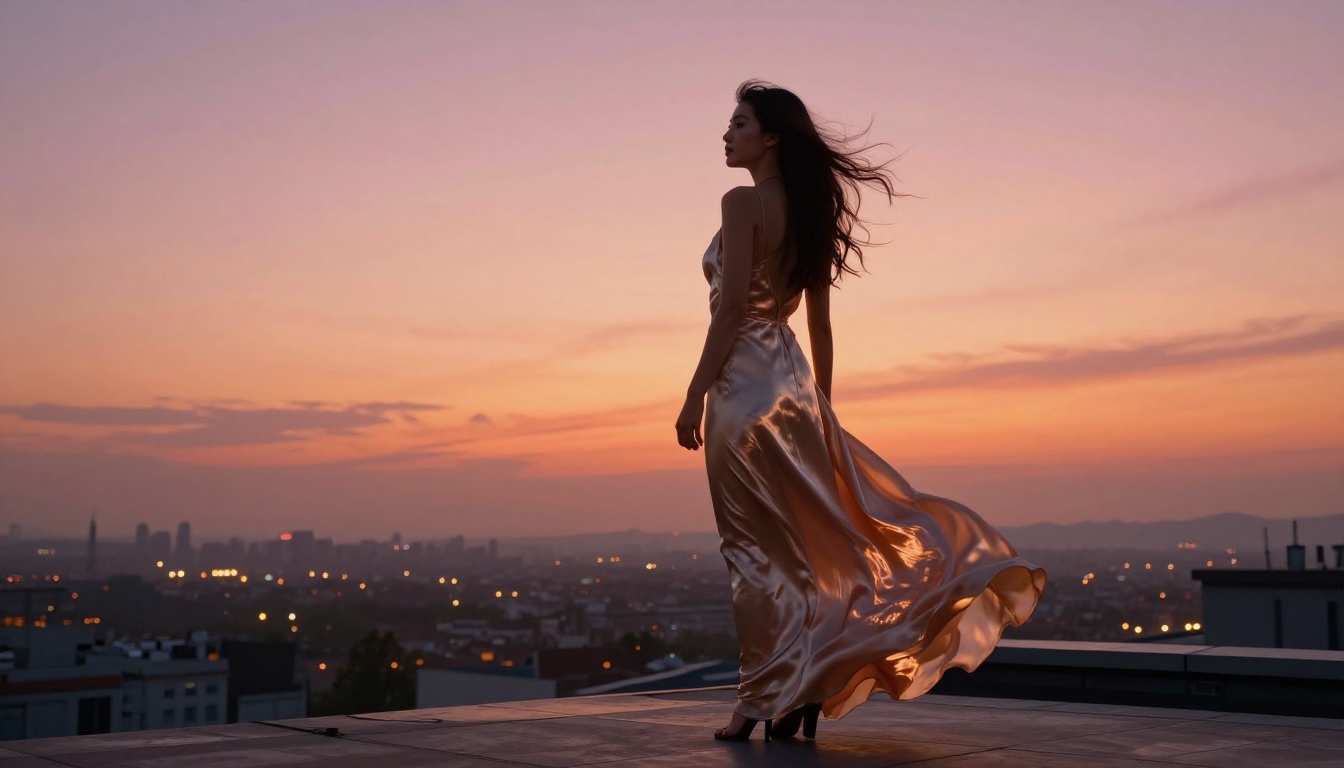
Before you get to video, you need strong source images. AI video models that work image-to-video are only as good as the frame you feed them. The best-looking NSFW videos start with a high-quality, realistic image of the subject. This is where you invest the most effort.
Seedream 4.5 leads the pack
Seedream 4.5 from ByteDance is the best model for generating photorealistic human subjects right now. It handles skin texture, lighting on bodies, fabric interactions, and facial realism at a level that puts it ahead of most competing models. Its 4K output means you're working with images that hold up under close inspection, which matters for any image-to-video workflow.
For NSFW work, Seedream 4.5 is consistent, fast, and capable of detailed results without requiring elaborate prompt engineering. You give it a clear subject description and a lighting instruction, and it delivers.
Why it works for adult content:
- Photorealistic skin texture at high resolution with natural pore and highlight detail
- Natural body proportions without the anatomy drift that plagues other models
- Handles clothing, fabric physics, and minimal-clothing subjects equally well
- 4K output provides excellent source material for video upscaling and animation
PicassoIA Image Editor Pro: unlimited refinement
Once you have a strong base image from Seedream 4.5, PicassoIA Image Editor Pro lets you refine it without limits. Inpainting specific regions, adjusting poses, fixing small anatomy issues, changing clothing details, all of this is available at unlimited generation speed. For professional workflows where you're generating batches of content, the unlimited access is a significant operational advantage.
Other strong image options
Beyond Seedream 4.5 and Image Editor Pro, PicassoIA has other image models worth using depending on the specific style you need:
💡 Important: Do not use Seedream 5 Lite for adult content. It includes content restrictions that actively block explicit prompts and will waste your time.
Top Video Models for NSFW Content
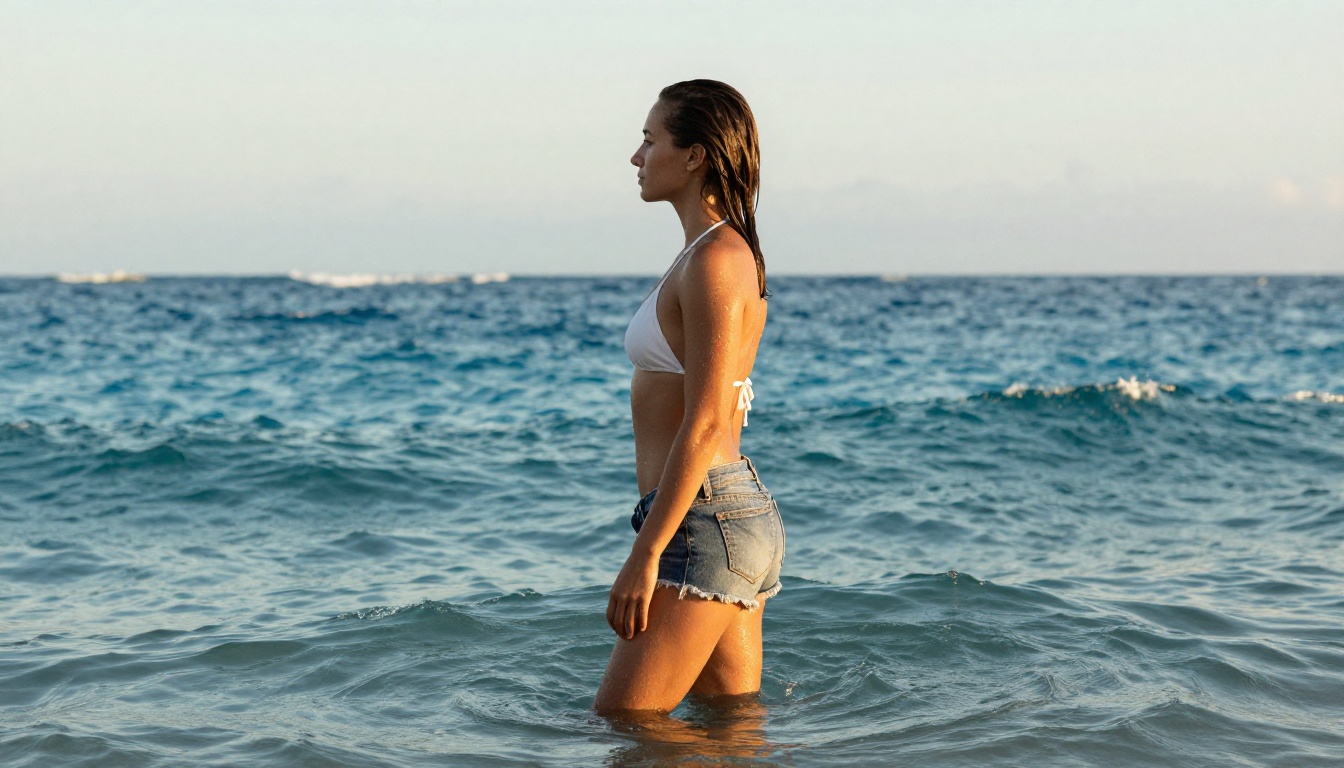
With strong source images in hand, you're ready to push them through a video model. Here's how the current options stack up for adult content production specifically.
Sora 2 Pro: best overall
Sora 2 Pro is the headline model for a reason. Its motion quality, subject consistency, and output resolution are the best combination available right now. For NSFW video, it handles the physical realism that other models struggle with. Subjects move naturally, fabrics behave correctly, and the overall footage holds up to the kind of scrutiny that adult content audiences bring.
Run it through PicassoIA for uncensored access. You get 1080p output with native audio synchronization and the temporal coherence that makes clips look like real footage rather than AI artifacts stitched together.
Seedance 2.0: fast and reliable
Seedance 2.0 is ByteDance's video model with built-in audio, sharp motion, and excellent subject fidelity. For workflows where you need volume, Seedance 2.0 generates quickly without sacrificing the realism that makes adult content convincing.
Its text-to-video capability also means you can prototype scenes without needing a source image first, which is useful in early-stage ideation before committing to a full image-to-video pipeline.
Kling v3 Video: cinematic shots
Kling v3 Video from Kwai-VGI is built for cinematic output. It handles camera movements, depth of field transitions, and complex multi-subject scenes with a level of polish that most models can't match. For NSFW productions that need a cinematic quality rather than simple motion, Kling v3 Video is the right choice.

Rounding out the options
Pixverse v5.6 and Wan 2.7 I2V fill out the toolkit for creators who want variety in their workflow. Pixverse excels at expressive motion and dramatic scenes, while Wan 2.7 I2V is particularly strong at consistent image-to-video animation with fine detail preservation.
How to Use Sora 2 Pro on PicassoIA
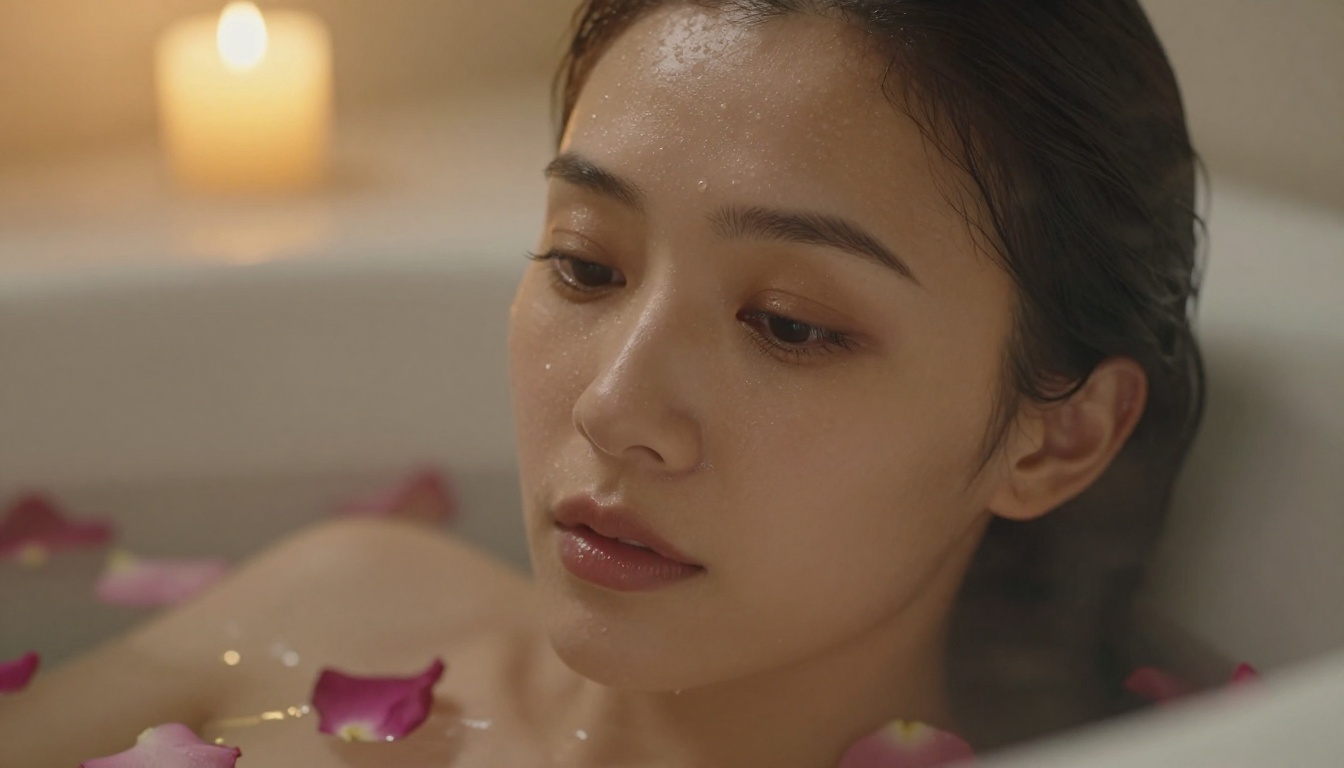
Using Sora 2 Pro through PicassoIA takes less than five minutes to set up. Here's the full workflow:
Step 1: Open the model
Go to Sora 2 Pro on PicassoIA. You'll see the prompt input field along with resolution and duration settings.
Step 2: Write a detailed prompt
Sora 2 Pro responds best to cinematic, action-forward prompts. Describe the subject, their positioning, the camera angle, the lighting, and the specific motion you want to see. The more specific you are about physical details and motion trajectory, the better the output.
Example: "A woman in a black bikini walking toward the camera on a sunny beach, slow camera push-in, warm golden hour backlight, natural hair movement in sea breeze, 1080p cinematic"
Step 3: Set resolution to 1080p
Always select 1080p for adult content. Lower resolutions flatten skin texture and motion detail, which are the exact elements that make the output look convincing.
Step 4: Generate and review
Generation takes 30 to 90 seconds. Review the output for motion consistency, subject fidelity, and visual quality. If the result is close but not quite right, adjust the prompt to address the specific element that needs correction rather than rewriting everything.
Step 5: Download your clip
Output downloads as an MP4 at the selected resolution with synchronized audio where applicable.
💡 Workflow tip: For image-to-video workflows, generate your source image with Seedream 4.5 first, then upload it to Sora 2 Pro as the reference frame. This gives you precise control over the subject's appearance before any motion is added.
How to Use Seedream 4.5 on PicassoIA
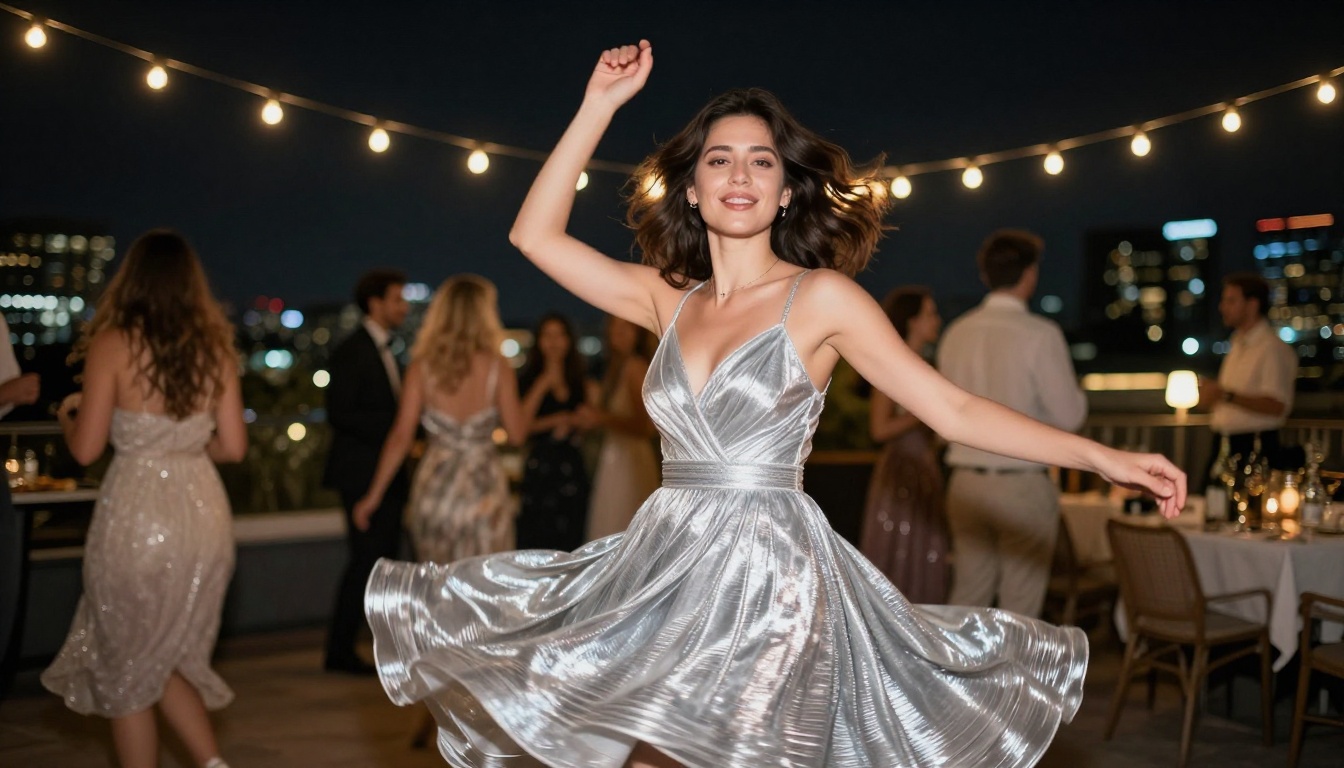
Seedream 4.5 generates images that can either stand alone as finished content or serve as source material for video workflows. Here's how to get the best results:
Step 1: Open the model
Navigate to Seedream 4.5 on PicassoIA.
Step 2: Write a photorealistic prompt
Seedream 4.5 performs best with prompts that specify lighting direction, skin texture, camera lens, and subject pose. Avoid abstract or artistic descriptors, since the model excels at photorealistic outputs rather than stylized art.
Example: "Photorealistic portrait of a woman in a red bikini at a pool, 85mm lens, golden hour light from the left, detailed skin texture, shallow depth of field, 4K"
Step 3: Select 4K output
Set output to 4K for maximum resolution. This gives you the most flexibility for cropping and post-processing, and ensures the image holds up as source material for video generation.
Step 4: Refine with Image Editor Pro
If the base output needs adjustment, bring it into PicassoIA Image Editor Pro for inpainting or targeted editing. Fix small anatomy issues, adjust clothing details, or refine lighting on specific areas without regenerating the entire image.
Settings worth noting:
- Aspect Ratio: Use 16:9 for video source images, 9:16 for vertical content
- Negative Prompts: Add "cartoon, illustration, 3D render, CGI" to keep output photorealistic
- Steps: Higher step counts give more detail at the cost of generation time
Prompts That Get Real Results
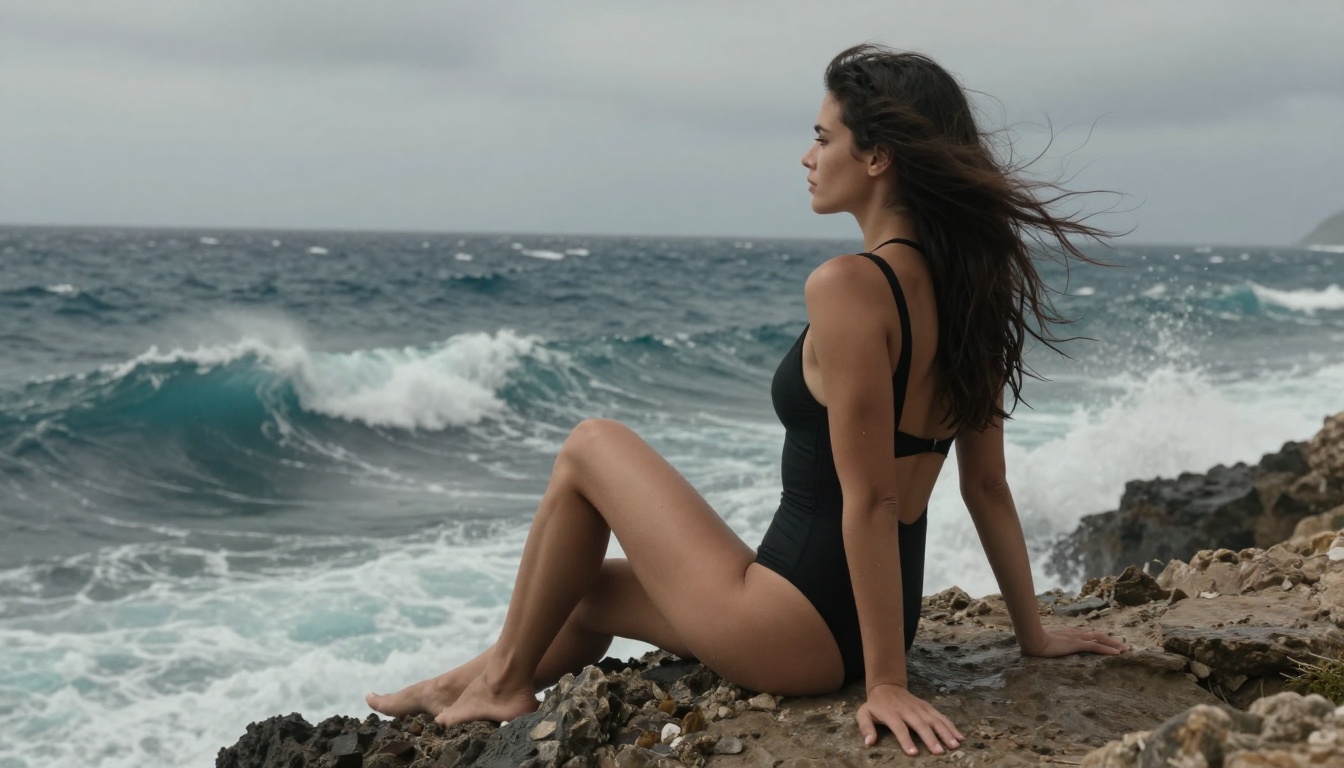
The single biggest factor in output quality is prompt quality. Both Sora 2 Pro and Seedream 4.5 reward specific, detailed prompts over vague ones. Here are the patterns that consistently produce strong results:
Be specific about lighting. "Golden hour backlight from the left" produces far better results than "nice lighting." Lighting direction affects skin texture rendering, shadow detail, and the overall photographic quality of the output in both image and video modes.
Describe the camera. "85mm portrait lens with shallow depth of field" versus "close-up shot" produces significantly different results. The lens specification signals both models toward photorealistic output rather than stylized or painterly interpretations.
Specify texture details. For subjects in minimal clothing, describe skin texture explicitly: "visible pore detail," "natural skin highlights," "water droplets on skin." These cues push the model toward photorealistic rendering rather than smooth, plastic-looking output.
For video, describe the motion arc. A good Sora 2 Pro prompt for NSFW content describes exactly what changes over the 5 to 10 seconds of the clip. "Slow walk toward camera" is better than "walking." "Hair moving in wind as she turns to face the camera" is better than "windy."
💡 Variation tip: Generate 3 to 5 variations at slightly different prompts before settling on a final output. The stochastic nature of these models means small prompt changes can produce significantly different results, and often the best output comes from an unexpected variation.
The Right Production Pipeline
If you're building a professional NSFW video production workflow using PicassoIA, the most effective approach looks like this:
- Generate source images with Seedream 4.5 in 4K, 16:9 aspect ratio
- Refine and edit problem areas using PicassoIA Image Editor Pro with inpainting
- Animate the best images using Sora 2 Pro or Seedance 2.0 depending on the required style
- Add cinematic shots using Kling v3 Video for scenes that need complex camera movement
This pipeline gives you consistent subject identity across all outputs because the subject starts as a single high-quality reference image, and every subsequent step builds on that same foundation. The result is production content that holds together as a set rather than disconnected AI clips.
Start Creating Now
The tools are ready, the quality is there, and PicassoIA gives you unrestricted access to the best models in one place. Sora 2 Pro isn't the only option worth trying either. The full catalog at picassoia.com/en/all-models includes over 87 text-to-video models and 91 text-to-image models, spanning everything from fast drafting tools to 4K cinematic outputs.
Start with Seedream 4.5 for your source images, run them through Sora 2 Pro for motion, and see how quickly the output quality exceeds what you thought was possible from AI tools. The creative ceiling right now is genuinely high. The only question is whether you start today.


