Sora 2 Pro generates clips that other models can't consistently match, but only if you give it the right input. Most people who get blurry, incoherent, or boring output are not running into a model limitation, they are giving it weak prompts. This article breaks down exactly what works: the structure, the vocabulary, and the formulas behind Sora 2 Pro prompts for better clips that perform on the first or second attempt.
What Sora 2 Pro Actually Does Differently
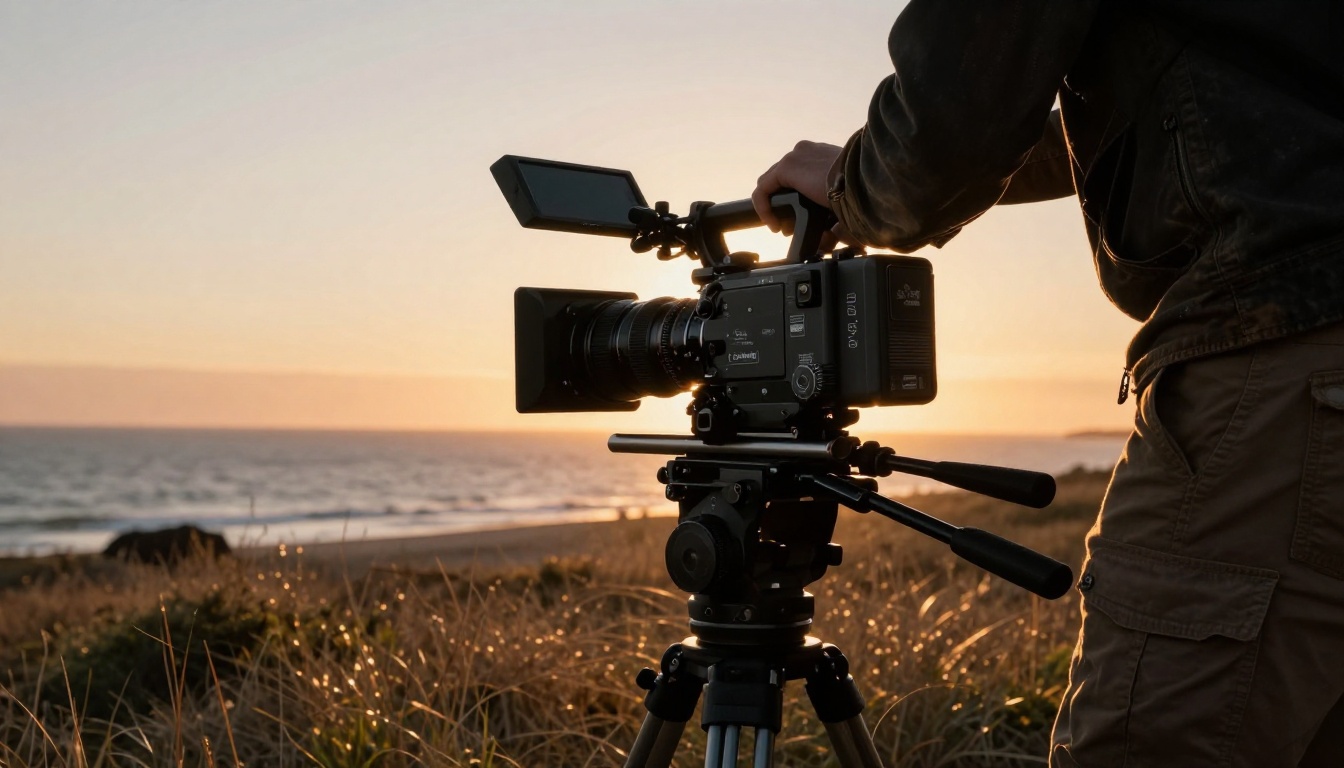
Sora 2 Pro is OpenAI's most capable text-to-video model. It sits above the standard Sora 2 tier in resolution ceiling, motion coherence, and prompt fidelity. These are not minor differences.
Resolution and Detail in Motion
Most AI video models sacrifice sharpness when objects move. Sora 2 Pro holds detail through camera pans, character motion, and complex environmental changes at up to 1080p output. A prompt describing fabric texture on a moving subject will actually render that texture in the final clip, not just approximate it.
💡 Resolution is not just pixel count. It is about how much visual information the model preserves while objects are in motion. Sora 2 Pro outperforms most competitors in this area.
Physics and Object Coherence
Hands, water, cloth, hair, smoke. These are the five things that break most AI video models immediately. Sora 2 Pro handles them significantly better than average. The model has strong priors for physical behavior, meaning it does not need you to spell out "water should ripple naturally" because it already expects that. What it needs from your prompt is context: the scene, the lighting, the motion type.
The Anatomy of a Strong Prompt
A prompt that produces a great Sora 2 Pro clip has four components. Miss any one of them and quality drops noticeably.
Subject First, Always
Start every prompt with a clear, specific subject. Not "a person" but "a woman in her early 30s wearing a red wool coat." The more the model knows about who or what is in the frame before anything else, the better it anchors everything that follows.
Weak: "Beautiful outdoor scene with someone walking."
Strong: "A woman in a long camel-colored trench coat walks slowly through a fog-covered cobblestone street in Edinburgh at dusk."
Camera Language That Converts
Sora 2 Pro responds exceptionally well to cinematographic vocabulary. Phrases like "slow push in," "low-angle tracking shot," "aerial dolly," and "rack focus from foreground to background" produce genuinely different results than generic prompts.
| Camera Term | Effect on Output |
|---|
slow push in | Gradual zoom toward subject, builds tension |
low-angle tracking | Subject appears powerful, camera moves with them |
aerial dolly | Overhead and forward movement, establishes scale |
rack focus | Foreground blurs as background sharpens |
handheld follow | Organic, documentary-style motion |
static wide | No camera movement, scene breathes naturally |
Lighting as a Prompt Variable
Do not describe mood, describe light. "Moody" does nothing. "Overcast diffused light with deep blue shadows and warm practical lamp sources in the background" gives the model something to work with.
Lighting phrases that produce strong results:
- Volumetric morning light from the left, casting long ground shadows
- Harsh midday backlight creating silhouette effect
- Soft window light, late afternoon, warm amber tones
- Tungsten practical lights in background with cool blue ambient fill
These are structured templates you can copy, modify, and run directly on Sora 2 Pro.
The Cinematic Establishing Shot
Formula: [Location at specific time of day], [camera angle and movement], [environmental detail], [lighting condition], cinematic, photorealistic, 4K.
Example: "Fog-covered Scottish Highlands at dawn, slow aerial dolly forward over heather moorland, morning mist dissipating in golden light beams, cinematic, photorealistic, 4K."
The Character in Motion
Formula: [Specific character description] [specific action verb] through/across/along [specific location], [camera behavior], [lighting condition].
Example: "A tall man in a weathered leather jacket runs across a rain-slicked empty parking lot at night, handheld camera chasing him at mid distance, orange sodium vapor streetlights creating rim light on his shoulders."
The Nature Time-Lapse
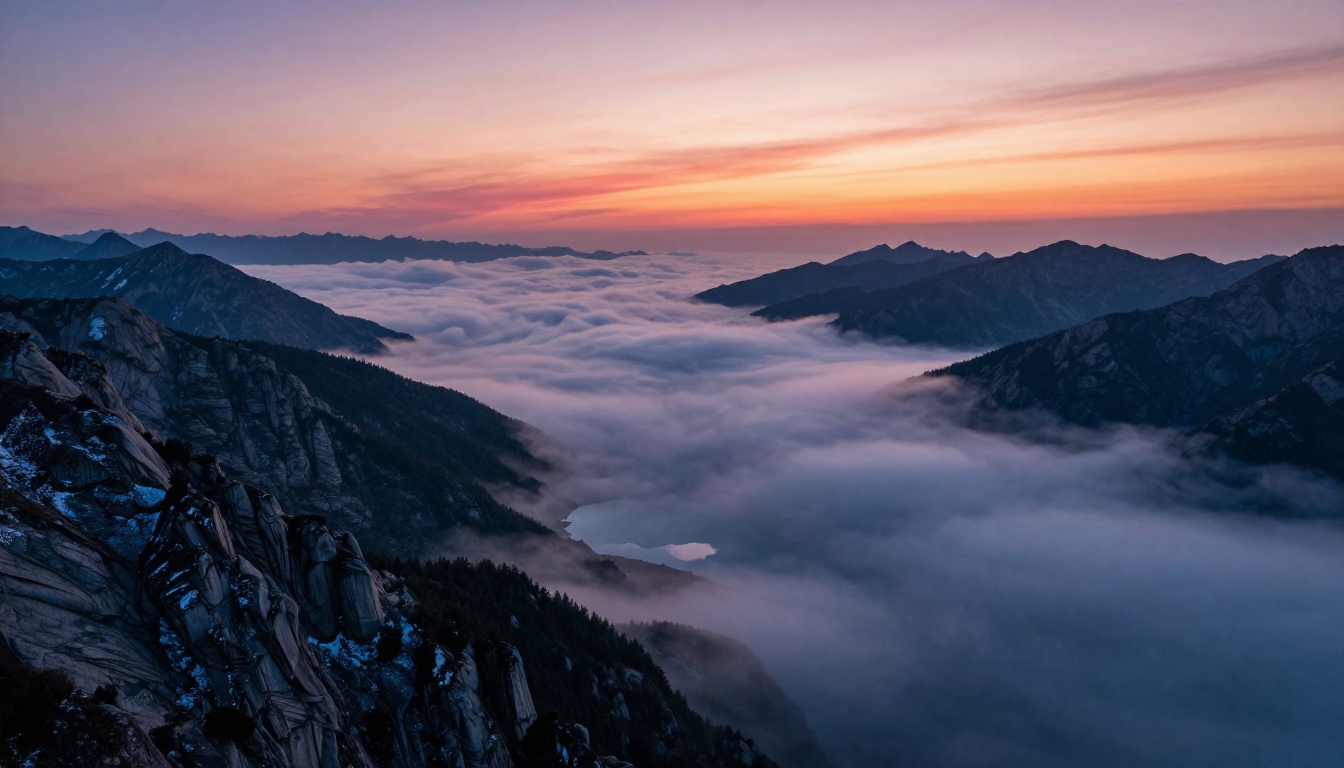
Formula: Time-lapse of [natural subject], [start state] transitioning to [end state], [camera position: static or slow movement], [lighting progression].
Example: "Time-lapse of dense morning fog over a mountain valley, fog banks rising and thinning as alpenglow turns from deep purple to warm amber, static wide camera from ridge above treeline."
The Urban Night Scene
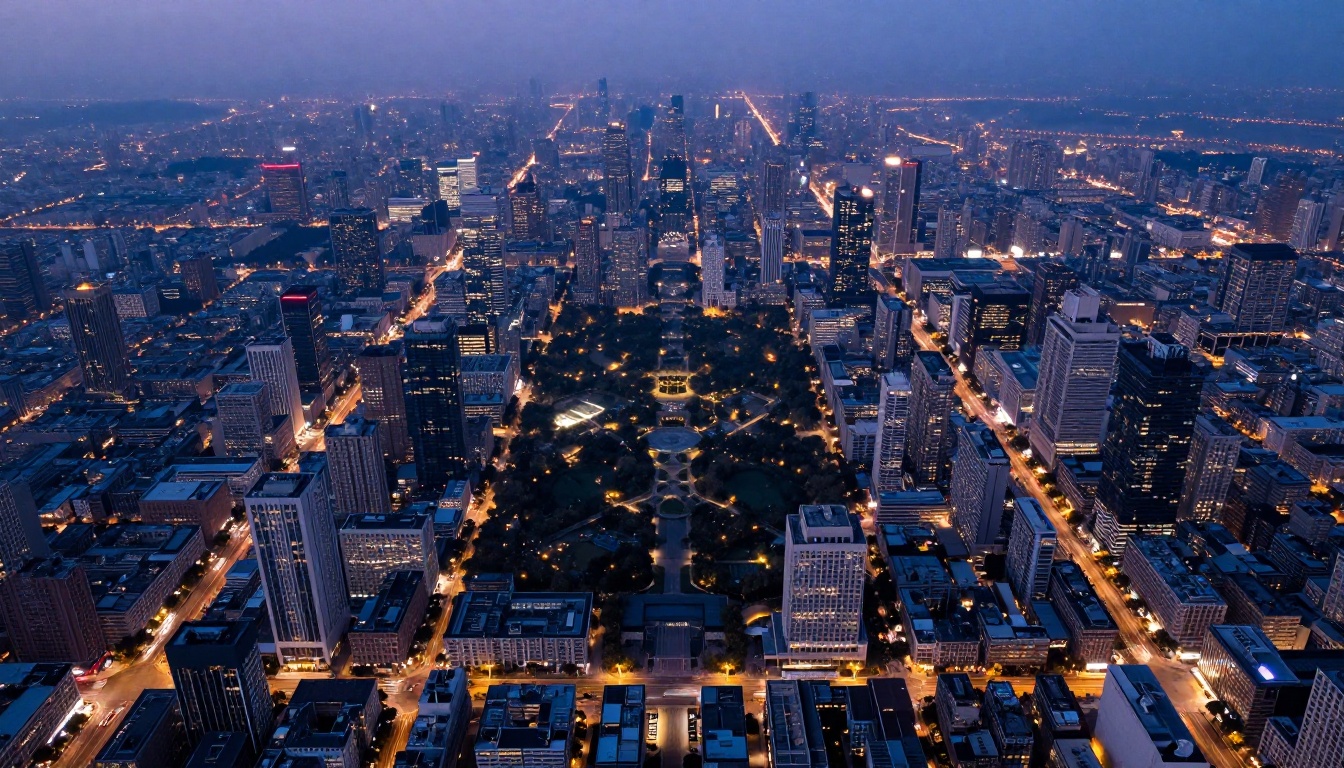
Formula: [City environment at night], [weather condition], [subject], [camera angle], [practical light sources listed explicitly].
Example: "Busy Tokyo intersection at midnight in light rain, wet asphalt reflecting neon signs in red and amber, a single pedestrian with a transparent umbrella crosses at a slow walk, low-angle static camera from street level, practical neon signage and vehicle headlights as only light sources."
The Detail Close-Up
Formula: Extreme close-up of [specific textured object], [micro detail description], [single directional light source], [lens specification], [camera movement].
Example: "Extreme close-up of a craftsman's hands stitching leather on a workbench, individual needle and thread visible, warm directional lamp from upper right, 100mm macro lens, very slow pull back revealing the full workshop."
The Lifestyle Scene
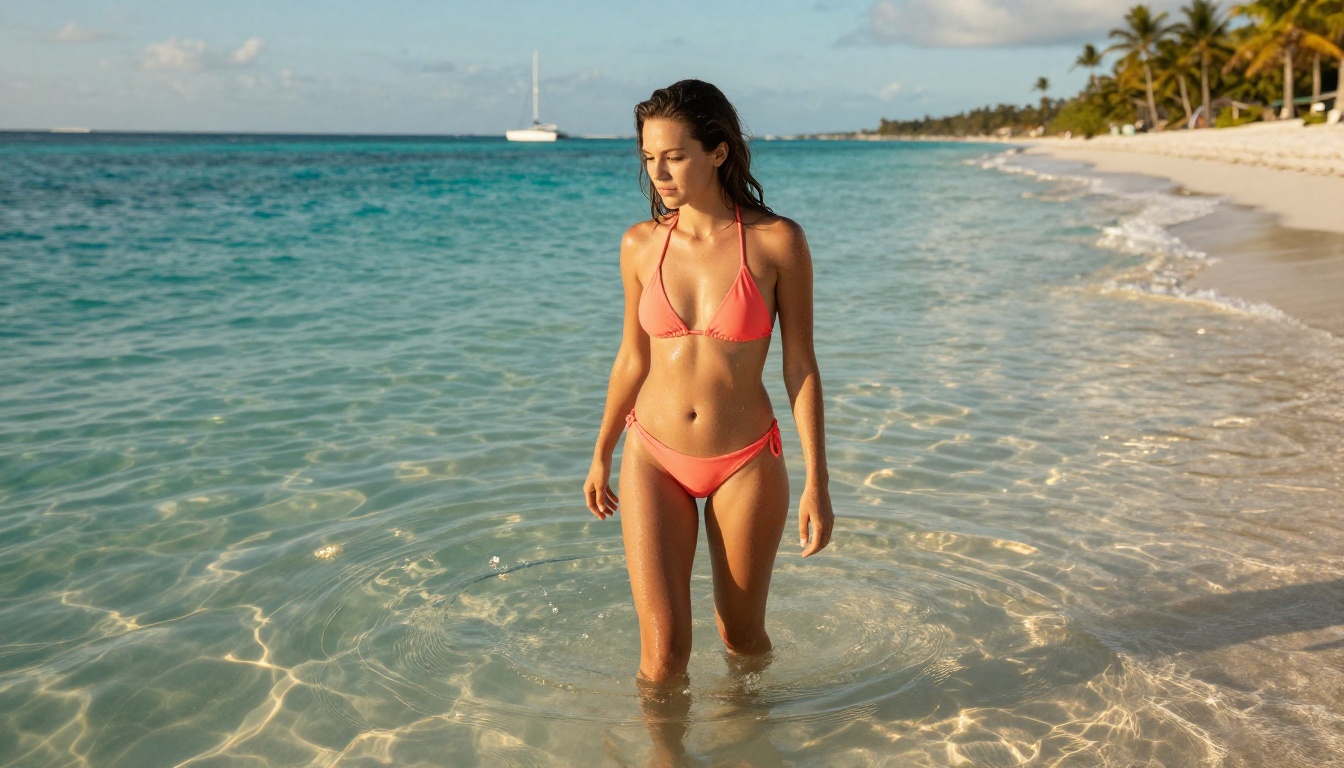
Formula: [Subject with clothing and age description] [action] [location], [camera following behavior], [natural light], warm color grade.
Example: "A woman in her late twenties wearing a loose linen sundress walks barefoot along a wet beach shoreline at golden hour, handheld camera tracking alongside at medium distance, volumetric side light from setting sun, warm color grade."
The Weather Event
Formula: [Environment during specific weather event], [atmospheric condition details], [camera angle], [motion quality descriptor], photorealistic.
Example: "Dense thunderstorm over open wheat fields at dusk, horizontal rain bending crops, wide static drone shot from 50 meters altitude, real time, photorealistic."
The Architectural Reveal
Formula: [Camera movement] revealing [architectural subject], [time of day], [specific material and texture of building], [human or environmental element for scale].
Example: "Slow upward tilt from cobblestone street revealing a brutalist concrete apartment facade at overcast noon light, rough aggregate concrete texture visible, a single figure exiting the main doorway at the base providing scale."
The Ocean and Water Scene
Formula: [Water body type and condition], [camera angle relative to water surface], [light interaction with water], [time of day], [any subject for scale], photorealistic.
Example: "Calm Mediterranean cove at sunrise, camera at water surface level looking toward shore, sunlight refracting through shallow water creating caustic patterns on sandy bottom, a wooden fishing boat moored 30 meters from shore provides depth reference, photorealistic."
The Golden Hour Portrait
Formula: [Subject description with clothing], [relaxed action or pose], [outdoor location], backlit by setting sun from [direction], warm rim light on [specific body part], 85mm lens, photorealistic.
Example: "A woman in an ivory linen dress sits on a stone wall at a coastal overlook, hair moving gently in the breeze, backlit by setting sun from the right, warm golden rim light catching the edge of her hair and shoulder, 85mm lens, photorealistic."

How to Use Sora 2 Pro on PicassoIA
Since Sora 2 Pro is available on PicassoIA, here is how to use it without any API setup or local installation.
Step 1: Open the Model
Go to Sora 2 Pro on PicassoIA. You will see the prompt input and parameter controls immediately. No complex setup is required beyond registration.
Step 2: Write Your Prompt
Use one of the formulas from this article. Paste it into the prompt field. Aim for 30 to 80 words: specific enough to direct the model, concise enough to avoid contradiction.
💡 Avoid separating conflicting styles with commas. Writing "cinematic, anime, documentary, vintage" in the same prompt creates contradiction. Pick one visual direction per clip.
Step 3: Set Duration and Aspect Ratio
Sora 2 Pro supports multiple clip durations. For establishing shots, 5 to 10 seconds works well. For character motion, 5 seconds often captures the core action cleanly. For landscape or atmospheric clips, 10 seconds gives the motion time to develop.
Use 16:9 for standard output or 9:16 for vertical short-form content.
Step 4: Review and Iterate
Your first output is a draft. Look at what the model got right (lighting, subject) and what it missed (camera movement, background detail). Adjust those specific elements in the prompt and regenerate. Most strong clips come from the second or third attempt.
3 Mistakes That Kill Your Output
Vague Subject Descriptions
"A beautiful woman" is not a prompt. It is a direction with no coordinate. How old? What clothing? What is she doing? Where is she standing? Each missing detail becomes a variable the model fills in randomly, and those fills compound across a 5-second clip.
Fix: Write at least four descriptors before moving to environment. Age range, clothing item, action verb, and posture or emotional state.
Missing Motion Cues
Sora 2 Pro expects to be told what moves and how. Without a camera movement instruction, it defaults to static. Without a subject motion instruction, the subject tends to stay still or produce minimal movement. Accidental stillness in a clip that should feel dynamic wastes the model's capability.
Fix: Always include one camera movement instruction and one subject or environment motion instruction in your prompt.
Style Conflicts
Writing "photorealistic cinematic film noir anime watercolor" in one prompt forces the model to average across styles, producing none of them coherently. This is the most common mistake from people who have strong experience with image generators but are new to video prompts.
Fix: Choose one visual style. Photorealistic, stylized realistic, or filmic are the three that produce the most consistent results with Sora 2 Pro.
Prompt Structures by Clip Type
Product Showcase
Product clips need clean backgrounds, controlled lighting, and slow deliberate camera movement that shows the object from multiple angles.
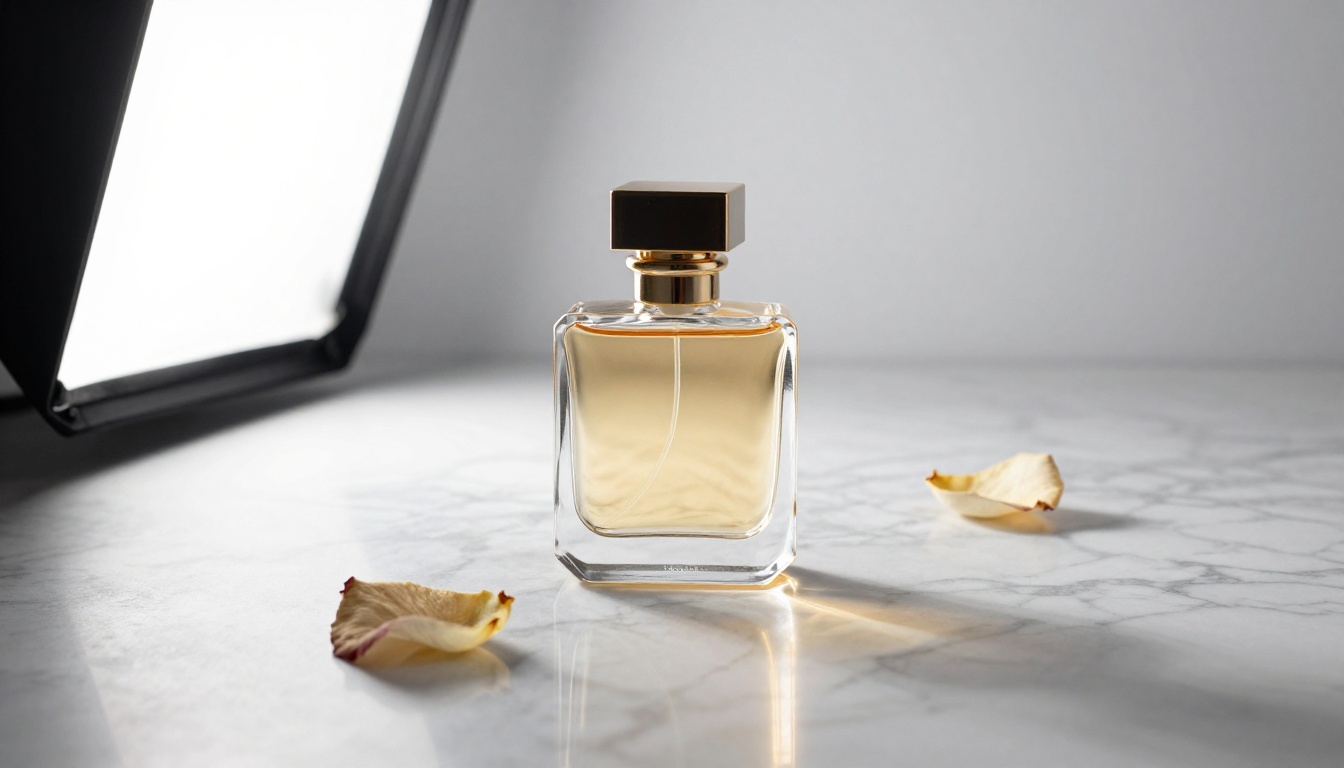
Template: "[Product] on [surface material], [studio light type] from [direction], [camera movement], [background description], photorealistic."
Example: "A luxury perfume bottle on polished white marble, octabox softbox from upper left, slow 180-degree orbit at tabletop level, pure white studio background, photorealistic."
Lifestyle and Fashion
These clips work best with natural environments, a clearly identified subject, and camera movement that follows or reveals.
Template: "[Person description with clothing] [action] [location], [camera following behavior], [natural light condition], warm color grade, photorealistic."
Example: "A man in a well-fitted charcoal suit walks through a sparse autumn forest at midday, camera tracking alongside at waist height, diffused overcast light with soft green underglow from moss on fallen logs, warm color grade, photorealistic."
Travel and Landscape
Scale matters in travel clips. Establish it with camera height and movement pace.
Template: "[Location] at [time of day or weather], [aerial or ground camera angle], [movement direction and speed], [specific environmental detail], [atmospheric effect], cinematic, photorealistic."
Example: "Icelandic black sand beach at storm light, low aerial tracking shot moving toward the water, massive waves breaking in slow motion, volcanic rock formations on the left, dark stormy sky with single break of sunlight illuminating the spray, cinematic, photorealistic."
Sora 2 Pro vs Other Top Models
The text-to-video space has several strong options on PicassoIA. Here is how Sora 2 Pro positions against two closely competing models.
vs Kling v3
Kling v3 Video produces excellent motion with strong character animation. Its advantage is in expressive body movement and dialogue-focused scenarios. Sora 2 Pro has an edge in physical environment realism: water, weather, natural lighting, and surface textures. For nature and landscape clips, Sora 2 Pro is the stronger choice.
| Capability | Sora 2 Pro | Kling v3 |
|---|
| Environment realism | Excellent | Good |
| Character animation | Good | Excellent |
| Water and weather | Excellent | Good |
| Prompt fidelity | High | High |
| Output resolution | 1080p | 1080p |
vs Veo 3
Veo 3 from Google includes native audio generation alongside video, which Sora 2 Pro currently does not match. For clips where ambient sound or dialogue matters, Veo 3 has a structural advantage. For pure visual quality, detailed textures, and complex scene descriptions, Sora 2 Pro holds its ground consistently.
💡 For synchronized audio, consider Veo 3 or Seedance 2.0, both available on PicassoIA. For pure visual fidelity, Sora 2 Pro is the right call.
Start Creating with Your First Prompt
The formulas in this article are structured around what Sora 2 Pro actually responds to: specific subjects, cinematographic language, directional lighting, and clear motion instructions. Take any template, replace the variables with your actual scene, and run it on Sora 2 Pro directly on PicassoIA.
No API or local setup required. The platform also gives you instant access to 100+ other video models including Kling v3 Omni Video, LTX 2.3 Pro, and Hailuo 02, so you can run the same prompt across multiple models and pick the best output in seconds.
Your first clip is one strong prompt away.


