Creating social media content that stops the scroll requires more than just hitting record. With tools like Sora 2 Pro, you have professional-grade video generation at your fingertips, but knowing how to structure your workflow makes the difference between viral content and forgotten posts.

Before the camera starts recording, the storyboard stage determines your content's success. Sketching shot compositions and camera movements helps visualize the final product before generation.
The average social media user spends less than 3 seconds deciding whether to watch a video. If your content doesn't immediately communicate value, it disappears into the algorithm's abyss. The problem isn't your ideas—it's execution.
Common mistakes include:
- Wrong aspect ratios: Vertical vs. horizontal confusion
- Poor audio quality: Viewers tolerate bad video but abandon poor audio
- Inconsistent pacing: Social media requires faster cuts than traditional video
- Missing thumbnails: The first frame determines click-through rates
- Ignoring platform specifics: What works on TikTok fails on LinkedIn
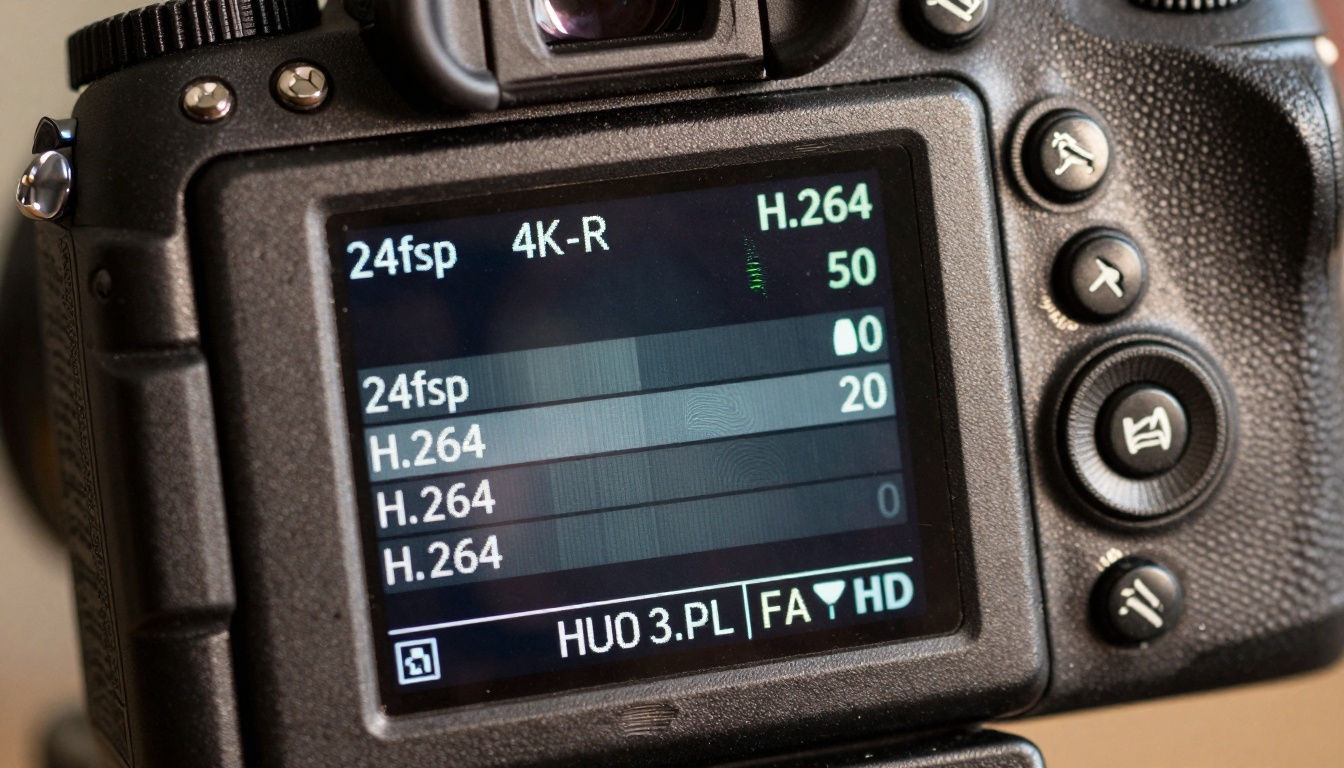
Camera settings matter even with AI generation. Understanding frame rates, resolutions, and codecs ensures your content meets platform requirements without quality loss.
Pre-Production: The Planning Phase
Storyboarding with Purpose
💡 Storyboards for social media should focus on first 3 seconds. Plan your hook before anything else.
Create a simple three-column spreadsheet:
- Timestamp (0-3s, 3-10s, 10-30s)
- Visual Content (what appears on screen)
- Audio/Narration (what the audience hears)
Concept Validation
Before generating content with Sora 2 Pro, test your concept with these questions:
| Question | Ideal Answer |
|---|
| Can this be explained in 15 words? | Yes |
| Does it solve a specific problem? | Yes |
| Will the thumbnail grab attention? | Yes |
| Is the pacing appropriate for the platform? | Yes |
| Does it include a clear call-to-action? | Yes |
Prompt Engineering for Sora 2 Pro
When using Sora 2 Pro, your prompts need social media optimization:
BAD: "A person explaining video editing"
GOOD: "Close-up shot of hands adjusting color grading sliders with before/after comparison, quick cuts between settings, dynamic camera movement showing process efficiency"
Essential prompt elements:
- Camera movements: "slow push in," "quick pan," "zoom out reveal"
- Lighting descriptions: "studio lighting," "natural window light," "product lighting setup"
- Pacing cues: "fast transition," "slow motion reveal," "quick cut sequence"
- Platform optimization: "vertical framing," "square crop safe zones," "text overlay areas"
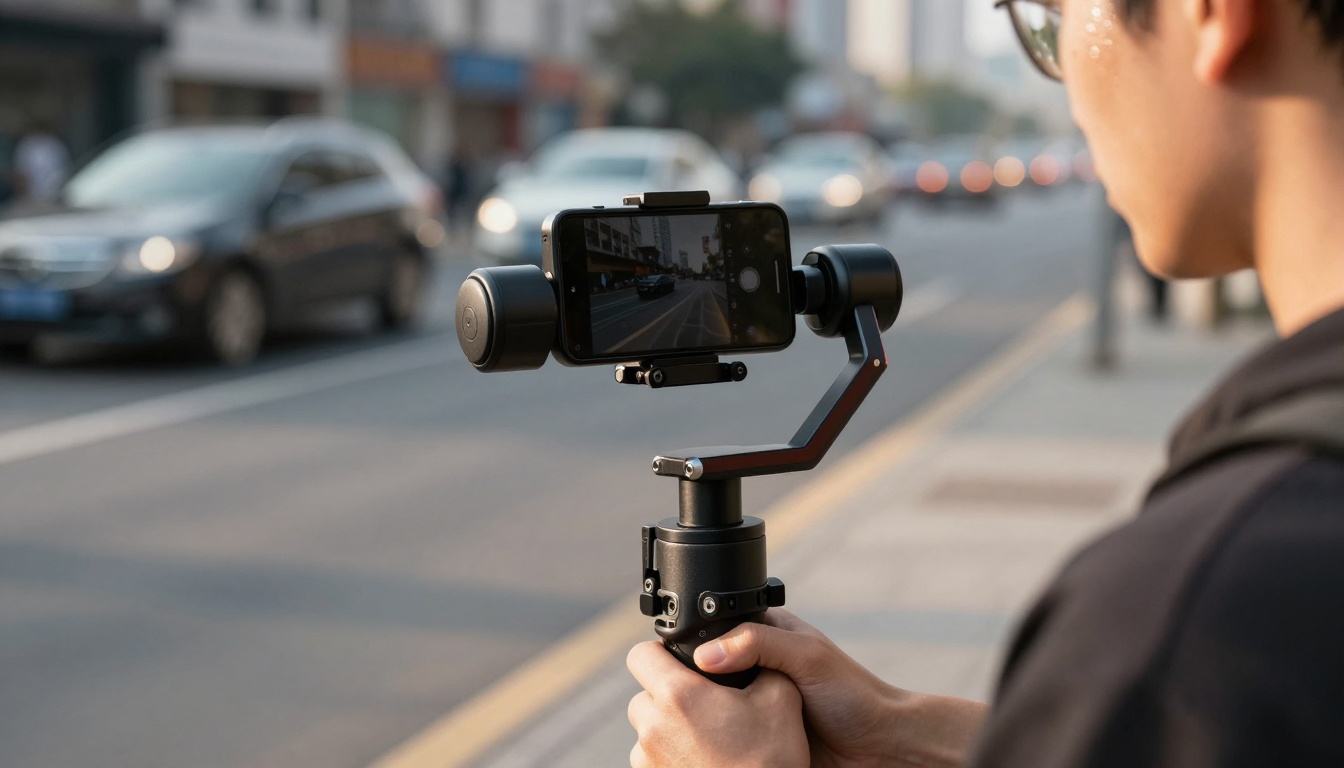
Stabilization isn't just for physical cameras. When planning shots in Sora 2 Pro, consider how camera movement affects viewer perception. Smooth tracking shots feel professional, while shaky footage appears amateur.
Production: Technical Considerations
Aspect Ratio Mastery
Each platform has different requirements:
TikTok/Instagram Reels: 9:16 vertical (1080x1920)
YouTube Shorts: 9:16 vertical (1080x1920)
Facebook/Instagram Feed: 1:1 square (1080x1080) or 4:5 vertical (1080x1350)
Twitter/X: 16:9 horizontal (1280x720)
LinkedIn: 1:1 square (1080x1080)
Frame Rate Strategy
- 24fps: Cinematic feel, traditional film look
- 30fps: Standard video, smooth motion
- 60fps: Slow-motion capability, ultra-smooth
- Variable rates: Mix for emphasis (slow-motion key moments)
Resolution Reality Check
| Platform | Minimum | Recommended | Maximum |
|---|
| TikTok | 540x960 | 1080x1920 | 1080x1920 |
| Instagram | 640x640 | 1080x1080 | 1080x1350 |
| YouTube | 426x240 | 1920x1080 | 3840x2160 |
| Twitter | 320x180 | 1280x720 | 1920x1080 |
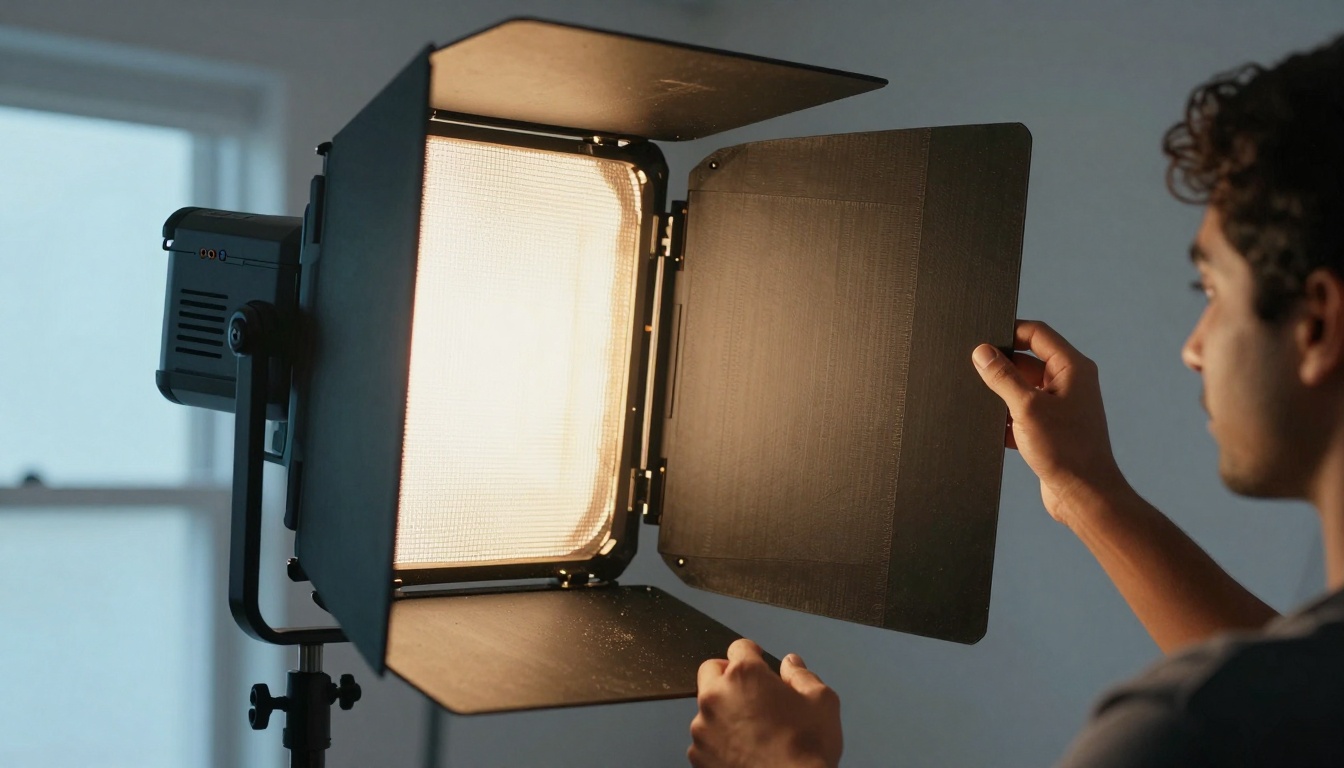
Lighting descriptions in your Sora 2 Pro prompts affect mood and professionalism. "Studio lighting with softbox diffusion" creates different results than "natural morning window light with volumetric rays."
Audio Production Principles
Social media viewers frequently watch without sound, but when they do enable audio, quality matters.
Essential audio elements:
- Voice clarity: No background noise, consistent volume
- Music selection: Platform-appropriate, non-distracting
- Sound effects: Subtle enhancement, not overpowering
- Audio mixing: Balanced levels across all elements
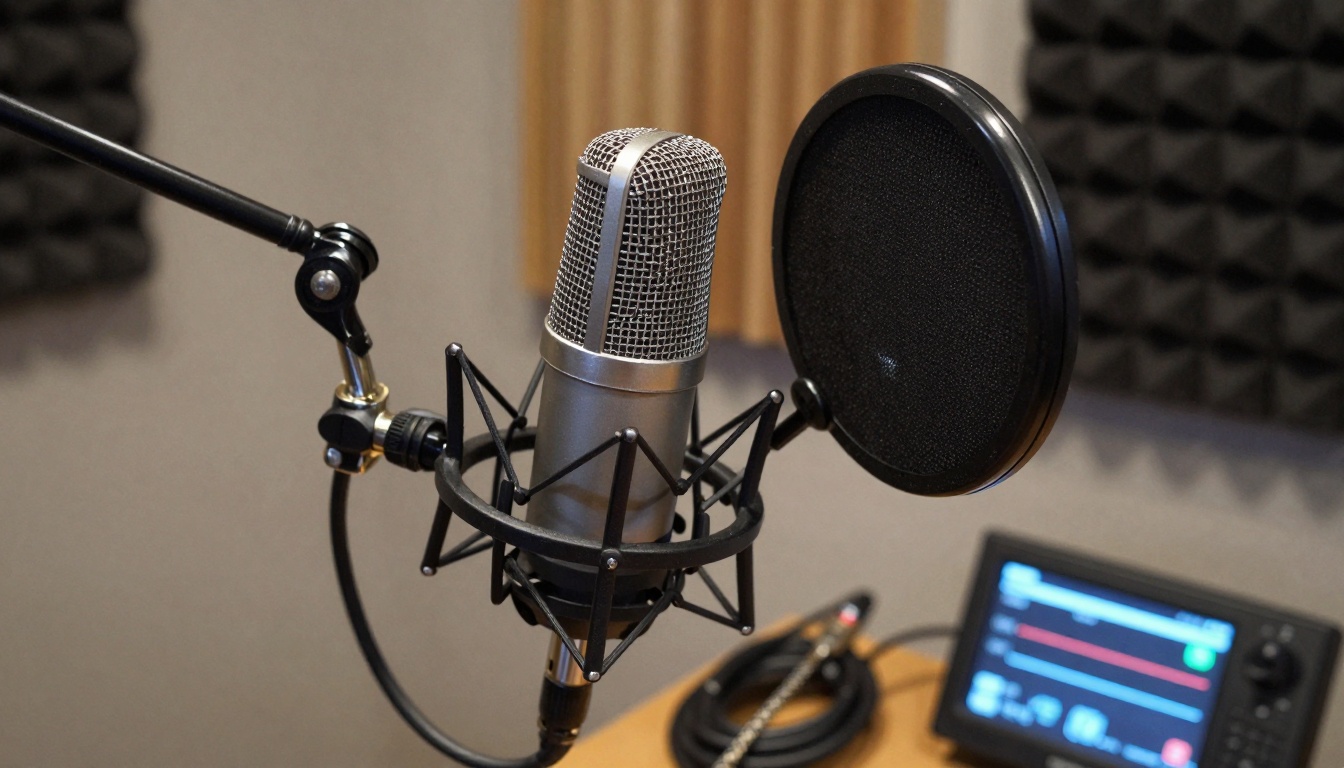
Professional audio equipment captures clean sound, but Sora 2 Pro can generate videos with implied audio quality through visual cues of professional recording setups.
TikTok Optimization
TikTok's algorithm prioritizes:
- Completion rate: Videos watched to the end
- Shares: Content worth passing along
- Comments: Engagement through discussion
- Follows: Creator loyalty signals
TikTok-specific tips:
- First frame hook: Text overlay asking question
- Pacing: 2-3 second cuts maximum
- Trend participation: Use trending sounds/effects
- Dual-frame technique: Split screen showing process/results
Instagram Reels Approach
Instagram favors:
- Original audio: Platform-specific sound creation
- Visual quality: High production value
- Educational content: How-to and tutorial formats
- Series potential: Content that encourages follow-up viewing
Reels optimization:
- Text overlays: Key points highlighted on screen
- CTA placement: End-screen prompts for action
- Brand consistency: Visual style maintained across content
- Hashtag strategy: 3-5 relevant hashtags maximum
YouTube Shorts Considerations
YouTube's platform values:
- Search optimization: Content answering specific queries
- Channel growth: Content driving subscriptions
- Watch time: Longer engagement periods
- SEO elements: Titles, descriptions, tags
Shorts specific approaches:
- Problem/solution format: Clear value proposition
- Series markers: "Part 1 of 3" indicators
- End screen elements: Subscription prompts
- Community features: Polls, questions engagement
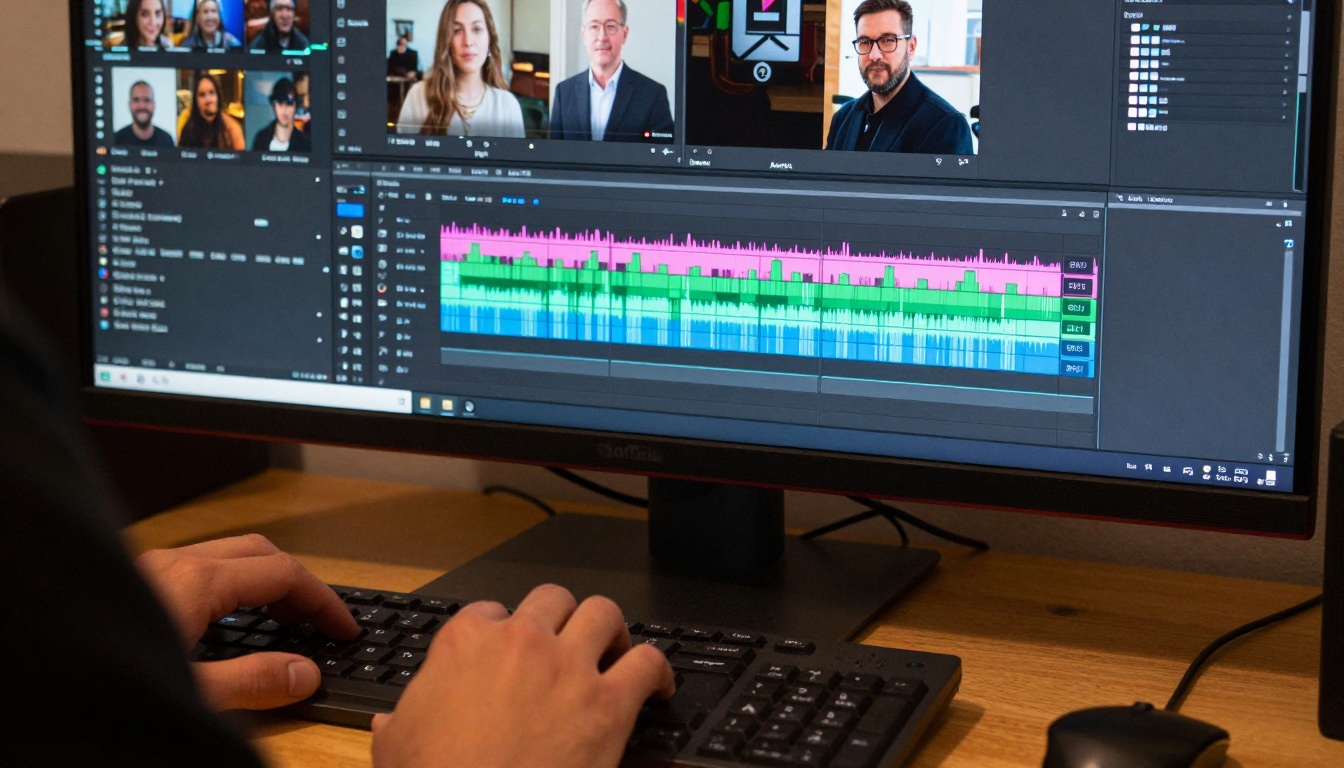
Post-production with Sora 2 Pro content involves color grading for platform consistency, pacing adjustments for different audiences, and adding platform-specific elements like text overlays and end screens.
Post-Production Workflow
Editing Timeline Structure
Create a standardized editing template:
- 0-3 seconds: Hook + value statement
- 3-15 seconds: Core content delivery
- 15-25 seconds: Examples/demonstration
- 25-30 seconds: Recap + call-to-action
- 30+ seconds: Bonus content (platform dependent)
Color Grading for Platform Identity
Different platforms have different color expectations:
| Platform | Color Temperature | Saturation | Contrast |
|---|
| TikTok | Cool (6500K) | High | Medium-high |
| Instagram | Warm (5500K) | Medium | Medium |
| YouTube | Neutral (5600K) | Natural | Medium |
| LinkedIn | Professional (6000K) | Low | High |
Text Overlay Best Practices
- Font selection: Sans-serif for readability
- Color contrast: Light text on dark backgrounds
- Timing: 2-3 seconds per text card maximum
- Animation: Subtle entrance/exit effects
- Position: Safe zones (avoid platform UI elements)
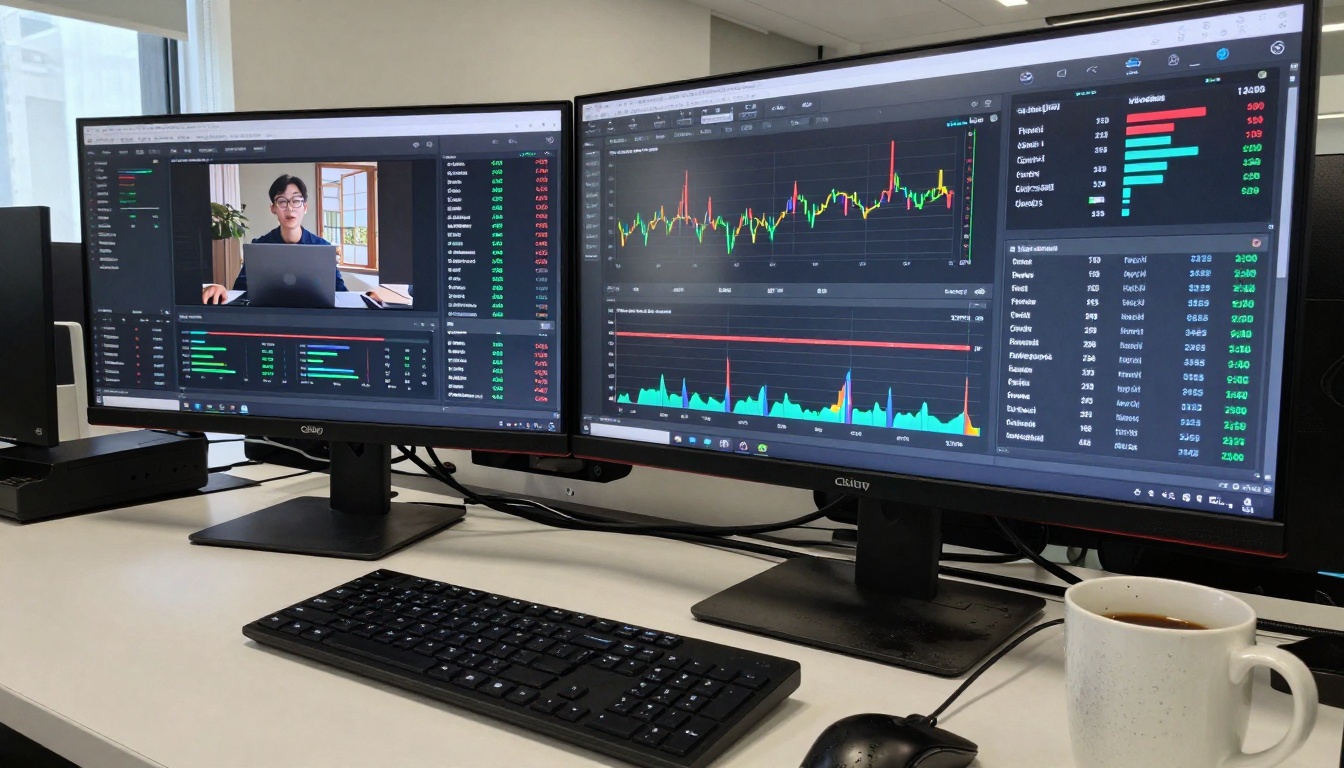
Analytics inform your Sora 2 Pro strategy. Track which visual styles, pacing, and content formats perform best on each platform, then refine your generation prompts accordingly.
Advanced Sora 2 Pro Techniques
Multi-Prompt Sequencing
Instead of single long prompts, sequence multiple focused prompts:
Example workflow:
- Establishing shot: "Wide angle of workspace with morning light"
- Detail shot: "Close-up of hands adjusting equipment"
- Process shot: "Medium shot showing technique application"
- Result shot: "Before/after comparison with text overlay"
Style Consistency
Maintain visual coherence across videos by:
- Color palette repetition: Same grading look
- Camera angle patterns: Consistent perspective choices
- Lighting continuity: Similar light quality/source
- Pacing rhythm: Comparable cut frequency
Platform-Specific Prompt Libraries
Create prompt templates for each platform:
TikTok Template: "Quick cuts between [subject] doing [action], vertical framing, text overlay showing [key point], trending transition effect, bright saturated colors"
Instagram Template: "Smooth camera movement showing [process], professional lighting, text cards highlighting [steps], warm color grade, square-safe composition"
YouTube Template: "Tutorial-style sequence showing [technique], clear before/after comparison, neutral color balance, horizontal framing, end screen call-to-action"
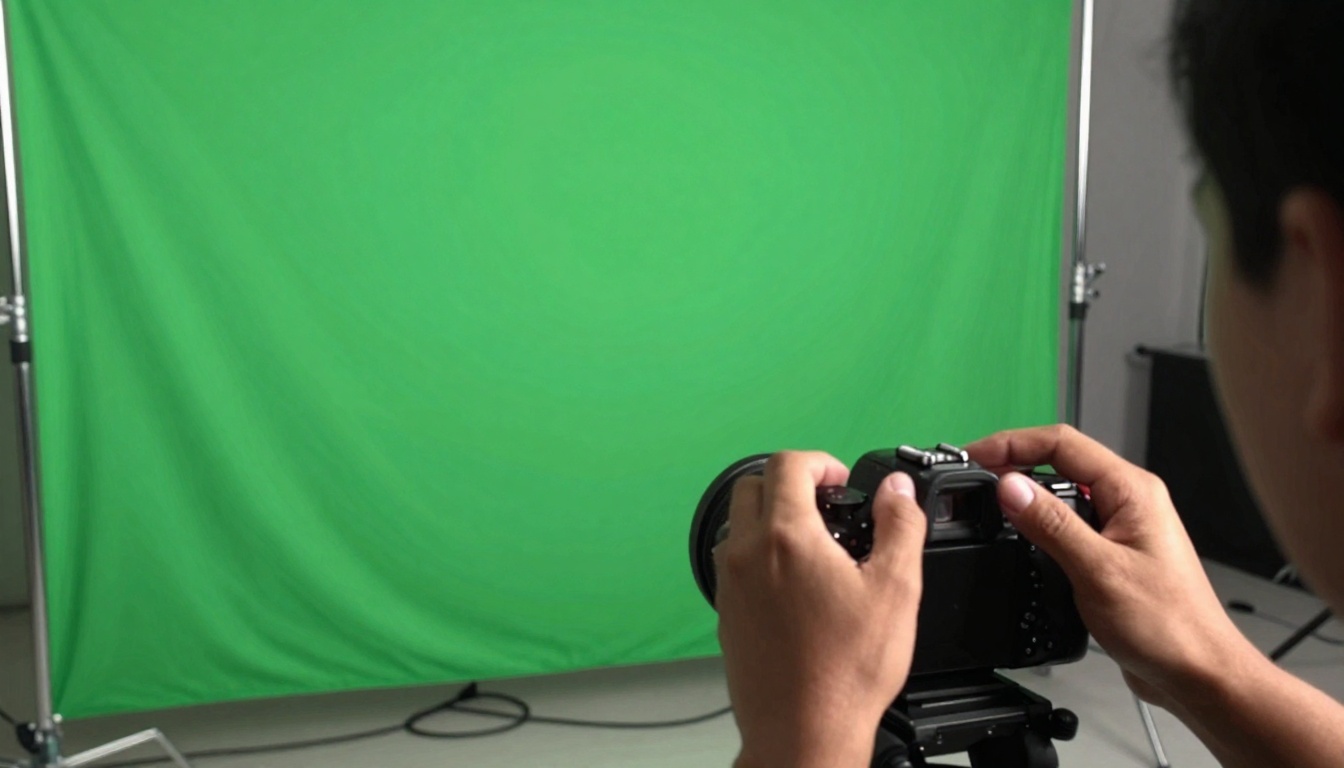
Green screen techniques expand Sora 2 Pro possibilities. Generate subjects against neutral backgrounds, then composite them into different environments during editing.
Optimization & Testing
A/B Testing Framework
Test one variable at a time:
| Variable | Option A | Option B | Metric to Track |
|---|
| Thumbnail | Text overlay | No text | Click-through rate |
| First 3s | Question hook | Statement hook | Retention at 3s |
| Pacing | 2s cuts | 3s cuts | Average watch time |
| Color grade | Warm | Cool | Completion rate |
| CTA placement | 25s mark | 28s mark | Action rate |
Performance Analysis
Track these metrics religiously:
Primary metrics:
- Retention rate: Percentage watching to end
- Engagement rate: Likes, comments, shares per view
- Growth rate: New followers per video
- Conversion rate: Desired actions taken
Secondary metrics:
- Watch time: Total minutes viewed
- Audience demographics: Who's watching
- Traffic sources: How viewers find content
- Device breakdown: Mobile vs. desktop viewing
Iterative Improvement
Each video should inform the next:
- Analyze top-performing content
- Identify common successful elements
- Implement those elements in next video
- Test variations of successful approaches
- Repeat the cycle continuously
The final upload stage determines reach. Platform-specific settings, optimal posting times, and strategic caption writing complete the Sora 2 Pro workflow.
Creating Your Production System
Workflow Documentation
Create a checklist for each video:
Resource Organization
Maintain these organizational systems:
Prompt library: Categorized by platform, style, and purpose
Performance database: Track what works/doesn't work
Asset repository: Music, sound effects, font selections
Schedule calendar: Posting times and content calendar
Analytics dashboard: Performance monitoring system
Continuous Learning
Stay updated on:
- Platform algorithm changes: How distribution works
- Trend analysis: What content styles are emerging
- Tool updates: New Sora 2 Pro features and capabilities
- Audience shifts: Changing viewer preferences
- Competitor analysis: Successful approaches in your niche
Getting Started with Sora 2 Pro on PicassoIA
The Sora 2 Pro model on PicassoIA provides professional video generation capabilities without traditional production constraints.
Accessing the model:
- Navigate to the Sora 2 Pro page on PicassoIA
- Review the model documentation and examples
- Prepare your optimized prompts based on platform requirements
- Generate test content with different parameter combinations
- Analyze results and refine your approach
Key parameters to adjust:
- Duration: Match platform requirements (9-60 seconds typically)
- Style consistency: Maintain visual coherence across generations
- Motion control: Specify camera movements and pacing
- Detail level: Balance quality with generation speed
Integration into workflow:
- Use Sora 2 Pro for base video generation
- Edit in traditional software for platform-specific elements
- Add audio, text overlays, and effects post-generation
- Test multiple variations for performance comparison
- Document successful prompt formulas for reuse
Your Next Steps
Social media video success comes from systematic approaches, not random efforts. With Sora 2 Pro, you eliminate production barriers while maintaining quality control through strategic planning.
Immediate actions to take:
- Audit existing content: Identify what already works
- Create platform templates: Standardized approaches for each platform
- Develop prompt libraries: Categorized prompts for different content types
- Establish testing framework: Systematic A/B testing methodology
- Build analytics dashboard: Performance tracking system
Long-term strategy development:
- Content calendar: Planned series and seasonal content
- Skill development: Continuous learning in video optimization
- Tool mastery: Deep understanding of Sora 2 Pro capabilities
- Audience growth: Systematic follower acquisition approaches
- Monetization planning: Revenue strategy aligned with content
The difference between amateur and professional social media video isn't equipment budget—it's workflow discipline. With the right planning systems and Sora 2 Pro's generation capabilities, you can produce content that competes with studio productions while maintaining the agility social media demands.
Start small, test systematically, and scale what works. Your first optimized video might not go viral, but your tenth iteration will show measurable improvement. The data from each attempt informs the next, creating a feedback loop that steadily increases your content's impact.


