Creating professional social media content has fundamentally changed with the arrival of advanced AI video generation tools. The challenge isn't just about making videos anymore—it's about making videos that stop the scroll, hold attention, and convert viewers into followers. Sora 2 Pro represents the cutting edge of this technology, offering capabilities that were previously only available to professional production teams with six-figure budgets.
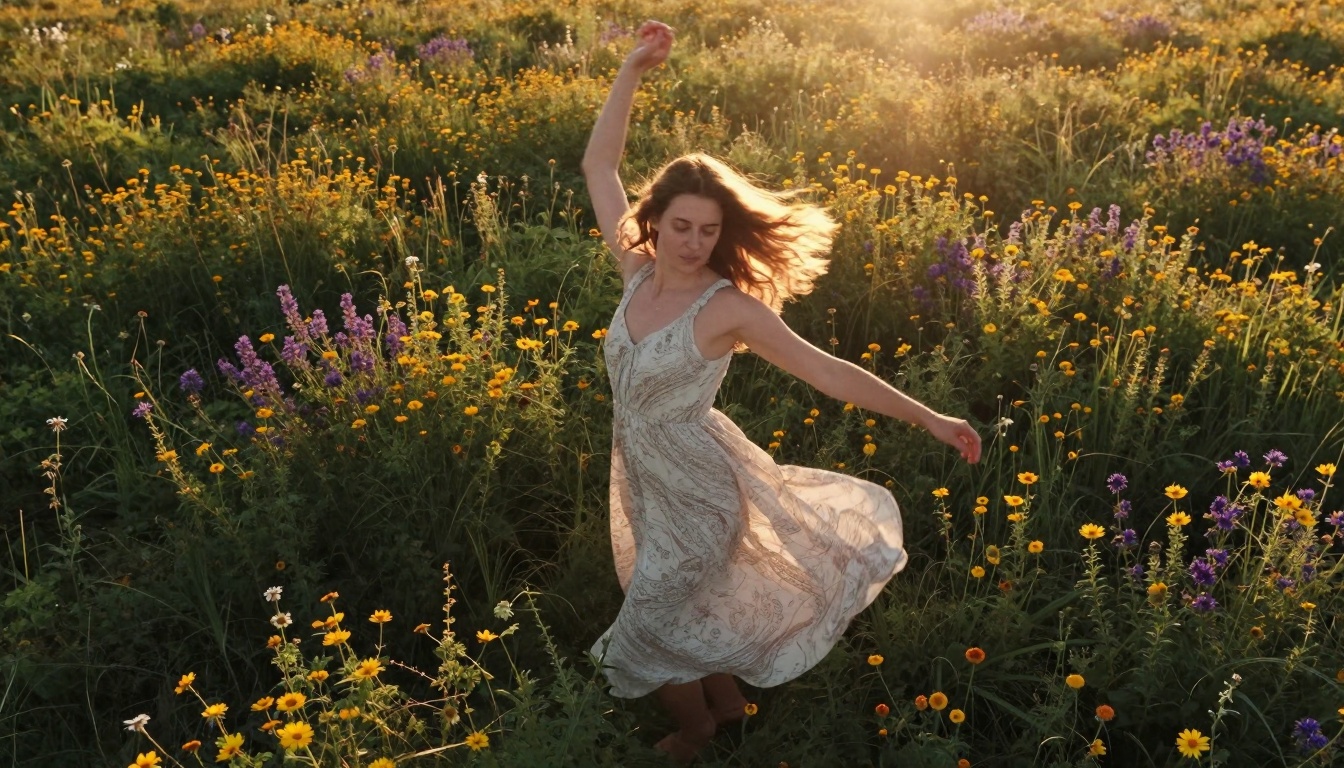
Caption: Aerial drone shot showing perfect movement and lighting for dance content
Why Sora 2 Pro Changes Everything
Social media platforms reward content that looks professional but feels authentic. This delicate balance—polished yet relatable—has been difficult to achieve without extensive production resources. Sora 2 Pro addresses this directly by generating videos with three critical characteristics: realistic human motion, authentic emotional expressions, and cinematic visual quality.
The model understands subtle human interactions in ways previous systems couldn't. It doesn't just move characters around a scene—it creates genuine moments with believable body language, natural eye contact, and appropriate emotional responses. This matters because social media audiences have become sophisticated at detecting artificial behavior.
💡 Key Insight: The most engaging social media videos show real human moments, not just perfect visuals. Sora 2 Pro's strength lies in its ability to generate both simultaneously.
Prompt Structure That Works
Effective prompting follows a specific architecture that tells the model exactly what you want while leaving appropriate creative freedom. Here's the structure professional creators use:
Subject + Action + Environment + Lighting + Camera + Emotion
For example, instead of "woman dancing," use:
"A professional dancer in her late 20s performs contemporary dance moves in a sun-drenched studio with polished wooden floors, morning light streaming through large windows creates soft shadows across her body, shot from a low angle with 35mm lens capturing full-body movement, expression shows focused concentration with moments of joyful release"
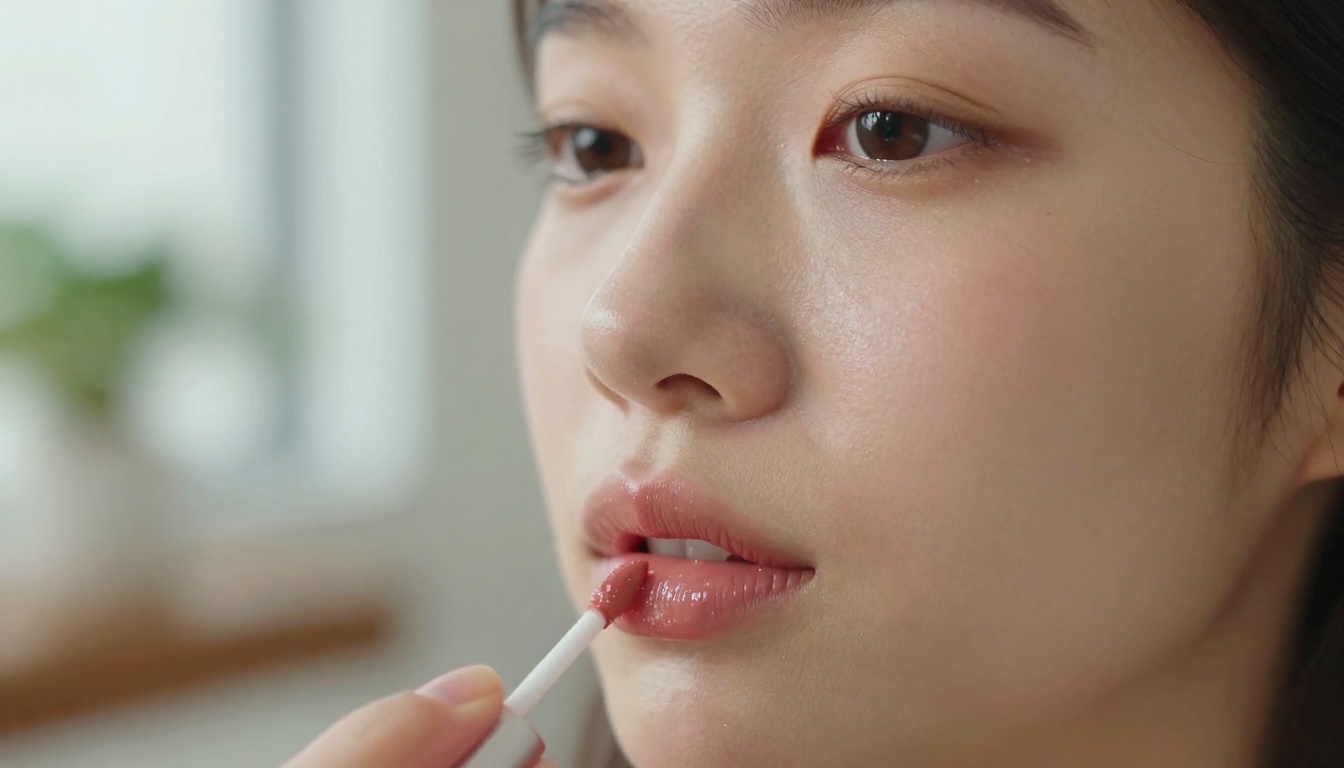
Caption: Extreme close-up with perfect lighting for beauty content
Lighting Specifications That Matter
Lighting fundamentally changes how audiences perceive your content. Different social media niches require different lighting approaches:
| Content Type | Lighting Style | Camera Approach | Best For |
|---|
| Beauty Tutorials | Soft window light, f/1.4 aperture | 85mm macro close-up | Instagram Reels |
| Fashion Content | Golden hour, long shadows | 35mm low-angle | TikTok, YouTube Shorts |
| Food Preparation | Natural kitchen light, side illumination | 50mm overhead | Instagram Stories |
| Fitness Routines | Clean studio lighting, minimal shadows | 24-70mm full body | YouTube, Facebook |
| Travel Vlogs | Sunrise/sunset, environmental light | Wide-angle establishing | All platforms |
Golden hour lighting (one hour after sunrise or before sunset) consistently performs best across platforms. The warm tones, long shadows, and soft quality make subjects look more attractive and scenes feel more cinematic.
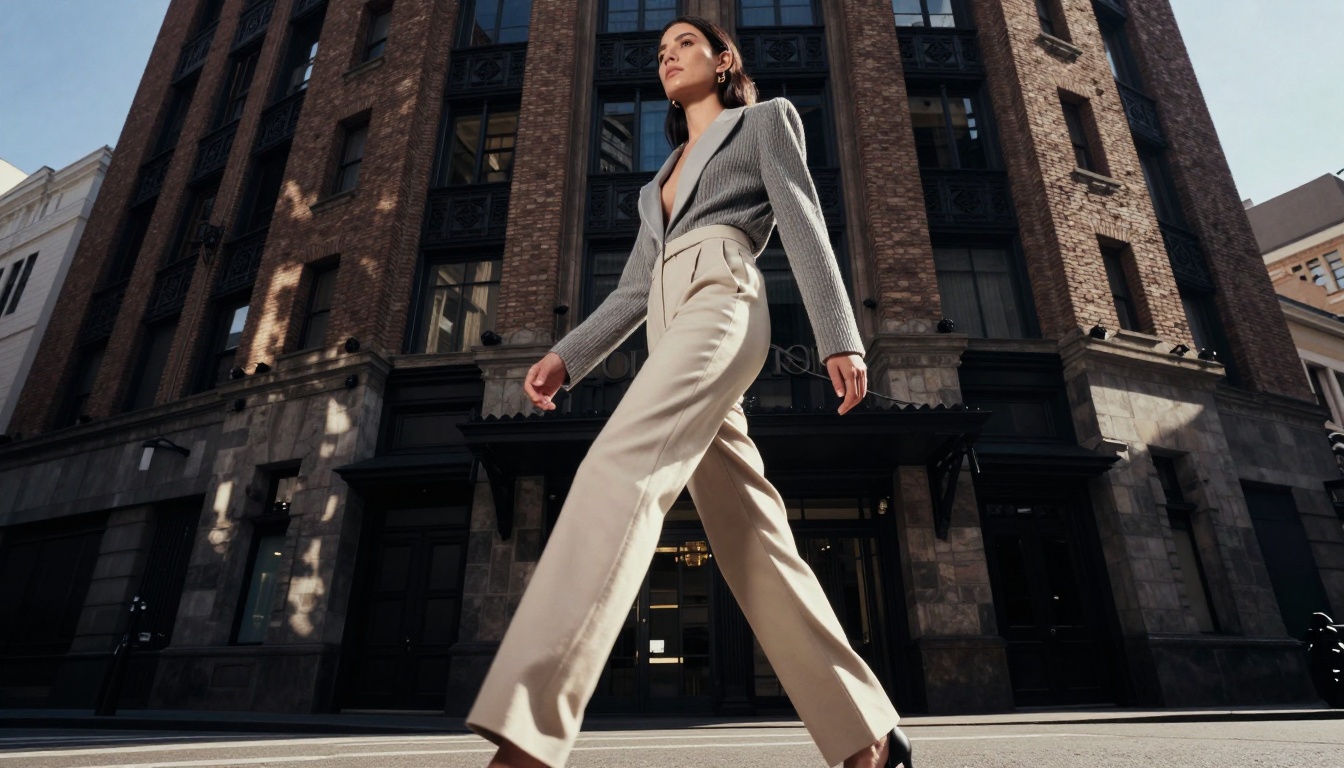
Caption: Urban fashion content with perfect lighting and composition
Camera Angles That Convert
Social media's vertical format requires specific approaches to camera work. What works in horizontal video often fails in vertical, and vice versa.
Vertical-First Camera Strategies:
-
Low-Angle Hero Shots: Position the camera below waist level looking up at the subject. This creates powerful, authoritative framing perfect for fashion, fitness, and confidence-building content.
-
Dutch Angles: Tilt the camera 15-30 degrees for dynamic, engaging shots that feel spontaneous rather than staged.
-
Extreme Close-Ups: Fill 80% of the frame with the subject's face for maximum emotional connection. This works particularly well for beauty tutorials, reaction content, and personal stories.
-
Overhead Shots: Perfect for food preparation, desk setups, and craft tutorials. Shows processes clearly while maintaining visual interest.
-
Tracking Shots: Simulate camera movement by describing panning, dollying, or handheld follow shots. This adds professional production value without the cost.
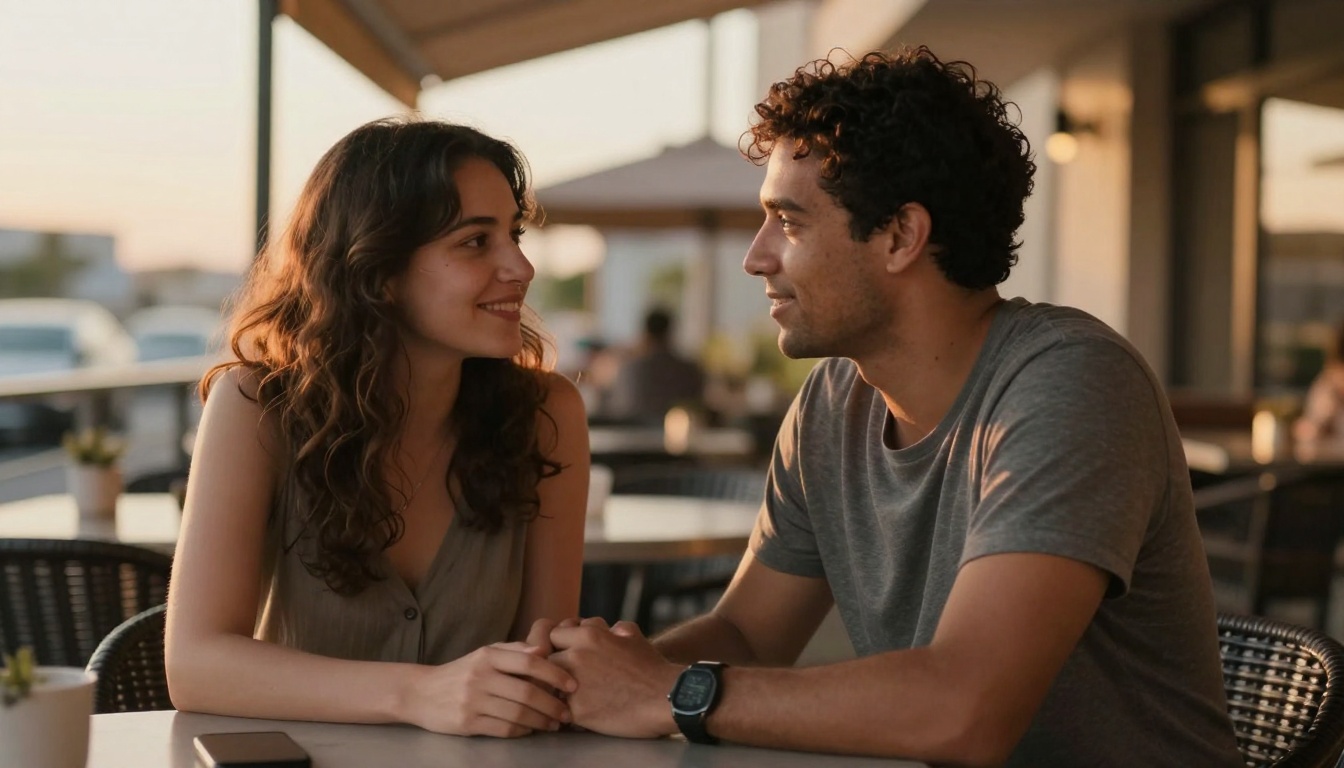
Caption: Authentic human interaction with perfect golden hour lighting
Motion Control Techniques
Sora 2 Pro excels at generating specific types of motion. Understanding these capabilities helps you create more effective prompts:
Natural Human Movement Patterns:
- Walking with realistic gait and arm swing
- Conversational gestures that match speech rhythm
- Expressive facial animations (smiles, eyebrow raises, eye contact)
- Activity-specific motions (dancing, cooking, exercising)
Environmental Motion:
- Wind affecting hair and clothing
- Water movement (waves, flowing streams)
- Fire and smoke dynamics
- Particle effects (snow, rain, leaves)
Camera Movement Simulation:
- Smooth dolly shots
- Handheld documentary style
- Drone aerial movements
- Static tripod shots with subtle breathing
💡 Pro Tip: Combine human motion with environmental motion for maximum realism. For example: "A woman walks through autumn leaves with wind gently moving her hair and jacket, leaves swirling around her feet as she moves"
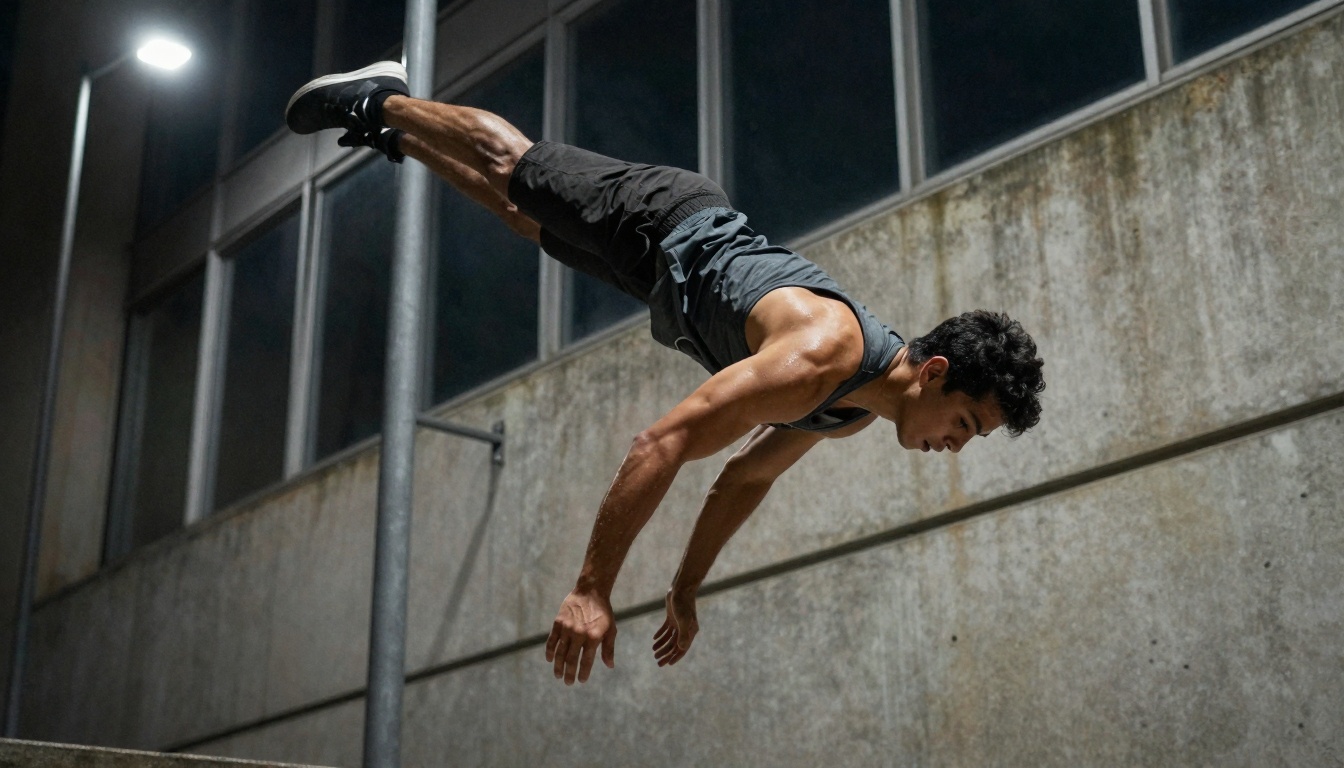
Caption: Dynamic action with perfect motion capture and lighting
Different social media platforms have different content requirements and audience expectations:
Instagram Reels & Stories
Duration: 15-30 seconds
Style: Highly polished, aesthetically perfect
Sound: Trending audio or custom voiceover
Text: Minimal, clean captions
Example Prompt: "Luxury skincare routine shot in minimalist bathroom with marble surfaces, morning light creates soft shadows, close-up shots of product application with detailed texture of creams on skin, 85mm lens, f/1.8, natural makeup with dewy finish"
TikTok
Duration: 15-60 seconds
Style: Authentic, relatable, trending
Sound: Popular music or voice trends
Text: Engaging captions, questions, CTAs
Example Prompt: "Day in the life of a digital nomad working from tropical cafe, golden hour lighting, casual stylish outfit, laptop and coffee setup, shot with variety of angles including overhead and POV, authentic smiles and working concentration"
YouTube Shorts
Duration: 15-60 seconds
Style: Educational or entertaining
Sound: Clear voiceover or trending music
Text: Informative captions, keywords
Example Prompt: "Quick cooking tutorial making avocado toast, overhead shot showing each step, close-ups of ingredient textures, hands preparing food, natural kitchen lighting, upbeat pacing, final beauty shot of completed dish"
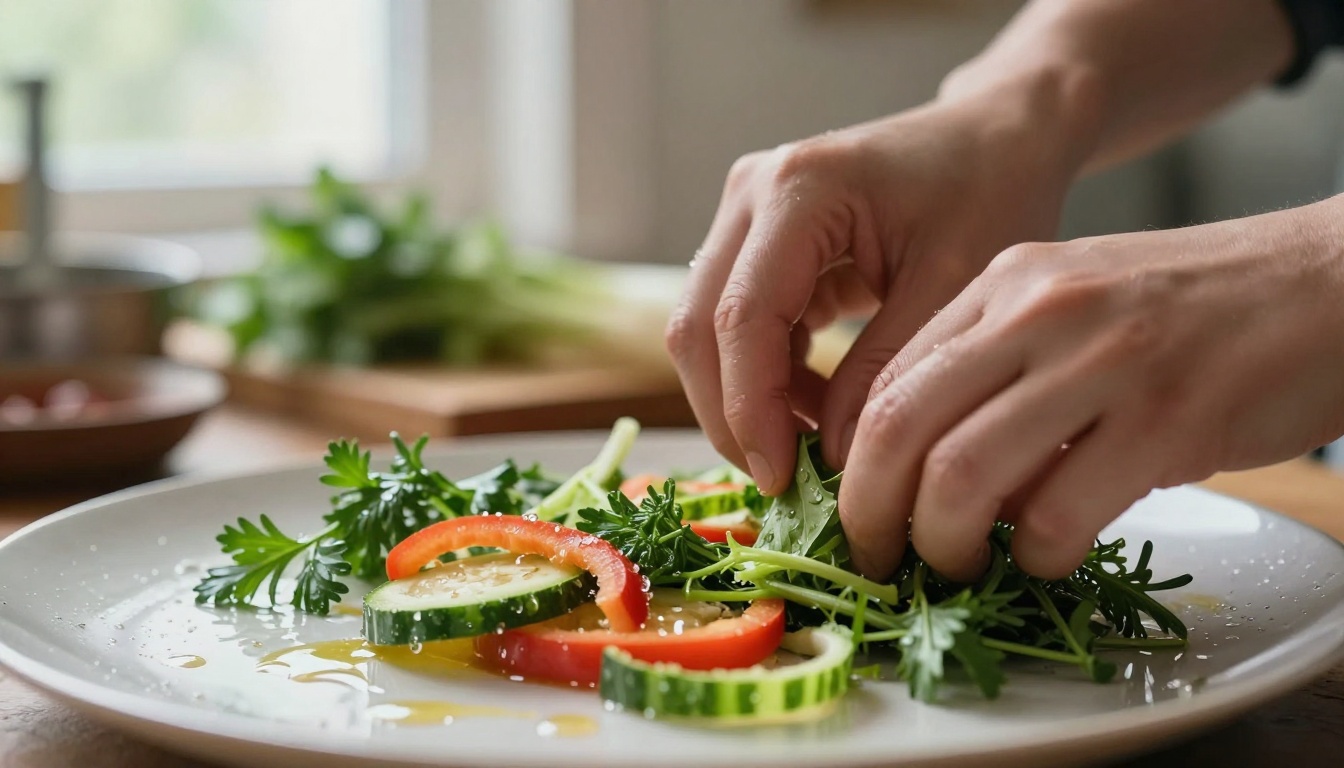
Caption: Food preparation with perfect texture and lighting details
Character Development for Consistency
Building a recognizable social media persona requires consistent character traits across videos. Sora 2 Pro can maintain character consistency when you provide detailed descriptions:
Physical Characteristics:
- Age range and general appearance
- Hair style, color, and texture
- Clothing style and color preferences
- Typical facial expressions and mannerisms
Behavioral Patterns:
- How they move (energetic, calm, precise)
- Speech patterns if including voiceover
- Interaction style with objects/environment
- Emotional range typically displayed
Environmental Consistency:
- Typical locations/settings
- Recurring props or elements
- Consistent lighting conditions
- Repeating camera angles
This consistency helps audiences recognize your content instantly as they scroll, increasing engagement and follower loyalty.

Caption: Travel influencer content with perfect environmental integration
Technical Parameters That Matter
While Sora 2 Pro handles most technical details automatically, specifying certain parameters can improve results:
Resolution and Aspect Ratios:
- 1080x1920 for vertical content
- 1920x1080 for horizontal
- Square (1080x1080) for some Instagram content
Frame Rate Considerations:
- 24fps for cinematic feel
- 30fps for standard social media
- 60fps for smooth motion (action/sports)
Quality Modifiers:
- "Photorealistic" vs "cinematic" vs "documentary"
- Color grading preferences (warm, cool, neutral)
- Texture details (skin pores, fabric weave, material surfaces)
Common Mistakes to Avoid
-
Overly Complex Prompts: Too many elements confuse the model. Focus on 3-5 key elements per scene.
-
Contradictory Instructions: "Bright sunny day with dark stormy lighting" creates confusion.
-
Missing Emotional Context: Every scene needs emotional tone (joyful, contemplative, energetic).
-
Ignoring Platform Specifications: Content made for YouTube often fails on TikTok and vice versa.
-
Inconsistent Character Traits: Changing appearance or behavior between videos breaks audience connection.
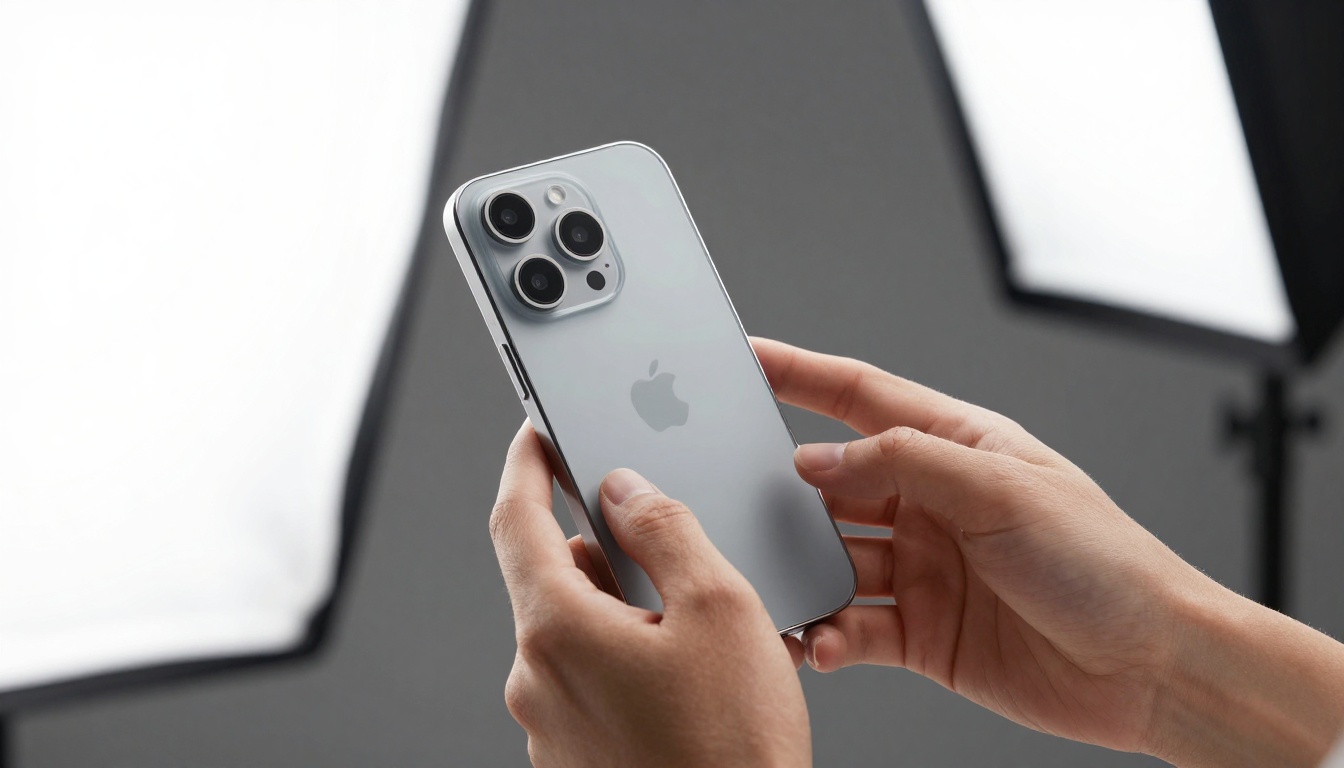
Caption: Professional product demonstration with perfect studio lighting
Advanced Workflow: From Prompt to Post
Professional creators follow this workflow for consistent results:
-
Concept Development: Define the video's purpose, target audience, and key message.
-
Platform Analysis: Research what's currently trending on the target platform.
-
Prompt Drafting: Create 3-5 variations of the main prompt with different angles/lighting.
-
Batch Generation: Generate multiple takes of the same scene to select the best.
-
Post-Processing: Add platform-specific elements (text, logos, CTAs).
-
A/B Testing: Test different versions with small audiences before full publication.
How to Use Sora 2 Pro on PicassoIA
Accessing Sora 2 Pro through PicassoIA provides a streamlined workflow specifically optimized for content creators. The platform offers several advantages over direct API access:
Step-by-Step Guide
-
Navigate to the Sora 2 Pro page on PicassoIA using the direct link above.
-
Prepare your prompt using the structure outlined earlier in this article. Remember to include all key elements: subject, action, environment, lighting, camera, and emotion.
-
Set video parameters:
- Duration: 15-60 seconds depending on platform
- Aspect ratio: Select vertical (9:16) for most social media
- Quality: Use "pro" setting for social media content
-
Generate and review: The platform shows a preview before full generation. Make adjustments if needed.
-
Download and edit: Add platform-specific elements like text overlays, logos, and calls-to-action.
Platform-Specific Features
PicassoIA's implementation includes features particularly useful for social media creators:
- Batch generation: Create multiple variations simultaneously
- Style presets: Pre-configured settings for different content types
- Direct social media export: Optimized formats for each platform
- Collaboration tools: Share projects with team members
Cost Considerations
Compared to hiring production teams or purchasing expensive equipment, Sora 2 Pro through PicassoIA offers significant cost advantages:
| Production Method | Cost per 30-second video | Time Required | Quality Level |
|---|
| Professional Studio | $500-$2,000 | 2-3 days | High |
| Freelancer | $100-$500 | 1-2 days | Medium |
| Sora 2 Pro (PicassoIA) | $5-$20 | 5-10 minutes | High |
| DIY Equipment | $1,000+ initial | 4-8 hours | Variable |
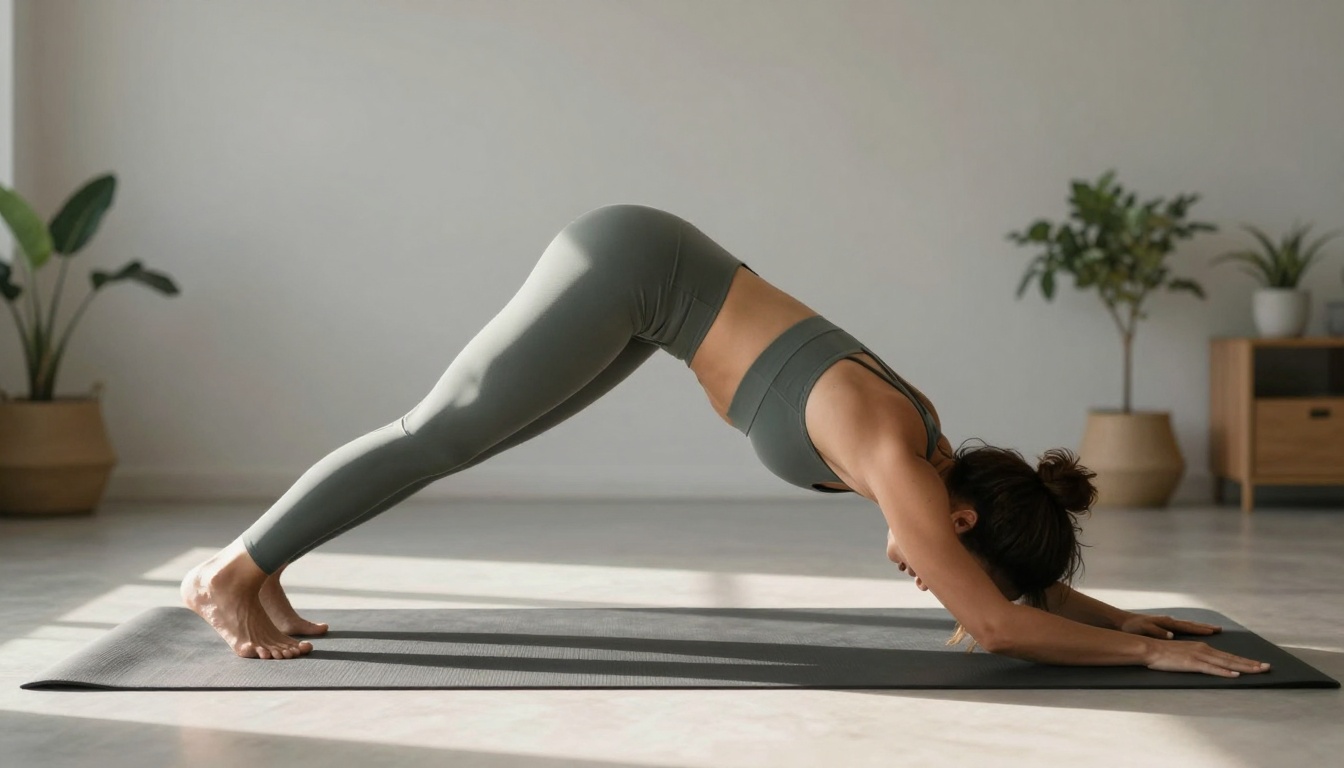
Caption: Fitness content with perfect form and studio lighting
Measuring Success and Iterating
Track these metrics to improve your Sora 2 Pro content over time:
Engagement Metrics:
- Watch time (aim for 80%+ completion)
- Likes, comments, shares
- Follows gained per video
- Click-through rates on CTAs
Content Performance Indicators:
- Which prompt structures yield highest engagement
- Optimal video length for your audience
- Best posting times for generated content
- Most effective emotional tones
Audience Feedback:
- Comment sentiment analysis
- Direct messages about content
- Share patterns (who shares and why)
- Follower growth correlation
Final Thoughts
The landscape of social media content creation has permanently shifted. Tools like Sora 2 Pro don't replace human creativity—they amplify it. The creators who will succeed in this new environment aren't those who fear AI, but those who master its capabilities while maintaining their unique creative voice.
The most successful social media videos always share one characteristic: they feel authentic to the creator's brand while meeting professional production standards. Sora 2 Pro makes this balance achievable for creators at every level, from individual influencers to enterprise marketing teams.
What separates good content from great content isn't the tool used—it's the understanding of audience psychology, platform dynamics, and storytelling fundamentals. Sora 2 Pro provides the production capabilities; your creativity provides the soul. The combination is what creates content that doesn't just get views, but builds communities.


