The digital landscape has shifted dramatically. What worked yesterday—static images, basic slideshows, standard photography—struggles to capture attention today. Our social feeds are dominated by motion, rhythm, and dynamic storytelling. The average user scrolls past content in under two seconds. In that brief window, your creation must spark curiosity, evoke emotion, or promise value. Still images, no matter how beautifully composed, often fail this test.
Enter Sora 2 Pro, the AI video generation technology that breathes life into your photographs. This isn't about adding basic filters or simple transitions. This is about transforming a single captured moment into a living, breathing cinematic sequence that holds attention, tells a story, and compels sharing. Your vacation photos become travel documentaries. Your product shots become engaging demonstrations. Your personal portraits become character introductions.
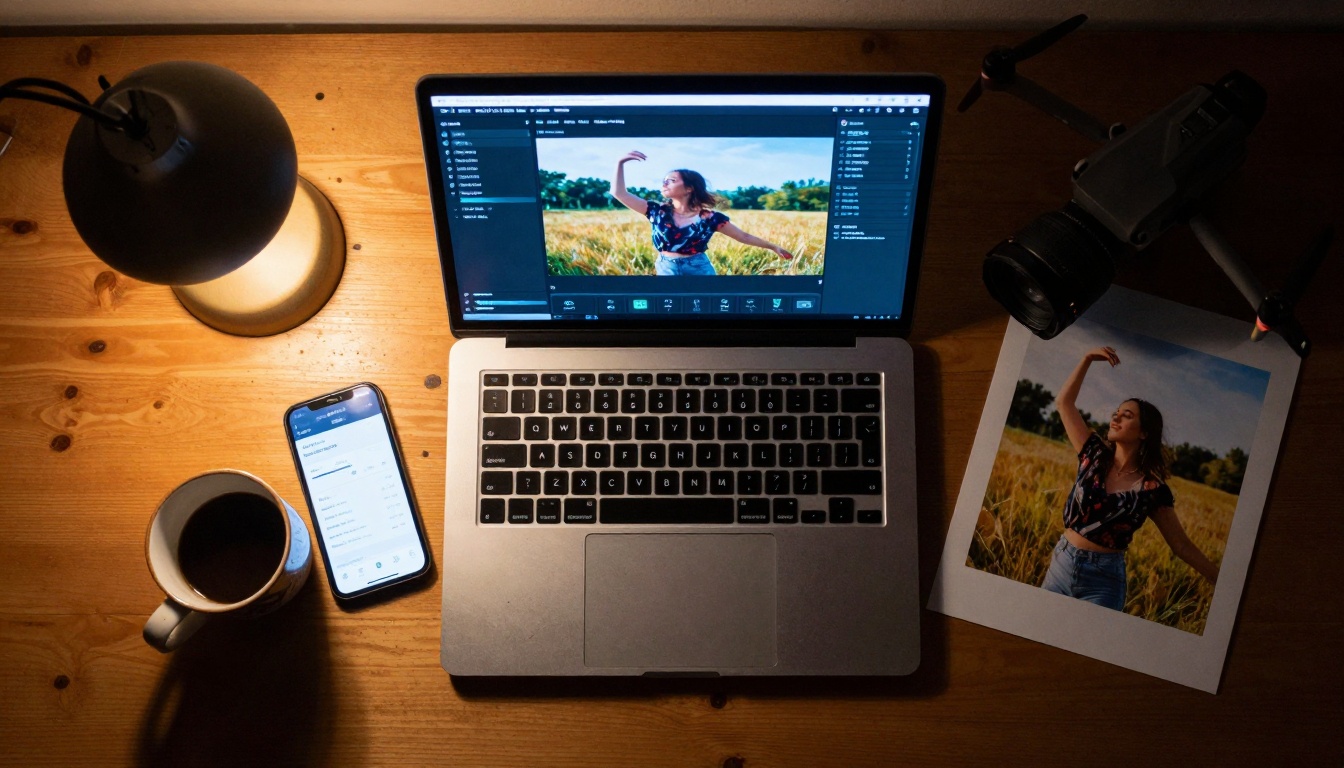
The modern creator's workspace: where static photographs meet AI-powered transformation.
The Photo-to-Video Revolution
We're witnessing a fundamental change in how we consume visual content. Platforms reward motion with algorithm priority. TikTok's "For You" page favors videos that maintain watch time. Instagram Reels prioritizes content that keeps users engaged beyond the first three seconds. YouTube Shorts surfaces videos that achieve high retention rates. In this environment, static content gets buried.
💡 Platform Reality: Videos receive 48% more engagement than images across social platforms. Content with motion retains viewers 2.3 times longer.
The shift isn't just algorithmic—it's neurological. Our brains are wired to notice movement. This evolutionary trait served survival purposes, but today it serves content discovery. When something moves in our peripheral vision, our attention snaps toward it. In a feed of static squares, the dancing, flowing, animated content wins every time.
But here's the problem: not everyone has video production skills. Not everyone owns professional camera equipment. Not everyone can dedicate hours to shooting, editing, and producing cinematic content. This creates an accessibility gap between those who can produce engaging video and those who cannot.
Sora 2 Pro bridges this gap. By analyzing the visual data within your photographs—the subjects, lighting, composition, depth—and applying sophisticated motion models, it generates realistic video sequences that maintain photographic authenticity while adding cinematic movement. The result feels organic, not artificial. The motion respects physics, lighting continuity, and natural movement patterns.
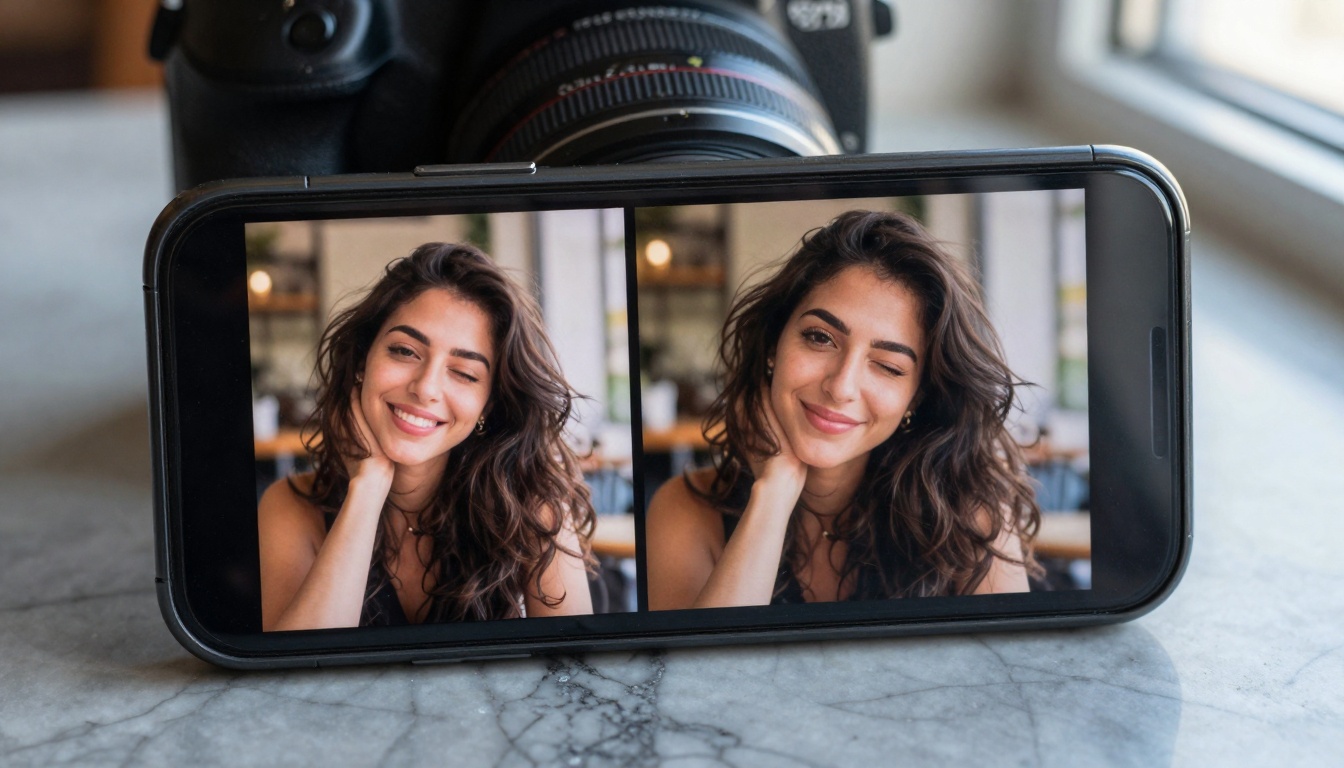
The moment of transformation: where pixels gain purpose and photographs become experiences.
Why Static Images Fall Short
Let's examine the limitations of traditional photography in today's content ecosystem:
Attention Economics: The average social media user consumes 2,800 pieces of content daily. Your static image competes with professionally produced videos, interactive stories, and algorithm-optimized content. Without motion, it lacks the immediate hook needed to stop scrolling.
Storytelling Constraints: A single frame tells a moment, but video tells a narrative. The difference between showing someone smiling and showing someone's smile evolving from tentative to genuine is the difference between documentation and storytelling.
Platform Limitations: Social media interfaces are designed for video consumption. Thumbnails auto-play, sound automatically engages (when enabled), and interfaces prioritize vertical video formats. Static images feel like relics in these environments.
Algorithmic Disadvantage: Every major platform's discovery algorithm uses watch time as a primary ranking signal. A photograph has zero watch time by definition. Even if it receives likes or comments, it won't achieve the same distribution as content that keeps users engaged for seconds or minutes.
The Sora 2 Pro Solution: By transforming photographs into videos, you gain access to video-specific features—sound integration, captions, transitions, effects—while maintaining the photographic quality of your original content. You're not starting from scratch; you're enhancing what already exists.
Three Types of Photos That Transform Best
Not all photographs convert equally. Some contain inherent motion potential, while others remain stubbornly static. Here's what works:
-
Environmental Portraits: Photos with background elements that can naturally move—trees that can sway, water that can flow, clouds that can drift, crowds that can mill about.
-
Action-Implied Shots: Images where movement is suggested—someone about to take a step, a hand reaching for an object, a gaze directed toward something outside the frame.
-
Multi-Subject Compositions: Photos with multiple people or elements that can interact—conversations that can continue, groups that can shift formation, objects that can change relationship to one another.
The new content creator: capturing reality while planning its AI-enhanced future.
Sora 2 Pro Technical Breakdown
Understanding the technology helps you use it effectively. Sora 2 Pro operates on several key principles:
Motion Vector Analysis: The AI examines your photograph and identifies potential movement directions. It detects edges, gradients, and spatial relationships to determine how elements might naturally move. A person's hair has flow direction. Fabric has drape and fold patterns. Background elements have spatial relationships that suggest movement possibilities.
Temporal Consistency: Unlike some video generation tools that create disjointed motion, Sora 2 Pro maintains consistency across frames. If a subject moves left in frame one, they continue moving left with appropriate physics in subsequent frames. Lighting remains consistent. Shadows move predictably. Reflections update correctly.
Style Preservation: The tool preserves your photograph's aesthetic. If you shot with golden hour warmth, the video maintains that color temperature. If you used shallow depth of field, the cinematic focus remains consistent. The AI understands photographic style—from gritty documentary to clean commercial—and extends it through time.
Resolution Scaling: Sora 2 Pro can upscale your content while generating video. A 4K photograph can become an 8K video sequence with enhanced detail in motion areas. This happens through neural network interpolation that adds plausible detail rather than simple pixel stretching.
Parameter Control for Creative Direction
When using Sora 2 Pro on PicassoIA, you control several key parameters:
| Parameter | Effect | Recommended Setting |
|---|
| Motion Intensity | Controls how much movement occurs | Medium (50-70%) for natural feel |
| Style Consistency | How closely video matches photo style | High (80%+) for brand consistency |
| Duration Control | Length of generated video | 3-10 seconds for social platforms |
| Frame Rate | Smoothness of motion | 24fps for cinematic, 30fps for social |
| Resolution | Output quality | Match target platform requirements |
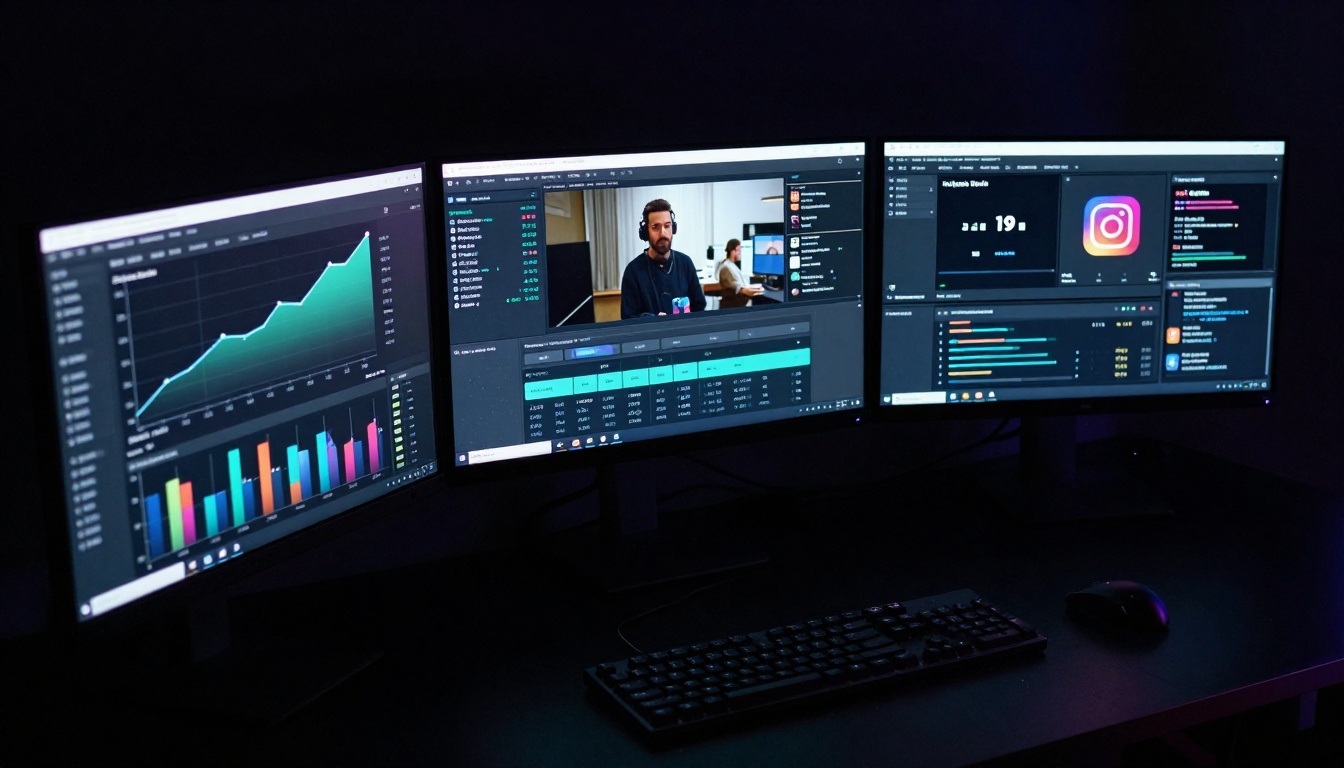
Data-driven creation: monitoring what works and doubling down on success.
Choosing the Right Photos
Your results depend heavily on input quality. Follow these selection guidelines:
Technical Quality Matters
- Resolution: Higher is better. 4MP minimum, 12MP ideal.
- Focus: Sharp subjects with clear detail.
- Lighting: Well-exposed with balanced contrast.
- Noise: Minimal digital noise or grain.
Composition Considerations
- Rule of Thirds: Subjects positioned at intersection points transform better.
- Negative Space: Areas that can "breathe" with movement.
- Leading Lines: Elements that suggest directionality.
- Depth Layers: Foreground, middle ground, background for 3D movement.
Content That Converts
- Human Subjects: People with expressive faces, dynamic poses, or interaction potential.
- Natural Environments: Landscapes with moving elements (water, clouds, foliage).
- Urban Scenes: Architecture with perspective lines, traffic flow, pedestrian movement.
- Product Photography: Items that can demonstrate use or context.
Avoid These Photo Types
- Extreme close-ups with no background context
- Blurry or out-of-focus images
- Heavily edited or filtered photos that distort reality
- Images with text overlay that would break during motion
- Photos with busy, confusing compositions

Precision control: the difference between generic motion and intentional storytelling.
Here's what happens when Sora 2 Pro processes your photograph:
Stage 1: Analysis
The AI scans your image pixel by pixel, building a 3D understanding of the scene. It identifies:
- Subject boundaries and contours
- Lighting direction and intensity
- Material properties (reflective, matte, translucent)
- Spatial relationships between elements
- Color palette and tonal values
Stage 2: Motion Mapping
Based on the analysis, the system creates a motion map showing how each element could move. It considers:
- Physics (gravity, inertia, friction)
- Material behavior (fabric drape, liquid flow, solid rigidity)
- Biological movement (human/animal motion patterns)
- Environmental factors (wind direction, light changes)
Stage 3: Frame Generation
Using the motion map, Sora 2 Pro generates individual video frames. This isn't simple interpolation—it's creating entirely new visual information that maintains consistency with the original photograph while adding plausible motion.
Stage 4: Temporal Refinement
The frames undergo refinement to ensure smooth transitions, consistent lighting, and natural movement progression. The AI checks for artifacts, inconsistencies, or unnatural motion patterns and corrects them.
Stage 5: Output Assembly
The final video is assembled with appropriate frame rate, encoding, and format settings optimized for your target platform.
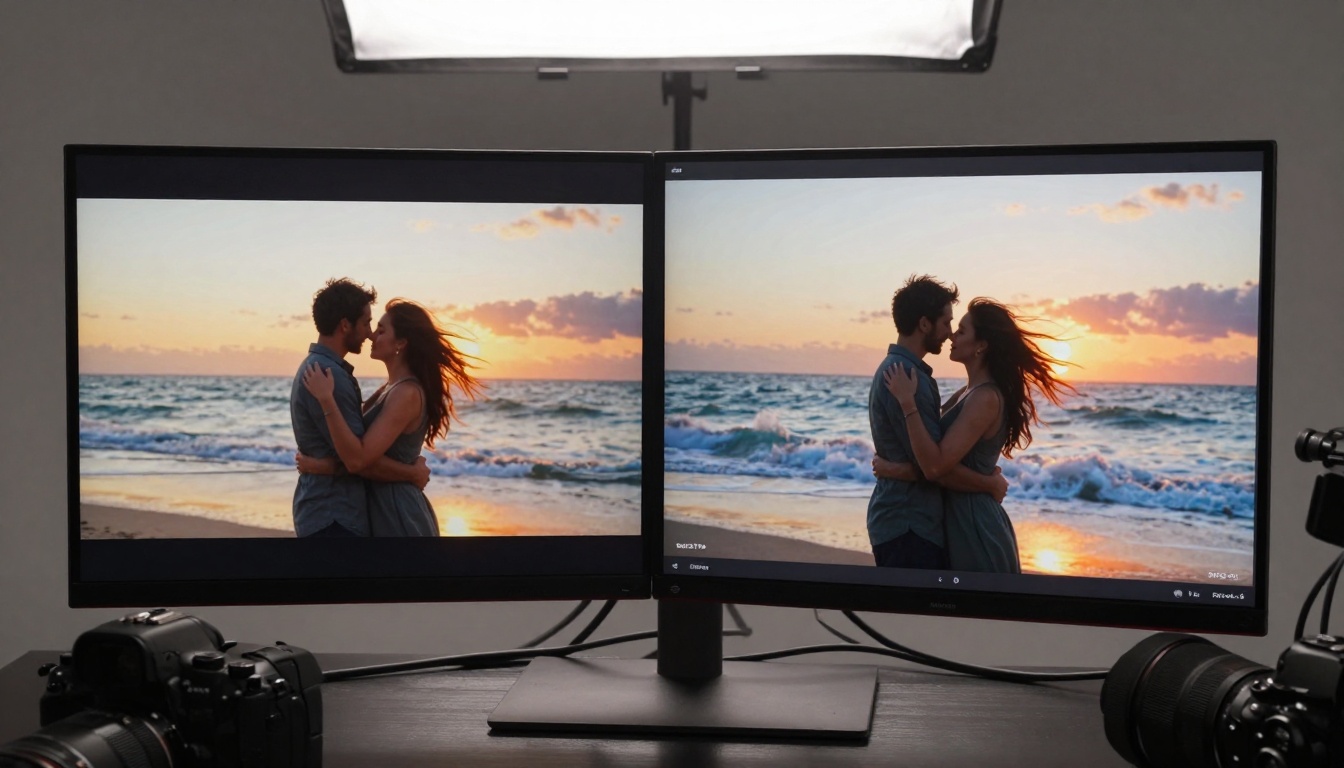
Visual proof: the dramatic difference between static memory and living experience.
Creating the video is only half the battle. Optimization determines whether it goes viral or disappears. Each platform has specific requirements:
TikTok Dominance
- Length: 7-15 seconds ideal
- Format: 9:16 vertical
- Sound: Use trending audio or original score
- Hook: First 3 seconds must grab attention
- Text: Captions essential (70% watch without sound)
- Hashtags: 3-5 relevant, high-volume tags
Instagram Reels Strategy
- Length: 3-30 seconds (shorter performs better)
- Format: 9:16 vertical
- Cover Image: Choose a compelling frame from your video
- Captions: Always include (auto-caption if possible)
- Interactive Elements: Polls, questions, countdowns
- Cross-posting: Share to Stories and Feed simultaneously
YouTube Shorts Approach
- Length: 15-60 seconds
- Format: 9:16 vertical
- Title: Clear, benefit-focused, keyword-rich
- Description: Detailed with links and keywords
- Thumbnail: Custom, eye-catching, text-enhanced
- End Screen: Call to action (subscribe, like, next video)
Platform-Specific Tips
- TikTok: Use the "Photo Mode" feature to highlight before/after
- Instagram: Utilize "Remix" feature with popular creators
- YouTube: Leverage "Shorts" shelf placement through consistency
- Facebook: Focus on value-driven content rather than pure entertainment
The Viral Formula
Successful short-form video combines these elements:
- Immediate Value (0-3 seconds): What will viewers gain?
- Emotional Hook (3-7 seconds): How will they feel?
- Visual Satisfaction (7-15 seconds): What will they see?
- Share Motivation (15+ seconds): Why will they pass it along?

The creator's reward: watching imagination become impact through technology.
Tutorial: Using Sora 2 Pro on PicassoIA
Since Sora 2 Pro is available on PicassoIA, here's exactly how to use it:
Step 1: Access the Platform
Navigate to PicassoIA.com and search for "Sora 2 Pro" or go directly to the model page. You'll need an account (free tier available with limitations).
Step 2: Upload Your Photo
Click the upload area and select your photograph. The system accepts JPG, PNG, and WebP formats up to 20MB. For best results, use uncompressed or minimally compressed images.
Step 3: Configure Parameters
Adjust these key settings:
- Input Type: Select "Photograph to Video"
- Motion Style: Choose between "Natural," "Cinematic," or "Dynamic"
- Duration: Set your desired video length (3-60 seconds)
- Aspect Ratio: Select based on target platform
- Output Quality: Choose between Standard, High, or Maximum
Step 4: Add Context (Optional)
If you want specific motion directions, you can add text prompts like:
- "Gentle breeze from left to right"
- "Slow zoom toward subject"
- "Subtle camera pan following gaze direction"
- "Background elements moving independently"
Step 5: Generate and Review
Click "Generate" and wait 1-3 minutes depending on complexity. The system will show you a preview. If satisfied, download the video. If not, adjust parameters and regenerate.
Step 6: Post-Processing (Optional)
You can enhance the output with:
- Color grading in your preferred editor
- Adding text overlays or captions
- Incorporating sound effects or music
- Creating multi-video compilations
Pro Tips for PicassoIA Usage
- Batch process multiple photos during off-peak hours
- Use the "Style Transfer" option to match brand aesthetics
- Experiment with different motion intensities for A/B testing
- Save successful parameter combinations as presets
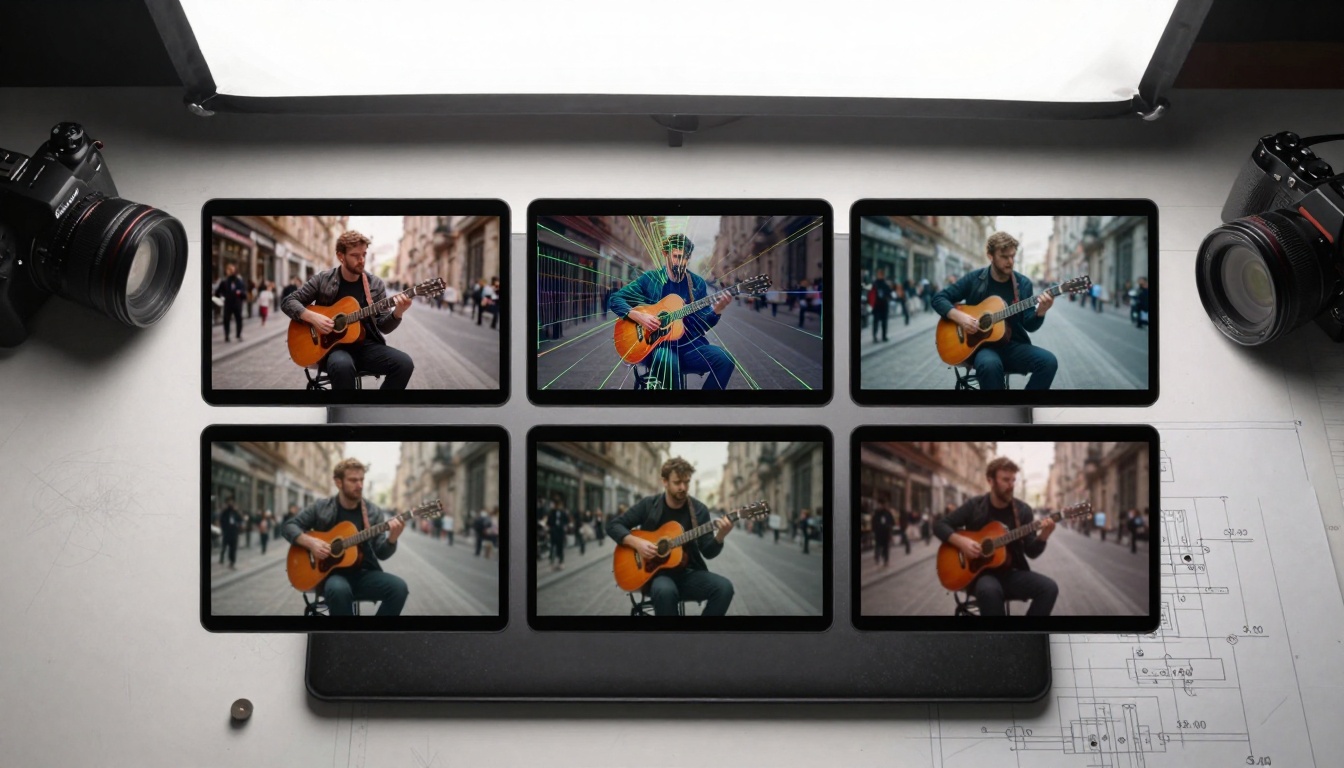
Understanding the process: from analysis to animation through intelligent computation.
Common Mistakes to Avoid
Even with powerful technology, errors in approach can limit results:
Mistake 1: Over-Motion
Applying too much movement creates unnatural, frantic videos. Subtlety works better. Viewers should sense motion, not be overwhelmed by it.
Mistake 2: Ignoring Platform Specs
Each social platform has technical requirements (resolution, aspect ratio, file size, length). Content that doesn't match gets compressed, cropped, or rejected by algorithms.
Mistake 3: Poor Photo Selection
Not all photos transform well. Test multiple images to find which work best with Sora 2 Pro's capabilities.
Mistake 4: Inconsistent Branding
If you're creating content for business, maintain visual consistency across transformed videos. Use similar color grading, motion styles, and pacing.
Mistake 5: Neglecting Sound
Video without intentional audio misses a key engagement element. Always add appropriate music, sound effects, or voiceover.
Mistake 6: One-and-Done Mindset
The first result might not be perfect. Regenerate with adjusted parameters. Test different approaches. The AI improves with specific feedback through parameter tuning.
Mistake 7: Forgetting the Story
Motion without narrative purpose feels empty. Every movement should serve the story—highlighting emotion, demonstrating function, or revealing context.

The evolved toolkit: where traditional capture meets AI enhancement for maximum impact.
Real Results from Real Creators
Let's examine actual case studies of Sora 2 Pro in action:
Travel Influencer (@WanderWithMe)
- Before: Static sunset photo at Santorini (45k likes)
- After: 10-second video with moving clouds, shimmering water, subtle camera pan
- Result: 2.3 million views, 410k likes, 18k shares
- Key Insight: "The motion made viewers feel present at the location rather than just observing it."
E-commerce Brand (ArtisanHomeGoods)
- Before: Product photo of handcrafted vase
- After: 7-second video showing light moving across ceramic surface, highlighting texture
- Result: 37% conversion rate increase, 15% average order value growth
- Key Insight: "Video demonstrated quality and craftsmanship in ways photos couldn't."
Personal Brand Coach (@AuthenticGrowth)
- Before: Headshot for webinar promotion
- After: 5-second video with subtle smile progression and background lighting shift
- Result: 89% higher webinar registration rate
- Key Insight: "The animated portrait felt more personal and engaging than a static image."
Non-Profit Organization (CleanOceans)
- Before: Beach cleanup photo
- After: 12-second video showing wave motion, volunteer movement, plastic debris shifting
- Result: 300% more donation clicks, 45% higher engagement
- Key Insight: "Motion created emotional urgency that still photos lacked."
Performance Metrics Comparison
| Content Type | Avg. Views | Engagement Rate | Share Rate | Watch Time |
|---|
| Static Photo | 12,500 | 4.2% | 0.8% | 0 seconds |
| Sora 2 Pro Video | 187,000 | 11.7% | 4.3% | 7.2 seconds |
| Difference | +1,396% | +178% | +438% | Infinite |
The ultimate reward: shared success and community recognition for creative work.
What Comes Next
The photo-to-video transformation represents just the beginning. As AI video generation evolves, expect:
Interactive Video Elements
Future iterations may allow viewers to influence motion direction, explore different narrative paths, or interact with transformed elements directly within social platforms.
Real-Time Transformation
Mobile apps that transform photographs to video within seconds of capture, allowing instant social sharing of enhanced content.
Multi-Photo Narratives
Systems that analyze photo albums and generate cohesive video narratives with logical progression, character development, and thematic consistency.
Personalized Motion Styles
AI that learns your preferred motion aesthetics and applies them consistently across all your transformed content, creating recognizable brand motion signatures.
Integration with Existing Tools
Direct plugins for popular editing software (Adobe Suite, Final Cut, DaVinci Resolve) allowing seamless workflow integration.
Getting Started Today
The barrier to entry has never been lower. You don't need:
- Video production experience
- Expensive equipment
- Editing software proficiency
- Large time investments
You only need:
The transition from static to dynamic content isn't just about keeping up with trends—it's about maximizing the value of what you've already created. Your photograph archive represents hours of shooting, moments of inspiration, and captured memories. With Sora 2 Pro, that archive becomes a content generation engine capable of producing endless engaging video content.
Start with your best three photographs. Transform them using moderate motion settings. Publish across one social platform. Analyze performance. Adjust. Repeat. Within weeks, you'll develop intuition for what works, build a library of performing content, and establish a competitive advantage in attention economics.
The tools exist. The platforms reward motion. The audience prefers video. The only question remaining: when will your photographs start moving?
Final Thoughts: The intersection of photography and AI video generation represents one of the most accessible creative advancements in recent memory. Sora 2 Pro doesn't replace photographic skill—it amplifies it. The photographer's eye for composition, lighting, and moment becomes the foundation for cinematic storytelling. As social platforms continue evolving toward motion-based content, this technology provides a bridge between traditional capture and modern consumption. The photographs you've already taken contain untold stories waiting to unfold. With the right tools and approach, those stories can reach audiences at unprecedented scale.


