The landscape of video creation has transformed dramatically with the arrival of AI-powered tools that turn text descriptions into cinematic sequences. When a simple sentence can become a fully realized visual story, the barriers to professional video production evaporate. This shift isn't just about convenience—it's about redefining what's possible when imagination meets advanced technology.

Creative teams now brainstorm directly with AI visualization tools, transforming abstract concepts into tangible video references.
What Sora 2 Pro Actually Does
Sora 2 Pro represents the current pinnacle of text-to-video generation technology. Unlike basic video editors or template-based solutions, this system understands complex scene descriptions, character interactions, and cinematic techniques. The model interprets natural language prompts and generates coherent video sequences with realistic physics, proper lighting, and consistent character appearances throughout the timeline.
The technology works by analyzing the semantic meaning of your prompt, then constructing a temporal sequence that maintains visual coherence across frames. This means characters don't randomly change appearance, objects follow realistic motion physics, and lighting conditions remain consistent throughout the generated clip.
💡 Technical Insight: Sora 2 Pro uses a diffusion-based architecture that progressively refines video frames from noise, guided by your text description. Each frame references previous frames to maintain temporal consistency—a significant advancement over earlier systems that treated each frame independently.
How It Differs From Earlier Models
Previous video generation models struggled with basic coherence issues. Characters might change outfits mid-scene, objects would appear or disappear randomly, and lighting would shift inconsistently. Sora 2 Pro addresses these fundamental problems through several key innovations:
- Temporal Attention Mechanisms: The model maintains memory of character appearances and scene elements across the entire video duration
- Physics Understanding: Objects follow realistic motion patterns based on their properties (heavy objects move differently than light ones)
- Scene Consistency: Lighting conditions, weather effects, and environmental details remain stable throughout the generated sequence
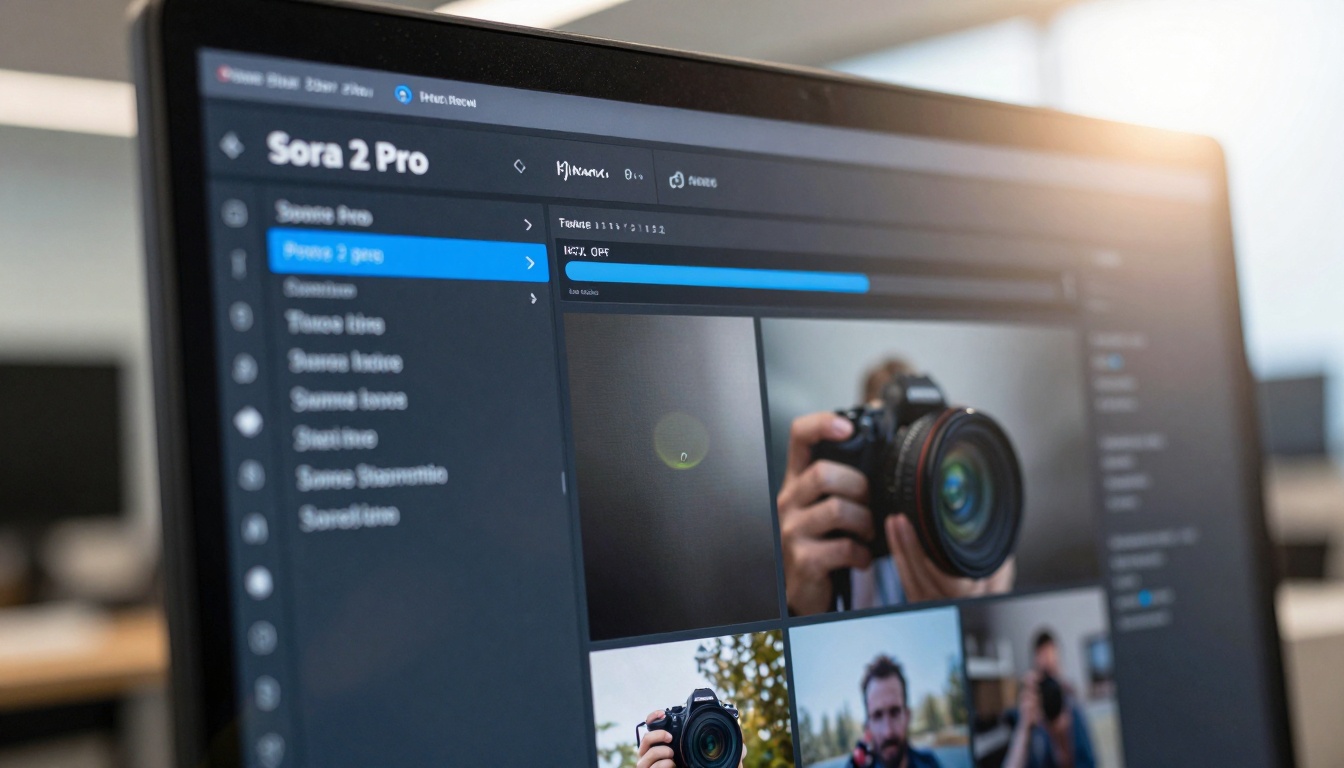
The interface design prioritizes clear prompt input and immediate visual feedback—essential for iterative creative workflows.
Why This Matters for Content Creators
In today's attention economy, video content needs to capture viewers within the first three seconds or risk being scrolled past. Sora 2 Pro enables creators to generate compelling visual hooks that stop scrolling behavior. The tool doesn't just create videos—it creates scroll-stopping moments designed to interrupt passive consumption patterns.
The Attention Metrics That Actually Matter
When evaluating video performance, most creators focus on vanity metrics like view counts. The real indicators of scroll-stopping effectiveness include:
- 3-Second Retention Rate: Percentage of viewers still watching after the initial hook
- Average Watch Time: How long viewers engage with your content
- Completion Rate: Percentage of viewers who watch the entire video
- Re-watch Segments: Which specific moments viewers replay

Sophisticated analytics dashboards reveal which AI-generated moments actually capture and retain viewer attention.
Crafting Prompts That Convert
The quality of your Sora 2 Pro output depends entirely on prompt engineering. Unlike image generation where a single descriptive sentence might suffice, video prompts require temporal thinking. You're not just describing a scene—you're describing a sequence of events.
Effective prompt structure includes:
- Scene Setting: Establish location, time of day, weather conditions
- Character Introduction: Describe appearance, clothing, initial position
- Action Sequence: Specify movements, interactions, camera angles
- Emotional Tone: Define the mood and pacing of the scene
- Cinematic Style: Reference specific filming techniques or visual aesthetics
Practical Applications Across Industries
Social Media Content Production
For social media managers facing daily content quotas, Sora 2 Pro transforms production workflows. Instead of filming multiple takes or searching for stock footage, teams can generate custom visuals tailored to specific campaign messages. The tool excels at creating:
- Platform-Specific Formats: Vertical videos for Instagram Reels/TikTok, square formats for Facebook
- Brand-Consistent Visuals: Maintain color palettes, logo placements, and styling guidelines
- Rapid Iteration: Test multiple visual approaches before committing to production
Educational and Training Materials
Educational institutions and corporate training departments benefit from Sora 2 Pro's ability to visualize complex concepts. Abstract ideas become concrete demonstrations through AI-generated sequences. Applications include:
- Procedural Demonstrations: Show step-by-step processes with perfect consistency
- Historical Recreations: Visualize historical events with period-accurate details
- Scientific Visualizations: Demonstrate physical principles or biological processes
Professional filmmakers use AI-generated references to plan complex shots before committing to physical production.
Advertising and Marketing Campaigns
Marketing agencies leverage Sora 2 Pro for rapid concept visualization and client presentations. The tool enables:
- Mood Board Creation: Generate multiple visual styles for campaign direction
- Storyboard Development: Create animated sequences from written scripts
- Product Demonstrations: Show products in various usage scenarios without physical prototypes
Technical Implementation Considerations
Hardware and Performance Requirements
Running Sora 2 Pro effectively requires understanding the technical constraints. While the model operates through cloud APIs, local testing and integration considerations include:
- API Rate Limits: Understanding request quotas and optimization strategies
- Render Times: Planning for generation delays in production schedules
- Quality Settings: Balancing resolution requirements with generation speed
Integration With Existing Workflows
Most professional teams don't use Sora 2 Pro in isolation. Successful implementations integrate the tool into existing production pipelines:
| Workflow Stage | Sora 2 Pro Role | Integration Method |
|---|
| Concept Development | Visual brainstorming | API calls from creative software |
| Pre-production | Reference generation | Export frames to storyboard tools |
| Production | Virtual pre-visualization | Use as shooting reference |
| Post-production | Visual effects elements | Layer generated footage into edits |
How to Use Sora 2 Pro on PicassoIA
PicassoIA provides direct access to Sora 2 Pro through their platform at https://picassoia.com/en/collection/text-to-video/openai-sora-2-pro. The implementation follows a straightforward workflow:
- Access the Model: Navigate to the Sora 2 Pro page on PicassoIA
- Craft Your Prompt: Use the detailed prompt engineering techniques discussed earlier
- Configure Parameters: Adjust resolution, duration, and style settings
- Generate Content: Submit your prompt and monitor generation progress
- Download Results: Access the generated video through the platform interface
Parameter Optimization Tips
When using Sora 2 Pro through PicassoIA, several parameters significantly impact output quality:
- Duration Settings: Balance between narrative completeness and generation time
- Resolution Choices: Higher resolutions increase detail but require more processing
- Style Guidance: Influence the visual aesthetic through style weight parameters
- Seed Control: Use specific seeds for reproducible results when iterating
Mobile editing workflows now incorporate AI-generated elements for rapid content assembly anywhere.
Comparative Analysis With Other Video Models
Sora 2 Pro exists within a competitive landscape of text-to-video models. Understanding its position relative to alternatives helps determine the right tool for specific use cases.
Key Competitors on PicassoIA
PicassoIA hosts multiple text-to-video models, each with distinct strengths:
- Kling v2.6: Excellent for realistic human motion and facial expressions
- Veo 3.1: Strong narrative coherence and scene transitions
- Seedance 1.5 Pro: Specializes in dynamic camera movements and action sequences
- WAN 2.6 T2V: Optimized for landscape and environmental scenes
When to Choose Sora 2 Pro
Select Sora 2 Pro when your requirements include:
- Complex Scene Descriptions: Projects requiring detailed environmental storytelling
- Character Consistency: Videos where maintaining character appearance matters
- Physics Accuracy: Content demonstrating real-world object interactions
- Cinematic Quality: Professional-grade visuals for commercial applications
Creative Limitations and Workarounds
Despite its capabilities, Sora 2 Pro has creative constraints that experienced users learn to navigate:
Current Technical Limitations
- Character Count Restrictions: Limited number of distinct characters per scene
- Action Complexity: Simple movements work better than intricate choreography
- Text Integration: Cannot reliably generate readable text within scenes
- Specific Brand Elements: Struggles with exact logo reproduction
Effective Workaround Strategies
Professional creators develop strategies to work within these limitations:
- Scene Segmentation: Break complex scenes into multiple generations, then edit together
- Character Simplification: Reduce cast size when possible for better consistency
- Post-Production Enhancement: Use traditional editing tools for text overlays and branding
- Hybrid Approaches: Combine AI-generated footage with traditionally filmed elements
Modern production facilities integrate AI tools alongside traditional equipment, creating hybrid workflows.
Quality Control and Output Management
Establishing Review Processes
Implementing Sora 2 Pro at scale requires systematic quality control. Effective teams establish:
- Prompt Validation Protocols: Review prompts for clarity and completeness before submission
- Output Evaluation Criteria: Standardized checklists for assessing generated content
- Iteration Procedures: Systematic approaches to refining unsatisfactory results
- Version Management: Tracking different generations for comparison and selection
Common Quality Issues and Solutions
| Issue | Cause | Solution |
|---|
| Character inconsistency | Prompt ambiguity | Add detailed appearance descriptors |
| Physics errors | Overly complex actions | Simplify movement descriptions |
| Lighting shifts | Inconsistent environmental descriptions | Specify fixed lighting conditions |
| Temporal jumps | Missing transition descriptions | Add scene progression details |
Future Development Directions
The text-to-video field continues evolving rapidly. Current development trends suggest several near-future enhancements:
Expected Technical Improvements
- Longer Duration Support: Extending beyond current clip length limitations
- Multi-character Interactions: Improved handling of complex social dynamics
- Audio Integration: Synchronized sound effects and dialogue generation
- Style Transfer Capabilities: Applying specific visual aesthetics to generated content
Industry Adoption Patterns
As the technology matures, adoption patterns emerge across different sectors:
- Entertainment: Pre-visualization and concept testing
- Education: Interactive learning materials
- Marketing: Rapid campaign asset production
- Corporate Communications: Internal training and presentations

Mobile analytics tools help creators understand which AI-generated moments resonate with audiences across platforms.
Implementation Roadmap for Teams
Adopting Sora 2 Pro requires thoughtful planning beyond technical integration. Successful implementation follows a phased approach:
Phase 1: Exploration and Testing
- Duration: 2-4 weeks
- Activities: Individual experimentation, prompt library development
- Deliverables: Style guide, best practices document
Phase 2: Pilot Integration
- Duration: 4-8 weeks
- Activities: Limited production use, workflow integration testing
- Deliverables: Integrated workflow documentation, quality benchmarks
Phase 3: Full Production Deployment
- Duration: Ongoing
- Activities: Scale across teams, establish governance processes
- Deliverables: Production metrics, continuous improvement framework
Cost Considerations and ROI Analysis
Direct Cost Components
Implementing Sora 2 Pro involves several cost elements:
- API Usage Fees: Based on generation minutes and resolution
- Integration Development: Technical implementation efforts
- Training Time: Team education and skill development
- Quality Assurance: Review and refinement processes
Return on Investment Metrics
Organizations measure ROI through several key indicators:
- Production Speed Increase: Time saved versus traditional methods
- Content Volume Growth: Additional content produced within existing resources
- Quality Improvements: Enhanced visual appeal and engagement metrics
- Innovation Capacity: Ability to explore creative concepts previously impractical
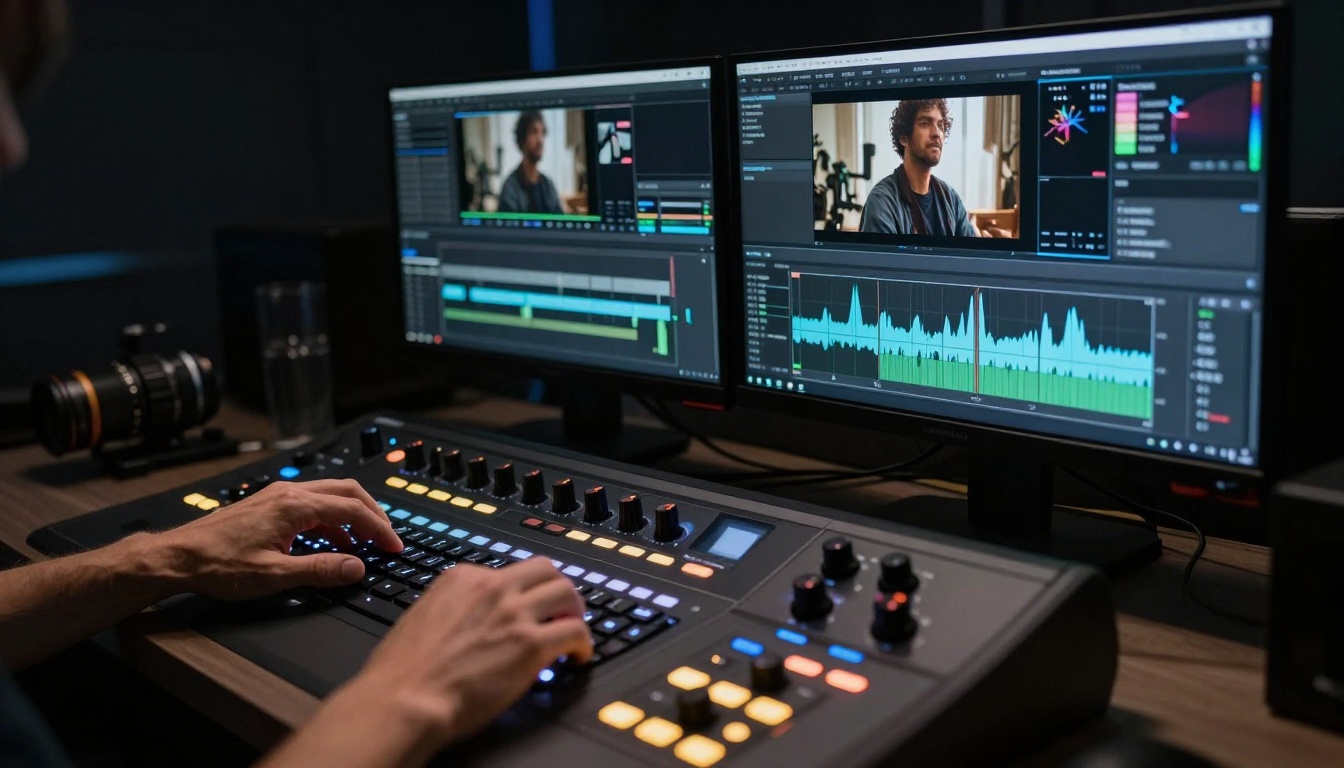
Professional color grading workflows now reference AI-generated footage to establish visual consistency across productions.
Ethical Considerations and Best Practices
Content Authenticity and Disclosure
As AI-generated content becomes indistinguishable from traditionally produced media, ethical considerations emerge:
- Transparency Requirements: When and how to disclose AI involvement
- Authenticity Standards: Maintaining trust while leveraging new tools
- Creative Attribution: Properly crediting human creative direction alongside AI execution
Responsible Use Guidelines
Establishing organizational policies for ethical Sora 2 Pro usage includes:
- Disclosure Protocols: Clear standards for when to acknowledge AI assistance
- Quality Thresholds: Minimum quality requirements before public distribution
- Review Processes: Human oversight for all published content
- Continuous Education: Keeping teams informed about evolving best practices
Getting Started with Your First Project
For creators ready to begin experimenting with Sora 2 Pro, a structured approach yields better results than random exploration:
Initial Project Selection Criteria
Choose your first Sora 2 Pro project based on these characteristics:
- Controlled Complexity: Simple scenes with clear objectives
- Forgiving Context: Projects where perfection isn't required
- Clear Success Metrics: Ways to measure whether the output meets needs
- Learning Value: Opportunities to understand the tool's capabilities
Recommended First Exercises
Begin with these focused exercises to build proficiency:
- Static Scene Generation: Create a 5-second clip of a simple environment
- Basic Character Action: Generate a person performing a single movement
- Camera Movement Test: Experiment with different camera angle descriptions
- Lighting Variation Study: Compare outputs with different lighting conditions
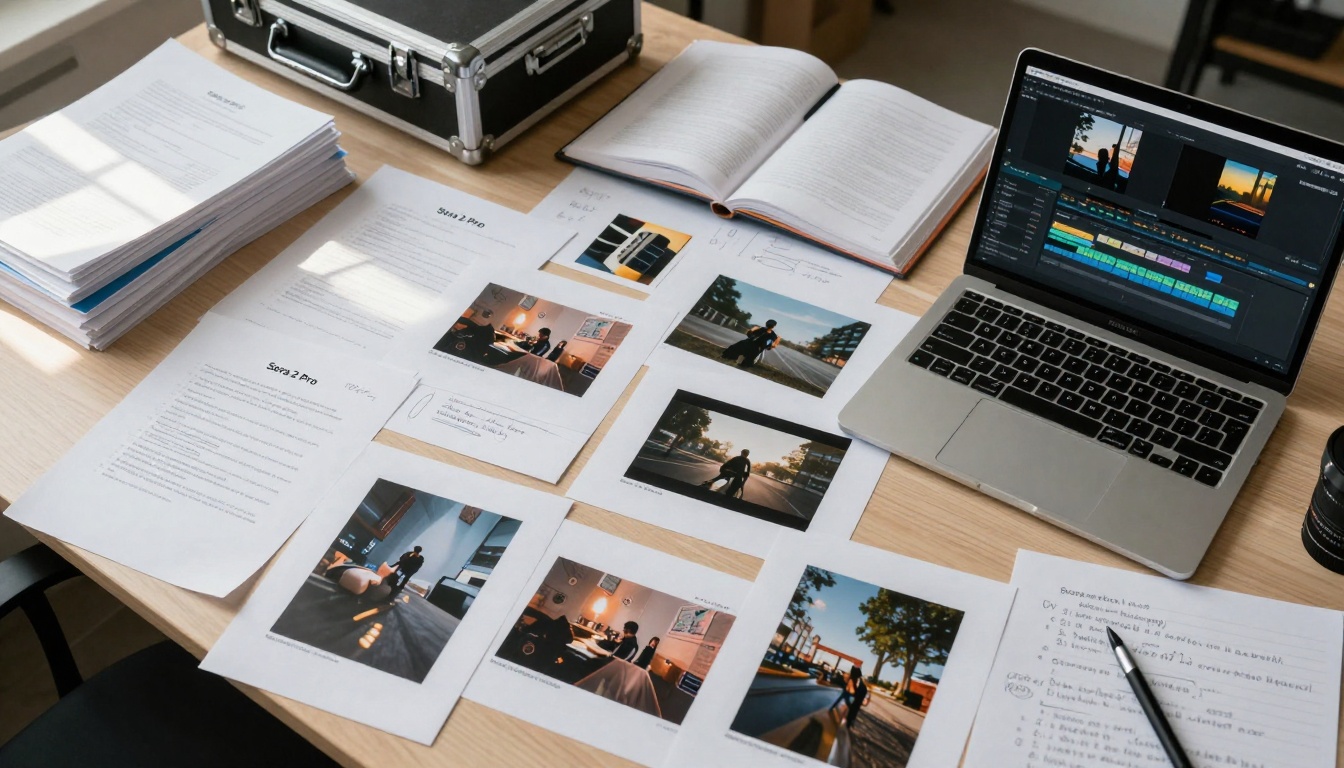
Organized workspaces combine printed AI outputs with traditional planning materials for comprehensive creative development.
The transition from text descriptions to compelling video sequences represents one of the most significant creative democratization moments in recent history. Sora 2 Pro's ability to transform ideas into scroll-stopping visuals opens unprecedented opportunities for creators across all experience levels and industries.
What separates successful implementations from disappointing experiments often comes down to prompt engineering sophistication and workflow integration strategy rather than technical capability. The tool provides the raw capability, but human creativity determines how effectively that capability gets harnessed.
As the technology continues evolving, the most successful creators will be those who develop systematic approaches to prompt design, output evaluation, and hybrid production techniques. The future of video creation isn't about choosing between traditional methods and AI tools—it's about developing the wisdom to know when each approach serves your creative objectives best.
💡 Next Steps: Visit PicassoIA's Sora 2 Pro page to experiment with your first prompt. Start with simple scene descriptions, observe the results, and gradually increase complexity as you understand how the model interprets different elements of your creative vision.


