Sora 2 Pro represents the latest advancement in AI video generation, allowing creators to transform simple text descriptions into polished short videos. This technology eliminates traditional production barriers by generating realistic motion, coherent scenes, and professional-grade visual storytelling directly from conceptual ideas. The system understands cinematic language, maintains visual consistency, and produces videos suitable for social media, marketing, education, and creative projects without requiring filming equipment or editing expertise.
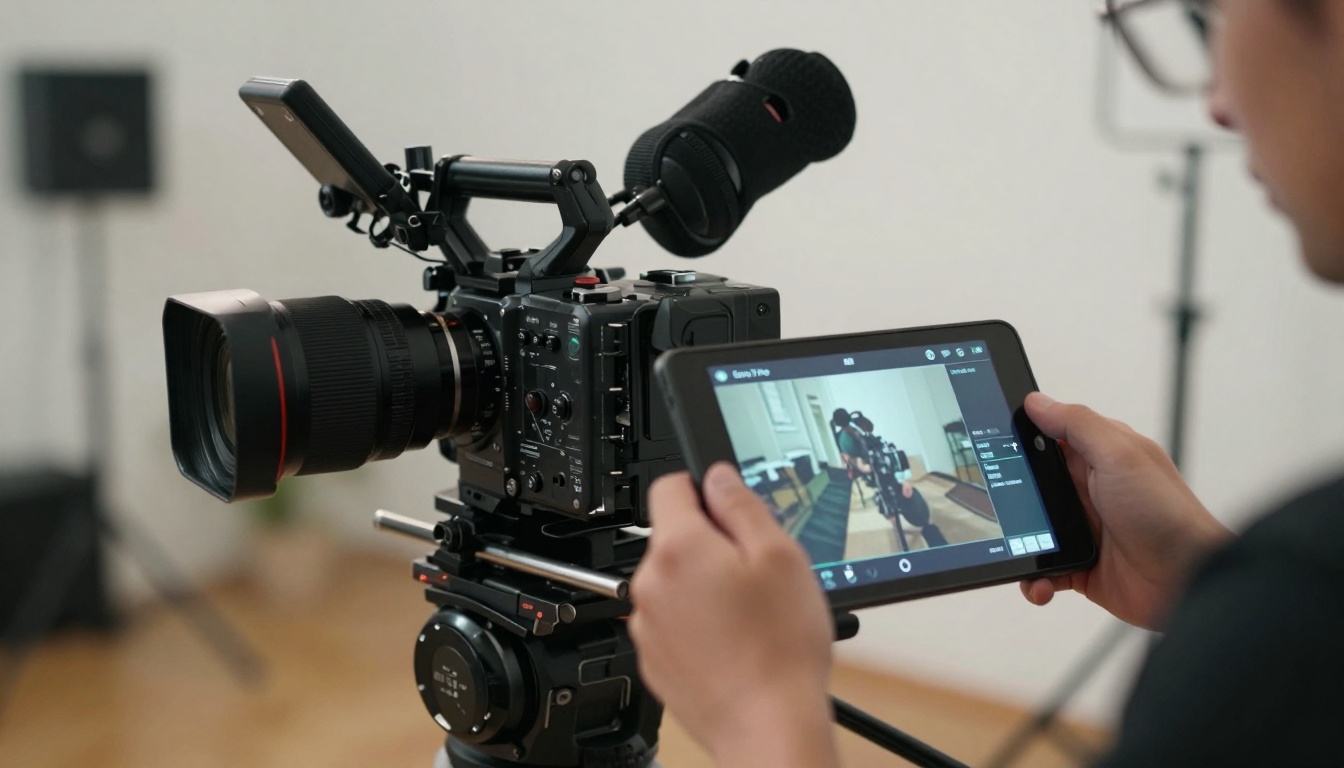
The visual transformation from simple ideas to professional video content is remarkable. What once required days of planning, filming, and editing now happens in minutes through intelligent AI interpretation of textual concepts.

What Sora 2 Pro Actually Does
Sora 2 Pro isn't just another video generation tool—it's a cinematic intelligence system that understands narrative structure, visual composition, and temporal coherence. When you provide a text description, the AI analyzes your concept through multiple layers:
- Scene Understanding: Interprets spatial relationships between objects
- Motion Prediction: Determines natural movement patterns
- Lighting Simulation: Creates realistic illumination based on described environments
- Camera Behavior: Applies appropriate cinematography techniques
- Continuity Management: Maintains visual consistency across frames
The system generates videos that feel intentionally crafted rather than randomly assembled. This distinction matters for professional applications where quality expectations exceed basic animation.
💡 Pro Tip: Start with clear, descriptive language but avoid over-specifying. Let the AI interpret creative concepts rather than dictating exact camera movements.
How Simple Ideas Become Complex Videos
The transformation process follows a structured pipeline that converts textual input into visual output:
| Input Stage | Processing Stage | Output Stage |
|---|
| Text description | Semantic parsing | Scene composition |
| Style reference | Visual interpretation | Motion generation |
| Duration parameters | Temporal planning | Frame rendering |
| Quality settings | Optimization processing | Final video output |
Text descriptions work best when they include key visual elements, environmental context, and desired mood. For example: "A chef preparing pasta in a rustic Italian kitchen during golden hour, warm lighting, cinematic slow motion" produces dramatically different results than "cooking video."
Practical Applications That Matter
Content creators use Sora 2 Pro for rapid prototyping of video concepts before investing in production. Marketers generate product demonstration videos without photography sessions. Educators create explanatory videos for complex topics. Social media managers produce daily content without exhausting creative resources.
The technology particularly excels in these areas:
- Product visualization: Show how items function in realistic environments
- Concept illustration: Visualize abstract ideas or future scenarios
- Educational content: Animate processes that are difficult to film
- Social media shorts: Generate platform-optimized vertical videos
- Prototype testing: Validate visual concepts before production investment
Quality Parameters That Make a Difference
Video quality depends on several adjustable parameters within Sora 2 Pro on PicassoIA:
- Resolution options: 720p, 1080p, and 1440p outputs
- Duration controls: 3-second to 60-second video lengths
- Style guidance: Cinematic, documentary, animated, or realistic presets
- Motion intensity: Control movement speed and camera dynamics
- Consistency settings: Maintain character and environment stability
Higher resolution requires more processing time but delivers professional results suitable for commercial use. Longer durations allow for more complex storytelling but demand precise prompt engineering.
Comparing Sora 2 Pro with Alternatives
While several AI video generation tools exist, Sora 2 Pro distinguishes itself through specific capabilities:
| Feature | Sora 2 Pro | Kling v2.6 | Veo 3.1 |
|---|
| Video coherence | Excellent temporal consistency | Good scene stability | Moderate continuity |
| Realism level | Photorealistic output | Stylized realism | Mixed realism |
| Motion quality | Natural camera movements | Basic pan/zoom | Limited motion |
| Generation speed | 2-5 minutes | 1-3 minutes | 3-7 minutes |
| Parameter control | Extensive settings | Moderate options | Basic controls |
The cinematic intelligence of Sora 2 Pro produces videos that feel directed rather than generated. This matters for professional applications where audience perception influences engagement.
Common Mistakes and How to Avoid Them
New users often encounter these issues when starting with Sora 2 Pro:
- Overly complex prompts: Include too many conflicting elements
- Vague descriptions: Lack specific visual details
- Ignoring style parameters: Use default settings for everything
- Expecting instant perfection: Require multiple iterations
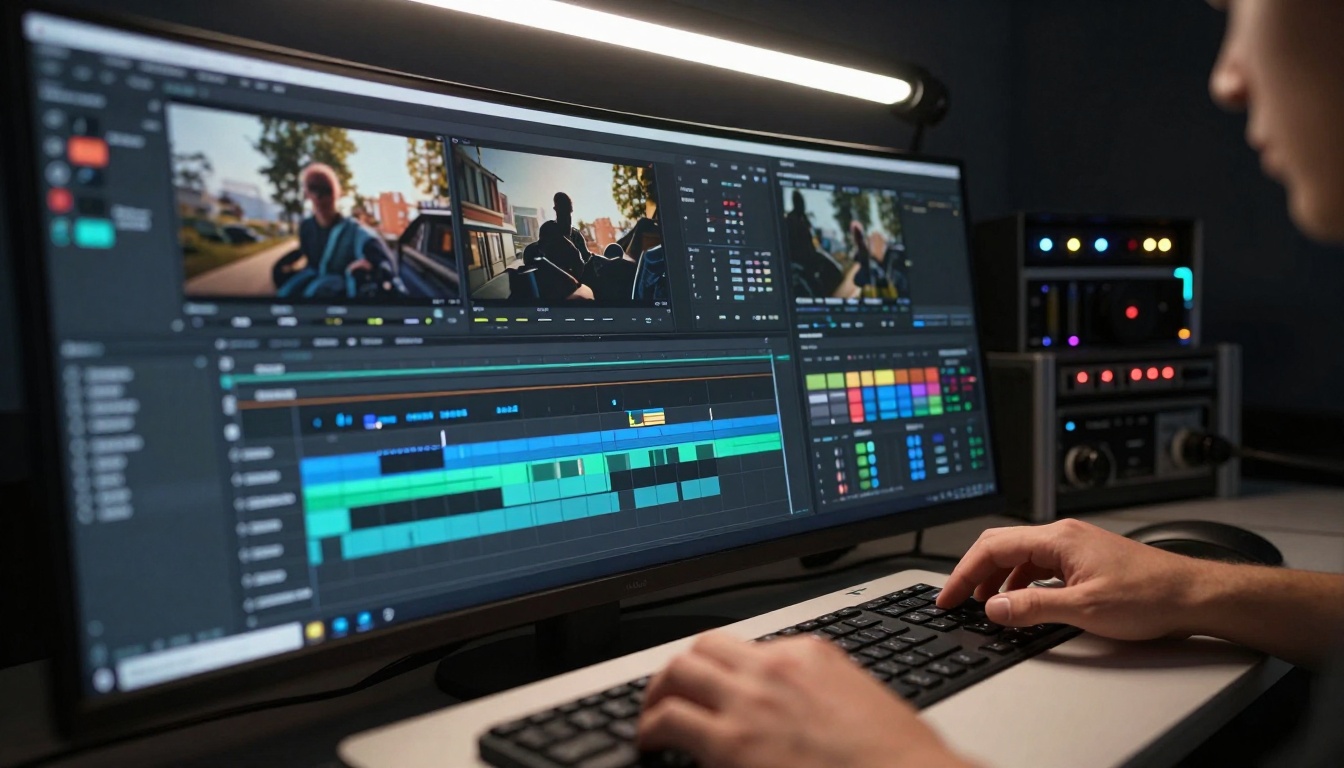
- Neglecting post-processing: Skip basic color correction
Solution: Start with simple, clear concepts and gradually add complexity. Use reference images when available. Adjust style parameters based on desired output. Accept that first attempts may need refinement.
💡 Workflow Strategy: Generate multiple short videos with variations, then edit the best segments together. This approach often produces better results than single long generations.
Technical Requirements and Setup
Using Sora 2 Pro requires minimal technical infrastructure:
- Internet connection: Stable broadband for video upload/download
- Browser compatibility: Modern Chrome, Firefox, or Safari
- Account setup: PicassoIA platform registration
- Storage consideration: Cloud storage for generated videos
- Processing patience: Allow adequate time for quality generation
No specialized hardware, software installations, or technical expertise required. The platform handles all complex processing remotely.

Creative Workflows That Actually Work
Professional users develop these effective workflows:
Concept Development → Prompt Engineering → Generation → Review → Refinement → Final Output
Each stage serves specific purposes:
- Concept Development: Brainstorm visual ideas and narrative structure
- Prompt Engineering: Craft descriptive text with cinematic language
- Generation: Produce initial video versions
- Review: Analyze visual quality and narrative coherence
- Refinement: Adjust parameters and regenerate improved versions
- Final Output: Export optimized video for intended platform
Iterative refinement produces significantly better results than single-generation attempts. The AI learns from previous outputs when provided with specific feedback.
Cost Considerations and Value Assessment
Pricing structures vary based on usage volume and quality requirements:
- Pay-per-generation: Individual video costs
- Subscription plans: Monthly access with generation limits
- Enterprise packages: Custom solutions for production teams
Calculate value by comparing traditional production costs against AI generation expenses. For many applications, the time and resource savings justify the investment.

Industry Adoption and Real-World Examples
Companies across sectors integrate Sora 2 Pro into existing workflows:
- Advertising agencies: Create client presentation materials
- E-commerce platforms: Generate product demonstration videos
- Educational institutions: Produce instructional content
- Social media influencers: Maintain consistent posting schedules
- Independent filmmakers: Visualize script concepts
The common thread: reducing production friction while maintaining quality standards. Teams that previously required days for video creation now accomplish similar results in hours.
Limitations and Realistic Expectations
Understanding what Sora 2 Pro cannot do prevents frustration:
- Cannot read minds: Requires clear textual descriptions
- Limited control over exact details: Interprets rather than replicates
- Consistency challenges with complex scenes: May struggle with intricate narratives
- Character continuity limitations: Faces difficulty maintaining identical characters
- Audio generation separate: Visual-only output requires external sound
Accept these limitations as current technology boundaries rather than platform flaws. The technology continues advancing rapidly.

How to Get Started with Sora 2 Pro
Beginner-friendly starting points:
- Visit PicassoIA Sora 2 Pro page
- Create free account or use existing credentials
- Review example videos to understand capabilities
- Start with simple prompts about familiar subjects
- Experiment with parameters to observe effects
- Save successful generations as reference for future work
First projects should focus on learning the interface rather than producing final deliverables. The learning curve steepens quickly with practical experience.
Advanced Techniques for Professional Results
Seasoned users employ these strategies:
- Layered prompting: Build complex scenes through sequential descriptions
- Parameter stacking: Combine multiple style influences
- Reference integration: Use existing images as visual guides
- Iterative refinement: Generate, review, adjust, regenerate
- Post-processing enhancement: Apply basic color grading and editing
Professional results emerge from understanding how the AI interprets language and applies cinematic principles. This knowledge develops through repeated experimentation.
Sora 2 Pro works effectively alongside complementary technologies:
Combined workflows leverage strengths of multiple AI systems while minimizing individual limitations. This approach produces more polished final products.
Future Developments and What's Next
The technology roadmap indicates several upcoming enhancements:
- Extended duration capabilities: Longer coherent videos
- Improved character consistency: Better identity maintenance
- Enhanced motion control: More precise camera and object movement
- Audio integration: Synchronized sound generation
- Interactive editing: Real-time parameter adjustment
Current limitations represent temporary boundaries rather than permanent restrictions. The pace of advancement suggests rapid improvement across all metrics.
Your Next Step: Try It Yourself
The most effective learning method involves hands-on experimentation. Create a free PicassoIA account and explore Sora 2 Pro with simple concepts. Observe how different descriptions produce varied results. Adjust parameters to understand their effects. Save successful generations as templates for future projects.
Practical experience transforms theoretical knowledge into applicable skills. The interface requires minutes to understand but offers depth that reveals itself through continued use. Start with modest expectations, embrace the learning process, and gradually expand your creative ambitions as familiarity grows.


