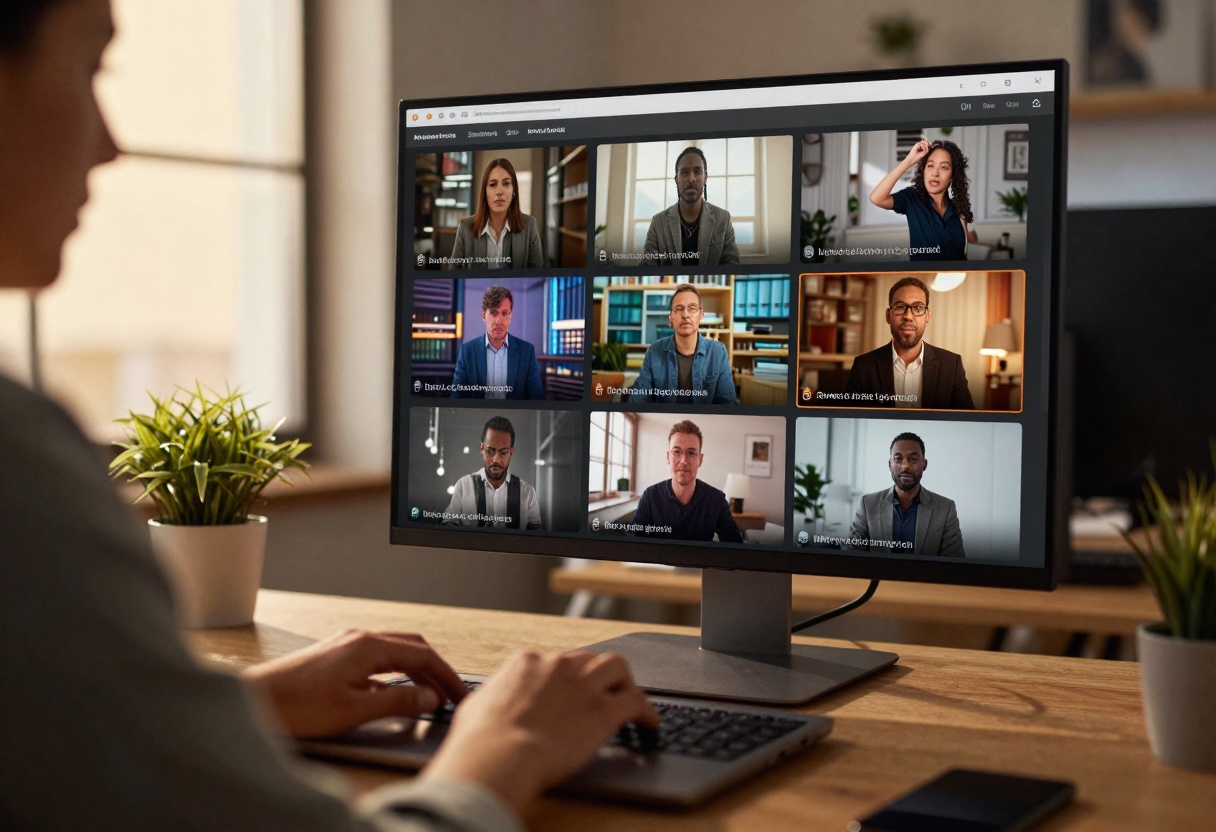
The world of AI video generation has been transformed by Sora 2 Pro, OpenAI's most advanced text-to-video model. This technology lets you create professional, audio-synced videos from simple text descriptions in minutes.
What is Sora 2 Pro?
Sora 2 Pro represents the next generation of AI video creation. Instead of spending hours filming and editing, you write what you want to see, and the AI generates a complete video with synchronized audio.
The model handles everything from basic animations to complex cinematic sequences. You can create:
- Social media content for Instagram, TikTok, and YouTube Shorts
- Product demonstrations and marketing videos
- Educational explainer clips
- Personalized greeting messages
- Prototype concepts before full production
What sets Sora 2 Pro apart is its ability to understand context and create videos that feel natural rather than robotic. The AI interprets your prompt and generates smooth, realistic motion with proper lighting and perspective.
Resolution Options
One of the most important features is the choice between two quality levels that serve different purposes.
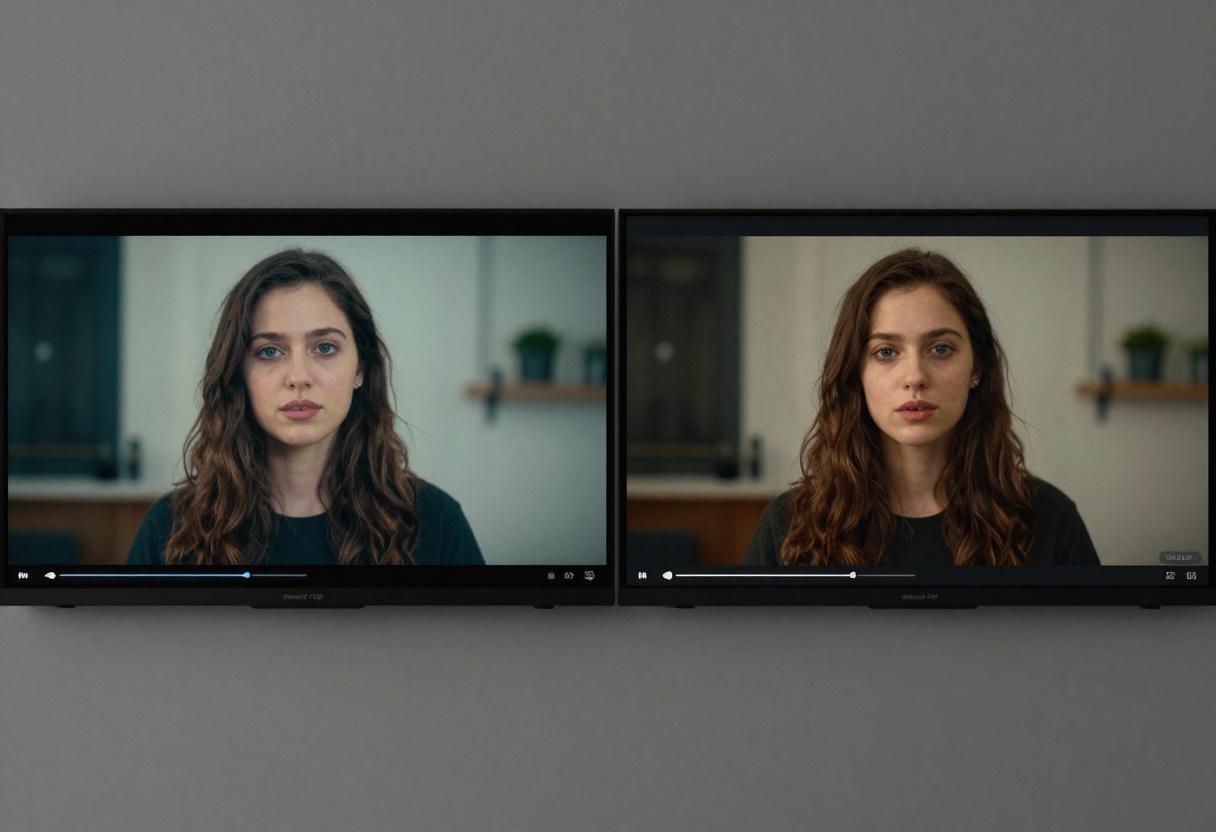
Standard resolution delivers 720p output, which works well for:
- Quick social media posts
- Draft previews and concept testing
- Projects with faster turnaround needs
- Content where file size matters
High resolution provides 1024p quality, ideal for:
- Professional marketing campaigns
- YouTube content requiring crisp visuals
- Client presentations and pitches
- Any project where quality is the priority
The resolution choice affects both processing time and final quality, so consider your specific needs. For most social media platforms, standard resolution is perfectly adequate, while high resolution shines when your video will be viewed on larger screens.
Aspect Ratios
The model supports two aspect ratios designed for different viewing contexts.
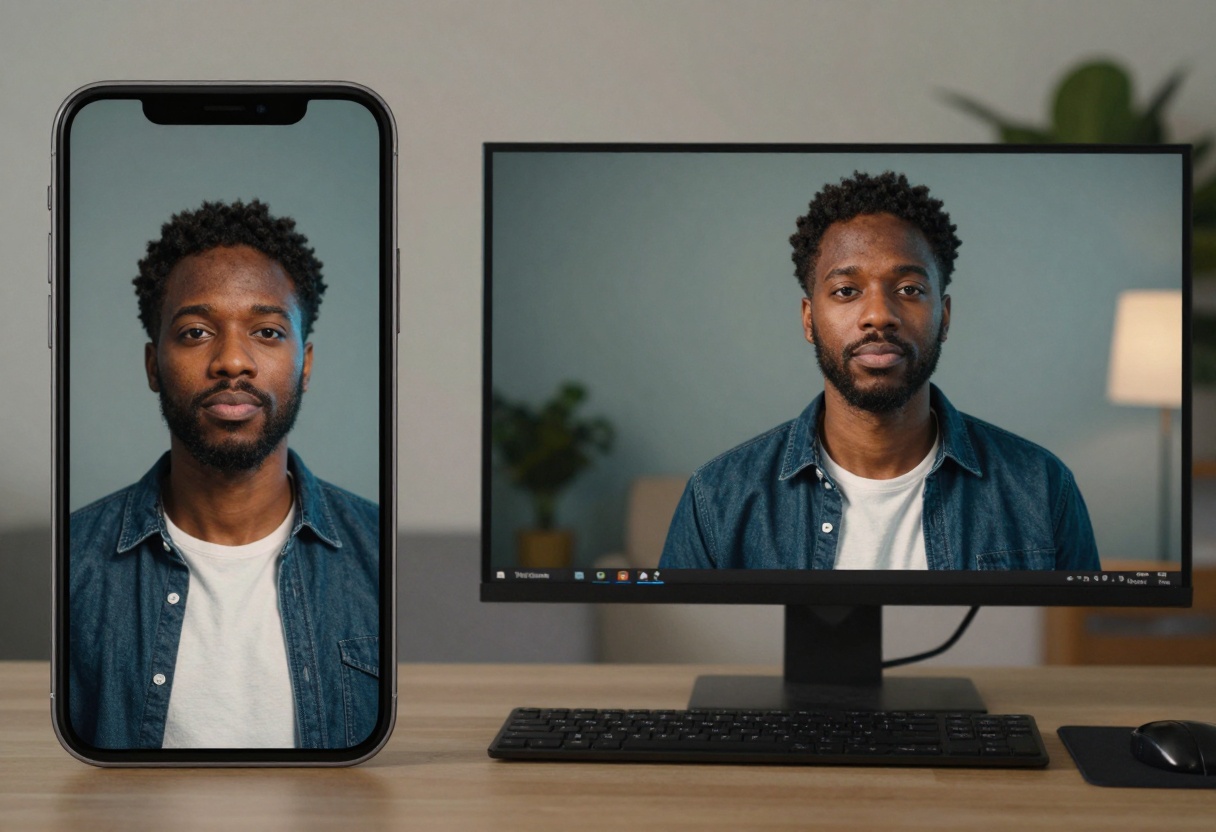
Portrait mode (720x1280) is optimized for:
- Instagram Stories and Reels
- TikTok videos
- Snapchat content
- Any vertical mobile viewing
Landscape mode (1280x720) works best for:
- YouTube videos
- Website banners
- Desktop presentations
- Traditional horizontal content
Choosing the right aspect ratio from the start saves you from having to crop or resize later. Think about where your audience will watch the video most often.
Video Duration Flexibility
Sora 2 Pro gives you three duration options to match your content needs.
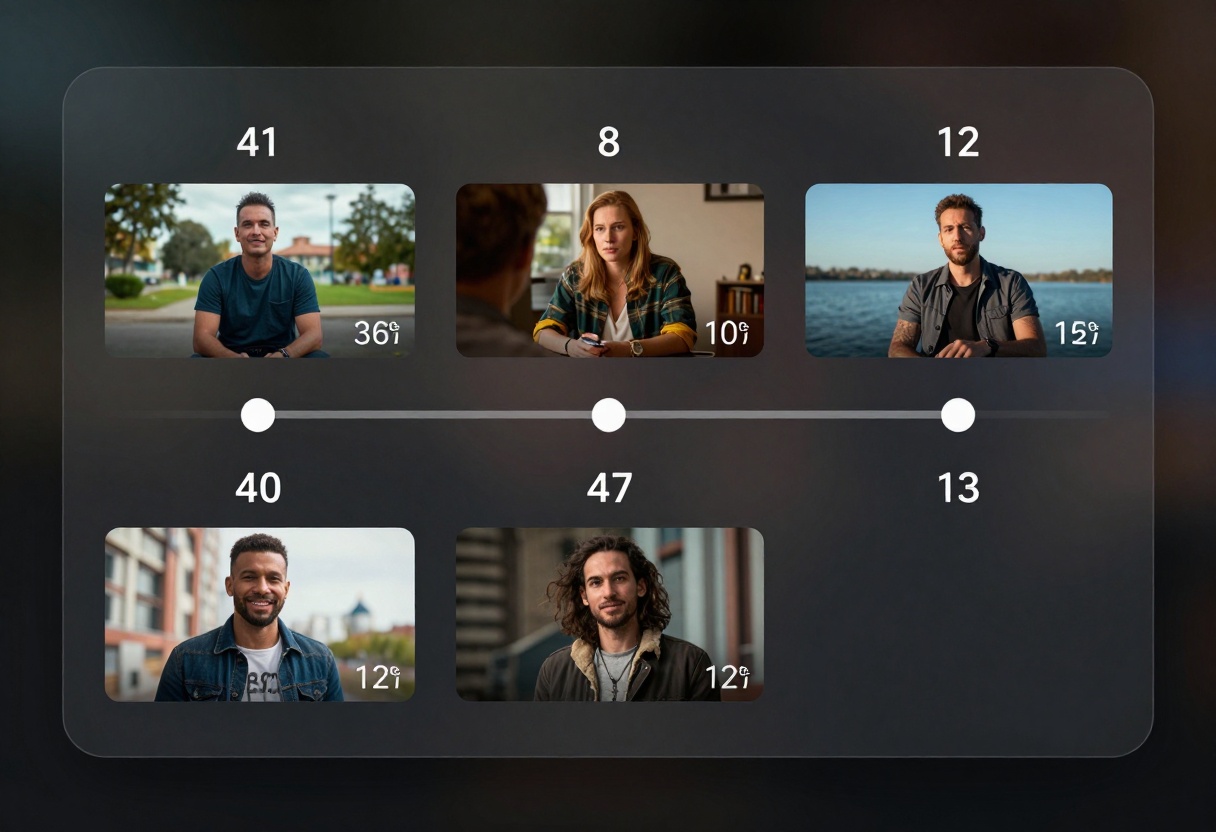
4-second clips work for:
- Quick social media teasers
- Product showcases with minimal context
- Looping background content
- Fast attention-grabbing moments
8-second videos are ideal for:
- Instagram Reels and short stories
- Brief explanations or demonstrations
- Transition clips in longer projects
- Most social media content
12-second segments suit:
- Detailed product features
- Mini tutorials or how-tos
- Narrative content with beginning and end
- More comprehensive marketing messages
Longer doesn't always mean better. Match your duration to your message and platform requirements.
Using Sora 2 Pro for Marketing
Businesses are finding innovative ways to incorporate AI video into their marketing strategies.
The technology enables rapid content creation across campaigns. Instead of booking a production crew, you can generate multiple video variations to test what resonates with your audience. This means:
- Testing different product angles quickly
- Creating localized content for multiple markets
- Producing seasonal campaigns without weather delays
- Developing video concepts before investing in full production
Small businesses particularly benefit from the cost savings. A single person can now produce video content that previously required an entire team.
The key is treating AI as a tool rather than a replacement. The best results come from combining AI efficiency with human creativity and strategic thinking.
Content Creation Workflows
Social media creators are integrating Sora 2 Pro into their regular content pipelines.
The typical workflow looks like this:
- Brainstorm content ideas and write prompts
- Generate multiple variations with different parameters
- Select the best outputs for editing
- Add text overlays, music, or transitions
- Publish to target platforms
Many creators use Sora 2 Pro for B-roll footage or background elements rather than complete videos. This hybrid approach combines AI generation with traditional filming and editing.
The portrait aspect ratio makes it particularly valuable for mobile-first content. You can quickly produce vertical videos that look native to platforms like TikTok and Instagram Stories.
Educational Applications
Educators and trainers are finding Sora 2 Pro useful for creating visual learning materials.
The technology helps visualize concepts that are difficult to photograph or film:
- Historical events and scenarios
- Scientific processes and phenomena
- Abstract mathematical concepts
- Future scenarios and predictions
Teachers can create custom content tailored to their curriculum rather than searching for existing videos that almost fit their needs. This personalization makes lessons more engaging and relevant to students.
The 4 to 12-second duration range works well for breaking complex topics into digestible visual chunks. Students can watch short clips repeatedly to reinforce understanding.
Writing Effective Prompts
The quality of your output depends heavily on how you describe what you want.
Be specific about key elements:
- Subject: "A golden retriever puppy" rather than just "a dog"
- Action: "running through a field" not "moving"
- Environment: "sunny meadow with wildflowers" beats "outside"
- Mood: "playful and energetic" adds context
Include technical details when they matter:
- Camera angles: "low angle shot looking up"
- Movement: "slow zoom in" or "steady tracking shot"
- Lighting: "golden hour light" or "dramatic shadows"
- Style: "cinematic" or "documentary style"
Avoid common mistakes:
- Being too vague: "A nice scene" doesn't give the AI enough direction
- Overloading: Too many details can confuse the generation
- Conflicting instructions: "Slow motion fast action" creates confusion
- Unrealistic combinations: Some elements don't work together
Start simple and add details iteratively. Generate a basic version, see what works, then refine your prompt for the next attempt.
Using Reference Images
The optional image input feature lets you guide the AI with visual examples.
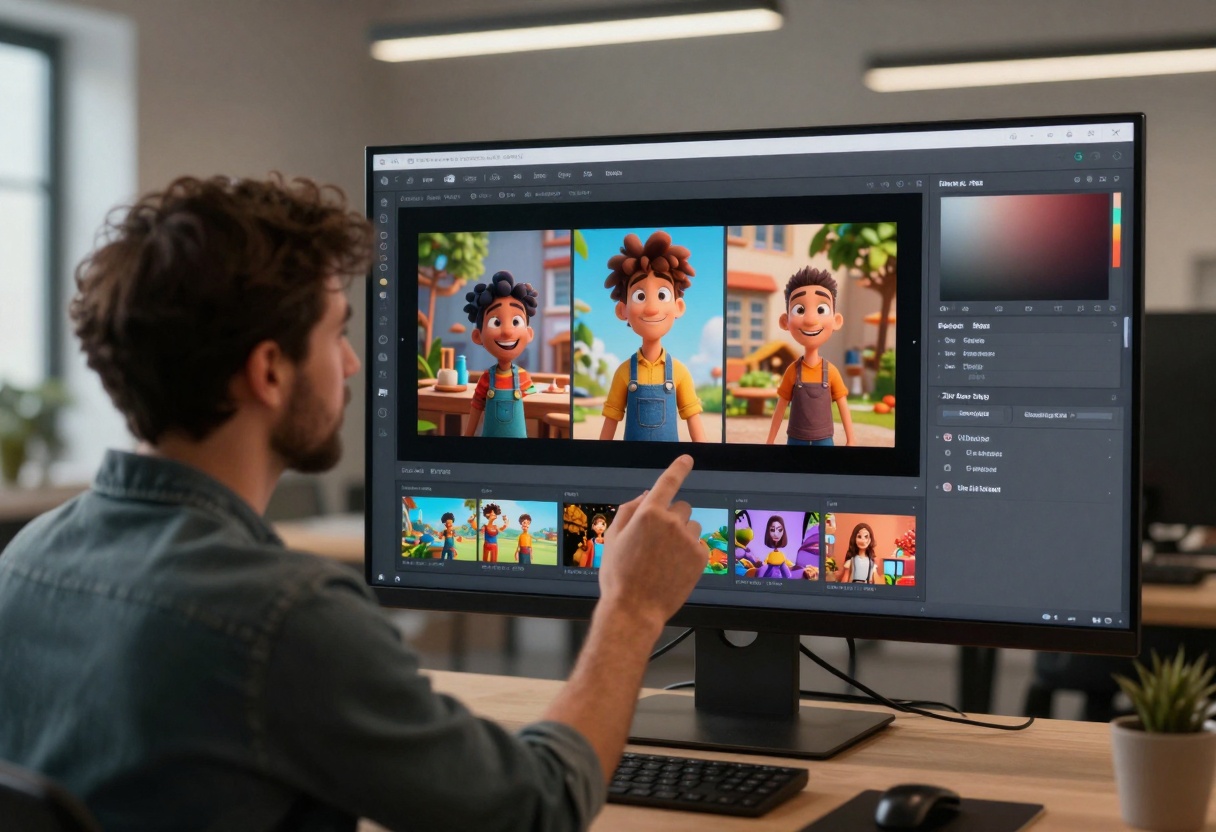
When you provide an input reference, that image becomes the first frame of your video. The AI then animates from that starting point based on your prompt.
This works particularly well for:
- Product shots where you want specific angles
- Brand consistency with existing visual assets
- Continuing from previous video endings
- Matching specific color palettes or styles
Important requirement: Your reference image must match the aspect ratio you've selected for the video. A portrait image won't work with landscape settings and vice versa.
The technique gives you more control over the final output while still leveraging AI for the animation and motion aspects. Many users photograph or render their first frame manually, then let Sora 2 Pro handle the movement.
How to Use Sora 2 Pro on PicassoIA
PicassoIA makes accessing Sora 2 Pro straightforward through their web interface.
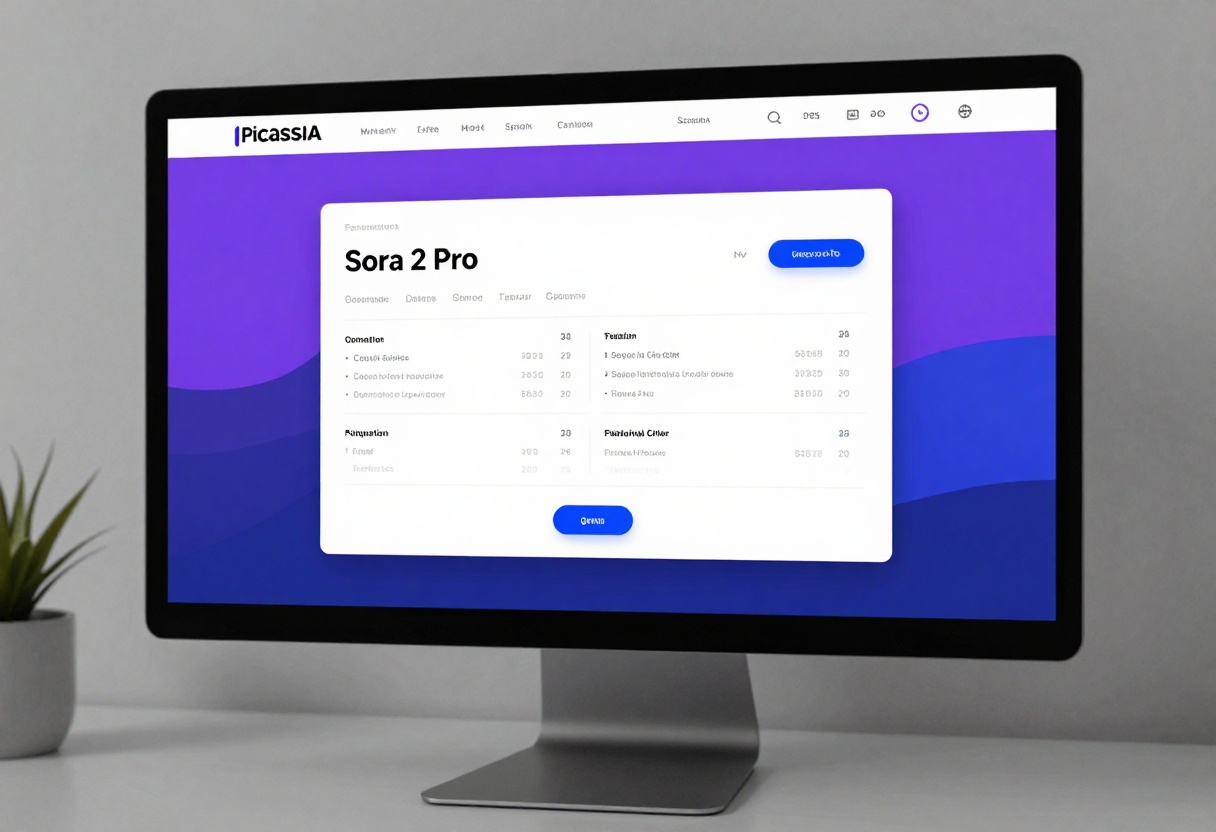
Step 1: Access the Model
Navigate to the Sora 2 Pro page on PicassoIA. You'll see the model interface with all available parameters.
Step 2: Write Your Prompt
In the prompt field, describe the video you want to create. Be specific about what you want to see, including subjects, actions, environment, and any style preferences.
Example prompt: "A sleek sports car driving along a coastal highway at sunset, camera following from the side, dramatic orange and pink sky, cinematic lighting, smooth motion"
Step 3: Configure Duration
Select your video length from the available options:
- 4 seconds for quick clips
- 8 seconds for standard content
- 12 seconds for longer sequences
Step 4: Choose Resolution
Pick between standard (720p) or high (1024p) based on your quality needs and intended use.
Step 5: Set Aspect Ratio
Select portrait (720x1280) for mobile content or landscape (1280x720) for desktop viewing.
Step 6: Add Reference Image (Optional)
If you want to start from a specific image, upload it in the input reference field. Make sure it matches your chosen aspect ratio.
Step 7: Generate Your Video
Click the generate button and wait for processing. Generation time varies based on resolution and duration settings.
Step 8: Download and Use
Once complete, download your video and use it in your projects. You can generate multiple variations by adjusting your prompt or parameters.
Parameters Reference
Understanding each parameter helps you get better results:
Prompt (required)
- Your text description of the desired video
- Be specific and descriptive
- Include visual details and actions
Seconds (optional, default: 4)
- Choose 4, 8, or 12 seconds
- Longer videos allow more complex scenes
- Consider platform requirements
Resolution (optional, default: standard)
- Standard: 720p for general use
- High: 1024p for premium quality
Aspect Ratio (optional, default: portrait)
- Portrait: 720x1280 for mobile
- Landscape: 1280x720 for desktop
Input Reference (optional)
- Upload an image to use as first frame
- Must match selected aspect ratio
- Gives you control over starting point
OpenAI API Key (optional)
- Use your own API key if preferred
- You'll be charged directly by OpenAI
- Not required for PicassoIA usage
Common Use Cases
Real-world applications show the versatility of Sora 2 Pro:
Social Media Management
- Generate daily content for multiple platforms
- Create cohesive visual themes across posts
- Test content ideas before full production
- Maintain consistent posting schedules
Marketing Campaigns
- Produce video ads quickly
- A/B test different messaging approaches
- Create localized versions for different markets
- Develop concept proofs for client approval
E-commerce
- Showcase products from multiple angles
- Demonstrate product features and benefits
- Create lifestyle imagery around products
- Build trust through visual storytelling
Education and Training
- Visualize complex concepts
- Create engaging course materials
- Develop scenario-based training
- Supplement text-based learning
Creative Projects
- Generate B-roll footage for larger productions
- Create motion backgrounds and transitions
- Develop storyboards and animatics
- Experiment with visual ideas quickly
Best Practices
Getting consistent, high-quality results requires following certain guidelines:
Start with clear intentions. Know what you want before you start generating. Vague ideas produce vague results.
Test variations. Generate multiple versions with slight prompt adjustments. Small changes can significantly impact output.
Match parameters to purpose. Don't default to the longest duration or highest resolution if they're not needed.
Use reference images strategically. They're powerful for maintaining consistency but not always necessary.
Review and iterate. Your first generation is rarely perfect. Learn from each attempt to improve the next.
Consider context. What works for one platform may not work for another. Tailor your approach to where the video will be seen.
Combine with other tools. AI generation is one step in the production process. Don't be afraid to edit and enhance the output.
Limitations and Considerations
While powerful, Sora 2 Pro has some constraints to be aware of:
Duration caps mean you can't create longer videos in a single generation. For extended content, you'll need to generate multiple clips and edit them together.
Physics and motion sometimes look unusual, especially in complex scenarios. The AI doesn't perfectly understand real-world physics yet.
Text rendering within the video can be inconsistent or unclear. If you need readable text, add it in post-production.
Human features occasionally appear distorted, particularly hands and faces in certain angles or lighting conditions.
Processing time varies based on complexity and current platform load. High-resolution 12-second videos take longer than standard 4-second clips.
Understanding these limitations helps set realistic expectations and guides you toward successful applications of the technology.
Cost and Accessibility
The pricing model for Sora 2 Pro varies depending on how you access it.
Through PicassoIA, you can use the model without managing API keys or technical setup. The platform handles all the infrastructure while you focus on creating content.
If you prefer using your own OpenAI API key, you have that option as well, though you'll be charged directly by OpenAI for usage.
The cost-per-generation depends on your selected parameters. Higher resolutions and longer durations consume more computational resources and cost more to produce.
For businesses evaluating the investment, consider the cost against traditional video production. Even factoring in multiple generation attempts, AI video often proves significantly cheaper than hiring crews, renting equipment, and spending time on location.
Future of Text-to-Video
The technology continues to evolve rapidly. Each iteration brings improvements in:
- Motion smoothness and realism
- Understanding of complex prompts
- Duration capabilities
- Resolution options
- Processing speed
What seems impressive now will likely feel basic in a few years. Staying current with developments helps you leverage new capabilities as they emerge.
The fundamental shift is in how we think about video content. Rather than asking "Can we afford to produce this?", the question becomes "What should we create?"
This democratization of video production opens creative possibilities for individuals and organizations that couldn't previously access professional video capabilities.
Getting Started
Ready to create your first AI video? Here's your action plan:
- Visit PicassoIA's Sora 2 Pro page
- Brainstorm a simple concept for your first video
- Write a clear, specific prompt
- Start with standard settings (4 seconds, standard resolution, portrait)
- Generate and review your result
- Adjust your prompt based on what you learn
- Experiment with different parameters and reference images
The best way to understand the capabilities and limitations is through hands-on experience. Start simple, learn from each generation, and gradually increase complexity as you become comfortable with the tool.
AI video generation isn't about replacing traditional filmmaking. It's about expanding what's possible, reducing barriers to entry, and enabling faster iteration. Whether you're a solo creator, small business, or large enterprise, Sora 2 Pro offers a new tool for bringing your visual ideas to life.


