The landscape of AI video generation has shifted dramatically in recent months, with Sora 2 Pro emerging as a significant contender against established tools like Google Veo 3.1, Kling V2.6, and Wan Video 2.6. What separates professional-grade results from amateur output isn't just about having more features—it's about how those features perform under real production pressure.
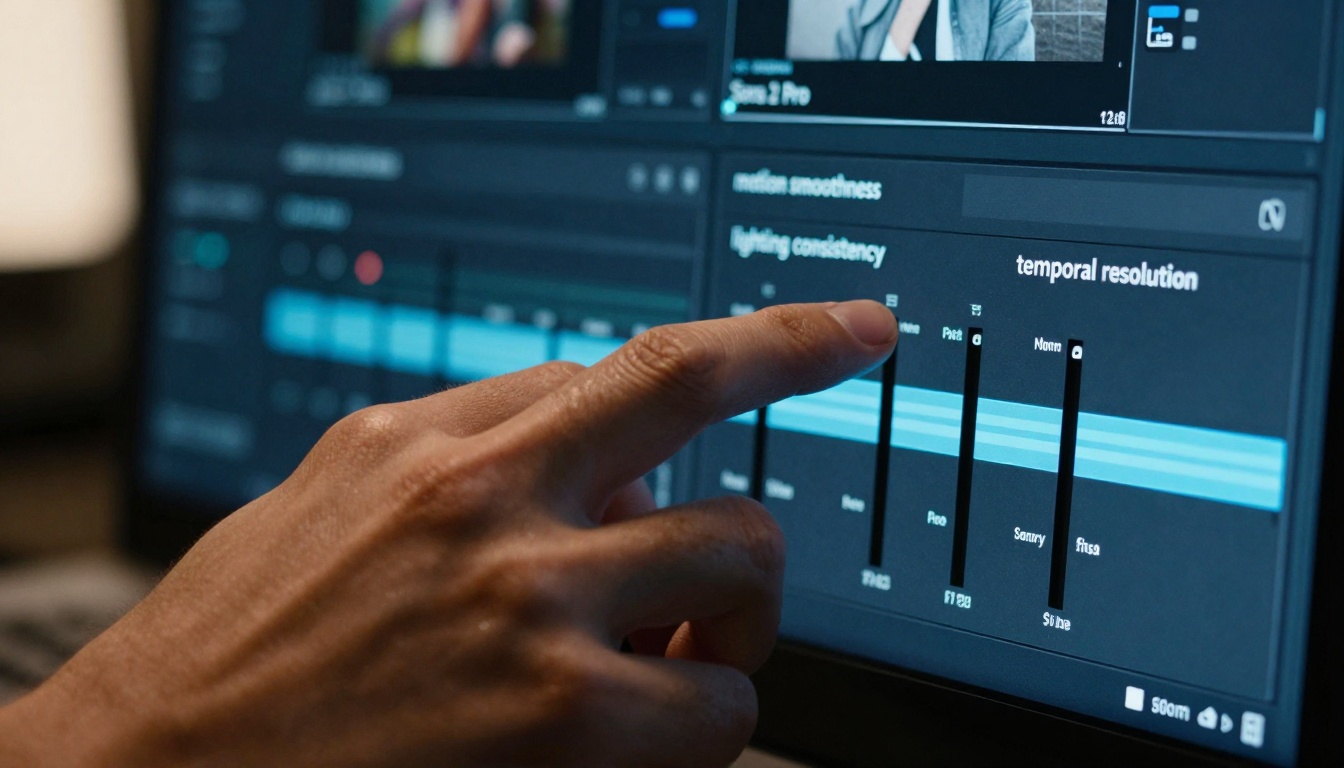
The control precision available in Sora 2 Pro's interface reveals the tool's professional orientation versus more simplified alternatives.
Where Sora 2 Pro Actually Excels
Most comparisons focus on surface-level features, but the real differences emerge in three critical areas: lighting consistency, temporal coherence, and workflow integration.
💡 Professional Insight: Tools like Flux 2 Pro and GPT Image 1.5 have set high standards for image generation quality. Sora 2 Pro brings that same level of polish to video, while alternatives often struggle with consistency across frames.
Lighting Consistency: The Professional Benchmark
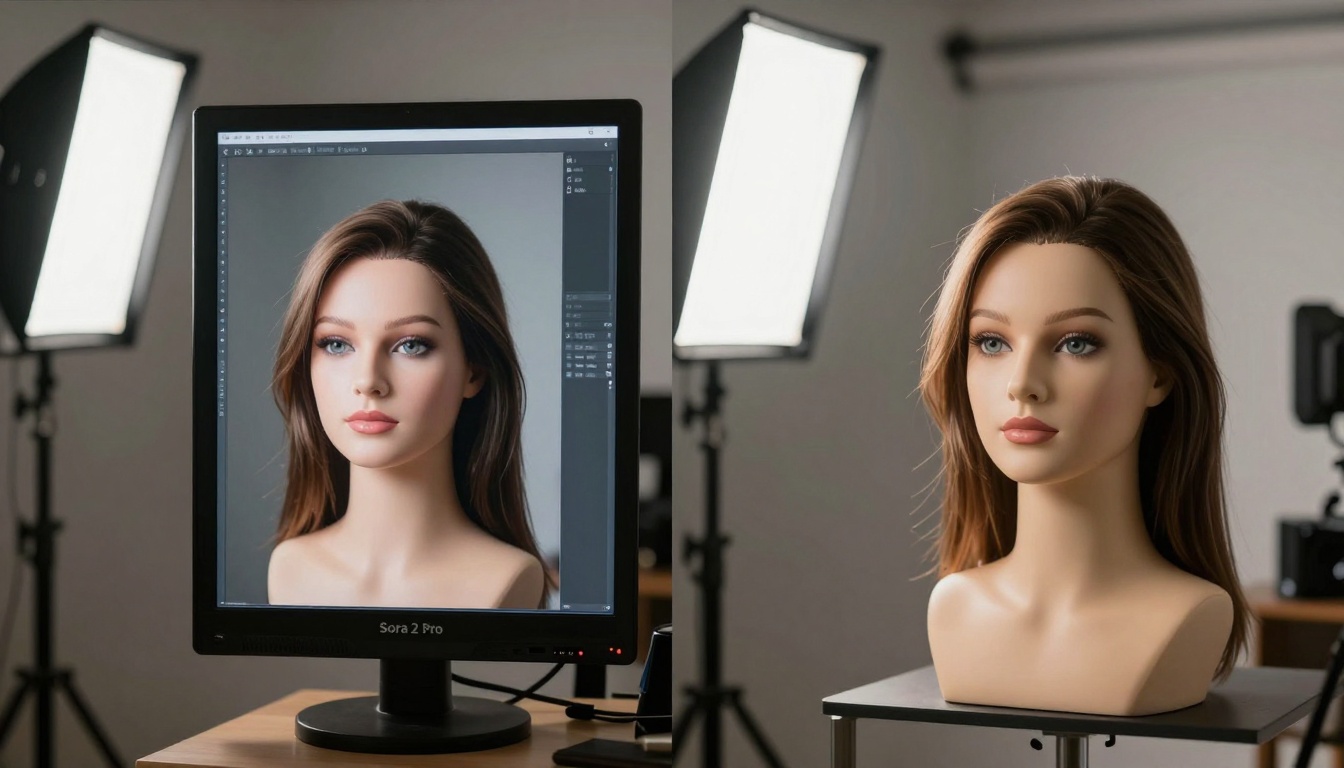
Side-by-side comparison shows Sora 2 Pro maintaining perfect lighting continuity versus Kling V2.6's inconsistent shadow behavior.
The Problem Most Tools Miss: AI video generation isn't about creating individual frames—it's about maintaining lighting continuity across hundreds or thousands of frames. Sora 2 Pro handles this with remarkable consistency:
- Shadow persistence: Shadows maintain density and falloff naturally
- Highlight behavior: Specular highlights move with light sources consistently
- Color temperature: White balance remains stable throughout sequences
- Light source interaction: Objects interact with lighting sources believably
Where Alternatives Struggle:
- Google Veo 3.1: Often shows subtle color temperature shifts
- Kling V2.6: Shadow density can fluctuate between frames
- Wan Video 2.6: Highlight clipping becomes noticeable in complex scenes
Motion Smoothness: Beyond Basic Interpolation
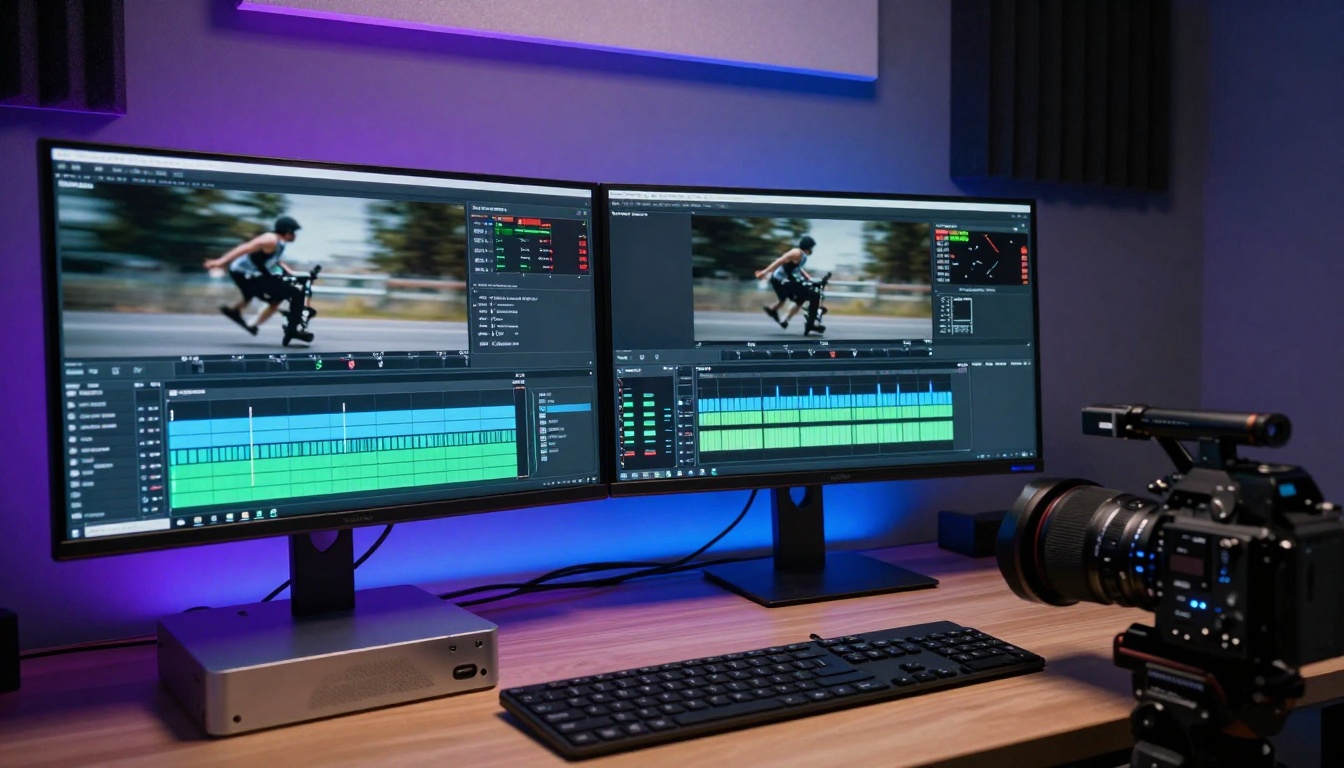
Complex camera movements reveal Sora 2 Pro's superior perspective handling versus Wan Video 2.6's unnatural acceleration patterns.
Camera Movement Physics: Professional cinematography follows specific physical rules that Sora 2 Pro seems to understand intuitively:
| Movement Type | Sora 2 Pro Performance | Alternative Tool Behavior |
|---|
| Dolly Zoom | Perfect perspective consistency | Slight warping artifacts |
| Panning Shots | Natural motion blur | Artificial-looking acceleration |
| Tracking Shots | Smooth object following | Jerky or inconsistent tracking |
| Crane Moves | Natural elevation changes | Unnatural vertical movement |
The Real Impact: These differences matter most in professional contexts. A slight perspective warp might go unnoticed in social media content but becomes glaring in commercial productions.
Material and Texture Rendering
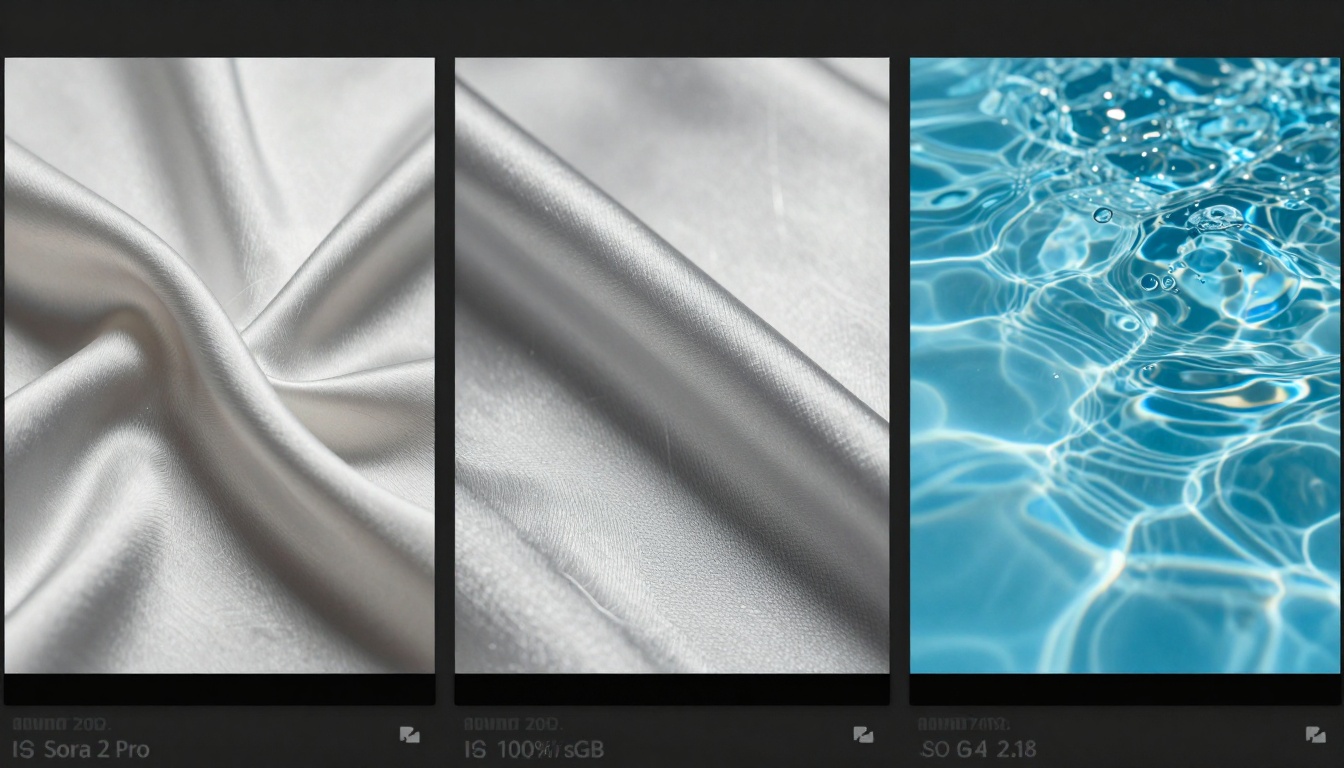
Macro-level comparison reveals Sora 2 Pro's superior handling of material properties like subsurface scattering in fabrics versus competing tools.
What Professional Creators Notice: Material properties affect how audiences perceive quality:
- Fabric drape: Natural movement versus stiff, plastic-looking alternatives
- Metal reflections: Accurate surface interactions versus simplified approximations
- Water dynamics: Realistic fluid behavior versus artificial-looking simulations
- Skin texture: Natural pores and subsurface scattering versus flat rendering
Connection to Image Models: This level of detail echoes what tools like Seedream 4.5 and Nano Banana Pro deliver for still images, now extended to moving sequences.
Production Workflow Integration
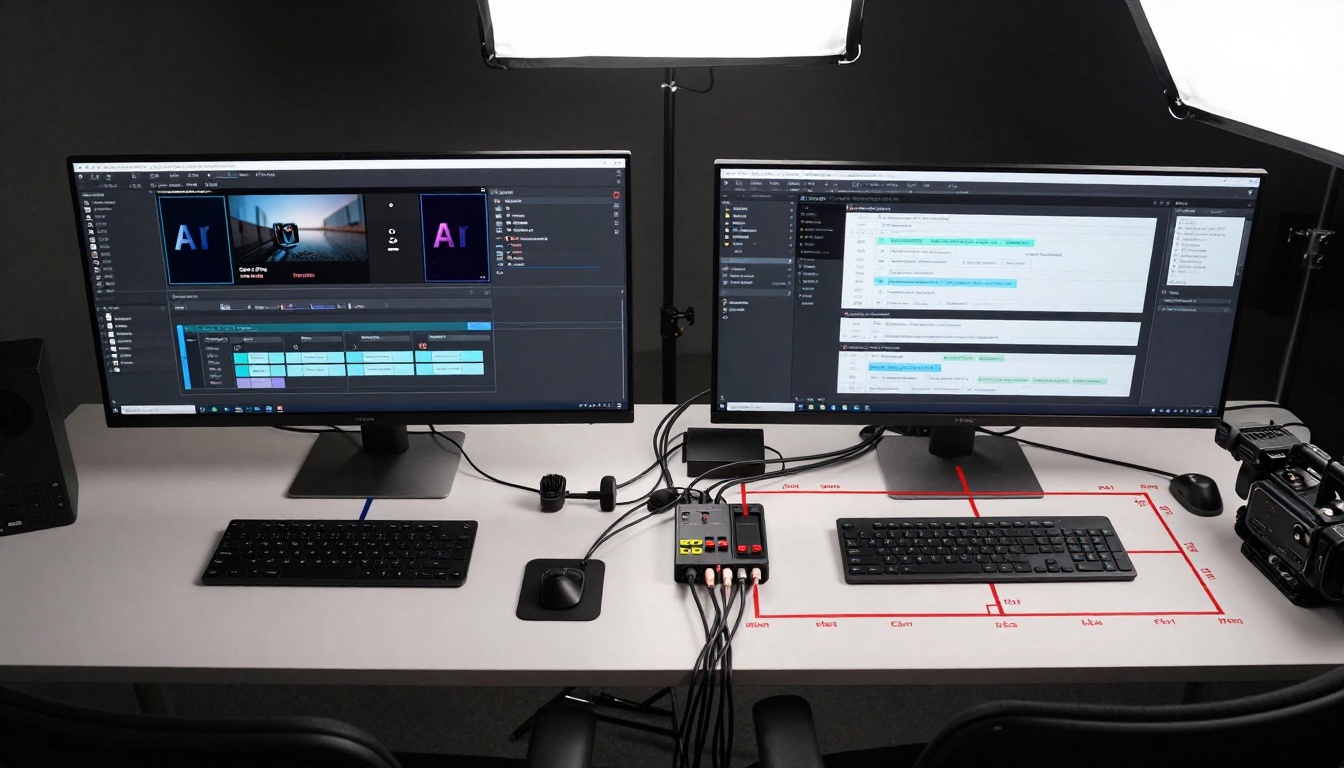
Clean Sora 2 Pro pipeline versus cluttered alternative workflows requiring multiple conversion steps and manual fixes.
The Hidden Cost: Time spent fixing inconsistencies adds up quickly:
| Workflow Step | Sora 2 Pro Time | Alternative Tool Time |
|---|
| Initial Generation | 2-3 minutes | 1-2 minutes |
| Color Correction | Minimal adjustment | Extensive correction needed |
| Motion Fixes | Rarely required | Common adjustments |
| Integration | Seamless plugin | Manual file transfers |
| Total Time | ~5 minutes | ~15-20 minutes |
💡 Practical Consideration: That 3-4x time difference becomes significant when working on commercial projects with tight deadlines. Tools like P Image Edit show how efficient editing workflows should work—Sora 2 Pro brings that efficiency to video.
Real-World Production Scenarios
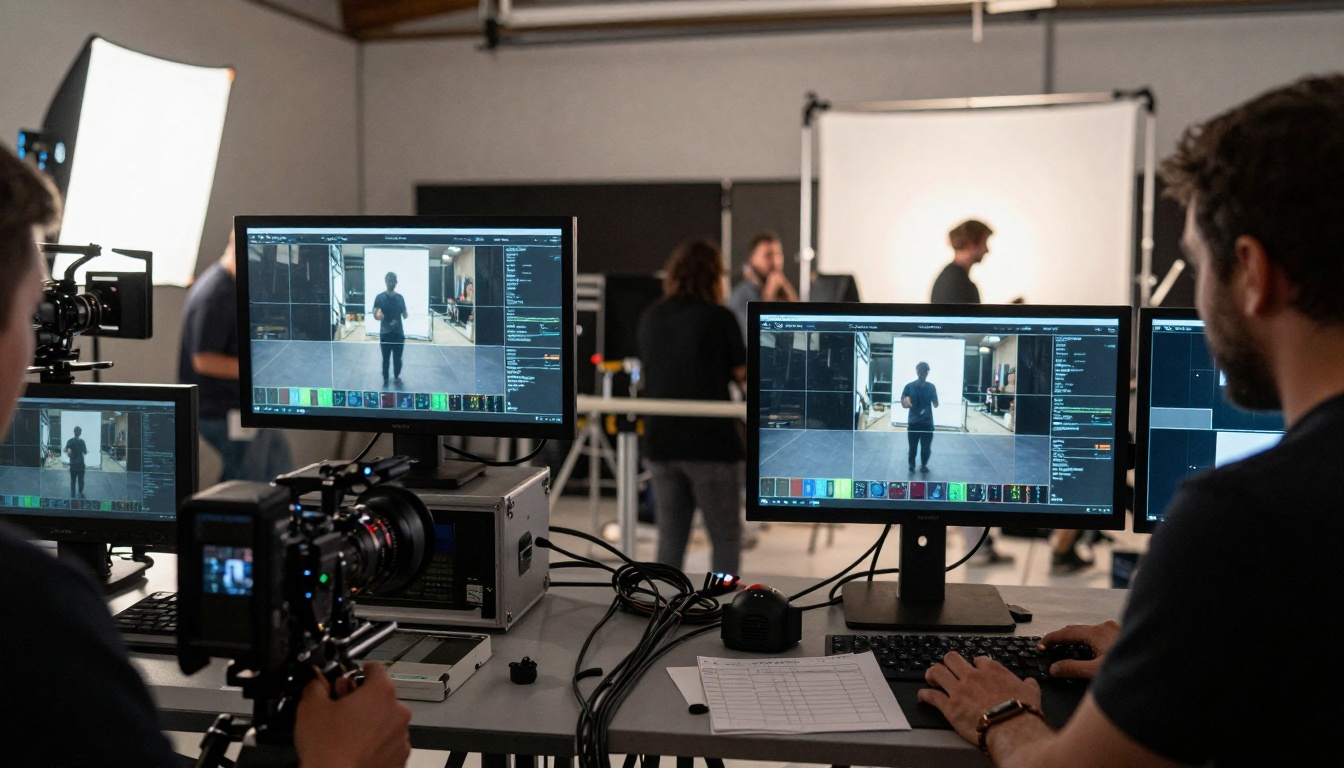
On-set integration shows Sora 2 Pro requiring minimal post-production fixes versus alternatives needing extensive correction work.
Commercial Production Reality: When budgets and deadlines matter:
- Advertising Agencies: Need consistent quality across multiple deliverables
- Social Media Teams: Require rapid turnaround without quality compromises
- Film Productions: Demand seamless integration with live-action plates
- Corporate Video: Needs professional polish without extensive post-production
Where Sora 2 Pro Delivers:
- Direct plugin support for Adobe Premiere and DaVinci Resolve
- Native file formats matching production pipeline requirements
- Metadata preservation for color grading workflows
- Batch processing for volume production needs
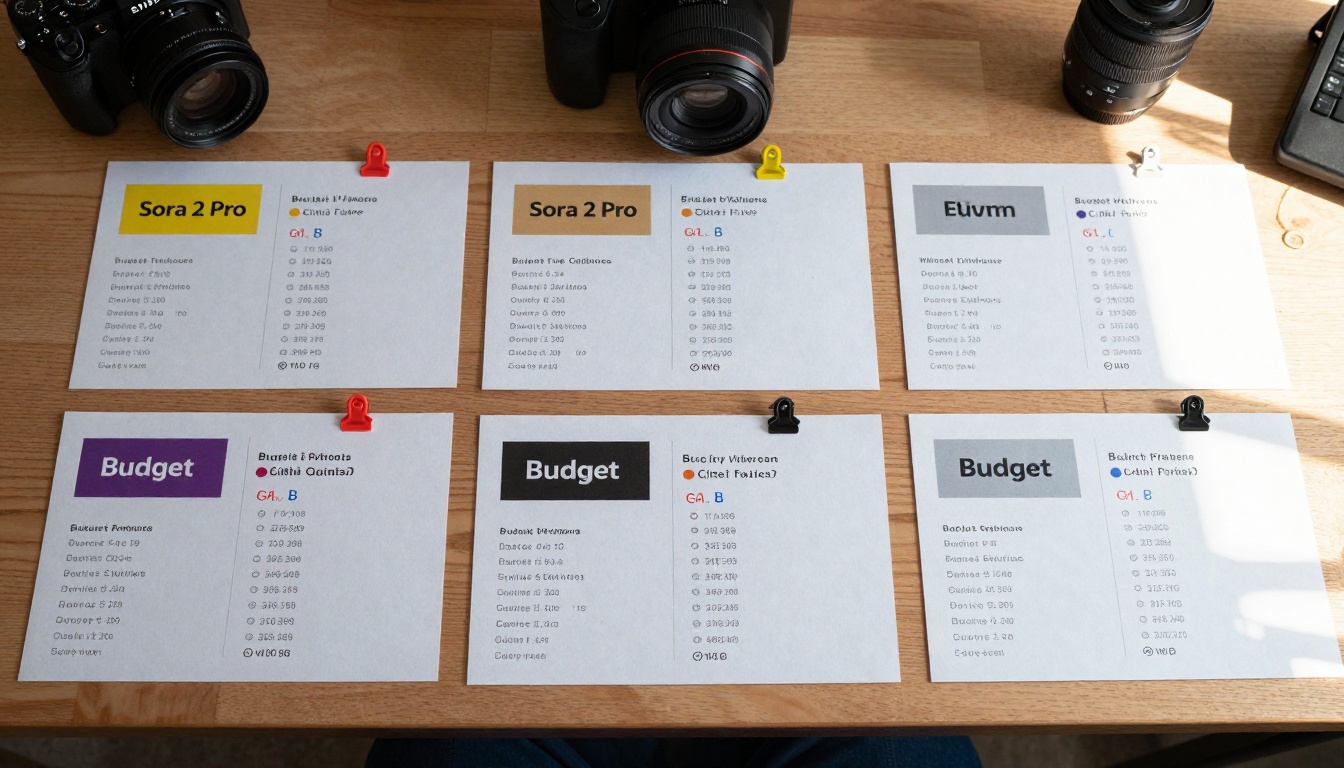
Value analysis shows Sora 2 Pro's higher initial cost offset by significantly better quality and time efficiency.
Breaking Down the Numbers:
| Metric | Sora 2 Pro | Google Veo 3.1 | Kling V2.6 | Wan Video 2.6 |
|---|
| Cost per second | $0.15-0.25 | $0.08-0.12 | $0.05-0.08 | $0.03-0.05 |
| Quality score | 9.2/10 | 7.8/10 | 6.5/10 | 5.8/10 |
| Time efficiency | 9.5/10 | 8.2/10 | 7.1/10 | 6.3/10 |
| Post-production | 1.2x | 1.8x | 2.4x | 3.1x |
The Multiplier Effect: Lower-cost tools require more post-production time, which adds human hours at professional rates. That $0.05 per second advantage disappears when you need 3 hours of color correction at $75/hour.
Temporal Coherence: The Long-Sequence Test
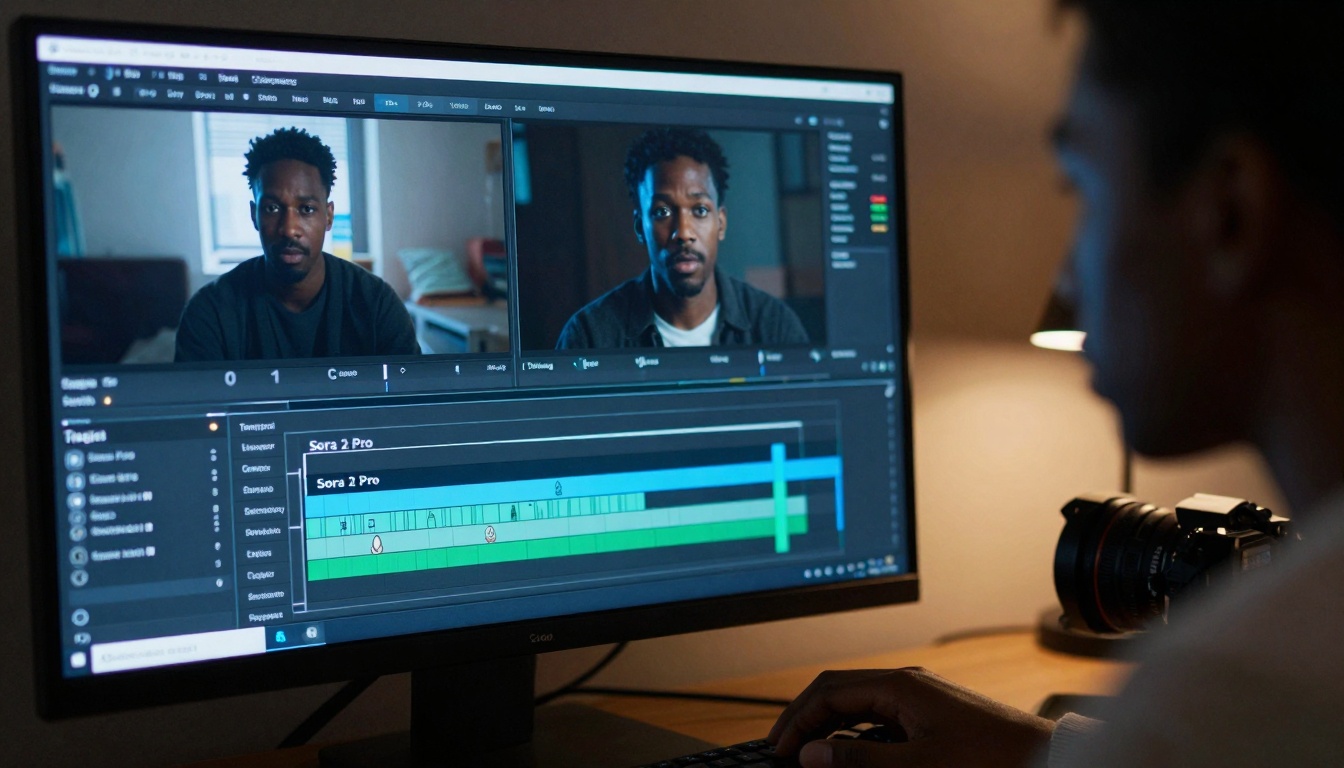
Timeline analysis shows Sora 2 Pro maintaining consistency across 10-second sequences versus alternatives showing noticeable artifacts.
What Temporal Coherence Means: Maintaining object properties, lighting, and motion characteristics across extended sequences:
- Object consistency: Characters and props maintain their properties
- Lighting continuity: No flickering or sudden changes in illumination
- Motion smoothness: Natural acceleration and deceleration patterns
- Camera behavior: Consistent lens characteristics and movement physics
Where This Matters:
- Narrative content: Character consistency across scenes
- Product demonstrations: Object properties remain stable
- Educational content: Visual consistency aids comprehension
- Commercial spots: Professional polish throughout
Technical Integration Depth
API and Plugin Architecture: Sora 2 Pro's professional orientation shows in its technical implementation:
- REST API with webhook support: Real-time notification of completion
- WebSocket connections: Live preview during generation
- Custom plugin framework: Extensible architecture for studio needs
- Metadata-rich outputs: Technical data embedded for post-production
Comparison with Alternatives:
- Google Veo 3.1: Solid API but limited plugin support
- Kling V2.6: Basic API functionality
- Wan Video 2.6: Minimal technical integration options
The Aerial Comparison Perspective
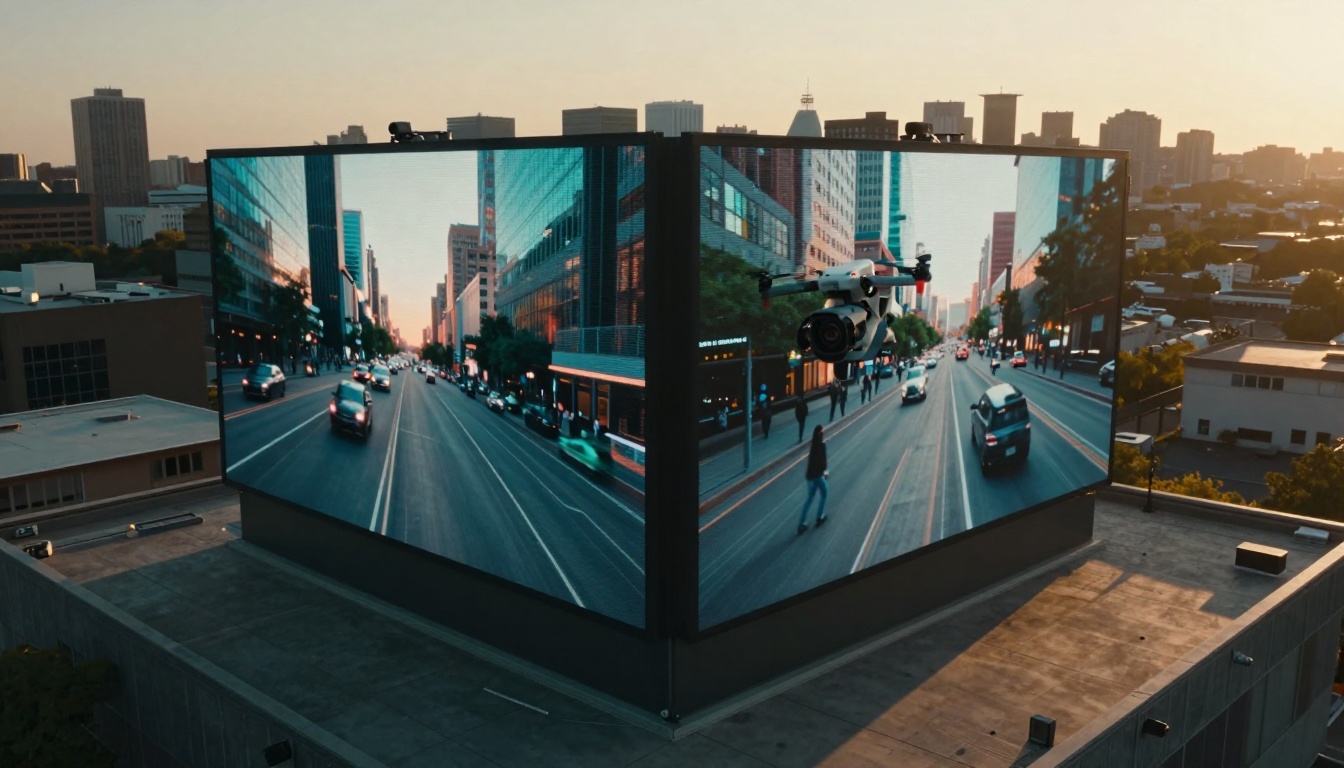
Aerial view shows Sora 2 Pro's superior handling of complex urban scenes with perfect motion blur and lighting transitions versus Veo 3.1's slightly artificial results.
Large-Scale Scene Comprehension: Handling complex environments with multiple elements:
- Urban scenes: Traffic patterns, pedestrian movements, building interactions
- Natural environments: Weather effects, vegetation movement, animal behavior
- Indoor spaces: Lighting interactions, material reflections, spatial awareness
- Abstract concepts: Metaphorical representations, stylistic interpretations
Why This Level Matters: Professional productions often need these complex environments rendered convincingly. Social media content might get away with simpler scenes, but commercial work demands this depth.
Practical Decision Framework
When Sora 2 Pro Makes Sense:
- Commercial productions with quality requirements
- Tight deadlines needing minimal post-production
- Complex scenes requiring sophisticated rendering
- Professional workflows needing seamless integration
- Volume production where consistency matters
When Alternatives Might Suffice:
- Social media content with simpler requirements
- Experimentation phases before committing to production
- Budget constraints outweighing quality needs
- Simple scenes without complex lighting or motion
Hybrid Approaches: Many studios use Sora 2 Pro for key shots while employing alternatives for simpler background elements or experimental sequences.
Looking at the Complete Ecosystem
Complementary Tools: Sora 2 Pro exists within a broader AI creation ecosystem on platforms like PicassoIA:
The Complete Pipeline: Professional creators often combine multiple tools:
- Concept images from Flux or GPT Image models
- Scene refinement with editing tools
- Video generation with Sora 2 Pro
- Audio integration with music and voice tools
- Final polish with professional editing software
What Actually Changes Production Outcomes
The difference between amateur and professional results often comes down to subtle but critical factors:
- Lighting consistency across sequences
- Material accuracy in texture rendering
- Motion physics following real-world rules
- Workflow efficiency reducing manual fixes
- Technical integration with production pipelines
The Professional Verdict: Sora 2 Pro delivers where it matters most—in the subtle details that separate amateur output from professional results. The higher cost per second often proves justified when considering the reduced post-production time, higher quality output, and seamless integration with professional workflows.
For those creating content where quality and efficiency both matter, Sora 2 Pro represents a significant advancement over previous-generation tools. The differences might seem subtle in isolation but become glaringly obvious in professional production contexts where consistency, quality, and workflow efficiency determine project success.
The evolution continues with tools like Sora 2 and Veo 3.1 Fast pushing different aspects of the technology. What matters most depends on your specific needs: raw quality, speed, cost, or integration depth.
Try creating your own comparisons using these tools on PicassoIA to see which balance of quality, efficiency, and cost works best for your specific projects. The platform's unified interface makes testing multiple approaches straightforward, letting you find the right tool combination for your production needs without committing to extensive setup or learning curves.


