When creating short videos, the choice between AI video generators isn't just about picking a tool—it's about selecting the right creative partner for your specific needs. Sora 2 Pro from OpenAI and Veo 3.1 from Google represent two fundamentally different approaches to video generation, each with distinct strengths that matter significantly for short-form content. Short videos have unique requirements: they need to capture attention immediately, deliver maximum impact in minimal time, and maintain visual consistency that keeps viewers engaged. This isn't just about which tool produces prettier images; it's about which system understands motion physics better, which handles color transitions more naturally, and which delivers practical workflow advantages for creators working against tight deadlines.
Motion Handling: Where Physics Meets Artistry
The most immediately noticeable difference between Sora 2 Pro and Veo 3.1 lies in how they handle movement. Sora 2 Pro demonstrates what can only be described as temporal intelligence—it doesn't just animate objects, it understands how they should move through space and time.
Sora's Motion Mastery:
- Physics-based animation: Objects obey real-world physics with convincing weight, inertia, and momentum
- Temporal consistency: Movement remains smooth and logical across the entire clip duration
- Complex interactions: Multiple moving elements interact believably without visual artifacts
- Natural acceleration: Objects speed up and slow down with realistic timing curves
Veo's Motion Approach:
- Aesthetic prioritization: Movement serves visual appeal rather than strict physical accuracy
- Style consistency: Maintains artistic coherence even when physics might suggest different motion
- Simplified dynamics: Reduces complex physical interactions to their visually pleasing essence
- Predictable patterns: Uses established cinematic motion tropes that feel familiar to viewers
💡 Practical Tip: For action sequences, rapid cuts, or任何 involving complex physical interactions, Sora 2 Pro consistently delivers more believable results. For stylized motion, artistic sequences, or任何 prioritizing visual beauty over strict realism, Veo 3.1 often produces more immediately appealing output.
Color Science: From Technical Accuracy to Emotional Impact
Color handling represents the second major divergence between these platforms. While both produce vibrant output, their approaches to color science reflect their respective companies' technological philosophies.
Sora 2 Pro Color Characteristics:
- Naturalistic palette: Colors resemble what high-quality cinema cameras capture
- Subtle gradations: Smooth color transitions without banding or abrupt shifts
- Real-world lighting: Colors respond to simulated light sources with physical accuracy
- Texture integration: Color interacts with surface textures in believable ways
Veo 3.1 Color Strengths:
- Vibrant saturation: Colors pop with intensity that grabs immediate attention
- Cinematic grading: Built-in color grading that mimics professional film looks
- Emotional color: Palette choices often enhance the intended mood of scenes
- Consistent stylization: Maintains coherent color treatment throughout sequences
| Color Aspect | Sora 2 Pro | Veo 3.1 | Best For |
|---|
| Realism | Exceptional | Moderate | Documentary style |
| Vibrancy | Natural | High impact | Social media |
| Consistency | Physically accurate | Stylistically consistent | Brand content |
| Grading flexibility | Requires post-processing | Built-in styles | Quick turnaround |
| Skin tones | Natural variation | Enhanced warmth | People-focused content |
Short Video Specific Considerations
Short videos operate under different constraints than longer formats. The 15-60 second window changes what matters most in AI video generation.
Attention Capture (First 3 Seconds):
- Sora 2 Pro: Wins with dynamic, physics-accurate openings that feel immediately real
- Veo 3.1: Wins with vibrant, emotionally charged openings that create instant mood
Mid-Sequence Retention (Seconds 4-30):
- Sora 2 Pro: Maintains engagement through believable continuity and logical progression
- Veo 3.1: Sustains interest through aesthetic consistency and visual beauty
Closing Impact (Final 5 Seconds):
- Sora 2 Pro: Delivers satisfying conclusions that feel naturally resolved
- Veo 3.1: Creates memorable final frames with strong visual punctuation
Beyond artistic considerations, practical technical factors significantly impact workflow efficiency and final output quality.
Generation Speed:
- Sora 2 Pro: 45-90 seconds for 15-second clips at 1080p resolution
- Veo 3.1: 30-60 seconds for comparable duration and resolution
- Important note: Veo's faster generation sometimes comes at the expense of motion complexity
Output Resolution Options:
- Sora 2 Pro: 1080p native, upscales well to 4K with maintained quality
- Veo 3.1: 1080p native, 4K upscaling available but with some detail smoothing
Consistency Across Generations:
- Sora 2 Pro: High consistency when using similar prompts and parameters
- Veo 3.1: Moderate consistency, with more variation in artistic interpretation
Parameter Control:
- Sora 2 Pro: Detailed control over motion parameters, physics simulation, and temporal aspects
- Veo 3.1: Strong control over color parameters, style intensity, and artistic direction
💡 Workflow Insight: For batch production of similar short videos, Sora 2 Pro's consistency becomes a significant advantage. For creating diverse, stylistically varied content quickly, Veo 3.1's faster generation and built-in styles streamline production.
Cost and Accessibility Factors
Pricing structures and platform accessibility play crucial roles in practical adoption, especially for creators producing volume content.
PicassoIA Integration:
Both models are available through PicassoIA's platform, which provides:
- Unified interface for comparing outputs side-by-side
- Consistent pricing structure across both technologies
- Integrated workflow tools for short video optimization
- Batch processing capabilities for volume creation
Cost Per Second Analysis:
| Duration | Sora 2 Pro Cost | Veo 3.1 Cost | Value Differential |
|---|
| 15 seconds | $0.45-0.60 | $0.35-0.50 | Veo cheaper for simple motion |
| 30 seconds | $0.90-1.20 | $0.70-1.00 | Sora better value for complex scenes |
| 60 seconds | $1.80-2.40 | $1.40-2.00 | Choice depends on content complexity |
Access Considerations:
- API availability: Both offer API access through PicassoIA integration
- Queue times: Similar wait times during peak usage periods
- Uptime reliability: Both maintain 99%+ uptime through PicassoIA's infrastructure
- Support resources: Comprehensive documentation and community support for both

Creative Applications by Short Video Type
Different short video formats benefit from different technological strengths. Understanding which tool excels at which content type saves time and improves results.
Social Media Reels/TikToks:
- Best choice: Veo 3.1 for most cases
- Why: Immediate visual impact matters more than physical accuracy
- Exception: Use Sora 2 Pro for product demos, tutorials, or任何 requiring believable motion
Product Demonstrations:
- Best choice: Sora 2 Pro for most cases
- Why: Physical accuracy builds trust in product capabilities
- Exception: Use Veo 3.1 for lifestyle-focused product shots where mood matters
Educational Content:
- Best choice: Sora 2 Pro for大多数
- Why: Believable motion aids learning and comprehension
- Special case: Veo 3.1 for artistic or creative skill tutorials
Brand Storytelling:
- Best choice: Depends on brand personality
- Analytical brands: Sora 2 Pro for precision and reliability
- Creative brands: Veo 3.1 for artistic expression and mood
- Hybrid approach: Many successful brands use both for different content types
Entertainment Clips:
- Best choice: Veo 3.1 for大多数
- Why: Cinematic quality and emotional impact drive engagement
- Technical entertainment: Sora 2 Pro for gaming, sports, or action-focused content
Prompt Engineering Differences
Effective prompt construction varies significantly between the two systems. What works for one often fails for the other.
Sora 2 Pro Prompt Strategy:
- Focus on physics: Describe how things move, not just what they are
- Temporal details: Include timing, speed, and acceleration specifications
- Environmental factors: Describe lighting, atmosphere, and physical conditions
- Interaction clarity: Specify how elements interact with each other
Example Sora prompt: "A silver sports car accelerates from 0-60 mph in 4 seconds on a wet asphalt road at dawn, tires kicking up spray, with volumetric light from rising sun creating long shadows, shot from low angle with 50mm lens, 24fps cinematic frame rate"
Veo 3.1 Prompt Strategy:
- Focus on mood: Describe emotional tone and visual style
- Color language: Use descriptive color terms and grading references
- Cinematic references: Mention film genres, directors, or visual styles
- Composition emphasis: Describe framing, perspective, and visual balance
Example Veo prompt: "Cinematic golden hour shot of vintage convertible driving along coastal highway, Kodak Portra 400 film aesthetic, warm nostalgic mood, shallow depth of field focusing on driver's joyful expression, teal and orange color grading, 30fps smooth motion"
Common Prompt Mistakes:
- Using Sora prompts for Veo: Results in technically accurate but emotionally flat output
- Using Veo prompts for Sora: Results in beautiful but physically implausible motion
- Solution: Maintain separate prompt libraries for each system
Quality Control and Iteration Processes
Both systems benefit from structured quality control, but the specific checks differ based on their respective strengths and weaknesses.
Sora 2 Pro Quality Checklist:
- Motion verification: Does movement follow physical laws?
- Temporal consistency: Do elements move at consistent rates?
- Interaction accuracy: Do objects interact believably?
- Lighting physics: Does light behave naturally?
- Scale preservation: Do proportions remain consistent?
Veo 3.1 Quality Checklist:
- Color consistency: Does palette remain coherent?
- Style preservation: Does artistic treatment stay uniform?
- Emotional impact: Does output match intended mood?
- Composition balance: Is visual arrangement pleasing?
- Detail retention: Do important elements maintain clarity?
Iteration Strategies:
- Sora iterations: Adjust physics parameters, timing specifications, interaction details
- Veo iterations: Modify style intensity, color parameters, compositional elements
- Both systems: Keep successful prompts as templates for future use
- Important: Document what changes produce what improvements
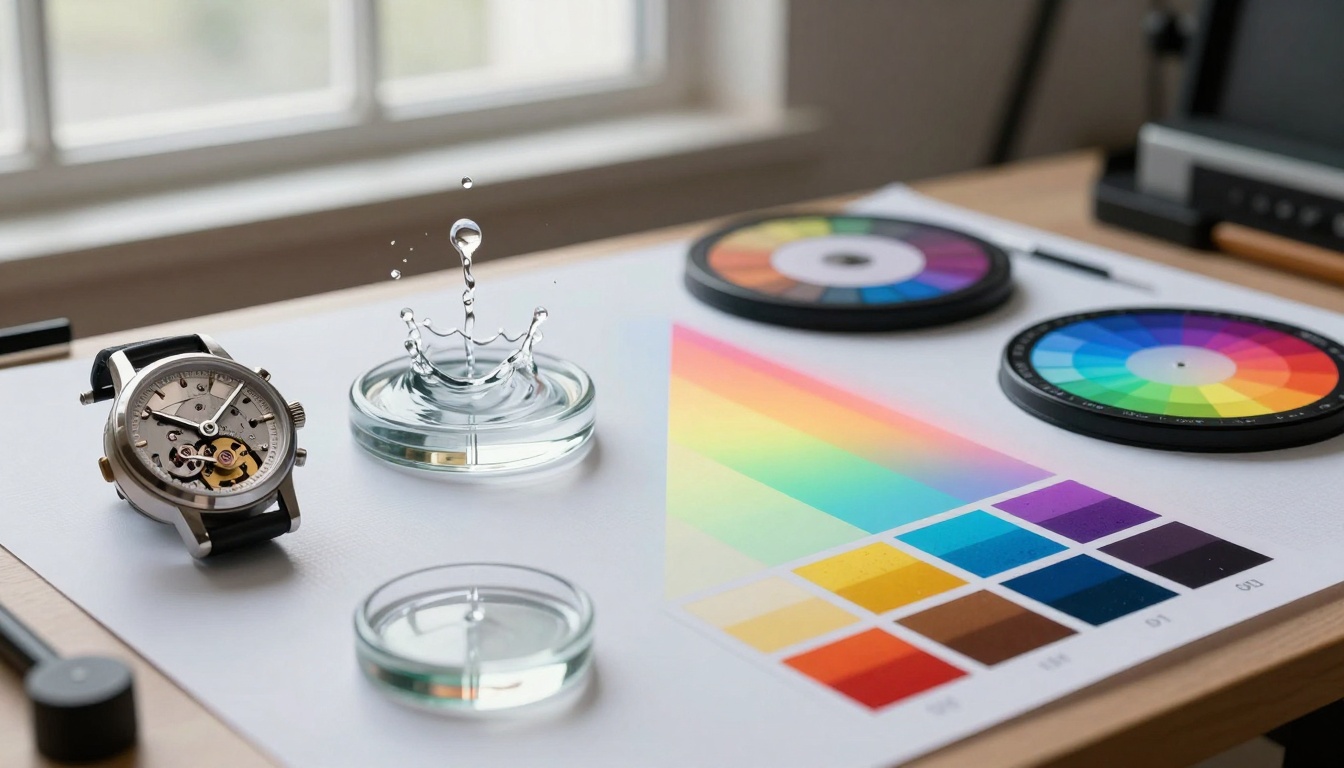
Both Sora 2 Pro and Veo 3.1 benefit from integration with other tools available on the PicassoIA platform, creating powerful workflows for short video production.
Pre-Generation Enhancement:
Post-Generation Processing:
Audio Integration:
Workflow Optimization:
- Batch process multiple shorts simultaneously
- Maintain consistent style across video series
- Automate quality checks with predefined parameters
- Streamline delivery to various platforms
Future Development Trajectories
Understanding where each technology is heading helps inform long-term tool selection and skill development.
Sora 2 Pro Development Focus:
- Enhanced physics simulation for more complex interactions
- Improved temporal understanding for longer sequences
- Better integration with real-world data and references
- Expanded parameter control for specialized applications
Veo 3.1 Development Direction:
- More sophisticated style transfer and adaptation
- Enhanced emotional intelligence in visual output
- Improved consistency across longer generation times
- Expanded cinematic language and reference library
Convergence Areas:
- Both moving toward better prompt understanding
- Shared improvements in output resolution and detail
- Common advancements in generation speed and efficiency
- Mutual focus on practical workflow integration
Strategic Consideration: Investing time in learning both systems pays dividends as they evolve. The skills transfer between platforms, and understanding their different philosophies makes you more adaptable as new features emerge.
Practical Decision Framework
Choosing between Sora 2 Pro and Veo 3.1 becomes straightforward when you apply a systematic decision-making process.
Step 1: Define Primary Goal
- Physical accuracy priority → Choose Sora 2 Pro
- Emotional impact priority → Choose Veo 3.1
- Balanced needs → Test both with your specific content
Step 2: Analyze Content Type
- Reference the application tables earlier in this comparison
- Consider your audience's expectations and preferences
- Factor in platform-specific requirements (TikTok vs YouTube Shorts differ)
Step 3: Evaluate Resource Constraints
- Time-limited projects: Veo 3.1 often delivers faster acceptable results
- Quality-critical projects: Sora 2 Pro provides more controllable precision
- Budget-conscious projects: Consider cost-per-second analysis results
Step 4: Test and Validate
- Generate sample clips with both systems using your actual prompts
- Compare side-by-side with your team or target audience
- Document which aspects of each output work for your needs
Step 5: Develop Hybrid Approach
- Many successful creators use both systems strategically
- Sora for technically demanding segments
- Veo for emotionally critical moments
- Mixed workflow: Generate base with one, enhance with the other
Skill Development Recommendations
Mastering both systems requires different skill sets, but the investment pays off in increased creative flexibility.
Sora 2 Pro Mastery Path:
- Study physics fundamentals: Understand basic motion principles
- Practice temporal description: Learn to articulate timing and rhythm
- Master interaction specification: Describe how elements affect each other
- Develop quality assessment: Train your eye to spot physical inaccuracies
Veo 3.1 Mastery Path:
- Study color theory: Understand hue, saturation, value relationships
- Learn cinematic language: Familiarize with film styles and techniques
- Practice mood articulation: Describe emotional tone precisely
- Develop aesthetic judgment: Refine your sense of visual beauty
Cross-Platform Skills:
- Prompt engineering fundamentals
- Quality control methodologies
- Workflow optimization techniques
- Output analysis and iteration
Learning Resources:
- PicassoIA documentation for both systems
- Community forums and user examples
- Professional tutorials and case studies
- Direct experimentation with varied prompts
Starting Your Comparison Journey
The best way to understand the Sora 2 Pro vs Veo 3.1 difference is through direct experience. Both are accessible through PicassoIA's platform, allowing you to test them with your specific content needs.
Initial Testing Protocol:
- Create identical briefs: Same duration, subject matter, intended use
- Generate parallel outputs: Use both systems simultaneously
- Conduct blind testing: Have others review without knowing which is which
- Document preferences: Record which aspects of each resonate
- Analyze practical factors: Consider generation time, cost, consistency
Common First Experiences:
- Sora newcomers: Often impressed by physical believability, sometimes surprised by learning curve
- Veo newcomers: Frequently delighted by immediate beauty, occasionally wanting more control
- Both systems: Require adjustment from traditional video production thinking
Adjustment Period Expectations:
- First 10-20 generations: Learning basic prompt construction
- Next 20-30 generations: Developing quality assessment skills
- Subsequent work: Refining efficient workflow patterns
- Long-term: Developing intuition for which system suits which task
The PicassoIA Advantage
Accessing both Sora 2 Pro and Veo 3.1 through PicassoIA provides distinct benefits beyond simple platform availability.
Unified Workflow Benefits:
- Single interface for both technologies
- Consistent billing and usage tracking
- Integrated output management and organization
- Streamlined team collaboration features
Comparative Analysis Tools:
- Side-by-side output comparison
- Parameter adjustment tracking
- Quality assessment frameworks
- Performance benchmarking capabilities
Community and Support:
- Access to users of both systems
- Shared knowledge base and tutorials
- Collaborative problem-solving forums
- Regular platform updates and improvements
Strategic Flexibility:
- No vendor lock-in to single technology
- Ability to pivot between systems as needs evolve
- Cost-effective testing of new approaches
- Reduced risk through technological diversification
Final Perspective
The Sora 2 Pro vs Veo 3.1 comparison isn't about finding a single winner—it's about understanding two powerful tools with different strengths. For short video creation, this understanding becomes particularly valuable because every second counts, and different seconds benefit from different approaches.
Core Realization: These aren't competing products trying to do the same thing better; they're different tools designed with different creative philosophies. Sora 2 Pro brings physical intelligence to video generation, while Veo 3.1 brings emotional intelligence. The most successful creators learn to employ both strategically.
Practical Outcome: You don't need to choose one forever. Through PicassoIA's platform, you can access both, learn both, and use both according to your specific project needs. This technological flexibility represents the real advantage in today's rapidly evolving creative landscape.
Next Steps: Start by testing both systems with content similar to what you actually create. Pay attention not just to which output looks better in isolation, but which better serves your specific creative goals, audience expectations, and practical constraints. Document your findings, develop your skills with both systems, and build a workflow that leverages each where it excels.
The future of short video creation isn't about finding one perfect tool—it's about developing the judgment to select the right tool for each specific creative challenge. Sora 2 Pro and Veo 3.1, accessible through PicassoIA, give you that selection power.


