Three AI video platforms are being talked about more than any others right now. Sora 2 Pro, Veo 3.1, and Gen-4.5 by Runway each claim a different throne in the AI video generation space, and the only real way to know which one delivers is to run them through the same tests with the same prompts.
That is exactly what this is. No marketing fluff. Just results.
What These Models Actually Do
Before getting into results, it helps to know what each model is actually optimized for.
Sora 2 Pro in 30 Seconds
Sora 2 Pro is OpenAI's most capable video generation model. It was built with a focus on physical realism, long-form temporal consistency, and cinematic scene interpretation. It generates up to 1080p at various durations, handles complex scene transitions, and interprets detailed prompts with nuanced processing of lighting, physics, and depth.
Where it shines: generating videos where physics and spatial logic matter, like water flowing, objects falling, or crowds moving in realistic ways.
Veo 3.1 in 30 Seconds
Veo 3.1 comes from Google DeepMind and benefits from massive training datasets tied to Google's media infrastructure. This version adds native audio generation alongside video, which is a significant capability gap compared to its competitors.
Where it shines: photorealistic environments, audio-visual coherence, and following complex directorial prompts with high fidelity.
Runway Gen-4 in 30 Seconds
Runway's Gen-4 (available as Gen-4.5 on PicassoIA) was designed with professional video editors in mind. It prioritizes motion consistency, style preservation across frames, and reference-based generation, meaning you can supply a reference image or frame and it will maintain visual identity throughout the entire clip.
Where it shines: brand-consistent video, character consistency, and fine-grained creative control.
The Prompts We Used
Testing AI video tools with vague prompts produces vague insights. We selected four prompt categories that stress-test different capabilities:
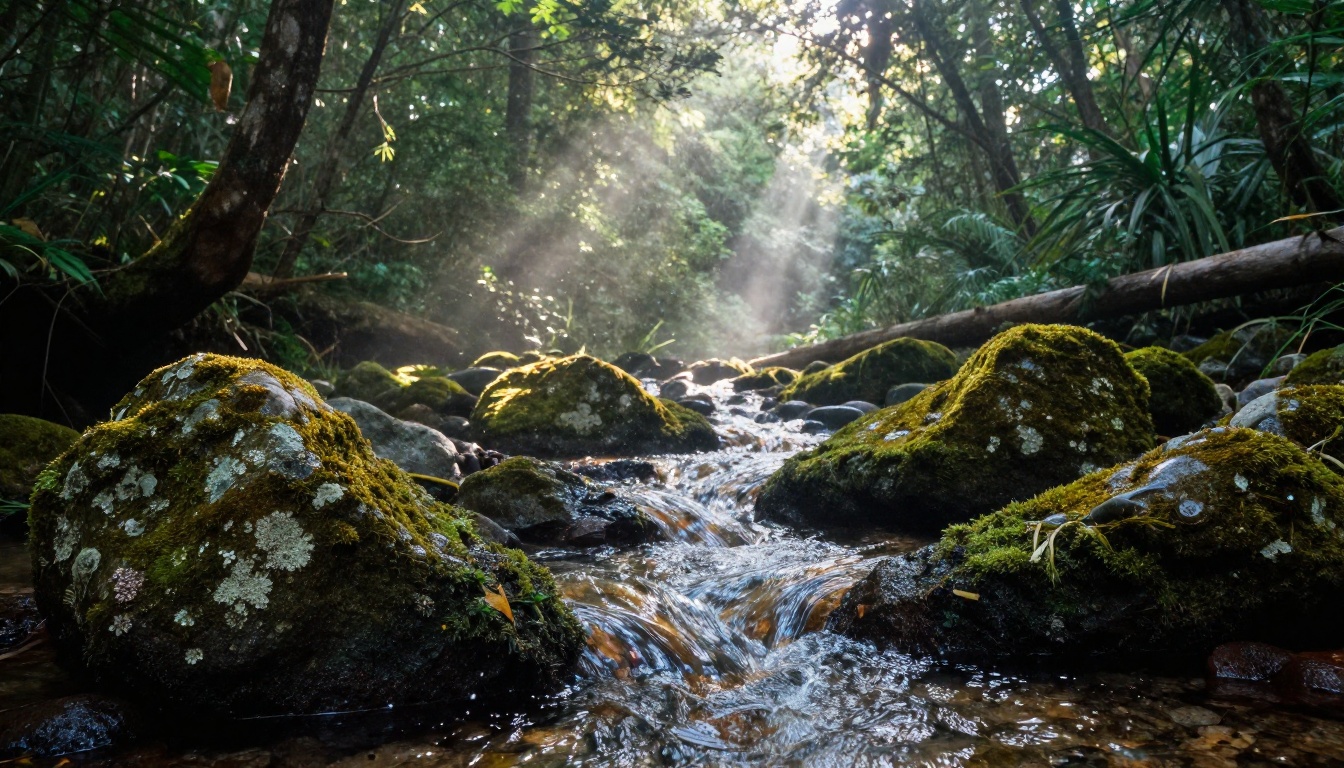
- Nature/Environment: "A mountain stream rushing over mossy rocks at golden hour, water droplets catching sunlight, wide cinematic shot"
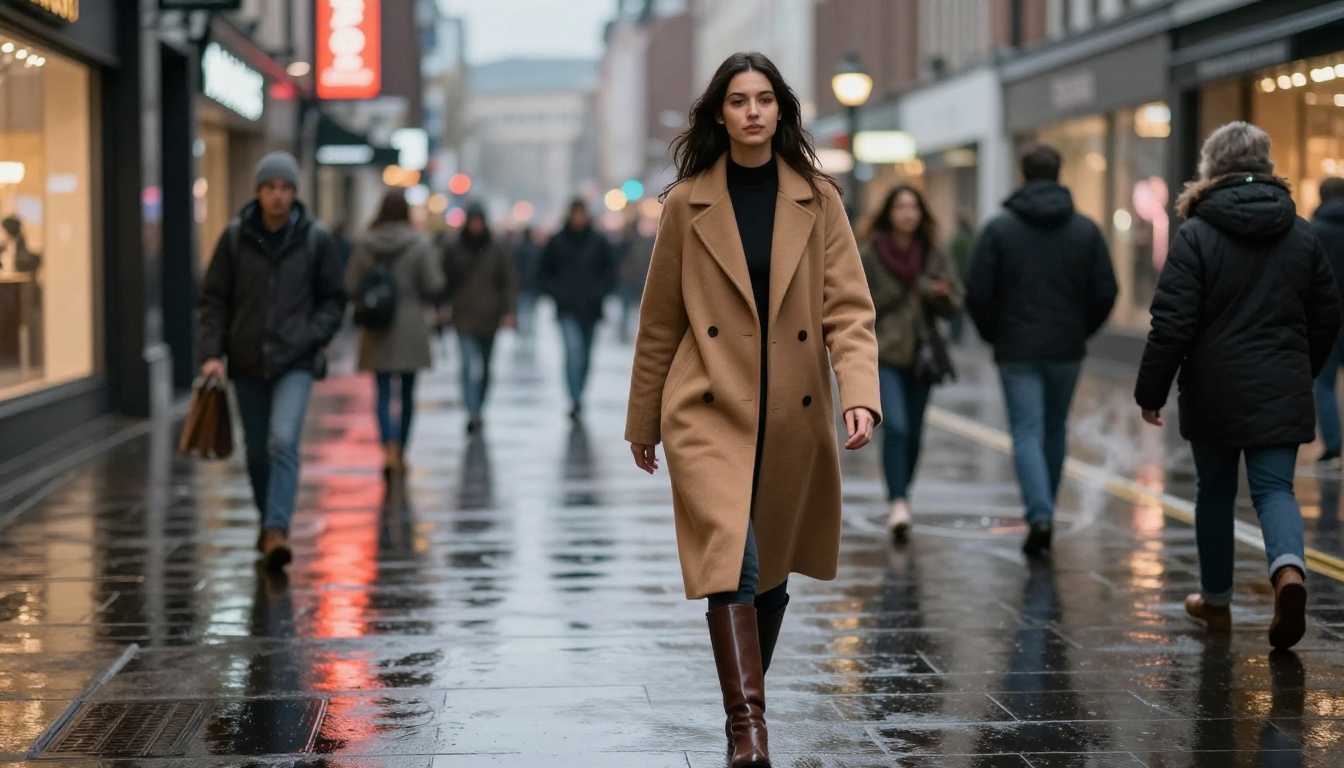
- Human Subject: "A woman in a camel coat walking through a rain-wet city street at dusk, neon reflections on the pavement"
- Abstract Motion: "Ink dispersing slowly through water, macro shot, dark background, blue and amber tones"
- Urban Aerial: "Aerial view of a busy city intersection at twilight, cars and pedestrians creating light trails"
These four prompts test physical accuracy, human motion realism, creative interpretation, and large-scale spatial coherence respectively.
Nature Scene Results
The mountain stream prompt is one of the most demanding tests for any video generator. Water is notoriously difficult to simulate, and sunlight caustics require accurate physics modeling.
Sora 2 Pro: Water That Actually Moves Right
Sora 2 Pro produced the most physically accurate water movement of the three. Individual droplets caught light with realistic refraction. The moss on the rocks showed subtle wetness variation. Most notably, the lighting on the water surface changed gradually over the clip duration, suggesting actual movement of the implied sun position.
The output had no visible frame-to-frame inconsistencies. Stone textures remained stable throughout the full clip.
Veo 3.1: Beautiful but Slightly Stylized
Veo 3.1 produced a strikingly beautiful clip. Color grading was more saturated and cinematic than the others, which some creators will prefer. The added ambient sound of rushing water and birdsong was a genuine standout feature. However, a few mid-clip frames showed slight texture flickering on the water surface near the rocks.
Runway Gen-4: Consistent but Conservative
Gen-4.5 produced the most stable clip with zero flickering. The tradeoff: the motion was slightly more subdued, and the water lacked the same physical richness as Sora's output. It looked polished but felt slightly less alive.
💡 For nature scenes with complex physics: Sora 2 Pro has a clear edge. Veo 3.1 wins if audio realism matters.
Human Subject and Motion
This is where things get revealing. Generating a believable human in motion is the hardest test for any generative video model.
Sora 2 Pro: Natural Gait, Minor Hand Issues
The woman walking prompt produced a smooth, natural gait. Coat fabric moved realistically with wind and body motion. Pavement reflections updated correctly as she walked forward. The one weakness: her hands showed slight distortion when in close proximity to her body, a common artifact in diffusion-based video models.
Veo 3.1: Best Human Motion Output
Veo 3.1 produced the most convincing human motion of the three. The subtle sway of the coat, the slight head tilt as she navigated the pavement, and the way the neon reflections updated beneath her steps all felt grounded and real. The audio layer added ambient street noise that significantly elevated the immersion.
Runway Gen-4: Strong Character Consistency
Gen-4.5 maintained the most consistent character appearance across all frames. The face, coat color, and body proportions did not drift at any point. The motion was slightly more constrained, but for use cases where a character's identity must remain locked across multiple clips, this is a major practical advantage.
💡 For human-centric content: Veo 3.1 for the most organic feel. Runway for guaranteed character consistency across scenes.
Abstract and Creative Prompts
The ink-in-water test reveals how each model handles creative, non-narrative prompts where there is no single "correct" physics answer.
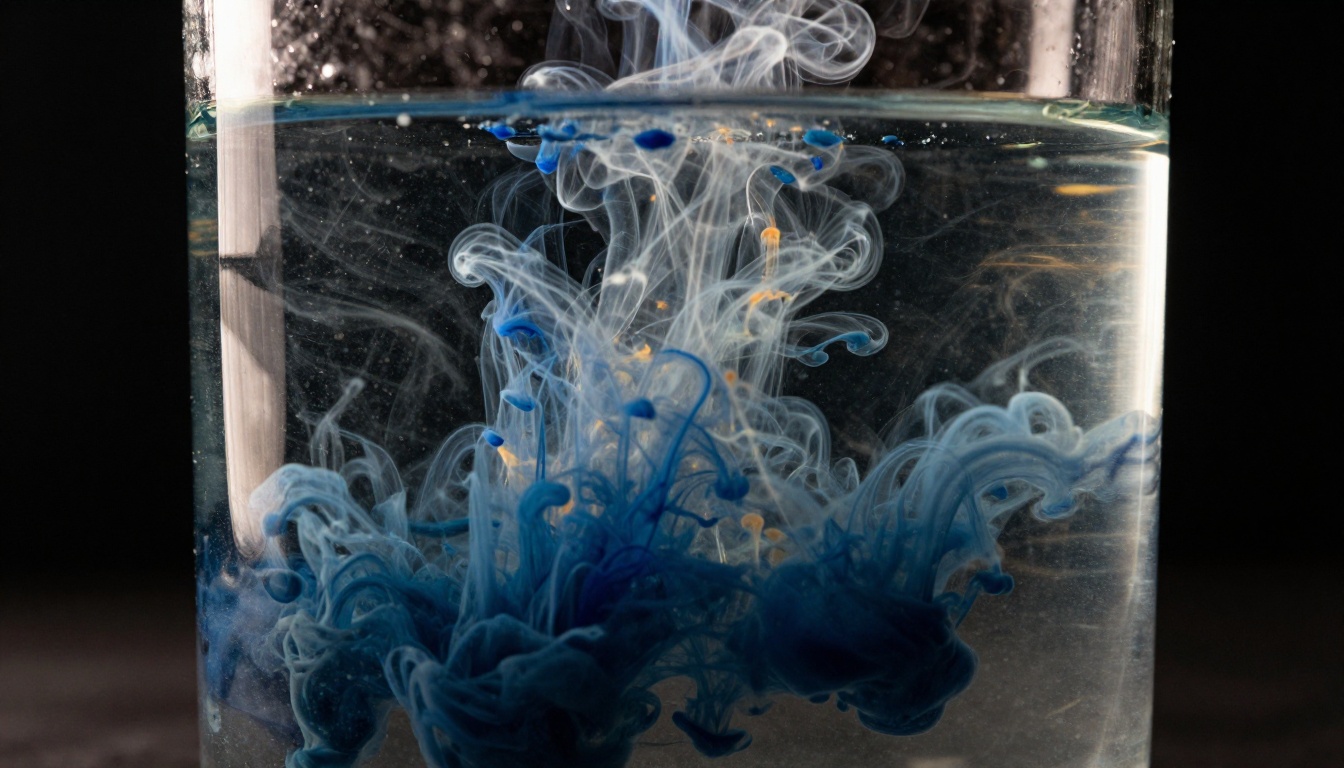
All three models handled this prompt well, but with distinct stylistic signatures:
| Model | Style | Motion Quality | Visual Detail |
|---|
| Sora 2 Pro | Naturalistic, scientific | Slow and deliberate | High particle detail |
| Veo 3.1 | Cinematic, high contrast | Dynamic and expressive | Rich color gradients |
| Runway Gen-4 | Clean and controlled | Smooth, loopable | Strong edge definition |
Veo 3.1 was the most visually arresting here. The color contrast between the indigo ink and amber backlight was the richest of the three outputs. Runway's output was the most useful for looping or social media content due to its clean, consistent motion.
Speed and Cost Breakdown
Generation time and pricing are often the deciding factor in production workflows, especially when working at volume.
Generation Times
Tests were run at default settings for each platform. Times reflect first-generation output with no queue delay.
| Model | Avg. Generation Time | Max Resolution | Max Duration |
|---|
| Sora 2 Pro | 45 to 90 seconds | 1080p | 20 seconds |
| Veo 3.1 | 60 to 120 seconds | 1080p | 8 seconds (with audio) |
| Gen-4.5 | 30 to 60 seconds | 1080p | 10 seconds |
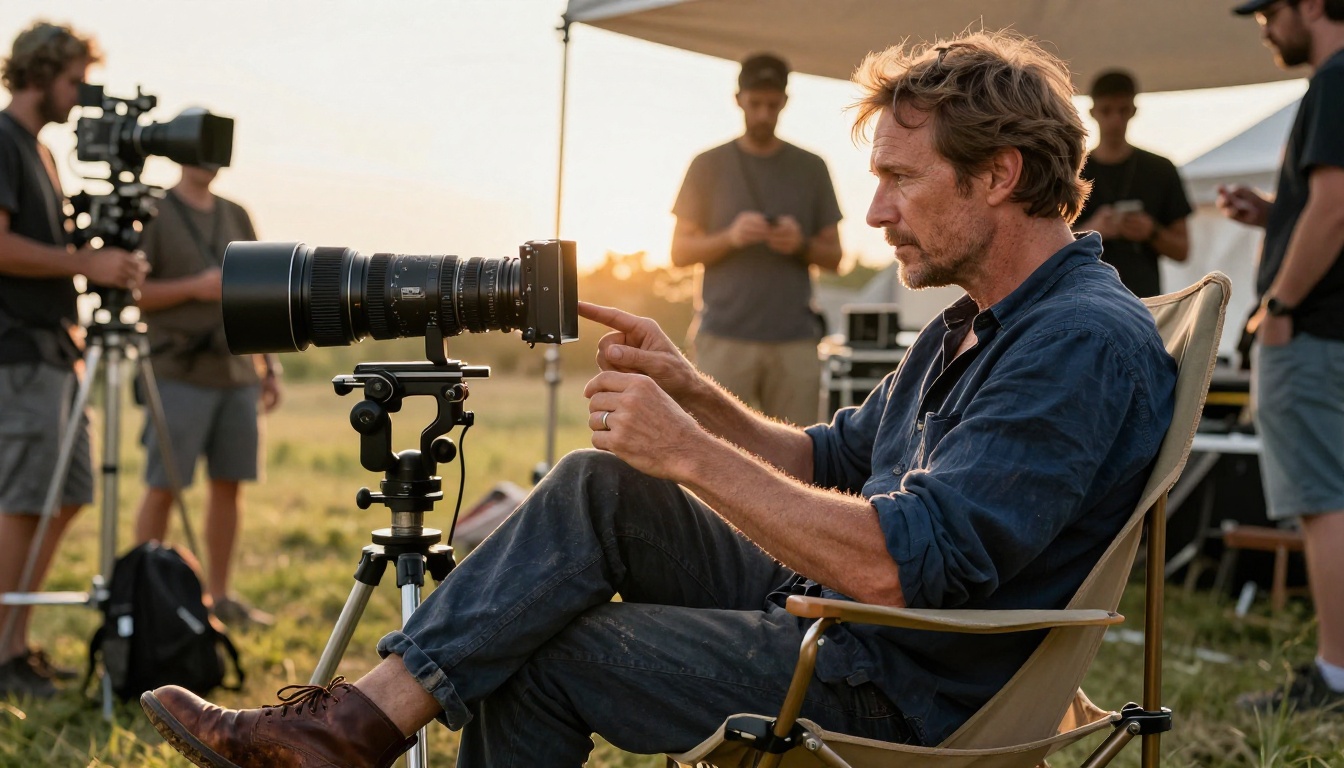
Gen-4.5 is consistently the fastest. Sora 2 Pro takes the middle ground. Veo 3.1 takes the longest but produces the most immersive outputs, especially with audio included.
Pricing Realities
Pricing structures differ significantly between the three. Sora 2 Pro operates on a credits system through OpenAI. Veo 3.1 is accessible via Google AI Studio and Gemini API with per-second billing. Runway operates on subscription tiers with generation credits that roll over monthly.
For high-volume production workflows, Runway's subscription model becomes the most cost-efficient past a certain monthly clip threshold. For occasional cinematic projects, paying per-clip with Sora 2 Pro or Veo 3.1 often works out cheaper overall.
💡 Cost tip: If you need more than 20 clips per month, Runway's subscription model is almost always the better financial choice. Under that, pay-per-use wins.
Temporal Consistency: The Real Differentiator
Temporal consistency means: does the video look like the same scene across every frame? Objects should not change shape between frames, colors should not drift, and lighting should follow logical physical rules throughout.
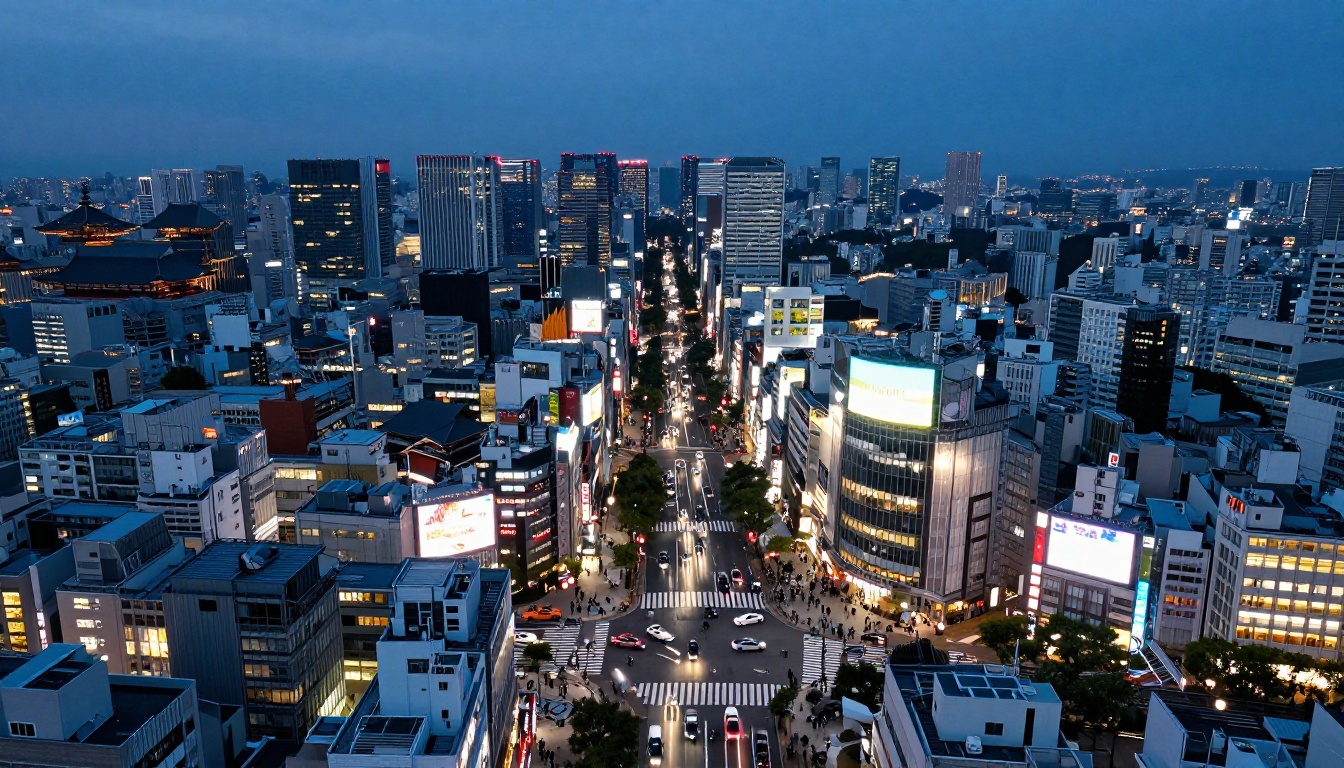
The urban aerial prompt is the most revealing test for this.
Sora 2 Pro's Spatial Memory
Sora 2 Pro maintained a consistent aerial perspective with no position drift throughout the entire clip. Building proportions stayed fixed. Street layout remained stable. The light trails on vehicles followed consistent paths. This level of spatial memory is genuinely striking and sets it apart from previous generation models.
Veo 3.1's Occasional Drift
Veo 3.1 produced a breathtaking first two seconds, then showed slight camera position drift midway through the clip. The intersection layout subtly shifted, which breaks immersion on close inspection. For social media clips watched once, this is unnoticeable. For professional production work, it matters.
Runway Gen-4's Rock-Solid Stability
Gen-4.5 had the most stable output of the three by a clear margin. Not a single object shifted position. The light trails were perfectly consistent from the first frame to the last. This is exactly where Runway's architectural focus on frame consistency delivers real value.
Where Each Model Actually Wins
Stop looking for one model that does everything. Each of these tools has a specific context where it clearly dominates.
Sora 2 Pro Wins
- Long-form narrative scenes (15 to 20 seconds)
- Complex physics: water, fire, fabric, falling objects
- Scenes with multiple interacting elements
- Situations requiring accurate spatial logic and depth
Veo 3.1 Wins
- Any project needing synchronized, generated audio
- Human emotion and organic motion realism
- Cinematic color work and atmospheric visuals
- Prompts using complex directorial language
Runway Gen-4 Wins
- Brand content requiring character consistency across clips
- Fast iteration workflows with reference images
- Loop-ready and social media clips
- Production environments operating at high clip volume
How to Use These Models on PicassoIA
All three models are accessible through PicassoIA's text-to-video collection. No separate API keys required, no subscriptions to manage individually. You run prompts, compare outputs, and produce clips from one place.

Using Sora 2 Pro on PicassoIA
Go to Sora 2 Pro and write detailed prompts that describe the physical environment, lighting direction, camera angle, and motion intent. The model responds especially well to prompts that include specific lens references and scene duration cues.
Prompt tips for Sora 2 Pro:
- Specify duration intent ("over 15 seconds, slowly panning left")
- Describe lighting with direction ("volumetric morning light from the east")
- Include surface texture descriptors ("wet cobblestone, visible specular highlights")
- Mention camera height and focal length when relevant
Using Veo 3.1 on PicassoIA
Access Veo 3.1 for projects where audio is part of the deliverable. The model accepts directorial language naturally. Think of prompts as a director's shot notes rather than image descriptions.
Prompt tips for Veo 3.1:
- Include sound descriptors ("ambient cafe noise in background", "wind audible through trees")
- Use film language ("medium close-up", "dolly shot forward", "rack focus to background")
- Describe emotional tone ("warm and intimate atmosphere", "tense and still")
For faster iterations or testing ideas, Veo 3.1 Fast is also available and delivers similar quality at roughly 40% faster speeds, which is useful for rapid concept testing before committing to the full model.
Using Gen-4.5 on PicassoIA
Access Gen-4.5 by Runway when repeatability and character consistency are non-negotiable. Uploading a reference image to anchor character or scene appearance is where this model truly separates from the others.
Prompt tips for Gen-4.5:
- Pair every prompt with a reference image for best results
- Keep motion descriptions precise ("slight camera drift to the right", "subject walks forward five steps")
- Use negative prompts to exclude unwanted motion artifacts
- For loop content, describe the end state as close to the start state as possible
Which One Should You Actually Pick?
Here is the honest summary after running all four prompt categories across all three models.
If you are building cinematic content where physical accuracy, scene duration, and visual complexity matter, Sora 2 Pro is the best tool available right now. It handles the hardest prompts with the most nuance and produces the longest clips without consistency breakdowns.
If you are creating content where the audio layer is part of the output, or where human motion needs to feel organic and emotionally resonant, Veo 3.1 does things no other model can. The audio-visual integration alone makes it a distinct category.
If you are working in a production environment where speed, consistency across clips, and character identity are non-negotiable, Gen-4.5 is built for exactly that workflow. It does not produce the most breathtaking individual frame, but it produces the most reliable batch output at scale.
| Use Case | Best Model |
|---|
| Cinematic landscape or nature scenes | Sora 2 Pro |
| Human subjects with emotional presence | Veo 3.1 |
| Brand content with character consistency | Runway Gen-4.5 |
| Projects requiring generated audio | Veo 3.1 |
| High-volume clip production | Runway Gen-4.5 |
| Complex physics and long duration clips | Sora 2 Pro |
The real answer for most creators: use all three. Each one fills a gap the others leave open.
PicassoIA gives you access to Sora 2 Pro, Veo 3.1, and Gen-4.5 without juggling separate accounts or API credentials. You can run the same prompt through all three back to back, compare outputs side by side, and pick the winner for each specific scene. That flexibility is the practical advantage for any serious video creator working in 2027.
Start generating your first AI video now and see which model fits your creative vision.


