We ran Sora 2 Pro through a real YouTube advertising test. Not a sandbox experiment or a curated highlight reel. Actual campaigns. Actual ad spend. Actual results. The findings cut through most of what the hype suggests and show a much more specific picture of what this model can and cannot do when money is on the line.
What Sora 2 Pro Actually Is
Sora 2 Pro is OpenAI's premium tier of the Sora video generation system. It sits above the standard Sora 2 offering with higher resolution outputs, longer clip durations, priority generation queues, and more monthly credits.
Sora 2 vs Sora 2 Pro: What Changes
| Feature | Sora 2 Standard | Sora 2 Pro |
|---|
| Max resolution | 720p | 1080p |
| Max clip duration | 5 seconds | 20 seconds |
| Monthly credits | Limited | Extended |
| Generation queue | Standard | Priority |
| Approx. price | $20/month | $200/month |
The price gap is substantial. For a solo creator or small team, $200/month is a real budget decision. The question the test was designed to answer: does the output quality actually translate into better ad performance?
What Pro Adds in Practice
Beyond the spec sheet, the Pro tier produces noticeably more consistent motion. Standard Sora 2 outputs occasionally show what the community calls "jelly physics," where objects move in ways that feel slightly off physically. The Pro model has fewer of these artifacts, especially in close-up shots of human hands, faces, and products.
The longer clip duration matters for YouTube specifically. A 5-second clip needs hard cuts to fill a 15-second pre-roll ad. A 20-second clip can be a single continuous shot with natural pacing, which performs better with viewers who skip at the first opportunity.
How We Set Up the Test
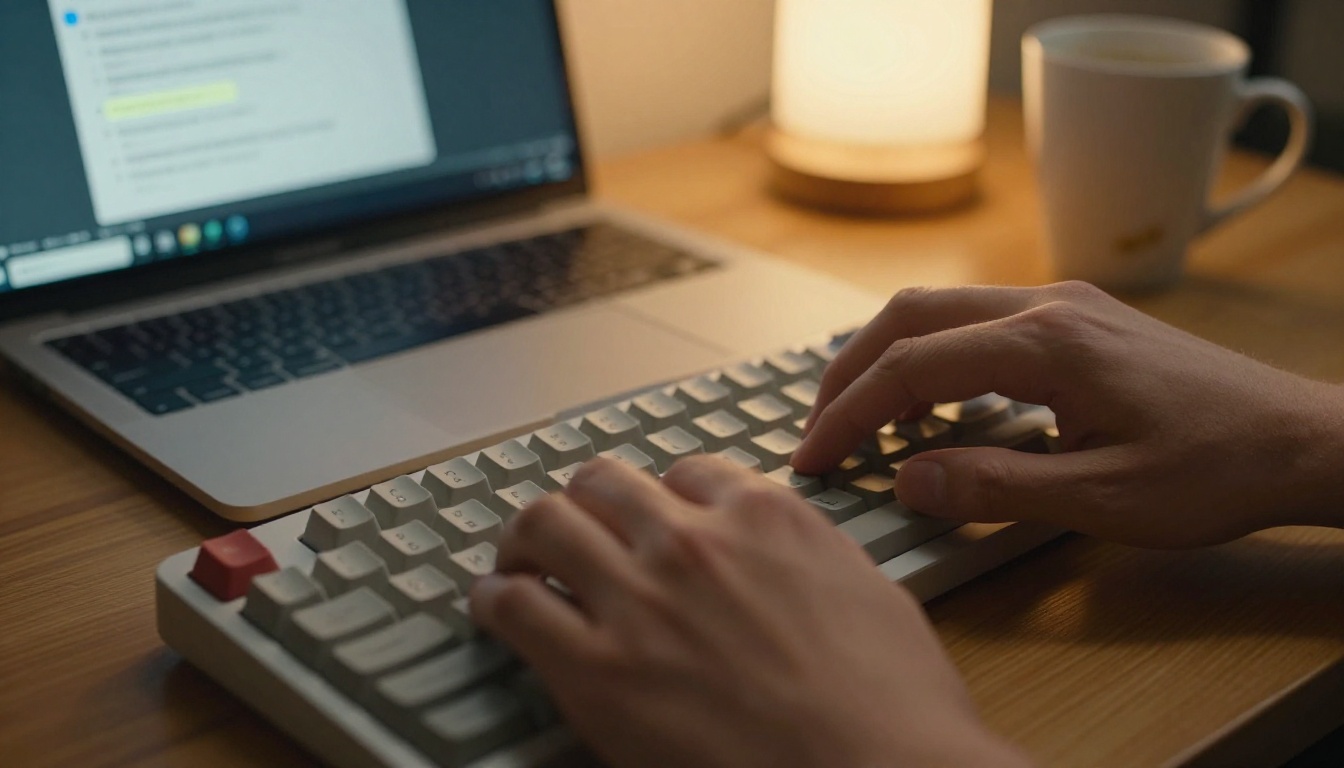
The test ran across three product categories: a software subscription product, a consumer gadget, and an e-commerce apparel brand. Each category ran parallel campaigns, one with AI-generated video from Sora 2 Pro and one with footage shot by a production team.
The Ad Formats Tested
Three YouTube ad formats were included in the test:
- Skippable in-stream ads (15 to 60 seconds): The primary format, with the largest share of ad budget.
- Non-skippable in-stream ads (15 seconds): Used for the consumer gadget campaign only.
- YouTube Shorts ads (vertical, up to 60 seconds): Tested for the apparel brand.
Shorts presented a specific challenge. Sora 2 Pro defaults to landscape output. Generating native vertical video requires explicit aspect ratio prompting and sometimes produces compositional issues where the subject gets cropped awkwardly at the edges.
Campaign Parameters
Each campaign ran for 21 days with identical targeting, bid strategies, and daily budgets. Creative was the only variable. Total spend across all six campaigns came to approximately $4,800.

Video Quality: Where It Delivers
The output quality from Sora 2 Pro is genuinely impressive for specific scene types. Knowing which scenes work is the foundation of using the model productively for ads.
Motion and Realism in Simple Scenes
Single-subject shots perform best. A person walking into frame, a product rotating on a surface, coffee being poured, a phone screen being tapped. These scenarios consistently produce clean, realistic video with proper motion blur, accurate lighting, and believable physics.
For the software product campaign, a sequence was generated showing a laptop screen displaying a clean UI, with a hand reaching in to interact with it. The output required two prompt iterations to get right, but the final clip was indistinguishable from footage shot by a videographer in most viewing conditions.
Worth noting: Sora 2 Pro handles camera motion well. Slow dolly-ins, gentle pans, and tracking shots that follow a subject are all within its reliable output range. Fast cuts and abrupt camera movements are where artifacts appear more frequently.
Scene Complexity and Its Limits
Crowd scenes, outdoor environments with many moving elements, and fast-action sequences are where the model struggles. The test included an attempt to generate a busy city street scene for the consumer gadget campaign. After four prompt iterations, the output still showed inconsistent pedestrian motion and unnatural background depth.
The practical decision was to switch that scene to a simpler close-up product shot, which generated cleanly on the first attempt. This became a recurring pattern in the test workflow: when in doubt, simplify the scene.
The Prompt-to-Ad Workflow
Getting a usable clip out of Sora 2 Pro for a professional advertising context requires a more deliberate prompting approach than most tutorials show.
Writing Prompts That Hold Up on Screen
Generic prompts produce generic video. The critical difference between an ad-quality clip and a demo reel clip comes down to specificity in three areas:
Subject specificity: Instead of "a person using a laptop," write "a 30-year-old woman with brown shoulder-length hair seated at a light oak desk, using a silver laptop, looking at the screen with focused attention, natural morning light from the left." The level of description directly correlates to output consistency.
Motion choreography: Describe what happens over the clip duration in sequence. "She types for two seconds, pauses, nods slightly, then reaches for a coffee cup on her right" produces coherent action. Vague motion descriptions produce random motion.
Lighting and atmosphere: Specify the lighting direction, quality, and color temperature. "Soft diffused overcast daylight from a window at camera left, warm 3200K desk lamp fill from right, no harsh shadows" gives the model enough to work with rather than inventing its own interpretation.
Iteration Speed in Practice
This is where Sora 2 Pro has an undeniable advantage over traditional production. A prompt revision takes seconds to type and the generation queue on the Pro tier returns results in two to five minutes. Iterating on a clip costs nothing beyond the credit usage.
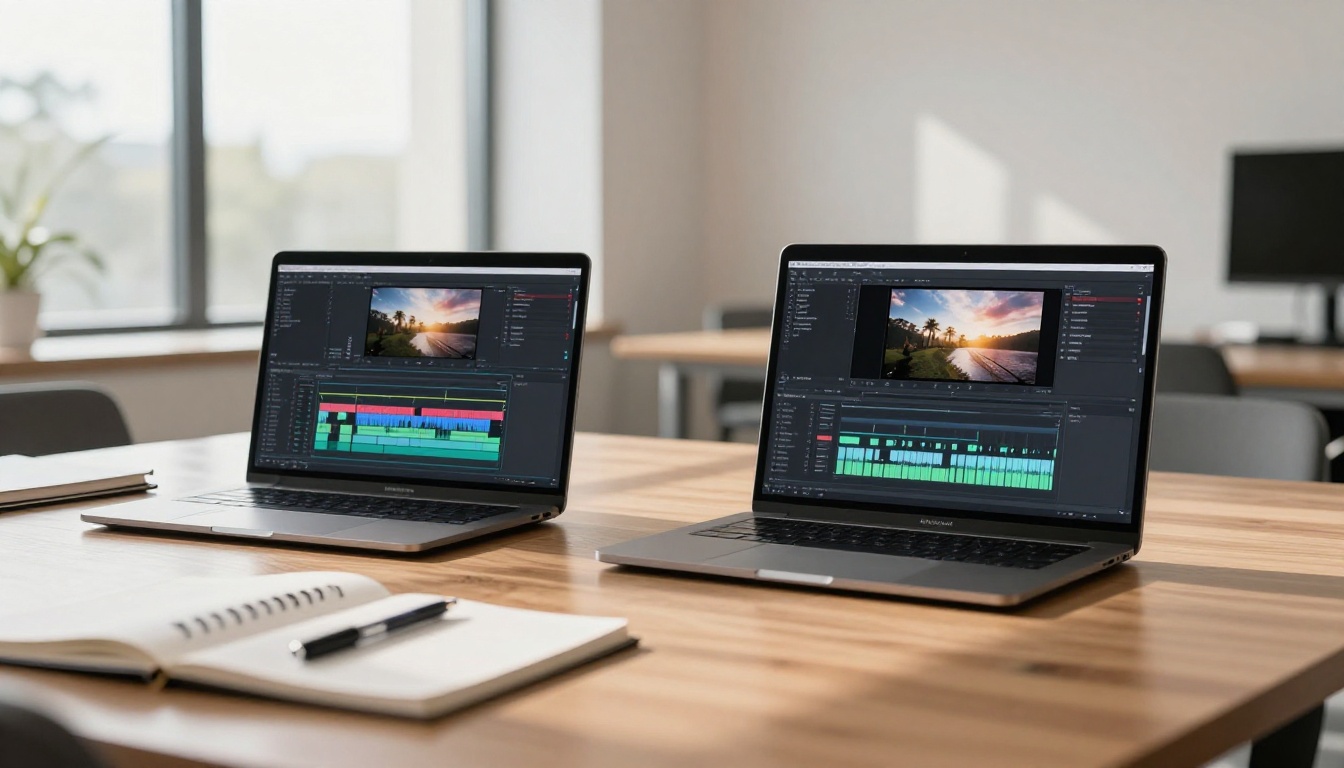
Across the test, the average number of generation attempts per final clip was 2.4. Some clips were usable on the first attempt. The most complex scene required seven iterations. Across the entire campaign production workflow, the time from brief to final clips was two days for the AI-generated campaigns versus nine days for the production-team campaigns.
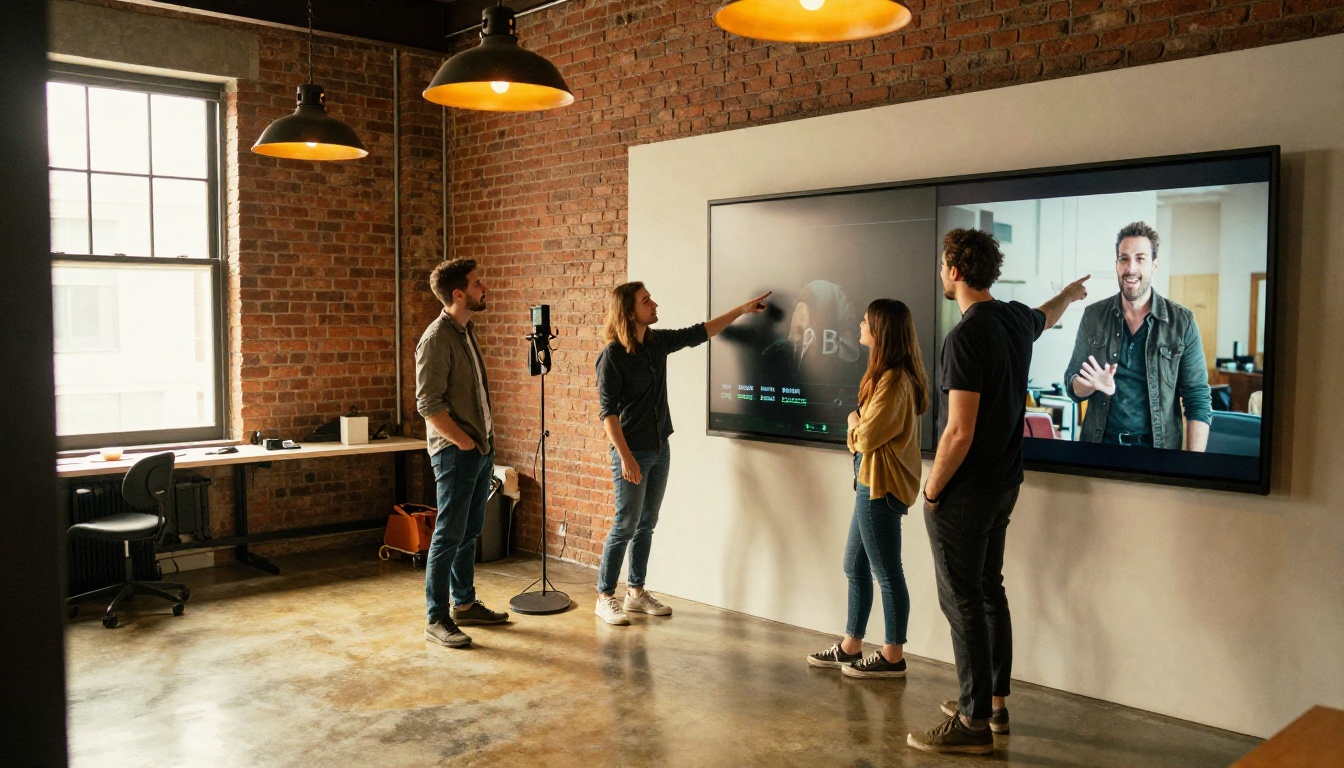
The practical implication is not that AI replaces a production team. It is that it produces a testable creative asset in hours rather than weeks. For advertising, where creative testing is the most reliable path to better performance, that speed has concrete value.
Real Campaign Numbers
The results across the three product categories showed consistent patterns rather than one campaign wildly outperforming another.
CTR and View-Through Rates
| Campaign | Format | AI CTR | Production CTR | AI VTR | Production VTR |
|---|
| Software | Skippable | 3.2% | 3.6% | 42% | 48% |
| Consumer Gadget | Non-skippable | 1.1% | 1.3% | 78% | 81% |
| Apparel | Shorts | 4.8% | 4.1% | 61% | 56% |
CTR (click-through rate) and VTR (view-through rate) both trended slightly lower for AI-generated creative in two of three categories. The exception was the apparel Shorts campaign, where the AI-generated vertical video outperformed the production footage. The likely reason: the AI clips had tighter, faster-paced composition that suited the Shorts format and its audience expectations.
The performance gap in the other two categories was small enough that cost efficiency becomes the deciding factor.
Cost Breakdown
| Cost Item | AI-Generated | Traditional Production |
|---|
| Sora 2 Pro subscription | $200/month | N/A |
| Creative production time | 16 hours internal | 9 days external crew |
| External crew and talent | $0 | $3,200 |
| Total creative cost | ~$400 | ~$3,800 |
| CPM on campaigns | $11.20 | $11.80 |
The AI workflow produced comparable ad performance at roughly one-tenth the creative cost. The CPM difference was negligible. At the volume tested, the difference in click performance did not overcome the cost advantage of the AI production approach.
How PicassoIA Makes It Accessible
One friction point with Sora 2 Pro directly through OpenAI is the subscription interface, which is designed more for casual experimentation than production workflows. PicassoIA offers access to Sora 2 Pro alongside a wide catalog of other video generation models, making it practical to compare outputs and choose the right tool for each specific ad requirement.
Sora 2 Pro on PicassoIA
On PicassoIA, Sora 2 Pro sits within the text-to-video collection alongside alternatives that may outperform it for specific ad scenarios. The platform makes it easy to run the same prompt through multiple models and compare results before committing to a final clip.
For YouTube ad production, the workflow on PicassoIA is straightforward:
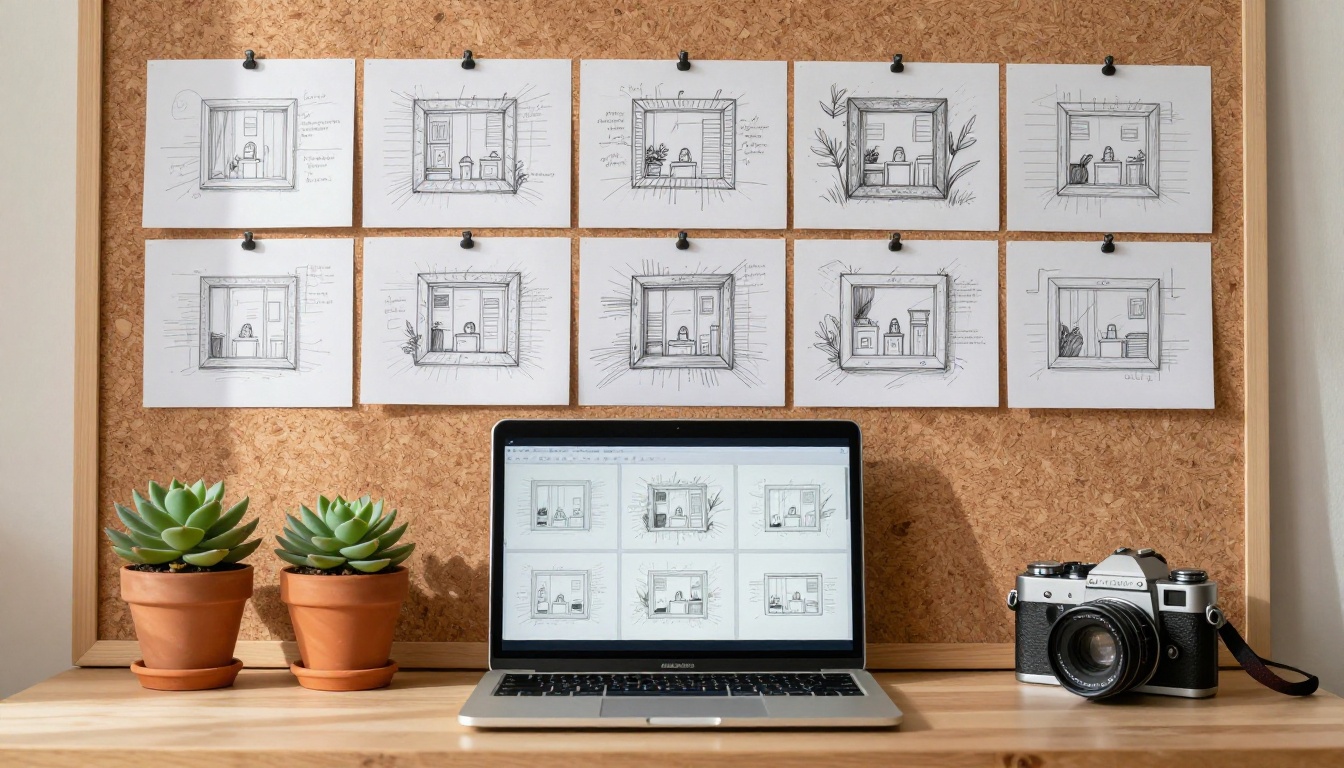
- Draft the ad script and break it into individual shot descriptions
- Generate each shot as a separate clip using Sora 2 Pro
- Pull any shots that need re-generation and iterate promptly
- Assemble in a standard video editor with voiceover and music layered in post
Other Strong Models for Ad Scenarios
Depending on the ad type, other models in the PicassoIA catalog may be the better choice for certain shots:
-
Seedance 2.5: Produces up to 30-second clips with native audio, ideal for longer-form skippable ads without needing to splice multiple generations together.
-
Veo 3.1: Delivers 1080p video with native audio generation, so background ambience and music-bed elements can come directly from the model and reduce post-production audio work.
-
Kling v3 Video: Particularly strong for product-focused cinematic shots. If the ad features a physical product, Kling v3 produces sharper material textures and more accurate object physics than Sora 2 Pro in most benchmarks.
-
Ray 3.2: HDR output makes it suitable for ads displayed on high-quality screens where color depth matters, especially connected TV placements.
-
LTX 2 Pro: 4K output capability, useful when the ad will be repurposed across both YouTube and connected TV where resolution expectations are higher.
-
Wan 2.7 T2V: 1080p output with strong prompt adherence for scene composition. Works well for lifestyle scenes that need to match a specific visual brief with minimal deviation.
-
Pixverse v5.6: Fast generation with solid 1080p output, suitable for high-volume creative testing where iteration speed takes priority.
-
Hailuo 02: Cinematic quality at 1080p. Strong for storytelling-style ads where visual atmosphere matters as much as product clarity.
The practical approach is to use Sora 2 Pro as the starting point for most clips, then route specific scene types to the model best suited for them based on the shot requirements.
When to Use It, When to Skip It
The test results point clearly to specific contexts where Sora 2 Pro makes sense for YouTube ads and others where it does not.
The Right Use Cases
High-volume creative testing: If the advertising strategy involves running many creative variations to find the best performer, AI generation makes that volume affordable. Producing 20 creative variants with a production team costs significantly more than the same 20 variants generated via Sora 2 Pro.
Fast-turnaround campaigns: Product launches, seasonal promotions, and time-sensitive offers benefit from the two-day production window that AI video enables versus the two-week window for traditional production.
YouTube Shorts specifically: The test results showed AI-generated vertical content performed well in this format. The fast-paced, punchy style that Shorts rewards aligns well with what AI video generation naturally produces when prompted correctly.
B-roll and supplementary footage: Even in campaigns where the primary creative is shot traditionally, AI-generated footage can fill B-roll slots, transition sequences, and supporting cutaway shots at minimal cost.
Cost reality check: At the $200/month Sora 2 Pro tier, generating 50 to 80 clips per month is realistic with careful credit management. For teams running campaigns continuously, the per-clip cost is well below any alternative production method.
Where It Still Falls Short
Brand-specific talent requirements: If the ad creative requires a specific person, such as a brand spokesperson, a recognized athlete, or a consistent recurring character, AI video generation is not the right tool. Current models cannot reliably reproduce a specific individual's appearance across multiple clips.
Complex multi-element scenes: Street scenes, crowded environments, sports action, and any scene requiring accurate interaction between multiple moving subjects still produce inconsistent results. Simplify the scene until it is within the model's reliable range, or use a different tool for those specific shots.
Regulated industries: Finance, pharmaceuticals, and certain healthcare advertising categories have specific requirements around what can and cannot be depicted. AI video generation lacks the precise frame-level control needed to guarantee compliance.
Run Your Own Test
The data from this test points to a straightforward conclusion: Sora 2 Pro is not a replacement for professional video production in every context. It is a specific tool that produces near-comparable ad performance at a fraction of the cost for simple-to-medium complexity scenes.
For advertisers willing to invest time in prompt craft and build workflows that route different scene types to the right generation model, the economics are compelling. The apparel Shorts campaign in this test actually beat the production-crew creative on both CTR and VTR. That is not a fluke. It is evidence that for the right format and the right approach, AI video is already competitive in a live advertising environment.
If you want to see what Sora 2 Pro generates from your own ad concepts, PicassoIA gives you access to it alongside more than 100 other video generation models. Start with a single shot from your next campaign brief. Compare the AI output to what your production team would deliver. The gap may be smaller than expected, and the cost difference will be obvious immediately.
All available models are listed at picassoia.com/en/all-models.


