Sora 2 vs. Veo 3.1: Which is Better for Your Video Projects?
A comprehensive comparison of OpenAI's Sora 2 and Google's Veo 3.1 AI video generators, exploring their strengths in realism, audio capabilities, speed, and creative control to help you choose the perfect tool for your video creation needs.
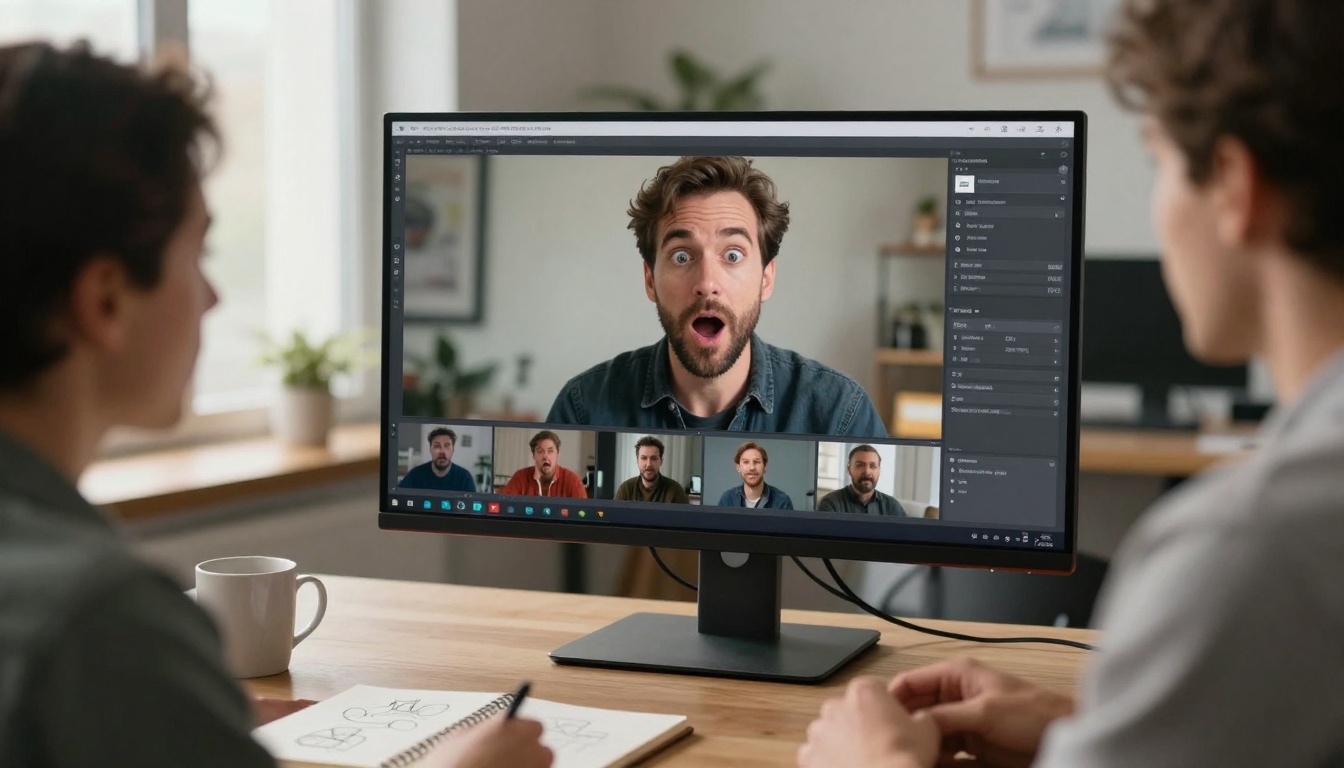
The AI video generation landscape has reached a pivotal moment in 2027, with two powerhouse models leading the charge: OpenAI's Sora 2 and Google's Veo 3.1. Both represent the cutting edge of text-to-video technology, but they take distinctly different approaches to transforming your ideas into moving images. If you're wondering which one deserves your attention, you're in the right place.
This comparison breaks down everything you need to know about these two remarkable tools, from their technical capabilities to their practical applications. Whether you're creating content for social media, producing marketing videos, or exploring creative storytelling, understanding the strengths of each model will help you make the right choice.
💡 Pro Tip: The best AI video generator depends entirely on your specific needs. Sora 2 excels at physics-aware realism and speed, while Veo 3.1 shines in cinematic quality and narrative control.
Understanding Sora 2: Speed Meets Realism
Sora 2 represents OpenAI's vision for text-to-video generation, prioritizing physics-aware motion and rapid generation times. Released in late 2025, this model has quickly gained recognition for its ability to create videos that respect real-world physics while maintaining impressive speed.
Key Strengths of Sora 2
Lightning-fast generation: Creates 12-second videos in approximately 30 seconds
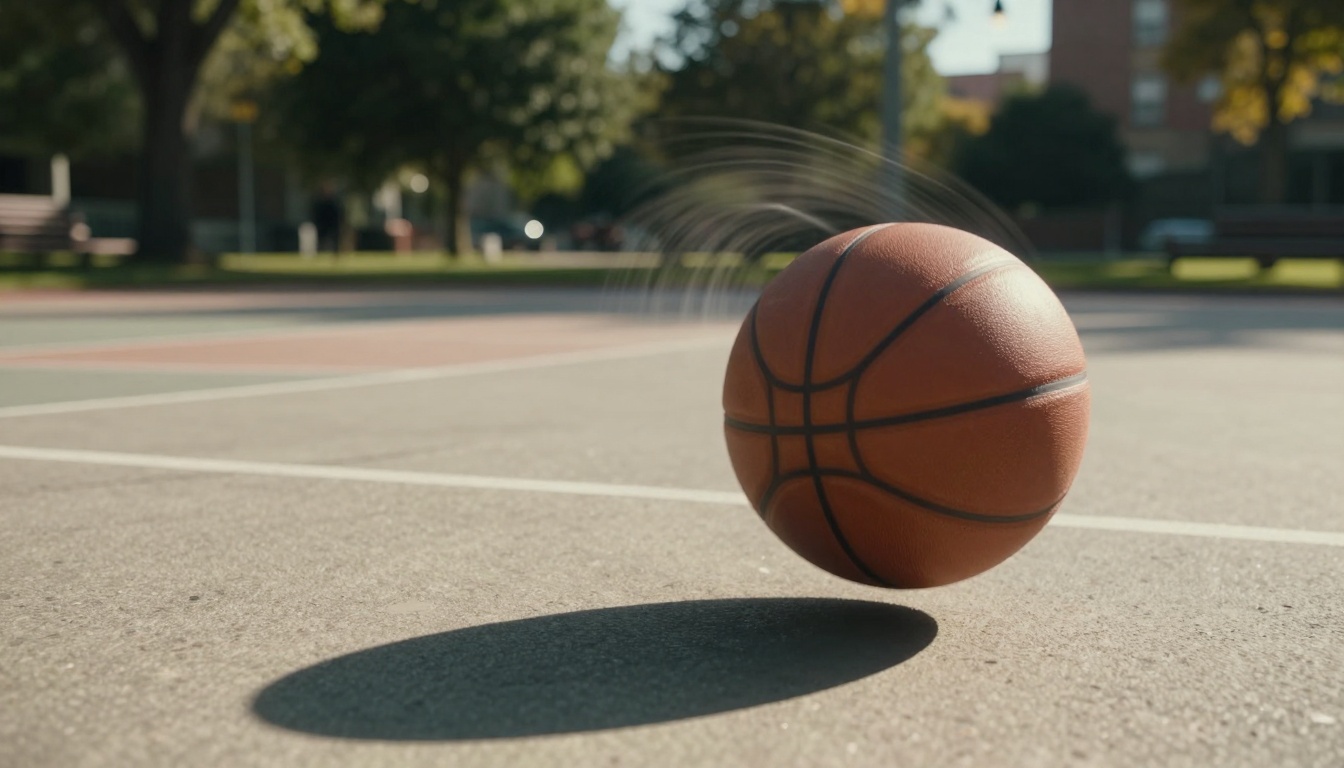
Physics-aware rendering: Objects move and interact with realistic physics simulation
Extended duration support: Generates videos up to 120 seconds with narrative logic
Synchronized audio: Tight audio-visual alignment perfect for social content
Multiple resolution options: Standard (720p) or high (1024p) quality
The model truly shines when you need content quickly. Generating a 12-second video in roughly 30 seconds means you can iterate rapidly, testing different concepts and refining your creative vision without lengthy wait times.
⚠️ Important: While Sora 2 excels at speed and physics simulation, it may struggle with spatial audio continuity in complex scenarios with multiple environments.
Physics Simulation in Action
One of Sora 2's standout features is its understanding of physical laws. If you prompt it to show a basketball player missing a shot, the ball will realistically bounce off the backboard, following accurate trajectories and motion physics. This attention to physical detail makes Sora 2 particularly effective for:
Social media clips needing quick, believable action
Exploring Veo 3.1: Cinematic Excellence
Veo 3.1 takes a different approach, focusing on cinematic quality and sophisticated narrative control. Google's flagship video model delivers stunning visual fidelity with rich audio generation capabilities that create truly immersive experiences.
Key Strengths of Veo 3.1
Cinematic visual quality: Exceptional detail and color grading
Rich audio generation: Naturalistic soundscapes with spatial audio
Advanced narrative controls: Multi-shot continuity and shot lists
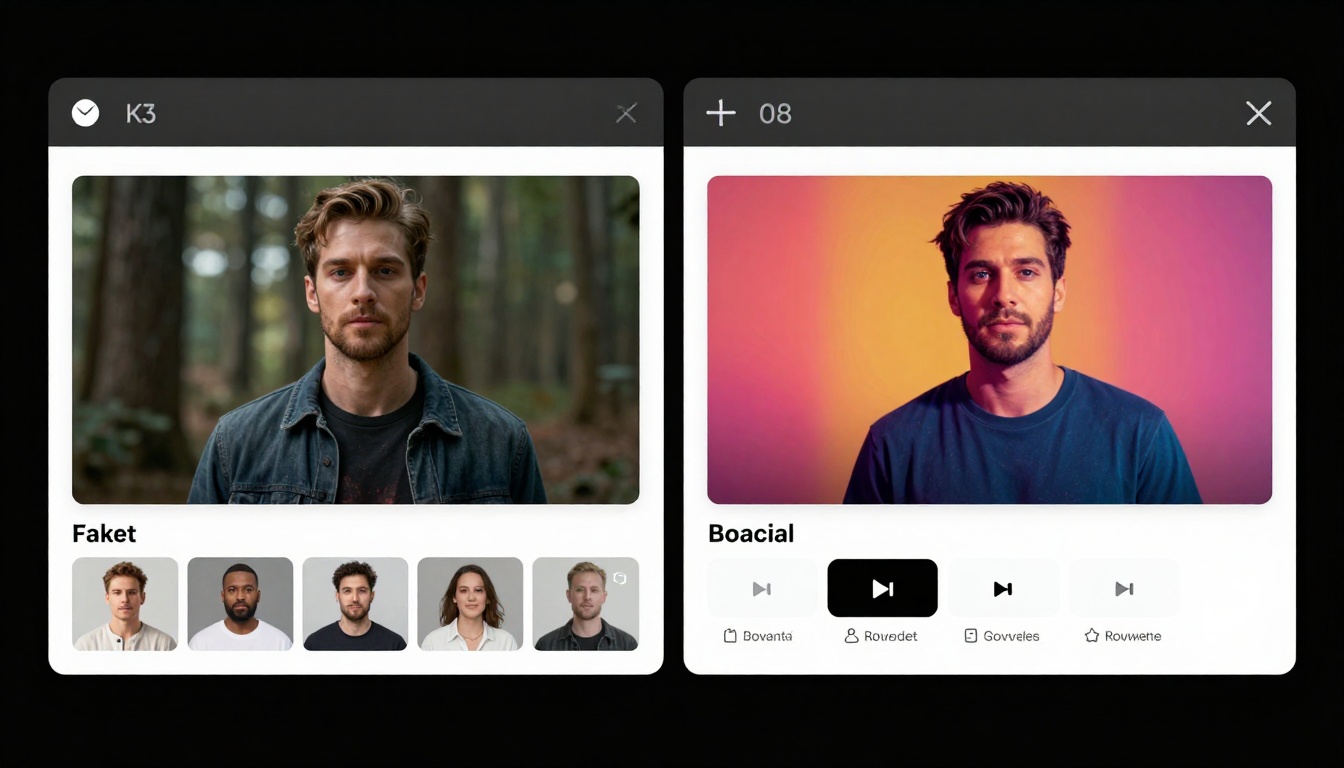
Reference image consistency: Maintain characters across scenes
Flexible duration options: 4, 6, or 8-second clips with extension capabilities
Veo 3.1 provides finer-grained creative controls that allow you to specify camera movements, lighting cues, and multi-shot sequences. This level of control makes it ideal for projects requiring consistent visual storytelling across multiple scenes.
✨ Quick Win: Use Veo 3.1's reference image feature to maintain character consistency across an entire video sequence, creating professional-looking narratives.
Audio Capabilities That Stand Out
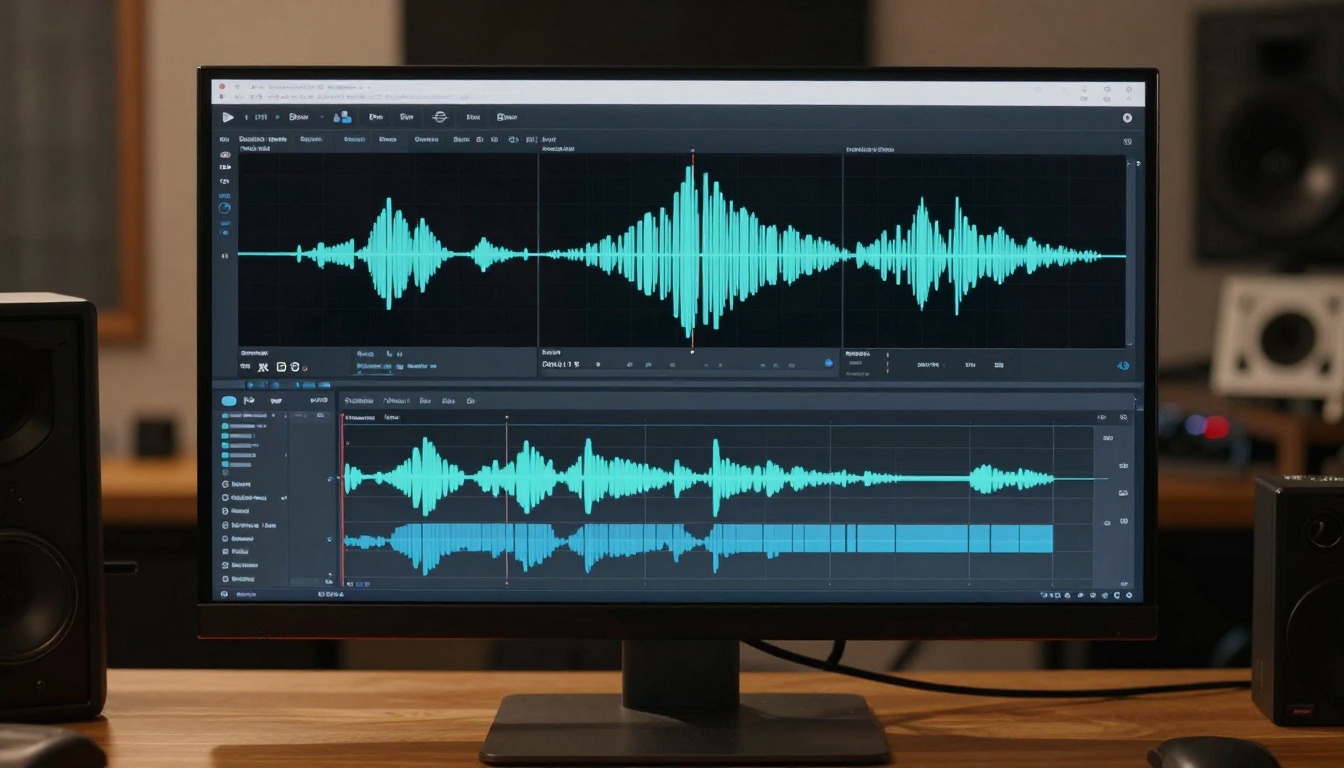
Where Veo 3.1 truly differentiates itself is in audio generation. The model creates richer, more naturalistic soundscapes compared to competitors. In spatial audio tests, Veo 3.1 flawlessly models how sound behaves between different environments, something that gives your videos a professional, polished feel.
The audio features include:
Synchronized dialogue with natural speech patterns
Environmental sound design matching visual scenes
Spatial audio positioning for immersive experiences
Multi-language audio support for global audiences
Head-to-Head Comparison
Let's break down the key differences between these two impressive models across several critical dimensions.
Feature
Sora 2
Veo 3.1
Generation Speed
~30 seconds for 12-sec video
Slower, but higher quality
Max Duration
Up to 120 seconds
4-8 seconds (extensible)
Physics Simulation
Excellent
Good
Audio Quality
Clear, direct audio
Rich, cinematic soundscapes
Resolution Options
720p, 1024p
720p, 1080p
Creative Controls
Standard prompting
Advanced (shot lists, camera moves)
Best Use Case
Social media, quick content
Storytelling, ads, films
📌 Note: Both models support aspect ratio customization. Sora 2 offers portrait (720x1280) and landscape (1280x720), while Veo 3.1 provides 16:9 and 9:16 options.
Performance Breakdown
When Sora 2 Wins:
You need videos fast for social media posting
Your content requires realistic physics simulation
You're creating multiple iterations quickly
Strict prompt adherence is critical
You need longer video durations (60-120 seconds)
When Veo 3.1 Wins:
You're producing cinematic content for ads or films
Audio richness and spatial sound matter
You need multi-shot narrative continuity
Character consistency across scenes is essential
Advanced creative controls enhance your workflow
Creative Control and Workflow
The workflow experience differs significantly between these two models, reflecting their different design philosophies.
Sora 2 Workflow: Simplicity and Speed
Sora 2 emphasizes streamlined creation. You provide a text prompt, select your duration (4, 8, or 12 seconds), choose resolution, and generate. The model's strength lies in its ability to interpret prompts accurately and deliver results quickly.
Typical Sora 2 workflow:
Write a clear, descriptive prompt
Select video duration and resolution
Choose aspect ratio (portrait or landscape)
Optionally add reference image for first frame
Generate and review in ~30 seconds
Download or iterate based on results
The interface is intuitive, making it accessible even if you're new to AI video generation. You can experiment rapidly, testing different prompts and parameters without significant time investment.
🚀 Performance Tip: For best results with Sora 2, use specific, action-oriented prompts that clearly describe movement and physics interactions.
Veo 3.1 Workflow: Precision and Polish
Veo 3.1 offers deeper creative control, allowing you to specify more parameters for cinematic results. The model supports reference images for consistency, transition frames for smooth scene changes, and detailed shot descriptions.
Typical Veo 3.1 workflow:
Craft detailed prompt with camera and lighting cues
Upload reference images for character consistency (optional)
Set duration (4, 6, or 8 seconds)
Choose resolution (720p or 1080p)
Configure audio generation preferences
Add negative prompts to exclude unwanted elements
Generate with extended processing time
Use scene extension to create longer sequences
This additional control comes with a steeper learning curve but rewards users who invest time in mastering the parameters. The result is professional-quality footage that rivals traditional video production.
Control Feature
Sora 2
Veo 3.1
Prompt Complexity
Standard
Advanced with camera/lighting cues
Reference Images
First frame only
1-3 images for consistency
Scene Transitions
Limited
Full interpolation support
Negative Prompts
No
Yes
Audio Control
Basic sync
Full generation control
Use Cases: Choosing the Right Tool
Understanding when to use each model can significantly impact your creative results and workflow efficiency.
Sora 2 Use Cases
Social Media Content Creation
When you're producing content for Instagram, TikTok, or YouTube Shorts, Sora 2's speed is invaluable. The ability to generate videos in 30 seconds means you can create multiple variations, test different concepts, and respond quickly to trending topics.
Product Demonstrations
For e-commerce or marketing teams showcasing product features, Sora 2's physics-aware rendering ensures products move and interact realistically. This authenticity builds trust with viewers and reduces the "AI-generated" appearance that can undermine credibility.
Educational Content
Teachers and content creators producing explainer videos benefit from Sora 2's extended duration support (up to 120 seconds) and accurate physics simulation. Complex concepts requiring step-by-step visual explanation become more accessible.
Quick Prototyping
Creative teams exploring different concepts can rapidly iterate with Sora 2, testing multiple approaches before committing to final production. The fast generation time makes experimental workflows practical.
💡 Pro Tip: Use Sora 2 when your priority is speed and iteration. It's perfect for testing concepts before investing in more detailed production with Veo 3.1.
Veo 3.1 Use Cases
Advertising and Marketing Campaigns
When producing high-stakes marketing content, Veo 3.1's cinematic quality and rich audio create memorable, professional results. The multi-shot continuity features allow you to tell complete stories within short timeframes.
Short Films and Storytelling
Independent filmmakers and storytellers benefit from Veo 3.1's reference image consistency, allowing characters and settings to remain visually coherent across multiple scenes. This consistency is essential for narrative work.
Brand Content with Audio
Brands requiring sophisticated audio design appreciate Veo 3.1's spatial audio capabilities. Product launches, brand stories, and emotional content gain impact from the rich, naturalistic soundscapes.
Controlled Creative Projects
When you need precise control over camera movements, lighting, and visual style, Veo 3.1's advanced parameters give you the tools to realize specific creative visions. Shot lists and detailed prompts translate into exact visual outcomes.
Concept Art and Visualization
Pre-production teams visualizing scenes benefit from Veo 3.1's ability to create cinematic previews. Directors and clients can review concepts before committing to full production resources.
Real-World Performance Insights
Testing these models in practical scenarios reveals interesting patterns that go beyond spec sheet comparisons.
Speed vs. Quality Trade-offs
In real-world usage, the generation speed difference is immediately noticeable. Sora 2's 30-second generation time for 12-second videos means you can experiment freely, testing multiple prompts in quick succession. This rapid feedback loop encourages creative experimentation.
Veo 3.1's slower processing (significantly longer per clip) requires more deliberate planning. You'll want to carefully craft your prompts and parameters before generating, as each iteration consumes more time. However, the resulting quality often justifies the wait for final deliverables.
⚠️ Important: Budget extra time when using Veo 3.1 for deadline-sensitive projects. The quality is exceptional, but generation times require patience.
Prompt Adherence
Both models handle prompts differently. Sora 2 tends toward strict prompt adherence, closely following your instructions but sometimes missing subtle creative opportunities. This predictability is valuable when you need specific results.
Veo 3.1 interprets prompts more creatively, occasionally adding artistic flourishes not explicitly mentioned. This creative interpretation can produce stunning unexpected results, though it requires clearer prompts when you need exact outcomes.
Audio Quality Comparison
Audio quality differences are substantial. Sora 2's audio is clear and synchronized, working well for straightforward content like explainer videos or product demos. The tight audio-visual sync ensures dialogue and sound effects match action precisely.
Veo 3.1's audio elevates content to professional broadcast quality. The spatial audio modeling creates depth and immersion, with sounds properly positioned in three-dimensional space. Background ambience, environmental effects, and dialogue all blend naturally.
In testing, Veo 3.1 successfully maintained audio continuity across scene transitions that Sora 2 struggled with, particularly when moving between different acoustic environments.
Technical Specifications Deep Dive
Understanding the technical parameters helps you maximize each model's potential.
Both models are accessible through PicassoIA, providing unified access regardless of which tool you choose. This platform approach eliminates the need to manage multiple API keys or subscriptions.
Practical Cost Factors
Generation time differences affect practical costs. Sora 2's faster processing means you can produce more content in less time, potentially reducing overall project costs through increased efficiency. Rapid iteration also means fewer "wasted" generations since you can test approaches quickly.
Veo 3.1's longer processing times require more careful planning, but the higher quality output may reduce the need for manual post-production polish. Projects requiring cinematic quality might actually save time by avoiding extensive editing work.
📌 Note: Consider your total workflow when evaluating costs. Fast generation with additional editing may cost more than slower generation with ready-to-use output.
How to Use Sora 2 on PicassoIA
Ready to experience Sora 2's physics-aware video generation? Here's your complete guide to getting started on PicassoIA.
Step 1: Navigate to Sora 2 Pro
Visit the Sora 2 Pro model page on PicassoIA. You'll find the model interface with all available parameters clearly displayed.
💡 Pro Tip: Create a PicassoIA account before starting to save your generations and access your video history easily.
Step 2: Craft Your Video Prompt
In the Prompt field (required), describe the video you want to create. Be specific about actions, settings, and any physics interactions. Good prompts include:
Subject description: What or who appears in the video
Action details: Specific movements or interactions
Setting information: Location and environment
Physics elements: How objects move and interact
Example prompt: "A professional chef tossing vegetables in a wok over high heat, flames briefly flaring up, steam rising, kitchen with stainless steel equipment, natural afternoon lighting through large windows"
This level of detail helps Sora 2 understand both the visual scene and the physics relationships you want to capture.
Step 3: Configure Duration and Resolution
Choose your video specifications:
Seconds: Select 4, 8, or 12 seconds (default: 4)
4 seconds: Quick clips, social stories
8 seconds: Standard social posts
12 seconds: Extended demonstrations
Resolution: Pick standard (720p) or high (1024p) (default: standard)
Standard: Faster generation, good for testing
High: Best quality for final deliverables
Aspect Ratio: Portrait (720x1280) or landscape (1280x720) (default: portrait)
Portrait: Instagram Stories, TikTok, mobile
Landscape: YouTube, websites, presentations
⚠️ Important: Higher resolution and longer duration increase generation time, though Sora 2 remains fast compared to alternatives.
Step 4: Add Optional Parameters (Advanced)
For enhanced control, consider these optional parameters:
Input Reference Image: Upload an image to use as the first frame of your video. This is perfect when you want the video to start from a specific visual or maintain brand consistency. The image must match your chosen aspect ratio.
OpenAI API Key: If you have your own OpenAI API key, you can enter it here. This allows you to be billed directly by OpenAI rather than using PicassoIA credits.
Step 5: Generate and Review
Click the Generate button to start processing. Sora 2 typically completes 12-second videos in about 30 seconds, so you won't wait long.
While generating, you can:
Continue working on other projects
Prepare additional prompts for iteration
Review example outputs for inspiration
Once complete, preview your video directly in the interface. Check that the physics interactions, movement, and audio meet your expectations.
✨ Quick Win: Generate 2-3 variations with slightly different prompts to compare results and choose the best option for your project.
Step 6: Download and Use Your Video
After reviewing your generated video, download it in your chosen resolution. The video includes synchronized audio, ready for immediate use in:
Social media posts and stories
Marketing presentations
Product demonstrations
Educational content
Prototype concepts
Export formats: Standard MP4 format compatible with all major platforms and editing software.
Making Your Choice: Which Model is Right for You?
After exploring both models in depth, the decision comes down to your specific needs and priorities.
Choose Sora 2 If You Need:
Fast turnaround times for social content
Physics-aware realism for product demos or educational content
Longer video durations (up to 120 seconds)
Rapid iteration and testing capabilities
Straightforward workflow without complex parameters
Strict prompt adherence for predictable results
Perfect for: Social media managers, content creators, e-commerce teams, educators, and anyone prioritizing speed and iteration.
Choose Veo 3.1 If You Need:
Cinematic visual quality for professional projects
Rich audio design with spatial positioning
Multi-shot narrative continuity
Character consistency across scenes
Advanced creative controls for specific visions
Professional-grade output for advertising or film
Perfect for: Marketing agencies, filmmakers, brand teams, advertising professionals, and creators prioritizing quality over speed.
🚀 Next Steps: Try both models on PicassoIA to experience the differences firsthand. Start with Sora 2 for quick experimentation, then use Veo 3.1 for your final deliverables.
Combining Both Models Strategically
Smart creators don't view this as an either-or decision. Instead, they leverage both models at different stages of their workflow.
Strategic workflow approach:
Concept exploration with Sora 2: Rapidly test multiple concepts, angles, and approaches. The fast generation time makes exploration practical and affordable.
Refinement and selection: Choose the strongest concepts from your Sora 2 tests. Refine prompts based on what worked well.
Final production with Veo 3.1: Take your refined concepts and produce final deliverables with Veo 3.1's cinematic quality and rich audio.
This hybrid approach combines Sora 2's speed advantage for exploration with Veo 3.1's quality advantage for final output. You get the best of both worlds while optimizing both time and budget.
The Verdict
There is no universal "better" model between Sora 2 and Veo 3.1. Each excels in its designed domain:
Sora 2 wins on speed, physics realism, and iteration efficiency. It's the right choice when you need content quickly or want to test multiple approaches without significant time investment.
Veo 3.1 wins on cinematic quality, audio richness, and creative control. It's the right choice when quality is paramount and you have time for deliberate, polished production.
The AI video generation landscape continues evolving rapidly. Both Sora 2 and Veo 3.1 represent remarkable achievements, pushing the boundaries of what's possible with text-to-video generation. By understanding their unique strengths, you can choose the right tool for each project and achieve outstanding results.
Ready to start creating? Both models are available now on PicassoIA, offering easy access to these cutting-edge AI video generators without complex setup or multiple subscriptions.