The AI video race has never been this close. OpenAI's Sora 2 and Google's Veo 3.1 are two completely different bets on what AI-generated video should look like, sound like, and cost. One comes from the company that built ChatGPT. The other comes from the team that has been training on YouTube for years. Both are genuinely impressive. But they are not the same.
This is a head-to-head breakdown with no vague opinions, just concrete differences that matter to creators, marketers, and filmmakers deciding where to spend their time and credits in 2027.

What Makes These Two Different
Before diving into output comparisons, it's worth understanding the architectural DNA behind each model. They were built with different priorities, and that shows up in how they behave in practice.
Sora 2 was built for storytelling
Sora 2 is OpenAI's second major video model, and it carries forward the company's obsession with long-form coherence. Where the original Sora struggled with physics and scene transitions, Sora 2 shows significant improvement in maintaining consistent objects and characters across multiple seconds. It was trained to understand temporal relationships, meaning it doesn't just generate individual frames but tries to simulate what a scene would actually look like in motion.
The flagship version, Sora 2 Pro, pushes this further with higher resolutions and longer clips, up to 20 seconds in some configurations. Think of Sora 2 as a director's tool: it's opinionated, cinematic, and rewards detailed prompts with genuinely filmic results.
Veo 3.1 was built for accessibility
Veo 3.1 is Google DeepMind's latest iteration, optimized above all else for making high-quality video fast and affordable. Google built Veo on diffusion transformers and a massive video training corpus. The 3.1 update brought sharper temporal consistency, better handling of camera movements, and its defining feature: native audio generation baked directly into the model, not layered on top afterward.
There's also Veo 3.1 Fast for speed-first workflows, and Veo 3.1 Lite for lower-cost generation. That tiered approach makes Veo 3.1 far more flexible depending on what you're building.
Video Quality Side by Side
Both models produce stunning output. The differences show up in texture, motion physics, and how they handle complex scenes under pressure.
Realism and motion physics
Sora 2 excels at photorealistic human motion. Walk cycles, hand gestures, and facial expressions look natural in a way that earlier text-to-video models couldn't deliver. It renders cloth physics, water reflections, and foliage movement with a level of detail that reads as genuinely filmed rather than synthesized.
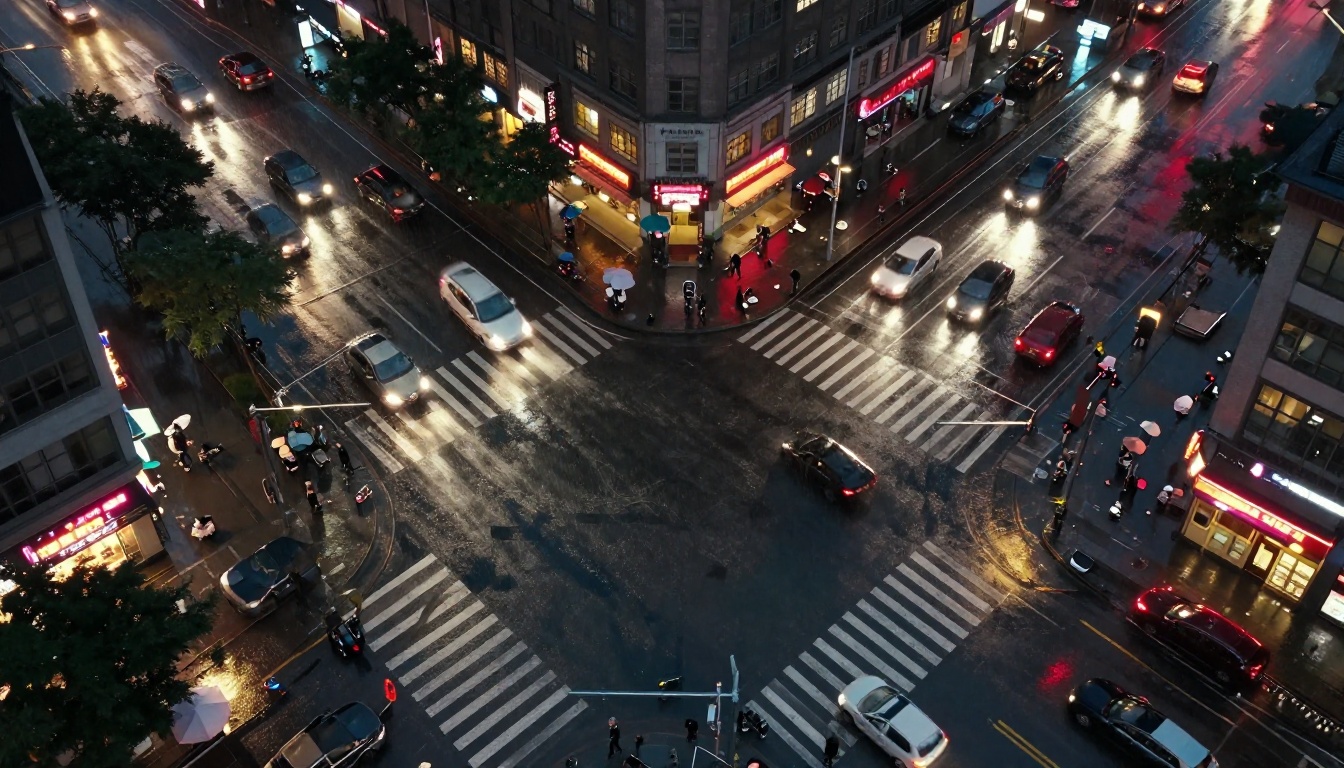
Veo 3.1 counters with superior camera work simulation. Dolly shots, tracking shots, and rack focus transitions feel intentional rather than accidental. If you prompt it for a slow crane shot revealing a cityscape, it doesn't just generate the scene, it generates the shot. This matters enormously for anyone thinking about video in cinematographic terms.
Verdict on motion: Sora 2 wins on subject realism. Veo 3.1 wins on camera behavior.
Scene complexity handling
Long, complex prompts with multiple elements are where both models get tested hardest. Sora 2 handles dense prompts well but can lose detail on background objects when foreground action is complex. Veo 3.1 tends to simplify backgrounds more aggressively, keeping the main subject crisp but sometimes producing flat environments in busy scenes.
| Feature | Sora 2 | Veo 3.1 |
|---|
| Human motion realism | ★★★★★ | ★★★★☆ |
| Camera movement quality | ★★★★☆ | ★★★★★ |
| Background detail retention | ★★★★☆ | ★★★☆☆ |
| Scene coherence over time | ★★★★★ | ★★★★☆ |
| Color grading quality | ★★★★☆ | ★★★★★ |

Audio, the Real Differentiator
This is where the comparison gets genuinely interesting. Audio in AI video has been the missing piece for years. Both Sora 2 and Veo 3.1 now generate synchronized audio, but they do it completely differently, and the difference matters.
How Sora 2 handles audio
Sora 2's audio generation is separate but tightly integrated. The model generates video first, then synthesizes audio to match the visual content. In practice, sound effects and ambient audio sync reasonably well, but the gap between video generation and audio layering can produce slight timing mismatches in fast-cut scenes. Music generation is minimal, mostly ambient textures rather than composed tracks.
Where Sora 2 audio excels is in environmental sound design. Wind in trees, city traffic, ocean waves, and crowd murmur all feel convincingly real. For documentary-style content, this is exactly what you want.
How Veo 3.1 handles audio
Veo 3.1 generates audio natively within the same model pass. This is a fundamental architectural difference, not a feature addition. The result is audio that feels part of the video rather than placed on top of it.
Dialogue, in particular, benefits enormously. Generate a scene of two people talking in a cafe, and Veo 3.1 can produce audible speech that syncs with the lip movements of the generated characters. It's imperfect but remarkable, and it's something Sora 2 simply cannot do in a single generation pass.
Verdict on audio: Veo 3.1 wins, and it's not close. Native audio generation is a genuine technical leap that changes how you plan your production workflow.
Speed and Pricing Compared
Speed matters in production workflows. No creator wants to wait 10 minutes for a test clip only to discover the prompt needs adjustment. Here's how the models actually compare on real-world generation timelines.
| Model | Generation Speed | Output Resolution | Max Duration | Relative Cost |
|---|
| Sora 2 | Moderate (3-8 min) | Up to 1080p | 20s | High |
| Sora 2 Pro | Slow (8-15 min) | Up to 4K | 20s | Very High |
| Veo 3.1 | Fast (2-4 min) | 1080p | 8s | Medium |
| Veo 3.1 Fast | Very Fast (under 2 min) | 720p-1080p | 8s | Low-Medium |
| Veo 3.1 Lite | Fast (1-3 min) | 720p | 8s | Low |
The tiered structure of Veo 3.1 gives it a significant practical edge. You can prototype with Veo 3.1 Fast, iterate your prompt, then run the final version through Veo 3.1 at full quality. That workflow efficiency is hard to replicate with Sora 2's more linear approach.
For teams watching costs, Veo 3.1 Lite offers genuinely usable output at a fraction of the price of Sora 2.

Prompt Following, Who Wins
Prompt adherence is how well a model does what you actually tell it to do. Both models are strong here, but they have distinct tendencies that matter depending on your content type.
How precisely they follow text
Sora 2 shows excellent compositional prompt following. Tell it "low-angle shot of a man walking through tall grass at dusk with backlight" and it nails the composition. It reads cinematographic language fluently. The tradeoff is that it sometimes interprets complex prompts too liberally, adding stylistic choices you didn't ask for.
Veo 3.1 is more literal and restrained. It stays closer to what you wrote, which is useful when precision matters, but it can feel less creative when you want the model to fill in artistic decisions. For corporate video, marketing content, and anything where the brief must be followed exactly, Veo 3.1's literal interpretation is a clear advantage.
Character consistency
This is Sora 2's biggest weakness and Veo 3.1's comparative advantage. Generate a video of a specific character, then try to generate another clip of the same character in a different scene, and Sora 2 will drift significantly. The character will look different.
Veo 3.1 doesn't completely solve this problem either, but its character consistency within a single clip is superior. The face, clothing, and distinguishing features of a subject hold together across the full 8-second output more reliably than in Sora 2's longer clips.
Verdict on prompt adherence: Sora 2 wins on creative interpretation. Veo 3.1 wins on accuracy and in-clip character consistency.
How to Use Veo 3.1 on PicassoIA
Since Veo 3.1 is available directly on PicassoIA, here's exactly how to get the best results from it without wasting credits.
Step 1: Choose your Veo 3.1 tier
Navigate to the text-to-video section and select your model based on your goal:
- Use Veo 3.1 Fast for prototyping and prompt testing
- Use Veo 3.1 for final production output at 1080p
- Use Veo 3.1 Lite for high-volume batch workflows at lower cost
Step 2: Write a structured prompt
Veo 3.1 responds best to prompts that specify subject, action, setting, camera angle, lighting, and audio cues. Example:
"A woman in a white linen dress walks slowly through a sunlit lavender field, gentle breeze moving the flowers, morning golden hour light from the left, tracking shot from ground level, birds chirping softly in the background, peaceful ambient sound"
Step 3: Use audio descriptors intentionally
Since Veo 3.1 generates native audio, include sound in your prompt. Words like "ambient crowd noise," "traffic hum," "ocean waves," or even "two people having a quiet conversation" will be processed as genuine audio instructions, not ignored.
Step 4: Refine with Fast, finalize with Full
Run your first three to four iterations on Veo 3.1 Fast to test composition, motion, and audio tone. Once you're satisfied with the concept, run the final version on Veo 3.1 for maximum quality and 1080p resolution.
Step 5: Pair with image generation tools
For scenes where you need a specific starting frame, generate your reference image using PicassoIA's text-to-image models first. Then use it as an input reference for the video model. This gives you far more control over the final visual composition.
Other AI Video Models Worth Knowing
Sora 2 and Veo 3.1 aren't the only strong options in 2027. Depending on your workflow, these models available on PicassoIA might actually serve you better for specific use cases.
For cinematic motion: Kling v3 Video has become the go-to for dramatic, high-motion clips with excellent physics simulation. Its cinematic output rivals Sora 2 at a lower cost per generation.
For speed above all: Seedance 2.0 from ByteDance generates impressive 1080p video with built-in audio in record time. The quality-to-speed ratio is hard to beat for rapid content production.
For image-to-video workflows: Wan 2.7 I2V animates still images with remarkable faithfulness to the source, preserving subject identity better than most text-only models.
For open, flexible generation: Pixverse v6 handles a wide variety of styles and brings cinematic audio alongside the video, making it a well-rounded option for social media content at scale.
For 4K output: LTX 2 Pro is the model to reach for when resolution is non-negotiable. It generates 4K video from text with a fast pipeline that beats most competitors at that resolution tier.

Which One Should You Use
There's no single right answer, but the choice becomes clear once you define your primary priority.
Choose Sora 2 if:
- You need clips longer than 8 seconds
- Your prompts are narrative and cinematic with complex subject behavior
- Human motion realism is your top priority
- You have the budget and patience for longer generation times
- You're building something where visual output quality justifies the cost per clip
Choose Veo 3.1 if:
- Audio is critical and you can't afford to layer it manually
- You're iterating quickly and need a fast feedback loop
- Your content is under 8 seconds, such as ads, reels, and short promos
- You need strict prompt adherence for client or brief-driven work
- You want the flexibility of three price tiers within the same model family
The honest take: Veo 3.1 wins for most real-world use cases in 2027. The native audio is too significant to ignore, the speed tiers give you workflow flexibility Sora 2 doesn't offer, and the quality at 1080p is genuinely excellent. Sora 2 remains the better choice when cinematic ambition and longer-form output are the priority.
Start Creating Now
Both models are accessible today on PicassoIA without navigating complex API access or opaque pricing. You can run a Veo 3.1 generation in minutes, test Sora 2 for a cinematic comparison, and stack either one against alternatives like Seedance 2.0 or Kling v3 Video to find what actually works for your specific content.
The best way to understand these models is to run identical prompts through both and compare the raw output. No benchmark captures what your eye sees on the first play. Start with Veo 3.1 Fast to get a feel for the platform, then run the same prompt through Sora 2. The difference will tell you more than any comparison article can.


