The race for AI video generation dominance has reached new heights. Three models have emerged as clear leaders: Sora 2 Pro from OpenAI, Veo 3.1 from Google, and Runway Gen-4.5. Each platform offers distinct advantages depending on your specific needs, from cinematic quality to lightning-fast generation speeds.
Whether you're a content creator looking to produce social media videos, a marketer needing quick promotional content, or a filmmaker exploring AI-assisted production, understanding the strengths and limitations of these tools can save you time and deliver better results.

What Makes Each Model Different
The three models take fundamentally different approaches to video generation, each prioritizing different aspects of the creation process.
Sora 2 Pro: The Cinematic Powerhouse
OpenAI's Sora 2 Pro focuses on creating videos that look like they belong in a movie theater. The model excels at producing audio-synced videos with natural sound effects and ambient audio that matches the visual content. This integration of sight and sound creates an immersive experience that's hard to match.
The interface offers straightforward controls for duration (4, 8, or 12 seconds), resolution quality (standard 720p or high 1024p), and aspect ratios suited for both mobile (720x1280 portrait) and desktop viewing (1280x720 landscape). You can even upload a reference image to guide the first frame, giving you more creative control over the final output.
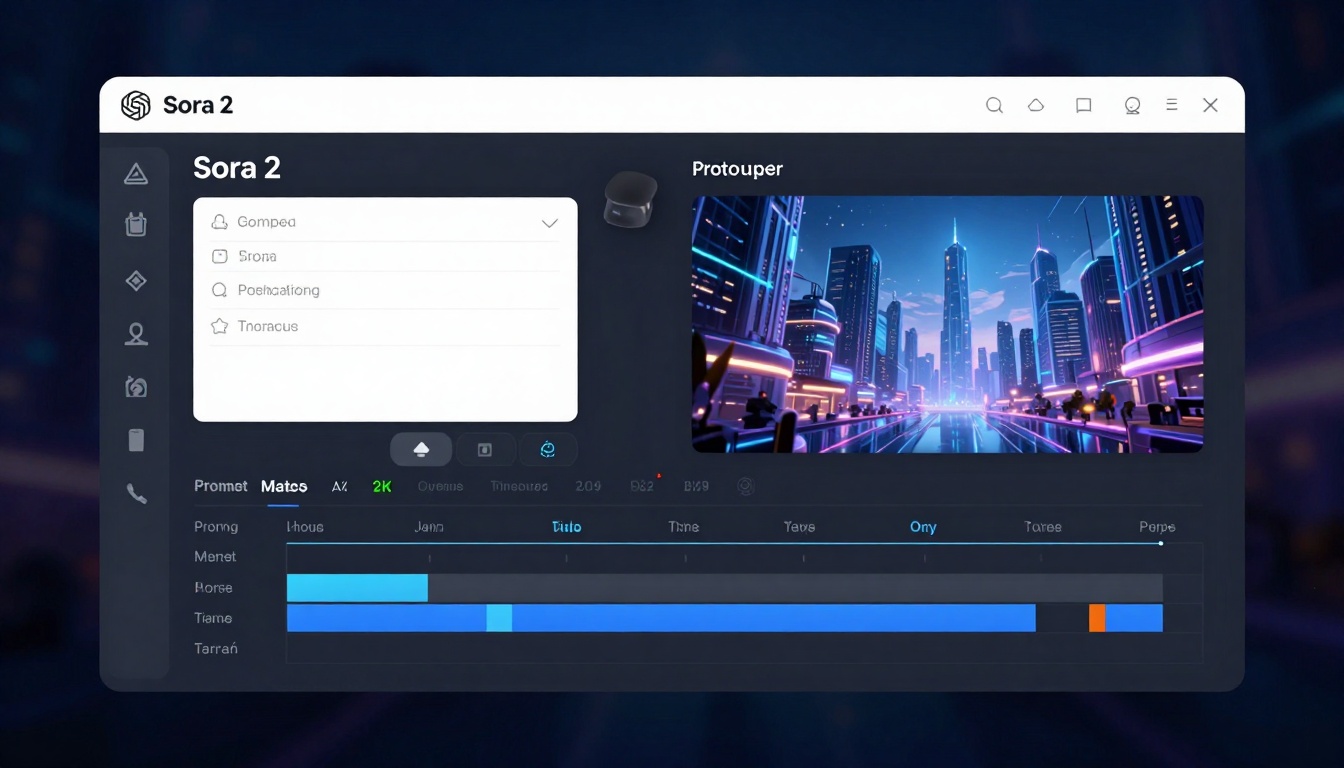
For creators working on projects where visual storytelling matters, Sora 2 Pro delivers consistently impressive results. The model's understanding of physics, lighting, and camera movements produces videos that feel professionally shot rather than artificially generated.
Veo 3.1: The Versatility Champion
Google's Veo 3.1 takes a different approach by offering maximum flexibility. This model shines when you need precise control over video transitions and subject consistency. The reference image feature allows you to maintain the same character or object across multiple generations, something that's notoriously difficult in AI video.
What sets Veo 3.1 apart is its ability to work with input and ending images, creating smooth transitions between static frames. This makes it perfect for storyboarding or creating video sequences where continuity matters. You can specify exactly what you don't want through negative prompts, helping avoid common AI artifacts or unwanted elements.
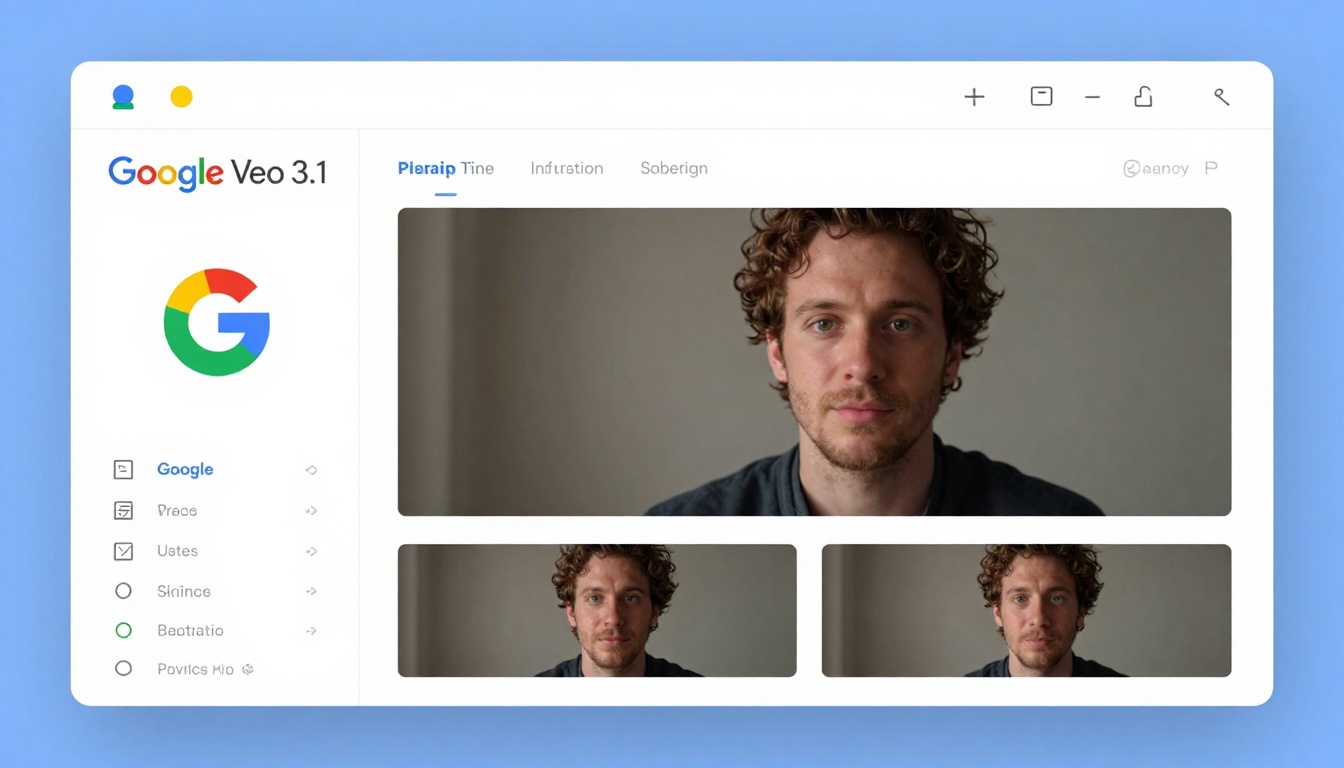
The model supports durations from 4 to 8 seconds, with resolutions up to 1080p. While this might seem limiting compared to Sora 2's 12-second option, the quality and consistency Veo 3.1 maintains throughout shorter clips often produces better final results for most use cases.
Runway Gen-4.5: The Speed Demon
Runway's Gen-4.5 focuses on one thing above all else: getting you results fast. The model prioritizes rapid generation times without sacrificing too much quality, making it ideal for iterating on ideas or producing large volumes of content quickly.
The real advantage of Gen-4.5 comes from its advanced motion control features. You can specify camera movements, zoom levels, and focus shifts with precision that rivals professional video editing software. This level of control makes it popular among video editors who want to integrate AI-generated clips into larger projects.
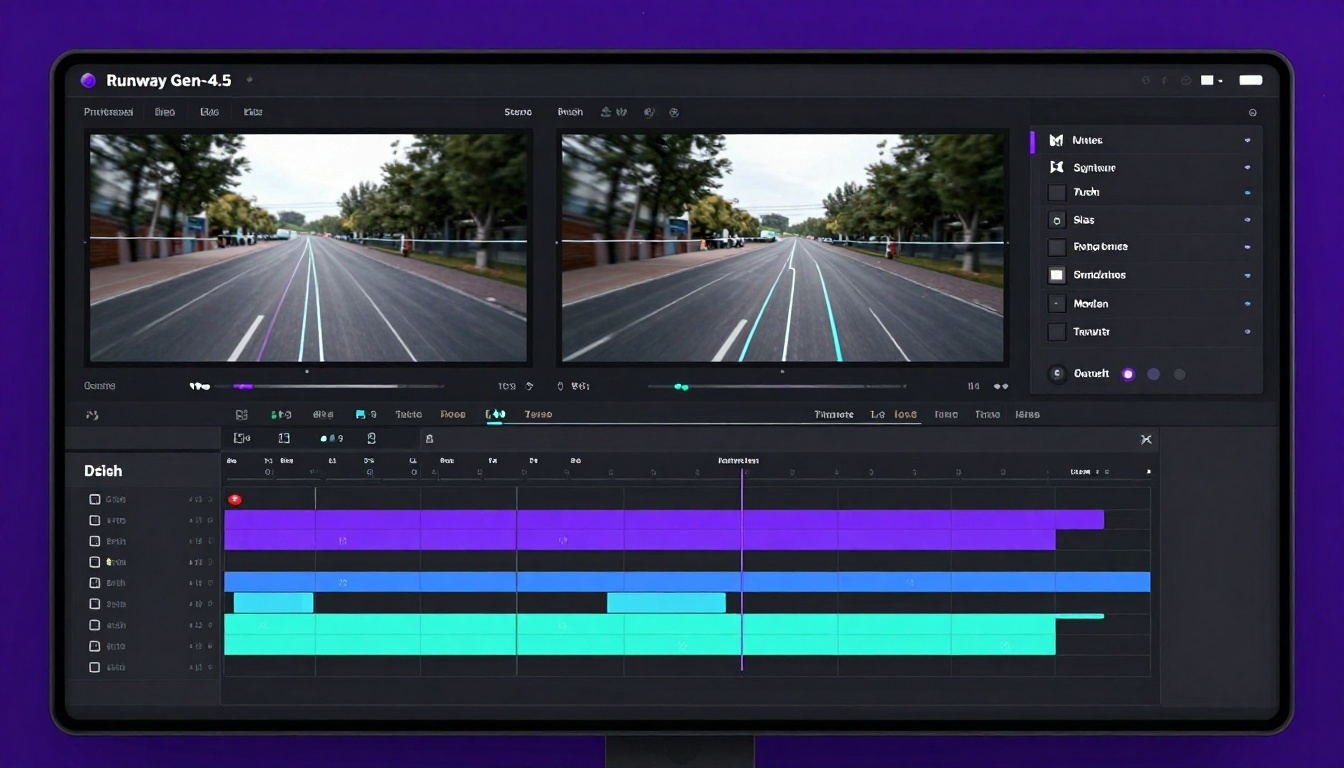
While Gen-4.5 might not always match the cinematic quality of Sora 2 or the consistency of Veo 3.1, its speed and precise control options make it valuable for workflows where iteration and experimentation are priorities.
Quality Comparison: Side by Side
Testing the same prompt across all three models reveals interesting differences in how each interprets and renders video content.
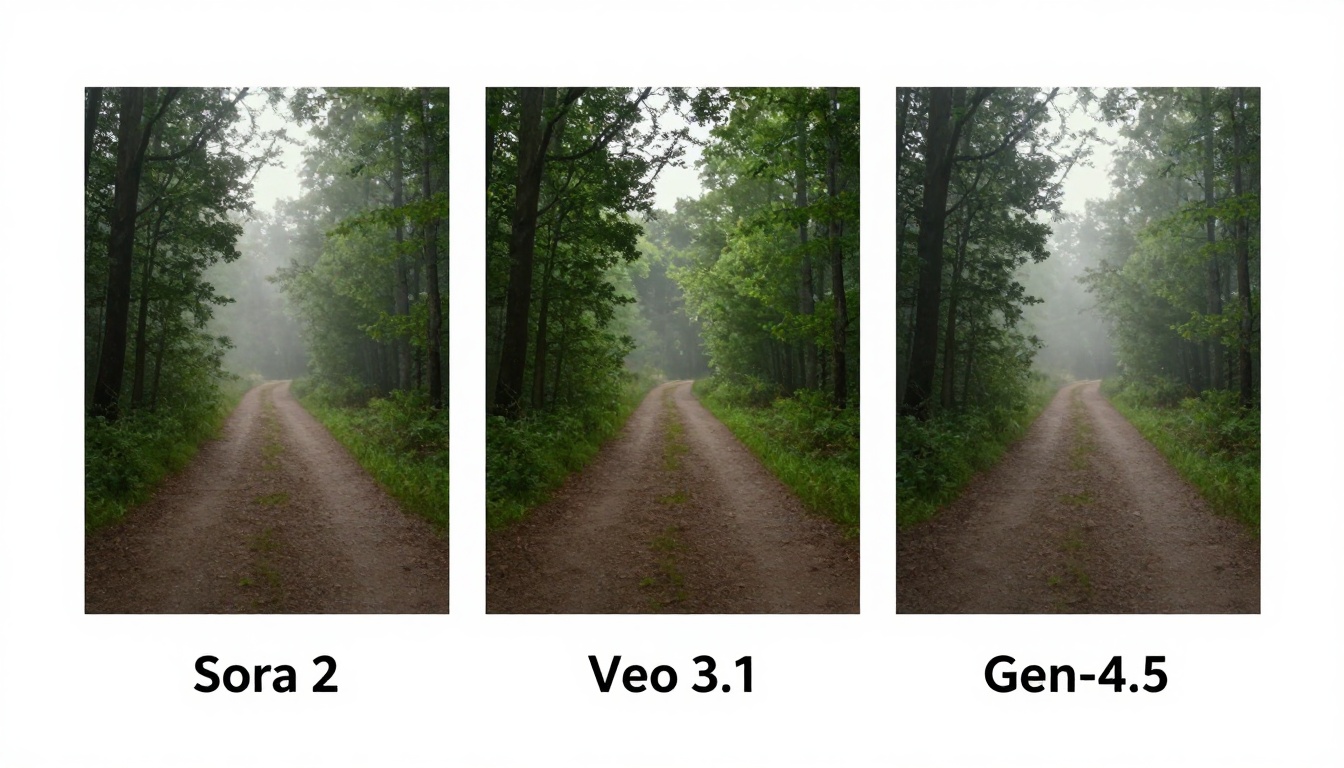
Sora 2 Pro typically produces the most photorealistic results with natural lighting and believable physics. Colors appear rich and properly graded, similar to footage from a high-end cinema camera. The motion blur and frame transitions feel organic rather than artificially smooth.
Veo 3.1 prioritizes consistency over cinematic flair. If you generate multiple clips from similar prompts, Veo tends to maintain style and quality more reliably. This consistency makes it excellent for creating video series or maintaining brand aesthetics across multiple pieces of content.
Runway Gen-4.5 sits somewhere in the middle, offering good quality at faster speeds. The results might lack some of the polish found in Sora 2 or the consistency of Veo 3.1, but they're still impressive for most practical applications. The trade-off often makes sense when you need to test multiple variations quickly.
Different projects demand different video formats, and each model handles this requirement differently.
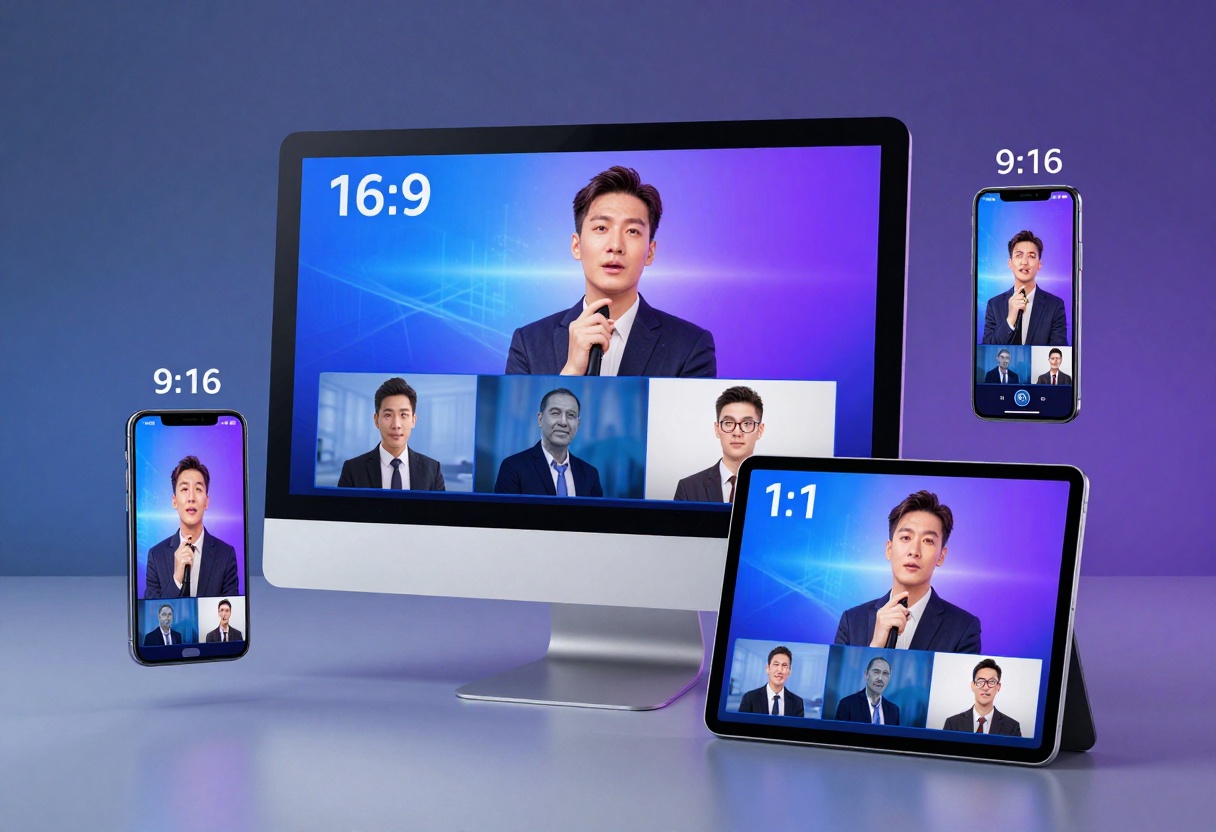
Sora 2 Pro Resolution Options
- Standard: 720p (1280x720 landscape or 720x1280 portrait)
- High: 1024p resolution for premium quality
- Aspect ratios optimized for social media platforms
The portrait option works perfectly for TikTok, Instagram Reels, and YouTube Shorts, while landscape fits traditional video platforms and presentations.
Veo 3.1 Resolution Options
- 720p: Standard HD quality
- 1080p: Full HD for professional work
- Supports 16:9 and 9:16 aspect ratios
Veo's 1080p output provides excellent detail for larger screens and professional presentations. The quality remains consistent across different aspect ratios, something not all AI video generators achieve.
Gen-4.5 Resolution Options
Runway's Gen-4.5 focuses on flexible output sizes that can be adjusted based on your needs. While specific resolution caps vary based on your subscription tier, the model generally produces HD-quality results suitable for most online platforms.
Getting the Best Results: Prompting Tips
The quality of your output depends heavily on how you describe what you want. Each model responds differently to prompt styles.
Writing Effective Prompts for Sora 2
Sora 2 works best with cinematic descriptions that include camera angles, lighting details, and mood. Think like a director writing shot descriptions:
- "A slow dolly push-in on a steaming cup of coffee on a wooden table, warm morning sunlight streaming through nearby window, shallow depth of field"
- "Aerial drone shot pulling back from a lone hiker on mountain peak, revealing vast mountain range at golden hour, dramatic clouds casting shadows"
Optimizing Prompts for Veo 3.1
Veo 3.1 responds well to structured prompts that clearly separate subject, action, environment, and style:
- "A red balloon floating upward through a busy city street, people walking below unaware, sunny afternoon, realistic style with vibrant colors"
- "Close-up of hands kneading bread dough on marble counter, flour dust floating in air, soft natural lighting from left, slow methodical movements"
Prompting Gen-4.5 Effectively
Runway's Gen-4.5 benefits from action-focused descriptions with specific motion details:
- "Camera zooms into butterfly landing on flower, then pans left to reveal garden, smooth continuous motion"
- "Time-lapse of city skyline from sunset to night, lights gradually turning on, clouds moving across sky"
Audio Generation Capabilities
Sound makes videos feel complete, and the models handle audio differently.
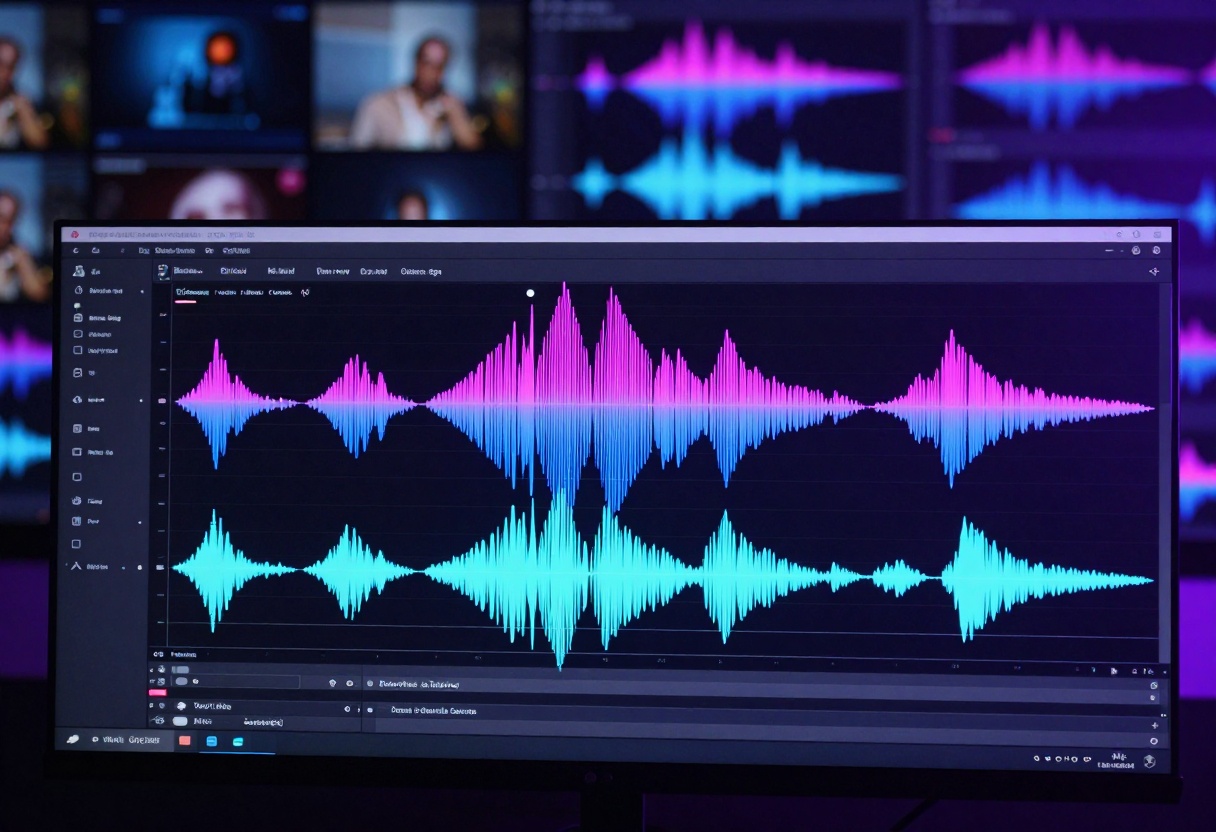
Sora 2 Pro automatically generates synchronized audio that matches the visual content. If your prompt describes ocean waves, you'll hear realistic water sounds. A busy city scene comes with appropriate traffic noise and ambient sounds. This integration saves significant time in post-production.
Veo 3.1 offers optional audio generation that you can enable or disable. This flexibility is useful when you plan to add your own soundtrack or voice-over. The generated audio tends to be more ambient and less specific than Sora 2's output, but it provides a solid foundation for further editing.
Runway Gen-4.5 focuses primarily on visuals, with audio features varying by subscription tier. Most users add their own audio in post-production, giving them complete control over the final soundscape.
Real-World Use Cases
Each model excels in specific scenarios based on its strengths.

When to Choose Sora 2 Pro
Sora 2 works best for:
- Marketing videos where production value matters
- Social media content that needs to stand out visually
- Product demonstrations showcasing items in realistic environments
- Educational content with clear, professional-looking examples
- Concept visualization for creative projects or presentations
The audio-visual synchronization makes it particularly valuable when you need finished content with minimal editing.
When to Choose Veo 3.1
Veo 3.1 shines for:
- Video series requiring consistent style and quality
- Storyboarding with multiple related scenes
- Character-focused content where maintaining appearance matters
- Transition videos moving smoothly between images
- Brand content with specific aesthetic requirements
The reference image consistency makes Veo 3.1 the go-to choice for projects spanning multiple clips.
When to Choose Gen-4.5
Runway Gen-4.5 excels at:
- Rapid prototyping of video ideas
- Motion graphics with precise camera control
- Large-scale content production where speed matters
- Video editing integration with other tools
- Experimental projects requiring lots of iterations
The quick turnaround time makes it valuable for workflows where testing multiple approaches is necessary.
Generation times vary significantly between models and impact workflow decisions.
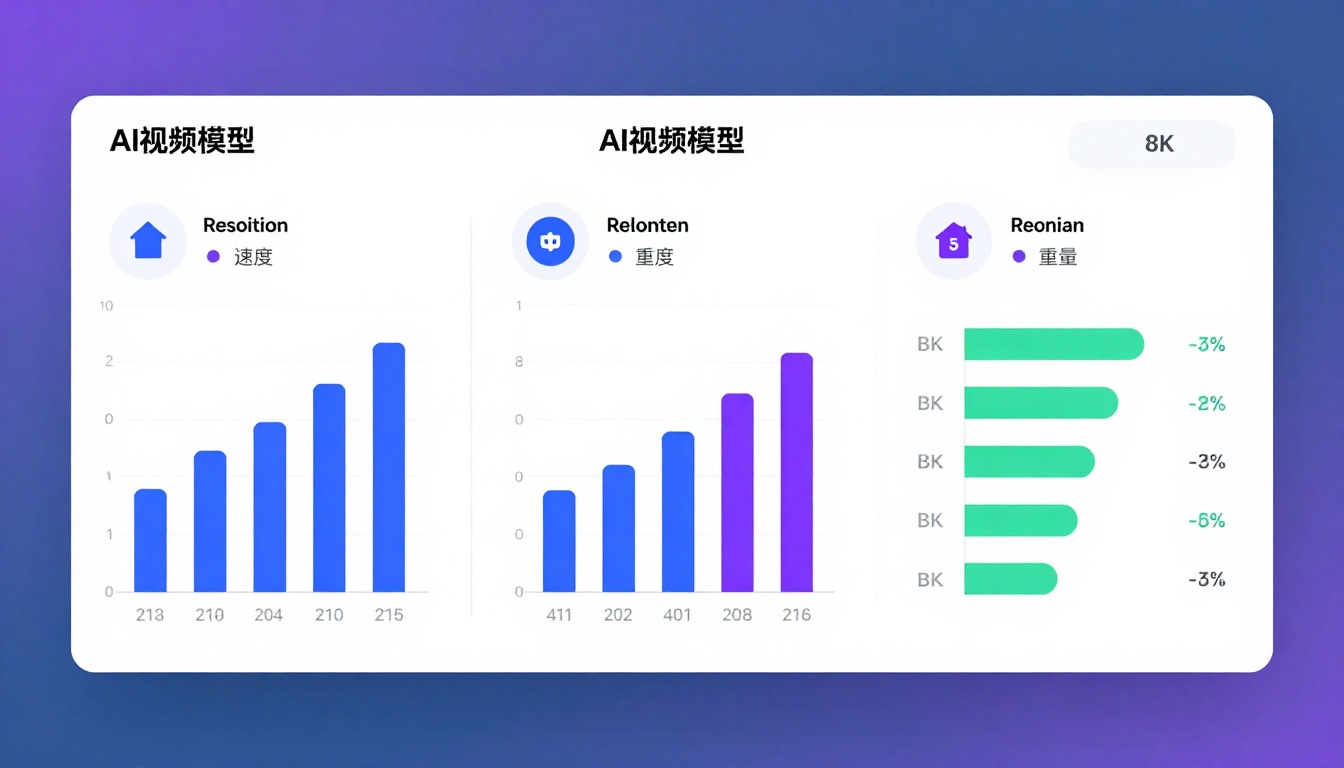
Sora 2 Pro typically takes 2-5 minutes per generation, depending on length and resolution. The wait time increases for 12-second clips at high resolution, but the results justify the patience for most projects.
Veo 3.1 averages 3-6 minutes for most generations, with reference image processing adding extra time. The longer wait pays off in consistency when generating multiple related clips.
Runway Gen-4.5 delivers results in 30 seconds to 2 minutes, making it the fastest option by far. This speed advantage becomes crucial when you need to test multiple variations or work on tight deadlines.
Cost Considerations
Budget plays a role in choosing the right tool for your needs.
Sora 2 Pro operates on a credit system, with costs varying based on duration, resolution, and whether you use your own OpenAI API key. Higher resolution and longer videos consume more credits per generation.
Veo 3.1 follows a similar credit-based model, with pricing that reflects the advanced features like reference image consistency and high-resolution output. The ability to generate multiple related clips efficiently can make the per-video cost more reasonable for series work.
Runway Gen-4.5 offers subscription tiers with different generation limits and features. The speed advantage means you can produce more content within your monthly allocation compared to slower models.
Limitations to Consider
No AI video generator is perfect, and each model has areas where it struggles.
Sora 2 Pro sometimes has difficulty with:
- Complex physics interactions between multiple objects
- Extended sequences requiring perfect continuity
- Specific brand elements or text rendering
- Very detailed facial expressions in close-ups
Veo 3.1 can struggle with:
- Maintaining reference consistency in extreme camera angles
- Very fast motion or rapid scene changes
- Generating audio that matches unusual or uncommon scenarios
- Processing multiple reference images effectively
Runway Gen-4.5 occasionally shows limitations in:
- Achieving the same photorealistic quality as slower competitors
- Handling subtle lighting changes smoothly
- Rendering fine details in distant objects
- Maintaining quality in longer video sequences
Using These Models on PicassoIA
PicassoIA provides access to both Sora 2 Pro and Veo 3.1 through an intuitive interface that simplifies the generation process.
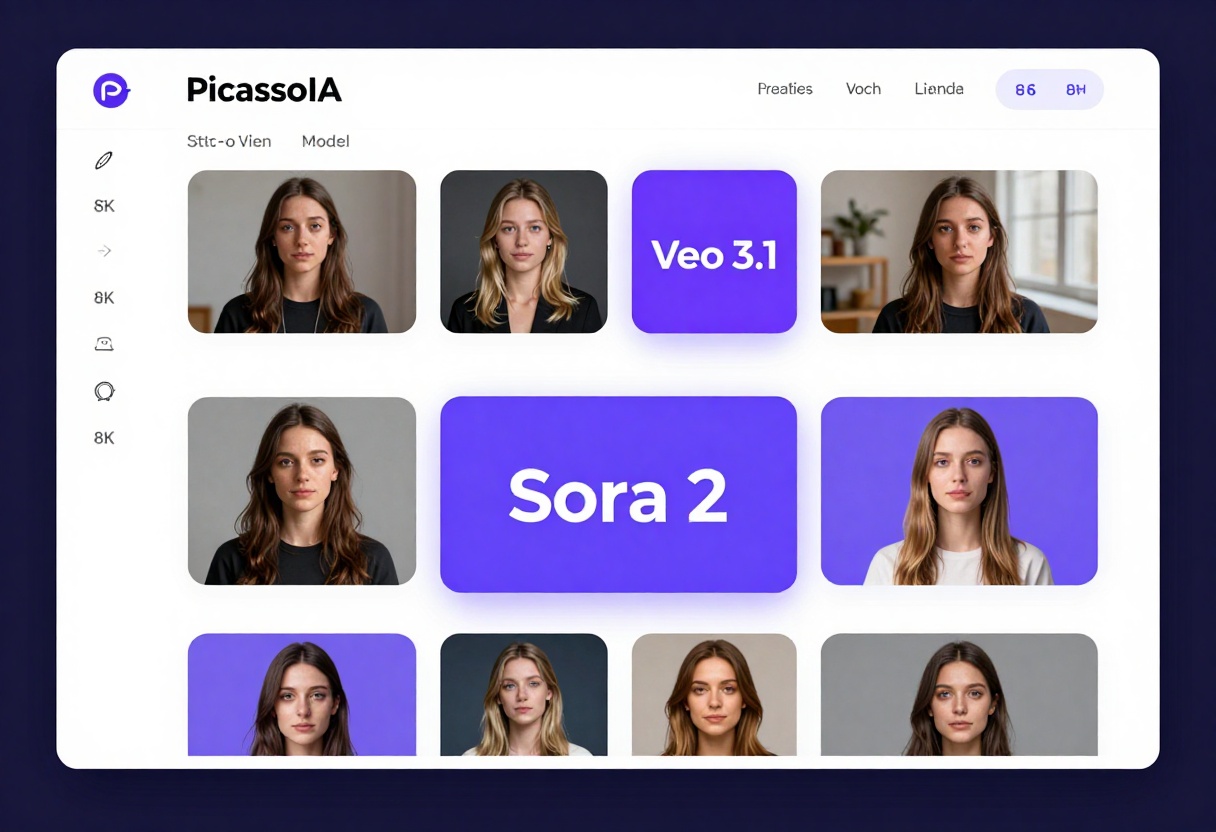
The platform eliminates the complexity of API calls and technical setup, letting you focus on creativity rather than configuration. You can compare results from different models side by side, helping you choose the best option for each project.
Getting Started with Sora 2 Pro on PicassoIA
Visit the Sora 2 Pro model page to begin generating videos.
Required Settings:
- Prompt: Describe your desired video in detail
Optional Settings:
- Duration: Choose 4, 8, or 12 seconds (default: 4 seconds)
- Resolution: Select standard (720p) or high (1024p) quality
- Aspect Ratio: Pick portrait or landscape orientation
- Input Reference: Upload an image to use as the first frame
- OpenAI API Key: Optionally use your own key for billing flexibility
The process is straightforward. Enter your prompt, adjust settings to match your project needs, and click generate. The platform handles all the technical details while you focus on crafting effective descriptions.
Using Veo 3.1 on PicassoIA
Access Veo 3.1 for Google's versatile video generation model.
Required Settings:
- Prompt: Your text description for the video
Optional Settings:
- Image: Starting frame for your video
- Duration: 4, 6, or 8 seconds (default: 8 seconds)
- Resolution: 720p or 1080p (default: 1080p)
- Aspect Ratio: 16:9 or 9:16 (default: 16:9)
- Last Frame: Ending image for smooth transitions
- Generate Audio: Enable or disable audio (default: enabled)
- Negative Prompt: Describe unwanted elements to avoid
- Reference Images: Upload 1-3 images for consistent subjects
- Seed: Set a specific seed for reproducible results
Veo 3.1's flexibility makes it perfect for projects requiring multiple related clips. Upload reference images to maintain character consistency across your video series, or use the transition feature to create smooth scene changes between static images.
Tips for Better Results
Improving your outputs comes from understanding how these models think.
Be specific about motion: Instead of "a car drives," try "a red sports car accelerates from left to right across the frame, passing by in 3 seconds."
Describe lighting carefully: Lighting makes or breaks realism. Mention whether it's "soft diffused morning light" or "harsh midday sun creating strong shadows."
Include atmospheric details: Adding elements like "light fog," "dust particles in air," or "rain on windows" enhances realism significantly.
Specify camera behavior: Describe "slow zoom in," "tracking shot following subject," or "static wide angle" to control the viewer's perspective.
Test and iterate: Generate multiple versions with slight prompt variations. Sometimes small wording changes produce dramatically different results.
Use reference images strategically: When consistency matters, provide reference images showing exactly what you want maintained across generations.
Consider audio needs early: If you're using Sora 2's audio generation, include sound descriptions in your prompt like "with gentle ambient nature sounds" or "accompanied by bustling city noise."
Which Model Wins?
The answer depends entirely on your specific needs and priorities.
Choose Sora 2 Pro if you need the most polished, cinematic results with integrated audio. It's the best choice when quality trumps speed and you're creating content where production value matters. Marketing campaigns, portfolio pieces, and professional presentations benefit most from Sora 2's capabilities.
Choose Veo 3.1 when consistency across multiple clips is crucial. If you're building a video series, maintaining character appearances, or need precise control over transitions, Veo 3.1's reference features make it unbeatable. The 1080p output quality also makes it ideal for professional projects requiring high resolution.
Choose Runway Gen-4.5 when speed and iteration matter most. Content creators producing high volumes of social media videos, anyone testing multiple creative approaches, or projects where quick turnaround is essential will appreciate Gen-4.5's rapid generation times.
For most creators, the ideal approach involves using multiple tools. Generate initial concepts quickly with Gen-4.5, refine promising ideas with Veo 3.1's consistency features, and create final polished versions with Sora 2 Pro's cinematic quality. This combined workflow leverages each model's strengths while minimizing their weaknesses.
The AI video generation landscape continues evolving rapidly, with each model constantly improving. PicassoIA makes it easy to experiment with both Sora 2 Pro and Veo 3.1, helping you find the perfect tool for each project without technical barriers or complex setup requirements.
Start exploring these powerful video generation tools today and see which one fits your creative workflow best. The future of video content creation is here, and it's more accessible than ever.


