The word "cinematic" gets thrown around constantly in AI video discussions, but with Sora 2.5, there is finally a model that earns it. OpenAI's latest generation of Sora is built around a physics-aware video generation architecture that handles motion, lighting, and spatial continuity at a level previous AI models have not reached. For anyone working on trailer production, short film pitches, or visual effects previsualization, that matters. It also comes with real constraints that the highlight reels tend to skip over.
What Sora 2.5 Actually Does

The Physics Engine Difference
Sora 2.5 uses a diffusion transformer trained on a curated dataset of high-quality cinematic footage rather than general internet video. The result is a model that understands why a camera shake affects the whole frame, why shadows move relative to a light source, and why water behaves differently when a subject wades through it versus when it is disturbed by wind. These physical constraints are baked into the generation process, not bolted on as postprocessing.
This separates it from models like Seedance 2.5 or Wan 2.7 T2V, both of which produce impressive video but can struggle with physically inconsistent motion when prompts describe complex interactions. Sora 2.5 holds up more reliably in those edge cases, particularly when multiple physical systems interact in a single shot.
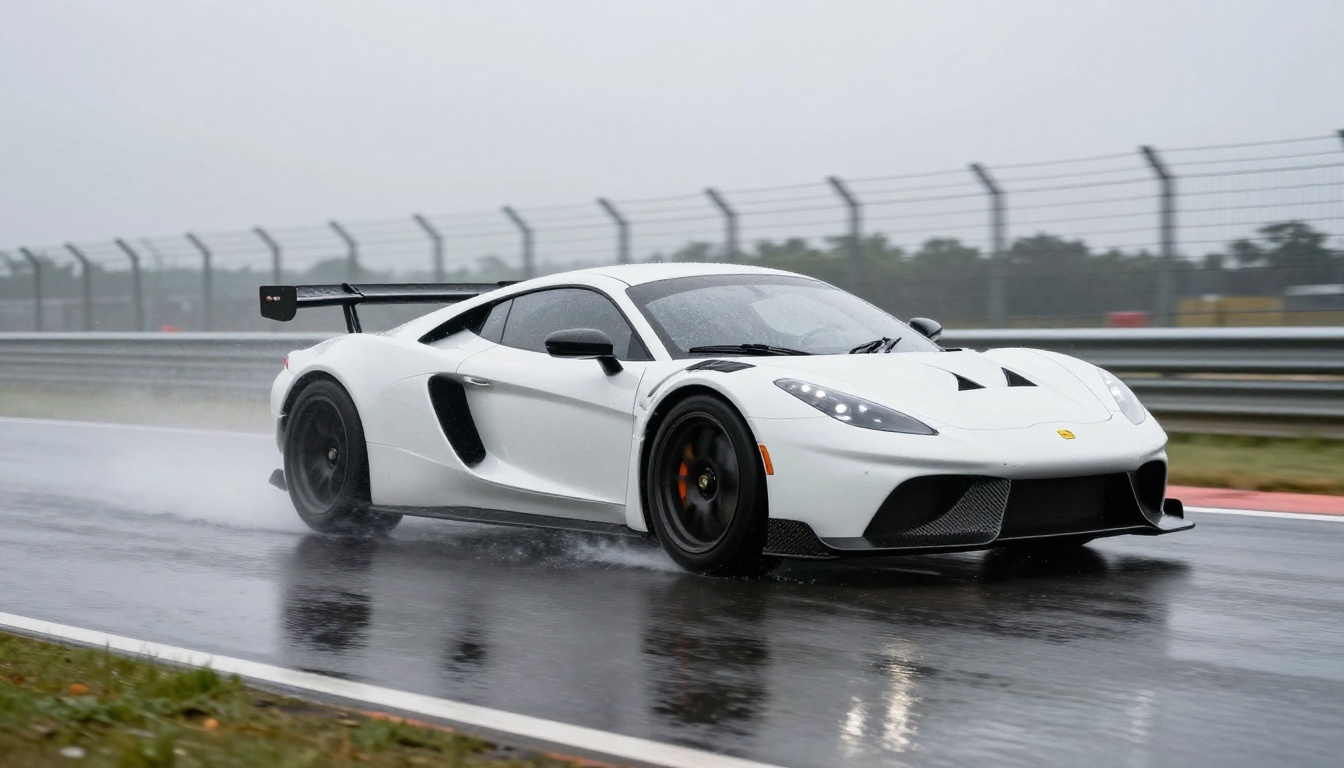
The difference shows up most clearly in shots that combine two or more physical elements: rain on a windshield while a vehicle accelerates, fabric caught in wind while a figure walks, or fire reflected in a moving water surface. These are exactly the shots that trailers rely on for emotional impact, and they are where Sora 2.5 shows a clear capability gap over previous AI video tools.
Resolution and Frame Quality
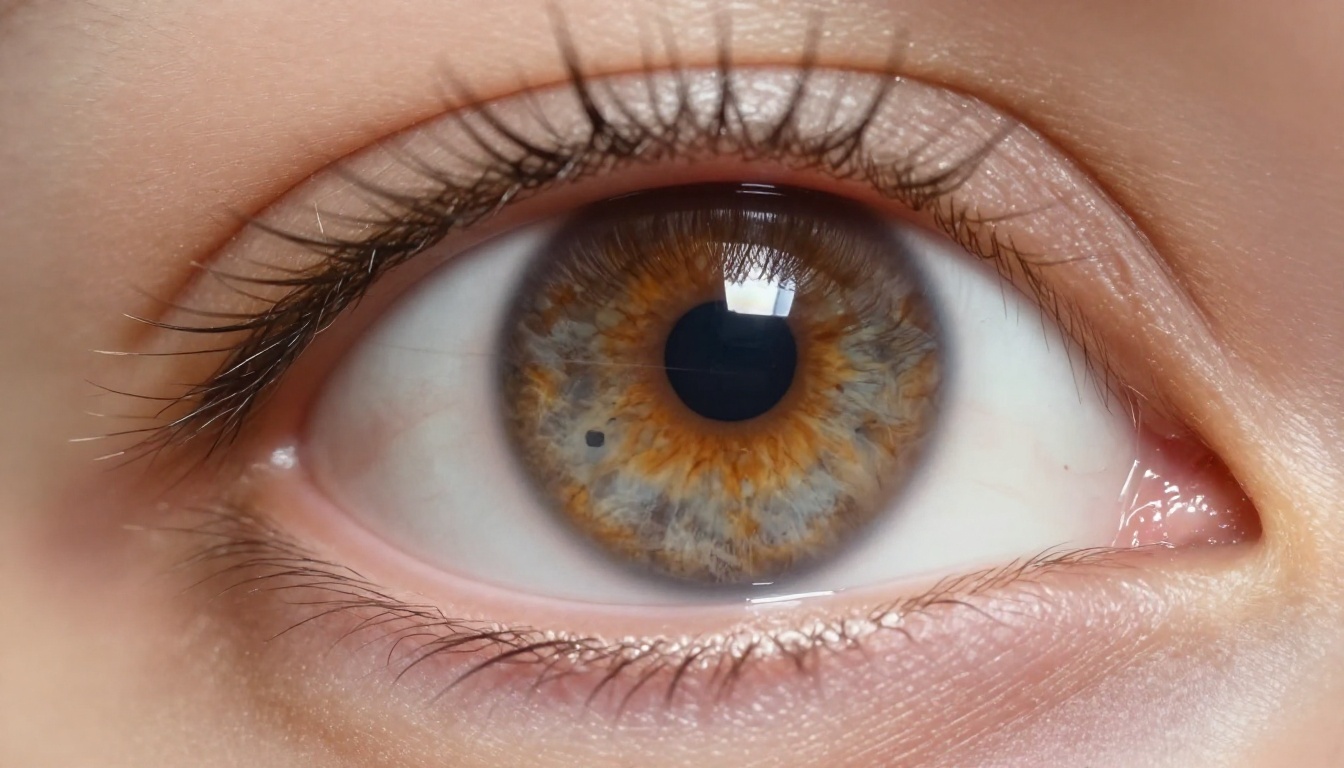
At its top tier, Sora 2 Pro outputs at 1080p with HDR color grading built in. The frame-level quality rivals footage captured on a professional cinema camera, at least in controlled shot types. Skin texture, fabric movement, and hard-surface reflections all render with the micro-detail that used to require practical photography. The film grain is natural rather than algorithmically imposed, which means it holds up in a grade without pulling attention.
For trailer work specifically, that 1080p baseline matters more than it might for social content or quick previews. Trailers get projected at scale and evaluated by people who spend their days looking at high-end footage. An output that looks acceptable on a laptop screen might fall apart in a theatrical or broadcast context, and Sora 2.5's output quality holds up at both sizes.
Cinematic Trailer Output Quality

Scene Continuity Across Cuts
One of the real tests for a cinematic trailer tool is whether it can hold subject identity and environment consistency across multiple generated clips. Sora 2.5 handles this better than most, especially when you use its storyboard mode that accepts reference frames. You can lock in a character's appearance, a vehicle's design, or an environment's color palette and the model respects those anchors across separate generation calls.
💡 Pro tip: Generate a hero frame image first, then use that as a reference input for each video clip. Consistency improves dramatically compared to pure text prompting.
This reference-anchored workflow is what makes Sora 2.5 viable for professional trailer production rather than just concept generation. Without it, the model treats every generation as independent and character continuity is essentially random. With it, you can build a coherent visual world across a 90-second trailer without the visual drift that makes AI-generated content obvious.
Lighting and Shadow Accuracy
Lighting is where Sora 2.5 genuinely impresses. Directional light, bounce fill, practical lamp influence, and even complex mixed-source scenarios all produce spatially coherent shadows. A character walking from shadow into sunlight will show the exposure transition you would expect from real photography. That kind of subtle accuracy is what makes AI-generated footage actually usable in a graded edit.
Most competing models handle flat or single-source lighting reasonably well. Multi-source lighting with physically accurate cross-shadows is where they diverge. Sora 2.5 handles this better than Pixverse v6 or LTX 2.3 Pro in complex interior setups, though both those models have clear advantages in other production contexts.
Prompt Engineering for Trailer Shots

Shot Types That Work
Not every shot type performs equally well in Sora 2.5. Certain patterns consistently produce high-quality results, while others reliably underdeliver regardless of how the prompt is written.
Strong performers:
- Slow dolly-in on a stationary subject with controlled background depth
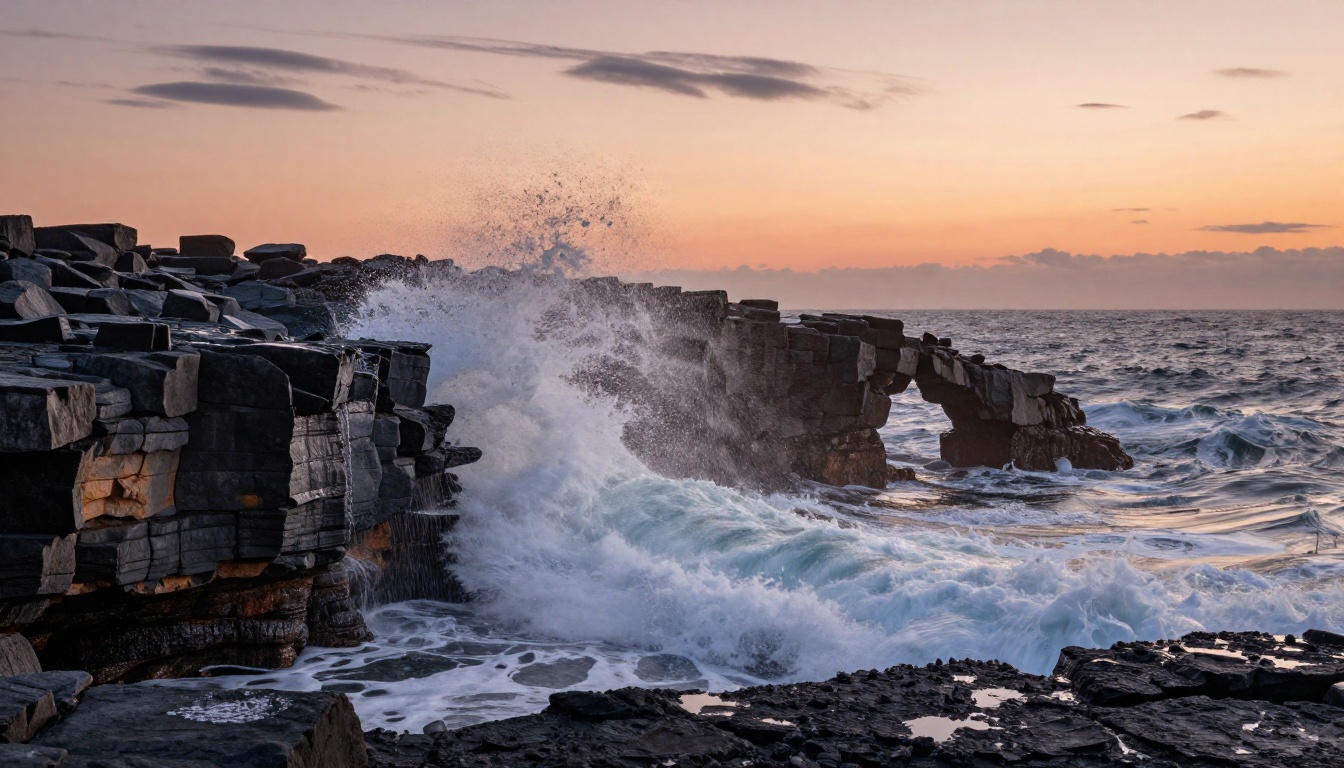
- Wide establishing shots with a single dominant motion (vehicle, crowd, weather system)
- Close-up reaction shots with shallow depth of field
- Aerial pull-back from a subject to reveal environment scale
- Interior shots with a single practical light source
Consistent weak spots:
- Complex multi-character interactions with physical contact
- Handheld-style action sequences with fast, unpredictable camera motion
- Underwater environments and fire physics at close range
- Night scenes with more than two distinct light sources
The pattern is clear: Sora 2.5 performs best when the physical complexity of the shot is manageable. One dominant subject, one dominant motion, one dominant light source. Add variables and the quality degrades in proportion to the complexity added.
3 Common Prompt Mistakes
Most mediocre Sora 2.5 outputs come from the same three prompt errors. Fixing them alone will noticeably raise your output quality:
Mistake 1: Describing emotion rather than the shot. Writing "a dramatic chase scene" tells the model nothing about camera angle, speed, or composition. Write "low-angle tracking shot following running boots at ankle height, slow motion 120fps, wet cobblestones catching overhead street lighting" instead. Specificity is the variable that matters most.
Mistake 2: Over-packing the frame. Sora 2.5 performs best when the prompt focuses on one primary subject. Adding secondary characters, background events, and environmental detail in a single clip degrades quality across all of them. Think one story per clip, not one scene per clip.
Mistake 3: Ignoring the temporal arc. Every 5-10 second Sora clip has a beginning, middle, and end. Prompts that specify what changes over time, not just what the scene looks like at a single moment, produce far more usable footage with natural motion arcs.
💡 Structure your prompt in three beats: opening position, motion or change, final state. That single adjustment improves clip quality in most shot types.

Where Sora 2.5 Falls Short
The Consistency Problem
Despite its strengths, Sora 2.5 still struggles with one fundamental challenge: consistent subject identity across generations without explicit reference images. Generate the same character twice from text alone and you will get two different-looking people. For trailer work, this means you need a defined production image for every recurring subject, which adds workflow overhead that matters on quick turnaround projects.
The model also has clear constraints on clip duration at high quality. Outputs above 10 seconds tend to show temporal drift, where small errors compound over time and introduce subtle inconsistencies in subject appearance or environment lighting. For trailer work, where cuts typically run 3-7 seconds, this ceiling is rarely a problem. For longer format content, it is a real obstacle.
What It Still Gets Wrong
There are specific domains where Sora 2.5 consistently underperforms for cinematic work:
| Domain | Issue | Workaround |
|---|
| Faces at medium distance | Feature softness | Use close-up or silhouette framing |
| Typography in scene | Garbled letters | Remove text from clip, add in post |
| Complex fabric physics | Unnatural fold behavior | Limit movement in the shot description |
| Crowd scenes | Identity blending between figures | Restrict to silhouette or depth-blurred crowds |
| Night scenes with multiple lights | Incorrect shadow casting | Simplify to single dominant light source |
These are not fatal flaws for trailer production specifically, because good trailer editors work around technical limitations all the time. But they are real constraints that anyone planning an AI-assisted trailer workflow needs to account for from the start rather than discovering mid-project.
Best AI Video Models for Trailers

Head-to-Head Comparison
Sora 2.5 is not operating alone. Several strong competitors handle cinematic trailer content well, and the choice is not always Sora. Here is how the top models compare on the criteria that matter for production:
| Model | Max Resolution | Strongest Area | Main Weakness |
|---|
| Sora 2 Pro | 1080p | Physics accuracy, lighting | Identity consistency |
| Veo 3.1 | 1080p | Native audio sync, motion scale | Access restrictions |
| Kling v3 Video | 1080p | Subject consistency, action | Slower generation time |
| Ray 3.2 | 1080p HDR | Cinematic color, wide shots | Character interaction |
| Gen 4.5 | 1080p | Creative style control | Realism at high speed |
| Hailuo 2.3 | 1080p | Speed, audio quality | Physics accuracy |
| Seedance 2.5 | 1080p | Rapid iteration, audio | Fine detail at distance |
Which One for Which Job
Choosing between these models is not about finding the single best option in absolute terms. Each occupies a specific production niche, and the best trailer workflows use multiple models rather than committing to one:
How to Make Cinematic Trailers on PicassoIA
Step-by-Step Workflow
PicassoIA gives you access to all of the models above in a single platform, which makes mixed-model trailer workflows practical without juggling separate subscriptions. For a cinematic trailer, the production sequence looks like this:
Step 1: Write your shot list before touching a model.
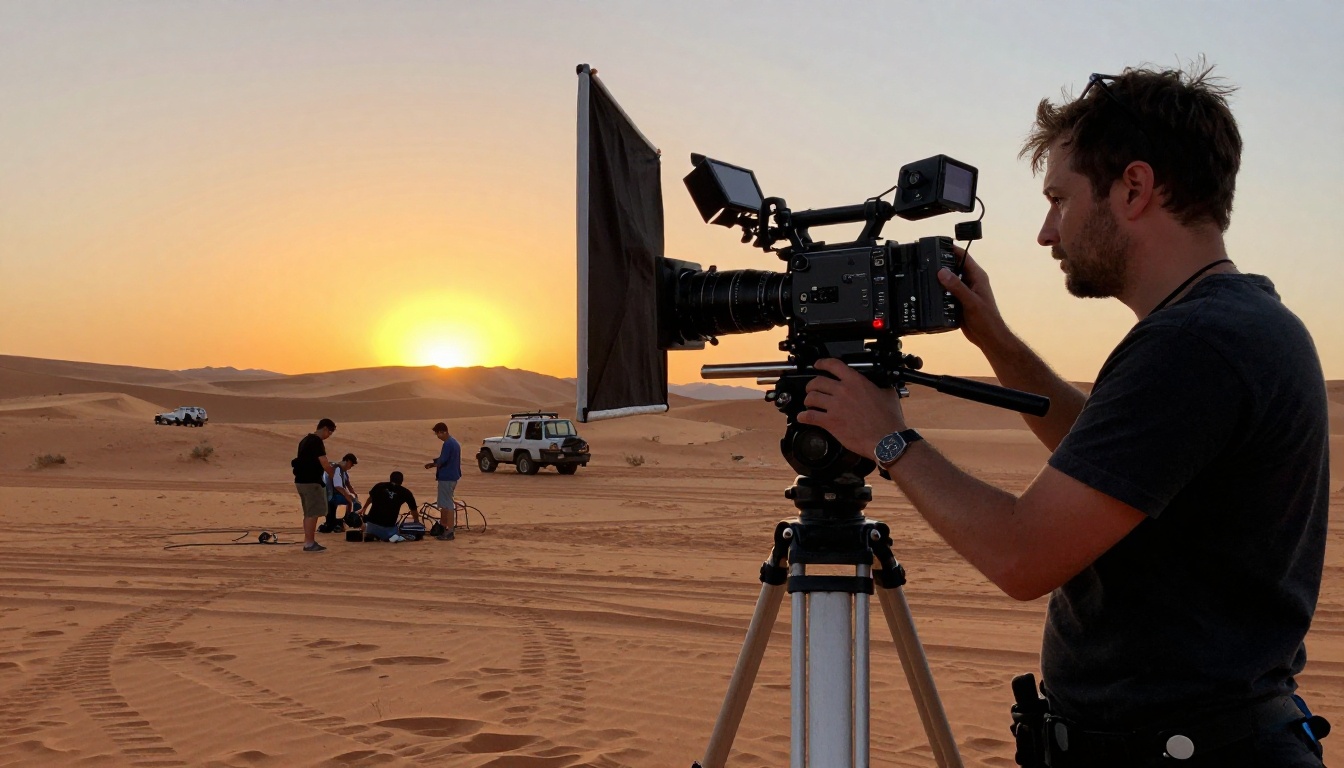
Break your trailer into 8-12 individual shots. Assign a shot type, camera angle, and motion description to each one before you open any generation tool. This forces you to think cinematically rather than generating clips at random and editing backwards from whatever you get.
Step 2: Generate reference images for your main subjects.
Use PicassoIA's text-to-image tools to create a visual reference for your main characters, vehicles, or environments. These reference images become your consistency anchors for every video clip. Spending 20 minutes on reference images saves hours of re-generation later.
Step 3: Select the right model per shot type.
Not every clip needs Sora. Route your hero closeups to Sora 2 Pro, your wide landscapes to Veo 3.1, and your fast action cuts to Kling v3 Video. Multi-model workflows produce better trailers than any single-model approach.
Step 4: Generate at 1080p throughout.
Always use the highest available resolution for trailer work. The quality difference between 480p and 1080p in a color-graded edit is immediately visible. Most models on PicassoIA support 1080p output natively.
Step 5: Edit and grade in your NLE.
Export your clips and bring them into your editing software. AI-generated footage responds well to standard color grading pipelines. Add title cards, audio design, and transitions the same way you would with any live-action footage.
Model Picks by Scene Type
Here are specific model recommendations for the shot types that appear most often in trailer production:
Opening title reveal shot (slow push-in, dramatic single-source lighting):
Use Sora 2 Pro. Its lighting physics produce the controlled, moody illumination that works for title card moments and first-impression shots.
Fast action montage cuts (under 3 seconds each):
Use Kling v2.6 or Gen 4.5. At short durations, their motion quality matches Sora at a lower cost per clip, which matters when you are generating dozens of cuts.
Sweeping aerial shots:
Use Veo 3.1 or Ray 3.2. Both models handle large-scale environmental shots with better spatial coherence than Sora at wide angles.
Dialogue or performance moments:
Use Hailuo 2.3 with a clear reference image. Its face tracking holds up better than most models when a character needs to hold a specific expression over several seconds.
💡 Cost insight: Running a 10-clip trailer through PicassoIA using a mixed-model workflow costs significantly less than routing every clip through Sora 2 Pro. The quality ceiling is nearly identical when you match each shot type to the right model.
Start Creating Your Own Trailer Shots
The AI video space has shifted fast. What Sora 2 introduced in terms of physical accuracy is now available across a range of models, each with its own production strengths. The real skill is not picking the single best model. It is knowing which model to route each shot type to, and building a workflow that treats AI video generation as a multi-tool process rather than a single-model pipeline.
PicassoIA puts every model in this article on one platform. You can run your establishing shot through Veo 3.1, your hero moment through Sora 2 Pro, and your fast-cut action through Kling v3 Video, all from a single account. No separate API tokens to juggle, no subscriptions to maintain across five platforms.
If you have a trailer concept in mind, the fastest way to test whether it works visually is to generate three shots: an establishing wide, a hero closeup, and one action cut. That combination tells you whether your visual direction holds up before you commit to the full sequence. Start there at picassoia.com/en/all-models and build from what the first three clips show you.


