The debate has been heating up across every AI creator community: is Sora's cinematic, motion-native output actually hotter than the razor-sharp photorealism that Flux 2 delivers in a single still? Both tools have generated serious buzz, and both have real armies of supporters who will defend their favorite with actual output comparisons. But here is the thing: these are not even the same type of tool. Sora generates video. Flux 2 generates images. So pitting them head-to-head is not about feature parity. It is about one very specific question — which one produces more visually striking, more attractive-looking results for the content you actually want to create?
This breakdown puts both through their paces using real outputs, real use cases, and an honest look at where each one dominates and where it falls flat.
Before calling a winner, it helps to be precise about what each model is built for. Sora is OpenAI's text-to-video model. Its core output is motion: clips of up to one minute that can feel genuinely cinematic. Flux 2 is Black Forest Labs' image synthesis model, the successor to FLUX.1, and it excels at generating photorealistic still images with incredibly fine detail.
They share one important trait: both are pushing what "AI-generated" looks like closer to indistinguishable from professional photography or high-end cinematography. That shared ambition is what makes the comparison worth having.
Sora's Strong Side
Sora 2 on PicassoIA can produce 5-second to full-minute clips with smooth motion, consistent characters across frames, and an inherent cinematic quality that still images cannot replicate. The tool does not just place objects in a scene. It understands physics, lighting continuity, and how a camera would naturally move. When the prompt calls for a slow dolly toward a face lit by golden hour, Sora delivers it with the kind of temporal coherence earlier video models never managed.
For Sora 2 Pro, the output resolution and scene complexity step up considerably, making it the go-to when the brief demands broadcast-quality output. Character consistency across frames, accurate cloth physics, and convincing environmental motion are all meaningfully sharper at the Pro tier.
Flux 2's Strong Side
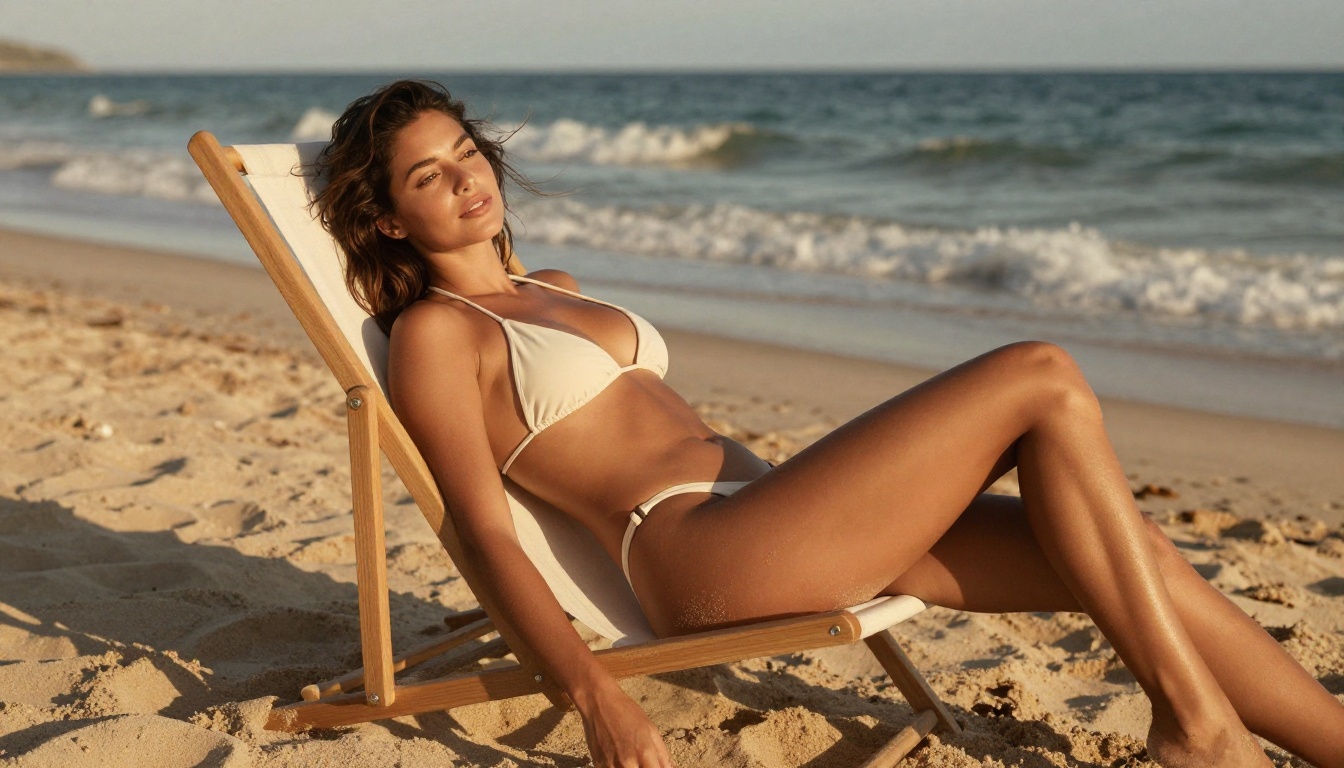
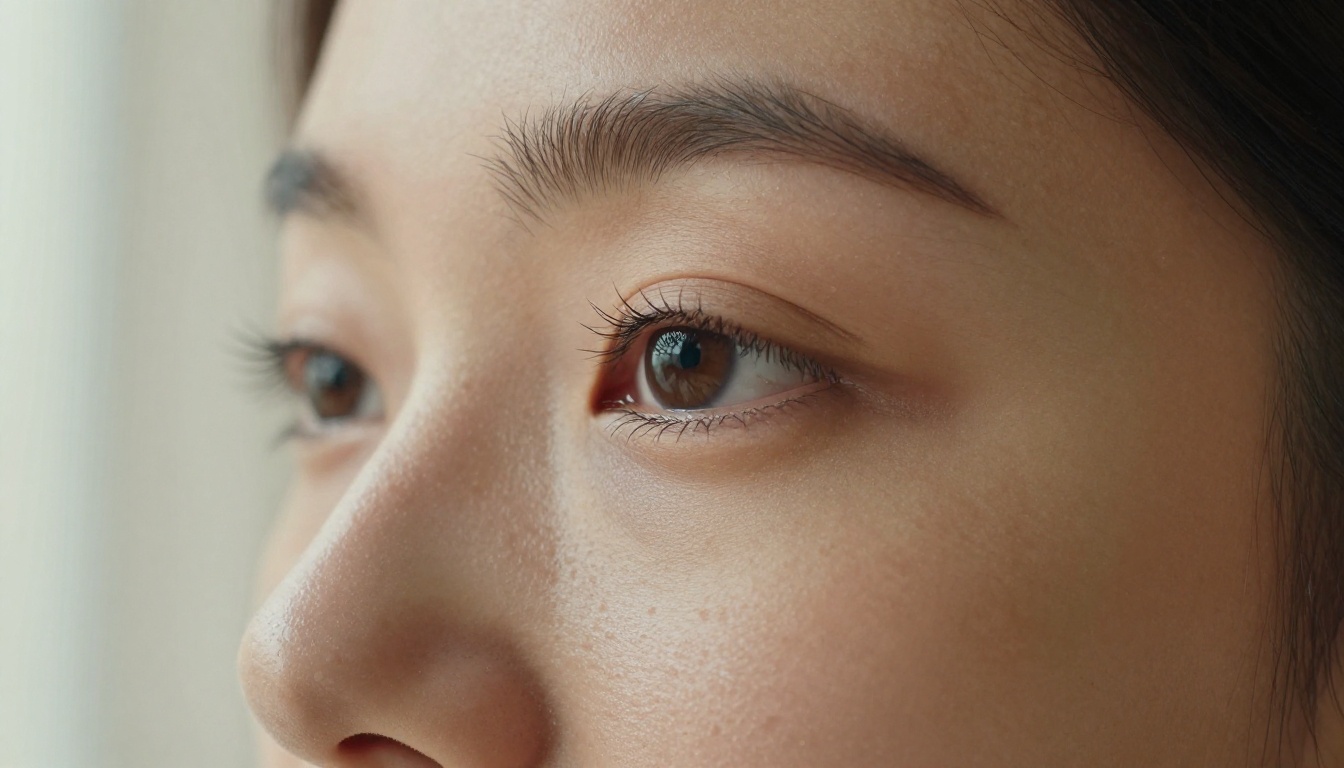
Flux 2 Pro on PicassoIA is extraordinary at still images. The level of fine-grain detail in skin texture, fabric, hair, and environmental surfaces is several generations ahead of where earlier diffusion models were just two years ago. Where older image models often produced a telltale "AI sheen" on skin, Flux 2 renders individual pores, light scatter through translucent fabric, and hair strands with a realism that holds up to pixel-level scrutiny.
Flux 2 Dev gives developers and power users more control over the generation process, while Flux 2 Max pushes resolution and detail to its absolute ceiling for projects where maximum fidelity is non-negotiable.
The Photorealism Question
This is where the comparison gets genuinely interesting. A single frame from a Sora-generated video can look impressive, but freeze it, zoom in, and you will often find edge artifacts, inconsistent micro-textures, and the slight "computational" quality that comes from balancing temporal coherence across dozens of frames simultaneously. Generating good video means every frame must be consistent with every other, which puts hard constraints on how much detail any single frame can receive.
Flux 2 does not have to make that tradeoff. Every generation is a single image, so the model can dedicate its entire capacity to pixel-level detail. The results speak clearly: for sheer photorealistic fidelity in a still image, Flux 2 wins.
Where Sora Beats Still Frames
That said, no still image, no matter how detailed, can replicate the emotional impact of movement. A Sora clip of a model walking toward camera in soft morning light, her hair catching the breeze, creates a presence that no Flux 2 image can match. Motion adds dimension, directionality, and a sense of life that dramatically amplifies the perceived attractiveness of the subject and scene.
For "hotness" defined as raw visual impact and emotional resonance, Sora clips often outperform even Flux 2's best stills. This is especially true on video-first platforms where autoplay means the viewer experiences motion before they consciously decide to engage.
Where Flux 2 Beats Video Frames
For content that will be used as a still — social media images, article covers, product mockups, profile photos, print materials — Flux 2's output is simply more usable. It is crisp, immediately downloadable, and has none of the compression artifacts that come with video encoding. The file format alone (JPG/PNG vs MP4) determines which tool belongs in many workflows.
Hot Results: The Real-World Test
The phrase "hotter results" means different things to different creators. Here is how each tool performs across the most common content categories where visual impact matters most.
Beauty and Glamour Content
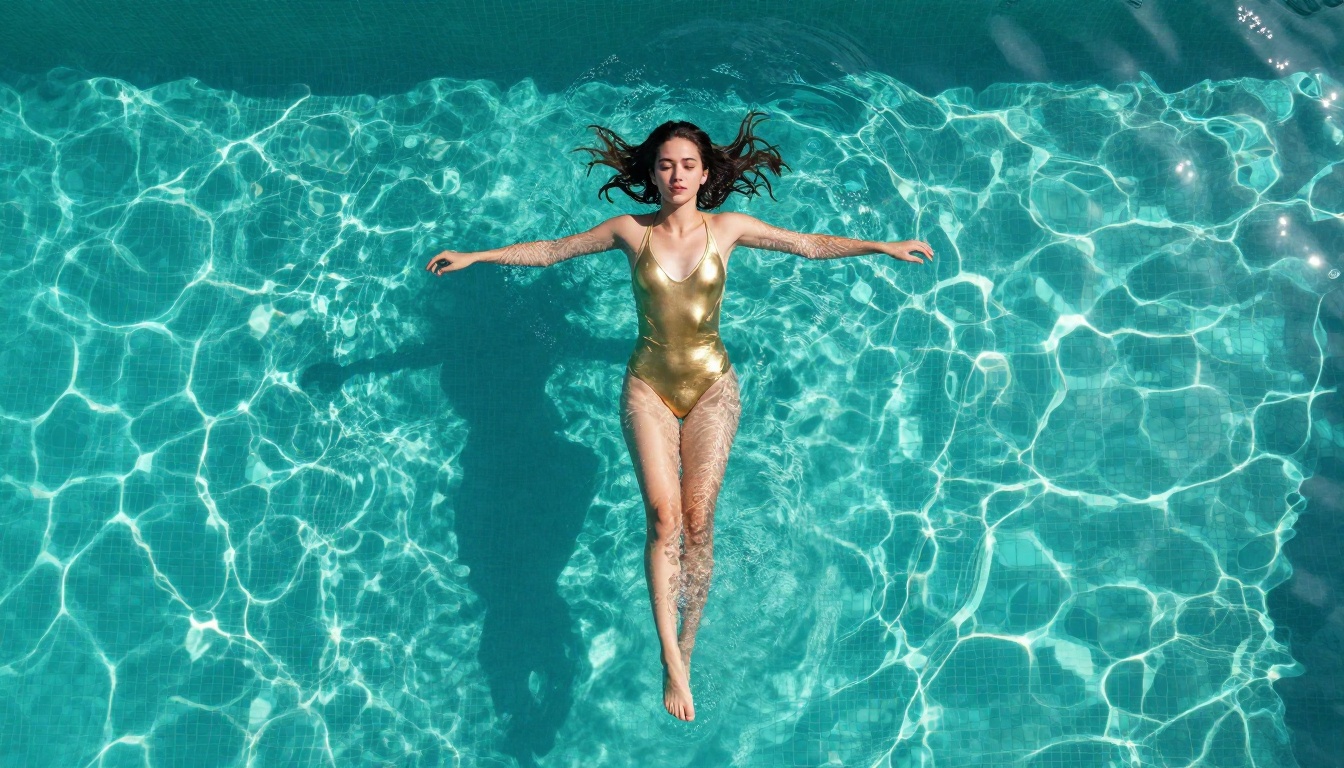
For beauty and glamour imagery, both tools have distinct strengths. Flux 2's still images achieve a level of skin, hair, and lighting detail that makes results look like studio-quality editorial photography. The Flux 2 Klein 9B variant adds stylistic flexibility with LoRA fine-tuning capability, allowing creators to push toward specific aesthetics, film stocks, or signature looks that repeat consistently across batches.
Sora, meanwhile, delivers glamour in motion: a slow-motion hair flip, a lingering close-up with cinematic depth of field, or an establishing shot that builds tension before a subject turns to camera. For video-first platforms, Sora's output has a production quality ceiling that no static image can reach on its own.
💡 For beauty content: Use Flux 2 when you need a single shot with editorial precision. Use Sora when the output will be a video post where motion sells the moment.
Cinematic and Atmospheric Scenes
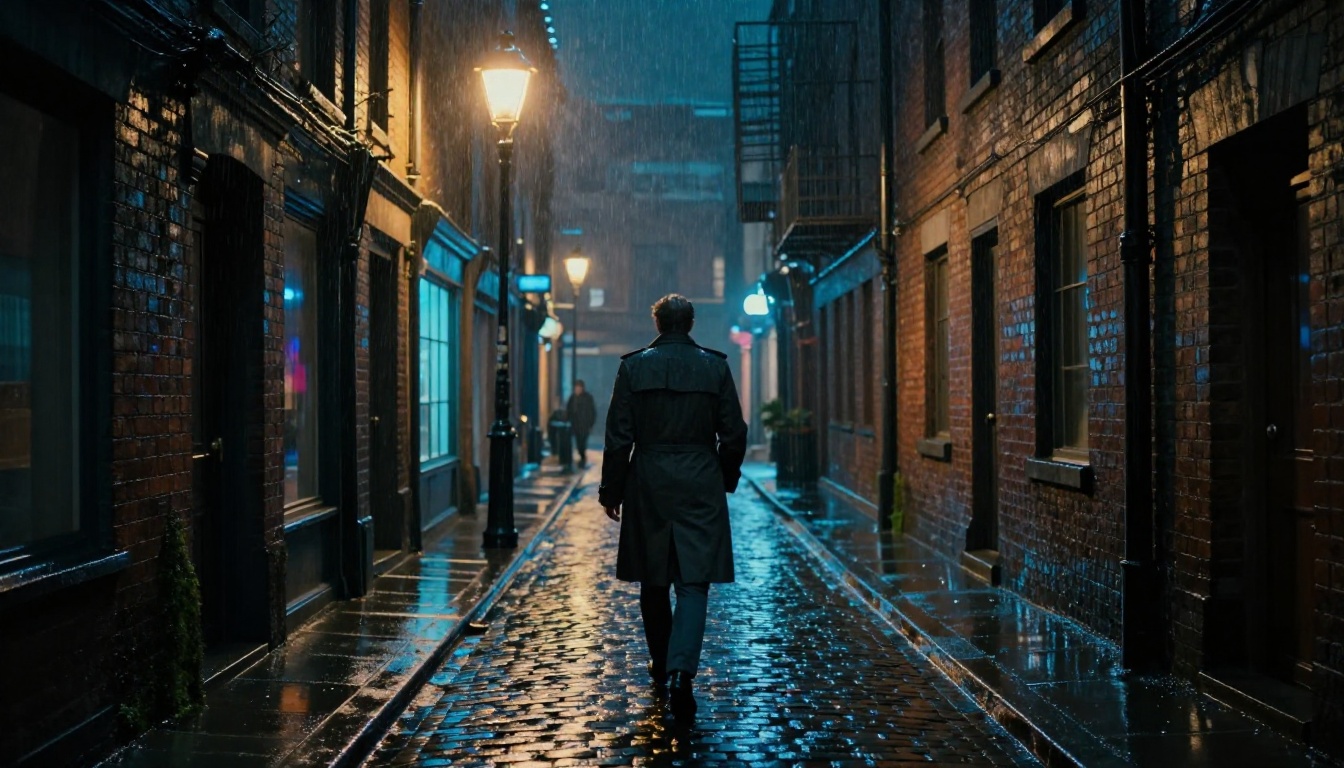
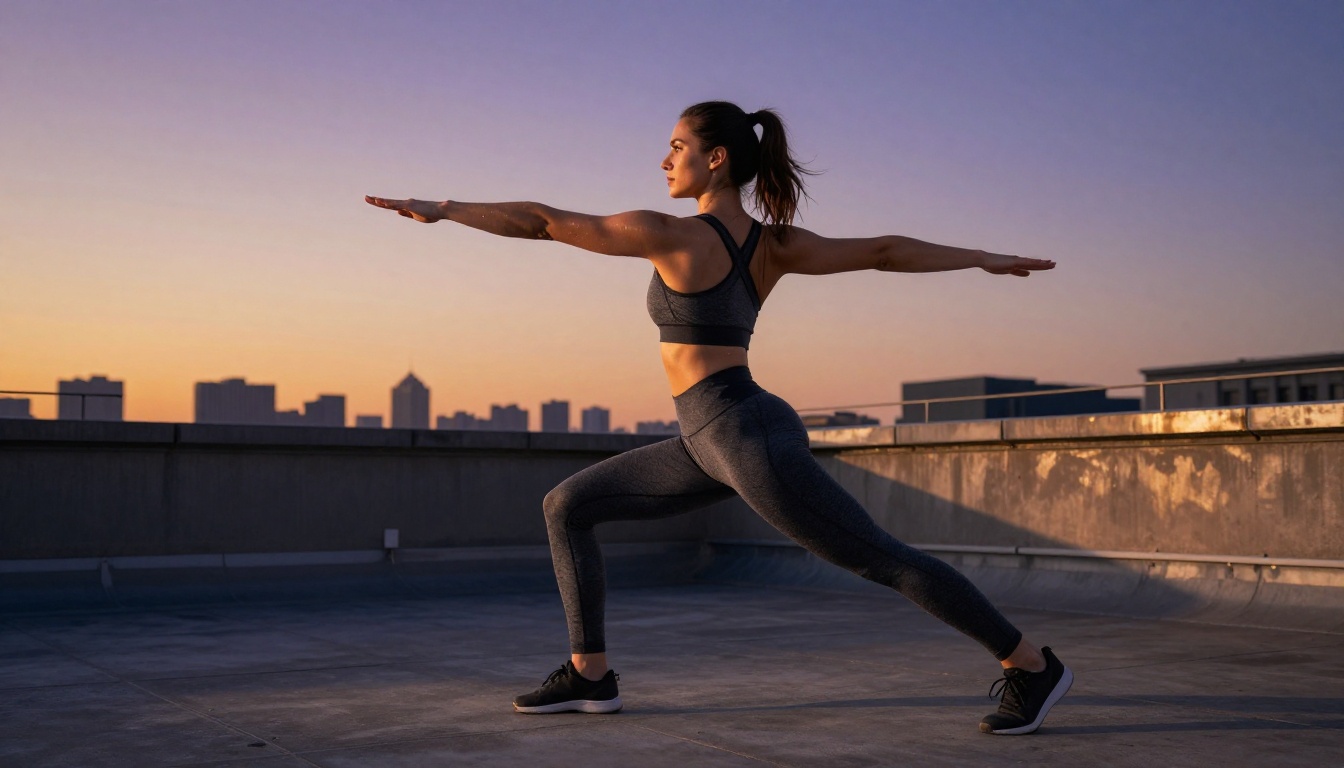
For cinematic or atmospheric scenes — a rain-soaked alley, a golden-hour rooftop, a wide landscape at dawn — both tools are genuinely competitive. Sora's advantage here is environmental animation: moving water, swaying trees, drifting clouds, and natural ambient motion all add dramatically to the cinematic feeling. Flux 2 renders the same scene with pixel-perfect stillness, and the result depends entirely on whether the viewer needs motion or not.
When comparing outputs from Sora 2 Pro with Flux 2 Max, the difference in output philosophy becomes very clear:
| Category | Sora 2 Pro | Flux 2 Max |
|---|
| Output format | Video (MP4) | Still image (JPG/PNG) |
| Best use case | Reels, TikTok, YouTube Shorts | Print, editorial, web banners |
| Photorealism per frame | Good | Excellent |
| Motion / animation | Yes, cinematic | No |
| Generation speed | 2-5 minutes | 30-60 seconds |
| Cost per output | Higher | Lower per asset |
Speed, Cost, and Real Workflow Impact
When you are producing content at volume, generation speed and cost per output matter as much as raw quality. A tool that produces slightly lower-fidelity output in 30 seconds often beats a marginally sharper result that takes 5 minutes, especially when a campaign needs 50 assets by end of day.
Generation Speed
Flux 2 images typically generate in 30 to 60 seconds on PicassoIA. For batch workflows — generating 10, 20, or 50 images for a campaign — that speed adds up to a serious production advantage. Flux 2 Flex is particularly fast among the Flux 2 variants, making it the go-to when iteration speed matters more than maximum resolution.
Sora clips require substantially more compute. A 5-second clip from Sora 2 takes 2 to 5 minutes depending on queue and resolution. That is not a complaint — video synthesis at this quality level requires it — but it does shape how you plan your workflow. You do not run 50 Sora generations speculatively the way you might with Flux 2.
Cost Per Asset
For creators working with budget constraints, the per-asset cost difference between image and video generation is real. Flux 2 outputs are cheaper per piece, which makes it the right tool when you need volume. Sora is the right investment when one high-impact video clip will do the work of many images: a product launch teaser, a social media campaign hero video, or a visual story that needs motion to land.
💡 Workflow tip: Generate Flux 2 stills first to lock in your visual concept and composition, then use Sora to animate the hero shot for video delivery. You spend less on exploratory iterations and more on the final polished piece.
Ease of Use on PicassoIA
Both tools are accessible through PicassoIA's unified interface without any local setup, API configuration, or technical knowledge required. You write a prompt, choose your model, and the output generates directly in the browser. For creators switching between tools mid-project, the unified interface removes the friction of managing multiple platforms, accounts, and billing relationships.
The Flux 2 Klein 4B variant is particularly approachable: it balances quality and speed in a way that makes it ideal for creators exploring high-quality image generation for the first time without committing to the computational cost of the full Flux 2 Max or Pro tiers.

The "which is better" question almost always comes down to what you are making. Here is a breakdown by use case.
For Social Media Creators
- Instagram feed posts: Flux 2 is ideal. The static format plays to every strength it has, and the resolution easily exceeds display requirements for even the largest phone screens.
- Instagram Reels, TikTok, YouTube Shorts: Sora is the clear winner. Short-form video platforms reward motion natively, and a single well-crafted Sora clip can outperform weeks of static posts.
- Twitter/X visuals: Either works, though Sora clips that autoplay on scroll tend to capture more attention on social feeds.
- LinkedIn content: Flux 2 professional portraits and workspace imagery tend to perform best on the platform's professional audience.
- Pinterest: Flux 2 dominates here since the format is entirely image-driven and rewards detailed, beautiful stills.
For Marketers and Brands
Brand creative often requires consistency across dozens of assets. Flux 2 allows you to produce large batches of on-brand imagery quickly and affordably. Flux 2 Pro in particular has proven popular for generating product lifestyle imagery, model shots for apparel, and editorial-style photography where photorealism and brand consistency matter.
For campaign launches that need a hero video, Sora offers a level of production quality that previously required a full shoot day. The ability to generate a photorealistic 30-second brand video from a prompt — without booking a location, crew, or talent — changes how campaigns can be produced at small-team scale. Sora 2 Pro is particularly strong for this: longer clips, higher resolution, and more reliable character consistency across the duration of the video.
How to Use Both on PicassoIA
PicassoIA gives you access to every model in this comparison through a single platform. Here is the fastest path to results with each one.
Using Flux 2 on PicassoIA
- Go to Flux 2 Pro on PicassoIA
- Write a detailed prompt including: subject, pose or action, lighting direction, camera lens, background detail, and atmosphere
- Select 16:9 for landscape content, 9:16 for vertical social formats
- Generate, download, and iterate on the prompt for variations
Prompt tips for Flux 2:
- Specify the lens (e.g., "85mm f/1.4") for portrait-style depth-of-field
- Name your lighting source ("volumetric morning light from the left")
- Include texture references ("Kodak Portra 400 film grain", "fine linen fabric weave")
- Add a resolution cue: "8K RAW photography, hyper-detailed"
- Reference real camera models: "shot on Sony A7R V" adds realism to the output

Using Sora on PicassoIA
- Go to Sora 2 or Sora 2 Pro on PicassoIA
- Write a chronological motion prompt — describe what happens over the duration of the clip
- Include camera movement ("slow dolly forward", "gentle pan left", "static medium shot")
- Generate, review, and refine the prompt for the best take
Prompt tips for Sora:
- Be chronological: "The camera opens on a wide shot of a beach, slowly pushing in toward a woman in the foreground as waves lap behind her"
- Specify lighting: "golden hour, backlit, soft lens flare"
- Describe ambient motion in the scene, not just the subject: "light wind moves through her hair, a single wave rolls in the distance"
- Avoid overcrowded prompts: Sora handles 2-3 focal elements well; more than that risks inconsistency
💡 If you want to use both tools together, generate your Flux 2 image first to nail the exact visual. Then describe that visual in your Sora prompt and add motion instructions. You will get tighter results than prompting Sora cold because you have already proven the look works.
The Verdict on "Hotter Results"
The question in the title has an honest answer: it depends entirely on your output format.
For a stunning still image — a portrait, a product shot, an editorial spread — Flux 2 produces hotter results, full stop. Its photorealism, detail depth, and control over micro-textures like skin, fabric, and environmental surfaces produce output that can genuinely be mistaken for professional photography. The Flux 2 Max tier in particular sets a standard that earlier AI image models could not approach.
For video-first content — social clips, campaign teasers, dynamic visual storytelling — Sora creates hotter results because motion is the feature. A cinematic clip landing in someone's social feed beats a still every time for immediate visual impact. The temporal dimension that video adds is not something any still can simulate, regardless of resolution.
Head-to-Head Summary
| What You Need | Best Tool |
|---|
| Editorial portrait or glamour still | Flux 2 Pro / Flux 2 Max |
| Instagram feed post | Flux 2 |
| Instagram Reel or TikTok | Sora 2 |
| Brand video teaser | Sora 2 Pro |
| Batch visual production at volume | Flux 2 Flex |
| Single hero visual with motion | Sora 2 |
| Budget-conscious content creation | Flux 2 Klein 4B |
| Maximum visual impact, single asset | Sora 2 Pro |
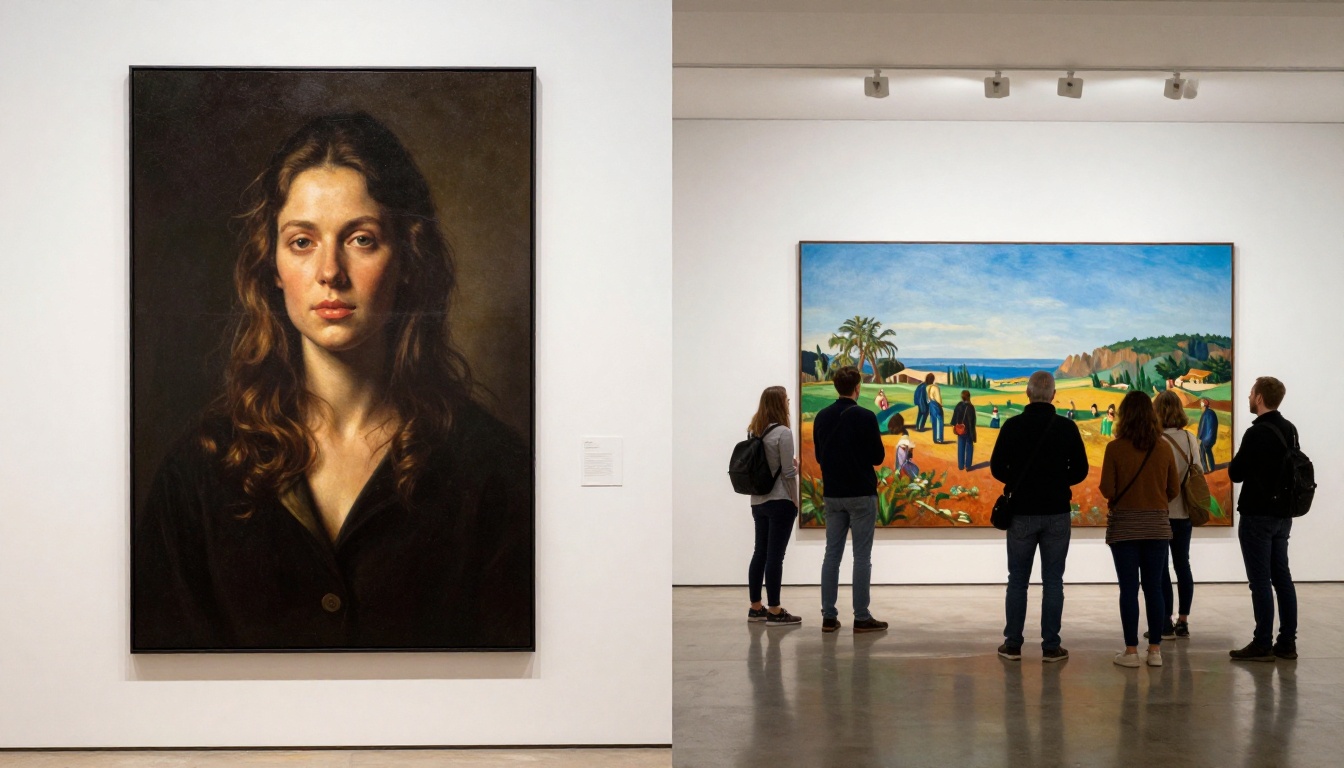
The smartest approach is not choosing one permanently. It is knowing which to reach for and when. Creators who have both in their toolkit produce content that looks like it came from a team ten times larger.
Other Models Worth Pairing
PicassoIA also offers several tools that work brilliantly alongside both Sora and Flux 2 depending on your specific creative brief:
- Seedance 2.5: 30-second clips with synchronized native audio, a strong Sora alternative at a different speed and cost profile
- Kling v3 Video: Cinematic output with strong character consistency for longer narrative pieces
- Flux 3 Video: Black Forest Labs' native video model, close to Flux 2's visual aesthetic but with animation
- Veo 3: Google's text-to-video model with native audio, particularly strong for narrative and dialogue-driven content
- Flux Redux Dev: Creates image variations while preserving the visual identity of a reference — useful when you have a Flux 2 still you want to riff on without rebuilding the prompt from scratch
Create Your Own Right Now
The only real way to settle the Sora vs Flux 2 debate for your specific workflow is to run your own prompts. Both models are live on PicassoIA right now, with no local installation, no GPU required, and immediate results directly from your browser.
Go to picassoia.com/en/all-models to see the full lineup, including every Flux 2 variant, Sora 2, and over 200 additional models for images, video, audio, and effects. Run the same prompt through both, compare your results side by side, and let the output decide which tool belongs at the center of your creative process.
Your audience does not know which model made your content. They only know whether it stopped them mid-scroll.