If you've spent any time in adult AI communities recently, you've seen the same argument play out in almost every thread: Sora versus Flux Chroma. Which one looks more real? Which one actually lets you create the content you want? People throw around side-by-side screenshots, argue about prompt phrasing, and still walk away without a clear answer. That's because most comparisons miss a crucial point: these two tools are not even the same category of product, and for NSFW fans specifically, neither one is the optimal choice available right now.
What Sora Actually Does (and Doesn't Do)
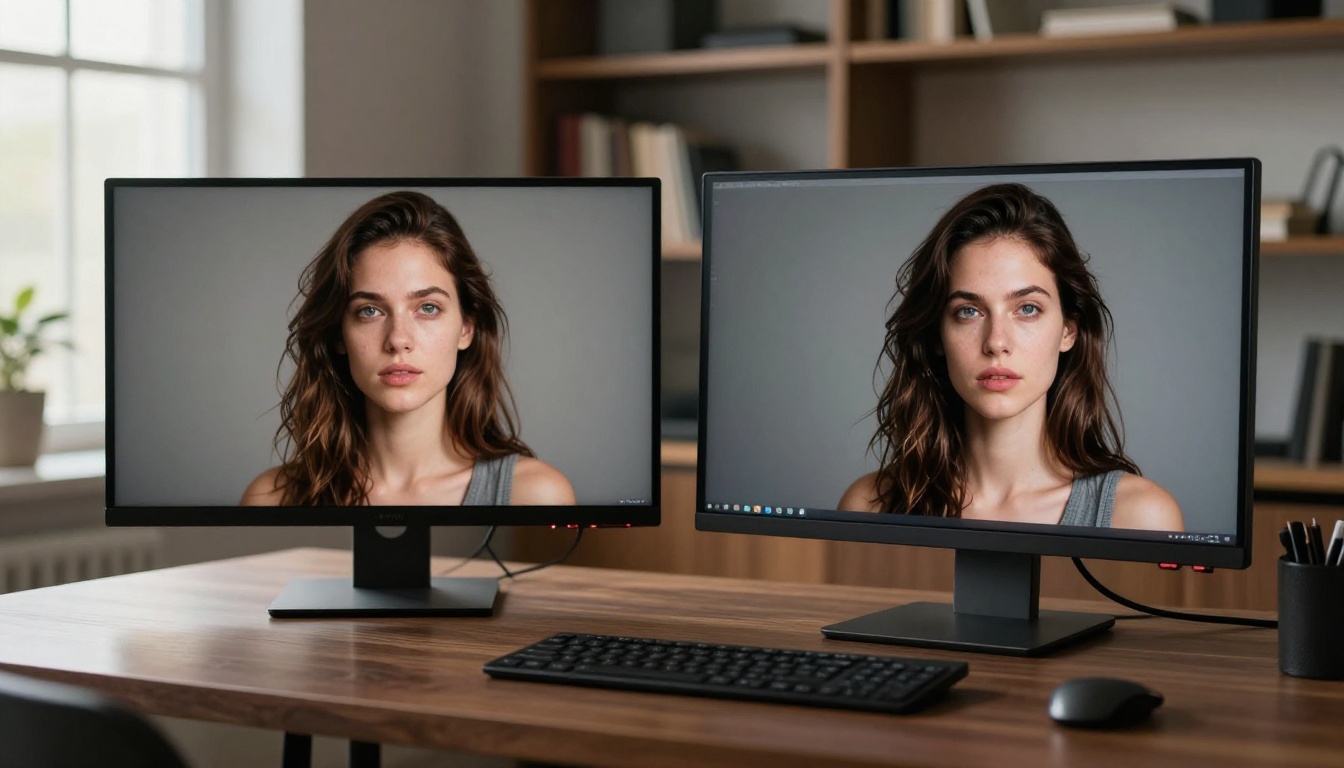
Most people in the NSFW AI space treat Sora like a text-to-image model. It is not. Sora is OpenAI's text-to-video system, and the "images" people share from it are frames extracted from generated video sequences. This distinction matters because the quality characteristics of Sora's output are shaped entirely by its video-first design, not by what makes a great still photograph.
Sora Was Built for Cinema, Not Photography
Sora's architecture uses a diffusion transformer trained on licensed video footage at scale. Its strengths are temporal consistency, meaning objects and people look the same across frames as a clip plays, and cinematic scene composition. When you extract a single frame from a Sora video, you get something that looks like a film still: clean, softly lit, coherent, and a bit flat compared to a high-resolution RAW photograph.
For NSFW realism, that flatness is a problem. The suggestive details that make an image convincingly human, visible pores, the weight of fabric against skin, directional light creating three-dimensional form, are not priorities in a video pipeline built for motion coherence. The model optimizes for consistency across time, not for the single-frame depth that NSFW fans actually care about.
The Content Wall You Keep Hitting
Here is the part most comparison posts bury at the bottom. Sora operates under OpenAI's content policy, and that policy filters adult content at the model level, not just at the interface. That means:
- Suggestive poses are rejected or replaced with sanitized alternatives
- Implied nudity consistently triggers refusals even when phrasing is indirect
- Close-body framing combined with any romantic context reliably gets blocked
- Workarounds that function on some AI platforms do not apply, because the filtering happens inside the model weights, not as a post-processing layer
For NSFW fans, Sora is a tool with a locked door and no available key. The product does not serve this use case, regardless of how the marketing describes its video generation capabilities.
What Flux Chroma Really Offers
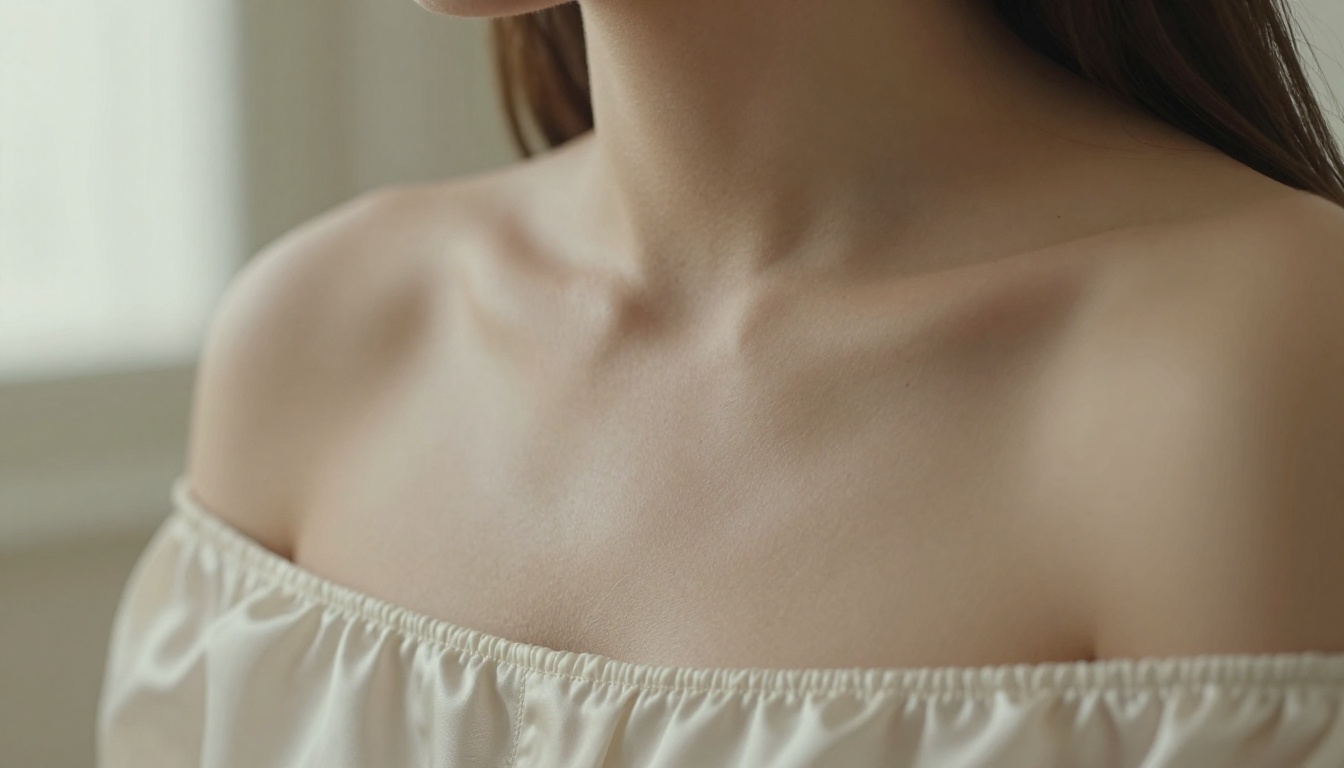
Flux Dev from Black Forest Labs is the open-source base that Flux Chroma fine-tunes build on. Unlike Sora, Flux is a pure text-to-image model. It was designed specifically to produce the highest possible quality in a single frame, and the 12-billion parameter architecture gives it prompt adherence that older models simply cannot match.
The Chroma Fine-Tune Difference
Flux Chroma fine-tunes extend the base Flux architecture with targeted training on datasets that emphasize chromatic richness and skin fidelity. The practical result is noticeable across several attributes that matter for NSFW realism:
- Skin tones render with more accuracy across different ethnicities without the grey desaturation that plagues base Stable Diffusion models
- Lips, eyes, and natural blush show chromatic variation rather than flat, uniform color fills
- Fabric textures respond believably to lighting direction with highlights and shadow that follow real material physics
- Hair renders as individual strands rather than a solid painterly mass, which makes a significant perceptual difference in whether a result reads as photographed or generated
These are exactly the attributes NSFW content consumers care about. Realism in this context is not about cinematic framing. It is about whether the human in the frame looks like a real person photographed in real light, with all the imperfect, organic texture that implies.
Where Flux Chroma Falls Short
Despite the quality improvements, Flux Chroma faces real limitations for NSFW use. The open-source architecture allows fine-tunes to run without built-in censorship, but access depends entirely on which platform hosts the model. On many accessible platforms, safety filters are applied on top of the model at the API level, limiting what you can actually generate. The base output resolution also sits around 1 megapixel, which shows its limits on full-body shots where skin and body detail need to hold across a large canvas.
The Realism Test: Breaking It Down
| Attribute | Sora | Flux Chroma | Seedream 4.5 |
|---|
| Skin texture detail | Medium | High | Very High |
| Face fidelity | High | Very High | Very High |
| Prompt adherence | Medium | Very High | High |
| NSFW content access | None | Platform-dependent | Yes (safety toggle) |
| Max resolution | 1080p frames | ~1MP | 4K (4096px) |
| Generation speed | 30-120s | 10-30s | 15-62s |
| Batch generation | No | No | Up to 15 images |
| Cost per output | High | Low-Medium | Low |
Skin Texture Under a Microscope
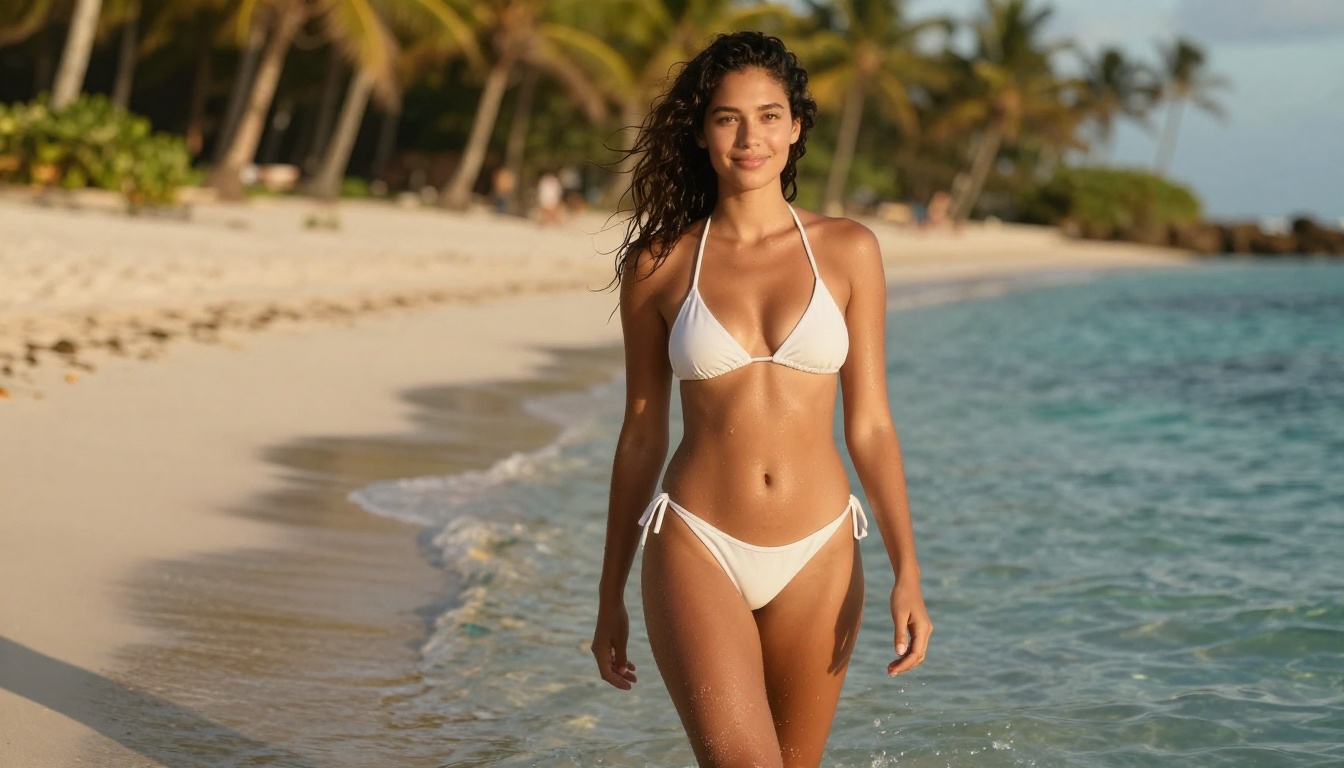
In direct testing, Flux Chroma produces skin that holds under close crop better than Sora's video frames. Pores are visible, fine hair appears on forearms and necks, and the translucency of thinner skin around the collarbone and temples renders in a way that reads as photographed rather than generated. Sora's skin is clean and well-lit but has a soft smoothness that is aesthetically pleasing for cinema and unconvincing for photorealistic stills. The difference becomes obvious the moment you zoom past 100%.
Lighting Physics and Shadow Accuracy
Sora applies soft, diffused, globally consistent lighting because that is what works for video. A hard directional shadow would look strange moving across frames in a video clip. For a still image though, soft global lighting creates a visual that feels like it came from an overcast sky on a flat studio set, with no real depth.
Flux Chroma, prompted correctly, produces proper directional lighting with accurate shadow falloff, specular highlights that follow the skin's curvature, and rim lighting effects that add the three-dimensional presence that separates a photograph from an illustration. Prompting with specific light source descriptions, "octabox at 45 degrees camera left" or "golden hour backlight from window", gives the Flux architecture enough instruction to produce convincing photographic light.
Face Detail at Full Resolution
Both models produce convincing faces at appropriate resolution. Realistic Vision v5.1 remains the dedicated specialist for portrait work, with fine-tuned training on facial anatomy that catches details both general models miss: the subtle asymmetry of real faces, slightly imperfect mascara, natural undereye texture that no beauty filter would leave intact. For NSFW fans focused specifically on portrait realism, this model is worth using alongside either of the two being compared here.
Content Freedom: The Honest Breakdown
NSFW fans want a direct answer here. Which tool actually lets you create the content you are looking for? The answer depends on where you run the model, but the architecture-level differences are real and they matter.
Why Sora Is Off the Table
OpenAI has built content restrictions into Sora at the model level. This is not a setting you can toggle in an advanced options menu. You cannot run a version of Sora without its safety training because the safety alignment is part of the model weights themselves. For adult content, this is a permanent architectural constraint, not a temporary platform policy that a different interface can bypass.
What Flux Chroma's Openness Actually Means
The Flux architecture is open-source. Fine-tuned checkpoints, including NSFW-specific variants, can be loaded on platforms that permit adult content. The censorship you encounter on Flux Chroma is therefore a platform decision, not a model decision. On the right platform, the same architecture that produces cinematic photorealistic portraits can produce adult content without the prompt rejection loops Sora imposes. This is a meaningful difference for fans who do their research on which platforms to use.
The Option Most NSFW Fans Are Not Using Yet
Seedream 4.5 on PicassoIA offers a disable_safety_checker parameter that shifts filtering from blocking suggestive adult content to blocking only illegal content, specifically CSAM. Within that mode, the full range of artistic and explicitly suggestive content becomes accessible at 4K resolution, with batch generation of up to 15 images per run. Most NSFW fans arguing about Sora versus Flux Chroma are not yet using this option.
💡 Important: Seedream 5 Lite applies stricter content controls than Seedream 4.5 and is not suitable for NSFW use cases. Always use Seedream 4.5 specifically when the safety toggle matters for your creative direction.
Speed, Resolution, and What You Actually Get
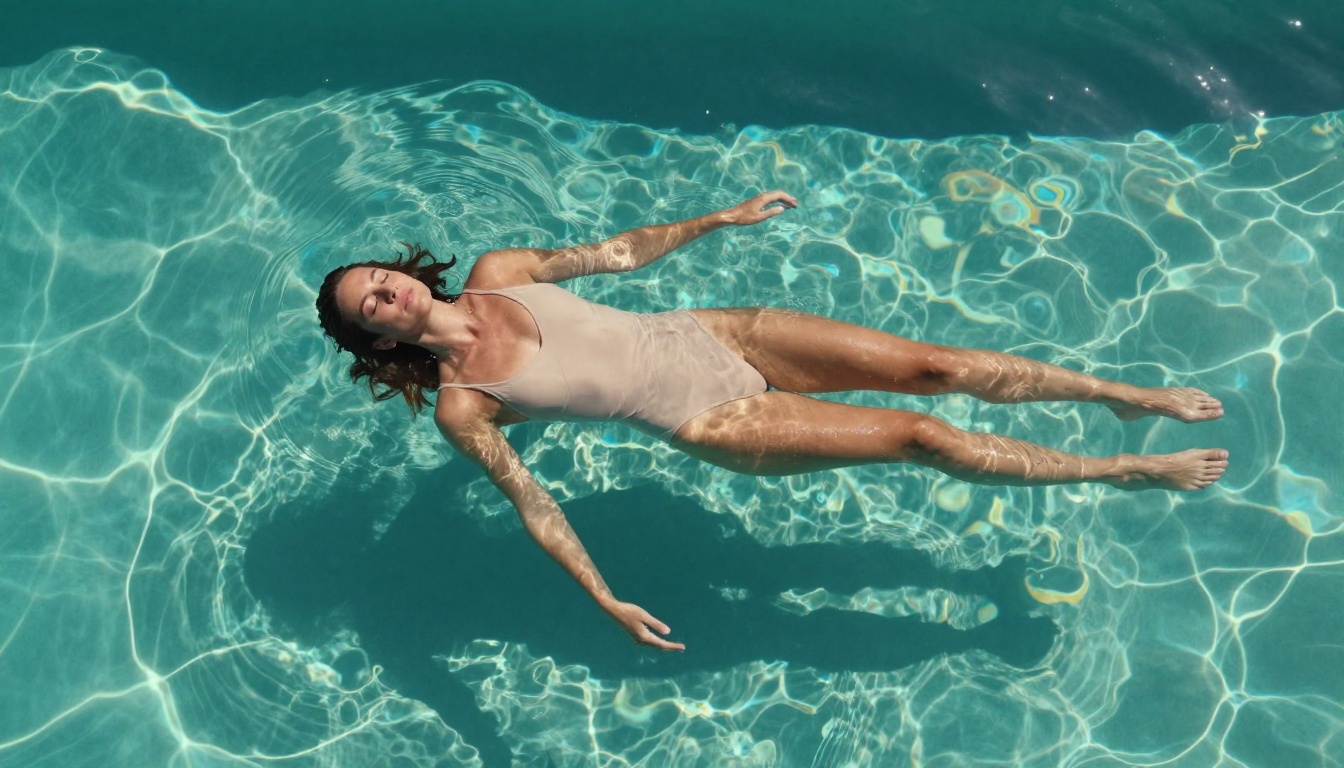
The practical difference between Sora and Flux Chroma for daily use comes down to two numbers: time and resolution. Both matter more than most comparison charts acknowledge.
Generation Speed in Real Use
Sora generates a full video sequence before you can extract a frame. Depending on clip length and current server load, this takes 30 seconds to over 2 minutes per output. Flux Chroma produces a static image in 10 to 30 seconds at standard quality settings. Flux Pro's precision guidance mode adds only a few seconds to that. For iterating quickly through prompt variations to dial in a specific pose, lighting, or expression, Flux is dramatically faster and more practical for a working creative session.
The Resolution Gap That Changes Everything
Sora outputs are capped at 1080p video frames. Flux Chroma at its base configuration produces approximately 1 megapixel, which is adequate for web display but shows limits the moment you crop into body or facial detail. Seedream 4.5 and Seedream 4 both output at true 4K, 4096 pixels, which is print-ready without any upscaling pass. For full-body NSFW shots where you want skin detail to hold across the entire frame, this resolution advantage is decisive. No upscaler can recover detail that was never generated at source.
4 Reasons NSFW Fans Prefer Flux Over Sora
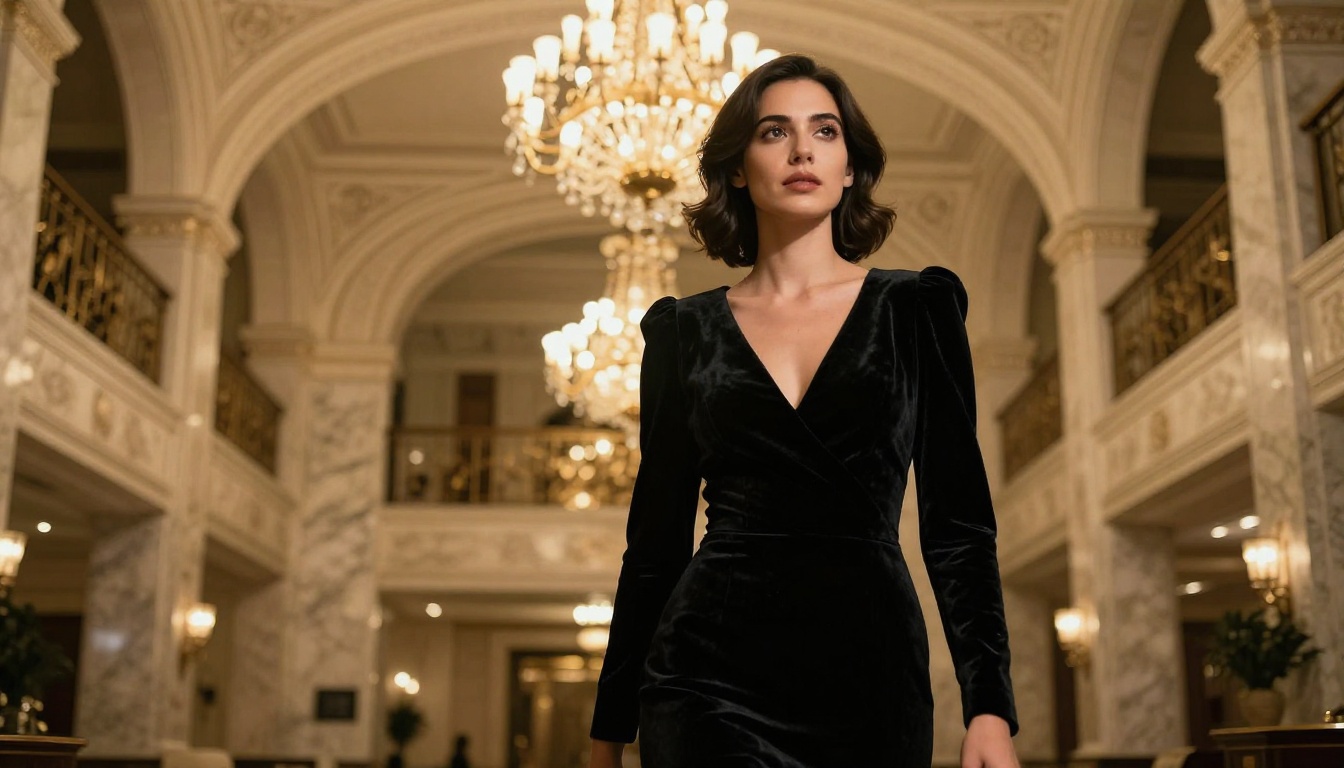
When the choice is specifically between these two rather than the broader market, Flux holds four clear advantages for adult content use:
- Platform flexibility - Flux Chroma checkpoints can run on platforms that permit adult content, something Sora's closed API design cannot accommodate by design
- Prompt precision - The 12B parameter Flux base follows detailed body, pose, and clothing descriptions with an accuracy Sora's filtered pipeline cannot match even on permitted content
- Iteration speed - Static image generation is 3 to 5 times faster than Sora's video pipeline for equivalent visual quality, meaning more attempts per session
- Community ecosystem - The open Flux model family has produced dozens of NSFW-specific fine-tunes with targeted training on realistic adult content, an option that fundamentally cannot exist for a closed API model
Flux Pro specifically adds a guidance parameter that controls how strictly the output follows your text. For NSFW-adjacent prompts where you need a specific pose or body framing, set guidance between 4 and 5. Below that the model interprets your instructions loosely. Above 6 the skin starts to look plastic and over-processed.
💡 Prompt tip: Flux Pro responds well to photography-style language. "85mm f/1.8 shallow depth of field, Kodak Portra 400 film grain, natural skin texture" tells the model what kind of image to produce in terms it was trained on.
How to Use Seedream 4.5 on PicassoIA
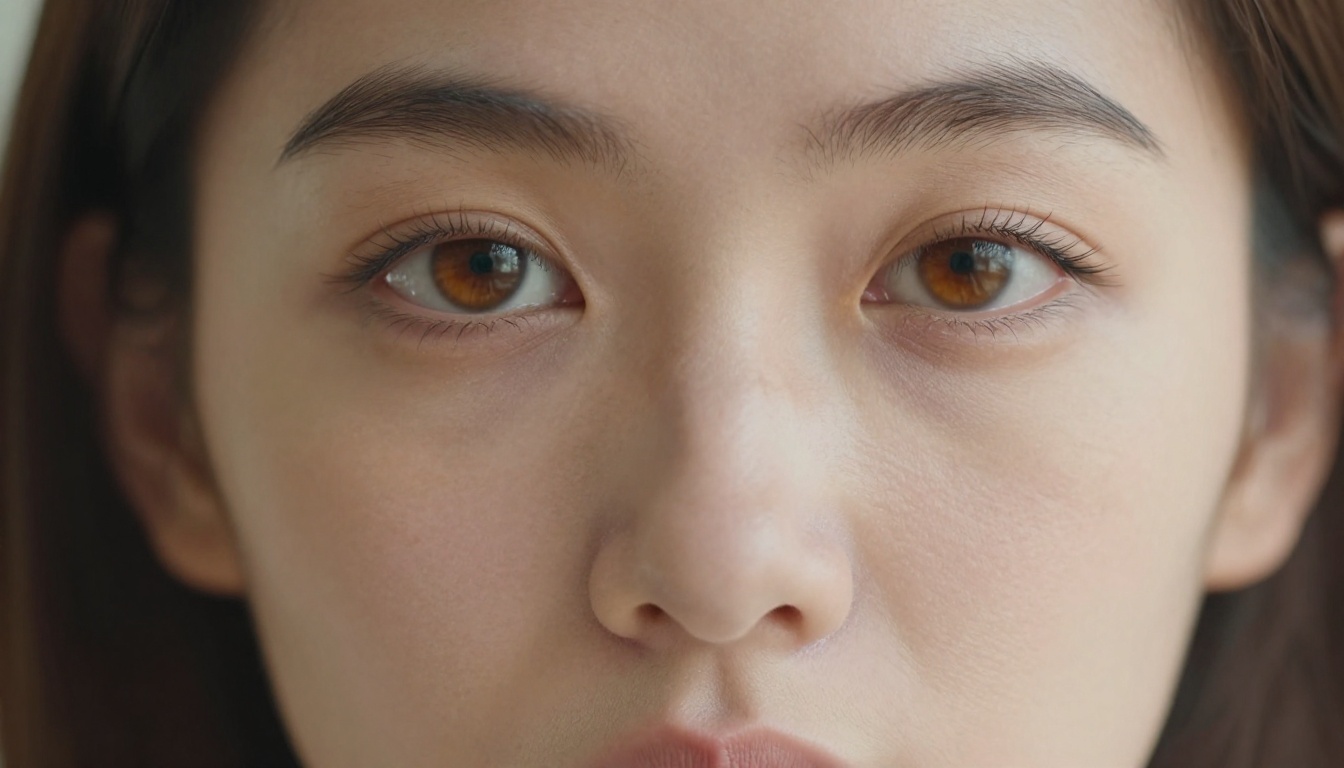
Since Seedream 4.5 is the recommended model for NSFW fans who want genuine photorealism with content freedom, here is the practical workflow for getting the best results on PicassoIA:
Step 1: Build a Detailed Prompt
Vague prompts produce generic output. Seedream 4.5 responds exceptionally well to specific photographic language. Your prompt should include:
- Lighting setup: "soft octabox studio light from camera left", "golden hour backlight from window", "harsh midday Mediterranean sun from above creating sharp shadows"
- Lens and aperture: "85mm f/1.8 shallow depth of field", "35mm f/2.0 street photography", "macro 100mm f/4 maximum sharpness"
- Film stock: "Kodak Portra 400 film grain", "Fujifilm Pro 400H color science", "ISO 400 natural grain in shadow areas"
- Skin detail descriptors: "visible pores on nose and cheeks", "natural skin texture with fine hair", "subtle translucency near collarbone"
The more specific your photographic description, the less the model has to guess, and the closer the output matches your actual intent.
Step 2: Toggle the Safety Parameter
In the Seedream 4.5 settings on PicassoIA, set disable_safety_checker to true. This moves content filtering from blocking suggestive adult material to filtering only illegal content. The full artistic and NSFW range becomes accessible without prompt rejection.
Step 3: Choose 4K for Full Body, 2K for Portraits
Set output size to 4K for full-body shots and any composition where skin texture across a large canvas matters. Use 2K for tight portrait crops where the face fills most of the frame. The quality difference at close crop between 2K and 4K is significant enough that skipping up to 4K for body shots is never worth the bandwidth savings.
Step 4: Iterate with Seed Locking
When a result is close but not exactly what you want, copy the seed number from the output metadata and adjust one element of the prompt at a time. Changing lighting, then re-running is faster and more controlled than rebuilding from zero. Seedream 4.5 supports batch generation of up to 15 related images in a single run, which is useful when you want variations on a pose or lighting setup in one session.
The Best Models for NSFW Realism Right Now
| Rank | Model | Strength | Link |
|---|
| 1 | Seedream 4.5 | 4K output, safety toggle, batch mode | Open model |
| 2 | Seedream 4 | Fast 4K, reference image blending | Open model |
| 3 | Flux Dev | Open-source base, img2img editing | Open model |
| 4 | Flux Pro | Precision guidance, exact prompt adherence | Open model |
| 5 | Realistic Vision v5.1 | Portrait specialist, authentic face detail | Open model |
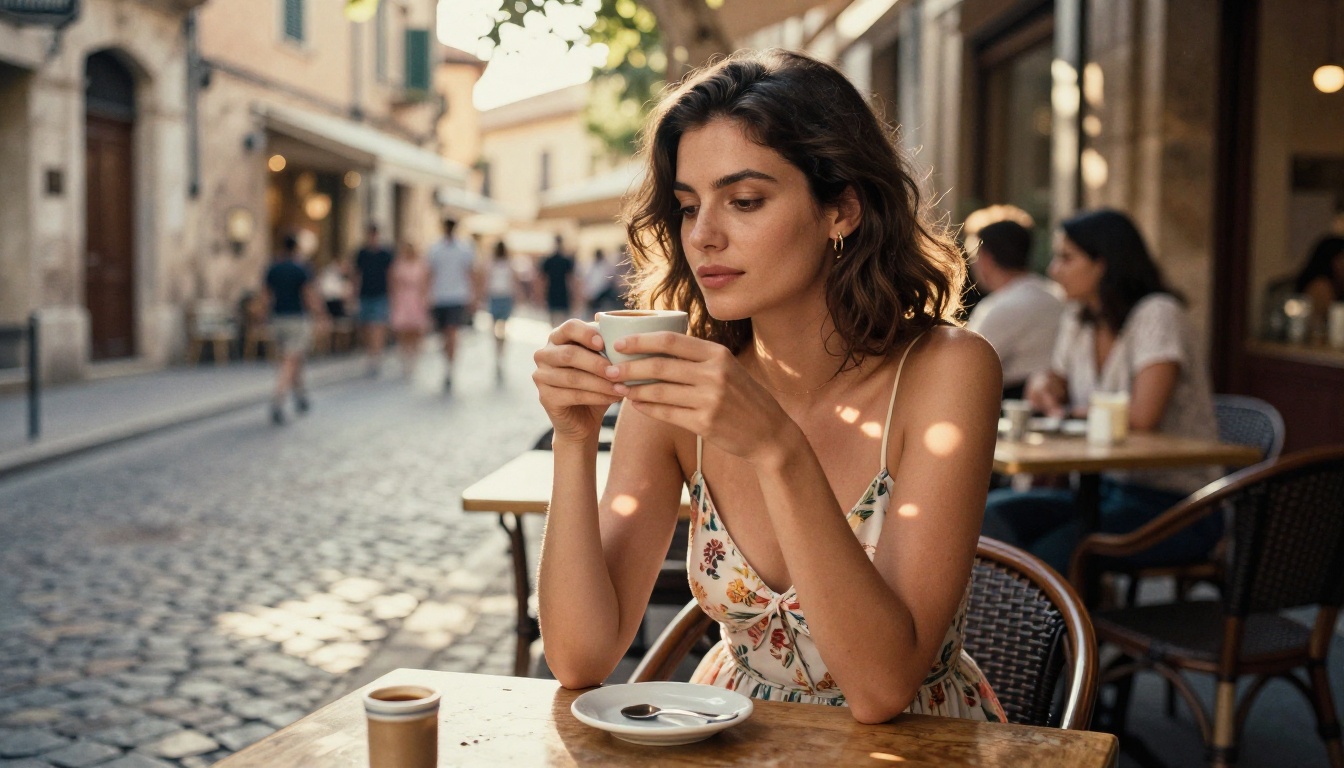
The Seedream family holds the top two spots specifically because of the 4K resolution ceiling and the accessible safety toggle. Flux Dev and Flux Pro rank third and fourth because of their open-source flexibility and prompt precision. Realistic Vision v5.1 is a portrait-specific tool that does one thing better than any general model: realistic human faces with authentic skin fidelity that holds under close crop.
Seedream 5 Lite is not listed here intentionally. It applies stricter content filtering than 4.5 and blocks adult content. Do not use it for NSFW work.
The full catalog of 91 text-to-image models available on the platform is at picassoia.com/en/all-models. The catalog covers everything from photorealistic portrait specialists to stylized artistic models, and browsing it is worth the time if you want to find what matches your specific creative direction beyond the five listed here.
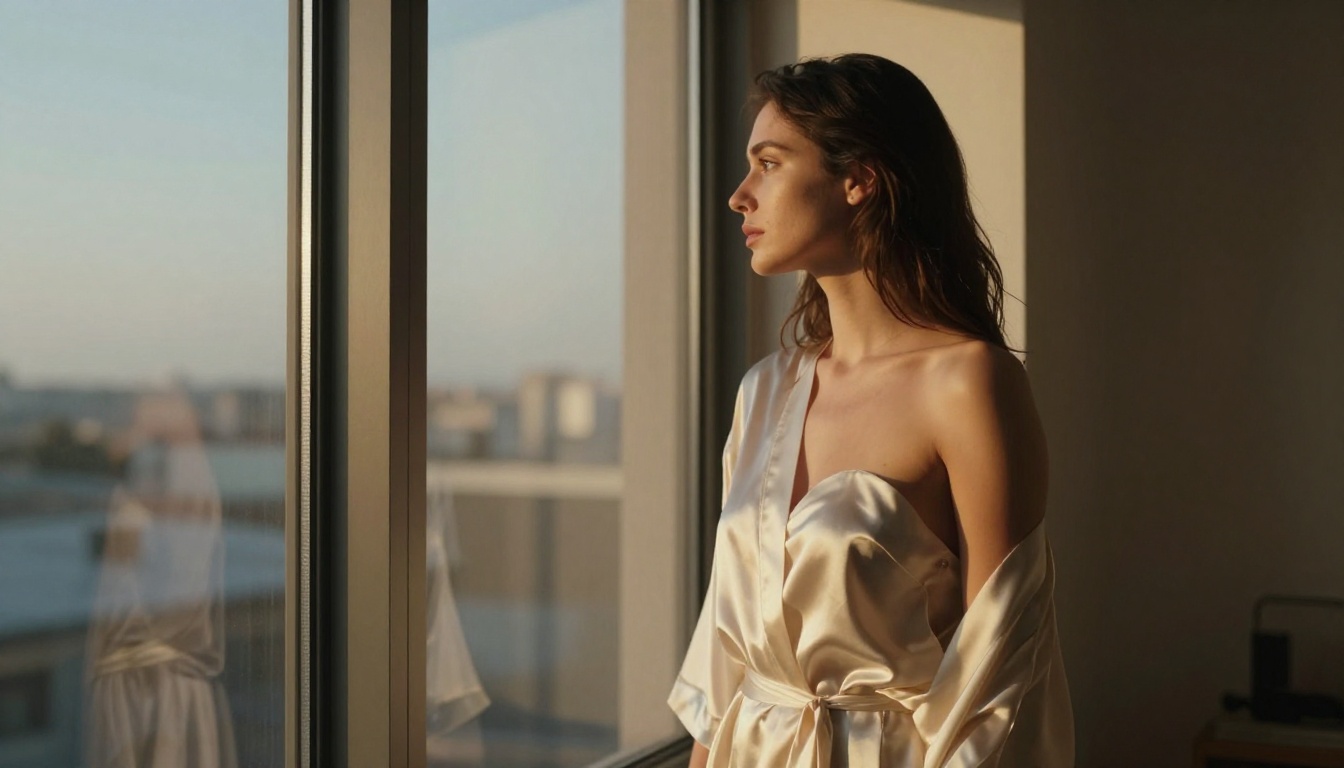
Stop Arguing, Start Generating
The Sora versus Flux Chroma question has a clear answer for NSFW fans: neither is the right primary tool. Sora is a video model with hard architectural content restrictions that cannot be bypassed by any prompt technique or alternative interface. Flux Chroma has genuine realism advantages over Sora for adult content but faces resolution limits and platform-dependent access that reduce its practical value for fans who want consistent, high-resolution output.
The practical path is Seedream 4.5 on PicassoIA: 4K output, a genuine safety toggle for adult content that only blocks illegal material, batch generation of up to 15 images per session, and skin and body fidelity that competes with anything available at this price point. Pair it with Realistic Vision v5.1 for portrait-specific work where facial detail is the priority, and Flux Dev when you need the img2img editing pipeline to iterate from a reference image.
Open PicassoIA's model catalog, pick a model, write a specific prompt with photographic language, and run your first generation. The gap between reading about AI realism and actually seeing what these tools produce at 4K is larger than any comparison article can convey. The results answer the question better than the debate does.


