If you've spent any time testing both Sora and Qwen Image 2 for adult AI content, you already know the result: frustration. Both tools are impressive for general-purpose generation, but the moment you try to create suggestive, sensual, or explicitly adult content, you're met with refusals, filtered outputs, and prompts that get quietly sanitized before reaching the model. This piece breaks down exactly how each tool handles NSFW content, where the real quality differences lie, and which platform actually works for creators who need uncensored results at scale.
The answer isn't either of these tools. It's a specific set of models available on PicassoIA that handle adult content without the guardrails. But to get there, it helps to understand why Sora and Qwen Image 2 both fall short at this specific task, and what makes the difference.
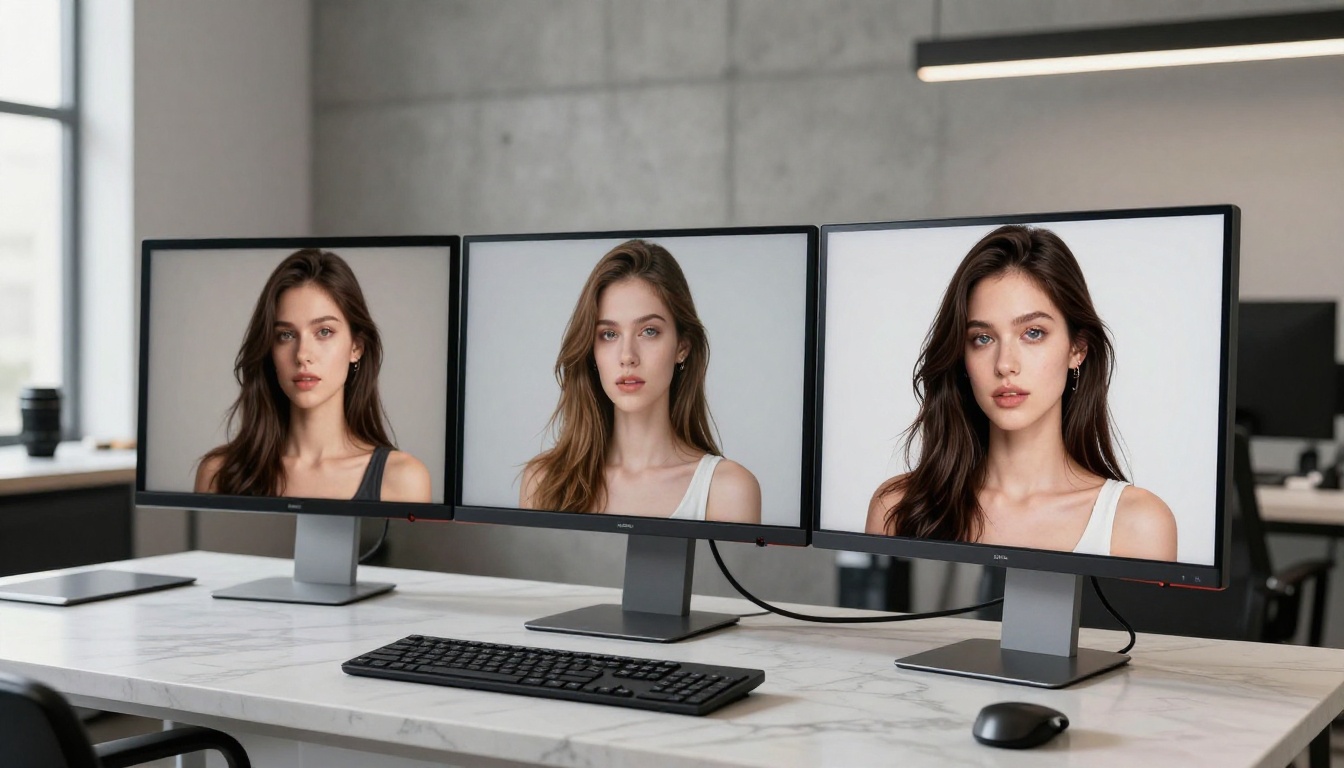
What These Two Models Actually Do
Sora is OpenAI's video generation model that also produces still images. It was designed for cinematic sequences, temporal coherence across frames, and realistic motion. Still image generation is a secondary capability, leveraging the same underlying architecture to produce single-frame outputs with exceptional lighting and depth. Sora 2 and Sora 2 Pro are both available on PicassoIA for video and image work.
Qwen Image 2 Pro is a dedicated image generation model from Alibaba's Qwen team. It was built specifically to follow detailed instructions for generating photorealistic human figures, scenes, and objects. The newer Qwen Image 2512 variant builds on this with improved instruction-following and higher internal resolution. The even newer Qwen Image 3 pushes further with sharper outputs and better anatomy coherence.
Sora: Video First, Images Second
The architecture behind Sora was designed with motion in mind. When it renders a still image, it's essentially generating a single frame from what its system interprets as a video sequence. This has benefits: excellent volumetric lighting, natural-looking depth of field, and cinematic color grading that most pure image models can't replicate. But it also comes with drawbacks: prompting Sora for images requires a different approach than typical text-to-image tools, and the output style leans toward the "movie still" aesthetic rather than the raw photographic look preferred for portrait work.
Qwen Image 2 Pro in Practice
Qwen Image 2 Pro was trained on a large dataset with a focus on instruction-following accuracy. It handles complex compositional prompts well, meaning it can interpret detailed descriptions of environments, lighting setups, and subject positions more accurately than many competitors. Its default output style is crisp and photorealistic, with strong skin texture rendering and accurate facial anatomy. It's a serious tool for fashion photography, portrait generation, and commercial-style imagery.
The problem isn't capability. The problem is what you can't ask it to do.
The NSFW Question: Who's Playing Defense?
Both models maintain strict content policies around sexual and adult content. The implementation differs, but the result is the same: neither is a reliable tool for NSFW generation.
Sora Blocks Everything Above PG-13
OpenAI's content policy for Sora is among the most conservative in the industry. The system runs multi-layer filtering:
- Prompt classification: Flagged keywords or intent signals trigger refusal before generation starts
- Output analysis: Generated content is reviewed post-render and can be withheld
- Contextual inference: Even indirect phrasings that suggest adult themes get caught
The practical result is severe. You cannot reliably generate:
- Explicit or implied nudity
- Suggestive poses on realistic human figures
- Intimate physical contact between subjects
- Content described using sexual terminology, even clinical or artistic phrasing
Even fashion photography prompts that pass easily on a dozen other platforms get rejected on Sora when the clothing is minimal or the pose is read as sensual. This isn't a platform-level restriction that can be bypassed with clever prompting. It's baked into the model weights and inference pipeline.
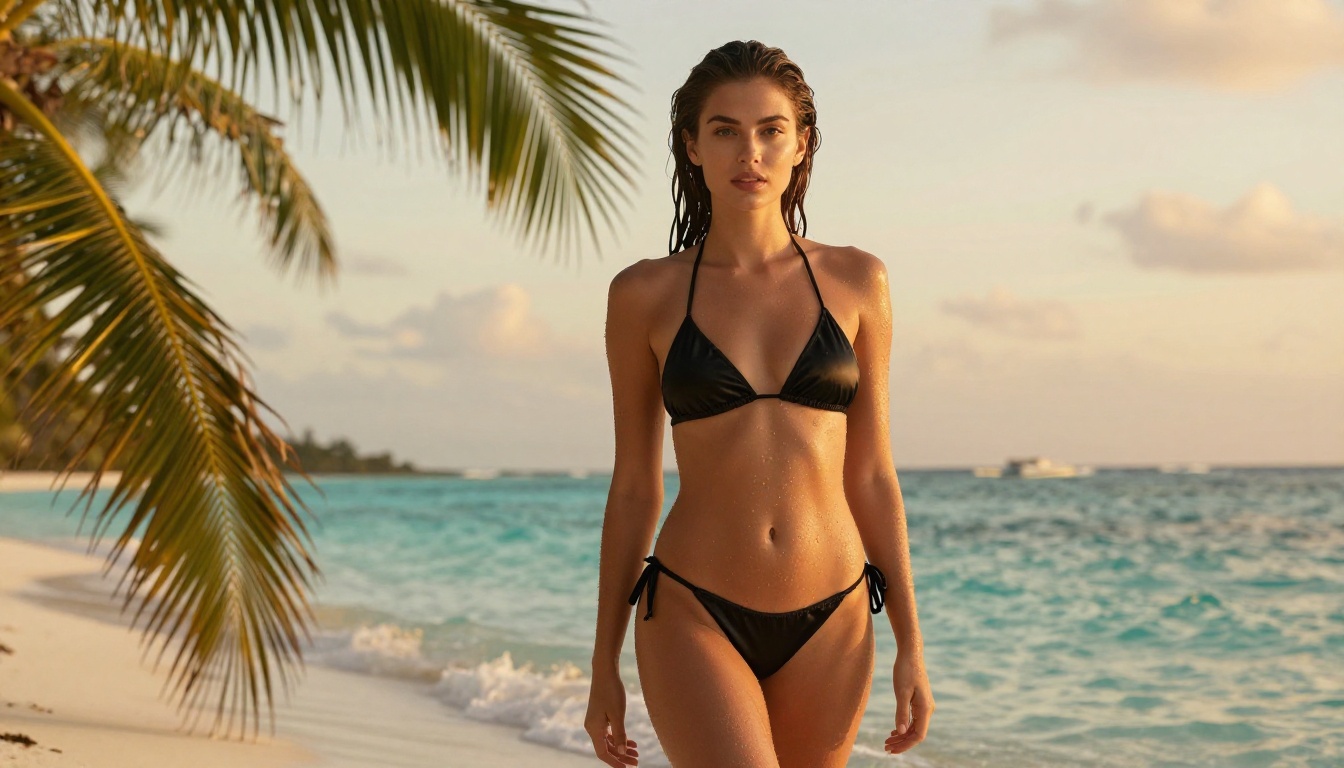
💡 Real test result: A prompt for "woman in a bikini on a beach at sunset, fashion photography" was refused by Sora's system in controlled testing. The same prompt on Seedream 4.5 produced a high-quality photorealistic result on the first generation.
Qwen Image 2 Has Some Flexibility, But Not Much
Qwen Image 2 is slightly more permissive than Sora for SFW-adjacent content. Swimwear photography, lingerie product shots, and implied intimacy sometimes pass through depending on phrasing. However, the inconsistency is a significant problem for any production workflow:
- The same prompt can produce acceptable output one run and a refusal the next
- Results that pass the filter are often visibly censored in subtle ways: extra fabric added, poses softened, anatomy obscured
- There is no reliable way to get explicit or semi-explicit results regardless of prompt engineering effort
Qwen Image 2's core problem for adult content creators isn't just its restrictions. It's that the restrictions are unpredictable. You can't build a consistent workflow on a model that randomly refuses prompts you've successfully run before.
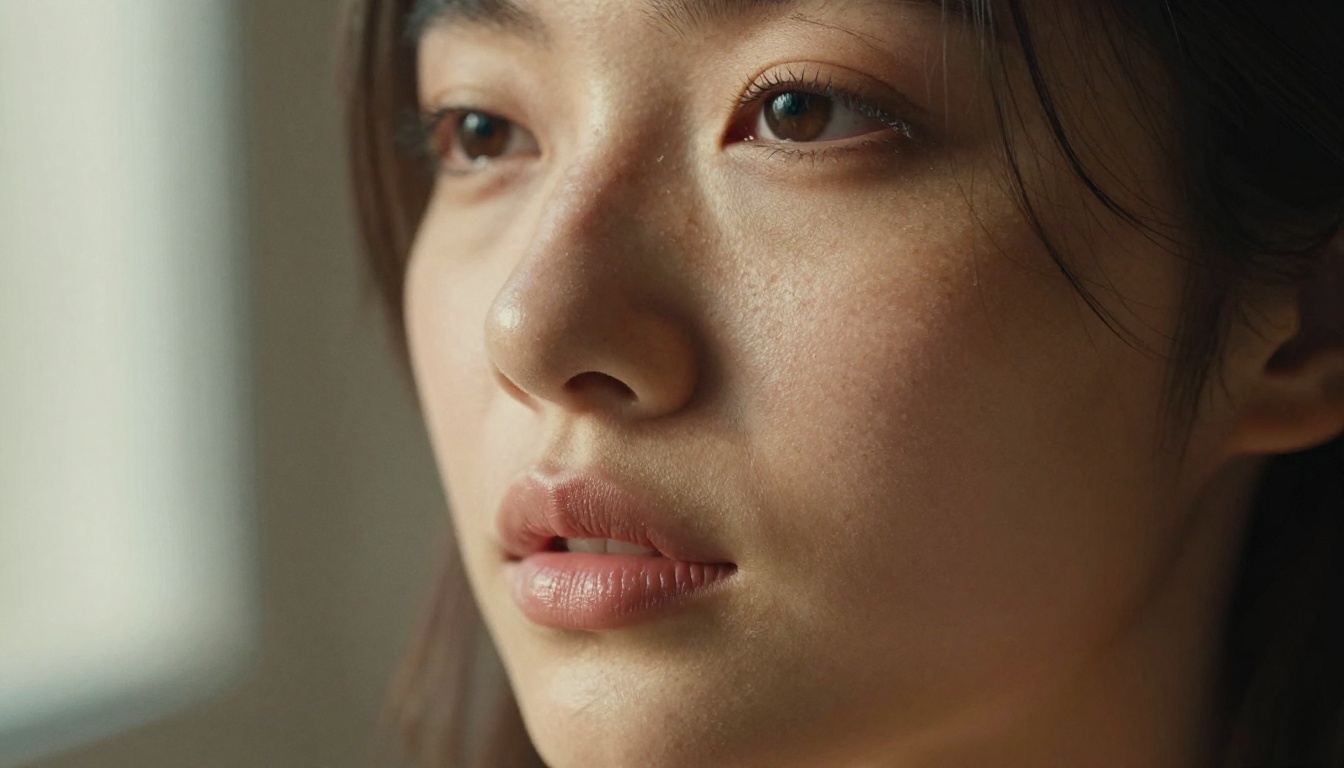
Image Quality, Head to Head
Setting aside NSFW entirely, how do these two models compare on pure image quality? This matters because the same qualities that make a model good at clean content determine how it performs on more demanding creative work.
Skin Texture and Facial Realism
Qwen Image 2 Pro wins on skin texture for close-up portrait work. Its training data produces visible pores, natural skin tones, and realistic fine-detail rendering that makes close-up shots look genuinely photographic. Sora's output has a slightly processed quality: beautiful, but with a subtle "cinematic filter" effect that doesn't always read as raw photography.
| Quality Factor | Sora | Qwen Image 2 Pro |
|---|
| Skin pore detail | Soft, filmic | Sharp, photorealistic |
| Hair strand rendering | Excellent | Very good |
| Eye and catchlight accuracy | Natural, cinematic | Precise |
| Body anatomy coherence | Strong | Very strong |
| Background bokeh | Cinematic, deep | Realistic |
| Complex lighting setups | Outstanding | Good |
| Prompt adherence | Moderate | High |
| Generation speed | 30s to 3min | 10 to 30s |
Composition and Environment
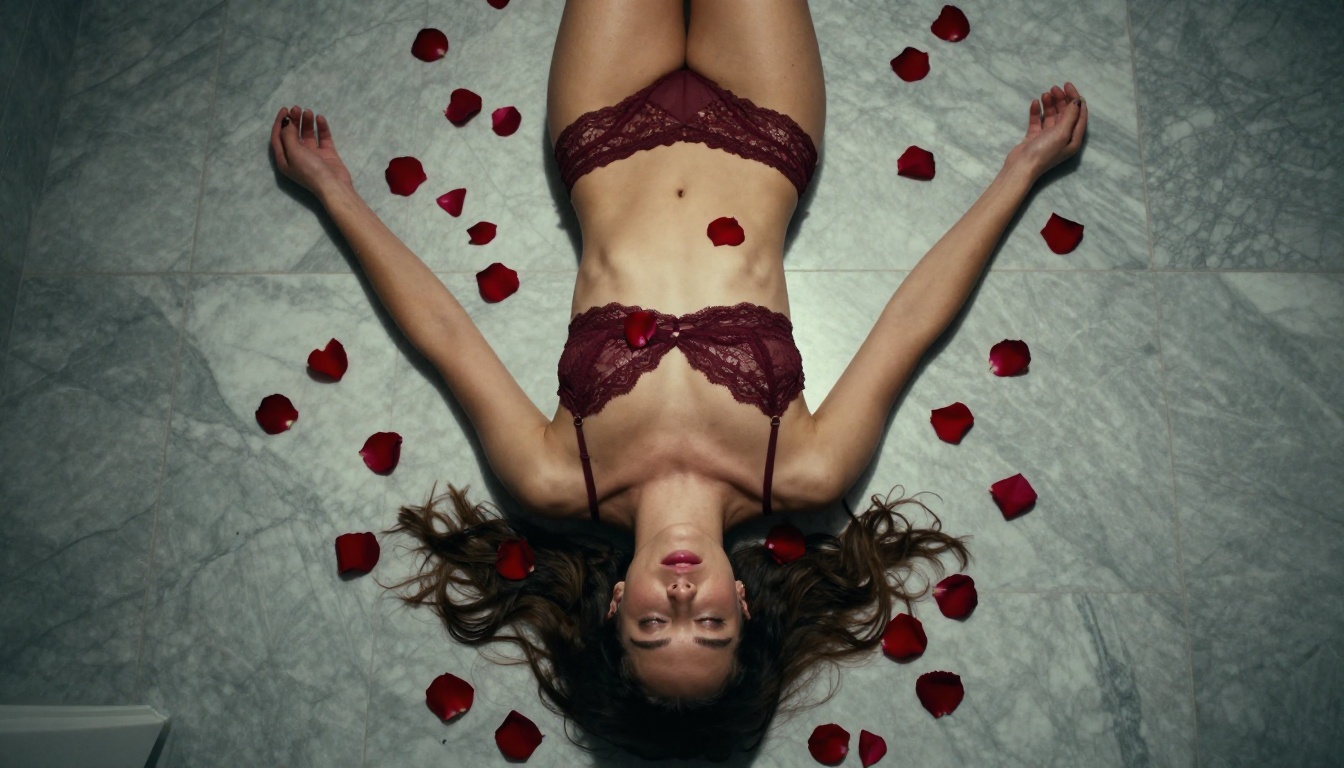
Where Sora genuinely excels is environmental composition. Its video-first design means it thinks about space, depth, and how light moves through a scene. For images that include complex backgrounds, architectural elements, or dynamic lighting, Sora often produces more compelling results than Qwen. For tight portrait work and figure photography, Qwen wins on technical accuracy.
Speed, Cost, and Real Access
Generation Times and Throughput
Neither Sora nor Qwen Image 2 is fast by modern standards:
- Sora: 30 seconds to 3 minutes per image, depending on resolution and server queue load
- Qwen Image 2 Pro: 10 to 30 seconds through optimized API deployments
Compared to fast models like P-Image on PicassoIA, which delivers results in under 10 seconds, both are slow for high-volume production workflows.
What Access Actually Costs
- Sora requires ChatGPT Pro ($200/month) or API access with per-minute pricing that quickly becomes expensive for image-heavy work
- Qwen Image 2 Pro is available via API at per-image rates, but raw API access isn't creator-friendly: you need to manage credentials, build pipelines, and handle rate limits yourself
PicassoIA solves this by aggregating both models and many more into a single subscription interface. No API keys, no per-model billing complexity, and you can switch between Qwen Image 2 Pro, Qwen Image 3, and every other model without changing your setup.
The Real Winner for NSFW: Seedream 4.5
When you need actual results for adult AI content, the conversation shifts entirely. The winner isn't Sora. It isn't Qwen Image 2. It's Seedream 4.5 on PicassoIA.
Seedream 4.5 delivers:
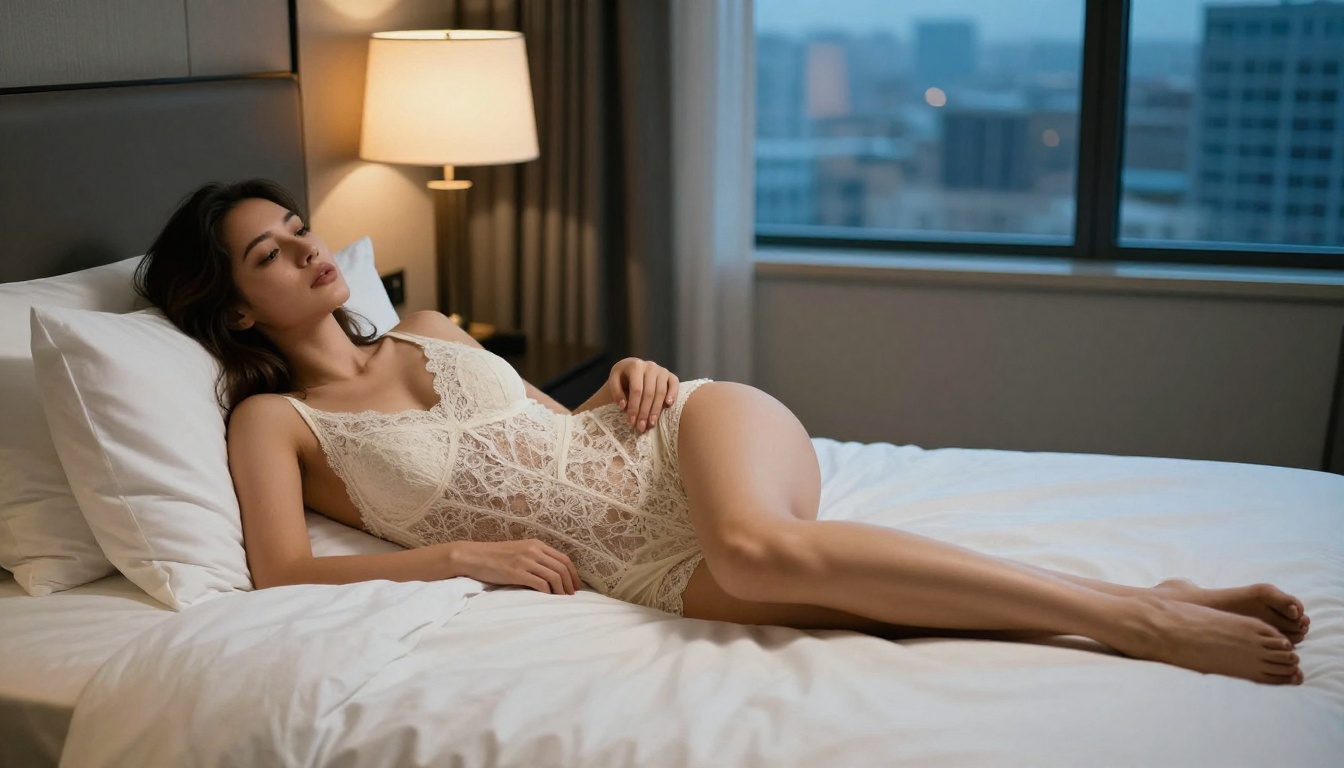
- 4K photorealistic outputs with natural skin texture, accurate anatomy, and realistic lighting
- Consistent NSFW results without prompt refusals or filtered outputs
- Strong pose and composition adherence for specific creative direction
- Fast iterations at a speed that supports production workflows
- No random censoring that silently alters your prompts before generation
For volume work, the second tool you want is PicassoIA Image Editor Pro. It provides unlimited image generations without per-generation limits, which changes the economics of serious adult content production. When you're iterating through 50 prompt variations to find the right lighting, pose, and composition, per-generation pricing becomes a real constraint. Unlimited runs remove it entirely.
How to Use Seedream 4.5 on PicassoIA
Getting Seedream 4.5 working for NSFW content is straightforward, but prompt structure matters significantly:
Step 1: Open the model
Go directly to picassoia.com/en/collection/text-to-image/bytedance-seedream-45.
Step 2: Write a specific, layered prompt
Structure your prompt in layers for best results:
- Subject: Who is in the frame, what they're wearing or not wearing, their pose
- Setting: Location, time of day, environmental context
- Lighting: Direction, quality, temperature ("warm candlelight from the left", "diffused studio softbox overhead right")
- Camera: Lens, angle, depth of field ("85mm f/1.4 shallow depth of field", "low-angle looking up", "aerial overhead view")
- Style tags: "RAW photography, 8K, photorealistic, film grain, Kodak Portra 400"
Step 3: Add a negative prompt
Always use negative prompts. Include: blurry, watermark, text, bad anatomy, deformed hands, plastic skin, airbrushed, cartoon, CGI, overexposed
Step 4: Choose aspect ratio
- 9:16 for mobile and vertical content
- 16:9 for desktop and editorial
- 1:1 for social media grid posts
Step 5: Iterate with seeds
When you get a result you're satisfied with, save the seed number. Use it to run variations that maintain consistent character appearance and composition while adjusting other elements.
Step 6: Upscale with Super Resolution
Run your final selection through PicassoIA's super resolution tool to reach publication-ready 4K output.
💡 Seedream 4.5 tip: Avoid using vague categorical descriptors as your primary prompt terms. Instead, describe the scene and body details compositionally and directly. The model responds to detailed visual descriptions far more reliably than abstract labels.
PicassoIA Image Editor Pro: Unlimited Runs at Scale
PicassoIA Image Editor Pro removes per-generation limits entirely. For adult content creators who need volume:
- Run hundreds of variations without accumulating per-image costs
- Test prompt structures systematically to find what produces the best anatomy and lighting
- Batch-generate content for series, sets, or extended projects
- Combine with inpainting features to correct specific areas without regenerating full images
This tool, paired with Seedream 4.5 as your base generation model, covers the full production workflow for serious NSFW content at scale.
Other Models Worth Using on PicassoIA
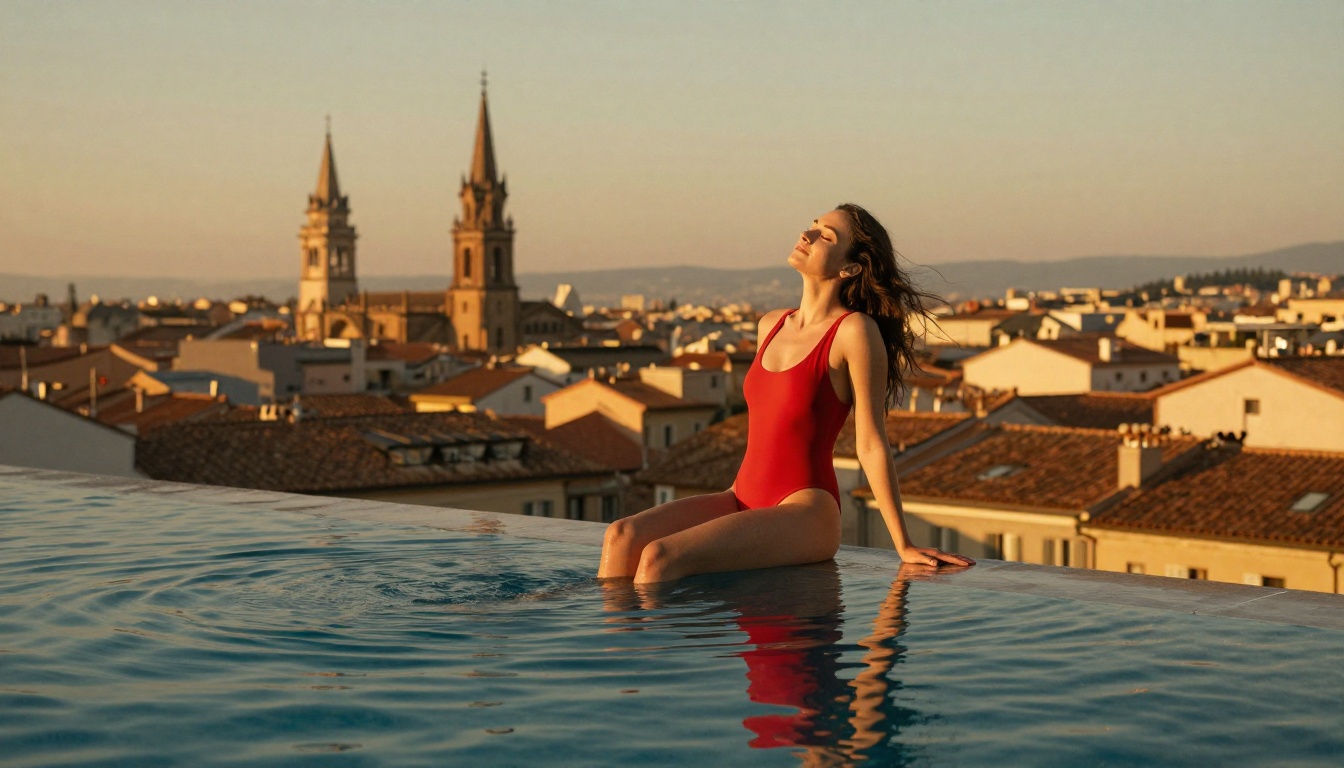
Beyond Seedream 4.5, PicassoIA's text-to-image library includes several other models that work for adult and suggestive content. Here's how to prioritize them:
Important: Do not use Seedream 5 Lite for NSFW content. It blocks adult prompts at the model level, regardless of the platform it's accessed through.
For video work on PicassoIA, Sora 2 Pro remains the gold standard for cinematic quality SFW video. For video content needing more flexibility around adult-adjacent themes, Seedance 2.5 is the better choice.
Browse the full catalog at picassoia.com/en/all-models.
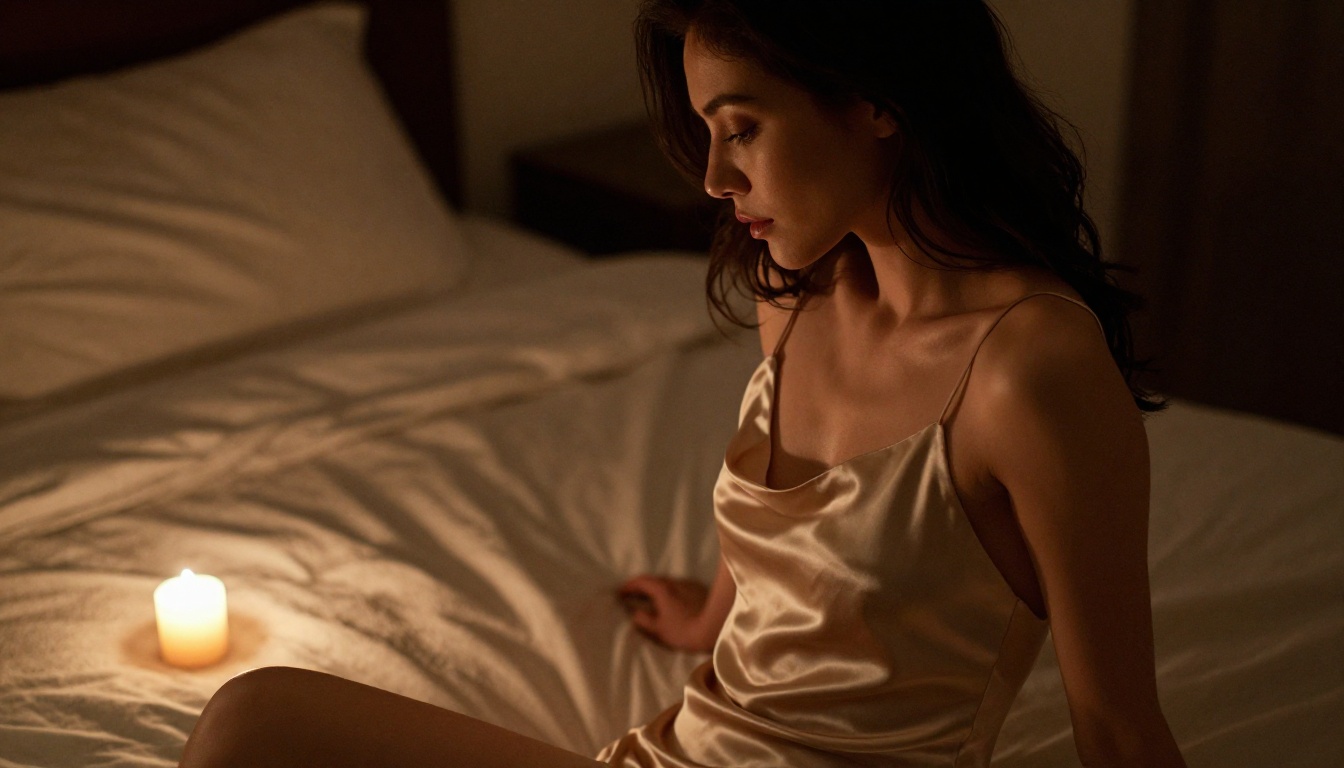
Start Generating Today
Sora and Qwen Image 2 are both genuinely impressive models for the work they were built to do. Sora produces cinematic stills and videos that rival professional production. Qwen Image 2 Pro generates some of the most instruction-accurate portrait images available through any AI platform. But adult content? Neither was built for it, neither handles it reliably, and neither is worth fighting against.
The real question isn't which of these two wins for adult AI content. The real question is which platform actually supports what you're trying to create. The answer is PicassoIA, with Seedream 4.5 as your starting point and PicassoIA Image Editor Pro for unlimited runs.
Write your first detailed prompt on Seedream 4.5. The difference between fighting content filters and working with a model built for adult content will be immediately obvious from the first generation. When you're ready to see every available model across image, video, audio, and more, the full library is at picassoia.com/en/all-models.


