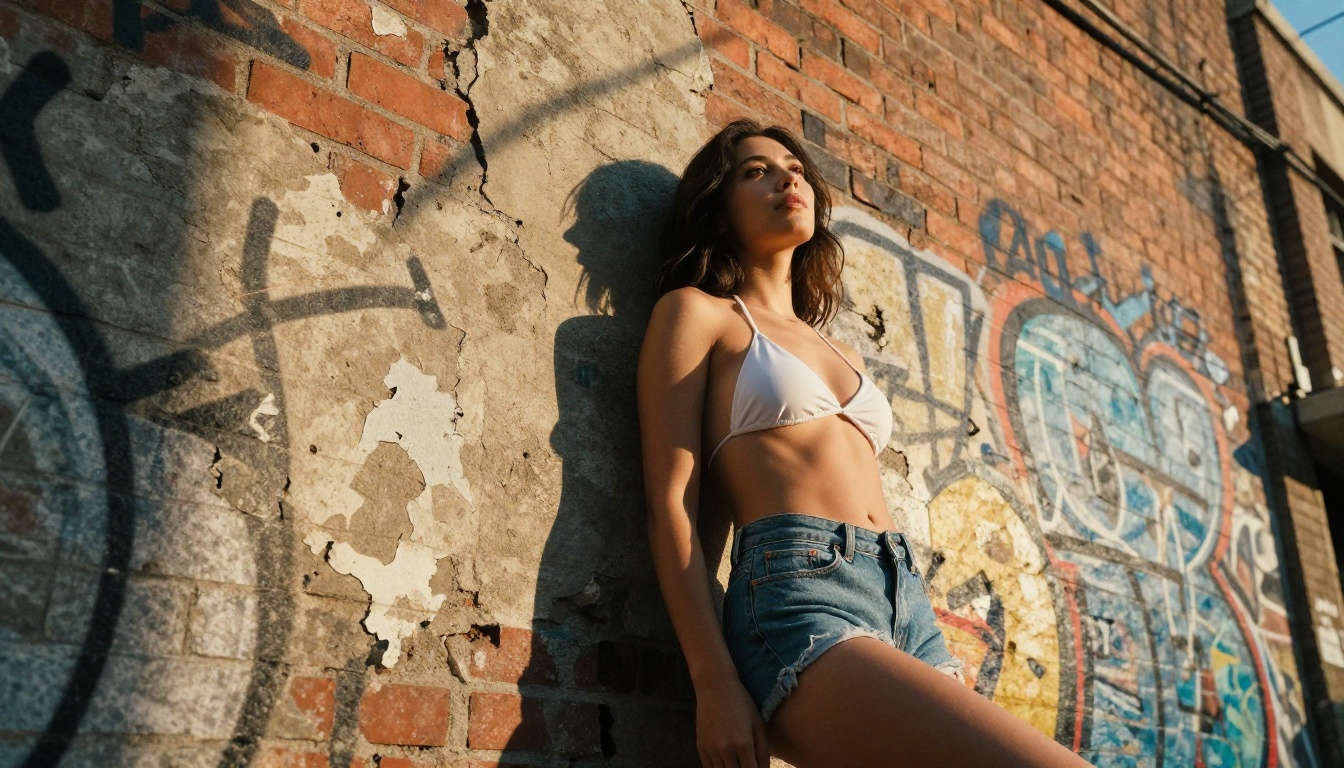
Two AI models dominating the conversation right now when it comes to unrestricted content generation: Sora and Seedream. Both come from industry giants, both promise stunning visuals, but only one is actually built for creators who need real creative freedom without hard content limits. This article breaks down exactly where each model wins, where it fails, and why Seedream 4.5 is the clear choice for anyone serious about NSFW AI generation.
What Sora Actually Does
OpenAI's Sora is primarily a text-to-video model. Available on PicassoIA as Sora 2 and Sora 2 Pro, it converts written prompts into polished, cinematic video clips. The footage quality is genuinely impressive: smooth motion, realistic physics, consistent characters across frames.
But Sora is a video model, not an image model. It excels at generating short cinematic clips, not static photographs. And when it comes to adult or suggestive content, OpenAI's content policy is firmly restrictive. Sora will not generate explicit, suggestive, or NSFW material of any kind. That's not a bug — it is an intentional feature of OpenAI's platform, and it is not negotiable.
Sora's Core Strengths
- Cinematic-quality text-to-video output
- Consistent character rendering across scenes
- Smooth motion with natural physics
- Native audio generation in Sora 2
Where Sora Falls Short
- Hard content filters with no NSFW support whatsoever
- Video-only output with no static image generation
- Expensive per-generation pricing at scale
- Zero flexibility for adult content creators
The consequence is straightforward: if your creative work involves suggestive, glamour, or adult content, Sora is simply not a viable tool. The restrictions are at the model level, not the platform level. You cannot pay more to remove them.
Seedream 4.5 is a Different Beast
Seedream 4.5 is ByteDance's flagship text-to-image and image-editing model, built for creators who need speed, realism, and freedom. Unlike Sora, Seedream is optimized for still image generation: photorealistic portraits, glamour photography, artistic nudity, and high-detail scenes that look indistinguishable from real photography.
The speed alone is remarkable. Seedream 4.5 generates images in under 3 seconds. That's faster than most competitors, and the quality does not drop to get there. The realism is exceptional: skin texture, lighting gradients, facial micro-expressions, and clothing detail all rendered with the precision of a professional photographer using RAW film stock.
What Makes Seedream 4.5 Different
- NSFW content accepted — generates suggestive and adult-oriented imagery faithfully
- Image editing built in — edit existing images with targeted modifications, not just generate from scratch
- Under 3 seconds per generation — faster than nearly any competitor at this quality level
- Photorealistic output — skin micro-texture, hair strands, natural lighting, all at the detail level of RAW photography

💡 One critical note: The newer Seedream 5 Lite does not support NSFW content. Always use Seedream 4.5 specifically for adult content workflows.
What Are You Really Trying to Create?
The comparison between Sora and Seedream only makes sense once you define what "uncensored content" means for your workflow. These two models do not compete directly because they output different media types.
| Feature | Sora 2 | Seedream 4.5 |
|---|
| Output Type | Video (cinematic clips) | Images (photorealistic stills) |
| NSFW Support | No — hard content policy | Yes — adult content accepted |
| Generation Speed | 30–60+ seconds | Under 3 seconds |
| Image Editing | No | Yes |
| Pricing at Scale | Per-clip credits | Per-image or unlimited |
| Platform | PicassoIA | PicassoIA |
💡 Bottom line: If you want uncensored video, Sora is off the table entirely. If you want uncensored images with genuine photorealistic quality, Seedream 4.5 wins by a wide margin.
Seedream Wins for NSFW Images
For any creator working with adult, suggestive, or glamour content, Seedream 4.5 is not just the better option. At the image level, it is the only serious option in this comparison.
The Censorship Gap is Real
Sora operates under OpenAI's content policies, which prohibit sexual, suggestive, and adult content entirely. Attempts to generate anything beyond a fully clothed figure result in refusals, filtered outputs, or errors. This restriction is baked into the model's training through RLHF and cannot be bypassed through prompt engineering, system settings, or additional payment tiers.
Seedream 4.5 takes the opposite approach. The model is designed to accept and render adult content faithfully, including artistic nudity, suggestive scenarios, and glamour-style photography. The output is not filtered or softened. What you describe in the prompt is what appears in the image.
Realism That Holds Up
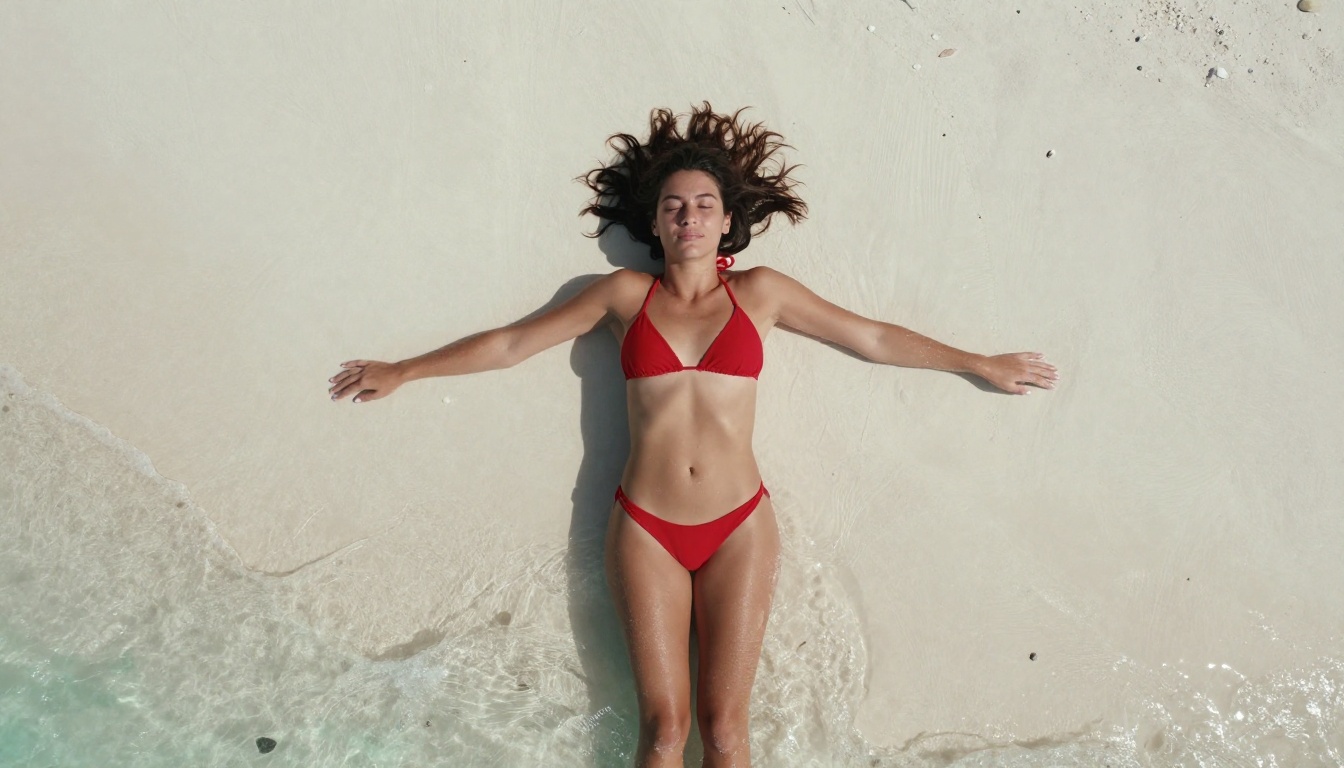
Where Seedream 4.5 truly separates itself is in the quality of skin and body rendering. The model handles:
- Skin micro-textures — pores, fine hairs, natural imperfections and variation
- Lighting gradients — soft shadows, specular highlights, volumetric light from defined directions
- Facial expressions — nuanced emotion, natural eye focus, realistic lip detail
- Clothing and fabric — realistic drape, material texture, depth and translucency
This level of realism is exactly what creators need when working on character sheets, glamour photography, editorial content, or artistic projects with adult themes.
How to Use Seedream on PicassoIA
PicassoIA makes Seedream 4.5 directly accessible without any setup, API keys, or local GPU requirements. Here is how to get high-quality results from the first generation.
Step 1: Write a Strong Prompt
The most important factor in Seedream output quality is prompt specificity. Vague prompts produce average results. Detailed prompts produce photorealistic images. Include:
- Subject description: age range, hair color, body type, posture
- Clothing or lack thereof: describe materials, fit, coverage level
- Lighting direction: "warm afternoon light from the left", "soft studio octabox above"
- Camera lens: "85mm f/1.8 shallow depth of field", "35mm wide angle"
- Texture context: "natural skin tones, fine hair detail, Kodak Portra film grain"
💡 Prompt tip: Instead of "beautiful woman in bikini," write: "a 26-year-old woman with dark wavy hair, wearing a red string bikini, standing at the edge of an infinity pool, warm golden hour light from behind, 85mm portrait lens, natural skin texture."
Step 2: Choose Your Aspect Ratio
Seedream 4.5 works well across multiple aspect ratios. For portrait and glamour photography, 3:4 gives the best subject framing. For editorial or cinematic looks, 16:9 works well. Square (1:1) is ideal for social media.
Step 3: Use Image Editing for Refinement
One feature that sets Seedream 4.5 apart from pure text-to-image models is its image editing capability. Once you generate a strong base image, you can:
- Adjust specific regions without regenerating the whole image
- Change clothing, accessories, or background independently
- Modify lighting or color grading in targeted areas
- Add or remove elements with inpainting-style control
This non-destructive iteration workflow is critical for professional content creators who need to produce multiple variations from a single strong base generation.
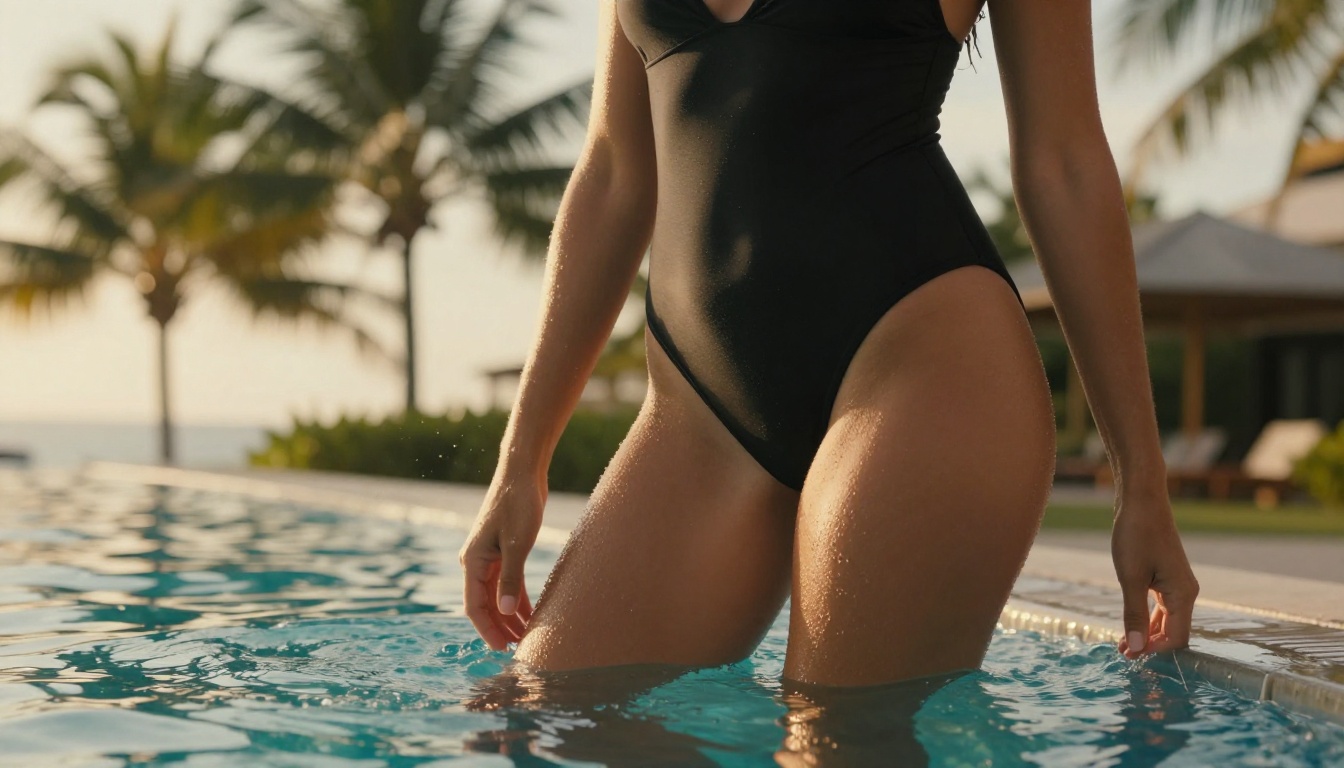
What About Video for Uncensored Content?
Since Sora is explicitly blocked for NSFW video, the practical question for video creators becomes: what do you use instead?
PicassoIA's video catalog includes several models that give creators significantly more freedom. PicassoIA Video offers unlimited generation at 720p from text prompts, with no hard content wall. P-Video outputs up to 1080p with the safety filter disabled by default, making it the practical choice when you need high-resolution video from text or images without content restrictions.
For the most cinematic results, LTX 2.3 Pro delivers up to 4K/50fps footage with retake and extend editing modes built in, giving you precise control over specific segments without re-rendering the entire clip.
Seedream to Video Workflow
A practical professional workflow combines both model types: generate a highly realistic still with Seedream 4.5, then pass that image into a video model to animate it. Grok Imagine Video handles 15-second clips from a reference image with no watermarks and auto-matched aspect ratios. The result:
- High-quality source imagery generated without content restrictions
- Smooth, natural animation from a controlled starting frame
- Professional output with no watermarks at 720p
💡 Sora 2 and Sora 2 Pro are available on PicassoIA for general-audience cinematic video from text prompts. For unrestricted video content, use PicassoIA Video, P-Video, or Grok Imagine Video instead.
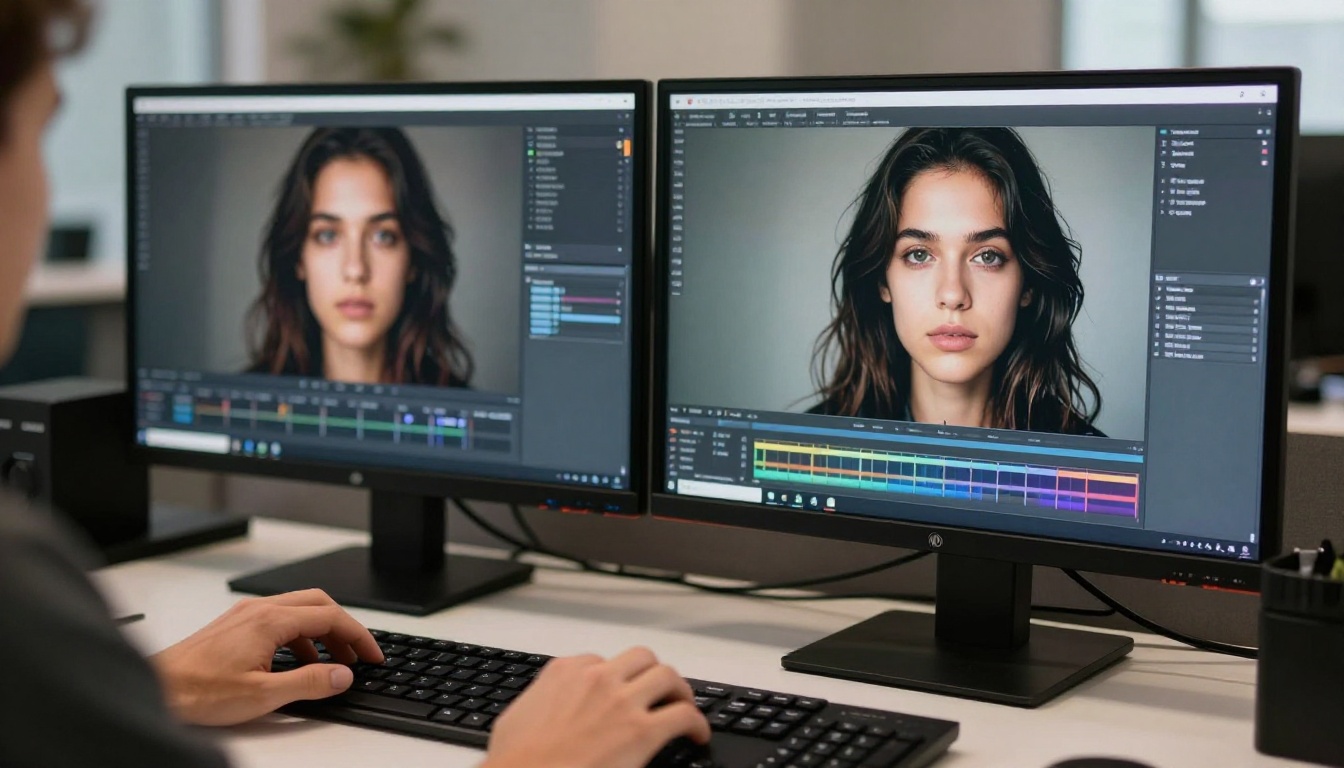
PicassoIA Image Editor Pro: Unlimited Generations
If generation volume matters to your workflow, and for professional creators it absolutely does, PicassoIA Image Editor Pro is the second most important model after Seedream 4.5.
The core value is straightforward: unlimited generations for Elite and Infinite plan subscribers. Need 1,000 images for a content batch? Those are included in your subscription at no additional cost. On a comparable model like Nano Banana 2, that same volume would cost around $100. On Image Editor Pro, the price is zero per generation beyond your plan.
What Image Editor Pro Does Well
- Img2img editing — transform any source image with a text prompt
- NSFW content supported — adult and suggestive content accepted
- Under 1 second per generation — the fastest option in the entire lineup
- Free trial — 3 generations available without a credit card required
The combination of Seedream 4.5 for initial high-quality base generation and Image Editor Pro for unlimited iteration is the professional workflow for high-volume adult content creation on PicassoIA. Start sharp, then iterate without any credit anxiety.
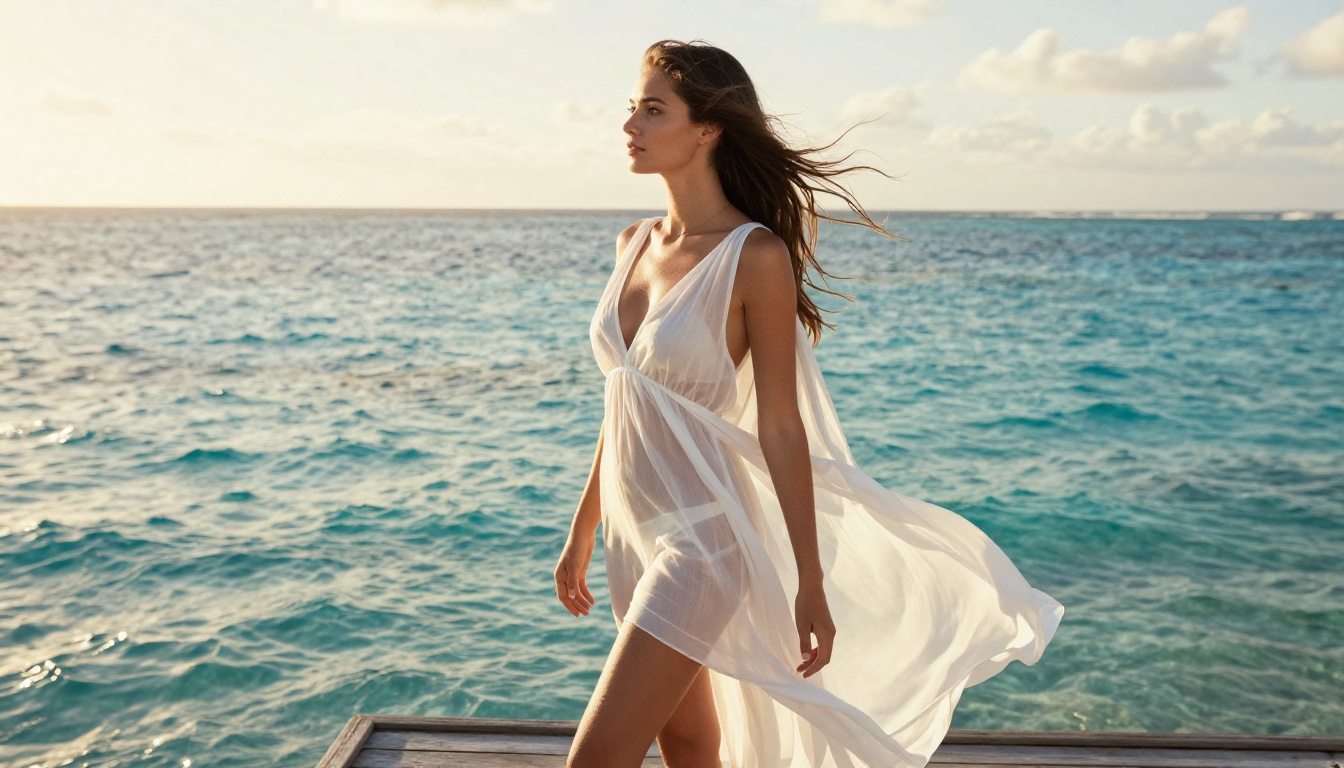
Best NSFW AI Models on PicassoIA
For creators building a full production pipeline, here is the complete picture of models available on PicassoIA that support adult content:
| # | Model | Type | Speed | Top Benefit |
|---|
| 1 | Seedream 4.5 ⭐ | Text-to-Image + Edit | Under 3s | Top realism, NSFW, image editing |
| 2 | Image Editor Pro | Img2img | Under 1s | Unlimited gens on Elite/Infinite |
| 3 | Qwen Image 2 | Text-to-Image + Edit | Fast | Open source, very detailed realism |
| 4 | Grok Imagine Image | Img2img | Fast | Realistic swimwear and bikini transforms |
| 5 | Recraft V4 | Text-to-Image | Fast | Photorealistic text-to-image only |
| 6 | P-Image | Text-to-Image | Under 1s | NSFW-ready, instant results |
| 7 | PicassoIA Video | Text-to-Video | Fast | Unlimited video generation at 720p |
| 8 | P-Video | Text/Image-to-Video | Fast | 1080p, safety filter off by default |
| 9 | Grok Imagine Video | Text/Image-to-Video | Fast | 15-second clips, no watermarks |
| 10 | LTX 2.3 Pro | Text/Image-to-Video | Moderate | 4K at 50fps, retake and extend editing |
Important: Seedream 5 Lite does not support NSFW content. Use Seedream 4.5 specifically for adult content workflows.
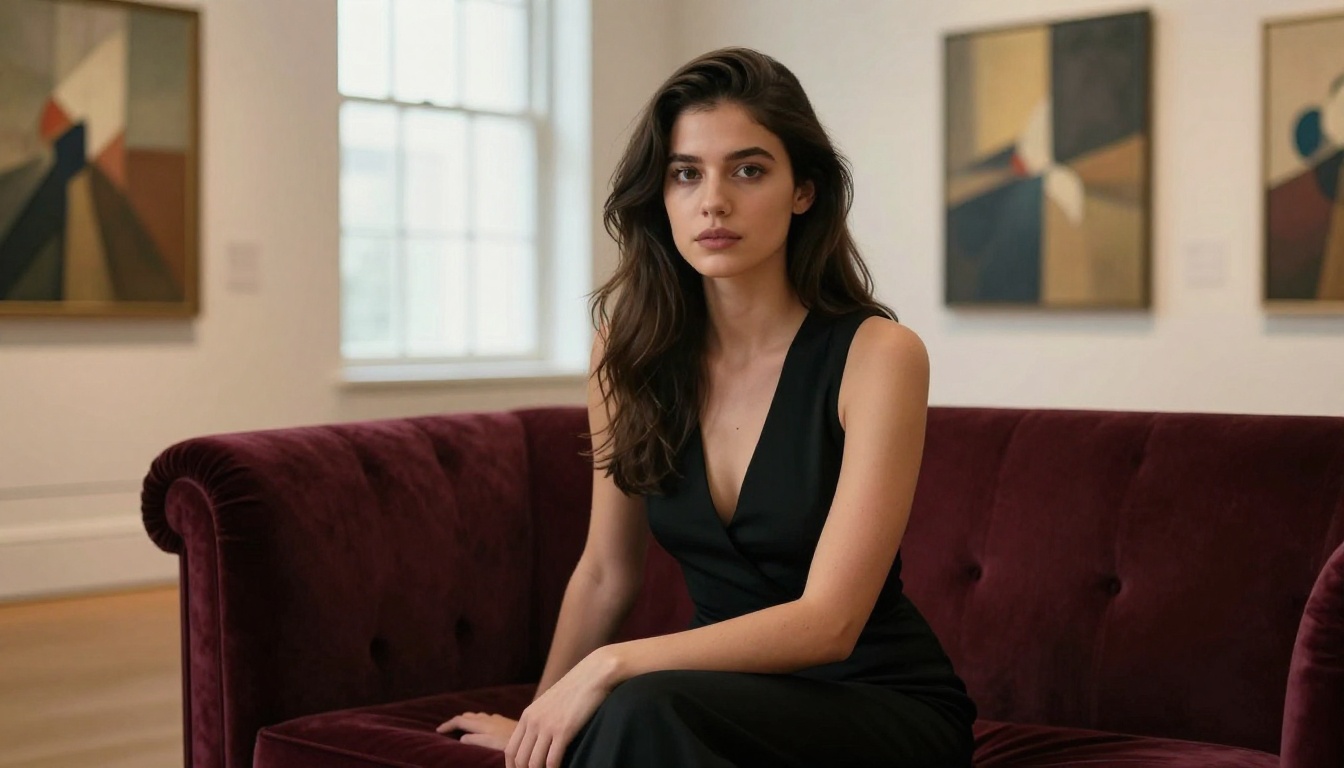
The Speed and Quality Reality
One common assumption about uncensored AI models is that they trade output quality for permissiveness. Seedream 4.5 disproves that directly.
Seedream 4.5 Benchmark Reality
- Generation time: 2 to 3 seconds on average
- Resolution: Full HD outputs by default
- Prompt adherence: High accuracy on complex, multi-element prompts
- Realism: Comparable to professional studio photography with natural lighting
The model does not cut corners on quality to allow adult content. The NSFW capability is a design choice, not a tradeoff. You get both high-fidelity output and creative freedom in the same generation.
What Sora Gets Right
To be accurate: Sora 2 Pro produces genuinely impressive cinematic video for general-audience content. Travel footage, product showcases, animated explainers, and corporate visuals all look excellent. If your creative work does not involve adult content at all, Sora 2 and Sora 2 Pro on PicassoIA are worth using for their video quality.
The problem is structural: for NSFW content, Sora does not work. The policy restrictions are not adjustable, not unlockable with a premium plan, and not bypassable through prompt engineering. The limits exist at the model level, full stop.
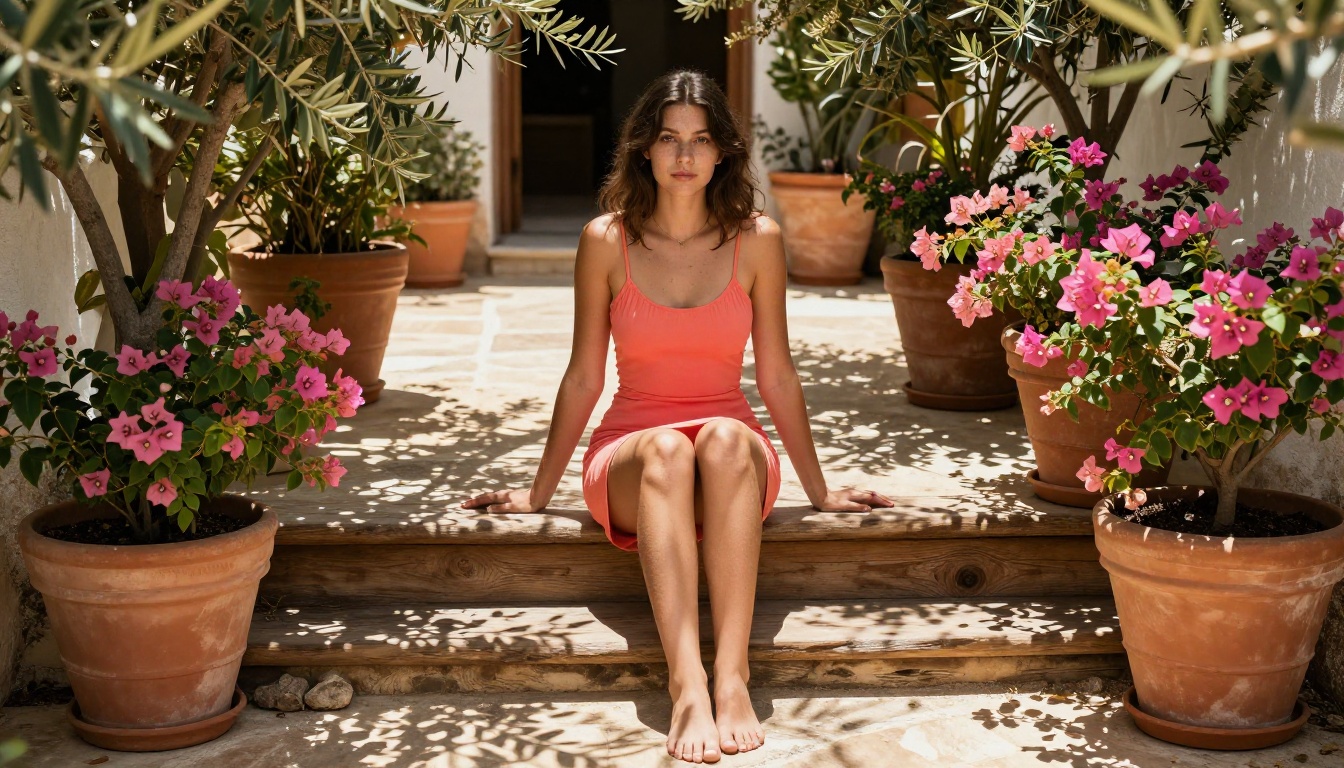
Pricing: What You Actually Pay
Cost matters at scale, particularly for creators producing volume content.
| Model | Platform | Cost Per Generation | NSFW |
|---|
| Sora 2 | PicassoIA | Credits (moderate) | No |
| Sora 2 Pro | PicassoIA | Credits (higher) | No |
| Seedream 4.5 | PicassoIA | Credits (low per image) | Yes |
| Image Editor Pro | PicassoIA | Unlimited on Elite/Infinite | Yes |
| PicassoIA Video | PicassoIA | Unlimited at 720p | Yes |
For creators doing volume work — generating hundreds or thousands of images — the unlimited model on Image Editor Pro is the mathematically correct choice. For individual high-quality generations where you want the best photorealistic output, Seedream 4.5 offers the best cost-to-quality ratio with full NSFW support.
The combination of both models on a single PicassoIA plan covers the full production workflow: high-quality base generations from Seedream 4.5, unlimited iteration from Image Editor Pro, at a flat monthly subscription cost.
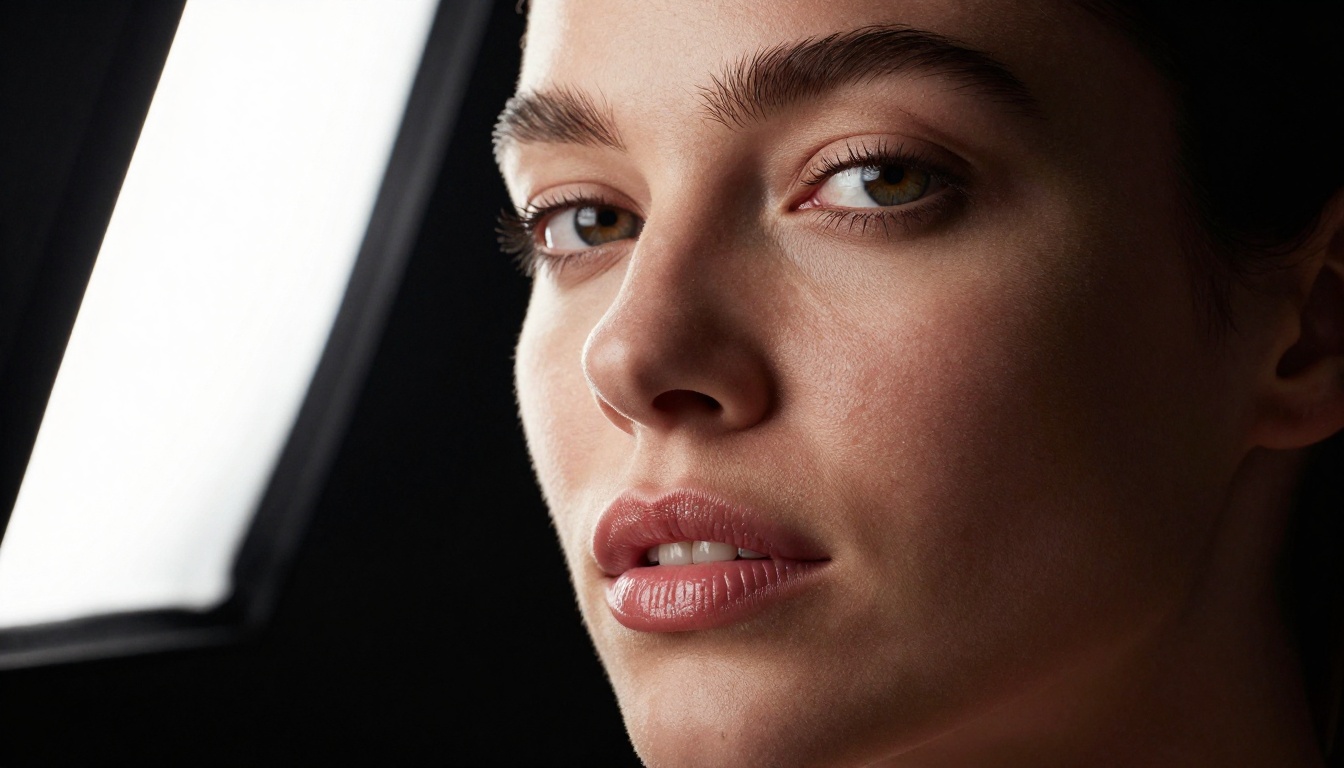
Start Creating Without Limits
The verdict is clear. Sora does not win for uncensored content — it does not compete at all in that category. Its content policies make it a non-starter for adult creators, and that will not change. Seedream 4.5 wins on every relevant metric: NSFW support, generation speed, output realism, and image editing capability.
The practical workflow for creators serious about uncensored AI content:
- Start with Seedream 4.5 for high-quality base image generation with no content walls
- Iterate with Image Editor Pro for unlimited refinements on your Elite or Infinite plan
- Animate with PicassoIA Video or P-Video when you need motion from your stills
- Use Grok Imagine Video for 15-second no-watermark clips when length and cinematic quality matter
- Reach for LTX 2.3 Pro when you need 4K video with professional retake and extend editing
PicassoIA brings all of these tools together in one platform. No API juggling, no switching accounts, no separate billing for each model. The full catalog of over 90 image models and 87 video models is accessible at picassoia.com/en/all-models. Pick a model, write a prompt, and start generating without restrictions.