Creating captions and subtitles used to mean sitting through hours of audio, typing word-for-word, and painstakingly syncing text with video timelines. That process consumed days for longer projects and introduced inevitable human errors. Today, speech-to-text technology changes everything about how we handle audio transcription for video content.
The transformation happened quietly but completely. AI-powered transcription tools now handle multiple languages, different accents, technical vocabulary, and even overlapping speakers with accuracy rates that would have seemed impossible five years ago. For content creators, this means faster workflows. For viewers, it means better accessibility. For platforms, it means higher engagement metrics across the board.
Why Accurate Captions Matter More Than Ever
Accessibility requirements pushed captioning into mainstream consciousness, but the benefits extend far beyond compliance. Studies show videos with captions receive 40% more views and keep viewers engaged longer. Social media platforms automatically play videos without sound, making captions essential for conveying your message. International audiences rely on subtitles when content isn't in their native language.
The technical side matters too. Search engines can't index audio, but they can index text. Properly captioned videos rank higher in search results because platforms can understand their content. YouTube's algorithm specifically looks for accurate captions when determining video relevance and quality.
💡 Practical Insight: Even if you think your audience doesn't need captions, platforms and algorithms do. Captioning isn't just about accessibility—it's about discoverability.
How Modern Speech Recognition Actually Works
Contemporary speech-to-text systems use neural networks trained on thousands of hours of diverse audio. They don't just match sounds to words; they understand context, predict likely phrases, and adapt to speaker characteristics. The process happens in layers:
- Audio preprocessing filters background noise and normalizes volume
- Feature extraction identifies phonetic elements and speech patterns
- Acoustic modeling matches sounds to phonemes (basic sound units)
- Language modeling predicts probable word sequences based on context
- Decoding converts probabilities into the most likely text output
Advanced systems add speaker diarization (identifying who's speaking), punctuation prediction, and formatting rules for different content types. The best tools handle technical jargon, proper names, and industry-specific terminology without requiring custom training.
Audio Quality: The Forgotten Factor
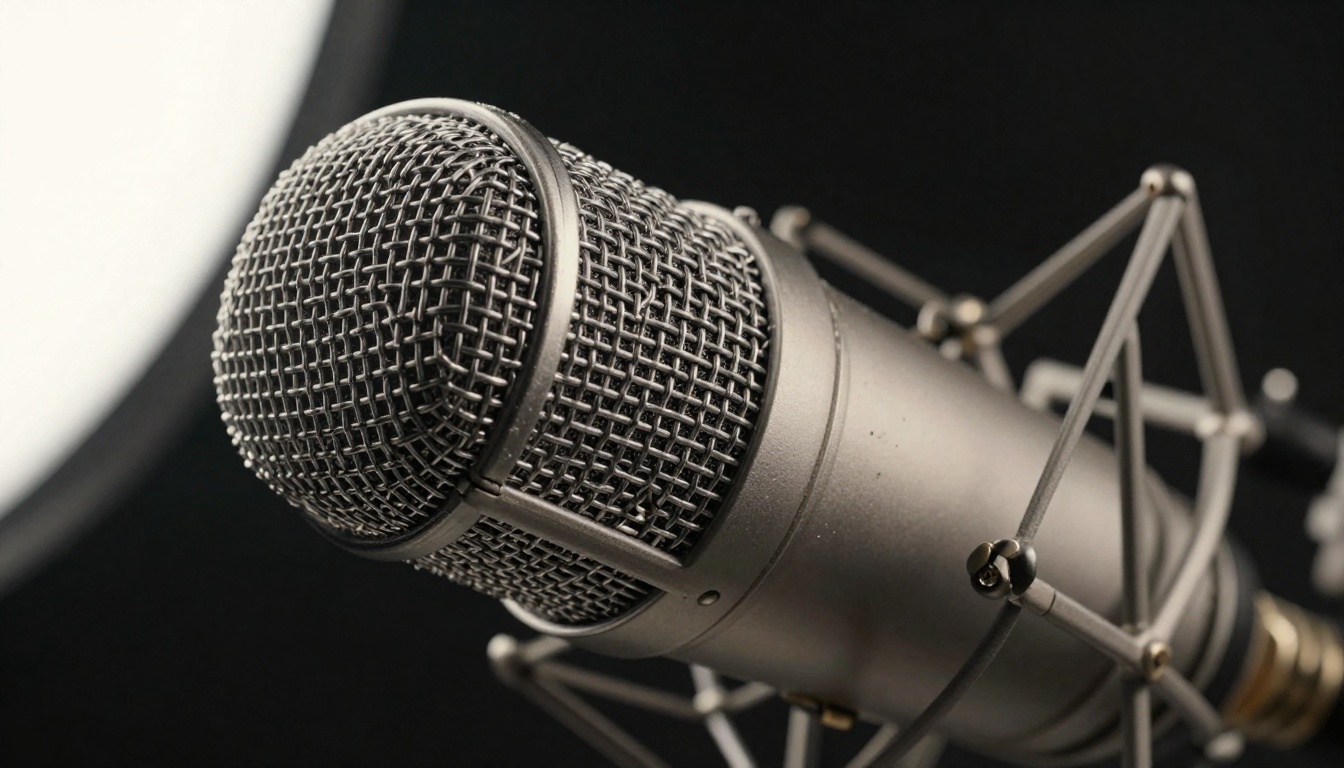
Speech recognition accuracy depends heavily on input quality. Clean audio with minimal background noise yields 95%+ accuracy rates, while poor recordings might struggle to reach 70%. The microphone choice, recording environment, and audio processing all contribute to transcription success.
| Audio Quality Factor | Impact on Accuracy | Recommended Solution |
|---|
| Background Noise | High impact | Noise reduction software, acoustic treatment |
| Microphone Quality | Medium impact | Condenser mics for studio, lavaliers for mobile |
| Speaker Clarity | High impact | Script preparation, speech coaching |
| Recording Format | Low impact | WAV or high-bitrate MP3, avoid compression |
| Multiple Speakers | Medium impact | Separate microphones, speaker identification |
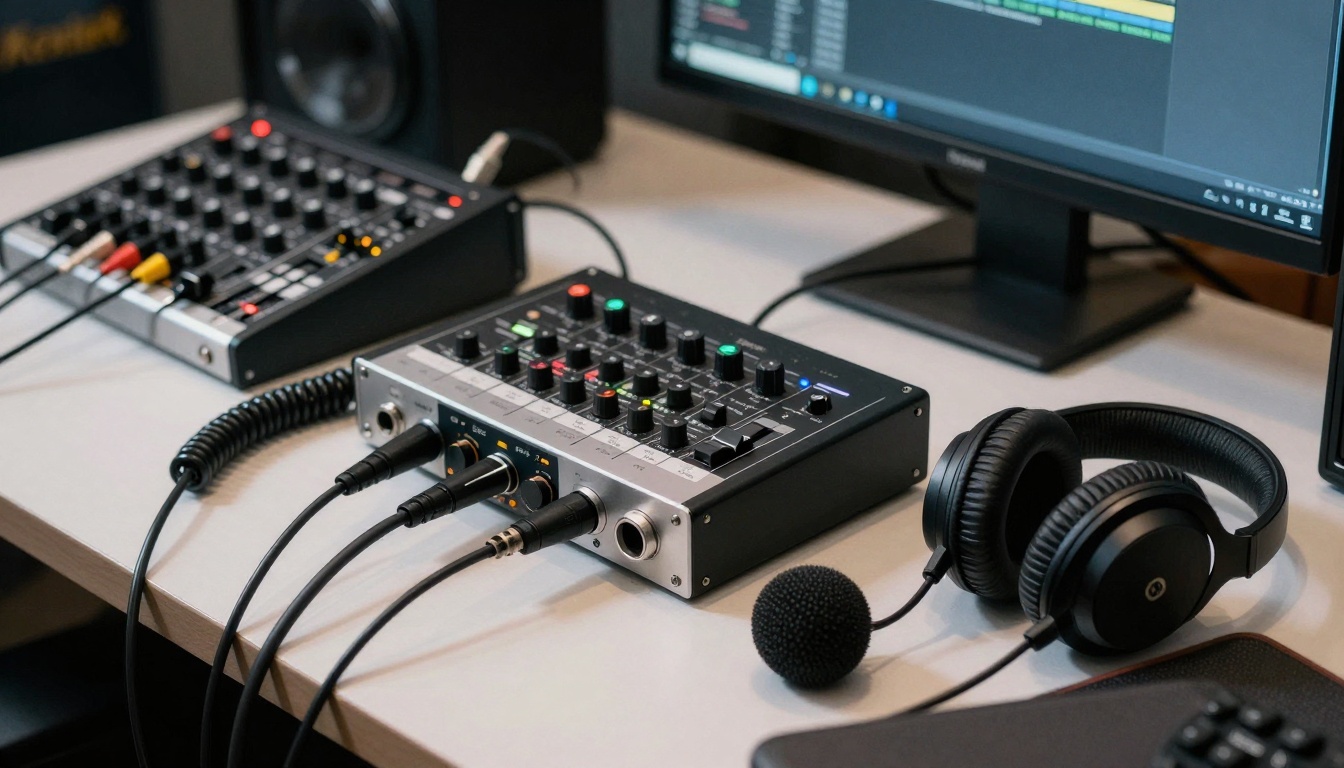
Professional setups use audio interfaces with XLR connections, pop filters to reduce plosives, and acoustic treatment to minimize room reflections. For mobile recording, directional microphones and windshields make significant differences.
Desktop Applications vs. Web Services
The choice between installed software and cloud services comes down to workflow needs, privacy concerns, and budget considerations. Each approach has distinct advantages for different use cases.
Desktop applications like Descript and Adobe Premiere Pro's built-in transcription work offline, handle large files efficiently, and integrate directly with editing workflows. They're ideal for:
- Long-form content (podcasts, documentaries, lectures)
- Confidential material that can't leave local systems
- Batch processing multiple files automatically
- Tight integration with video editing timelines
Web services like Otter.ai, Trint, and Rev offer collaborative features, automatic updates, and platform flexibility. They excel at:
- Team collaboration with shared editing and commenting
- Mobile access from any device with internet
- Automatic language detection and translation
- API integration with other business tools
Specialized Tools for Different Content Types
Not all transcription needs are identical. The optimal tool varies dramatically depending on whether you're captioning YouTube videos, transcribing legal depositions, or subtitling feature films.
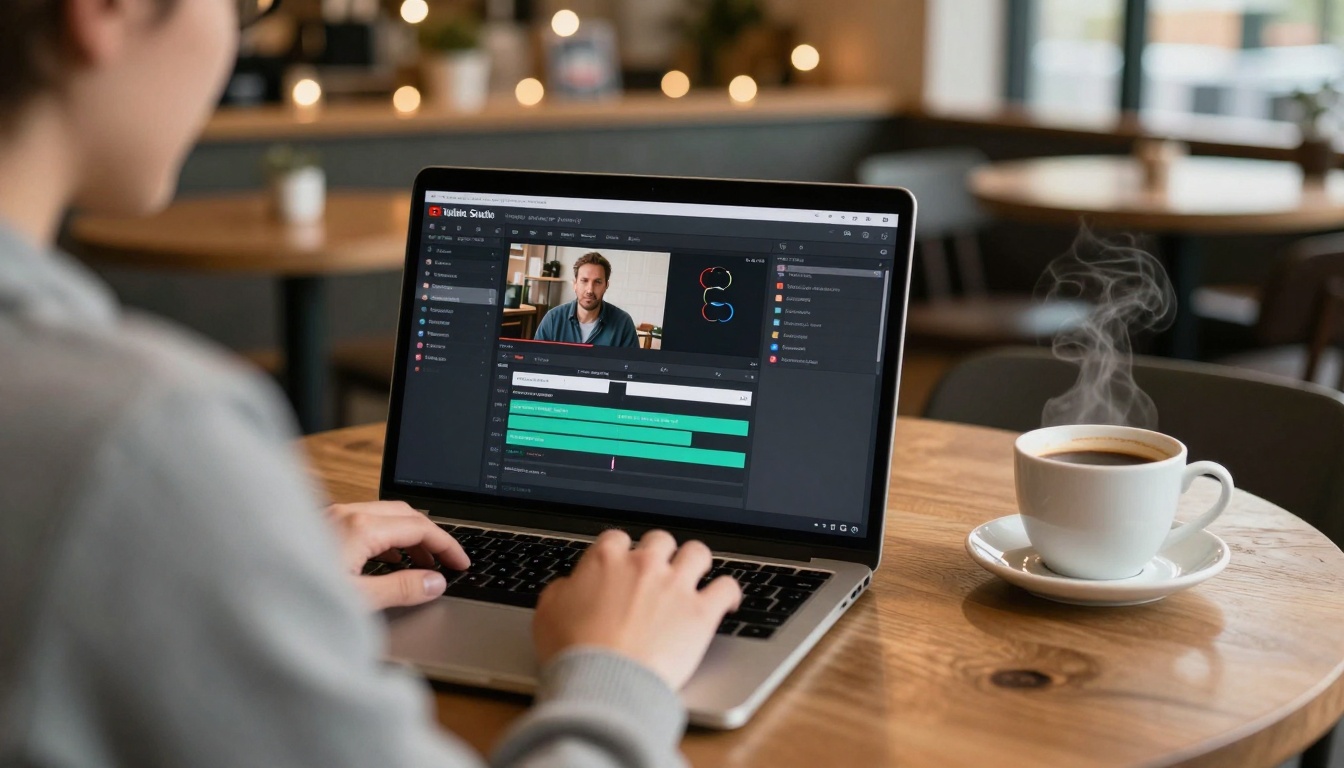
YouTube and Social Media Creators should prioritize tools with direct platform integration. YouTube Studio's built-in auto-captions work reasonably well and sync automatically with uploads. Third-party services like Subly and CapCut offer specialized templates for social media formats with animated text and timing optimized for short attention spans.
Podcast producers need accurate speaker identification and chapter markers. Descript remains the industry standard with its Overdub feature for fixing audio errors via text editing. Adobe Podcast (formerly Podcast.ai) offers surprisingly good free transcription with decent accuracy for conversational content.
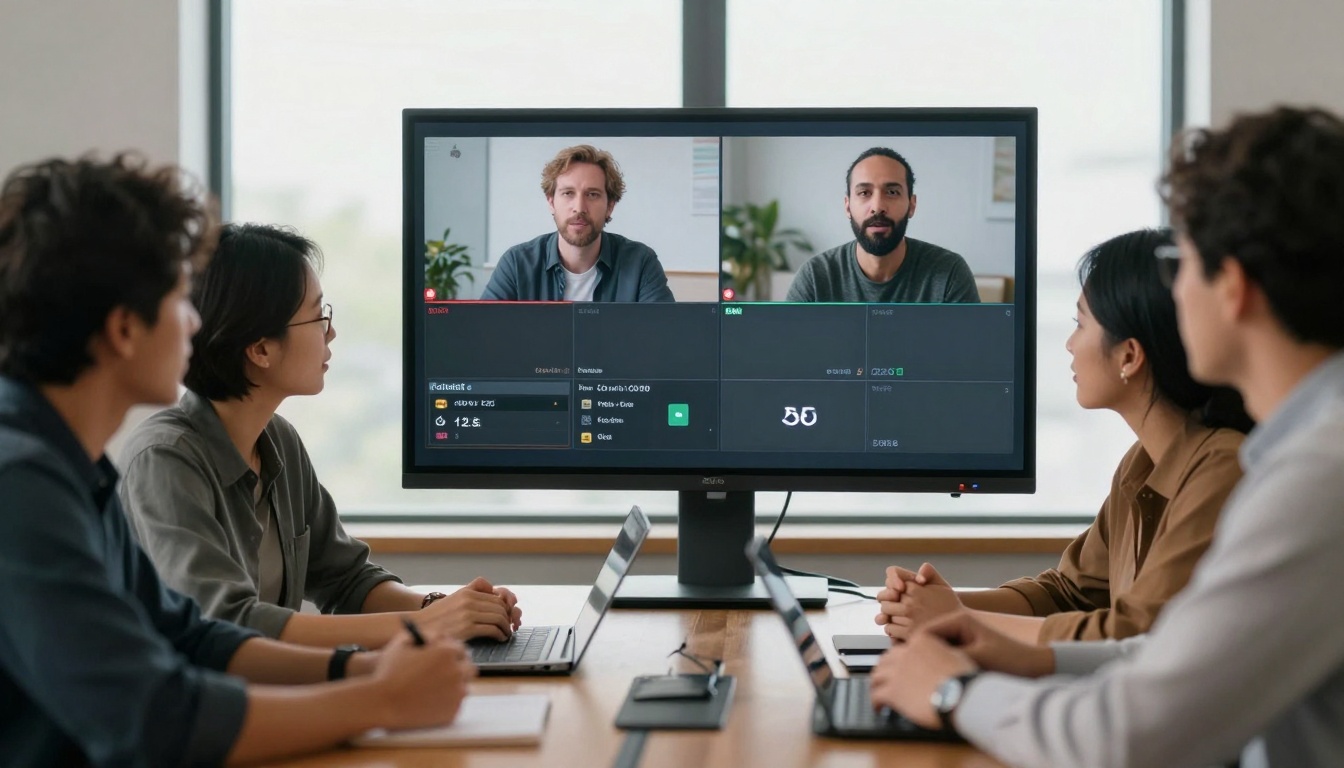
Corporate and educational users dealing with meetings, lectures, and presentations benefit from real-time transcription. Otter.ai creates searchable meeting notes automatically, while Microsoft Teams and Zoom have built-in captioning that improves with each use through machine learning.
Film and television professionals require frame-accurate timing and format compliance. Subtitle Edit and Aegisub provide professional-grade control over timing, positioning, and styling with support for broadcast standards like EBU-TT-D and IMSC.
Accuracy Benchmarks: What Numbers Actually Mean
Transcription services advertise accuracy rates from 85% to 99%, but these numbers require context. 99% accuracy sounds impressive until you realize that means one error per 100 words—unacceptable for professional use. More meaningful metrics include:
- Word Error Rate (WER): Percentage of words incorrectly transcribed
- Speaker Diarization Error Rate: Mistakes identifying who's speaking
- Punctuation Accuracy: Proper placement of commas, periods, and question marks
- Formatting Consistency: Consistent handling of numbers, dates, and special terms
Independent testing shows most services achieve 92-96% accuracy on clean studio recordings with single speakers. Accuracy drops to 85-90% for conversational content with multiple speakers and background noise. Heavily accented speech or technical terminology can push accuracy below 80% without custom training.
The Editing Reality: Why 95% Accuracy Isn't Enough
Even the best automatic transcription requires human editing. A 95% accurate one-hour podcast (approximately 9,000 words) contains 450 errors. Editing those errors takes 60-90 minutes for an experienced editor. The editing process involves:
- Listening while reading to catch missing words and wrong homophones
- Correcting proper names and technical terms the AI misheard
- Adding punctuation where the AI missed sentence boundaries
- Formatting for readability with paragraph breaks and speaker labels
- Timing adjustments to sync text with visual cues in video
The most time-consuming errors involve homophones (words that sound alike), proper nouns, and industry jargon. "Their/there/they're" errors appear constantly. Company names and product terms get mangled unless specifically trained. Medical, legal, and technical vocabulary requires specialized dictionaries.
Integration with Video Editing Workflows
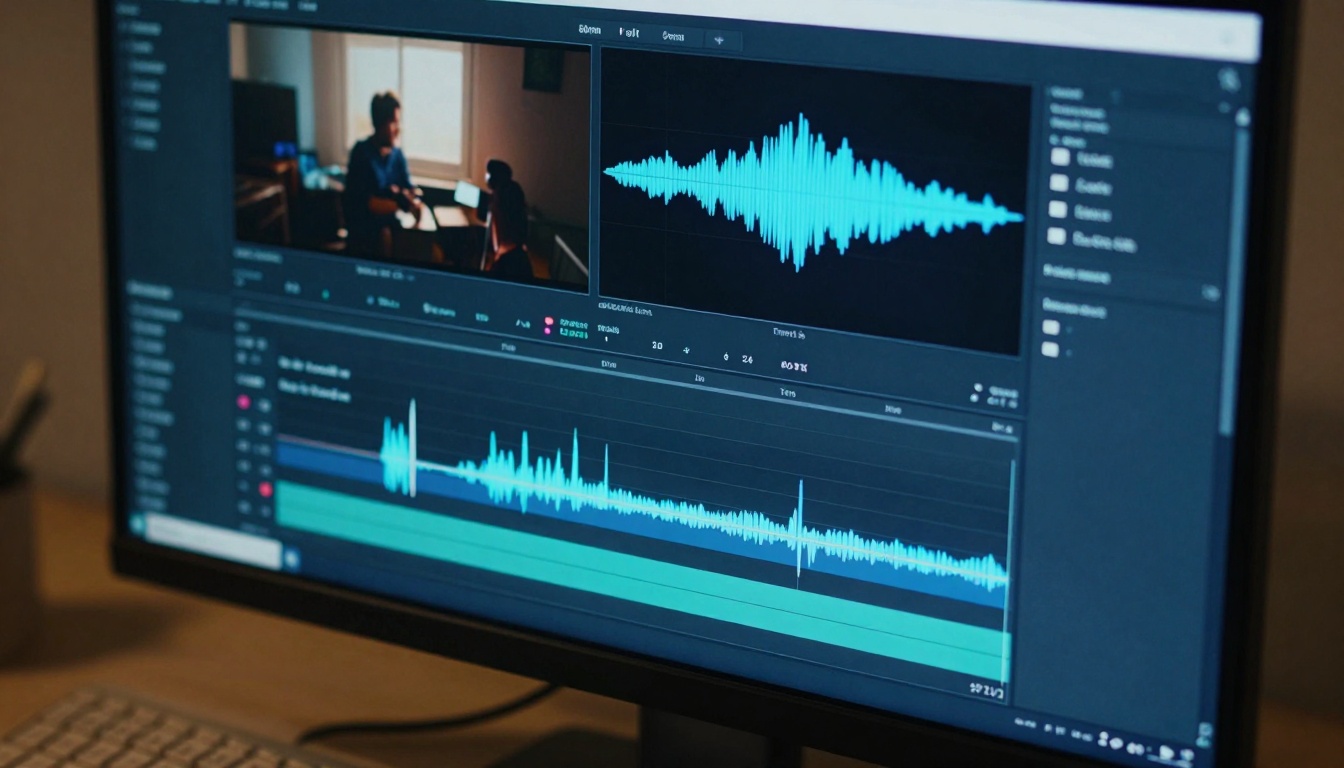
The real efficiency gains come when transcription integrates seamlessly with video editing. Modern workflows allow text editing to drive audio and video adjustments rather than the reverse.
Descript's text-based editing lets you delete filler words by highlighting text, with the corresponding audio automatically removed. Adobe Premiere Pro syncs transcript text with timeline markers, allowing quick navigation to specific dialogue. Final Cut Pro's Captions workspace provides direct control over subtitle timing and styling within the editing environment.
The most advanced systems use AI-powered editing suggestions. They can identify and remove repetitive phrases, suggest better wording, and even generate alternative takes based on transcription patterns. This moves captioning from post-production cleanup to active content shaping.
Multilingual Capabilities and Translation
Global content needs multilingual transcription and translation. The best tools handle this automatically, though with varying quality levels.
YouTube's auto-translation creates subtitles in over 100 languages, with accuracy depending on language pair popularity. Google's translation engine underpins most services, with DeepL providing superior quality for European languages. Rev and Sonix offer human-translated captions for critical projects where machine translation isn't sufficient.
The workflow typically involves:
- Transcription in the original language
- Translation to target languages
- Timing adjustment for different speech patterns
- Cultural adaptation of idioms and references
- Format verification for different subtitle standards
Cost Considerations: Free vs. Paid Services
Pricing models vary from completely free to professional-grade subscriptions. The right choice depends on volume, accuracy needs, and integration requirements.
| Service Type | Typical Cost | Best For |
|---|
| Built-in platform tools | Free | Casual creators, small channels |
| Freemium web services | $0-20/month | Regular content, moderate accuracy needs |
| Professional subscriptions | $50-200/month | High-volume, business use, team features |
| Enterprise solutions | $500+/month | Large organizations, custom integrations |
| Human transcription | $1-3/minute | Legal, medical, highest accuracy required |
Free services like YouTube Studio and Otter.ai's basic plan work for occasional use but limit features and processing time. Mid-tier services like Descript and Trint offer the best balance for regular creators. Enterprise solutions from Verbit and 3Play Media provide security compliance, custom vocabularies, and dedicated support.
AI Speech-to-Text Models on PicassoIA
For developers and technical users who want to build custom transcription solutions, PicassoIA offers several powerful AI models specifically designed for speech recognition tasks. These models provide API access to state-of-the-art transcription technology that you can integrate into your own applications.
Google's gemini-3-pro delivers advanced speech-to-text transcription with exceptional accuracy for multiple languages and accents. The model handles conversational speech, technical terminology, and varying audio quality with robust error correction.
OpenAI's gpt-4o-transcribe provides accurate speech-to-text conversion using the same technology behind ChatGPT. It excels at understanding context, handling overlapping speakers, and predicting proper punctuation placement.
OpenAI's gpt-4o-mini-transcribe offers a faster, more efficient transcription option optimized for real-time applications and large-volume processing. While slightly less accurate than the full model, it delivers excellent performance at lower computational cost.
AutoCaption by fictions-ai provides effortless video subtitling directly within video editing workflows. This model specializes in synchronizing text with visual cues and handling the unique timing requirements of video content.
How to Use Speech-to-Text Models on PicassoIA
Integrating AI transcription into your workflow through PicassoIA follows a straightforward process. The platform provides direct access to cutting-edge models without requiring deep technical expertise.
Step 1: Model Selection
Choose the appropriate model based on your needs. For highest accuracy with multiple speakers, use gemini-3-pro. For real-time applications with good performance, gpt-4o-mini-transcribe works well. For video-specific captioning with timing synchronization, autocaption provides specialized capabilities.
Step 2: Audio Preparation
Upload your audio files in supported formats (MP3, WAV, M4A). Clean audio yields better results—consider basic noise reduction if recording quality is poor. For video files, extract the audio track separately or use tools that handle video-to-audio conversion automatically.
Step 3: Configuration Settings
Adjust model parameters based on your content:
- Language specification improves accuracy for non-English content
- Speaker count helps with diarization (identifying different speakers)
- Technical vocabulary lists improve recognition of industry terms
- Punctuation preferences control formatting style
Step 4: Processing and Output
Submit your audio for transcription. Processing time varies by length and model complexity. Download results in your preferred format:
- Plain text for basic transcription
- SRT/VTT files for video subtitles with timing
- JSON/XML for integration with other applications
- Word documents with formatted timestamps
Step 5: Review and Correction
All AI transcription requires human review. Use the provided editing interface to:
- Correct homophone errors (their/there/they're)
- Fix proper names and technical terms
- Adjust punctuation for readability
- Verify timing synchronization for video
Practical Implementation Tips
- Start with clean audio—even advanced AI struggles with poor recordings
- Provide context when possible (topic, speaker backgrounds, technical terms)
- Use speaker labels if your content has multiple participants
- Batch process similar content to maintain consistency
- Build custom dictionaries for frequently used proper nouns
Future Developments in Speech Recognition
The technology continues advancing rapidly. Current research focuses on zero-shot learning (understanding speech without specific training), emotional recognition (detecting tone and intent), and cross-modal understanding (connecting speech with visual context).
Real-time translation during live broadcasts will become standard within two years. Personalized speech models that adapt to individual voices and speech patterns will reduce errors for regular speakers. Context-aware transcription will understand references to on-screen visuals and adjust wording accordingly.
The most significant near-term improvement involves handling overlapping speech. Current systems struggle when multiple people talk simultaneously—a common occurrence in interviews and panel discussions. Next-generation models use source separation techniques to isolate individual voices from mixed audio.
Hardware integration also progresses. Smart microphones with built-in AI processing can transcribe locally without cloud dependency, addressing privacy concerns for sensitive conversations. Wearable devices will offer continuous transcription for note-taking during meetings and events.
Common Pitfalls and How to Avoid Them
Even with excellent tools, transcription projects encounter predictable problems. Recognizing these issues early saves significant correction time later.
Audio quality issues remain the biggest obstacle. Background noise, poor microphone placement, and room acoustics degrade accuracy dramatically. Solution: Invest in decent microphones and basic acoustic treatment. Record in quiet environments whenever possible.
Technical terminology gets mangled unless specifically trained. Medical, legal, and industry-specific vocabulary contains uncommon words that standard models don't recognize. Solution: Provide word lists to transcription services. Use custom dictionaries for recurring terms.
Speaker identification fails with similar voices or when speakers interrupt each other. Solution: Record each speaker on separate tracks when possible. Use distinct microphones for different participants.
Formatting inconsistencies create professional-looking but technically flawed subtitles. Different platforms have specific requirements for line length, duration, and positioning. Solution: Use platform-specific tools or verify formatting against published guidelines.
Creating Your Own Speech-to-Text Implementation
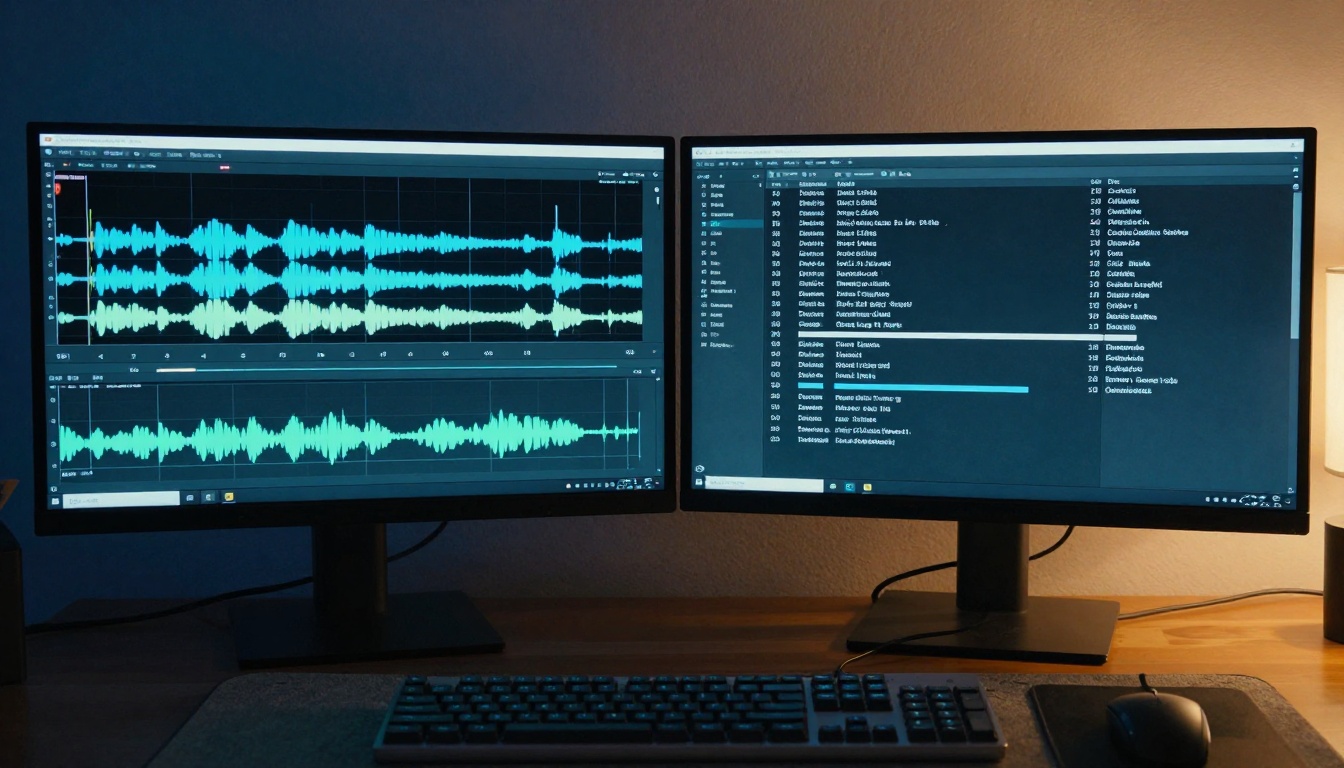
For organizations with specific needs, building custom transcription solutions using PicassoIA's models provides flexibility and control. The process involves several key decisions about architecture, scalability, and integration.
Architecture choices depend on volume and latency requirements:
- Cloud-based processing works for most applications with internet connectivity
- Edge computing reduces latency for real-time applications
- Hybrid approaches combine cloud accuracy with local preprocessing
Scalability considerations address growing transcription needs:
- Batch processing handles large volumes of pre-recorded content
- Streaming transcription supports live events and continuous recording
- Distributed processing spreads load across multiple instances
Integration patterns determine how transcription fits existing workflows:
- API-based integration connects with existing editing software
- Webhook notifications alert systems when transcription completes
- Database storage maintains transcription history with search capabilities
Quality assurance requires systematic approaches:
- Automated validation checks for common error patterns
- Human review workflows ensure critical content accuracy
- Continuous improvement feeds corrections back to training data
Getting Started with Minimal Investment
The barrier to entry for quality transcription has never been lower. You don't need expensive software or specialized training to begin creating accurate captions for your content.
Free tier exploration lets you test multiple services without financial commitment. Most platforms offer limited free minutes or basic features at no cost. Use these to understand different approaches and identify which workflow matches your needs.
Gradual investment in better equipment pays dividends over time. A $100-200 microphone improves audio quality significantly. Basic acoustic treatment (foam panels, isolation shields) costs under $100 and transforms recording environments.
Skill development focuses on efficient editing rather than perfect transcription. Learn keyboard shortcuts for your chosen editing software. Develop systematic approaches to common error patterns. Create templates for recurring content types.
Community resources provide support and best practices. Online forums, tutorial channels, and professional networks share solutions to common problems. Industry conferences (when available) showcase emerging tools and techniques.
The Bottom Line on Modern Transcription
Speech-to-text technology has matured from novelty to necessity. What required specialized expertise and expensive software now operates with surprising accuracy through accessible tools. The transformation affects everyone creating audio or video content—from individual creators to large organizations.
Accuracy continues improving as models train on more diverse data. Cost decreases as competition increases and efficiency improves. Integration deepens as platforms recognize transcription's central role in content workflows.
The practical implication: Creating captions and subtitles no longer represents a major time investment. What once took hours now completes in minutes with reasonable accuracy. Final polishing requires human attention, but the heavy lifting happens automatically.
Next Steps for Your Projects
Evaluate your current captioning workflow against available options. Test different services with your actual content—not just demo material. Consider both immediate needs and future scalability as your content volume grows.
For technical users, explore PicassoIA's speech-to-text models to understand the underlying technology. The platform provides direct access to state-of-the-art AI without requiring deep machine learning expertise.
Experiment with creating your own transcription implementations using the available models. Start with simple integrations and expand functionality as you identify specific needs. The combination of accessible AI models and practical workflow tools makes sophisticated transcription capabilities available to everyone creating content today.


