There's a specific feeling that separates a good adult audio story from a great one. It's not the voice, though that matters. It's not even the script. It's the sound underneath, the ambient bed that tells your nervous system where you are before a single word lands. Stable Audio 2.5 is the model that can generate that layer, precisely, from a text prompt, in under a minute.
This article is for audio content creators who need real results. If you're producing adult audio stories, erotic fiction podcasts, or intimate ASMR-adjacent content, this covers exactly how the model works, what it does better than anything else, and how to build a full production pipeline around it on PicassoIA.
Why Background Music Changes Everything
The emotional gap most creators miss
Most people spend 90% of their audio production budget on voice. The script, the performance, the vocal editing. The background music gets a royalty-free loop from a free site, looped for 40 minutes. Listeners feel it even if they can't name it. The loop resets. The mood breaks. The immersion collapses.
Adult audio stories live or die on sustained atmosphere. The listener needs to stay in the world you're building. A tension-filled scene needs something that slowly tightens, not a track that resets every 60 seconds. A tender moment needs ambient warmth that stays just below the voice without competing. These are not things a generic music library handles well.
💡 The 80/20 rule of audio immersion: listeners register voice consciously but process background music emotionally. The background does more psychological work than most creators realize.
What a proper sound bed actually does
A well-constructed audio bed for adult fiction creates time, place, and tension simultaneously. Think about what happens in a scene set in a rain-soaked apartment at 2am: the rain, the low ambient hum of the city below, a few piano notes that hang without resolving. That's not a stock track. That's a composed environment.
Stable Audio 2.5 generates audio environments from text. You describe the sound. It builds it. The model understands musical language (tempo, key, instrumentation) and atmospheric language (tension, warmth, intimacy, distance). That's why it fits this specific use case better than general-purpose music generators.

What Stable Audio 2.5 Is Good At
Duration, loops, and story pacing
One of the most practical features of Stable Audio 2.5 is output length control. You can request audio anywhere from a few seconds to around three minutes. For most adult audio story scenes, this is perfect: a 2-minute ambient piece that captures a specific emotional phase, loopable or cut to match your narration.
The model does not simply generate music. It generates audio experiences. Ambient field recordings, textural soundscapes, slow minimalist compositions, and hybrid environments where music and atmosphere blur together. These outputs can be edited and layered in any DAW, or used raw beneath a voiceover.
| Output Type | Best For | Approximate Duration |
|---|
| Ambient soundscape | Setting scenes, location establishing | 1-3 minutes |
| Slow instrumental | Emotional peaks, romantic tension | 1-2 minutes |
| Minimal texture | Under dialogue, consistent background | 30-60 seconds |
| Rhythmic underscore | Pacing, building scenes | 1-2 minutes |
What text-prompt control feels like
The model is exceptionally responsive to emotional and tonal language. Prompts that describe how something should feel outperform prompts that only list instruments.
Less effective: "piano, strings, soft"
More effective: "slow, intimate piano in a minor key, sparse string pads that breathe in and out, ambient room tone, a sense of anticipation and held breath, 80 BPM, cinematic"
The model picks up on narrative context. Words like "tension," "surrender," "warmth," "distance," "waiting," "inevitable" produce noticeably different outputs than just listing instruments. That's a significant advantage for story-driven content.
Using Stable Audio 2.5 on PicassoIA
PicassoIA hosts Stable Audio 2.5 directly in its AI music generation collection. You don't need a Stability AI account or API setup. The model runs through the platform interface.
Writing prompts that produce usable results
Structure your prompts in three layers: instrumentation, emotional tone, and technical parameters. This three-part structure gives the model enough information to make creative decisions without over-constraining it.
Prompt structure:
- Instrumentation layer: What instruments or sound types are present? Include textures, not just names. "Upright piano with slightly out-of-tune strings" is more useful than "piano."
- Emotional layer: What is the narrative feeling? "The intimacy of a first night together," "the restlessness of waiting," "the comfort of a familiar body." These are legitimate prompt inputs.
- Technical layer: Tempo in BPM (or relative terms like "slow," "languid"), key (major vs. minor), and audio density (sparse, layered, minimal).
Example prompt for a romantic tension scene:
"sparse upright piano in Eb minor, a cello drone that slowly rises in volume, quiet background room ambience with light city noise, very slow tempo around 55 BPM, sparse notes with long silences between them, intimate and anticipatory, like waiting for a door to open"
Settings and parameters worth adjusting
On PicassoIA, you can adjust output duration for Stable Audio 2.5. For adult audio stories, the most useful outputs are:
- 30-45 seconds: Good for short connective tissue between scene beats
- 90 seconds: Ideal for establishing a mood at the start of a scene
- 3 minutes: For long scenes or as a looping background track
Generate multiple variations of the same prompt. The model produces different results each time. Run 3-4 variations on the same emotional prompt and pick the one that fits your specific scene best.
💡 Practical tip: Generate your audio beds before recording narration. Set the audio playing in your headphones while you record. Your performance will naturally shift to match the emotional texture of the music. The pacing becomes organic instead of forced.
Pairing Your Audio Bed with a Voice
Best text-to-speech models for adult narration
If you're not recording narration yourself, or if you want a consistent synthetic voice for an audio fiction series, PicassoIA has several text-to-speech models that handle intimate, nuanced delivery.
Speech 2.8 HD by Minimax is the strongest option for adult audio stories. It produces studio-quality voice synthesis with natural prosody, breath patterns, and emotional inflection. The HD tier makes a real difference in perceived quality. At around $0.10 per 1,000 input tokens, it's cost-effective for long-form narration.
ElevenLabs V3 offers exceptional emotional range and is particularly strong when the narration requires shifts in tone, such as a scene that moves from tension into release. The voice cloning option lets you build a custom narrator persona that stays consistent across an entire series.
Chatterbox Pro by Resemble AI is the best choice if you want voice cloning with emotion control. You can clone a specific voice from a reference audio sample and modulate delivery expressiveness, which matters significantly for adult fiction where pacing and breath control are part of the storytelling. The base Chatterbox version is worth testing first if you're on a tighter budget.
Play Dialog by PlayHT handles multi-character dialogue with natural turn-taking and distinctly different voice qualities per character. If your adult audio story involves two or more characters with back-and-forth dialogue, this is the most efficient tool in the stack.
How to balance voice and music levels
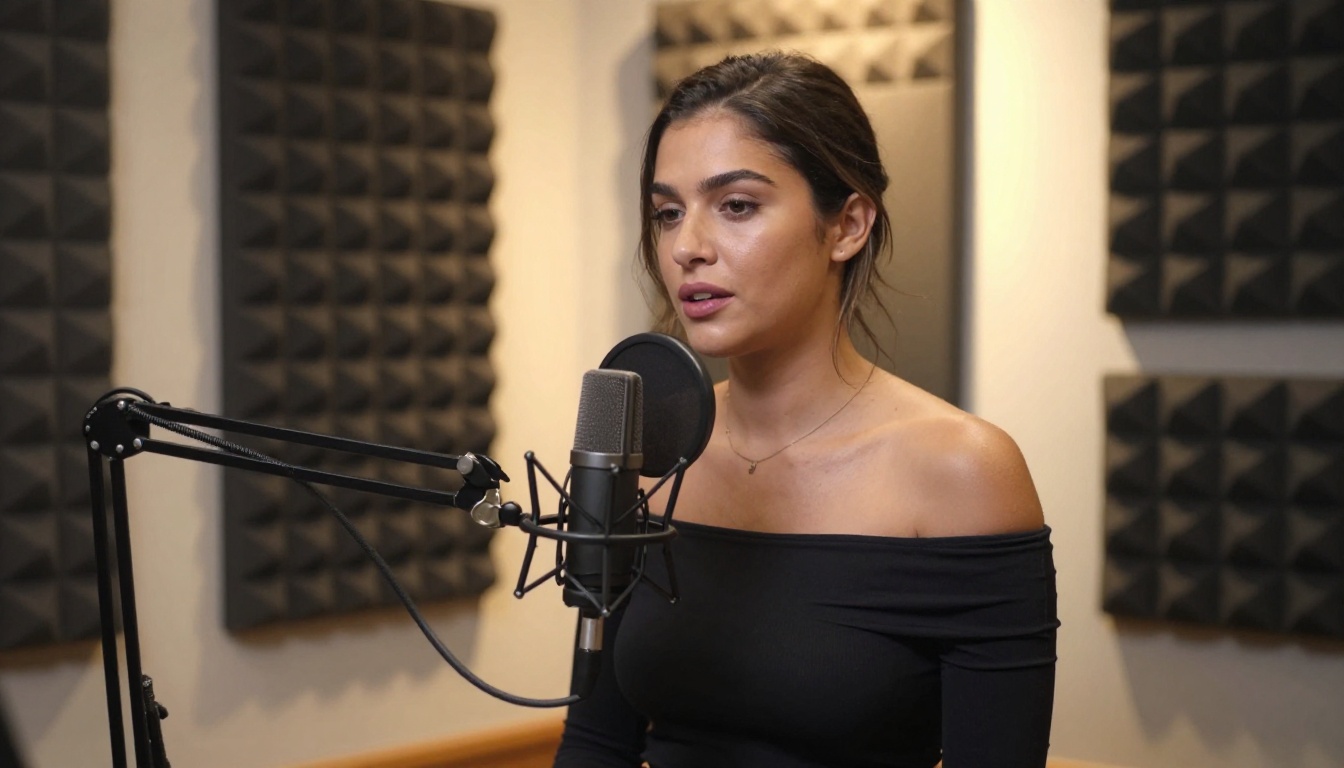
The single most common mixing mistake in amateur audio stories: the music is too loud. The voice needs to sit at least 10-15 dB above the ambient bed in a finished mix. The music should feel like it's in a different room, audible but not competing.
A practical approach:
- Export your narration at -6 dBFS peak
- Export your Stable Audio 2.5 audio bed
- Layer them in a DAW or simple audio editor
- Set the music bed to sit around -18 to -20 dBFS average
- Add a slight low-pass filter to the music (cut above 8kHz) to push it further into the background
This leaves the voice clear and present while the music does its atmospheric work without distraction.
Transcribe and Edit Your Scripts with AI
Speech-to-text for production workflow
If you're recording live narration and want to edit by text rather than waveform, transcription tools are the fastest way to work. PicassoIA offers two high-accuracy options.
GPT-4o Transcribe by OpenAI is exceptionally accurate for continuous natural speech. It handles whispered delivery, breathy tones, and variable pacing well, which are common in adult audio recording. The model produces timestamped transcripts you can use to navigate audio files without scrubbing.
Gemini 3 Pro for Speech-to-Text is the best choice for longer recordings (20+ minutes) because of its larger context window. If you've recorded a full-length episode, Gemini 3 Pro handles the full file without chunking issues that plague shorter-context transcription tools.
Editing audio scripts faster
Transcription makes editing nonlinear. Instead of listening through your recording to find a flubbed line, you read the transcript, identify the sentence, and cut to that timestamp. For adult audio content where reshuffling scene order or cutting dead air matters, this saves hours per episode.
💡 Workflow shortcut: Record narration in takes of 3-4 paragraphs, not full scripts. Shorter takes mean fewer mistakes and faster re-records. Transcribe each take separately, then assemble the full script transcript by merging them.
Other Music Models Worth Testing
Stable Audio 2.5 is the right default for adult audio stories, but there are adjacent use cases where other models perform better.
Minimax Music 2.6 for longer compositions
Music 2.6 by Minimax generates full songs with lyrics and vocal elements. If your audio story concept includes original music as part of the narrative (an in-world song, an opening theme with lyrics, a closing credits track), Music 2.6 handles it. It's not the right tool for ambient underscore, but for structured musical moments in a story, it significantly outperforms trying to force Stable Audio 2.5 into song format.
Music 2.5 by Minimax is the previous generation and still worth using for full-length track generation when you want vocal elements without needing the latest updates. Both models support custom lyric input.
Google Lyria 3 for genre variety
Google Lyria 3 and its professional tier Lyria 3 Pro cover a broader set of musical genres with high fidelity. If your adult audio story is set in a specific cultural or historical context where the musical atmosphere needs to feel authentic to a genre (jazz, classical, bossa nova, electronic), Lyria 3 Pro's genre accuracy is worth testing. It's particularly strong on acoustic and orchestral outputs.
ElevenLabs Music rounds out the toolkit for shorter cues and incidental music, particularly useful if you're already using ElevenLabs voice tools and want everything in one ecosystem.
| Model | Strengths | When to Use |
|---|
| Stable Audio 2.5 | Ambient beds, textural audio | Default for scene underscore |
| Music 2.6 | Full songs with vocals and lyrics | Theme songs, in-world music |
| Lyria 3 Pro | Genre accuracy, orchestral | Cultural and historical settings |
| ElevenLabs Music | Short cues, flexible integration | Transition moments |

3 Mistakes That Kill the Audio Experience
1. Using music with a recognizable melody
The moment a listener recognizes a melodic pattern, their brain shifts from absorption to identification. You want music that feels present without being noticed. Stick to ambient, textural, or very sparse harmonic content. Avoid anything with a hook.
2. Keeping the same audio bed for the entire story
A 45-minute audio story with one continuous audio bed will feel monotonous. Plan your audio bed like you plan scene beats. Generate 4-6 distinct pieces that match different emotional phases: opening atmosphere, building tension, peak intimacy, quiet aftermath. Crossfade between them as your narration shifts.
3. Generating audio without testing on headphones
Adult audio stories are almost exclusively consumed through headphones. Test every mix on headphones, not speakers. The spatial perception is completely different. Something that sounds balanced on speakers can feel overwhelming or hollow through earbuds.
💡 Quick test: if you can clearly hear every word of narration while playing the audio bed at full volume in headphones, your levels are close to right. If the music starts competing with the voice at any point, bring it down another 3 dB.
Build Your Audio Story Now
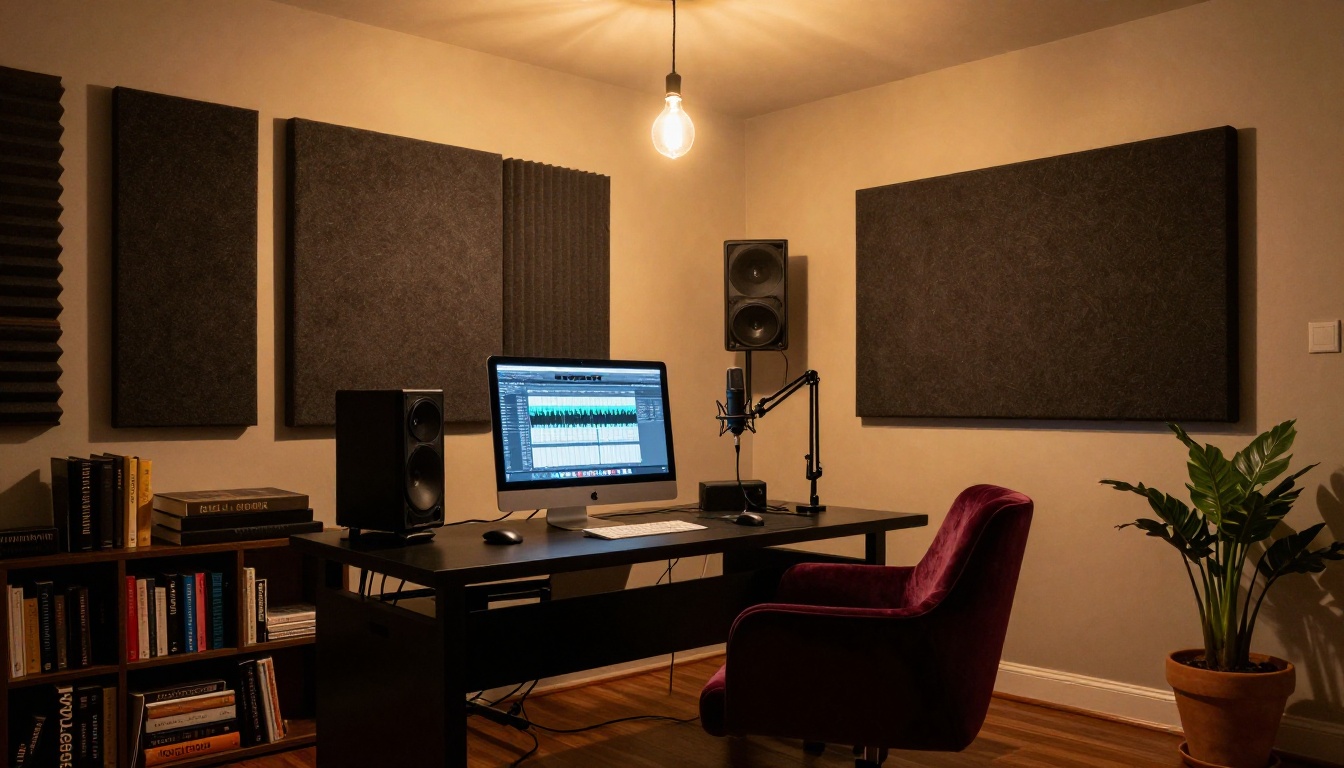
The tools to produce professional adult audio content are available, accessible, and ready to use without a recording studio or music production background. Stable Audio 2.5 handles the atmospheric layer. Speech 2.8 HD, ElevenLabs V3, or Chatterbox Pro handle the narration. GPT-4o Transcribe handles the editing workflow. The entire production stack runs on PicassoIA, no external subscriptions required.
Start with a single scene. Write a 300-word script. Generate two or three Stable Audio 2.5 ambient pieces for it. Layer one with a Speech 2.8 HD narration read. Listen back on headphones.
That first finished scene, however rough, will show you exactly what these tools can do and what direction to push in next. Every model mentioned in this article is available at picassoia.com/en/all-models, ready to use today.