Stable diffusion has been the heartbeat of open-source image generation for years. But the release of Stable Diffusion 3.5 from Stability AI changed the conversation entirely. This is not an incremental patch or a marketing refresh. SD 3.5 brings a fundamentally different architecture, three distinct model variants with genuinely different strengths, and a level of photorealism that closes the gap with closed-source commercial models. If you have been waiting for open-source AI image generation to catch up with the best proprietary tools, this is the moment.
What SD 3.5 Actually Is
Stable Diffusion 3.5 is a family of text-to-image models released by Stability AI in October 2024. The term "family" matters here. Unlike earlier releases that shipped as a single model, SD 3.5 comes in three configurations designed for different hardware setups and use cases. The shared foundation is the Multimodal Diffusion Transformer architecture, or MMDiT-X, which processes text and image tokens together rather than separately.
This joint processing is what separates SD 3.5 from earlier diffusion approaches. In models like SD 1.5 or SDXL, the text encoder would produce an embedding, and the U-Net would reference that embedding at various stages. In MMDiT-X, text and visual tokens interact through the same attention layers simultaneously. The result is a model that responds more directly to prompt language, handles complex multi-subject prompts with less confusion, and generates text inside images with far greater accuracy.
From SD 1.x to SD 3.5
The progression of Stable Diffusion models tells a clear story. SD 1.5 brought accessible open-source generation but struggled with coherent anatomy and complex prompts. SDXL improved resolution and detail substantially, establishing the base for dozens of fine-tunes. SD 3 introduced the DiT (Diffusion Transformer) backbone. SD 3.5 refines that backbone with the MMDiT-X variant, improves the training data quality, and ships models that are genuinely competitive with GPT-Image and Midjourney outputs.
The jump from SDXL to SD 3.5 is larger than the jump from SD 1.5 to SDXL. This is worth stating clearly because it affects decisions about which fine-tunes, LoRAs, and workflows are worth building going forward.
The Three Model Variants
SD 3.5 does not ship as one model. It ships as three:
| Model | Parameters | Best For |
|---|
| SD 3.5 Large | 8B | Highest quality, complex prompts |
| SD 3.5 Large Turbo | 8B (distilled) | Fast generation, near-Large quality |
| SD 3.5 Medium | 2.5B | Consumer GPUs, fine-tuning friendly |
The Medium variant is the one most likely to be fine-tuned into specialized models over time, since it fits comfortably on a 10GB VRAM card. The Large variants require more substantial hardware but deliver noticeably better results on intricate scenes.
SD 3.5 Features That Matter
Not every listed feature of a new model is actually meaningful in practice. These ones are.
Typography That Actually Works
Earlier diffusion models treated text inside images as a texture problem. They could approximate letterforms but consistently garbled words beyond a few characters. SD 3.5 treats text generation as part of its core competency rather than an afterthought.
The MMDiT-X architecture processes the prompt's text tokens at the same attention level as spatial tokens, which means the model has a far better internal representation of what letters should look like and where they should appear. In practice, you can prompt SD 3.5 Large to include a sign, a label, or a title card with a short phrase and get readable results on the first generation. This alone opens up significant commercial use cases that were previously impractical with open-source models.
Improved Photorealism
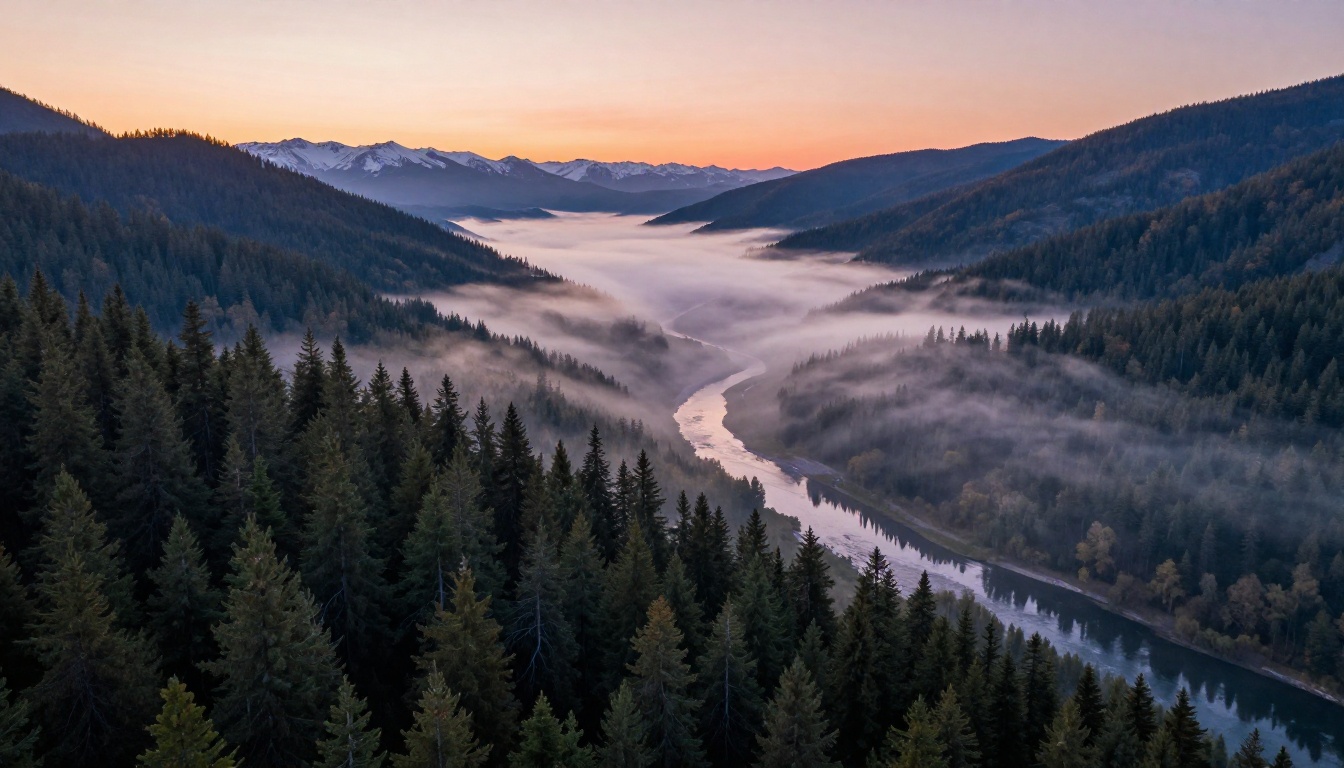
Photorealism in image generation is a specific quality. It is not just sharpness or resolution. It is the way light behaves around surfaces, the subtle color shifts in shadows, the micro-texture in skin and fabric, and the coherent depth implied by out-of-focus planes. SD 3.5 Large handles all of these distinctly better than SDXL.
The model was trained on a curated high-quality dataset, and the quality uplift is visible in comparisons. Portraits show skin with pore-level detail. Architecture shots have correct perspective without distortion artifacts. Product imagery shows consistent material properties across the frame. For users who were relying on specialized fine-tunes like RealVisXL v3.0 Turbo to get photorealistic output from SDXL, the base SD 3.5 Large model starts at a much higher floor.
The MMDiT-X Architecture
The technical foundation is worth a brief look even if you are not building models yourself. Traditional U-Net based diffusion models encode spatial information in a hierarchical way. The Multimodal Diffusion Transformer instead uses attention layers that allow text and image patches to influence each other equally throughout the denoising process.
This has two practical effects. First, the model maintains much stronger consistency between what is described and what is generated, especially for multi-object scenes. If you prompt for "a red bag on the left and a blue bag on the right," the model is far less likely to mix up the positions or colors. Second, the model handles unusual or complex prompt structures more robustly, dealing with relative positioning, layered descriptions, and negated concepts with far greater reliability.
Large vs Medium vs Turbo
Choosing the right variant is a practical decision more than a theoretical one.
Which Version to Pick
SD 3.5 Large is the reference quality model. Use it when generation quality is the priority and compute time is not a constraint. It produces the sharpest detail, best prompt adherence, and most reliable text rendering.
SD 3.5 Large Turbo is distilled from the Large model using adversarial training. It can produce high-quality images in four to eight steps rather than twenty to thirty. The quality difference compared to the full Large model is visible under close inspection but minimal for most practical outputs. Use it when you need faster iteration without dropping to the Medium tier.
SD 3.5 Medium is the fine-tuning target. Its 2.5B parameter count means it can be trained on consumer hardware, which has already produced a wave of community fine-tunes targeting specific styles, faces, and product categories. It delivers noticeably lower quality than the Large variants on complex prompts, but for focused specialized tasks, a well-trained Medium fine-tune can outperform the base Large model.
Speed vs Quality Tradeoffs
💡 Practical guideline: For final production outputs, use SD 3.5 Large. For rapid prototyping or when you need dozens of variations, use Large Turbo. For fine-tuned specialized models on limited hardware, use Medium.
The step count matters significantly with these models. Running SD 3.5 Large at 20 steps produces markedly better output than running it at 10 steps. Unlike some earlier models where the quality curve flattens quickly, SD 3.5 benefits from the full recommended step range when maximum detail is the goal.
Writing Better Prompts for SD 3.5
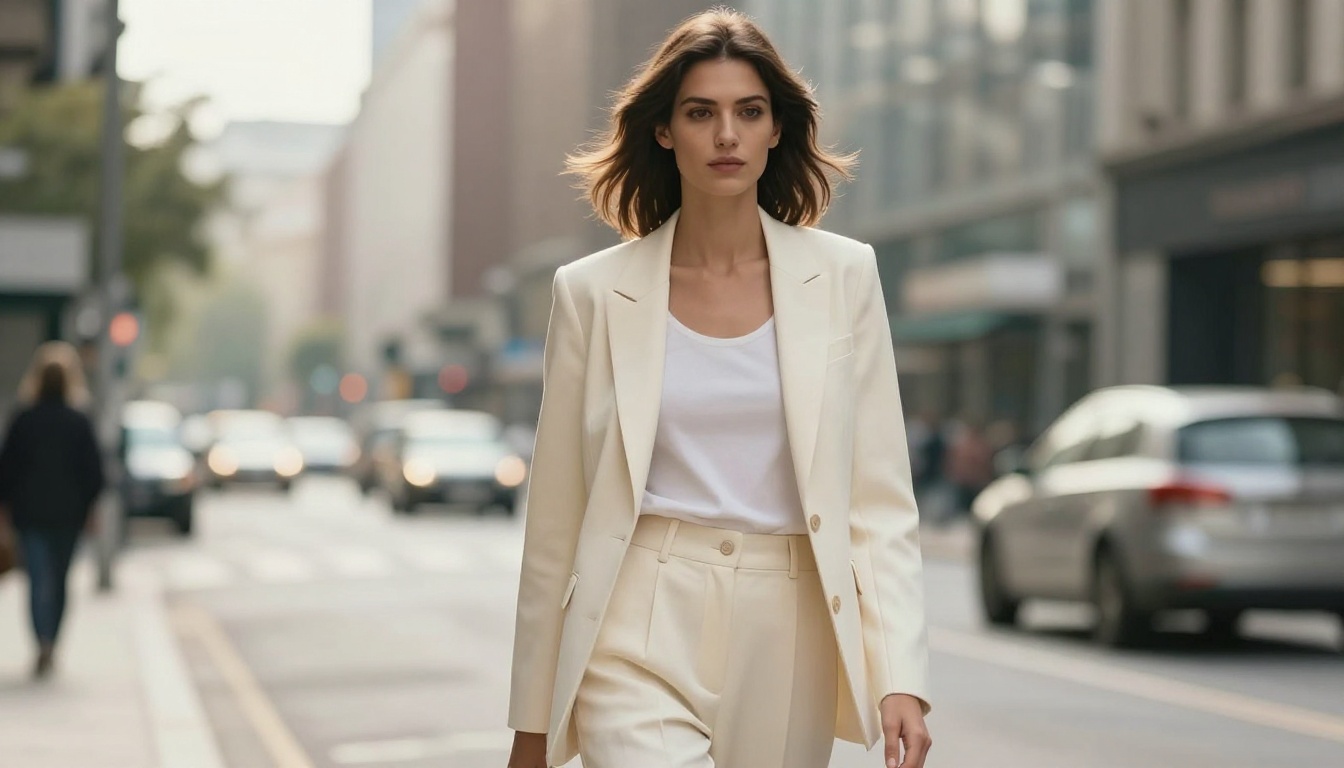
SD 3.5 processes prompts differently from U-Net based models. The prompting strategies that worked well for SD 1.5 and SDXL carry over partially, but the new architecture rewards different habits.
Prompt Structure That Works
SD 3.5 responds well to natural language descriptions rather than the comma-separated tag lists that dominated SDXL prompting. You can write a sentence like "a woman standing in a sunlit kitchen, looking out a window, photorealistic, morning light from the left" and get coherent results.
That said, quality modifiers still help. The following terms reliably improve output quality:
- photorealistic, hyperrealistic, 8K
- cinematic lighting, volumetric light
- sharp focus, film grain, Kodak Portra 400
- 85mm lens, f/1.8 depth of field
- RAW photo, high detail
For subjects with specific physical details, describe them early in the prompt. The model gives more attention to concepts that appear earlier in the token sequence, so your most important elements should come first.
Negative Prompts Still Work
Despite the architectural changes, negative prompts remain effective. Standard exclusions like deformed, blurry, low quality, cartoon, illustration, watermark still suppress those qualities reliably. For portraits specifically, adding plastic skin, airbrushed, smooth skin, uncanny valley to the negative prompt keeps facial texture looking natural rather than over-processed.
One notable difference from SDXL: SD 3.5 is significantly less prone to anatomy errors in the first place, which means the negative prompt list for body parts can be shorter or omitted entirely in many cases.
How to Use SD 3.5 on PicassoIA
Stable Diffusion 3.5 Large is available directly on PicassoIA, which means you can run it without any local installation, GPU requirements, or Python environment setup.
Step-by-Step with SD 3.5 Large
Step 1: Open the model page
Go to Stable Diffusion 3.5 Large on PicassoIA. The interface loads directly in your browser with no account required to start.
Step 2: Write your prompt
In the prompt field, describe your image in natural language. Start with the main subject, then environment, then lighting, then style modifiers. Keep it between 50 and 150 words for best results. Shorter prompts can work but tend to produce generic output.
Step 3: Set your parameters
The parameters to adjust:
- Steps: Set to 28-40 for maximum quality. Set to 8-12 for speed with Large Turbo.
- CFG Scale: 3.5-4.5 is the sweet spot for SD 3.5. Going higher can cause over-saturation and artifact introduction.
- Aspect Ratio: 16:9 for landscape, 9:16 for portrait, 1:1 for square formats.
Step 4: Add a negative prompt
Even with a clean positive prompt, add basic quality exclusions: blurry, low quality, distorted, watermark, text, deformed
Step 5: Generate and iterate
Run your first generation. If the result is close but not perfect, adjust specific descriptors rather than rewriting the whole prompt. Small changes like adding "soft rim lighting from the right" or changing "photorealistic" to "hyperrealistic photograph" can meaningfully shift the output.
Parameters to Tweak
💡 CFG tip: SD 3.5 was calibrated for lower CFG values than SDXL. If you are getting oversaturated, over-sharpened results, lower your CFG from 7 to 4 and regenerate.
The seed parameter lets you reproduce exact outputs. When you find a generation you like, note the seed value. You can reuse it with minor prompt variations to create consistent variations of the same scene. This is useful for product imagery sets or character consistency across multiple images.
For the sampler, DPM++ 2M Karras and Euler a both work well with SD 3.5. The model is not as sensitive to sampler choice as SD 1.5 was, but DPM++ tends to produce slightly smoother gradients for portraits while Euler a can produce sharper edges for architectural and product shots.
SD 3.5 vs Other Models
Choosing between models is about matching the tool to the task. SD 3.5 is not the best choice for everything.
SDXL Still Has Its Place
SDXL Lightning 4Step and specialized SDXL fine-tunes built around specific aesthetics still produce distinctive outputs that SD 3.5 does not replicate exactly. The SDXL ecosystem has thousands of LoRAs trained on specific artistic styles, faces, and product types. If your workflow depends on a specific LoRA that has not been ported to SD 3.5 yet, SDXL remains the practical choice.
Stable Diffusion (the original 1.5-based model) retains a following for its specific aesthetic characteristics and the enormous volume of fine-tunes built on it. For anime-adjacent and artistic illustration styles, the 1.5 ecosystem is still producing competitive results despite the architectural age of the base model.
Where Flux Wins Instead
Flux Dev and Flux Pro from Black Forest Labs are the primary competitive alternative to SD 3.5 in the open-weight space. Flux tends to produce stronger results for architectural photography, product imagery with precise geometric detail, and any scene requiring very accurate spatial relationships. SD 3.5 Large holds an edge for portrait photography and human subjects, where its training data composition shows clear advantages in facial detail and skin texture fidelity.
The honest comparison: neither model dominates across all categories. Using both through PicassoIA costs nothing in terms of setup friction, so testing both on your specific use case is the most direct approach.
| Use Case | Recommended Model |
|---|
| Portrait photography | SD 3.5 Large |
| Architecture and interiors | Flux Dev |
| Product shots | SD 3.5 Large or Flux |
| Text in image | SD 3.5 Large |
| Fast iteration | SD 3.5 Large Turbo |
| Anime / illustration style | SDXL fine-tunes |
| Fine-tuning on consumer GPU | SD 3.5 Medium |
Real Use Cases
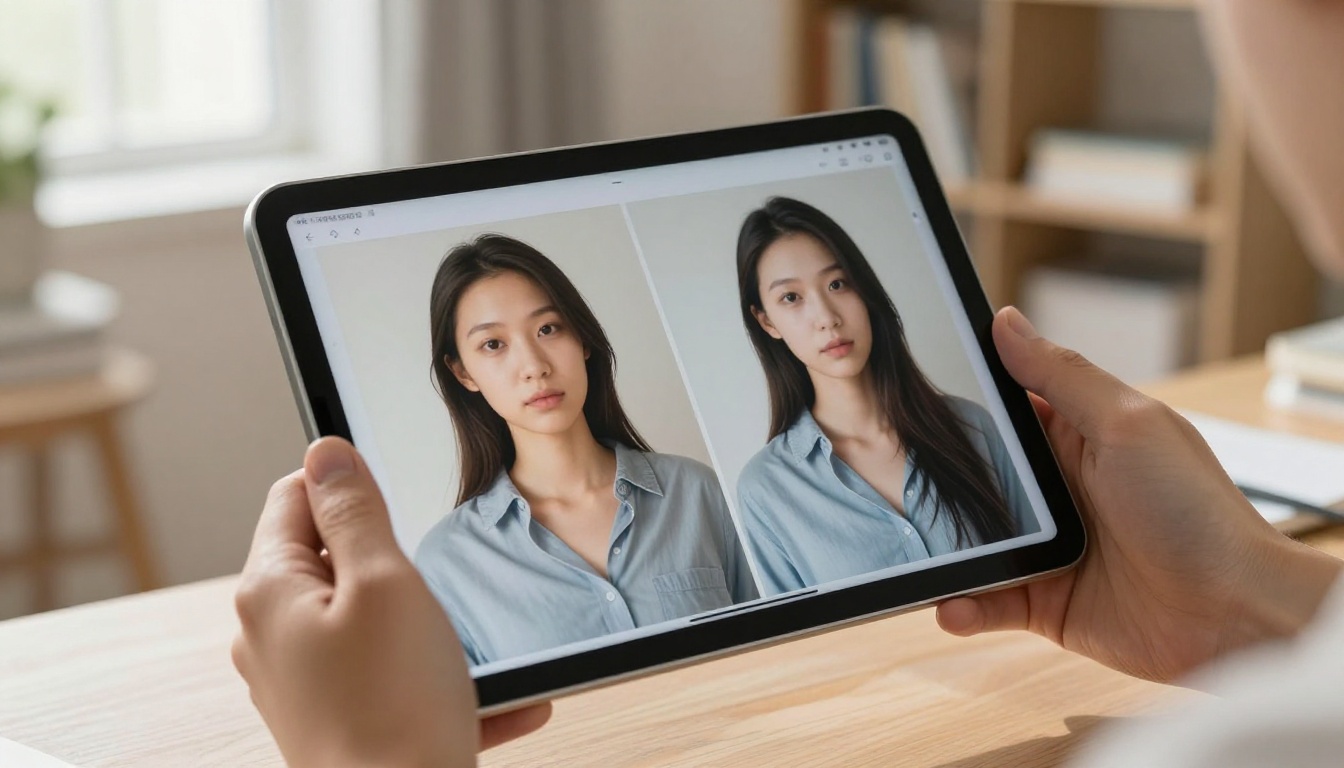
The features described above translate into practical creative applications that were either difficult or impossible with earlier open-source models.
Portrait Photography
SD 3.5 Large produces portrait images with skin, hair, and eye detail that competes with studio photography. The model handles challenging lighting setups well: split lighting, rim lighting with a dark background, natural window light with soft shadows. For commercial portrait applications like website headshots, fashion imagery, or character references, it produces directly usable output without extensive post-processing.
The consistency of anatomy across generations is dramatically better than SDXL. Hands, which were notoriously difficult for earlier models, render with correct finger counts and natural poses in a high proportion of generations without any negative prompt workarounds.
Product Shots
Product photography is one of the fastest-growing use cases for AI image generation in professional workflows. SD 3.5's improved photorealism means product images look placed in real environments rather than composited onto them. The model handles reflective surfaces, transparent materials, and complex background environments with consistent lighting across the product surface.
Combined with the text rendering improvements, you can include branded labels or signage in product imagery and get legible results. A bottle with a label, a book with a title, a package with a brand name: all of these are viable outputs from SD 3.5 Large where earlier models would have produced garbled approximations.
Creative Artwork

For non-photorealistic creative work, SD 3.5 with appropriate style prompting produces oil painting textures, film photography aesthetics, and editorial illustration styles that are both high-quality and distinctive. The model's stronger prompt adherence means complex scene compositions with multiple interacting subjects actually land close to the described intent, opening up more ambitious creative briefs.
The open-weight nature of SD 3.5 also means the creative community has already started fine-tuning the Medium variant for specific artistic styles, and that library of fine-tunes will only expand as the model matures. Artists who want a specific aesthetic can either wait for a community fine-tune or train their own on the Medium base.
Start Generating with SD 3.5 Right Now
Every feature described in this article is available to you immediately through PicassoIA, with no local installation, no Python environment, and no GPU required. The Stable Diffusion 3.5 Large model is ready to use directly in your browser.
Beyond SD 3.5, PicassoIA gives you access to Stable Diffusion 3, Flux Dev, Flux Pro, RealVisXL v3.0 Turbo, and over 90 other text-to-image models in one place. You can compare outputs across models without switching between platforms, which is the fastest way to find what actually works for your specific subject matter and style requirements.
Start with the prompt you have in mind, run it through SD 3.5 Large first, then compare against one or two alternatives. After a few rounds of testing, the model-to-task matching becomes intuitive. The quality floor of open-source generation has moved substantially with SD 3.5, and the best way to see that shift is to generate something yourself.


