When it comes to AI-generated NSFW art, the debate between Stable Diffusion 3.5 and Flux 1.1 Pro is one that every serious creator eventually faces. These aren't just two random image generators. They represent the current peak of what open and commercial AI image models can achieve in photorealistic human figure rendering. One was built for creative freedom and fine-tuning flexibility. The other was engineered for raw output quality and prompt precision. If you're generating glamour art, tasteful nudity, or suggestive NSFW imagery, the model you choose will fundamentally shape your output, your workflow, and how many generations you burn before hitting a keeper.
What Each Model Actually Does
Before comparing outputs, it helps to understand what each model is optimized for at a technical level. Both use diffusion-based image synthesis but take distinctly different architectural routes to get there, and those differences show up clearly in real-world NSFW art generation.
SD 3.5: Built for Flexibility
Stable Diffusion 3.5 Large uses a Multimodal Diffusion Transformer (MMDiT) architecture, a significant departure from the U-Net backbone of earlier Stable Diffusion versions. This architecture brings stronger text alignment, better spatial reasoning, and more coherent composition at high resolutions. The model comes in three variants: Large (8B parameters for maximum quality), Large Turbo (distilled for fast 4-step sampling), and Medium (balanced speed and quality for everyday use).
For NSFW art, the SD 3.5 ecosystem benefits from years of community fine-tuning. Models like RealVisXL v3.0 Turbo and Realistic Vision v5.1 are built on the SDXL architecture that shares lineage with SD 3.5's development trajectory. This means community knowledge, LoRAs, and prompting strategies transfer well between model generations.
Flux 1.1 Pro: Built for Quality
Flux 1.1 Pro from Black Forest Labs is a closed commercial model that prioritizes output fidelity above everything else. It uses a rectified flow transformer with 12 billion parameters, trained on a curated high-quality dataset. The result is an image generator that consistently produces clean, sharp, detailed outputs with minimal artifacts right out of the box. Its successor Flux 1.1 Pro Ultra pushes this even further with native high-resolution generation up to 4MP, and the more accessible Flux Dev provides a deployable open-weights alternative at a quality trade-off.
💡 Quick take: SD 3.5 wins on flexibility and customization depth. Flux 1.1 Pro wins on raw out-of-the-box output quality. For NSFW work specifically, this distinction matters a great deal.
Why NSFW Art Demands More From a Model
Generating NSFW and glamour content isn't simply about content permissions. It's technically demanding in ways that expose every weakness a model has. Human figure generation is one of the hardest problems in AI imagery because viewers are exquisitely sensitive to anatomical errors, unnatural skin tones, and proportion inconsistencies. A landscape that's slightly off reads as artistic. A human body with subtle proportion errors reads as broken.
This means that the metrics that matter most for NSFW art, including skin rendering quality, anatomical accuracy, body proportion consistency, and lighting fidelity, are exactly the areas where SD 3.5 and Flux 1.1 Pro differ most significantly. Let's go through each one.
Skin Realism: Where It Gets Interesting
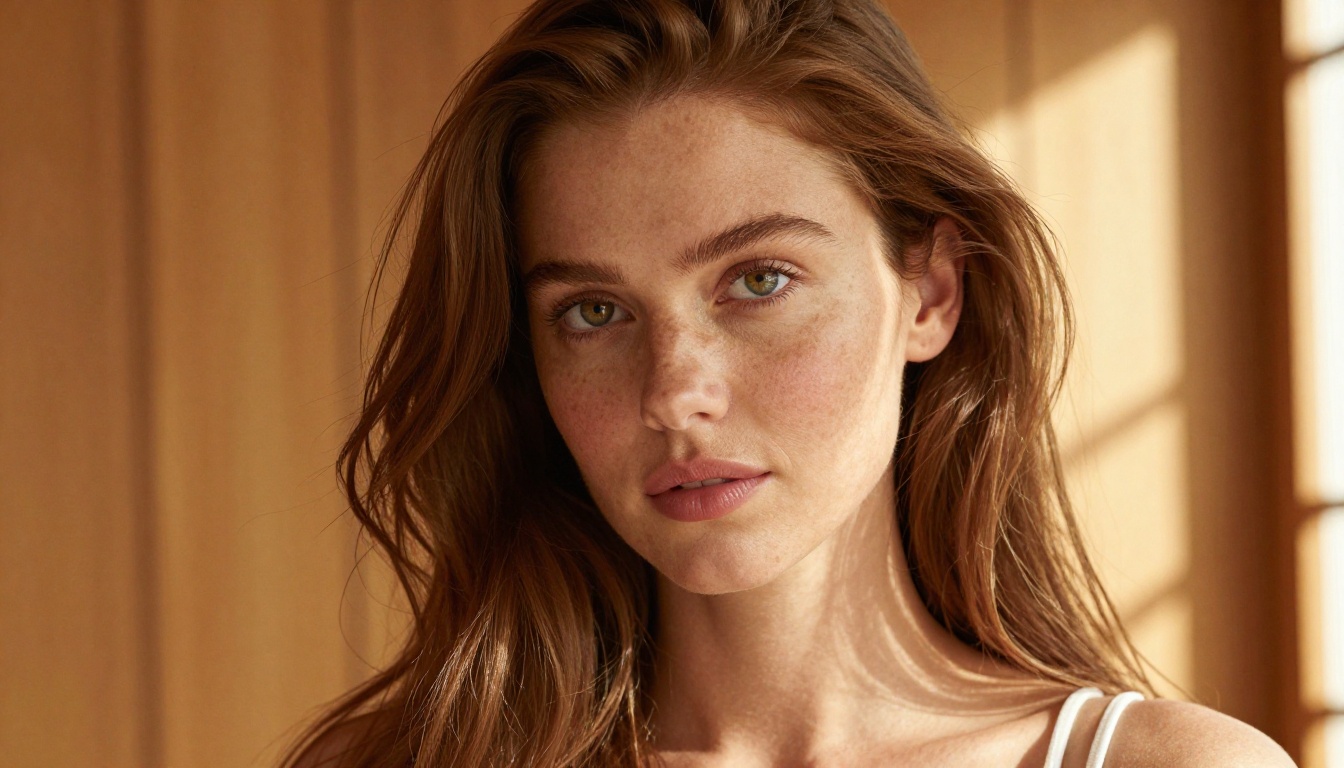
Skin rendering is arguably the most important metric when evaluating models for NSFW and glamour art. Poor skin texture immediately breaks the illusion of realism. Both models approach this challenge differently, and the gap between them is visible in direct comparisons.
SD 3.5 Skin Rendering
Stable Diffusion 3.5 Large produces skin with a naturally textured, organic quality. When prompted well, it captures pore detail, natural color variation across the face (warmth at nose and cheeks, cooler tones at temples), and subsurface scattering effects that give skin its characteristic translucent glow. The texture can sometimes lean slightly softened compared to pure photographic output, but skilled prompt engineering using descriptors like "film grain, Kodak Portra 400, natural skin texture, visible pores, subsurface scattering" can push it into highly photorealistic territory.
The model does occasionally struggle with maintaining consistent skin tone across different body parts in a single image. You'll see slight tonal disconnects between the face and neck, or between upper arm and forearm in some outputs. This is a known characteristic of the MMDiT architecture's attention patterns. It's fixable with careful prompting and negative prompts but requires attention.
Flux 1.1 Pro Skin Rendering

Flux 1.1 Pro handles skin with noticeably greater consistency. The training data quality shows in outputs: skin tones are even across the body, fine surface detail is present without being over-sharpened, and color transitions between body regions are smooth and natural. For close-up glamour and portrait work where skin is the dominant visual element, Flux 1.1 Pro is the stronger model with less prompting required to achieve professional-grade results.
That said, Flux 1.1 Pro can sometimes produce skin that feels almost too perfect at extremely high resolutions, bordering on an over-smoothed commercial look. Adding noise, grain, and texture descriptors to your prompts addresses this, but it's something to account for proactively rather than reactively.
| Criterion | SD 3.5 Large | Flux 1.1 Pro |
|---|
| Pore and texture detail | Good with prompting | Excellent by default |
| Tone consistency across body | Moderate | Strong |
| Natural imperfections | High when prompted | Requires prompting |
| Subsurface scattering | Good | Very Good |
| Over-smooth risk | Low | Medium without grain prompts |
Anatomy: The Real Weak Point Test
Any model generating human figures will eventually produce anatomy errors. The question is how often, how severe, and how much effort is needed to correct them. For NSFW art where the human body is the primary subject, anatomy quality is non-negotiable.
Hands and Fingers
Stable Diffusion 3.5 Large made major improvements over earlier SDXL-based models in hand generation, thanks partly to the MMDiT architecture's better spatial reasoning. You'll still see occasional hand artifacts, particularly with complex poses or when hands appear near figure edges, but they're far less frequent than with older SD generations. Use of SDXL Multi ControlNet LoRA can enforce correct hand structure when pure text prompting falls short.
Flux 1.1 Pro is arguably the best commercially available model for anatomically correct hands. Black Forest Labs specifically addressed this in training, and the results are visible in practice. In testing across dozens of prompts with clearly visible hands, Flux 1.1 Pro produced far fewer fused fingers, incorrect knuckle structures, or perspective distortions than SD 3.5 in equivalent prompts.
Body Proportions and Posing
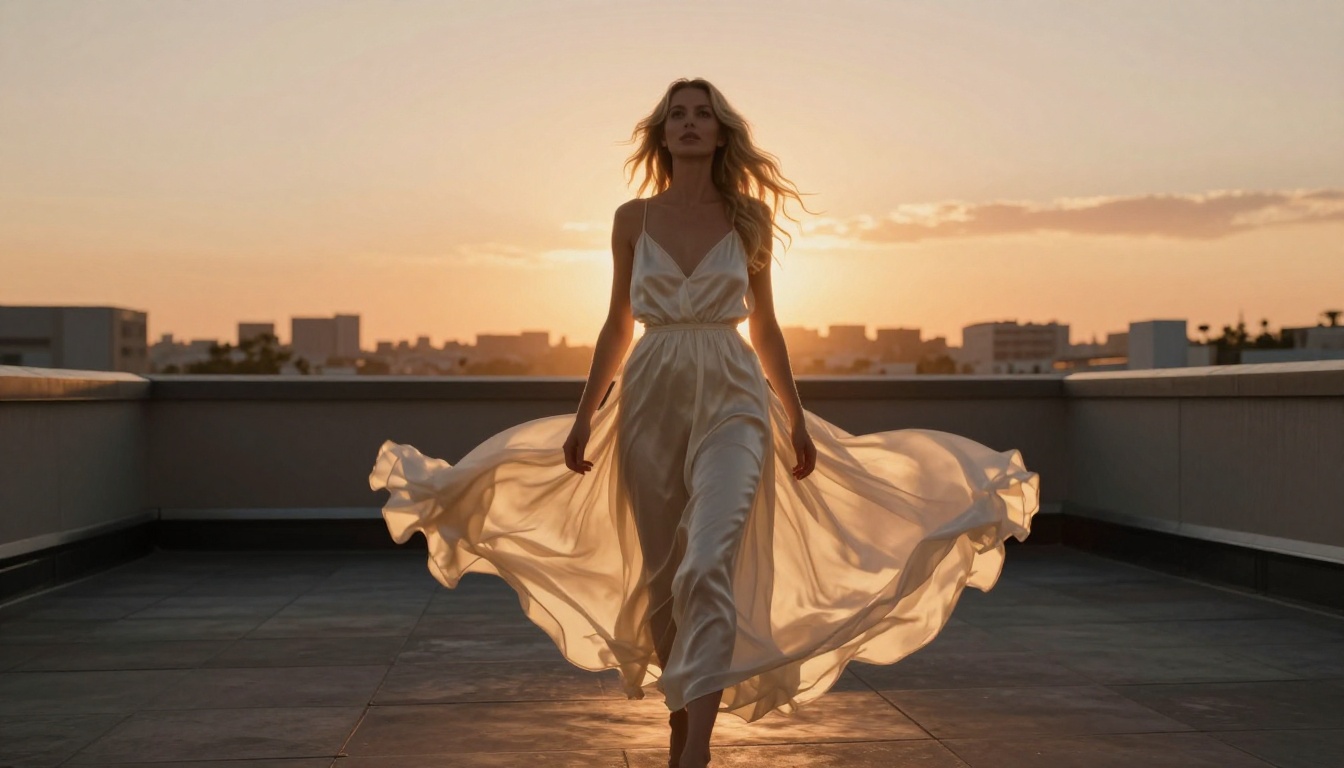
Both models handle standard standing and seated poses reliably. The differences emerge in more demanding scenarios: extreme foreshortening, complex overlapping limbs, or unusual camera angles. SD 3.5 can produce occasional limb length inconsistencies in wide shots, particularly from low angles. Flux 1.1 Pro maintains stronger structural coherence across a wider range of pose types, which is especially valuable for NSFW art where full-body compositions are common.
💡 Prompt tip: For both models, including specific camera lens and angle information dramatically improves anatomical accuracy. Writing "85mm f/1.4, three-quarter angle, slightly above eye level" gives the model a spatial frame of reference that improves body proportion accuracy and reduces limb distortion.
Prompt Fidelity: Does It Do What You Ask?
Getting an AI model to follow a complex NSFW prompt precisely is often harder than expected. Vague instructions produce vague results, and for NSFW art workflows where you're often trying to recreate specific scenes, prompt fidelity is critical.
SD 3.5 Prompt Adherence
SD 3.5 Large benefits from the MMDiT architecture's dual text encoder, which processes both CLIP and T5 text representations. This gives it stronger long-prompt comprehension than earlier SD versions. When you write a detailed prompt describing exact clothing, pose, lighting, and mood, SD 3.5 follows it with reasonable fidelity. It tends to slightly favor the beginning and end of long prompts over the middle, so structure your most important descriptors in those positions.
The open-source nature of SD 3.5 also means you can pair it with SDXL ControlNet LoRA workflows to enforce specific poses or compositions that pure text prompting can't reliably achieve. This is a significant advantage for iterative NSFW art production.
Flux 1.1 Pro Prompt Adherence
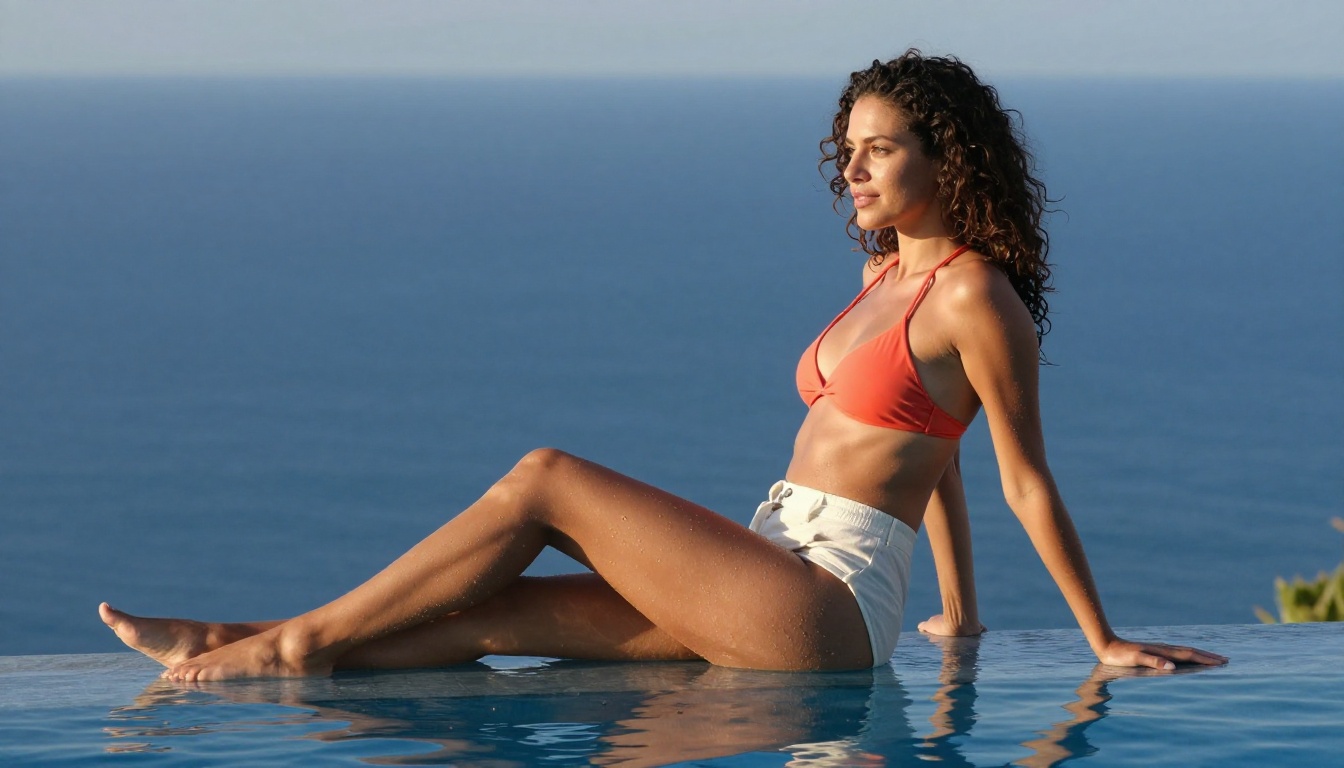
Flux 1.1 Pro is widely regarded as the best commercially available model for prompt fidelity. It parses long, specific prompts with exceptional accuracy and rarely ignores or misinterprets elements. When you describe a specific pose, outfit, lighting scenario, and environment in a single cohesive paragraph, Flux 1.1 Pro delivers it with striking consistency across different seeds.
For NSFW art workflows where you're building a series of related images or trying to maintain visual consistency across a set, Flux 1.1 Pro's prompt fidelity is a substantial advantage that reduces wasted generations significantly.
| Criterion | SD 3.5 Large | Flux 1.1 Pro |
|---|
| Long prompt accuracy | Good | Excellent |
| Pose specificity from text | Moderate | Strong |
| Outfit and clothing detail | Good | Very Good |
| Environment and setting | Good | Excellent |
| Consistency across seeds | Moderate | High |
Lighting and Atmosphere
The ability to render specific lighting conditions, whether soft window glow, dramatic studio strobes, or golden hour backlight, is central to producing high-quality glamour and NSFW art. Lighting defines mood, separates subject from background, and creates the visual atmosphere that makes an image feel intentional rather than accidental.
SD 3.5 Lighting Output
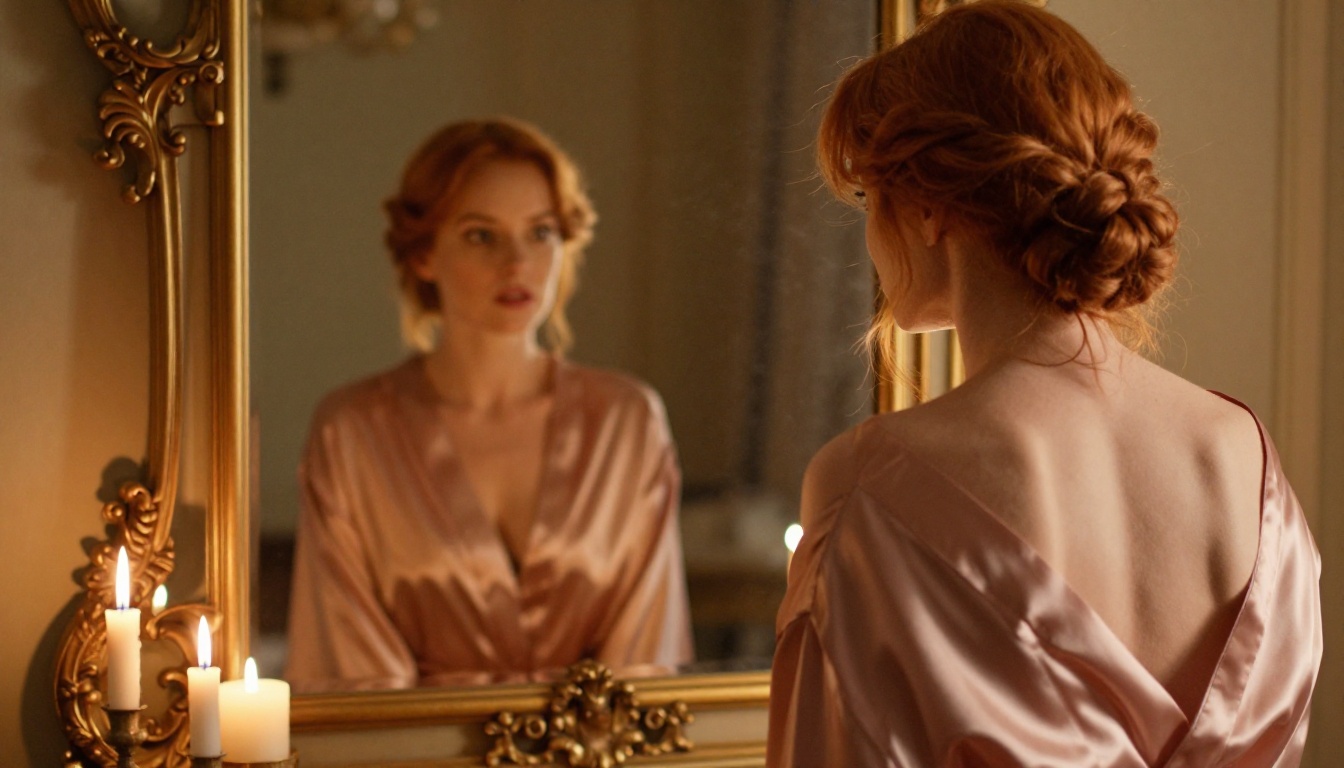
SD 3.5 produces atmospheric lighting with a warm, organic, film-like quality. Prompts specifying Kodak Portra 400, golden hour, or candlelight result in images with a distinctly photographic warmth that feels natural and pleasing. The model handles volumetric and ambient lighting well. Where it occasionally falls short is with sharp, high-contrast lighting setups like hard rim lights or dramatic single-source studio strobes, where some softening can appear that diffuses the intended effect.
Flux 1.1 Pro Lighting Output
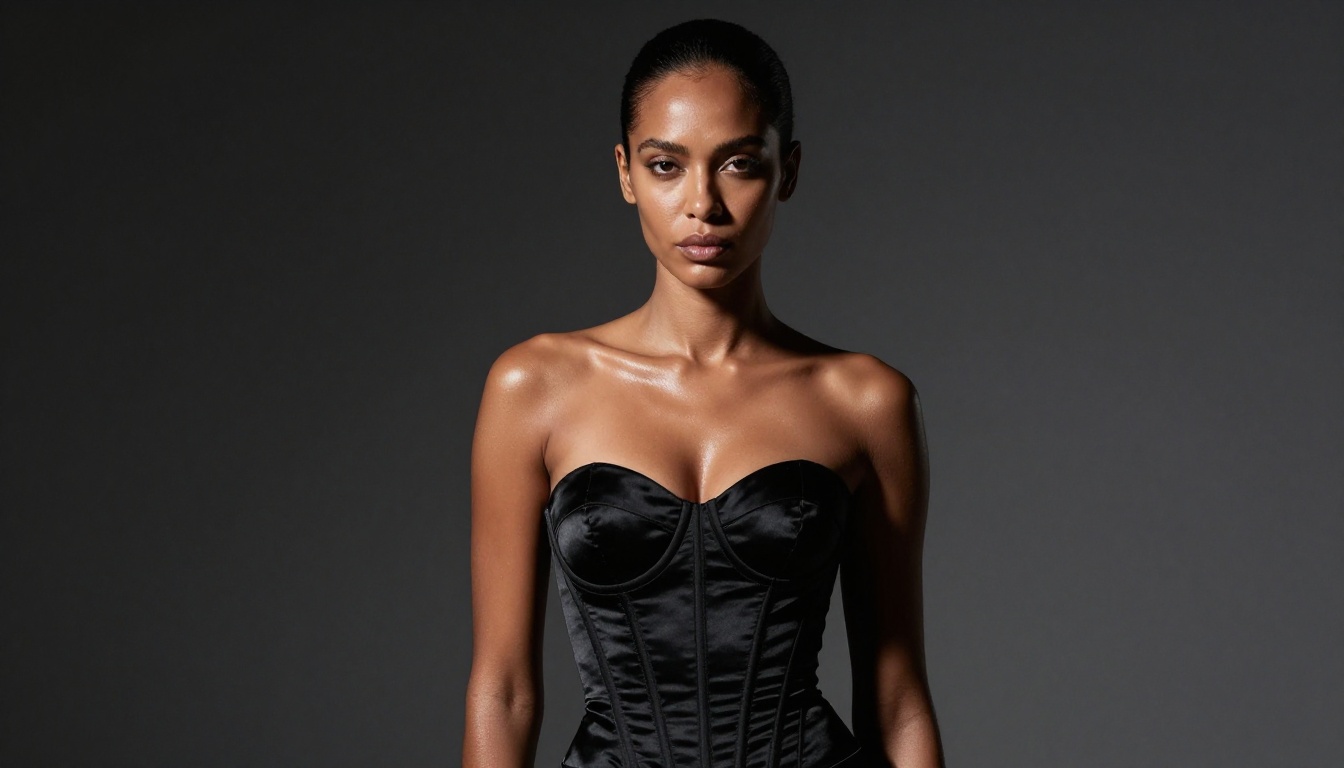
Flux 1.1 Pro renders lighting with precision that approaches real photography. Specular highlights on skin and fabric, hard shadow edges, and directional light sources are reproduced accurately. For studio-style NSFW work where lighting setup is part of the artistic vision, Flux 1.1 Pro is the stronger choice. The Flux 1.1 Pro Ultra variant takes this further with native 4MP output that shows lighting nuance at a level few other models can match.
💡 Lighting tip: Both models respond dramatically to specific lighting descriptors. Instead of "good lighting", try "volumetric morning light from the left, Rembrandt pattern on face, soft fill on shadow side, catchlights in eyes, warm 4200K color temperature". The specificity yields much more controlled results.
Speed, Cost, and Accessibility
For active creators, workflow efficiency matters as much as output quality. Generating 50-100 images to find 5 great ones adds up quickly in both time and API costs. This is where the two models differ significantly in practical use.

Stable Diffusion 3.5 Large Turbo is the fastest variant, producing results in approximately 4 steps via distilled sampling. For rapid iteration or testing prompt variations before committing to a final render, the Turbo variant is highly efficient and surprisingly capable. The standard SD 3.5 Large runs at 25-30 steps for best quality, which is slower but produces noticeably richer detail and better spatial coherence.
Flux 1.1 Pro is a commercial API model, which means you pay per generation. The cost is higher than running SD 3.5 locally or via an API, but the output quality means you need fewer regenerations to get a usable result. For professional workflows where time is money, the higher per-image cost frequently pays off in reduced iteration time. The Flux Schnell variant offers a faster, lower-cost option from the Flux family for rapid concepting.
| Factor | SD 3.5 Large | SD 3.5 Turbo | Flux 1.1 Pro | Flux 1.1 Pro Ultra |
|---|
| Speed | Moderate (25-30 steps) | Fast (4 steps) | Moderate | Slow |
| Cost per image | Low-Medium | Low | Medium-High | High |
| Local deployment | Yes | Yes | No | No |
| Native max resolution | Up to 1MP | Up to 1MP | Up to 1MP | Up to 4MP |
| Output consistency | Moderate | Lower | High | Very High |
How to Use Both Models on PicassoIA
Both Stable Diffusion 3.5 and Flux 1.1 Pro are available on PicassoIA, giving you instant access to both models without any local setup, hardware requirements, or API key management.
Using Stable Diffusion 3.5 on PicassoIA
- Navigate to Stable Diffusion 3.5 Large on PicassoIA
- For NSFW glamour work, set your aspect ratio to 16:9 for cinematic portraits or 4:3 for classic photography framing
- Start your prompt with subject and pose: "beautiful woman, [pose description], [clothing details], [expression]"
- Layer in environment: "[setting], [time of day], [architectural details]"
- Add lighting specifics: "[light direction], [light quality], [color temperature]"
- End with technical parameters: "85mm f/1.4, Kodak Portra 400, film grain, 8K, photorealistic, RAW photography"
- Use Large Turbo for fast iteration, then switch to Large for final renders
Recommended settings for SD 3.5 NSFW glamour art:
- Steps: 25-30 for quality, 4-8 for Turbo iteration
- CFG Scale: 4.5-6.0 for natural, non-oversaturated results
- Negative prompt: "cartoon, illustration, CGI, 3D render, blurry, low quality, extra limbs, fused fingers, plastic skin, overexposed"
For poses that text prompting alone can't reliably produce, pair SD 3.5 workflows with SDXL Multi ControlNet LoRA on PicassoIA, which lets you use reference images to define exact body positioning before generating.
Using Flux 1.1 Pro on PicassoIA
- Navigate to Flux 1.1 Pro on PicassoIA
- Flux handles long natural-language prompts exceptionally well, so be verbose and descriptive
- Write your prompt as a flowing paragraph rather than a comma-separated tag list
- Describe the complete scene including subject, environment, lighting, and camera specifics in a single cohesive description
- For maximum output resolution and detail, consider Flux 1.1 Pro Ultra for native 4MP output
Key differences when prompting Flux vs SD 3.5:
- Flux prefers natural language sentences over keyword-tag prompting
- Flux responds strongly to precise lighting direction and quality descriptors
- Flux benefits from explicit camera angle and focal length specifications
- Flux rarely needs extensive negative prompts to produce clean anatomical results
Ready to Create Your Own?
After putting both models through their paces, the honest verdict is that neither wins in every category. The better choice depends on what you actually need from your workflow.
Choose Stable Diffusion 3.5 when:
- You need rapid iteration at low cost with the Turbo variant
- You want fine-tuning capability and access to community LoRAs
- You're using ControlNet pose control for precise body positioning
- You prefer an organic, film-like aesthetic in skin and lighting
- Budget is a real constraint on your generation volume
Choose Flux 1.1 Pro when:
- Output consistency is your top priority across a series
- You're producing professional-grade glamour or NSFW art with high quality expectations
- Anatomical accuracy, especially in hands, body proportions, and complex poses, matters to you
- You work with detailed descriptive prompts and need precise prompt adherence
- You want fewer wasted generations and are willing to pay for that efficiency
For most creators working in suggestive NSFW content, glamour photography simulation, or tasteful artistic imagery, Flux 1.1 Pro is the stronger out-of-the-box choice for its consistency and quality ceiling. But SD 3.5 remains the better choice for workflows requiring customization depth, community ecosystem access, or rapid low-cost iteration.
The best part? You don't have to commit to one. PicassoIA puts both models at your fingertips, so you can run the same prompt through SD 3.5 and Flux 1.1 Pro side by side and see the difference yourself. Use Flux 1.1 Pro Ultra for your final hero shots, SD 3.5 Turbo for fast concepting, and Flux Dev when you want the Flux quality profile at a reduced cost. That combination gives you both the quality ceiling and the iteration speed your creative work deserves. Head over to PicassoIA, pick your best prompt, and put both models to the test.


