Stable Diffusion had a five-year head start. Flux showed up in 2024 and immediately challenged everything people thought they knew about open source image generation. Both models are free. Both run locally. Both have changed what hobbyists and professionals can do without paying for a subscription. But they are not the same, and choosing the wrong one for your workflow means either fighting against a tool or leaving quality on the table.
This is the real comparison: no marketing, no hype, just what each model actually does and where it falls short.
Two Models, One Question
The question isn't "which is better." It's "which is better for what." Stable Diffusion and Flux were built with different priorities, different architectures, and different ideas about what open source AI image generation should look like.
What Stable Diffusion actually is
Stable Diffusion is a family of latent diffusion models created by Stability AI. The most relevant version for modern use is Stable Diffusion XL (SDXL), released in mid-2023, followed by Stable Diffusion 3.5 Large in 2024. The architecture operates by progressively denoising a random noise tensor in latent space, guided by a text encoder. What made Stable Diffusion revolutionary wasn't just the quality. It was the ecosystem: an open release under a permissive license that let anyone fine-tune, modify, and redistribute model weights.
That openness spawned a massive community. Thousands of fine-tuned models, LoRA adapters, textual inversions, and ControlNet extensions have been built on the SD foundation. If you want a model trained specifically on oil painting textures, 1970s film photography aesthetics, or hyperrealistic portraits, someone has already made it and posted it.
What Flux actually is
Flux Dev comes from Black Forest Labs, founded by some of the original researchers behind Stable Diffusion. That lineage matters. Flux uses a flow matching architecture rather than classic diffusion sampling, which is why it tends to produce sharper, more coherent results in fewer inference steps. The released variants include Flux.1 Dev (open weights for non-commercial use), Flux.1 Schnell (Apache 2.0, fully open), and the commercial Flux Pro and Flux 2 Pro tiers.
The newer Flux 2 Max pushes resolution and detail even further, capable of generating 4-megapixel images with genuinely impressive fine-grained detail.
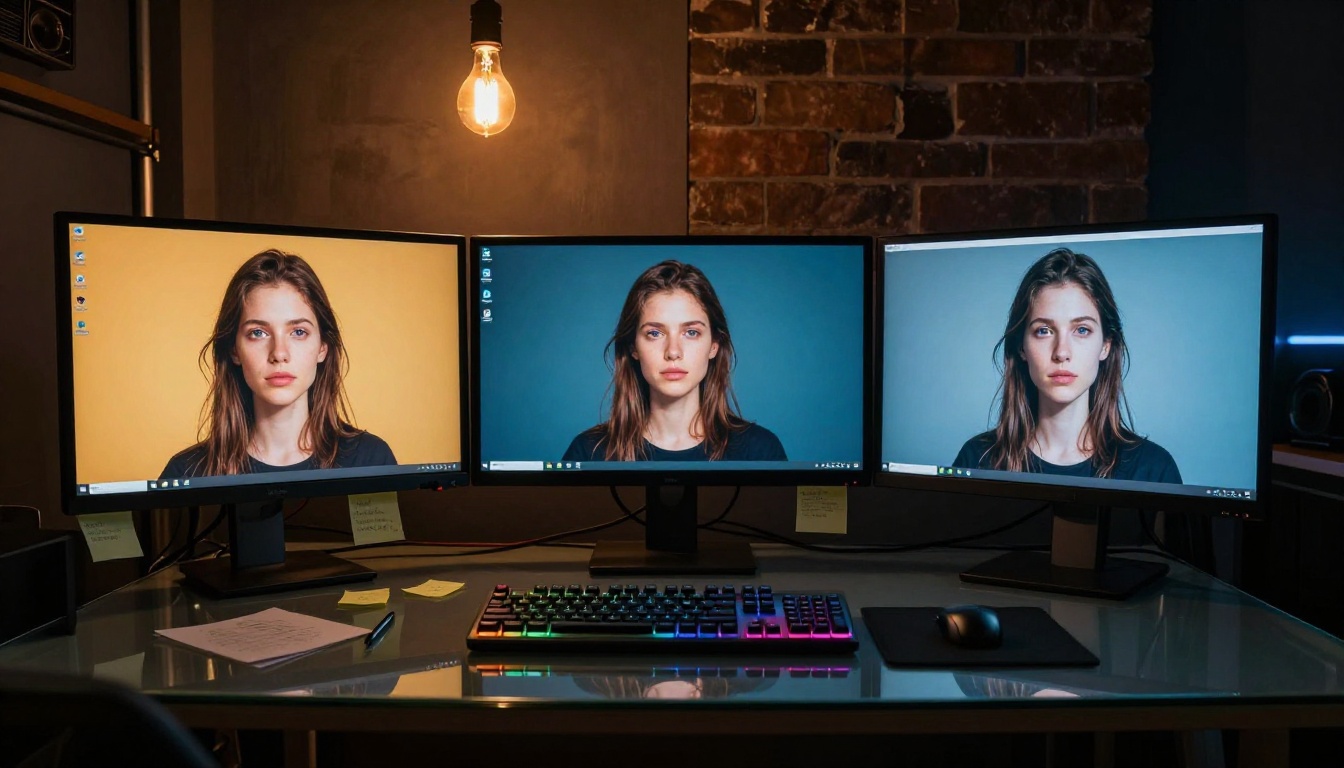
The Numbers That Matter
Performance in AI image generation splits across three axes: visual quality, inference speed, and hardware cost. Each model has a clear story on all three.
Image quality side by side
On photorealistic portraits, Flux consistently produces sharper detail with better anatomical accuracy. Hands, in particular, have historically been Stable Diffusion's weakest point. SDXL improved things significantly over SD 1.5, but Flux handles fingers and hand poses with noticeably higher reliability out of the box.
Skin texture, hair detail, and eye rendering are all stronger in Flux's base outputs. The model's improved prompt adherence means what you write is much closer to what you get, which matters enormously for commercial work where iterations are expensive.
Stable Diffusion, on the other hand, has had years of fine-tuning from the community. Models like RealVisXL v3.0 Turbo push SDXL quality far beyond the base model. In a head-to-head comparison, a well-tuned SDXL LoRA stack can still match or exceed vanilla Flux in specific style domains.
Speed and inference time
This is where Flux Schnell makes a compelling argument. Running at 4 inference steps, Schnell produces usable results faster than most SDXL configurations running at 20-30 steps. For rapid iteration or real-time applications, that speed difference is substantial.
For SDXL users who need speed, SDXL Lightning 4Step closes the gap significantly. Lightning distillation cuts SDXL inference to 4 steps as well, making it genuinely fast while preserving a lot of the quality. It's not as sharp as Flux Dev at comparable step counts, but it's a real option.
| Model | Typical Steps | Relative Speed | Quality Ceiling |
|---|
| SD 1.5 | 20-30 | Baseline | Moderate |
| SDXL Base | 20-30 | Similar to SD1.5 | High with LoRA |
| SDXL Lightning 4Step | 4 | 5-7x faster | Good |
| Flux.1 Dev | 20-28 | Similar to SDXL | Very High |
| Flux.1 Schnell | 4 | 5-7x faster | High |
| Flux 2 Max | 28-35 | Slower | Highest |
Hardware requirements
This is the honest conversation. Flux Dev at full quality wants at least 12GB VRAM. Running it at lower quality with quantization can get it down to 8GB, but you sacrifice output consistency. SDXL is more forgiving, running reasonably on 8GB and usable on 6GB with the right settings. SD 1.5 will run on almost anything.
If you're on a 6GB GPU, the math is straightforward: SDXL Lightning or community SD models are your realistic options. If you have 12GB or more, Flux Dev becomes the obvious choice for quality work.

Where Stable Diffusion Still Wins
Flux may produce better base outputs in many scenarios, but Stable Diffusion has structural advantages that matter in practice.
The LoRA ecosystem is massive
LoRA fine-tuning lets you load small adapter files that steer a base model toward a specific style, character, or aesthetic. The Stable Diffusion LoRA ecosystem is enormous. Platforms like CivitAI host tens of thousands of community-created LoRAs for SDXL alone: specific film stock aesthetics, artistic illustration styles, architectural visualizations, fashion photography aesthetics.
Flux LoRA support is growing but nowhere near SD's library depth. If your workflow depends on specific style adapters, SD is still the more practical choice today.
ControlNet support depth
RealVisXL v3 Multi ControlNet LoRA hints at the depth of ControlNet integration available in the SD ecosystem. ControlNet lets you control image generation using pose maps, depth maps, edge detection, and segmentation masks. This level of structural control is essential for professional workflows: product placement, character consistency across scenes, architectural renders.
Flux ControlNet implementations exist but the tooling is less mature. For production pipelines that need precise structural control over compositions, SDXL with a full ControlNet stack is still the more reliable choice.
Community and resources
Five years of community development means Stable Diffusion has tutorials, Discord servers, automated workflows, ComfyUI node libraries, and solved problems for almost every edge case. When something breaks with your SD setup, someone has already written a walkthrough for it.
Flux's community is growing fast, but the documentation, tooling, and community knowledge base is thinner. Debugging a Flux workflow takes more independent research.
💡 If you're new to open source image generation, start with SDXL. The depth of tutorials and pre-built workflows will save you hours. If you want raw quality and have 12GB+ VRAM, jump straight to Flux Dev.

Where Flux Pulls Ahead
The areas where Flux genuinely outperforms SDXL are significant enough that many professional workflows have already switched.
Prompt adherence is genuinely better
Write a detailed prompt in SDXL and you'll get an interpretation of it. Write the same prompt in Flux and you'll get something much closer to what you described. This isn't a marginal improvement. It's a fundamental shift in how usable the model is for precise creative direction.
For commercial photography references, brand consistency work, or any scenario where you're trying to match a specific brief, Flux's higher prompt fidelity is a real advantage. It reduces the trial-and-error cycle that makes AI image generation frustrating.
Text rendering in images
SDXL has always struggled with readable text in images. Simple signs, labels, and words in image outputs are often garbled or illegible. Flux handles in-image text substantially better, though still not perfectly. This matters for mockups, product visualization, and social media content creation where text-in-image is a common requirement.
Fewer steps, sharper results
Flux's flow matching architecture extracts more quality per inference step than SD's DDPM-based sampling. At comparable step counts, Flux outputs show finer detail, better edge definition, and less over-smoothing in skin and fabric textures.
The Flux Redux Dev model extends this further with image variation capabilities, letting you generate multiple coherent variations from a single reference image while preserving main compositional elements.
💡 For professional workflows where output quality directly affects deliverable value, Flux's sharpness and prompt fidelity justify the higher VRAM requirement.
How to Run Both on PicassoIA
Running these models locally requires hardware, setup, and ongoing maintenance. PicassoIA removes all of that friction, giving you browser-based access to both Flux and Stable Diffusion variants without installation or VRAM constraints.
Using Flux Dev on PicassoIA
Flux Dev on PicassoIA runs at full quality without any quantization compromises. Write a detailed, specific prompt describing exactly what you want. Flux rewards specificity: describe lighting direction, subject positioning, background elements, and mood. Unlike SDXL, you don't need negative prompts, because the model's inherent prompt adherence keeps unwanted elements out by default.
Tips for best Flux Dev results:
- Write in natural language, not keyword lists
- Include specific lighting descriptions (e.g., "soft diffused window light from the left")
- Use longer prompts of 50 words or more to take full advantage of the model's prompt comprehension
- Skip negative prompts entirely, Flux doesn't need them
Using Stable Diffusion 3.5 Large
Stable Diffusion 3.5 Large on PicassoIA delivers Stability AI's latest architecture. SD 3.5 uses a multimodal diffusion transformer that significantly improves text understanding compared to SDXL. It's a meaningful bridge between the older SD approach and Flux's newer architecture.
Good use cases: anything where you want the familiarity of the SD prompting style but need better instruction following than classic SDXL delivers.
SDXL Lightning 4Step for speed
When turnaround time matters more than peak quality, SDXL Lightning 4Step is the right tool. Four inference steps means results arrive in a fraction of the time of a standard Flux Dev run. For rapid concept exploration, mood board generation, or high-volume batch work, Lightning is the practical choice.

Which One Should You Pick
The right answer depends on what you're actually trying to do.
For photorealism, choose Flux
If your goal is photorealistic portraits, product photography, or any output where you need it to look like a real photograph, Flux 2 Max or Flux Dev are the current standard. The base quality ceiling is higher than SDXL's, and achieving it doesn't require stacking multiple LoRAs and ControlNets on top of each other.
For creative control, choose Stable Diffusion
If your workflow depends on specific style adapters, ControlNet-based composition control, or niche aesthetic fine-tunes that only exist in the SDXL ecosystem, Stable Diffusion is the better platform today. The RealVisXL v3 Multi ControlNet LoRA and the broader community model library give you options that don't exist anywhere else.
For speed, choose either
Both ecosystems have fast options. SDXL Lightning 4Step and Flux Schnell run at comparable step counts with comparable speed characteristics. Flux Schnell tends to produce sharper results; SDXL Lightning has more style diversity available through LoRA adapters.
| Use Case | Best Choice |
|---|
| Photorealistic portraits | Flux Dev or Flux 2 Max |
| Style-specific fine-tuning | SDXL + LoRA |
| Fast concept iteration | SDXL Lightning or Flux Schnell |
| In-image text accuracy | Flux |
| Pose and composition control | SDXL + ControlNet |
| Latest architecture | Flux 2 Pro or Flux 2 Max |

The Open Source Advantage
Both models share something that sets them apart from proprietary closed APIs: you can run them yourself. That means no usage caps, no content filtering at the API level, full reproducibility with fixed seeds, and the ability to fine-tune on your own data. The open source AI image generation ecosystem is the one space where serious creative and commercial work can happen without vendor lock-in.
The competition between Stability AI and Black Forest Labs is also healthy for users. Each new Flux release pushes Stability to ship improvements. Stable Diffusion 3.5 is meaningfully better than 3.0, and the SD 3.5 multimodal architecture shows clear Flux influence in its design priorities. Both communities are building toward higher quality, better speed, and more accessible hardware requirements.
The honest reality: in 2027, Flux is the better base model for most new projects. Stable Diffusion is the better ecosystem for anyone who needs the depth, flexibility, and community fine-tunes that five years of open development have created. The two aren't mutually exclusive: many professional workflows use both, switching based on the specific output goal.

Try It Yourself
You don't need to install anything, configure CUDA drivers, or worry about VRAM limits. PicassoIA gives you browser-based access to Flux Dev, Flux 2 Pro, Stable Diffusion 3.5 Large, SDXL Lightning 4Step, and RealVisXL v3.0 Turbo, all running at full quality right in a browser tab. No setup. No VRAM headaches. Just write a prompt and see what comes back.
The comparison between Stable Diffusion and Flux stops being abstract the moment you run both on the same prompt. Try Flux Dev for your first photorealistic portrait. Try SDXL Lightning 4Step for fast concept work. The best way to pick a model is to actually use it.