You used to need a camera crew, editing software, and months of practice to produce a video that did not look terrible. That changed. Today, you type a sentence and an AI generates a video from it, complete with motion, lighting, and atmosphere, in under a minute. No setup. No timeline. No prior experience required.
This is not a niche capability for developers or researchers. It is available right now, to anyone, through browser-based tools that need nothing more than a text prompt to produce results. If you have ever wanted to create video content but felt locked out by the cost or complexity, that wall no longer exists.
What Actually Changed
The shift that made this possible
Three years ago, text-to-video AI produced blurry, jittery clips that barely resembled what you typed. The models lacked training data, compute, and the architecture needed to hold coherent motion across frames. That problem is largely solved. The latest generation of video models, including Wan 2.7 T2V, Kling v2.6, and Veo 3, can produce 1080p footage with smooth, intentional motion from a single descriptive sentence.
The speed at which these models have improved is unusual even by the standards of AI development. What was state-of-the-art six months ago now sits in the free tier.
No equipment. No editing. No experience.
The most significant change is not just quality but accessibility. You do not need:
- A camera or microphone
- Video editing software
- A fast computer or GPU
- Any knowledge of codecs, resolutions, or frame rates
- A paid subscription to get started
What you need is the ability to describe what you want in plain language. That is the entire skill set required to produce your first AI video.
How Text-to-Video Actually Works
From your words to moving images
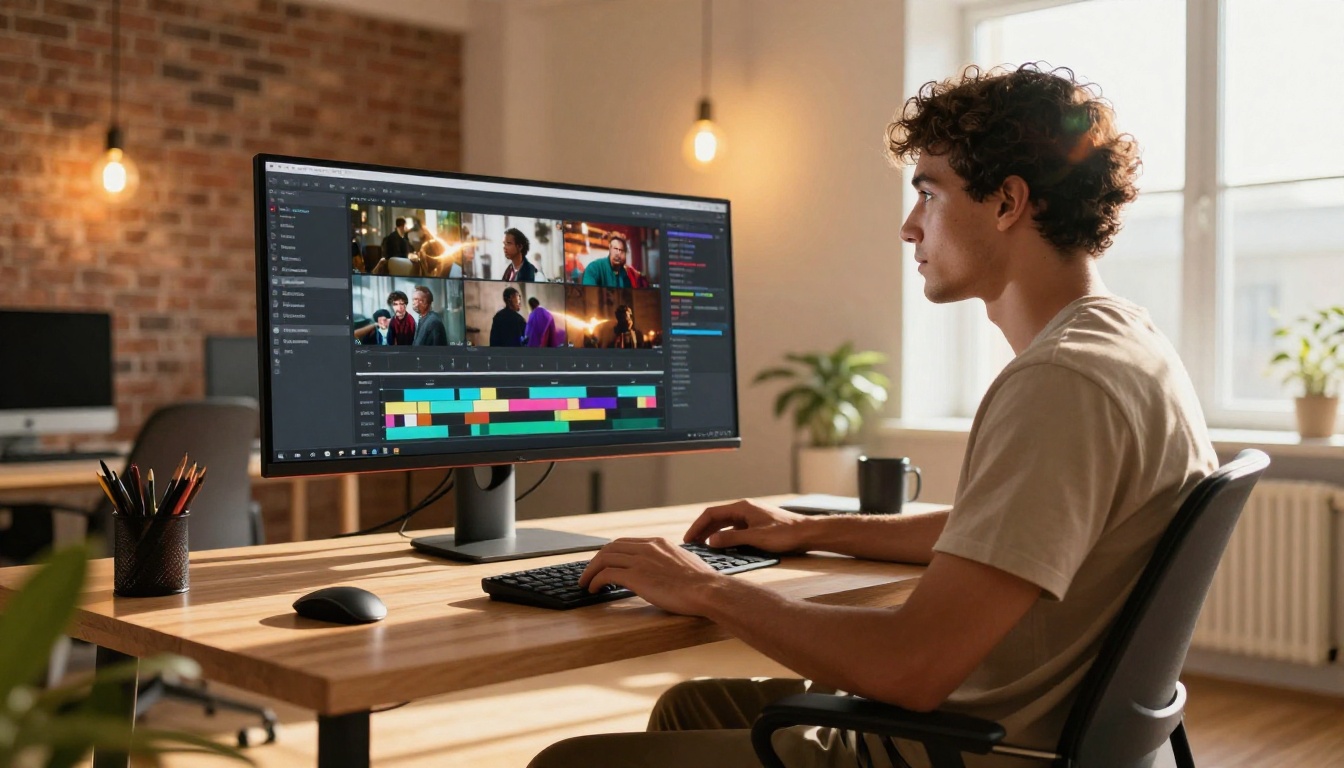
When you type a prompt into a text-to-video model, the AI reads your description and builds the video frame by frame using patterns it learned from millions of hours of footage. It processes context: "a cat sitting in a sunlit kitchen" produces something very different from "a cat running through a dark forest." The spatial and temporal relationships your words imply are translated directly into motion.
The model does not stitch together existing clips from a database. It generates new footage, pixel by pixel, at inference time. This is why you can describe something that has never been filmed and still get a plausible, coherent result.
What the model controls for you
| Element | What the AI handles automatically |
|---|
| Camera movement | Pans, zooms, static shots, push-ins |
| Lighting | Day, night, indoor, outdoor, shadow play |
| Subject motion | Walking, gesturing, weather, objects |
| Atmosphere | Mood, color grading, depth of field |
| Duration | Typically 4 to 10 seconds per clip |
💡 Important: The more specific your prompt, the more control you retain. "A woman walking slowly" gives the AI enormous freedom to fill in every other detail. "A woman in a red coat walking slowly through morning fog near a river, slow zoom out, cinematic" gives it much less room to guess, which means the result is far closer to what you had in mind.
Why short clips are actually an advantage
Most AI video models generate between 4 and 10 seconds of footage per run. This feels like a limitation until you realize that almost all high-performing short-form content on social platforms is assembled from short clips. Each generation is a scene, and multiple scenes make a story.
Free Models Worth Starting With

You do not need to spend anything to test AI video generation. Several capable models are available at no cost right now.
Ray Flash 2 720p
Ray Flash 2 720p from Luma AI is one of the best starting points for anyone new to AI video. It generates 720p clips quickly, handles a wide range of prompts well, and costs nothing to try. Motion quality is smooth, and it handles human subjects better than most free alternatives. The output feels polished even on a first attempt.
Seedance 1 Lite
Seedance 1 Lite from ByteDance is fast, visually clean, and surprisingly capable for a free model. It works well with short descriptive prompts and produces consistent results across multiple generations. If you want something simple to iterate on without burning through a credit budget, this is a reliable pick.
LTX 2 Fast
LTX 2 Fast from Lightricks is built for speed above all else. If you want to quickly prototype what a prompt looks like in motion before committing to a higher-quality generation, this delivers results faster than almost any other model. Output quality is good enough for testing and social content.
Wan 2.1 T2V 480p
Wan 2.1 T2V 480p handles nature scenes, product visuals, and abstract prompts very well at zero cost. It runs fast and produces usable results on the first try more often than you would expect from a free model.
Premium Models for a Quality Jump

Once you are comfortable writing prompts, these models deliver a significant quality increase worth the credit cost.
Wan 2.7 T2V
Wan 2.7 T2V is one of the sharpest text-to-video models currently available, producing crisp 1080p footage with natural motion and excellent scene consistency. It handles complex environments and multi-subject scenes better than most competing models. This is the one to reach for when you want results you could actually use in a real project without any post-processing.
Pixverse v5
Pixverse v5 is purpose-built for content that performs on social media. It is punchy, fast, and produces vivid, high-contrast video that grabs attention in a feed. Ideal for short promotional clips, lifestyle content, or anything that needs to stop a scroll.
Hailuo 02
Hailuo 02 from Minimax produces cinematic-feeling 1080p video with a film-like quality that is genuinely hard to achieve with other models. Motion feels deliberate and natural, and the color grading out of the box is already close to professional. Worth trying when visual quality is the priority and you want the clip to look like it was shot on a real camera.
Kling v2.6
Kling v2.6 is one of the top-performing video models available right now for cinematic output. It handles complex motion, dramatic lighting, and stylized scenes with a level of consistency that most models struggle to match. When you want something that looks intentional and polished rather than AI-generated, Kling v2.6 is a strong choice.
Veo 3
Veo 3 from Google is notable for one specific capability: it generates native audio alongside the video. Ambient sound, environmental noise, and even dialogue can appear without any post-processing. That alone makes it a standout for content creators who want a fully usable clip without needing additional audio work.
Writing Prompts That Produce Good Results

The three-part formula
The most reliable way to write an effective text-to-video prompt follows three components:
- Subject: Who or what is in the video, and what are they doing?
- Environment: Where is this happening? What surrounds the subject?
- Style: What does the footage look like? What is the mood or visual quality?
Applied in practice:
| Component | Example |
|---|
| Subject | A young woman reading a book |
| Environment | In a sunlit cafe, rain visible outside the window |
| Style | Warm color grading, slow motion, cinematic depth of field |
Combined: "A young woman reading a book in a sunlit cafe, rain visible outside the window, warm color grading, slow motion, cinematic depth of field."
That single sentence will reliably produce something worth watching.
What makes prompts fail
- Too vague: "A person doing stuff" gives the AI nothing specific to work with
- Too many subjects at once: Asking for five different actions in one clip confuses the model
- Contradictory cues: "Bright sunny day, moody dark atmosphere" sends conflicting signals
- Abstract concepts without visual anchors: "The feeling of loss" has no direct visual translation without more concrete details
Real prompt examples by use case
💡 For social media: "A close-up of a steaming espresso cup on a marble counter, morning light from the left, slow zoom out, warm cinematic tones."
💡 For a nature scene: "A fox moving through a misty autumn forest at dawn, low angle, shallow depth of field, golden light filtering through trees."
💡 For a product shot: "A minimalist white sneaker rotating slowly on a reflective surface, studio lighting, clean white background, sharp detail on the sole texture."
💡 For a travel clip: "Aerial view of a coastal village at sunset, turquoise water, small fishing boats, long shadows from the setting sun, slow drone pull-back."
How to Use P Video on PicassoIA

P Video is one of the most versatile models on the platform because it accepts both text prompts and images as input. That means you can animate a photo you already have, or generate entirely from scratch with a description. It is an ideal starting point for anyone who wants flexibility without switching between multiple tools.
Step 1: Open the P Video model page
Go to the P Video model on PicassoIA. You will see two input options at the top of the generation panel: a text prompt field and an image upload option.
Step 2: Write your prompt or upload an image
If generating from text, type your description into the prompt field. Be specific about subject, environment, and style. If you want to animate an existing photo, click the upload button and select your file.
Step 3: Adjust the parameters
P Video offers a focused set of controls:
- Duration: How long the clip runs, typically 4 or 8 seconds
- Aspect ratio: 16:9 for horizontal video, 9:16 for vertical or mobile-first content
- Motion intensity: How much movement appears in the output
For a first attempt, leave motion intensity at the default. Pushing it too high on a static subject often produces unnatural, disorienting results.
Step 4: Generate and review
Click generate. Processing typically takes between 30 and 90 seconds depending on server load. When the clip is ready, preview it directly in the browser. If the motion does not match what you expected, adjust the wording and regenerate. Small changes in phrasing produce noticeably different outputs.
Step 5: Download and use
Once satisfied, download the clip in MP4 format. It is ready to use anywhere: social media, presentations, personal projects, or as raw material for further editing in any video app.
💡 Pro tip: If you upload a still photo and want natural-looking animation, add phrases like "subtle camera push," "gentle breathing motion," or "slow wind through hair" to your prompt. These cues help the model add believable organic movement without making the animation feel artificial.
Choosing the Right Model for Your Project
Not every model suits every project. Here is a practical breakdown to save you time:
| Use Case | Recommended Model | Reason |
|---|
| First-time test | Ray Flash 2 720p | Free, fast, reliable quality |
| Social media content | Pixverse v5 | Vivid colors, high visual impact |
| Cinematic output | Kling v2.6 | Consistent, polished results |
| Video with audio | Veo 3 | Native audio generation built in |
| Animate an existing photo | P Video | Accepts image input directly |
| Sharp 1080p footage | Wan 2.7 T2V | Top-tier resolution and clarity |
| Rapid iteration | LTX 2 Fast | Fastest generation time available |
| Budget-friendly variety | Seedance 1 Lite | Clean output at no cost |
What to Do With Your First Video

Short-form platforms
AI-generated clips in the 5 to 10 second range are ideal for Instagram Reels, TikTok, and YouTube Shorts. The visual quality of current models is high enough that these clips perform alongside traditionally filmed content without looking out of place.
Longer-form content
For longer videos, generate multiple individual clips from related prompts and assemble them in any basic video editor. Each clip becomes a scene. A 60-second video typically needs 8 to 12 clips to tell a coherent visual story. Most free video editors handle this without any difficulty.
A simple workflow for consistent output
Once you have generated a few clips, a repeatable process emerges naturally:
- Write a set of 5 to 10 related prompts covering different scenes or moments from a single topic
- Generate each one and download the best result from two or three attempts
- Arrange clips in sequence and add music or voiceover if needed
- Publish directly or edit further in your tool of choice
The entire process, from writing the first prompt to finishing a short video, takes less than 20 minutes once you are comfortable with it.
The Barrier Is Gone, Not the Skill Ceiling
There is a real difference between starting and getting good. The barrier to starting AI video is effectively zero. Anyone reading this can open a browser, type a prompt, and have a video in under two minutes.
Getting good takes iteration. The people producing the most impressive AI video content are not using models you do not have access to. They are writing better prompts, generating more variations, and selecting the strongest output from multiple attempts.
That iteration is fast and cheap compared to any traditional video production workflow. A single afternoon of experimenting with different prompts across Seedance 1 Lite, Hailuo 02, and Kling v2.6 will teach you more about what works than reading about it ever could.
The models also improve every few months. Prompts you write today will produce even better results on next quarter's models without any changes on your part. The skills you build now carry forward automatically.
Make Your First AI Video Right Now
The fastest way to move past the hesitation of starting is to generate something, anything, within the next five minutes. Open the P Video model on PicassoIA, type a single sentence describing something you find visually interesting, and hit generate.
It does not need to be perfect. It does not need to be useful. It just needs to exist so you can see what the tool does with your words. From there, you will naturally start adjusting: adding more scene detail, changing the environment, trying a different model like Pixverse v5 or Wan 2.7 T2V for sharper results.
That is how every person now producing impressive AI video content started. Not with a plan, but with a single prompt.
Over 100 text-to-video models are available on PicassoIA right now, spanning free instant generators to high-end cinematic models. The one you pick for your first attempt matters far less than the fact that you actually try. Pick any model from the free tier, write three sentences describing a scene you would like to see, and create something today.


