AI has been in the news constantly, in every conversation, and probably in your social media feed for the past two years. And somehow, the more people talk about it, the scarier it seems. That is completely normal, and it is also completely fixable.
Most people who feel anxious about artificial intelligence have never actually sat down and tried it. The fear is almost always about the unknown, not about the actual experience. This article is about closing that gap. By the time you reach the end, you will have concrete, no-jargon tips you can act on today.
Why AI Feels So Scary
Before we talk about how to stop worrying, it is worth understanding where the worry comes from. Because most of it is predictable, and once you see the pattern, it loses its grip.

The Sci-Fi Problem
Decades of movies, books, and TV shows have trained us to associate artificial intelligence with robots taking over, computers making cold decisions about human lives, and technology spiraling out of human control. Terminator, Ex Machina, Black Mirror. These stories are compelling precisely because they tap into a real human fear: losing control.
But the AI you are actually going to use does not look anything like that. It answers questions. It writes emails. It generates images from text descriptions. It is closer to a very useful search engine than it is to a science fiction villain.
💡 Tip: The next time you feel nervous about AI, ask yourself: am I scared of the actual tool, or am I scared of a movie?
The "I'm Not Tech-Savvy" Trap
The second most common source of AI anxiety is the belief that you need a technical background to use these tools. This belief is wrong, and the people who built modern AI tools know it.
The interfaces are designed for everyone. You type a sentence in plain English. The AI responds. That is it. There is no code to write, no manual to read, and no special vocabulary required.
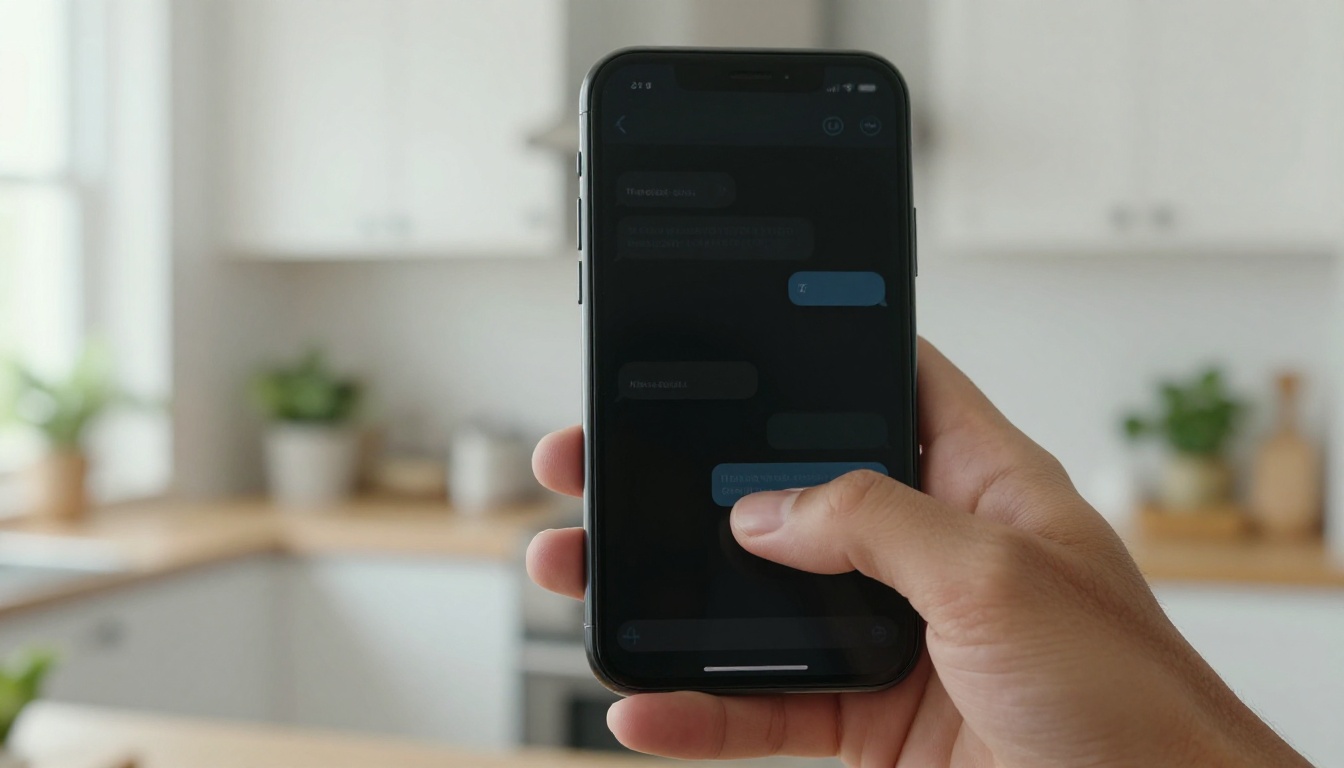
AI Is Already in Your Life
Here is something that might surprise you: you have almost certainly been using AI for years without thinking about it.
Apps You Use Every Day
- Spotify and Netflix recommendations use AI to predict what you want to watch or listen to next
- Google Maps uses AI to calculate the fastest route in real time
- Your phone camera uses AI to detect faces, adjust exposure, and apply portrait blur
- Email spam filters use AI to keep junk out of your inbox
- Autocorrect and predictive text on your keyboard are AI systems
None of these felt scary when you started using them. They were just useful. The AI tools people are talking about now are the same thing at a bigger scale.
You Have Been Using It All Along
The jump from "AI in your autocorrect" to "AI that you talk to" is smaller than it sounds. You are already comfortable asking Google a question. Asking an AI the same question feels almost identical, except the answer comes in complete sentences instead of a list of links.
That familiarity is worth holding onto. You are not starting from zero. You are extending a skill you already have.

5 Easy Tips to Start Right Now
Enough context. Here are five things you can do today, none of which require any technical background.
Tip 1: Start With a Chat
The lowest-friction way to try AI is to open a chat interface and ask it one simple question. Something you are genuinely curious about. "What is the difference between RAM and storage?" or "Can you explain inflation in plain English?" or "What should I make for dinner with chicken, tomatoes, and basil?"
Notice how it responds. Notice that it does not judge you for asking. Notice that it is fast. That first exchange removes about 80% of the anxiety for most people.
💡 Try it: On PicassoIA, you can chat with models like GPT-4o or Claude 4 Sonnet right now, no setup required.
Tip 2: Give It One Simple Task
After your first chat, give it a real task. Something small and practical. Ask it to:
- Rewrite a work email to sound more professional
- Summarize an article you found online
- Help you write a birthday message for a friend
- Create a grocery list from the meals you want to cook this week
The goal here is not perfection. The goal is to feel what it is like to have a capable assistant that does not get tired, does not judge you, and responds in seconds.
Tip 3: Treat It Like a Search Engine
One mental model that helps a lot of beginners: think of AI like a very good search engine that talks back. Instead of typing keywords and scrolling through links, you ask a full question and get a direct answer.
The difference is that you can follow up. If the first answer is not quite right, you say "actually, I meant something simpler" or "can you give me an example?" The conversation continues until you get what you need.
| Search Engine | AI Chat |
|---|
| Keywords only | Full questions |
| List of links | Direct answers |
| One shot | Back-and-forth |
| No follow-up | Refine anytime |
| Static results | Adapts to you |
Tip 4: Create Your First AI Image
This one tends to be the moment people go from nervous to genuinely excited. AI image generation takes a sentence you type and turns it into a photograph-quality image in seconds.
You do not need to know anything about photography, design, or software. You just describe what you want to see. "A golden retriever sitting on a porch at sunset." "A cozy coffee shop with fairy lights and rain on the windows." The AI does the rest.

💡 Try it: On PicassoIA, GPT Image 2 and Seedream 4.5 are fantastic starting points. Both produce stunning results from simple prompts.
Tip 5: Try a New Tool Every Week
The biggest mistake beginners make is trying one tool, hitting a small obstacle, and deciding "AI is not for me." The reality is that AI tools are incredibly varied. What frustrates you in one might delight you in another.
Give yourself a low-stakes challenge: one new AI tool per week. Chat, image generation, music, writing, voice. Each one teaches you something slightly different and builds your confidence piece by piece.

There is no shortage of AI tools, which itself can feel overwhelming. Here is a focused list to start with.
For Chatting and Writing
These tools take natural language input and produce text responses. Perfect for writing help, research, answering questions, summarizing content, and brainstorming.
For Making Images
These models convert text descriptions into high-quality images. No design skills needed.

How to Use GPT Image 2 on PicassoIA
Since image generation tends to be the most exciting first step for beginners, here is a quick walkthrough using GPT Image 2 on PicassoIA.
Step 1: Open the Model
Go to the GPT Image 2 page on PicassoIA. No complicated setup is required to try it. The interface is a single text box waiting for your description.
Step 2: Write Your Prompt
Type a description of the image you want. Be specific but keep it natural. Instead of "cat," try "a fluffy orange cat sitting on a windowsill, afternoon sunlight, cozy apartment." More detail almost always means better results.
Quick prompt tips:
- Describe the subject first: what it is, what it is doing
- Add a setting: where is it, what surrounds it
- Include a mood or lighting: golden hour, overcast, bright morning
- Mention a style if you want one: photorealistic, watercolor, vintage film
💡 Example prompt: "A woman reading a book on a park bench in autumn, fallen leaves around her feet, soft afternoon light, photorealistic"
Step 3: Hit Generate
Click generate and wait about 10 to 15 seconds. The model produces the image and displays it immediately. If you do not love the first result, tweak one word in your prompt and try again. Iteration is part of the process, not a sign that something went wrong.

Common Fears, Answered Honestly
Let us take the three fears that come up most often and give them direct answers.
"What if I Break Something?"
You cannot. AI chat interfaces and image generators do not have a "break" state. The worst that happens is the AI misunderstands your prompt and gives you a weird answer or an odd image. You try again. There are no points lost, no files deleted, no accounts suspended for asking the wrong question.
"Will AI Steal My Job?"
This is the most serious question and it deserves a serious answer. AI is changing certain tasks, particularly repetitive, text-based ones. But "changing tasks" is not the same as "replacing people." Professionals who use AI to work faster and better are consistently outperforming those who avoid it entirely.
The practical response: start using AI now, while you have time to get comfortable with it. That positions you as someone who uses the tool rather than someone the tool passes by.

"Is My Data Safe?"
It is a fair question. Here is the honest answer:
- Most major AI platforms do not use your conversations to train their public models by default
- You can check any platform's privacy settings, and most have a one-click option to opt out of data training
- Avoid sharing passwords, financial details, or sensitive personal information with any AI tool, the same rule you would apply to any website
💡 Rule of thumb: If you would not type it into a public search engine, do not type it to an AI either.
Real Results From Real Beginners
Here is what tends to happen when people actually try AI tools for the first time:
- First 5 minutes: "This feels unfamiliar and I am not sure what to ask"
- After 15 minutes: "Oh, this is actually kind of useful"
- After the first week: "I wish I had started this earlier"
The curve is not steep. It is basically flat. The main thing you need to do is sit down and start.
💡 What stops most people is not difficulty. It is the first click.

Make Something Right Now
You have read the tips. You have seen the tools. Now it is your turn.
Pick one thing from this list and do it in the next ten minutes:
- Write your first prompt: Open GPT-4o and ask it one real question you have been curious about
- Generate your first image: Go to GPT Image 2 and type a description of something you would love to see
- Ask for writing help: Paste an email you need to write and ask Claude 4 Sonnet to make it clearer
- Try something creative: Ask Seedream 4.5 to generate a portrait photo from a scene you describe
PicassoIA brings all of these tools into one platform, so you can experiment without juggling a dozen separate accounts. Start with one tool, one task, one result. That is all it takes to go from anxious to confident, and from confident to genuinely hooked.
Your first AI result is one prompt away.


