If you've been paying Artlist every month, you already know that feeling when the renewal hits your bank account. Another $29, another $49, another whatever their current tier costs, gone before you've even opened the platform that week. Content creators worldwide are realizing the same thing at the same moment: the subscription model for creative assets is starting to feel like a trap.
This is exactly why more creators are making the switch. AI-powered platforms have reached a point where output quality rivals, and in some cases beats, what you'd find browsing stock libraries. And the cost difference? Significant enough to make any freelancer or small studio take a long, hard look at where their monthly budget actually goes.
Stop Paying Artlist Monthly, Switch to Picasso AI isn't just a catchy phrase. It's a practical financial decision that thousands of creators are making in 2027. This article breaks down the real numbers, the real quality, and the real workflow changes that come with that decision.
What Artlist Actually Costs You
Artlist started as a music licensing platform for video creators. Over the years, it expanded into stock footage, sound effects, templates, and visual assets. That expansion also meant pricing expansion.
The monthly subscription reality
Current Artlist plans for individuals run anywhere from $9.99 to $49.99 per month depending on which tier and which asset types you need. The all-access plans push toward the higher end. Annually, that's between $120 and $600 per year, before any price increases.
For a freelancer working on client videos, the math might make sense if you use the platform constantly. But most creators don't. Most creators subscribe, use it for one or two projects, forget to cancel, and keep paying for months they barely touched the dashboard.

Features you pay for but never use
The Artlist bundle problem is real. You're paying for:
- Stock music (maybe you use this regularly)
- Stock footage (occasionally)
- Sound effects library (rarely)
- Motion graphics templates (almost never)
- Video templates (once or twice a year)
That's the subscription trap. You're locked into paying for five categories when you consistently need one or two. AI tools flip this model entirely by letting you generate exactly what you need, when you need it.
Royalty restrictions nobody reads
Artlist licenses come with usage limitations most creators don't read carefully until they've already published the content. Monetization rights, platform restrictions, and attribution rules vary by tier. Generate your own assets with AI, and those concerns disappear entirely. You own what you create.

Why AI-Generated Assets Changed Everything
The quality argument against AI image generators held water in 2022. It doesn't anymore.
The photorealism gap is closed
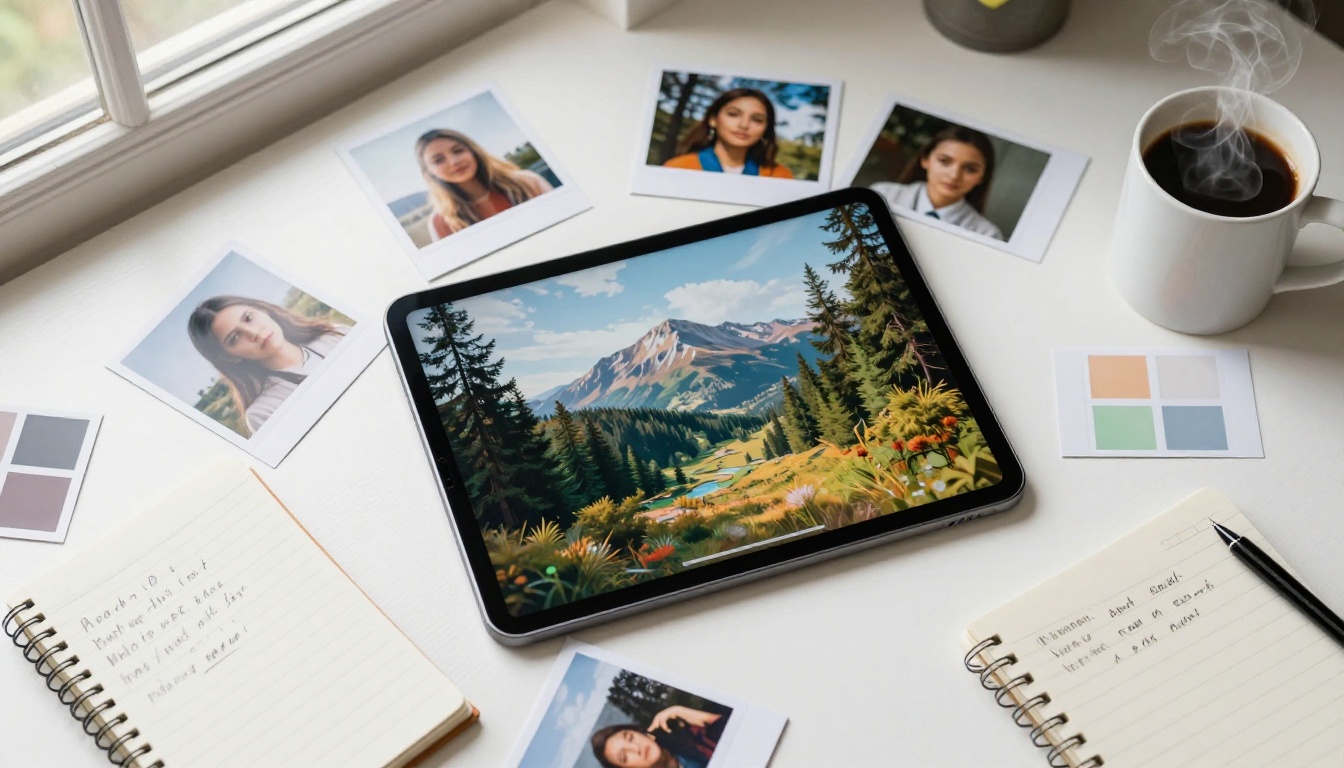
Models like Flux Dev and Realistic Vision v5.1 now produce portrait and lifestyle imagery that passes casual inspection as photography. The skin texture, lighting behavior, depth of field rendering, and fabric details that used to separate AI from stock photos? That gap closed faster than most people expected.
💡 The practical shift: Stock photos require you to find something close to your vision. AI generates exactly your vision.
Custom assets on demand
Stock libraries give you what someone else photographed. AI generation gives you what you actually need for your specific project. Need a model in a specific outfit, in a specific location, with a specific mood for a specific campaign? That's a text prompt, not a $50 premium stock photo license.
No model releases, no clearances
AI-generated faces and scenes carry no model release requirements, no location clearances, no photographer credits. For commercial content creators, this removes an entire layer of legal friction that stock asset usage typically involves.
Artlist vs Picasso AI: The Numbers
Let's put the comparison in plain terms.
| Feature | Artlist Individual | Picasso AI |
|---|
| Monthly cost | $16-$49/month | Pay-per-generation or low monthly |
| Image generation | No | Yes, 91+ models |
| Music generation | Yes | Yes, AI music models |
| Video generation | Stock only | Text to video, 87+ models |
| Royalty concerns | Yes, by tier | None for AI-generated |
| Asset customization | No | Full prompt control |
| Ownership | Licensed only | You own generated assets |
| Free tier | No | Yes |
The financial math is straightforward. If you generate 20-30 images per month for projects, you spend less than a typical mid-tier Artlist subscription and get assets tailored specifically to your project rather than pulled from someone else's archive.
The Models Doing the Heavy Lifting
Not every AI model produces the same quality. Knowing which models to reach for depending on your project type changes the output dramatically.
Flux Dev for commercial photography
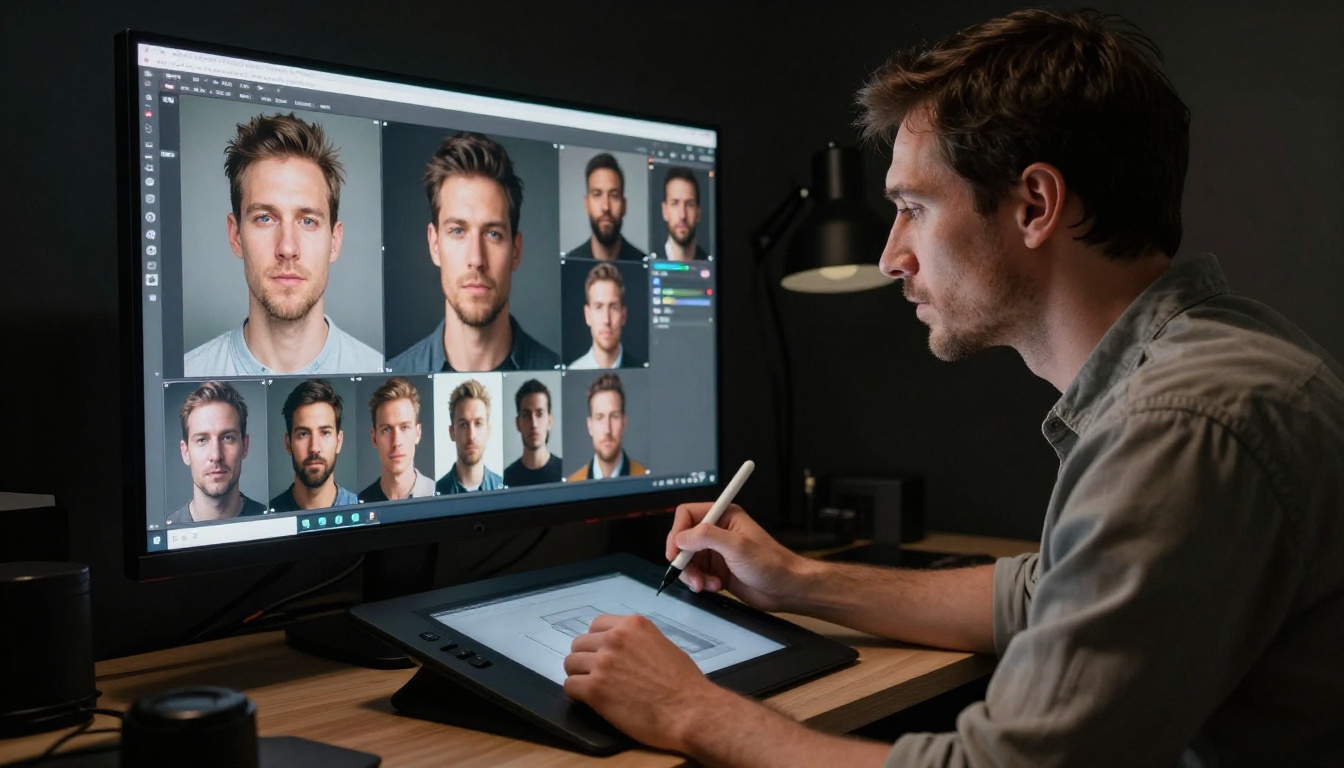
Flux Dev is the go-to for photorealistic commercial imagery. Product shots, lifestyle photos, portrait-style content for social media: this model handles them with the kind of detail that stock photography charges premium prices for.
For creators switching from Artlist's stock photo library, Flux 1.1 Pro takes that output further with 4-megapixel resolution and faster generation times. When you need billboard-quality images or editorial-style portraits, this is where you start.
Flux Pro and Flux 2 Pro for high-volume work
If you're producing content at scale, Flux Pro and Flux 2 Pro handle batch workflows efficiently. Both maintain consistent quality across multiple generations from similar prompts, which matters when you're building a content library rather than a one-off post.
💡 For fast iterations: Flux Schnell generates images in seconds. Use it to prototype concepts before committing to a high-quality run.
SDXL for stylized content
SDXL occupies a different lane. Where the Flux family leans into photorealism, SDXL produces content with stronger stylistic character, making it better suited for editorial illustrations, brand visual elements, and content that needs a distinct aesthetic without looking like a generic stock photo.
Realistic Vision for portrait-focused work
Realistic Vision v5.1 was built with portraiture in mind. If your content relies heavily on human subjects, whether for fashion, lifestyle brands, or editorial photography replacement, this model produces face detail and skin tone accuracy that rivals professional photography.
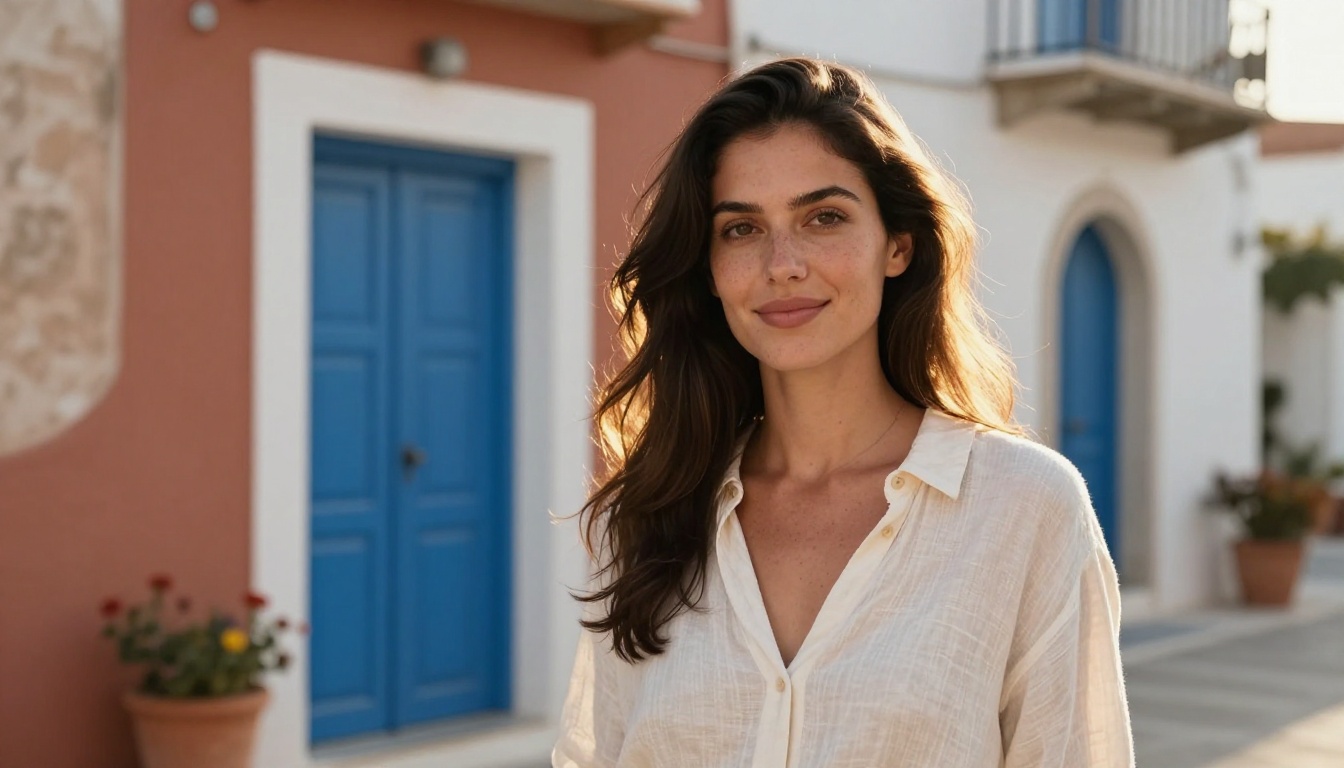
For editorial-style content requiring consistent, lifelike results, RealVisXL v3.0 Turbo adds ControlNet support for pose control, letting you recreate specific body positions or compositions on demand.
Stable Diffusion 3.5 Large for creative control
When you need maximum control over creative output with detailed prompt adherence, Stable Diffusion 3.5 Large delivers. This model excels at complex scene compositions where multiple elements need precise placement and relationships, making it ideal for art-directed marketing campaigns.
How to Use Flux Dev on Picasso AI
Here's a practical walkthrough for replacing stock photography in your content workflow.

Step 1: Access the model
Go to the Flux Dev page on Picasso AI. You'll see the text input field and parameter controls immediately. No account needed for the free tier.
Step 2: Write a specific prompt
Vague prompts produce generic results. Be specific about every detail:
- Subject: "Young woman, mid-20s, natural smile, subtle freckles"
- Setting: "Modern coffee shop interior, wooden tables, warm pendant lighting"
- Technical style: "85mm portrait lens, shallow depth of field, Kodak Portra 400 tones"
- Mood: "Warm, relaxed, authentic, afternoon light from left window"
A combined prompt: "Young woman in her mid-20s sitting at a wooden table in a modern coffee shop, natural afternoon light from the left window, relaxed authentic smile, 85mm portrait lens, shallow depth of field, Kodak Portra 400 warm film tones, photorealistic"
Step 3: Adjust generation settings
- Aspect ratio: 16:9 for landscape commercial use, 9:16 for social media vertical
- Guidance scale: 7-8 follows your prompt closely without over-rendering
- Steps: 28-35 for quality output, lower for quick concept drafts
Step 4: Generate and iterate
The first generation is a starting point. Adjust the prompt based on what comes back. Swap "afternoon light" for "morning light" to shift the mood entirely. Add specific lens details for a different photographic feel. Each iteration brings you closer to the exact asset you need.
Step 5: Download and deploy
Generated images are yours immediately. No watermarks, no license tiers, no attribution requirements. For editing or extending an image after generation, Flux Kontext Pro lets you modify specific elements using text prompts without regenerating the entire image from scratch.
What About Music and Video?
The comparison to Artlist gets more interesting when you look beyond images.

Artlist's primary value proposition was always music licensing for video creators. AI music generation has reached a point where it's a credible alternative for many use cases. Background music for YouTube videos, ambient tracks for social content, mood pieces for brand videos: AI music models now handle these without licensing complications.
For video content, Picasso AI offers text-to-video generation across 87+ models. This doesn't fully replace cinematography, but for social media content, product demos, and short-form material, AI video generation handles a significant portion of what creators previously relied on stock footage to provide.
💡 Think about it this way: If 60% of your Artlist usage is music licensing, and AI music now covers that use case, you've eliminated the core reason you were paying that subscription.
The combined capability of image generation, video creation, music generation, and audio tools in one platform changes the subscription math significantly. Instead of paying Artlist for music plus a separate image subscription plus a video tool, you're working from a single platform priced accordingly.
The Real Switch Looks Like This
Switching from Artlist to AI-generated assets isn't an overnight change. Here's what a realistic transition looks like for a content creator actively producing work:
Week 1: Audit your Artlist usage
- Check your download history for the past 3 months
- Categorize by asset type: music, video, images, sound effects
- Identify which categories you actually used versus just paid for
Week 2: Test AI alternatives
- Run Flux Schnell for quick image drafts on projects currently in progress
- Use Flux Dev for the hero images you'd otherwise source from stock
- Try the AI music generation models for a current video project
Week 3: Compare outputs
- Place AI-generated assets and stock assets side by side in your actual projects
- Assess quality fit for your specific audience and publishing platforms
- Calculate the cost difference based on your actual usage patterns
Week 4: Make the call
Most creators who do this audit find they were overpaying for Artlist by 3-5x compared to what they actually needed. The subscription was designed around a worst-case usage scenario. AI tools let you pay for what you actually produce.
Your Creative Budget Works Harder Here

The subscription model for creative assets made sense when generation was impossible and curation was the only option. That's no longer the situation. Platforms like Picasso AI put 91 image models, 87 video generation options, AI music creation, background removal, super-resolution upscaling, and voice generation in one place.
Instead of paying Artlist for access to someone else's creative archive, you're generating assets that didn't exist until you described them. The quality at the top end of models like Flux 2 Dev and Flux Kontext Pro has made this a practical option for professional work, not just experimentation.
Start with one project. Pick something you'd normally source from a stock library. Write a prompt, generate the image, and compare what you get against 20 minutes of browsing Artlist. The difference in time, cost, and customization is usually enough to settle the question for good.
Picasso AI has a free tier. There's no financial risk in trying it. The only risk is realizing too late that you've been paying for a library when you could have been generating exactly what you need all along. Pick a model, write a prompt, and see for yourself what your creative budget can actually produce.


