Suno v6 arrived on September 9, 2026, and the AI music world split in two within a day. One camp hears cleaner vocals, tighter drums and a mix that finally sits right. The other hears a flatter sound and a platform that retired the models they built their catalogs on. If you searched for Suno v6 vs 5.5, here is the catch up front: you can no longer pick v5.5 for new songs, so the real question is whether v6 deserves your credits, or whether another music model fits you better.
Everything below draws on Suno's launch details and early hands-on reports from reviewers and users. Prices and some limits are reported differently across sources, so treat the numbers as a snapshot and check the live plan page before you pay. Want the verdict first? Jump to the section called "Is v6 Better Than v5.5?" and come back for the details.
What Suno v6 Launched
Suno shipped v6 on September 9, 2026, six days after it changed how downloads work. It did not release one model. It released three, and it switched off everything older at the same time.
Three Models Instead of One
- v6: the flagship. Reviewers describe it as reliable and precise, the one to pick when you want a polished result that behaves the same way twice.
- v6-wild: the experimental option. It is less predictable and more varied, and several users say it comes closest to the personality of the older models.
- v6-mini: the fast, light model. It is also the only one free accounts can use, which makes it the entry point for newcomers.
All three reportedly handle songs of up to 8 minutes in a single generation, which is plenty for a full track with an intro, two verses, a bridge and an outro.

Why v5.5 Is Gone
Every model before v6, including v4.5, v5 and v5.5, is now retired for new generations. Songs you already made on them stay in your library and remain unchanged. Anything new, even a fresh take on an old prompt, runs on v6.
The reason sits in a legal deal. In November 2025, Suno announced a settlement with Warner Music Group that included a commitment to launch newer licensed models and retire the existing ones. v6 is that promise arriving. That makes this less a version bump and more a platform reset: the old sound goes away, and the new sound is the only sound.
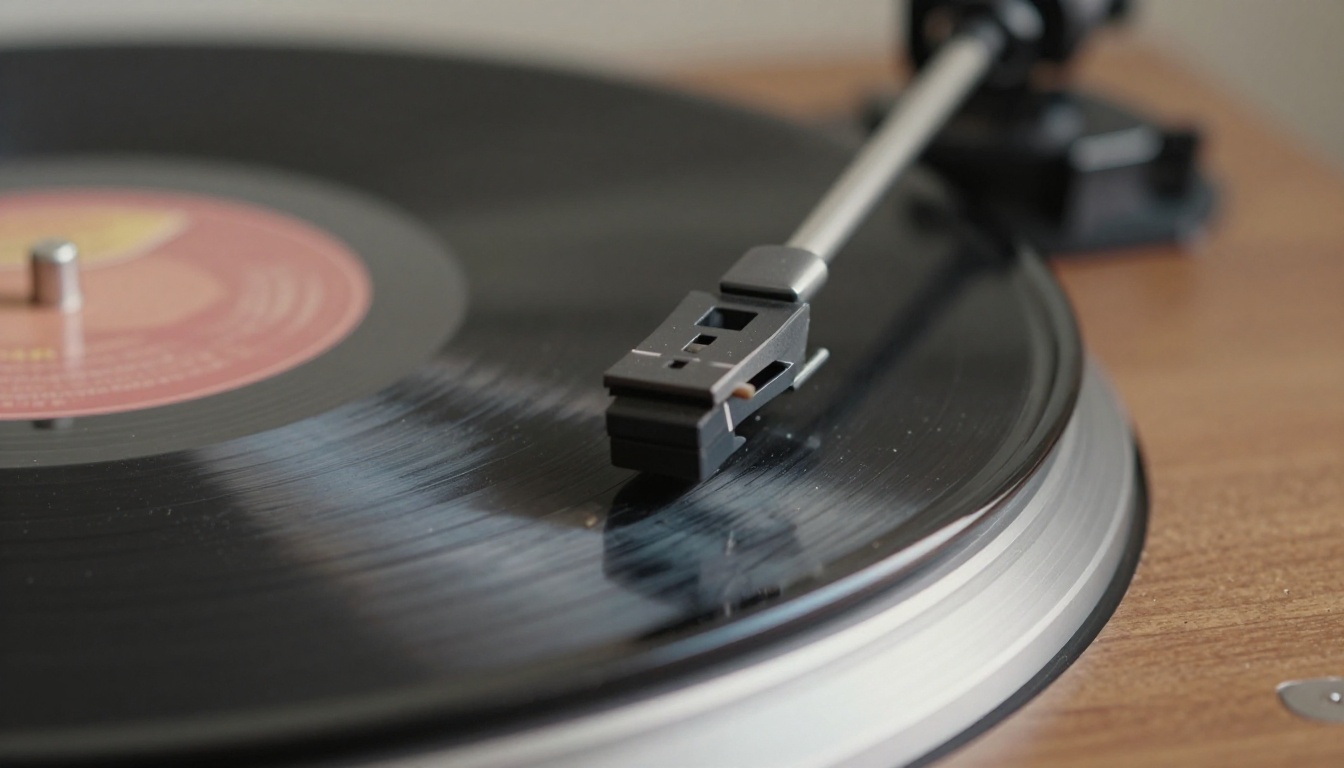
What Changed From v5.5
v5.5, released in March 2026, was about personalization: Voices, custom models and a My Taste feature. v6 pivots. Its pitch is control over a song you already have, instead of better dice rolls on a brand new one.
Sound and Vocals
Reviewers agree on fidelity: all three v6 models sound cleaner than their predecessors. The same notes keep repeating. There is less "cotton" in the high frequencies, the stereo image is cleaner, transitions between sections are tidier, vocals carry more nuance with less strain, and drums land closer to a real kit. Generation is also reported to take only seconds.
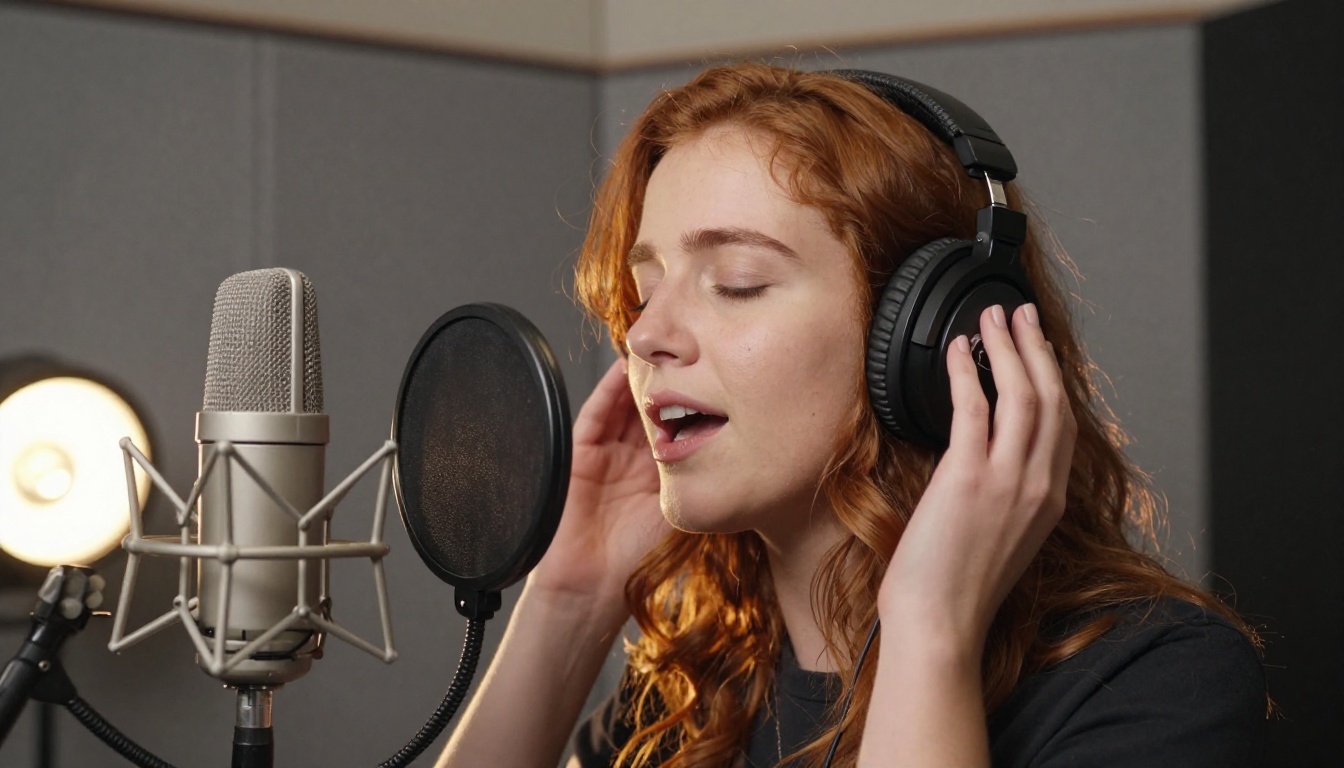
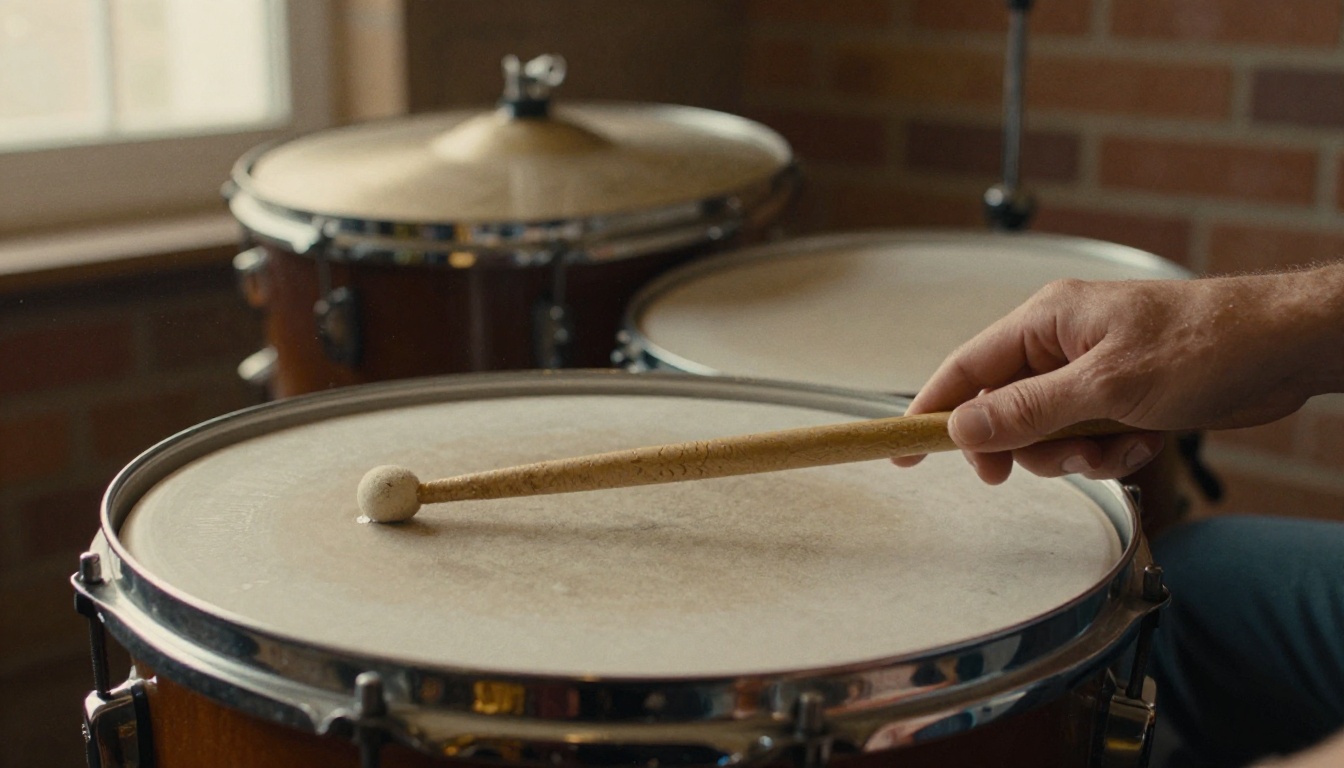
Drums deserve a special mention because they are often the giveaway in an AI track, and reviewers single them out as sounding close to the real thing. That is worth testing with your own prompts. Try a stripped-down drum and bass arrangement and listen to how the snare and hi-hats breathe.
The caveat arrives in the same breath: better fidelity is not the same as better taste. More on that further down.
Editing With Plain Words
This is the headline feature. In v5.5, fixing one weak chorus usually meant regenerating the song or using Extend and hoping for the best. In v6 you describe the change in a sentence. You can rework a single section, replace one line of lyrics, combine the vocal from one track with the drums of another, or pull out a riff and build around it, all without throwing away the parts you liked.
💡 Tip: Treat edits the way a producer would. Change one thing per request. If you ask for a new chorus, a new bridge and a different tempo in one go, you cannot tell which instruction caused the problem.

References Beyond Text and Audio
v5.5 accepted text and audio references. v6 accepts text, audio, images and video, and you can combine them in a single request. A photo of a rainy street, a voice memo humming a melody or a short clip can all steer the mood. Reviewers also mention mashups, where several sources feed one song.
Length and Prompt Fields
One hands-on comparison found the input boxes mostly unchanged: lyrics still allow 5,000 characters and styles 1,000. The new addition is an Exclude Styles field, also 1,000 characters, which lets you ban sounds you do not want.
The same tester ran each prompt once per model. v5.5 produced tracks of 2:42 and 2:47, while v6 produced 3:08 and 3:16. They were careful to say this was a single comparison, not a benchmark, and they added the most useful finding of all: two takes of the same generation disagreed with each other more than the model change did. Never judge a model from one take.
| Area | v5.5 | v6 |
|---|
| Main focus | Personalization: Voices, custom models, My Taste | Control over an existing song |
| Editing | Mostly regenerate or Extend | Section edits in plain language |
| References | Text and audio | Text, audio, image and video |
| Models | One | Three: v6, v6-wild, v6-mini |
| Exclude Styles field | No | Yes, 1,000 characters |
| Availability | Retired for new generations | The only option |
| Training data | Earlier datasets | Licensed catalogs, per Suno |
Credits, Downloads and Training Data
How Downloads Work Now
On September 3, 2026, Suno introduced monthly download allowances that sit apart from credits. Reported plan limits look like this:
| Plan | Credits | Downloads | Commercial rights |
|---|
| Free | 50 per day | Very limited | No, v6-mini only |
| Pro | 2,500 per month | 20 per month | Yes, all three models |
| Premier | 10,000 per month | 60 per month | Yes, all models plus Studio |
A generation creates two songs for 10 credits, so a Pro plan stretches to roughly 500 songs of auditioning but only 20 downloads. One review adds that each song counts once whatever the file format, and that stems and re-downloads do not touch the allowance. Extra downloads can reportedly be bought one by one. Monthly prices vary between reports, so check the plan page for the current figure.
💡 Tip: Generate freely, download carefully. Audition many takes, keep only the ones you would actually publish.

Licensed Training, Explained
Suno says v6 was built from the ground up on licensed catalogs from major rights holders: Warner Music Group, BMG and Believe, the distributor that includes TuneCore. Suno also says it did not use the data behind the earlier versions.
Two cautions apply. Reviewers point out that public disclosure is not detailed enough to verify that the training was exclusively licensed, and Universal Music Group and Sony Music still have active lawsuits against Suno. For creators, the upside is a cleaner story around commercial use. The risk is that the legal picture is still moving.

Why Some Users Are Angry
Launch day looked like two separate launches. YouTube reviewers talked about features. On r/SunoAI, the loudest threads were about cancellations and about the platform complying with a lawsuit, with one cancellation thread passing 500 comments. The most upvoted quality thread called v6 "a massive downgrade."
The Flatter Mix Complaint
Longtime power users describe generic production, flattened vocals and less audio character than v4.5 through v5.5. It is easy to see why. A cleaner, more polished model also tends to be a more predictable one, and predictable can sound sterile. A sharper lens does not automatically make a more interesting photograph.
v6-wild is the closest thing to an answer. It trades consistency for surprise, and some users report it feels closer to the older models.
Lyrics That Rewrite Themselves
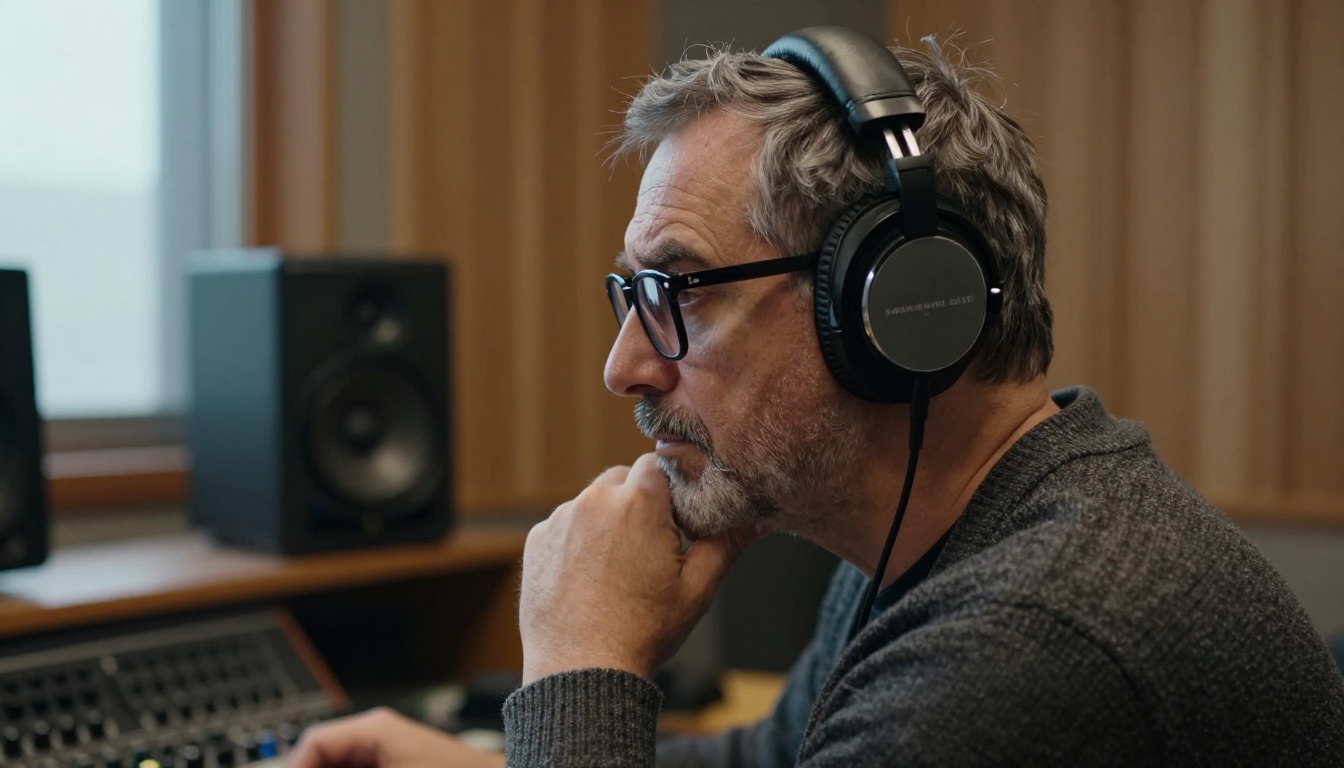
Prompt adherence is contested. Some users say v6 rewrites their lyrics without being asked. Others see tighter adherence on structured pop, plus better results in rock, techno and folk. Both can be true, since results swing a lot from take to take, which is exactly what the hands-on test above ran into.
If your lyrics matter, fix them with a section edit instead of rerolling the whole song, and keep your settings identical when you compare two takes.
Is v6 Better Than v5.5?
v6 is better at polish, control and consistency. It is not automatically better at personality. Which one counts depends on what you make.
Where v6 Wins
- Client and commercial work: repeatable results matter more than happy accidents.
- Structured pop and genres reviewers praise: rock, techno and folk got the warmest notes.
- Credit efficiency: editing one section is cheaper than rerolling an entire song.
- Richer references: images and video as inputs open up moods that text alone struggles to describe.
Where v5.5 Felt Better
- Character: rougher edges and happy accidents that some listeners miss.
- Settled workflows: anyone with a refined v5.5 routine now has to rebuild it.
- Choice: the simple freedom to pick the model you trust.
A Fair Verdict by Use Case
| If you are... | Start with |
|---|
| A creator who needs consistent tracks for clients | v6 |
| Chasing odd, surprising results | v6-wild, or a different music model |
| New to AI music and on a budget | v6-mini on the free plan |
| A v5.5 loyalist | Test v6-wild, then compare other models |
Before you commit, run your own blind test. Write one prompt, generate three takes on each model you are weighing, and listen on two systems: earbuds on a phone and proper monitors or headphones. Ask a friend to rank them without knowing which is which. Single takes lie, as the earlier test showed.

Other Music Models Worth Trying
Suno is its own platform and PicassoIA does not offer it. But if the retirement of older models bothers you, or you want a second opinion on a lyric or a style, the music category on PicassoIA lists ten models you can run in the browser. None of them is a Suno clone, and each behaves differently, so treat them as additional instruments rather than replacements.
A good habit is to run the same style prompt on two or three of these and on Suno, then compare the results the way you would compare takes in a studio.
How to Use Music 2.6 on PicassoIA
MiniMax Music 2.6 turns a short description into a finished song with vocals, melody and arrangement, and it gives you the kind of structure control that Suno users value. Here is the workflow:
- Open the model page. Go to the Music 2.6 page on PicassoIA.
- Write the style prompt. Describe genre, mood, tempo and instruments in up to 2,000 characters. A prompt such as "E minor, 90 BPM, acoustic guitar ballad, male vocal, emotional, intimate studio feel" gives the model plenty to work with.
- Add lyrics or let the model write them. Paste your own lyrics (1 to 3,500 characters) and mark the arrangement with tags like [Intro], [Verse], [Chorus], [Bridge] and [Outro]. If you have no lyrics, switch on Lyrics Optimizer and the model writes them from your prompt.
- Choose vocals or instrumental. Turn on Is Instrumental for a background track. The prompt is required in that mode and lyrics are ignored.
- Set the audio format. Output can be MP3, WAV or PCM. Defaults are 256 kbps and 44.1 kHz, which suit most projects.
- Generate and compare. Example runs on the model page took roughly one to four minutes. Change one detail of the prompt at a time so you know what caused each difference.
💡 Tip: Structure tags are the closest thing to Suno's section edits. If a chorus is weak, rewrite only that block of lyrics, keep the rest identical and generate again.
Make Your Own Images and Videos
A song needs a face. Once the track is ready, PicassoIA can build the visuals around it.
Album Art in One Prompt
Text-to-image models such as Seedream 5 Pro and GPT Image 2 can produce artwork for streaming platforms. Describe a real scene instead of an abstract idea: the room, the light, the lens, the texture of the objects. The photographs in this article were written that way, and the same approach works for single art, playlist thumbnails and social posts.
A Music Video From Your Track
Audio To Video animates images with any sound, so your song can drive the motion. For short loops and teasers, Seedance 2.5 Lite generates AI video up to 10 seconds. Pair a still from your album art with a short clip and you have a post ready for social feeds.
Suno v6 made one thing clear: the best music workflow now mixes tools instead of betting on a single model. Open Picasso IA, run your favorite prompt through Music 2.6, then turn the mood of the track into your own images and short videos. Try three prompts, compare the results, and keep the one that sounds and looks like you.


