If you're trying to choose between Synthesia and HeyGen for your next AI avatar video project, you're not alone. Both platforms dominate the category, both promise professional results without a camera or studio, and both have built massive followings in corporate, marketing, and education circles. The problem is they're not the same tool, and picking the wrong one could cost you time, money, and a lot of frustration.
This breakdown puts both platforms head to head so you leave with a clear answer.
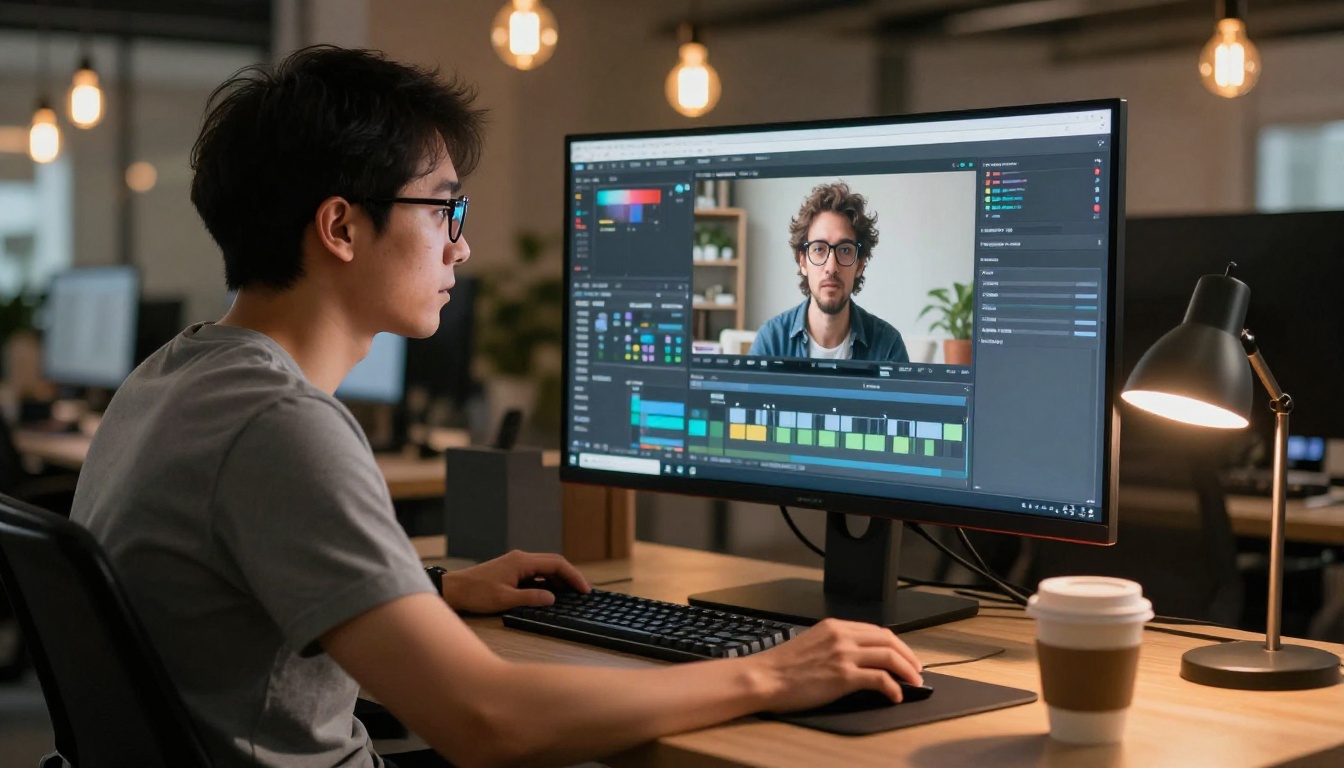
Both Synthesia and HeyGen let you generate presenter-led videos using AI avatars. You type a script, pick an avatar, choose a voice, and the platform renders a polished video where that avatar speaks your words. No green screen, no talent fees, no scheduling headaches.
That shared foundation hides some meaningful differences in philosophy, workflow, and target audience.
Synthesia at a Glance
Synthesia was one of the first movers in this space. Built with enterprise in mind from day one, it emphasizes consistency, compliance, and scalability. Their avatar library is curated and diverse, their editor is clean and structured, and their integrations lean toward LMS platforms and internal communications tools.
If you need to produce 50 identical-format training modules across a global workforce, Synthesia is built for that workflow. Their Expressive Avatars technology produces avatars with natural facial micro-expressions and gestures that rival older competitors who still deliver stiff, robotic presentations.
HeyGen at a Glance
HeyGen moved faster and built a community that skews younger and more creator-focused. Where Synthesia targets HR directors and L&D teams, HeyGen aggressively courts solo entrepreneurs, content creators, and marketing agencies looking for speed and versatility.
Their primary differentiators: a faster clip creation workflow, aggressive pricing tiers for smaller teams, and one of the most polished video translation features in the category. The Avatar IV model, available on PicassoIA, demonstrates exactly how far HeyGen has pushed avatar realism in recent model generations.

Avatar Quality and Realism
Stock Avatars
Synthesia offers 230+ stock avatars in their standard library, with more added regularly. Quality is consistent, and the diversity coverage is solid across age, ethnicity, and professional context. The newer Studio Avatars render at noticeably higher fidelity than their original library.
HeyGen's stock avatar collection sits around 100+ avatars, but their default quality ceiling is arguably higher. The facial animation engine produces more natural head movement and eye contact, which reads better on social video content where that subtle human-likeness matters. When you watch a HeyGen avatar deliver a script, the blinking, micro-tilts, and slight shoulder movement feel less mechanical than what many competitors ship by default.
Verdict: Synthesia wins on volume. HeyGen wins on raw realism per avatar.
Custom Avatar Creation
This is where the real decision often gets made. Both platforms let you create a custom avatar from a recording of yourself or hired talent, but the process differs in meaningful ways.
Synthesia requires a dedicated consent and recording process, including an enterprise onboarding flow that documents the subject's permission. The result is a highly polished, lip-synced avatar that maintains the original subject's vocal character across long scripts.
HeyGen's Instant Avatar feature lets you create a usable avatar from just a 2-minute selfie recording. The turnaround is faster, and the barrier to entry is dramatically lower. For a solopreneur who needs their face on a hundred personalized sales videos, that speed advantage is enormous.

Video Creation Workflow
Ease of Use
Both platforms are accessible to non-technical users, but they prioritize different things in the editing experience.
Synthesia's editor feels like PowerPoint for video: slide-based layout, structured templates, a clear scene-by-scene timeline. It's intuitive for anyone who has built a presentation before. Adding B-roll, graphics, and screen recordings is clean, if slightly limited in free-form flexibility.
HeyGen's workflow feels faster and more fluid. The script-to-video path is shorter, the interface rewards quick experimentation, and the video editing tools feel more capable for someone who wants to mix avatar footage with imported clips and custom branding elements.
💡 Tip: If your team already works in Google Workspace or Microsoft 365, Synthesia's template-first approach will feel immediately familiar. If your team is full of scrappy digital marketers who value speed, HeyGen's workflow is addictive.
Script to Video Speed
| Feature | Synthesia | HeyGen |
|---|
| Avg render time (1 min video) | 3-5 min | 1-3 min |
| Template library | 60+ | 40+ |
| Auto-subtitle generation | Yes | Yes |
| Screen recording overlay | Yes | Yes |
| Instant preview | No | Yes |
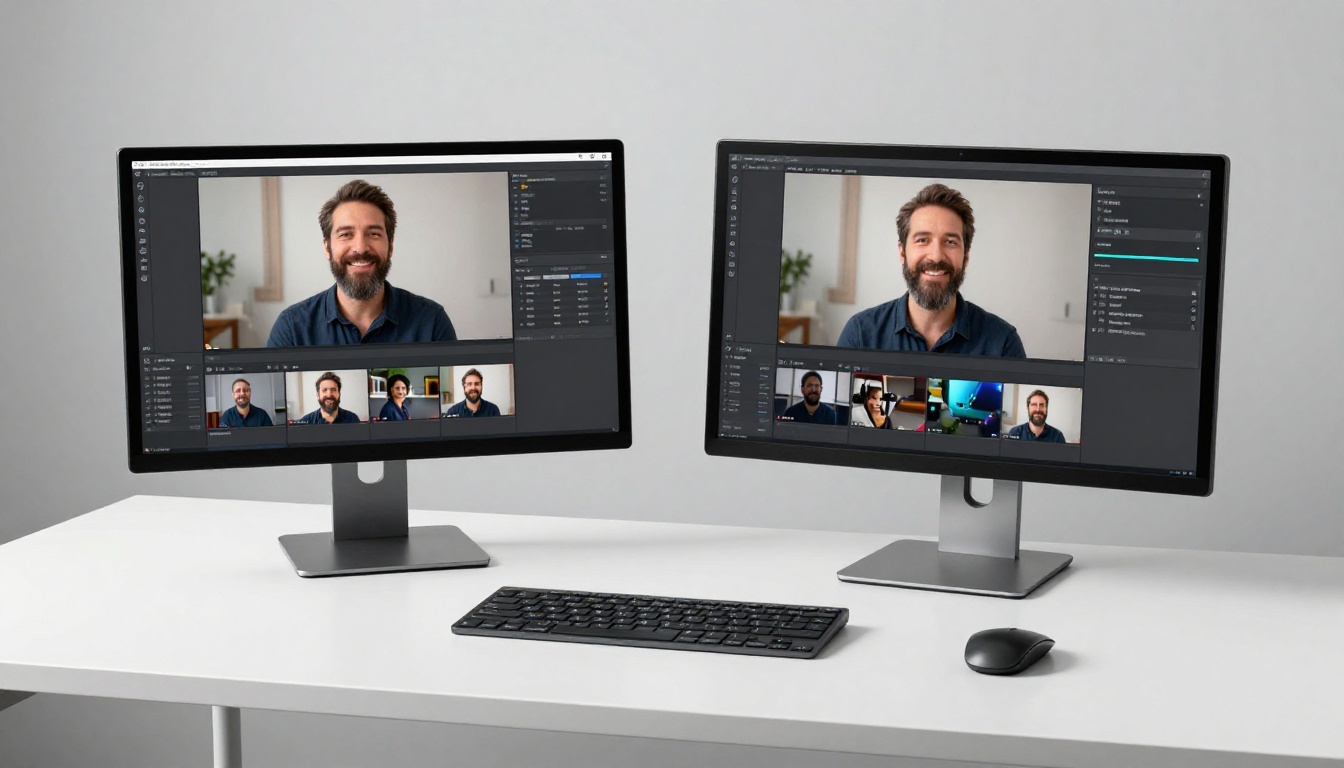
HeyGen consistently renders faster and provides an instant preview mode, which cuts iteration time significantly when you're testing multiple script variations or comparing avatar choices before committing to a full render.
Language and Localization
Multilingual Dubbing
This is arguably HeyGen's strongest category. Their Video Translate model, available on PicassoIA, supports dubbing in 150+ languages with lip-synced avatar output that matches the translated audio. Upload a video in English, get back a version in Spanish, French, Mandarin, or Hindi where the avatar's mouth movements match the new audio.
The technology isn't perfect for every language, but for the top 20-30 global languages, the output is genuinely impressive and production-ready for most content scenarios. The ability to localize a single source video into a dozen regional markets without re-recording talent is a real competitive advantage for global brands.
Synthesia also offers 140+ languages and covers the major global markets well. Their strength is in voice consistency: when you set up a custom avatar voice, that vocal character is preserved accurately across languages. For brand voice consistency in a global campaign, that reliability matters more than raw language count.
Voice Cloning
Both platforms offer voice cloning as part of their custom avatar workflows. HeyGen's voice clone requires as little as one minute of audio, making it fast and accessible for independent creators and small teams. Synthesia's process demands more sample data but delivers a result that feels more natural over long-form content, particularly for scripts running beyond five minutes.
💡 Tip: Use HeyGen's Lipsync Precision model on PicassoIA to sync any external audio track to an avatar video with precise frame-level alignment. It's the right tool when you have a voice recorded separately and want to animate it onto any portrait.
Need volume over precision? Lipsync Speed on PicassoIA handles the same task in a fraction of the time, ideal for high-volume content pipelines where slight sync imperfections are acceptable.

Pricing: What You Actually Pay
Pricing changes frequently with both platforms, so treat these as directional figures rather than guarantees:
| Plan Level | Synthesia | HeyGen |
|---|
| Free / Trial | 3 min/month | 1 credit/month |
| Starter | ~$29/mo | ~$29/mo |
| Creator | ~$89/mo | ~$79/mo |
| Business | Custom | ~$179/mo |
| Enterprise | Custom | Custom |
The sticker prices look similar, but the credit systems differ significantly. Synthesia charges per minute of video rendered, while HeyGen charges per credit with varying costs per feature type. For teams producing high volumes of short-form content, HeyGen's model can be more cost-efficient. For teams producing fewer but longer videos, such as 10-15 minute training modules, Synthesia's per-minute pricing is more predictable month to month.
Worth noting: both platforms frequently offer annual billing discounts in the 20-35% range, which changes the real cost of ownership significantly when you're planning for a full year of production.
💡 Tip: If you're on a budget or want to experiment before committing to a subscription, HeyGen's Video Agent on PicassoIA lets you generate polished AI presenter videos from a text prompt without a separate HeyGen account or upfront credit commitment.
Use Cases Side by Side
Corporate Training
Synthesia was built for this. The LMS integrations, the slide-based editor, the structured template library, and the compliance-focused custom avatar consent process all point toward internal enterprise video at scale. If you're replacing a 200-page employee handbook with 40 short training videos that need to feel consistent across every department, Synthesia fits that workflow more naturally.
That said, HeyGen's faster render time and lower entry pricing makes it increasingly attractive for smaller companies that want professional training content without an enterprise contract. A 50-person startup doesn't need Synthesia's compliance layer; it needs something fast and affordable.
Marketing Videos
HeyGen has built a strong reputation in marketing. The ability to create personalized outreach videos, product walkthrough clips, and social content quickly makes it a favorite with marketing teams. The faster render times and instant preview are practical advantages when you're testing multiple creative directions in a single campaign sprint.
Synthesia also works well for marketing, particularly for longer explainer videos and product demos where a consistent branded presenter across a content library matters. Enterprise marketing teams that already use Synthesia for training often extend it to external content for exactly this reason.
Personal Branding
HeyGen wins this category. Instant Avatar creation, faster turnaround, better community resources for creators, and a lower entry price point all favor the solo creator who wants their face on content without hiring a camera crew or booking studio time.
The ability to create a custom avatar in minutes and iterate on scripts the same day is a genuine workflow shift for independent creators, coaches, and consultants building video-first brands.

HeyGen Models on PicassoIA
PicassoIA integrates several HeyGen models directly, giving you access to HeyGen's core video capabilities without managing a separate subscription.
Avatar IV for Talking Head Videos
Avatar IV is HeyGen's most capable avatar video generation model currently available. Feed it a script and a selected avatar, and it renders a photorealistic talking-head video with natural expressions and smooth lip sync. It performs particularly well on longer scripts where older models start showing repetitive gestures or unnatural pauses between sentences.
Lipsync Precision and Speed for Dubbing
Need to add audio sync to existing footage? Lipsync Precision handles frame-accurate lip synchronization for professional dubbing workflows, making it the right choice for branded content where every frame needs to feel intentional. For high-volume pipelines where speed matters more than surgical precision, Lipsync Speed delivers results in a fraction of the time.
Video Translate for Multilingual Reach
Video Translate is one of the most immediately practical tools in the HeyGen lineup available on PicassoIA. Upload any video, select the target language, and receive a dubbed version with synchronized lip movements. For brands targeting multiple regional markets with the same core content, this removes what used to be weeks of localization work and significant translation budget.

Head to Head: The Full Comparison
| Category | Synthesia | HeyGen |
|---|
| Avatar library size | 230+ | 100+ |
| Realism per avatar | High | Very High |
| Custom avatar speed | Slower process | Fast (Instant Avatar) |
| Multilingual support | 140+ languages | 150+ languages |
| Render speed | 3-5 min avg | 1-3 min avg |
| Ease of use | Structured, template-first | Fluid, fast iteration |
| Best for | Enterprise, L&D | Creators, marketing |
| Free tier | 3 min/month | 1 credit/month |
| Voice cloning | Yes (more data needed) | Yes (1 min audio) |
| LMS integration | Strong | Basic |
Which One Should You Pick?
The answer depends on what you're actually building and who's building it.
Pick Synthesia if:
- You're producing structured training content at enterprise scale
- Consistency across a large video library is non-negotiable
- Your team needs a structured, template-driven editor with minimal learning curve
- LMS integration is a hard requirement
- Long-form video output, 10 or more minutes per piece, is your core use case
- Compliance and documented consent flows matter to your organization
Pick HeyGen if:
- You need fast turnaround on short-form content
- You're a solo creator or small team working on personal brand or marketing
- Multilingual video translation is a core workflow need
- You want to test custom avatar creation quickly with minimal setup time
- Budget flexibility matters and you want to pay only for what you produce
For the majority of individual creators and small to mid-size marketing teams, HeyGen offers more value at the lower price tiers with a workflow that rewards speed. For enterprise L&D departments that need auditable consent flows, polished long-form training modules, and structured editing environments, Synthesia remains the stronger choice.
💡 Bottom line: Both tools are excellent. HeyGen moves faster and costs less for most users. Synthesia runs deeper for enterprise scenarios where compliance and template structure are non-negotiable requirements.
Start Creating AI Avatar Videos Now

You don't need a subscription to either platform to start creating. PicassoIA gives you direct access to HeyGen's most powerful models, including Avatar IV for talking head videos, Video Agent for text-driven video production, and Video Translate for multilingual dubbing, all within a single interface alongside over 100 other AI video models.
Beyond HeyGen, the platform offers access to text-to-video models like Seedance 2.0, Kling v3 Video, and Veo 3, plus a full lipsync collection with models like Omni Human 1.5 and Lipsync 2 Pro for realistic talking-photo animation from a single still image.
Whether you're actively comparing both platforms or already leaning one way, running your prompts through PicassoIA's collection is the fastest way to see what the current generation of AI avatar video actually produces. Type a script, pick a model, and have a result in minutes. No camera needed.


