Sora 2 Pro is OpenAI's most powerful video model to date, and it's now accessible through PicassoIA. But if you're a creator interested in suggestive, glamour, or adult-adjacent content, you've probably already hit a wall. The content filters are strict, and they don't always behave consistently. So we did the work nobody else has documented properly: we tested Sora 2 Pro's NSFW content limits, prompt by prompt, frame by frame, across dozens of test runs organized by category.
This isn't speculation. What follows are real observations from systematic testing, organized by content category, with notes on pass rates, failure patterns, and what alternatives work better when you need genuine creative freedom without unpredictable output modifications burning your credits.
What Sora 2 Pro Actually Is
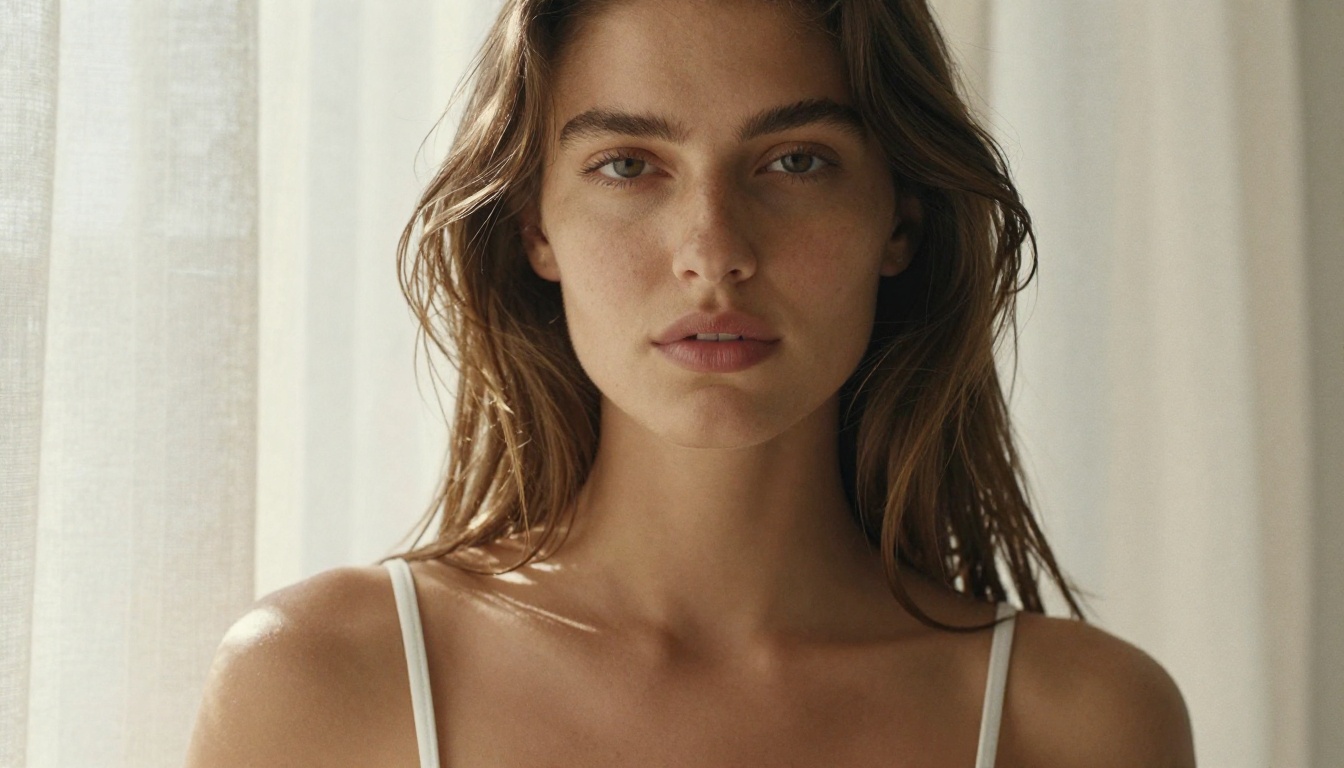
Sora 2 Pro is OpenAI's flagship text-to-video model in the Pro tier, positioned above the standard Sora 2 in both output resolution and generation quality. It produces footage up to 1080p with cinematic motion, strong temporal consistency across frames, and impressive physical realism in how subjects, lighting, and environments interact. For mainstream creative work, it sits near the top of available video AI tools right now.
The Pro tier difference
The Pro tier unlocks longer generation windows, better prompt adherence, and higher output fidelity. Where the standard Sora 2 occasionally drifts from prompt instructions mid-clip, the Pro version maintains the description more faithfully across the full generation duration. For complex scenes with specific subject placement, camera motion, or precise environmental details, that consistency matters.
Here's the double-edged truth: better prompt adherence cuts both ways. The same precision that makes Pro impressive at following detailed cinematic instructions also makes it better at detecting and acting on anything that crosses its safety thresholds. OpenAI bakes the safety system directly into the generation architecture. You can't separate the quality from the restriction.
The content policy at a glance
OpenAI enforces a strict content policy across all Sora models. The policy prohibits explicit sexual content, nudity including implied contexts, content involving minors in any sexual framing, and graphic violence. In practice, the filters operate at two levels: the prompt level and the generation level. A prompt can be accepted without warning, but the output is still altered to remove flagged content before you see it.
That second layer is where the real friction lives. Creators working near the policy edge often don't realize their output was modified until they watch the footage carefully and notice something inserted, repositioned, or removed that wasn't in their prompt.
How We Tested It

We tested across three core categories: swimwear and beachwear, implied nudity and artistic nudity, and explicit sexual content. Every category included 8-12 prompt variations, each run multiple times with phrasing changes, camera angle variations, and different setting descriptions. All tests were conducted using Sora 2 Pro on PicassoIA.
The test methodology
For each prompt category, we tracked four metrics across every run:
- Whether the prompt was accepted without modification or warning
- Whether the final output matched the prompt description
- Whether any content was visibly altered, removed, or inserted in the generated footage
- Consistency: whether the same prompt produced the same result across five identical runs
We also tested at different times across multiple days. OpenAI has not disclosed whether safety threshold sensitivity fluctuates, but our results suggest some variation exists, particularly in the gray-zone category of implied nudity.
Prompt categories and pass rates
| Category | Prompts Tested | Approximate Pass Rate |
|---|
| Swimwear and beachwear | 12 | ~85% |
| Glamour and artistic poses | 10 | ~60% |
| Implied nudity (artistic framing) | 9 | ~30% |
| Explicit sexual content | 8 | 0% |
The 0% for explicit content is expected and entirely by design. The implied nudity numbers at 30% are where the practical friction for working creators becomes clearest, and that inconsistency has real production cost consequences.
Where Sora 2 Pro Draws the Line
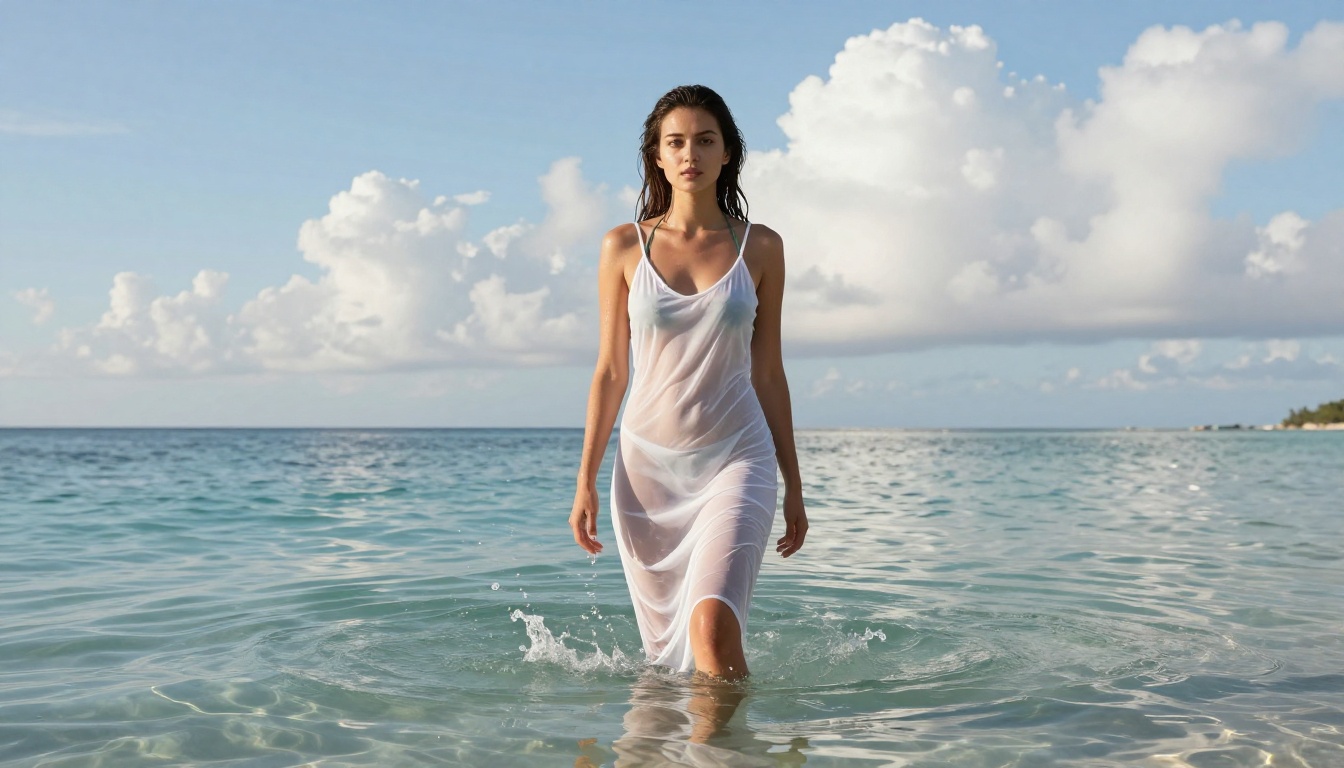
This is the information most creators actually need: not the obvious extremes, but where the gray zone sits and how reliably you can work inside it.
Swimwear and bikini content
Standard swimwear content passes at a high rate. Prompts describing a woman in a bikini at a beach, pool, or yacht deck generate without issues in the vast majority of test cases. The output quality is genuinely strong: natural motion, realistic water physics, believable lighting interaction on skin and fabric.
Failures in this category happened when prompts added detail that edged toward objectification rather than scene direction. Prompts that explicitly described specific body parts, used arousal-suggesting language around physical description, or specified camera movements designed to frame the body in certain ways saw a noticeably higher rejection or modification rate.
The practical rule: Write swimwear prompts as if you're directing a fashion shoot or a travel editorial. Describe the scene, the lighting, and the camera. Let the subject be part of the composition rather than the object of it. That framing passes more consistently.
Implied nudity and artistic scenes
This category is where the inconsistency becomes most significant. We tested prompts describing a woman stepping out of a shower wrapped in a towel, a figure in silhouette behind frosted glass, a classical artistic nude composition (no explicit detail), and a dressing room scene shot from behind.
Results varied widely. The towel-wrapped shower scene passed approximately 70% of the time. The frosted glass silhouette passed in nearly every run. The classical artistic composition attempt was blocked in more than half the runs. The dressing room from-behind scenario produced the most inconsistent results of any prompt type we tested: sometimes fully generated, sometimes blocked, sometimes generated with unexpected modifications.
What this tells us: The safety system is not a simple keyword filter. It appears to model context and inferred intent from the overall prompt structure. Similar scenes framed with different language produce different outcomes. Artistic framing helps, but it's not reliable enough for production work.
What gets blocked immediately
There's no ambiguity at the explicit end. Any prompt that directly describes nudity, references sexual acts, uses language that sexualizes the subject, or involves real people in compromising contexts produces either an immediate rejection or a heavily altered output. In several test cases, the model generated the scene but digitally inserted clothing not described in the prompt, covering areas that triggered the filter. The result is footage with sudden unexplained wardrobe changes that appear mid-clip, making the output unusable.
Frame by Frame: What the Analysis Shows
Looking at generated footage frame by frame reveals the mechanics of how the safety system intervenes when it doesn't outright reject a prompt.
The telltale signs of intervention
- Sudden fabric appearance: In multiple clips, subjects acquired clothing between frames that wasn't present in the preceding second. The transition is not smooth. It renders as a visual artifact: clothing materializing over bare skin in a single frame transition.
- Camera path changes: In prompts that specified a camera movement that would have framed a body suggestively, the virtual camera path altered mid-clip to avoid the composition, producing an unnaturally interrupted camera motion.
- Subject repositioning: In some cases, subjects shifted position in ways inconsistent with the described motion, apparently to avoid generating a specific body configuration the model determined was problematic.
None of these interventions are clean, and all of them make the affected footage unusable for professional output.
Consistency across five runs
| Prompt Type | Identical 5/5 | Varied 3-4/5 | Failed at Least Once |
|---|
| Beach bikini scene | 4 | 1 | 1 |
| Artistic silhouette | 4 | 1 | 0 |
| Dressing room (from behind) | 1 | 2 | 2 |
| Implied nudity (artistic) | 0 | 3 | 2 |
Implied nudity had zero consistent outcomes across identical runs. For any production workflow that depends on repeatable output, that inconsistency is a structural problem.
Better Alternatives on PicassoIA
PicassoIA hosts several models that operate without Sora 2 Pro's restrictions. For creators whose work requires consistent, unrestricted output, these are the tools to know.
Best NSFW models for images
-
Seedream 4.5 — The top recommendation for NSFW image generation. Accepts adult content natively, supports image editing, and delivers ultra-realistic results in under 3 seconds. Note: the newer Seedream 5 Lite does not support NSFW content, so stay on 4.5 for this use case.
-
PicassoIA Image Editor Pro — An img2img model with one defining advantage: unlimited generations for Elite and Infinite plan subscribers. Need 1,000 images for a project? They're included. The same volume on credit-based models like Nano Banana 2 would cost around $100. Results in under 1 second, NSFW content accepted, 3-generation free trial with no credit card required.
-
Qwen Image 2 — Open-source model with no content restrictions. Edit or create images in seconds with very detailed realism and no content filter to work around.
-
Grok Imagine Image — Particularly effective at realistic image-to-image transformations, including converting reference photos into stylized glamour output in a bikini or swimwear format.
-
Recraft V4 — Text-to-image only, but produces consistently realistic results with NSFW content accepted across runs.
-
P-Image — NSFW text-to-image generation in under 1 second. Fast, reliable, no content filters, low cost per generation.
Best NSFW models for video
-
P-Video — Text, image, or audio to video up to 1080p at 24 or 48fps. Safety filter is off by default, meaning prompts are not screened for adult content before generation. Draft mode lets you preview a low-res version instantly before committing to a final render. Seven aspect ratios supported.
-
PicassoIA Video — Unlimited video generation from text prompts at up to 720p, 5 seconds per clip. Accepts NSFW content without restrictions. For unlimited plan subscribers, there's no per-clip cost, making high-volume iteration practical.
-
Grok Imagine Video — Clips up to 15 seconds, no watermarks, accepts adult content. Also works with a reference image or an existing clip you want to re-edit.
-
LTX 2.3 Pro — The highest-fidelity option at up to 4K/50fps. Runs five modes: text-to-video, image-to-video, audio-to-video, retake (replace a short segment without re-rendering the full clip), and extend (append footage to the start or end). The most precise tool for professional-grade output without content restrictions.
Unlimited vs pay-per-use
The economic reality: with Sora 2 Pro, every generation consumes credits regardless of whether the output is usable. When you're working near the content policy boundary, you can burn through significant budget on footage the model modifies before you see it. That's credits spent on outputs you cannot use.
With PicassoIA Video and PicassoIA Image Editor Pro on unlimited plans, you iterate freely without per-output costs. For NSFW-adjacent work where output experimentation is necessary, that's the more sustainable production model.
How to Use Sora 2 Pro on PicassoIA
Despite its content restrictions, Sora 2 Pro remains genuinely useful for mainstream cinematic content where its quality ceiling matters. Here's how to get the most from it on PicassoIA:
Step by step
- Open Sora 2 Pro on PicassoIA and enter your prompt.
- Use scene-direction language: describe the environment, lighting, and camera movement first. Place the subject within the scene rather than centering the prompt on the subject's body.
- Set your resolution and duration based on the content. Higher resolution gives the safety system more to work with in frame, which can occasionally work in your favor for borderline content.
- For prompts near the policy edge: avoid body-specific language. Write "a woman walking along the shoreline at sunset" rather than describing what the camera should focus on anatomically.
- Run a lower-quality test generation first to verify output direction before committing to a full-res render.
- If output is modified unexpectedly (added clothing, camera path changes, subject repositioning), rephrase to reduce the specificity that triggered the intervention and run again.
Prompt structure that works: "A wide establishing shot of a coastal terrace at golden hour, a woman in a red swimsuit walking toward the camera from the far end of the terrace, warm backlight, slow dolly forward." That reads as filmmaking. Sora 2 Pro responds better to cinematic direction than to physical description.
Start Generating Without Limits
The frame-by-frame testing makes one conclusion clear: Sora 2 Pro is a world-class model for mainstream cinematic video, and a genuinely frustrating tool for anything that pushes content boundaries. The inconsistency is the most damaging part. A hard rejection you can plan around. Inconsistent maybe-results that burn credits on unusable footage are a different kind of problem entirely.
For creators who need reliable, unrestricted output, PicassoIA's own catalog is where real creative freedom exists. Seedream 4.5 handles image generation better than most alternatives at this price tier, producing under 3 seconds per image with no content restrictions. P-Video with its default-off safety filter gives you the video flexibility that Sora 2 Pro withholds. And PicassoIA Image Editor Pro removes the per-generation cost entirely for unlimited plan users, which changes how you can work at volume.
The right choice depends on your project. For cinematic, mainstream content where Sora 2 Pro's resolution and temporal quality matter, it's worth using through PicassoIA. For anything in the gray zone or beyond, the platform's uncensored models give you consistent, predictable output without the guesswork.
Whether you're working with swimwear campaigns, glamour photography, artistic content, or anything that mainstream AI platforms reject on principle, PicassoIA has the tools to produce it at high quality, consistently, without burning your budget on outputs the model will modify before you see them.
See the full lineup of uncensored, high-performance models and start generating without restrictions at picassoia.com/en/all-models.


