The transition from typing commands to speaking naturally with AI represents one of the most significant shifts in how we interact with technology. Text to agent AI systems don't just respond with information—they execute actions based on natural language understanding. When you tell an AI "schedule a team meeting for Thursday at 2pm," the system doesn't return a calendar link for you to click. It books the meeting, sends invitations, reserves the conference room, and sets up the video call—all without additional prompts.

Extreme close-up showing the precise moment of text-to-action command input
This automation capability transforms daily work from a series of manual tasks into a streamlined workflow where human oversight directs AI execution. The technology has moved beyond simple chatbots that answer questions into intelligent agents that complete complex multi-step processes. The difference lies in action orientation: traditional AI provides information, while agent AI performs work.
What Text to Agent AI Actually Does
At its core, text to agent AI converts natural language instructions into executable workflows across multiple applications. When you say "compile the weekly sales report and email it to the leadership team," the system:
- Accesses the CRM database to extract relevant data
- Processes the information using predefined templates
- Formats the results into a presentation-ready document
- Distributes the report via email with appropriate permissions
- Logs the completion in your activity tracking system

Multiple devices processing different AI tasks simultaneously during golden hour
The magic happens in the translation layer where conversational interfaces like gemini-2.5-flash or claude-4.5-sonnet interpret intent rather than just parsing keywords. These systems understand context: "the weekly report" means different data sets depending on whether it's Monday morning versus Friday afternoon, whether you're talking to marketing versus engineering, and whether you've referenced specific projects in previous conversations.
💡 Critical distinction: Text-to-agent AI differs from robotic process automation (RPA) in its adaptability. RPA follows fixed scripts, while AI agents understand variability in language and adjust execution paths accordingly.
Core Capabilities Breakdown
| Task Type | Traditional Approach | AI Agent Approach | Time Savings |
|---|
| Email Management | Manual sorting, flagging, responses | Automatic categorization, priority routing, draft responses | 2.5 hours/week |
| Calendar Scheduling | Back-and-forth coordination | Optimal time suggestion, conflict resolution, auto-booking | 3 hours/week |
| Data Extraction | Copy-paste between systems | Pattern recognition, structured formatting, cross-platform sync | 4 hours/week |
| Report Generation | Manual compilation in Excel/PPT | Automated data aggregation, template population, distribution | 6 hours/week |
| Meeting Follow-ups | Manual note review and action item tracking | Transcription analysis, task assignment, deadline setting | 1.5 hours/week |
How Conversational AI Interprets Your Commands
The intelligence behind text-to-agent systems comes from sophisticated natural language processing (NLP) models that do more than keyword matching. When you say "clean up my inbox," the system analyzes:
- Historical patterns: How you typically organize emails (by project, sender, urgency)
- Contextual clues: Current workload, time of day, recent communications
- Priority signals: Urgent markers, VIP senders, deadline references
- Personal preferences: Your established rules and filtering habits
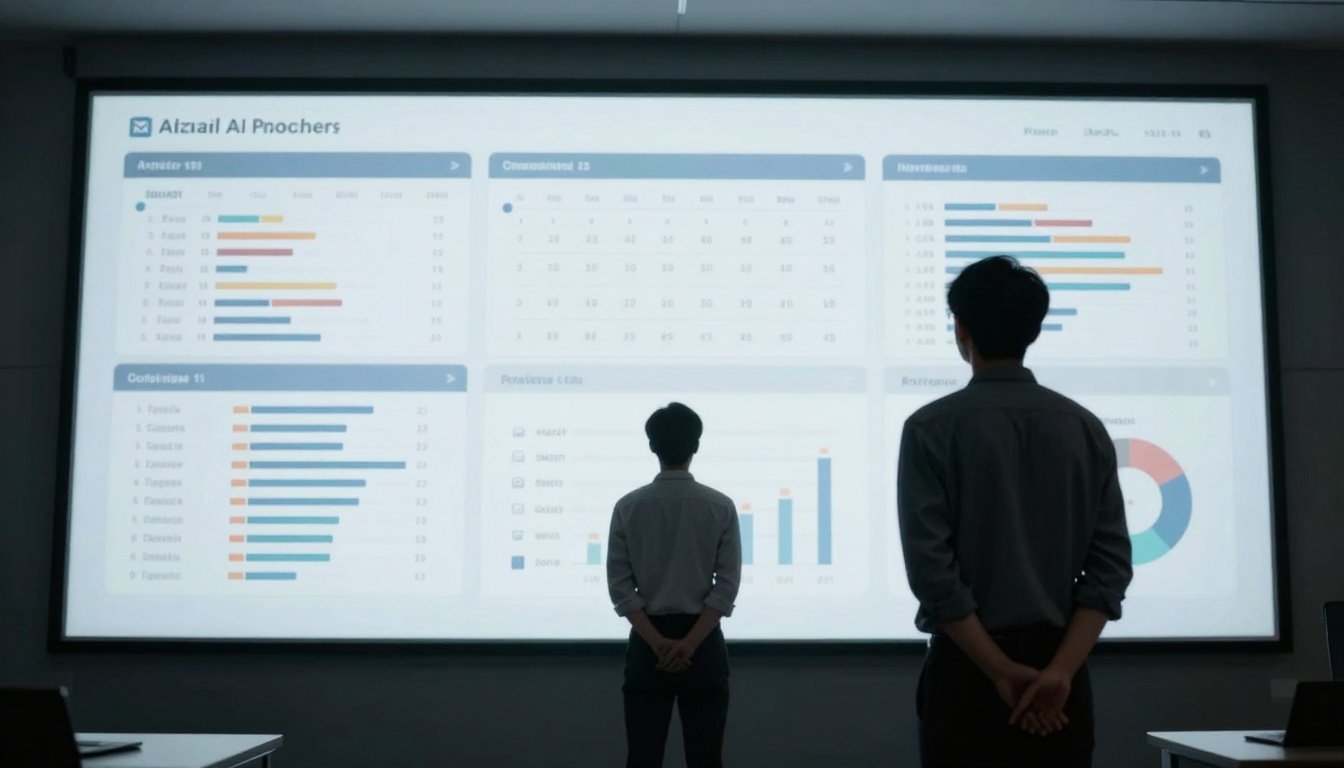
Supervisory oversight of automated systems through large dashboard visualization
Modern language models like gpt-4o and claude-3.5-haiku excel at intent disambiguation—distinguishing between similar requests with different expected outcomes. Consider these variations:
- "Schedule a meeting with the team" → Books standard weekly sync
- "Set up a quick chat with the team" → Creates 15-minute huddle
- "Organize a team working session" → Books 2-hour block with collaborative tools
- "Get the team together to review progress" → Schedules review meeting with prep materials
Each command triggers different workflow parameters, and advanced AI agents recognize these subtleties through:
- Semantic analysis: Understanding word relationships and connotations
- Temporal context: Recognizing time-sensitive versus routine requests
- Relationship mapping: Knowing team structures and reporting lines
- Resource awareness: Understanding available tools and systems
The Interpretation Pipeline
Phase 1: Input Processing
- Voice-to-text conversion (if spoken)
- Context window analysis (last 10 interactions)
- Sentiment detection (urgency, frustration, satisfaction)
- Entity extraction (people, dates, projects, deliverables)
Phase 2: Intent Classification
- Primary action identification (schedule, compile, organize, etc.)
- Secondary action detection (notify, follow up, document, etc.)
- Constraint recognition (deadlines, dependencies, permissions)
- Exception handling (conflicts, missing information, ambiguities)
Phase 3: Workflow Generation
- Application sequencing (which tools in what order)
- Permission validation (access rights checking)
- Fallback planning (alternative paths if primary fails)
- Progress tracking (milestone setting and monitoring)
Phase 4: Execution & Feedback
- Task initiation across integrated systems
- Real-time progress monitoring
- Exception alerting and human escalation
- Completion confirmation and results presentation
Daily Tasks AI Agents Handle Automatically
The most immediate value comes from automating repetitive, time-consuming activities that don't require creative decision-making. These aren't hypothetical capabilities—they're currently operational in production systems.
Email Workflow Automation
Morning inbox processing represents one of the highest-return applications. Instead of manually sorting through dozens of messages, AI agents:
- Categorizes emails into action buckets (respond, delegate, archive, follow up)
- Extracts action items and deadlines into your task management system
- Drafts responses for high-frequency correspondence (meeting confirmations, status updates)
- Flags urgent items requiring immediate attention
- Archives completed threads and reference materials

Collaborative review of AI automation results between professionals
A typical professional spends 11 hours weekly on email management. AI automation reduces this to approximately 3 hours—mostly reviewing categorized results rather than processing raw input.
Calendar and Scheduling Intelligence
Meeting coordination consumes disproportionate mental energy through:
- Availability matching across multiple participants
- Time zone calculation for distributed teams
- Room and resource booking conflicts
- Agenda preparation and material distribution
- Follow-up task assignment and tracking
AI agents using models like gpt-5-mini handle these complexities by:
- Analyzing participants' historical meeting patterns
- Predicting optimal durations based on agenda complexity
- Recommending time slots that minimize context switching
- Automatically rescheduling when conflicts emerge
- Preparing and distributing pre-meeting materials
The system learns individual preferences: some people prefer morning meetings, others avoid post-lunch slots, certain teams need specific preparation time.
Data Processing and Report Generation
Manual data work follows predictable patterns that AI excels at automating:
Data Extraction Tasks:
- Pulling figures from PDF reports into spreadsheets
- Extracting contact information from business cards
- Capturing key metrics from dashboard screenshots
- Translating handwritten notes into structured data
Report Compilation Workflows:
- Aggregating sales numbers from multiple CRM entries
- Combining project status updates into executive summaries
- Merging financial data from different accounting systems
- Creating visualizations from raw data sets
Document Processing Operations:
- Converting meeting transcripts into action item lists
- Formatting raw research into presentation decks
- Standardizing inconsistent data across sources
- Validating calculations and cross-referencing figures
Security Considerations for Automated Systems
Granting AI agents access to execute tasks requires careful security architecture. Unlike human assistants who work within visible boundaries, AI systems operate across digital permissions that need explicit controls.

Multi-factor verification process gating AI agent access to sensitive systems
Permission Models That Work
Tiered Access Control separates what AI can do automatically versus what requires human approval:
| Permission Level | Example Actions | Approval Required |
|---|
| Level 1 (Basic) | Read calendar availability, Check email categories | None |
| Level 2 (Standard) | Schedule internal meetings, Draft email responses | One-time setup |
| Level 3 (Advanced) | Access financial data, Book external meetings | Per-instance approval |
| Level 4 (Critical) | Execute financial transactions, Sign contracts | Multi-person approval |
Context-Aware Security adjusts permissions based on situation:
- Time of day (different rules for business hours vs after hours)
- Location (stricter controls when accessing from unfamiliar networks)
- Recent activity (additional verification after unusual patterns)
- Task complexity (escalated approval for multi-system operations)
Audit Trails and Transparency
Every AI agent action should generate immutable logs showing:
- Which command triggered the action
- What permissions were checked
- Which systems were accessed
- What data was read or modified
- When completion occurred
- Who received notifications
These logs enable:
- Performance monitoring (success rates, error patterns)
- Security auditing (unauthorized access attempts)
- Compliance reporting (regulatory requirement fulfillment)
- Improvement tracking (accuracy improvements over time)
Common Implementation Mistakes
Organizations adopting text-to-agent AI frequently encounter similar deployment pitfalls. Understanding these beforehand prevents wasted investment and user frustration.
Mistake 1: Over-Automating Too Quickly
The pattern: Implementing complex multi-system workflows before establishing basic reliability.
The solution: Start with single-application, single-action automation (like email categorization) before progressing to cross-platform coordination.
Mistake 2: Ignoring Human Oversight Requirements
The pattern: Assuming AI agents operate perfectly without supervision.
The solution: Design review checkpoints where humans validate critical outputs before distribution or execution.
Mistake 3: Underestimating Training Requirements
The pattern: Expecting instant perfection from general AI models.
The solution: Allocate time for model fine-tuning with organization-specific data and terminology.
Mistake 4: Neglecting Change Management
The pattern: Technical implementation without user preparation.
The solution: Progressive rollout with clear communication about capabilities and limitations.

Visual comparison showing tangible results of workflow automation implementation
Real-World Use Cases That Work
Beyond theoretical capabilities, specific applications demonstrate practical value across different professional contexts.
Marketing Operations Automation
Content distribution workflow: "Share the Q3 campaign report with the sales team and schedule a briefing session"
The AI agent:
- Accesses the marketing drive to locate the latest report
- Formats the presentation for sales team consumption
- Distributes via the sales communication channel
- Analyzes sales team calendars for optimal briefing time
- Books the meeting with automated reminders
- Follows up with attendance confirmation
Social media coordination: "Schedule this week's content across all platforms"
The system:
- Optimizes posting times based on historical engagement data
- Formats content appropriately for each platform (LinkedIn vs Twitter vs Instagram)
- Adds relevant hashtags and mentions
- Tracks performance metrics automatically
- Alerts for exceptional engagement or negative sentiment
Sales Pipeline Management
Prospect follow-up automation: "Follow up with all demo attendees from last week"
The agent:
- Extracts attendee lists from webinar platforms
- Matches contacts with CRM records
- Personalizes email templates based on demo engagement level
- Schedules follow-up calls for highly engaged prospects
- Updates pipeline stages based on response patterns
Proposal generation: "Create a proposal for ACME Corp based on our standard package"
The system:
- Pulls previous correspondence with ACME Corp
- Identifies discussed requirements and pain points
- Populates standard template with company-specific details
- Includes relevant case studies and testimonials
- Routes for manager approval before sending
Project Management Support
Status reporting: "Compile this week's project updates for the steering committee"
The AI:
- Aggregates updates from project management tools
- Identifies blockers and delays requiring escalation
- Formats information into executive summary format
- Highlights critical path items needing attention
- Distributes to committee with appropriate context
Resource coordination: "Schedule the design review with available team members"
The agent:
- Checks designer availability across multiple projects
- Books the most experienced available resource
- Reschedules conflicting commitments if necessary
- Prepares briefing materials from project documentation
- Sets up collaborative tools for the session
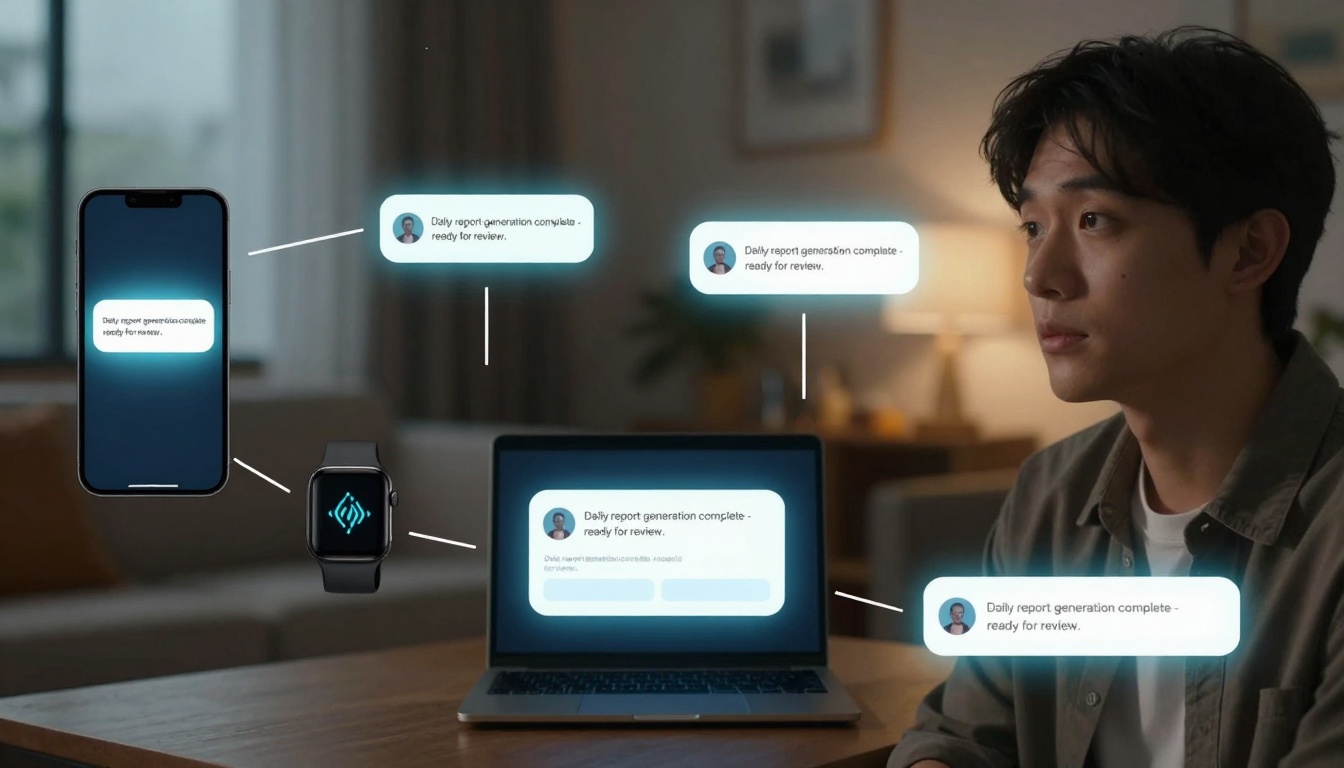
Seamless notification integration across smartphone, smartwatch, and laptop
Not all text-to-agent systems offer equal capabilities. Selection criteria should prioritize execution reliability over conversational fluency.
Technical Evaluation Framework
Integration Depth: How many applications can the agent access natively?
- Email systems (Gmail, Outlook, etc.)
- Calendar platforms (Google Calendar, Microsoft 365)
- Productivity suites (Office 365, G Suite)
- Specialized tools (CRM, project management, accounting)
Action Complexity: What types of workflows can it execute?
- Single-step actions (send email, create calendar event)
- Multi-step sequences (extract data → format → distribute)
- Conditional workflows (if-then-else decision trees)
- Adaptive sequences (adjust based on intermediate results)
Security Architecture: How are permissions and access controlled?
- Role-based access controls
- Context-aware permission escalation
- Audit trail completeness
- Compliance certification coverage
Learning Capability: How does the system improve over time?
- Feedback incorporation mechanisms
- Error pattern recognition
- Personalization adaptation
- Performance benchmarking
Platform Comparison Matrix
| Platform Feature | Essential | Important | Nice-to-Have |
|---|
| Pre-built integrations | 10+ core business apps | 20+ expanded ecosystem | 50+ specialized tools |
| Custom workflow builder | Basic sequence creation | Advanced logic conditions | AI-suggested optimization |
| Security compliance | SOC 2 Type II | GDPR, HIPAA readiness | Industry-specific certs |
| Performance reliability | 95% success rate | 99% with human fallback | 99.9% autonomous |
| Learning improvement | Manual feedback | Automated pattern detection | Predictive optimization |
Future Developments in Workflow Automation
Current text-to-agent capabilities represent just the beginning. Several emerging trends will expand what's possible in the coming years.
Cross-Application Intelligence
Future systems will understand relationships between different business tools that currently operate in isolation. An AI agent will recognize that:
- A sales opportunity in the CRM should trigger marketing automation sequences
- Project delays in Jira should adjust resource allocations in the scheduling system
- Customer support tickets with specific patterns should create product improvement tasks
This requires semantic understanding of how different data objects relate across organizational boundaries.
Predictive Workflow Optimization
Instead of just executing commands, advanced agents will anticipate needs based on:
- Historical pattern recognition (you always run reports on Friday afternoons)
- External event correlation (industry conferences trigger specific preparations)
- Team dynamics analysis (certain collaborator combinations require different approaches)
- Personal productivity rhythms (individual peak performance times)

Complex NLP algorithms powering intelligent command interpretation
Autonomous Problem-Solving
The next evolution moves from task execution to outcome achievement. Rather than "schedule a meeting," the instruction becomes "resolve the billing discrepancy with Vendor XYZ." The AI agent would:
- Analyze the billing discrepancy details
- Research previous interactions with Vendor XYZ
- Determine appropriate resolution approach (refund request, credit application, etc.)
- Execute the necessary communications and documentation
- Follow up until resolution confirmation
This represents a shift from procedural automation to goal-oriented intelligence.
Human-AI Collaboration Patterns
As AI agents handle more routine work, human roles evolve toward:
- Strategy definition (what should be automated and why)
- Exception handling (complex cases requiring judgment)
- Quality oversight (validating AI outputs)
- Relationship management (high-touch interactions AI can't handle)
- Creative problem-solving (novel situations without precedents)
The most effective organizations will develop collaboration protocols that maximize both human and AI strengths.
Practical Implementation Roadmap
For organizations ready to implement text-to-agent AI, a phased approach ensures success while managing risk.
Phase 1: Foundation (Weeks 1-4)
- Identify 3-5 high-frequency, low-complexity tasks
- Implement single-application automation
- Establish basic security and approval workflows
- Train initial user group (5-10 people)
- Collect feedback and refine
Phase 2: Expansion (Weeks 5-12)
- Add cross-application workflows
- Expand user base to department level
- Implement advanced security controls
- Develop performance metrics and dashboards
- Create training materials and support resources
Phase 3: Optimization (Months 4-6)
- Refine workflows based on usage patterns
- Integrate with additional business systems
- Scale to organization-wide deployment
- Establish continuous improvement processes
- Develop advanced capabilities (predictive, adaptive)
Phase 4: Innovation (Month 7+)
- Explore novel use cases beyond initial scope
- Implement predictive and proactive capabilities
- Develop custom integrations for specialized needs
- Contribute to platform improvement through feedback
- Measure and communicate business impact
The journey from manual task execution to intelligent AI assistance represents one of the most tangible productivity improvements available today. Text to agent systems transform how work gets done—not by replacing human intelligence, but by extending it through automated execution of routine operations. The technology now exists, the platforms are maturing, and the early adopters are seeing measurable returns.
Start with a single repetitive task that consumes disproportionate time relative to its value. Implement automation, measure the time reclaimed, and reinvest that capacity into higher-value work. Then expand to additional tasks, building momentum as both capability and confidence grow. The future of work isn't about working harder—it's about working smarter with intelligent systems handling the routine while humans focus on what matters most.


