The landscape of video content creation has shifted dramatically. Where once you needed animation studios, video editors, and voice actors to produce a simple explainer video, now you can type a script and watch it transform into a fully animated video. Text to animation tools represent one of the most significant democratizations of creative technology in recent years.
These platforms understand your written words and generate corresponding visual animations, complete with characters, motion graphics, and synchronized voiceovers. For marketers, educators, content creators, and businesses of all sizes, this means professional-quality video content is no longer locked behind technical barriers or budget constraints.

Why Short Explainer Videos Work
Short explainer videos—typically 30 to 90 seconds—have become the standard for digital communication because they align with modern attention spans and consumption patterns. A well-crafted 60-second video can convey complex information more effectively than paragraphs of text or static images.
The Psychology Behind 60-Second Videos
Human cognitive processing favors visual information over text. Studies show people retain 95% of information from video versus 10% from text. The combination of animation, voice, and text in explainer videos creates multiple reinforcement channels that enhance comprehension and recall.
Script Structure That Converts
💡 Pro Tip: Structure your script with a clear problem-solution-benefit framework. Start with the viewer's pain point, introduce your solution, and conclude with the tangible benefits they'll experience.
Effective scripts follow this pattern:
- Hook (5 seconds): Grab attention with a compelling question or statement
- Problem (15 seconds): Identify the specific challenge your audience faces
- Solution (25 seconds): Present your product or service as the answer
- Benefits (10 seconds): Highlight the positive outcomes
- Call to Action (5 seconds): Tell viewers exactly what to do next

How Text to Animation Tools Function
At their core, text to animation platforms use natural language processing (NLP) to analyze your script and generative AI to create corresponding visual elements. The process typically involves:
- Text Analysis: The system identifies key concepts, emotions, and actions in your script
- Character Generation: AI creates animated characters that match the tone and context
- Motion Planning: The software determines how characters should move and interact
- Voice Synthesis: Text is converted to natural-sounding speech
- Scene Composition: All elements are combined into a cohesive video
Character Animation vs Motion Graphics
Different tools specialize in different visual styles:
- Character Animation: Creates human or cartoon characters that act out your script
- Motion Graphics: Uses shapes, icons, and text that animate to explain concepts
- Hybrid Approaches: Combines characters with graphical elements for maximum clarity
Key Features to Look For
When evaluating text to animation tools, these features separate basic platforms from professional solutions:
| Feature | Why It Matters | Example Use |
|---|
| Multiple Character Styles | Different projects need different tones | Professional characters for B2B, friendly cartoons for education |
| Custom Voice Options | Brand consistency requires specific tones | Match your company's existing video voice style |
| Background Music Library | Music sets emotional tone without extra cost | Upbeat tracks for product launches, calm music for tutorials |
| Export Quality Options | Different platforms need different resolutions | 1080p for YouTube, lower res for social media previews |
| Template Systems | Speed up production while maintaining quality | Reuse successful structures across different products |
Voice Synthesis Integration
The quality of AI voice synthesis has improved dramatically. Modern systems offer:
- Multiple Accents and Languages: Global reach without recording studios
- Emotional Tone Control: Adjust excitement, seriousness, or friendliness
- Pacing Adjustments: Speed up or slow down delivery for emphasis
- Brand Voice Matching: Some platforms can mimic existing voice talent

Top Text to Animation Platforms
While several platforms offer text-to-video capabilities, they differ significantly in quality, features, and pricing:
Enterprise-Grade Solutions ($100+/month):
- Vyond: Industry standard with extensive character libraries
- Powtoon: Strong educational focus with classroom tools
- Doodly: Whiteboard animation specialization
Mid-Range Professional ($30-80/month):
- Animaker: Excellent balance of features and affordability
- Renderforest: Template-based with good customization
- Moovly: Strong integration with stock media libraries
Budget & Starter Options (Free-$30/month):
- Canva Video: Simple interface with design integration
- Lumen5: Focus on social media content creation
- InVideo: Extensive template library for quick production
💡 Cost Analysis: For most businesses, mid-range platforms offer the best value. You get professional output without enterprise pricing, and the time savings typically justify the monthly cost within 1-2 videos.
Creating Your First AI-Generated Explainer
Follow this workflow for your initial text-to-animation project:
Script Preparation
- Define Your Objective: What action should viewers take after watching?
- Know Your Audience: Language complexity should match viewer knowledge
- Write Conversationally: Use "you" and "we" rather than third-person
- Time Your Script: 150 words ≈ 60 seconds at natural speaking pace
Platform Setup
- Choose Your Style: Character animation for stories, motion graphics for data
- Select Characters: Match demographics and personalities to your audience
- Set Backgrounds: Consistent environments create professional cohesion
- Pick Voice Style: Test multiple options before committing
Production Process
- Paste Your Script: Most platforms accept direct text input
- Review Auto-Suggestions: AI may propose better phrasing or visual ideas
- Customize Scenes: Adjust character positions, expressions, and movements
- Add Text Overlays: Reinforce key points with on-screen text
- Include Callouts: Use arrows, circles, or highlights to direct attention
Text-to-Video Models on PicassoIA
PicassoIA offers several advanced text-to-video models that can generate explainer-style animations directly from text prompts. These models represent the cutting edge of AI video generation:
Available Text-to-Video Models
Google Veo 3.1 (link)
- Best for: Cinematic quality with natural motion
- Output: 1080p video with smooth character movements
- Strengths: Excellent understanding of human actions and interactions
OpenAI Sora 2 Pro (link)
- Best for: Complex scene generation with multiple elements
- Output: High-resolution videos with detailed environments
- Strengths: Advanced physics simulation and object interactions
Kling v2.6 (link)
- Best for: Fast generation with good motion control
- Output: 720p videos with adjustable motion parameters
- Strengths: Quick turnaround time for iterative work
WAN-2.6-T2V (link)
- Best for: Consistent character animation
- Output: Stable video generation with minimal artifacts
- Strengths: Reliable output quality across different prompts
How to Use PicassoIA Models for Explainer Videos
- Access the Platform: Visit PicassoIA and navigate to the text-to-video section
- Choose Your Model: Select based on your quality vs speed requirements
- Craft Your Prompt: Be specific about characters, actions, and setting
- Generate and Refine: Create initial videos, then adjust prompts based on results
- Combine with Editing: Use video editing software to add voiceovers and text
💡 Prompt Engineering: For explainer videos, structure your prompt as: "[Character type] explaining [concept] in [setting]. The character should [action] while [secondary action]. Style: [visual style]. Camera: [shot type]."

5 Common Mistakes to Avoid
Even with advanced tools, these pitfalls can undermine your video effectiveness:
1. Overloading with Information
Problem: Trying to cover too much in 60 seconds
Solution: Focus on one core message per video. Create series for multiple points.
2. Ignoring Audio Quality
Problem: Relying solely on AI voice without testing
Solution: Listen to multiple voice options. Consider adding human-recorded segments.
3. Inconsistent Visual Style
Problem: Mixing different character styles or animation techniques
Solution: Create and stick to a style guide for all company videos.
4. Poor Pacing
Problem: Rushing through content or dragging scenes
Solution: Use the platform's timing controls to adjust scene duration.
5. Missing Call to Action
Problem: Ending without telling viewers what to do next
Solution: Always include a clear, specific action step in the final seconds.
Budget Considerations for Different Needs
Your text-to-animation investment should match your video production scale:
Individual Creator ($20-50/month):
- 1-2 videos per month
- Basic character libraries
- Standard resolution exports
- Limited voice options
Small Business ($50-150/month):
- 3-10 videos monthly
- Custom character creation
- HD exports
- Multiple voice styles
- Brand consistency tools
Marketing Agency ($150-500+/month):
- Unlimited video production
- Full character customization
- 4K export capabilities
- Team collaboration features
- White-label options
Cost per Video Analysis:
| Volume | Traditional Cost | AI Tool Cost | Savings |
|---|
| 1 video/month | $500-2000 | $50 | 90-97% |
| 5 videos/month | $2500-10000 | $100 | 96-99% |
| 20 videos/month | $10000-40000 | $300 | 97-99% |
💡 Scaling Strategy: Start with a mid-range plan. As you produce more videos and identify what works, upgrade to access advanced features that save additional time.
When to Use Pre-made Templates
Templates accelerate production but limit originality. Use them when:
- Testing new video formats before custom development
- Creating internal training where brand polish matters less
- Producing social media content that needs rapid iteration
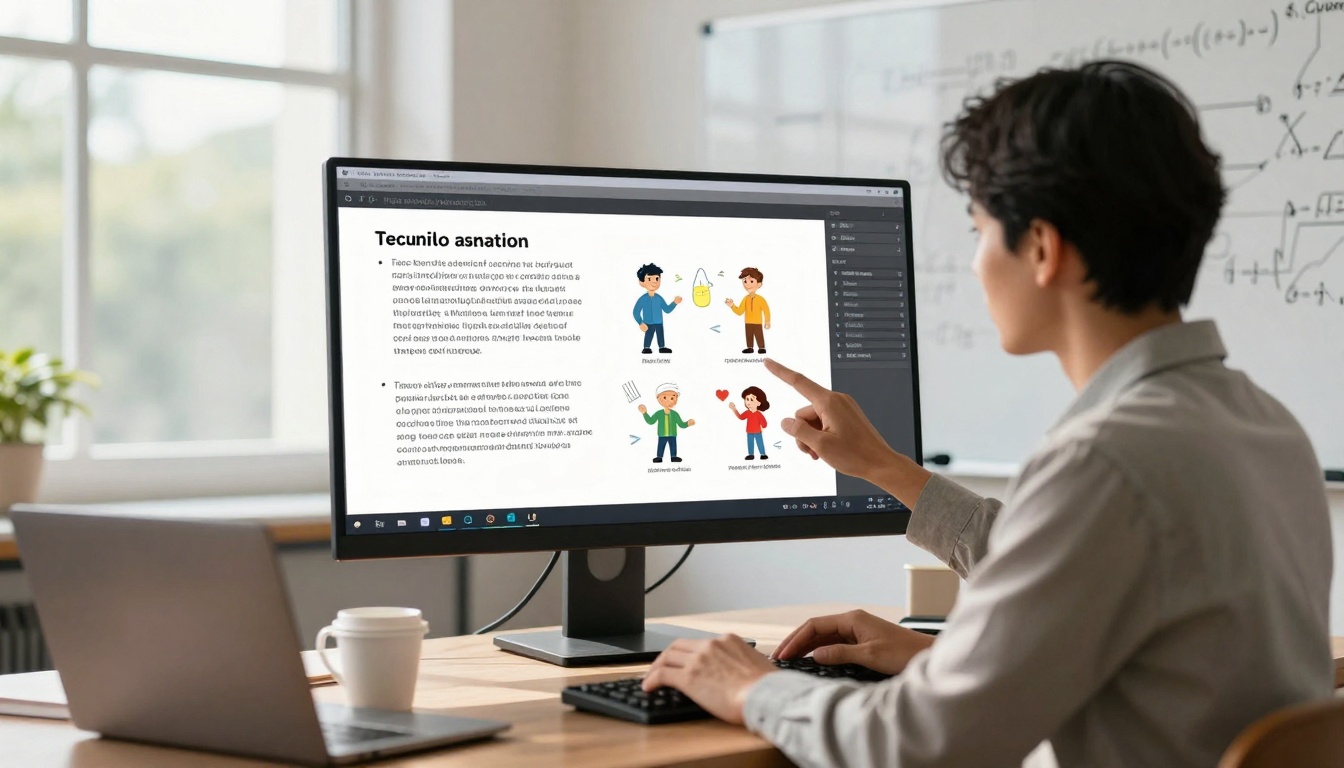
- Building confidence with the platform before custom work
Advanced Techniques for Professional Results
Once you've mastered the basics, these techniques elevate your text-to-animation videos:
Multi-Scene Storytelling
Break complex explanations into sequential scenes:
- Establishing Shot: Show the environment or problem context
- Character Introduction: Present who will explain the solution
- Solution Demonstration: Show the product or concept in action
- Result Visualization: Display the positive outcome
- Transition Scenes: Use motion graphics to connect ideas
Emotional Arc Development
Characters should display appropriate emotions:
- Problem Phase: Concern or confusion
- Solution Discovery: Curiosity or realization
- Implementation: Focus or determination
- Result: Satisfaction or excitement
Visual Hierarchy Control
Guide viewer attention through:
- Character Positioning: Center stage for main points, sides for supporting
- Motion Direction: Characters should look toward important elements
- Size Relationships: Make key elements larger than supporting ones
- Color Coding: Use consistent colors for related concepts
Audio Layer Sophistication
Beyond basic voiceovers:
- Background Music: Match tempo to content pace
- Sound Effects: Subtle sounds for actions (clicks, swooshes, highlights)
- Pause Points: Strategic silence for emphasis
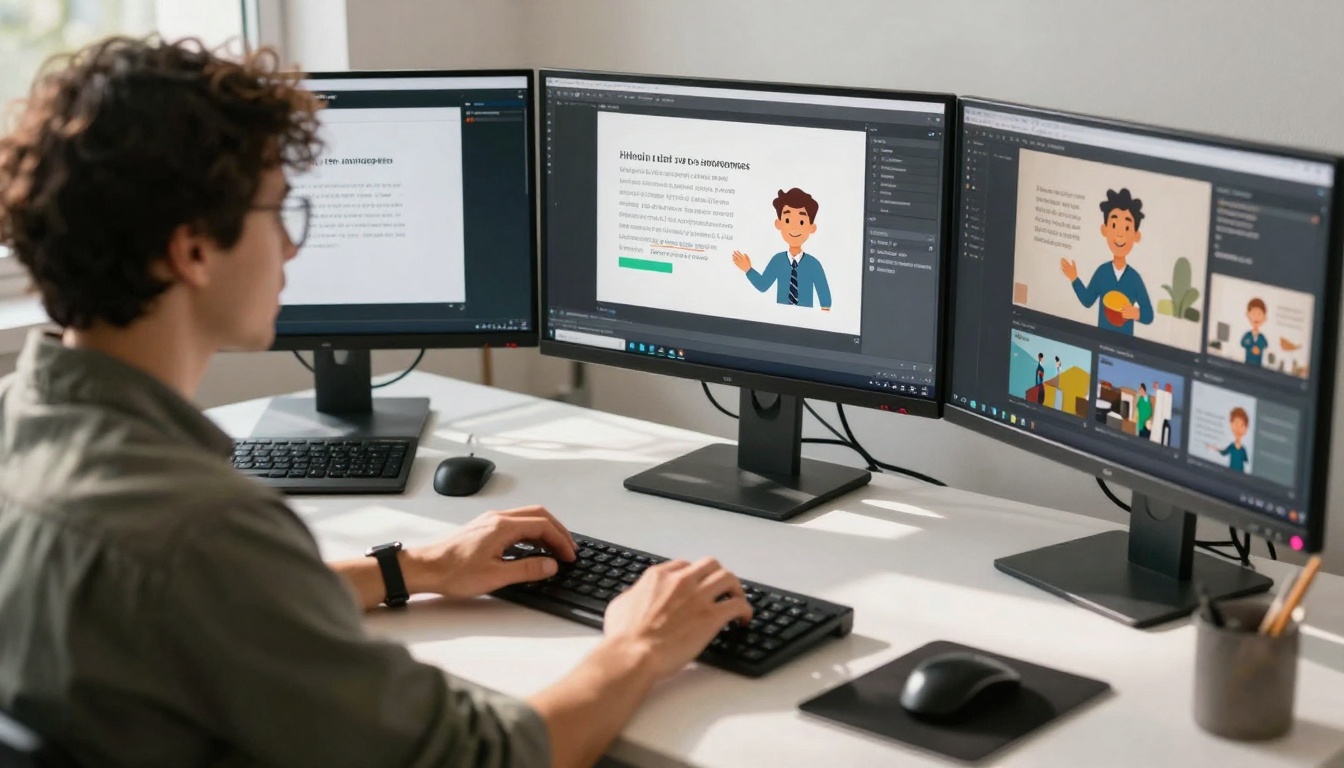
- Voice Modulation: Adjust tone for different character types
Measuring Success and Optimization
Track these metrics to improve your text-to-animation videos:
Engagement Metrics:
- Completion Rate: What percentage watch the entire video?
- Click-Through Rate: How many take the desired action?
- Social Shares: Are viewers sharing your content?
- Comment Sentiment: What feedback are you receiving?
Production Metrics:
- Time per Video: How long from script to finished product?
- Revision Cycles: How many edits before final approval?
- Cost per View: Total production cost divided by views
- Scalability: Can you increase output without quality drop?
A/B Testing Approach:
- Create Variations: Different scripts, characters, or styles
- Test Small Audience: 10-20% of your target audience
- Measure Performance: Compare completion rates and actions
- Scale Winners: Use the best-performing version broadly
- Iterate Continuously: Regular testing improves all future videos
The Future of Text to Animation
Current platforms represent just the beginning. Emerging trends include:
Real-Time Generation: Instant video creation as you type
3D Character Animation: Depth and perspective previously requiring specialized software
Interactive Elements: Viewers can choose character responses or story paths
Platform Integration: Direct publishing to social media with optimization
Personalization at Scale: Custom videos for individual viewers based on data
The barrier between written ideas and animated explanations continues to dissolve. What required weeks of work and thousands of dollars now takes minutes and costs pennies per viewer.
Your next step: Choose one text-to-animation platform from the options discussed. Write a 150-word script about your product, service, or area of expertise. Use the free trial to create your first animated explainer video. The learning curve is minimal, and the potential impact on your communication effectiveness is substantial.
The tools exist. The cost is accessible. The only question is what story you'll tell first.


