Generate imagesVisual EffectsLarge Language Models
Text to Image API: Free, Hugging Face and Paid Options
A text to image API sends one request and returns one finished picture, but the choice of provider decides your cost and limits. See what free tiers and Hugging Face credits really give you, what paid APIs charge, and how to test PicassoIA's Flux 2 Pro before writing any code.
A text to image API turns one HTTP request into one finished picture. Getting a result is no longer the hard part. Choosing where to send the request is. Some services hand out a few free generations a month, Hugging Face routes your calls to partner providers with a small monthly credit allowance, and paid platforms charge per image or per second of GPU time. Pick badly and you hit a rate limit on launch day, or you pay several times more than the job needed.
This article compares all three routes using public numbers where they exist, working Python code, a side-by-side table and a short checklist for matching a model to a job. Whether you are building a weekend prototype, a client project or a product with thousands of users, you will find a sensible starting point below.
💡 Short answer: Test with free monthly credits or a local model. Once real customers touch the feature, move to a paid per-image API with a clear license and a published rate limit.
What a Text to Image API Does
A text to image API is a web endpoint. You send a prompt plus a few settings such as size, aspect ratio and seed, and you get back an image file or a link to one. The heavy work runs on someone else's GPU, so your app needs no graphics card and no model weights.
Most endpoints accept the same core fields. The prompt describes the picture. The aspect ratio or pixel size sets the canvas. The seed makes a result repeatable, so the same prompt and seed return the same image. Some models add steps, a guidance value or a negative prompt, while newer ones skip those and rely on the prompt alone. Read the parameter list of a model before you copy settings from another one, because a value that helps one model can hurt another.
The Request and Response Loop
Every provider follows the same basic loop, even when field names differ:
Authenticate with a bearer token in the Authorization header.
Send the prompt and settings as JSON.
Receive the image as raw bytes, a base64 string or a download link.
Store the file on your own storage.
Step four trips up more people than any other. Many providers delete outputs after a short window, so a link that works in testing can quietly die a day later. A blog full of broken images is an expensive lesson. Upload each result to object storage as soon as it arrives, and save the prompt, seed and model name beside the file. That small habit lets you regenerate a lost image later, or reproduce a style you liked, without digging through old logs.
Sync, Async, and Webhooks
Fast models answer inside the same HTTP call. Slower or larger models work like a queue: you create a job, receive an ID, and poll a status endpoint until the job reads succeeded or failed. Some providers also offer a webhook that pings your server when the image is ready, which removes the polling loop.
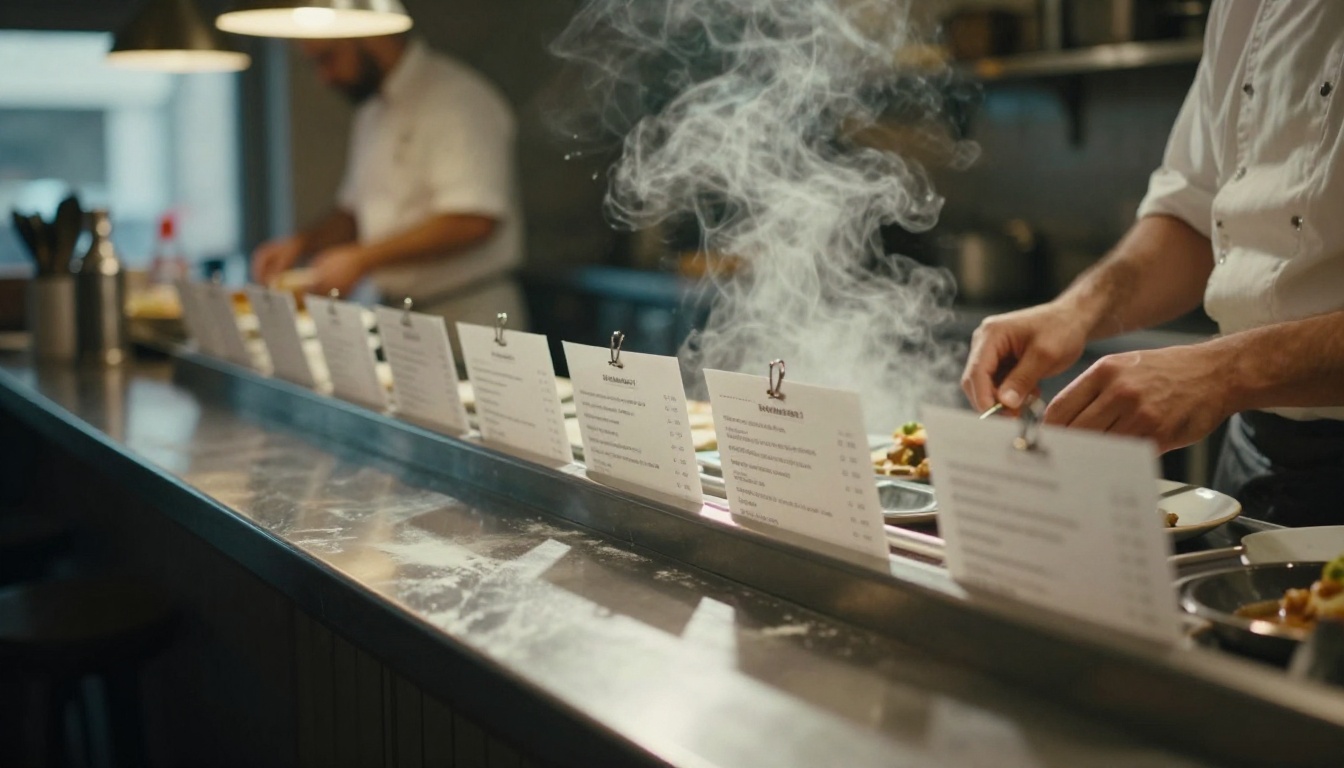
Picture the ticket rail in a restaurant kitchen. You hand in an order, the cooks work through their list, and you collect the plate when it is called. Async image APIs behave the same way, so your code has to tolerate waiting, retry on failure and limit how many jobs it submits at once.
Free Options That Actually Work
"Free" means three different things in this market, and mixing them up leads to bad plans.
Monthly Credits From Hosted Platforms
Hugging Face gives every account monthly credits for Inference Providers: $0.10 for free users and $2.00 for PRO users, according to its pricing documentation. The free figure is marked "subject to change," and Hugging Face passes provider rates through with no markup.
Here is the catch. At an illustrative one cent per image, $0.10 buys ten pictures. That is plenty for testing a prompt and nowhere near enough to run a feature. Treat free credits as a trial, not a budget.
Local Models With Diffusers
Open-weight models such as Flux Dev, Flux Schnell and Stable Diffusion 3.5 Large can run on your own machine through the Diffusers library. You pay no per-image fee, face no rate limit and send no prompts to a third party.
The price is hardware and patience. Image models want a recent GPU with generous video memory, and the first setup takes an afternoon. Licenses differ too: Flux Schnell is released under Apache 2.0, while Flux Dev uses a non-commercial license, so check before you ship anything customers pay for.
Free Tiers and Trial Credits
Several image platforms hand out trial credits or a small daily allowance. Treat them as a demo. Limits change without notice, free users wait longer in the queue, and outputs may carry watermarks or non-commercial terms. Build your integration so that swapping providers means editing one config value, not rewriting a module.
PicassoIA takes a browser-first route: its text-to-image collection holds more than 200 models you can test without writing code, which makes it a cheap way to compare outputs before you commit to an API. Browse them on the all models page.
Hugging Face API in Practice
Hugging Face works as a model hub with one unified client. Instead of wiring up a separate SDK for every provider, you call a single client and name the model you want.
The workflow starts on the Hub. Filter the model list by the text-to-image task, open a model page, and check three things: the license, whether a hosted provider serves it, and the example prompts the authors share. Then create a user access token in your account settings with permission to call Inference Providers. Keep that token in an environment variable, never in a repository, and rotate it if it ever shows up in a log.
Calling a Model With Python
Install huggingface_hub, store a user access token in the HF_TOKEN environment variable, and run:
import os
from huggingface_hub import InferenceClient

client = InferenceClient(token=os.environ["HF_TOKEN"])

image = client.text_to_image(
    "A ceramic mug on a walnut desk, soft morning window light",
    model="black-forest-labs/FLUX.1-dev",
)
image.save("mug.png")
The call returns a PIL image object, so you can resize, crop or save it straight away. By default the client picks an available provider for the model; pass the provider argument if you want to pin one.
Billing depends on that provider. Hugging Face's own example prices a 10 second FLUX.1-dev request on a GPU costing $0.00012 per second at $0.0012. Longer prompts, bigger sizes and slower hardware all push that number up.
Rate Limits and Cold Starts
Shared endpoints have two quirks. A model nobody has called recently can answer slowly on the first request, and free accounts get throttled once credits run out. Plan for both with a generous timeout and a retry loop:
import time

def generate(prompt, tries=4):
    for attempt in range(tries):
        try:
            return client.text_to_image(prompt, model="black-forest-labs/FLUX.1-dev")
        except Exception:
            time.sleep(2 ** attempt)
    raise RuntimeError("Image generation failed after retries")
💡 Tip: Cap concurrent requests at a small number, then raise it only after you see how your provider behaves under load. An HTTP 429 response is cheaper to avoid than to clean up after.
Paid Options Compared
Paid APIs bill in three shapes, and the shape matters as much as the price.
Billing shape
How you pay
Best for
Watch out for
Per image
Fixed price per generation, often tiered by size or quality
Apps with steady, predictable volume
Price jumps at higher resolution
Per second of GPU time
Compute seconds multiplied by the hardware rate
Open models with custom settings
Slow prompts cost more
Credits or subscription
Monthly plan with an allowance
Teams and solo creators
Unused credits can expire
Pay Per Image Pricing
Per-image billing is the easiest to forecast: ten thousand images at a known price gives you a number you can put in a spreadsheet. Several strong models are sold this way, including GPT Image 2, Imagen 4, Ideogram v4 Balanced and Seedream 5 Lite. Prices move often, so read the provider's pricing page on the day you decide and not the one cached in a three-month-old comparison post.
Two details change the real bill. Output size is usually tiered, so a 2048 pixel image costs more than a 1024 one. And failed or filtered generations are billed differently across providers, so test a few blocked prompts and read the invoice.
Estimate your monthly cost before you commit. Multiply images per day by thirty, then add a retry allowance, because users regenerate more often than you expect. As an illustration only, 500 images a day is 15,000 a month, and if each user keeps one image out of every three they generate, you pay for 45,000. At a hypothetical two cents per image, that is $900, not the $300 the first number suggested. Run this arithmetic with your own volumes and the provider's current price.
Subscription and Credit Plans
Plans suit teams that generate daily and want one invoice. The risk is the allowance: credits that expire at month end reward heavy users and punish everyone else.
PicassoIA also exposes a developer API at https://api.picassoia.com/v1 with Replicate-style endpoints: create a prediction, poll it, then fetch the result. Per its API page, API predictions currently use no credits, access requires an Infinite plan, and an account can have up to 5 predictions queued or running at once. Confirm the current terms on that page before you build on them.
How to Pick the Right One
Match the Model to the Job
The best model depends on what the image has to do:
Photorealistic product and lifestyle shots:Flux 2 Pro and Imagen 4 are strong places to start.
Consistent look across a series:Flux 2 Pro accepts up to eight reference images.
Prompt quality moves results more than model choice does, and a language model can expand a one-line idea into a detailed prompt. Claude Sonnet 5, Gemini 3.5 Flash and GPT 5.4 all work for this, and all three sit in PicassoIA's large language model list. After generation, upscaling, background removal and effects models can finish the job, and PicassoIA keeps those in the same catalog.
Check License Terms Before Launch
Before an image reaches a customer, answer these questions in writing:
Commercial use: Is it allowed for this model, on this plan?
Output ownership: Who holds rights to the generated files?
Data retention: Does the provider store or train on your prompts?
Content filters: What gets blocked, and how does your app report it to the user?
Rate limits: What happens when ten users click generate at once?
A fifteen-minute test with ten of your real prompts exposes more problems than a week of reading feature pages. Write the prompts down, run each one on two or three models with the same seed where the model allows it, and score the results for sharpness, prompt accuracy, text rendering and speed. Keep the sheet, because you will want it again when a provider changes its prices.
Use Flux 2 Pro on PicassoIA
Flux 2 Pro generates images from a text prompt alone, or from up to eight reference photos, with output up to 4 MP. It runs in the browser, so you can test prompts before writing any API code.
Type your description into the required Prompt field.
Choose an aspect ratio. Use 16:9 for blog headers and 9:16 for vertical stories.
Leave resolution at 1 MP for drafts, then raise it for final files.
Add up to eight input images if you want to steer style, subject or composition.
Set a seed if you need to reproduce a result.
Click generate, wait for the job to finish, then download the image.
Settings Worth Changing First
Setting
Default
What it does
Aspect ratio
1:1
Sets the canvas shape; custom width and height are available
Resolution
1 MP
Up to 4 MP, though 2 MP or lower is recommended
Input images
None
Up to 8 references for image-to-image work
Output format
WebP
Also JPEG and PNG
Output quality
80
0 to 100; ignored for PNG
Seed
Random
Reuse it to recreate the same image
Safety tolerance
2
1 is strictest, 5 is most permissive
Prompts That Produce Clean Results
Build each prompt from five parts: subject, setting, light, lens and texture. Here is one you can paste in:
A baker dusting flour over a wooden counter, small village bakery at dawn, soft window light from the left, 50mm lens at f/2, visible flour dust and wood grain, natural color
Change one element at a time and keep the seed fixed. That way you know which edit caused which change, and your tests stay comparable across models.
Make Your Own Images Today
Free credits teach you the workflow, local models give you control, and paid APIs give you reliability. Most real projects end up using two of the three: a free route for experiments and a paid one for production.
The fastest way to see the difference is to run the same prompt through several models. Open Picasso IA, paste the baker prompt above into Flux 2 Pro, then try Flux Schnell and Imagen 4 on the same text and compare the results side by side. Browse the full catalog on the all models page, pick one model that fits your project, and generate your first image in a few clicks.