Seedance 2.0 by ByteDance is the kind of model that makes you rethink what a single text prompt can do. Type a description of any scene — a surfer riding a wave at sunset, a chef plating food in a quiet kitchen, a car moving through rain-soaked city streets — and within seconds you get a cinematic, photorealistic video clip with synchronized audio already baked in. No extra steps. No separate audio pipeline. Just a prompt and a result.
It's available right now on PicassoIA, alongside its faster sibling Seedance 2.0 Fast for when turnaround time matters more than maximum quality. This article covers what the model does, how it differs from the rest of the pack, and how to write prompts that produce results worth sharing.
What Seedance 2.0 Actually Does
At its core, Seedance 2.0 is a text-to-video diffusion model trained on an enormous dataset of real-world footage. You give it a prompt, it interprets the scene, and it renders a short video clip — typically 5 seconds — at your chosen resolution. What separates it from older generation models is the combination of three things happening at once: photorealistic visuals, coherent motion across the clip, and native audio.

Built-In Audio That Syncs Itself
Most text-to-video models produce silent clips. You then have to find, license, or generate audio separately, sync it manually, and hope the mood matches. Seedance 2.0 skips all of that. The model generates synchronized audio as part of the same inference pass, so the sound you get actually corresponds to what's happening on screen.
A crashing ocean wave sounds like a crashing ocean wave. A busy restaurant scene has the ambient hum of a dining room. A thunderstorm has rolling, responsive thunder. This is not just a cosmetic feature — it changes the production value of what you create without any additional effort.
💡 The audio is not added on top. It is part of the generation itself, which means the timing, the ambient environment, and the mood of the sound all match the visual output naturally.
Resolution and Speed Options
Seedance 2.0 renders at high resolution with full detail, making it the right choice when you want to publish or share something polished. Seedance 2.0 Fast trades a small amount of quality for significantly faster output, which is useful when you're iterating on prompts or producing high volumes of clips.
Both versions follow the same prompt logic, so switching between them is just a model swap with no changes to your workflow.
Why This Model Stands Out
The text-to-video space has gotten crowded fast. Kling v3 Video, Veo 3, Sora 2, and LTX 2 Pro all compete in the same space. Seedance 2.0 earns its place at the top through a specific combination of strengths rather than one headline feature.
Prompt Responsiveness
One of the most practical measures of a video model is how well it follows your instructions. Many models generate visually impressive clips that bear only a loose resemblance to the prompt. Seedance 2.0 is meaningfully better at interpreting specific details — camera angles, subject actions, environmental mood, and lighting conditions.
Prompt specificity pays off in a way that feels different from guessing. If you write "a low-angle close-up of a barista pouring steamed milk into an espresso cup, soft morning light from the left, warm café ambiance," you actually get that scene — not a generic coffee image with motion added.
Compared to the Competition
Seedance 2.0 is one of the few models that hits both native audio and strong prompt following at the same time. That combination is what makes it practical for real-world production work.
How to Use Seedance 2.0 on PicassoIA
PicassoIA hosts both Seedance 2.0 and Seedance 2.0 Fast directly. No API keys, no local setup, no VRAM concerns. You access everything through a browser and start generating within seconds of landing on the model page.

Step 1: Write Your Prompt
Go to Seedance 2.0 on PicassoIA and locate the prompt field. Write a description of your scene. The more specific you are about what is happening, the physical environment, the lighting, and the camera framing, the better your results will be.
A solid working structure:
- Subject and action — what is happening and who or what is doing it
- Environment — where the scene takes place and what surrounds the subject
- Lighting and time of day — natural light, golden hour, overcast, indoor warm light
- Camera angle and movement — wide shot, close-up, slow dolly, aerial view
- Atmosphere — mood, texture, ambient sounds if relevant
Step 2: Pick Your Version
For final output or anything you plan to publish, use the standard Seedance 2.0. For iterating and testing ideas, Seedance 2.0 Fast gets you results quickly enough to try multiple variations of the same concept in a short session.
Step 3: Review and Download
Once the generation completes, preview the clip directly in the browser. The audio is embedded in the output file. Download the MP4 and you have a ready-to-use clip — no post-processing required unless you specifically want it.
💡 Run several prompt variations back to back. Small changes to lighting descriptions, camera angles, or subject positions produce meaningfully different results. Treat each generation as a fast draft until something clicks.
Prompt Writing That Actually Works
The gap between a mediocre Seedance 2.0 output and an excellent one almost always comes down to the prompt. Most people write too short. They type "a beach at sunset" and wonder why the result is generic. The model has the capability to produce something specific. You just have to ask for something specific.
Scene, Action, Atmosphere
The three pillars of a strong text-to-video prompt are scene (what the environment looks like), action (what is moving and how), and atmosphere (what feeling the clip should convey through light, sound, and pacing).
Write them in that order and resist the urge to keep things short. Seedance 2.0 handles long, detailed prompts well and does not lose track of your instructions the way some older models do.
What to include in your prompt:
- The physical setting in detail (forest, rooftop, kitchen, desert highway)
- What is happening frame by frame (subject walks toward camera, wind moves through trees)
- Specific lighting conditions (blue hour, overcast midday, single overhead lamp)
- Camera behavior (static wide shot, slow push-in, handheld follow)
- Texture and sound cues (the crack of dry leaves, muffled city noise, rain on glass)
What to avoid:
- Vague emotional adjectives without physical grounding ("beautiful", "amazing", "epic")
- Abstract requests that have no clear visual equivalent
- Overloading the prompt with too many competing subjects in one scene
5 Prompts Worth Trying
Here are five ready-to-use prompts that produce strong results with Seedance 2.0:
-
"A close-up of rain hitting a window pane in slow motion, streetlights blurring into orange bokeh in the background, quiet urban atmosphere, night."
-
"A woman sits alone at a wooden café table near a large window, warm afternoon light falling across her coffee cup, she looks up and smiles slightly, ambient café sounds."
-
"Aerial drone shot slowly descending over an empty wheat field at golden hour, long shadows cutting across the rows, no people, wind moving the stalks, peaceful."
-
"A dog runs across a wet stone path in a park, mid-action tracking shot from a low angle, overcast morning light, city park ambient sounds."
-
"Chef's hands precisely folding pasta dough on a floured marble surface, close-up overhead shot, warm kitchen light from above, sound of dough being worked."
The Seedance Family at a Glance
ByteDance has built out a full lineup of Seedance models, and each occupies a different position in the quality-versus-speed matrix. Knowing which one to use saves time and keeps your workflow efficient.
Which Version Fits Your Workflow
For most creators, the decision sits between Seedance 2.0 and Seedance 2.0 Fast depending on whether you're in a drafting phase or a publishing phase. The rest of the family is worth knowing when you want to dial back cost or try a different quality profile.
Other Strong Models Worth Trying
Seedance 2.0 is excellent, but it is one model on a platform with over 100 text-to-video options. Depending on the project, other models may serve you better for specific needs.
For Speed
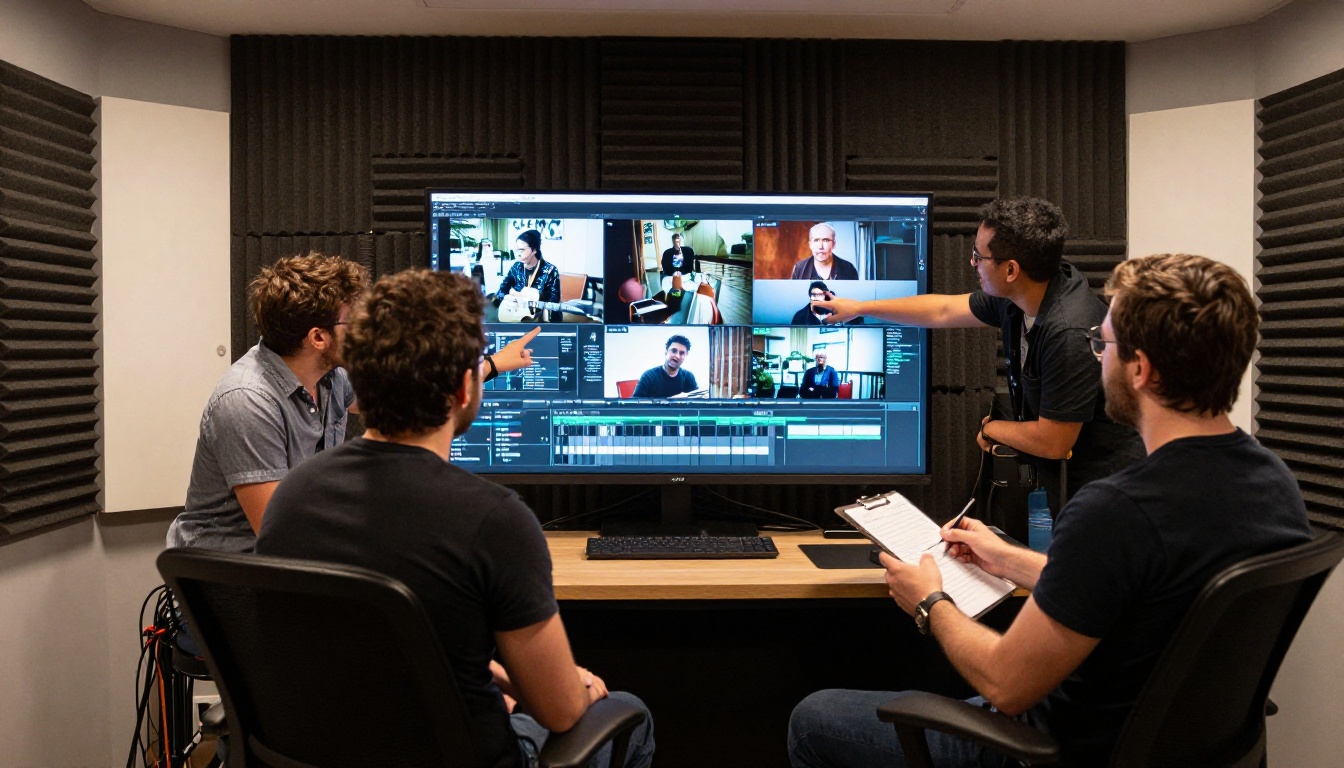
When turnaround time is the priority, Seedance 2.0 Fast is the obvious first call. For even faster outputs with broad format support, Wan 2.7 T2V and Hailuo 02 Fast both deliver quick results at lower computational cost. LTX 2 Fast is another reliable option when you need something usable in seconds.
For Quality and Realism
When the quality ceiling matters more than speed, Veo 3 from Google produces some of the most photorealistic outputs available anywhere. Kling v3 Video handles cinematic motion particularly well, especially for scenes with human subjects and dynamic camera movement. Sora 2 from OpenAI is another top-tier option for professional creative work with native audio output.
💡 Not sure where to start? The PicassoIA free video generator is a zero-cost starting point that lets you test prompts before committing to a premium model. Use it to refine your scene descriptions first, then bring the strongest prompts to Seedance 2.0.
Real Use Cases Right Now
AI text-to-video generation is past the novelty phase. Creators, brands, and production teams are using models like Seedance 2.0 for real deliverables on real timelines.

Social Media Content
Short-form video platforms reward high output volume. A single photoshoot used to yield a finite number of clips. With Seedance 2.0, the same creative direction that informed that shoot can produce an almost unlimited number of b-roll moments, environment shots, and mood-setting clips. With audio already embedded, posting is faster than it has ever been.
Practical formats:
- 5-second environment clips as story openers
- Product atmosphere videos without the production crew
- Seasonal b-roll in any setting without travel
Product and Brand Videos
Seedance 2.0 handles branded scenarios with enough fidelity that many of its outputs pass as real footage at first glance. A product sitting on a surface with specific lighting, a lifestyle scene that establishes brand tone, a cityscape that sets geographic context — all of these are achievable from a single prompt. Combined with Hailuo 02 for variation and Wan 2.7 T2V for 1080p output, PicassoIA gives brands a complete toolkit for video content without a traditional production budget.
Creative Projects
Filmmakers and artists use Seedance 2.0 differently: as a visualization tool for pre-production, a rapid prototyping layer for animated concepts, or a direct creative medium in its own right. The model is capable enough to produce clips worth using in final cuts, especially for establishing shots, mood pieces, and transition material between scenes.
Start Creating on PicassoIA
If you have not used a text-to-video model before, Seedance 2.0 is one of the strongest entry points available right now. The prompt-to-output experience is direct, the audio removes a significant post-production step, and the quality ceiling is high enough for professional work.
Head to Seedance 2.0 on PicassoIA and try a scene from your own projects. Start with a specific prompt, run two or three variations, and compare the results. If speed matters, switch to Seedance 2.0 Fast for the iteration phase. When you're ready to push further, browse the full text-to-video collection on PicassoIA — there are over 100 models available, from fast and free to cinematic and high-resolution.
The barrier to producing high-quality video content is lower right now than it has ever been. The only thing left is writing the prompt.


