The first thing people notice is the image quality. Not "pretty good for AI" quality. Actually stunning. The kind of image that makes you look twice, zoom in, and wonder how it was made. That's the reaction millions of users have had on PicassoIA, and it's exactly why the platform has become the go-to adult AI tool for creators who refuse to settle for blurred faces and blocked prompts.
This article covers what actually works, which models are worth your time, and how to get photorealistic adult AI images that look like they came from a professional photographer.
What Everyone's Talking About
The Quality Gap Is Real
Most AI image generators have a ceiling. Push them toward adult content and the results degrade fast: pixelated faces, mangled hands, muddy lighting, and an inevitable block message. The tools built to handle adult content often look cheap, cartoonish, or plainly fake.
PicassoIA built its platform differently. With 91 text-to-image models and specialized tools for face detail, skin texture, and photorealistic rendering, the results sit in a completely different category. These are images that pass the double-take test.
Why This Changes How People Create
The creative shift matters. When a tool can produce genuinely photorealistic adult imagery without artificial limits, it stops being a novelty and starts being a serious creative asset. Portrait photographers use it for reference. Adult content creators use it for ideation. Artists use it to push their visual concepts further than stock photography ever allowed.
The barrier dropped from "hire a photographer and model" to "describe what you want."
💡 The difference between an amateur result and a professional result almost always comes down to the prompt. Specific lighting conditions, camera lens, and texture details make the difference.
Seedream 4.5: The Model That Started It All
If you've heard anything about adult AI image generation, you've heard about Seedream 4.5. Built by ByteDance's research team, Seedream 4.5 became the benchmark model for realistic human figure generation. The anatomy is accurate, the skin textures are detailed, and the model handles body proportions with a consistency that earlier generators completely failed at.
It runs without content filters that block adult prompts. This is not a workaround or a jailbreak. The model operates on PicassoIA's infrastructure with its native capabilities intact.
What Makes Seedream 4.5 Different
| Feature | Seedream 4.5 | Typical Filtered Generator |
|---|
| Adult content | Full support | Blocked or degraded |
| Skin texture realism | Exceptional | Waxy or flat |
| Anatomy accuracy | High | Inconsistent |
| Face detail | Sharp, natural | Often blurred |
| Generation speed | Fast (under 30s) | Varies |
Speed Without Compromise
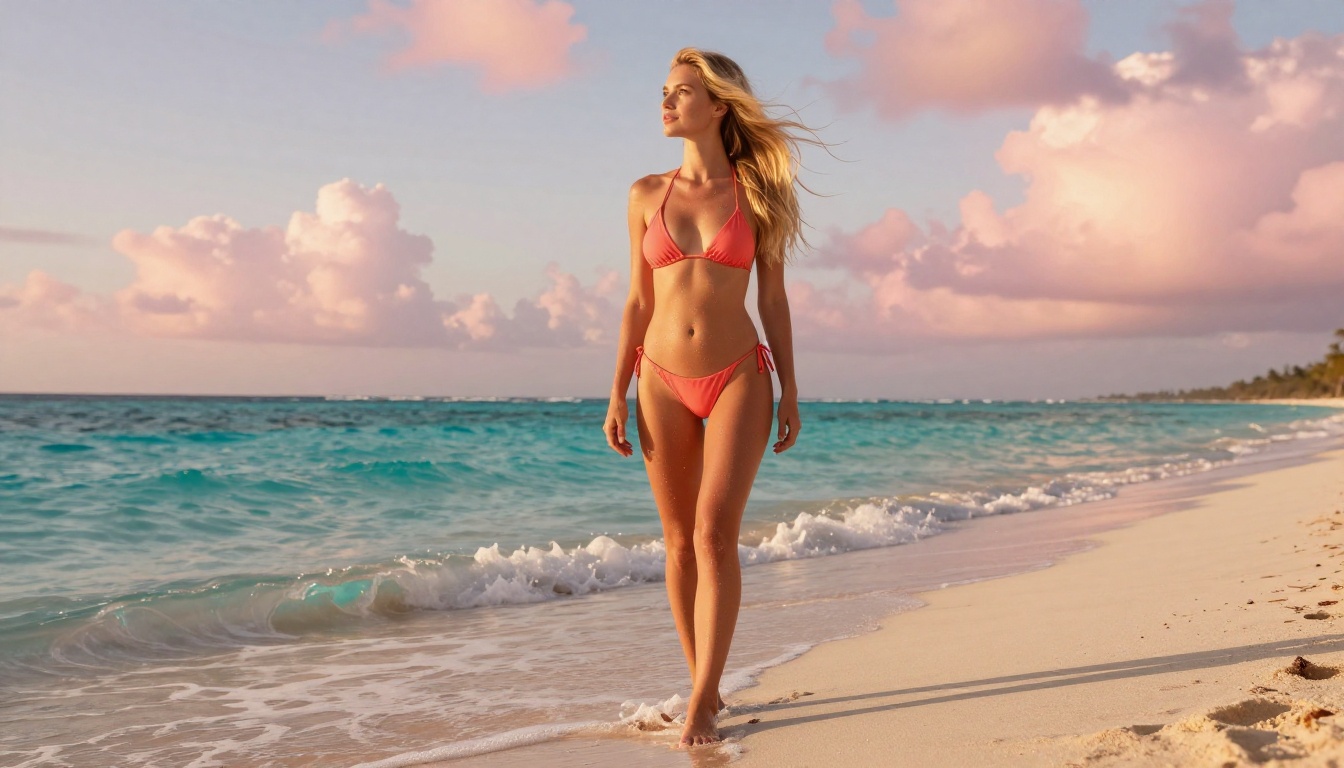
Seedream 4.5 generates full-resolution images in under 30 seconds in most cases. For a model producing this level of detail, that speed is significant. Creators who need volume, people iterating rapidly through concept variations, and users who simply don't want to wait all benefit from this.
The model also handles complex lighting scenarios with photographic accuracy. You can specify volumetric morning light, hard directional studio strobes, or golden-hour backlight, and the model interprets these with genuine fidelity.
How to Create Adult AI Images on PicassoIA
Getting started on PicassoIA takes about two minutes. Here's the exact flow.
Step 1: Pick the Right Model
Go directly to Seedream 4.5 for the best adult content results. If you want to edit an existing image or refine a generated result, switch to PicassoIA Image Editor Pro, which gives you unlimited regenerations with no credit cost per image.
Step 2: Write a Prompt That Works
The single biggest factor in result quality is prompt specificity. Vague prompts get average results. Detailed prompts get stunning results.
Weak prompt: a beautiful woman on a beach
Strong prompt: a beautiful woman with flowing dark hair stands at the shoreline, wearing a minimal white string bikini, golden hour backlight creating a warm rim light along her silhouette, photographed with 85mm f/1.8 lens, shallow depth of field, turquoise ocean bokeh in background, RAW photography, Kodak Portra 400 film grain
The difference in output quality between these two prompts is dramatic.
Step 3: Iterate Fast
Generate, assess, adjust. The fastest path to a great image is running 4 to 6 variations quickly. Change the lighting, the camera angle, the clothing detail. After 5 minutes of iteration, you'll have identified the prompt elements that produce the best results for your specific creative vision.
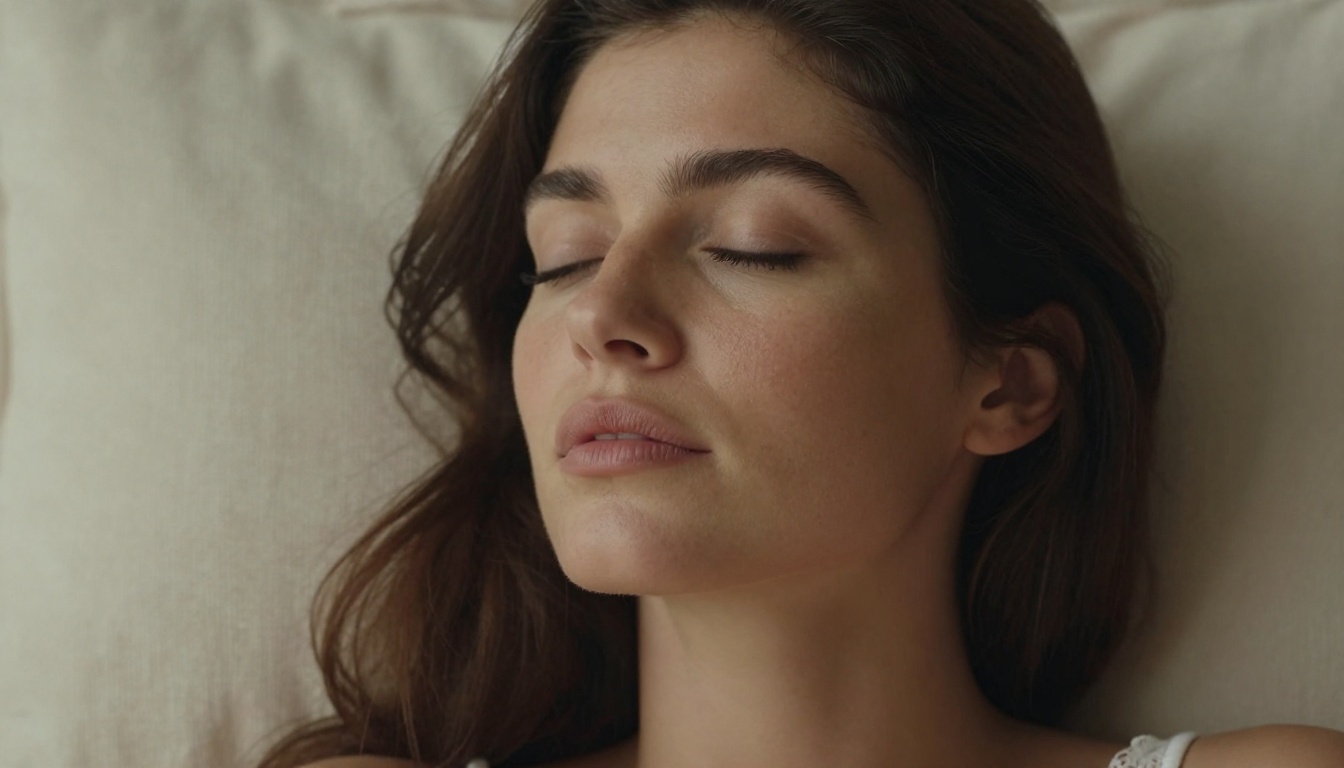
💡 Always specify the camera lens and aperture in your prompt. "85mm f/1.8" tells the AI to render bokeh-style depth of field. "24mm wide-angle" produces a completely different spatial feel. This single detail shifts results more than almost any other change.
The Models Worth Knowing
Seedream 4.5 is the headline act, but PicassoIA's 91 text-to-image models give you serious options depending on what you're trying to create.
Flux Kontext Fast
Flux Kontext Fast is built for speed without sacrificing detail. If you're doing rapid iteration through many prompt variations, this model cuts generation time significantly while maintaining photorealistic output quality. It handles adult prompts well and is a strong alternative to Seedream 4.5 for volume work.
PicassoIA Image
PicassoIA Image is the platform's own unlimited text-to-image model. No per-generation limits. No credit system to manage. For users who want to generate extensively without counting tokens or credits, this model removes that friction entirely.
Stable Diffusion 3
Stable Diffusion 3 offers a different aesthetic. Where Seedream 4.5 prioritizes photorealism, SD3 gives you more artistic control. The outputs have a slightly more stylized rendering that some creators prefer for editorial-style imagery. It handles complex compositions and unusual poses with strong consistency.

Flux Redux Dev
Flux Redux Dev specializes in image variations. If you've generated an image you like but want to see it from a different angle, in different lighting, or with changed clothing details, Flux Redux Dev creates coherent variations of your base image rather than starting from a new generation. This is ideal when you have a look that's almost right but not quite there.
PicassoIA Image Editor Pro: Unlimited Everything
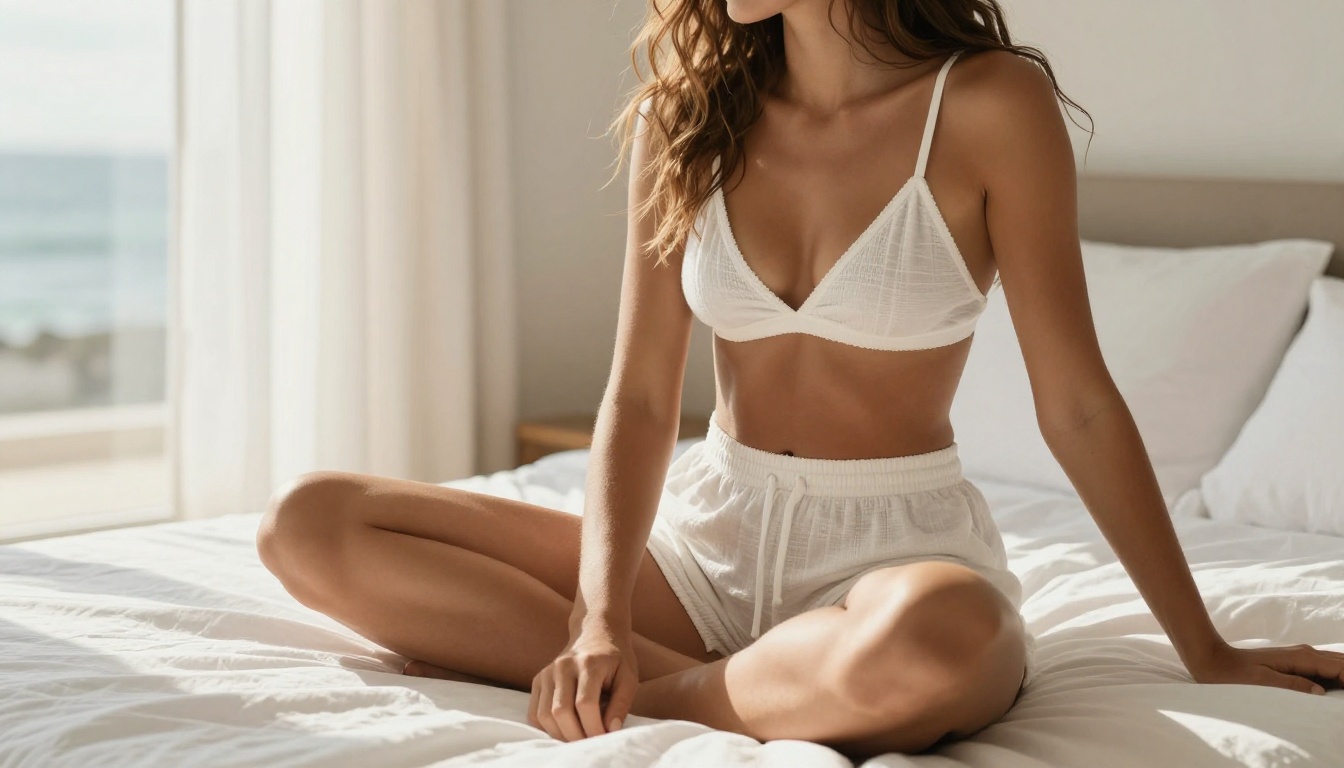
PicassoIA Image Editor Pro is the tool for users who need volume. The model provides unlimited generations with no per-image credit cost. For adult content creators working at scale, this removes the biggest operational friction: having to track and manage generation budgets.
What You Get with Pro
The unlimited generation model changes how you work. Instead of planning prompts carefully to conserve credits, you generate freely. This speeds up creative exploration dramatically because you stop rationing attempts and start treating generation as a fast, cheap, disposable step in a larger creative process.
Pro also handles inpainting and outpainting. You can take a generated image and fill in details, extend the canvas, or replace specific areas without regenerating from scratch. For refining adult images where one element needs adjustment, inpainting saves the entire composition while fixing just the problematic area.
The Practical Advantage
Consider the math: a creator generating 20 images per day would exhaust most credit-limited platforms within a week. With unlimited generation, that same creator can run 100 images in a session, find the 3 or 4 that truly work, and build a visual library that would cost thousands of dollars through traditional photography.
💡 Use inpainting to fix hands. AI-generated hands are notoriously difficult to get right. Generate the full image, use inpainting to isolate just the hands, and regenerate that area with a focused hand-detail prompt. This two-step workflow produces consistently better results than any single-pass generation.
Writing Prompts That Actually Work
The prompt is the instruction. Bad instructions produce bad results. Here's what separates prompts that produce professional-quality adult imagery from prompts that produce generic output.
The Anatomy of a Strong Prompt
Every effective prompt for photorealistic adult content follows a structure:
- Subject description: Age range, body type, hair color, expression, pose
- Clothing and styling: Specific items, colors, fabrics, fit
- Environment: Location, background elements, time of day
- Lighting: Direction, quality, color temperature (e.g., "warm amber volumetric light from the left")
- Camera specs: Lens focal length and aperture (e.g., "85mm f/1.4")
- Film or texture: "Kodak Portra 400" or "Fuji Pro 400H" for film grain character
- Style tag: "RAW 8K photography, photorealistic"
This structure works because it gives the model specific, actionable visual information rather than vague aesthetic intent.
Three Mistakes to Drop
Mistake 1: Style vagueness. "Beautiful woman" tells the model almost nothing. "Beautiful woman with shoulder-length auburn hair, natural freckles, slight smile, direct eye contact" produces a specific face.
Mistake 2: Missing the lighting. Lighting is the single highest-impact visual element in photography. Describe it every time. "Soft diffused overcast light" produces flat, even skin. "Directional morning light from the left casting shadows under her cheekbones" produces depth and drama.
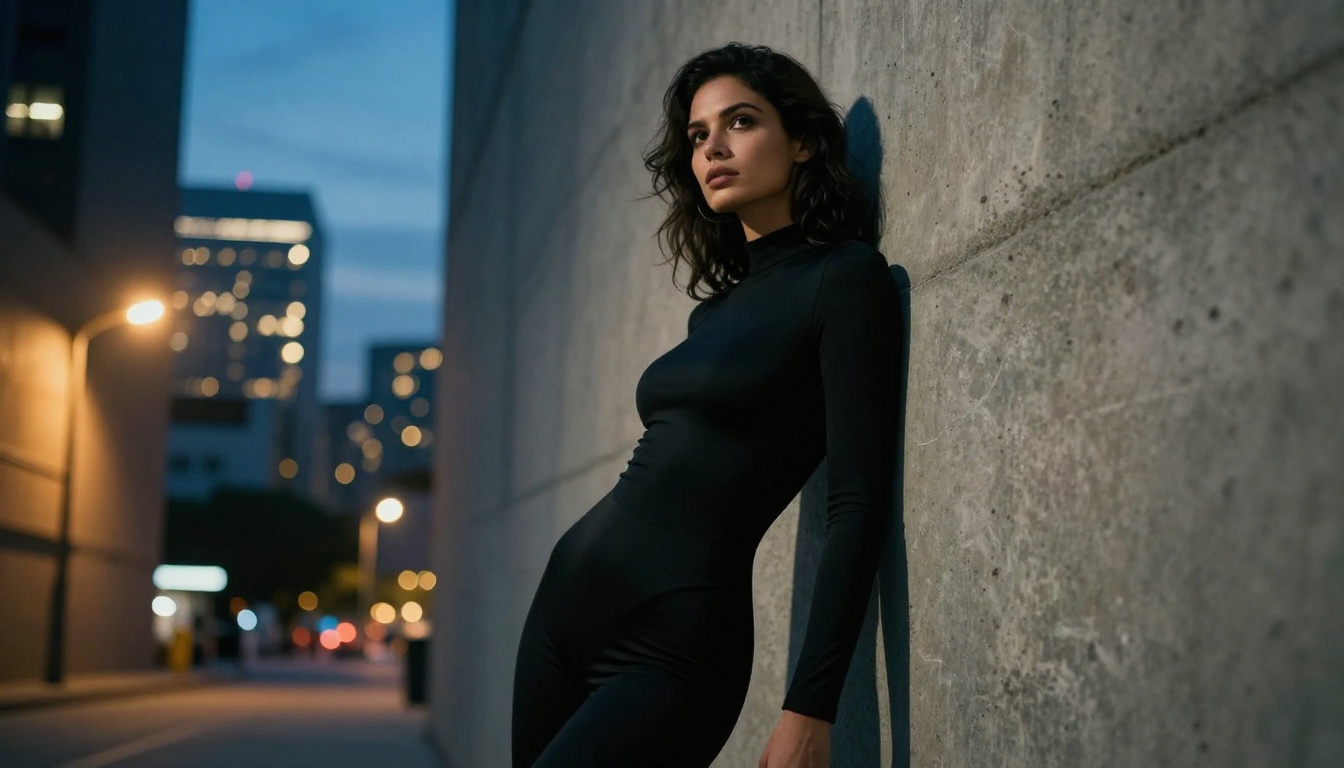
Mistake 3: Ignoring the background. Even if the background is blurred, specify it. "Blurred cream linen background" and "blurred urban cityscape at dusk with golden bokeh" produce completely different moods even with identical foreground subjects.
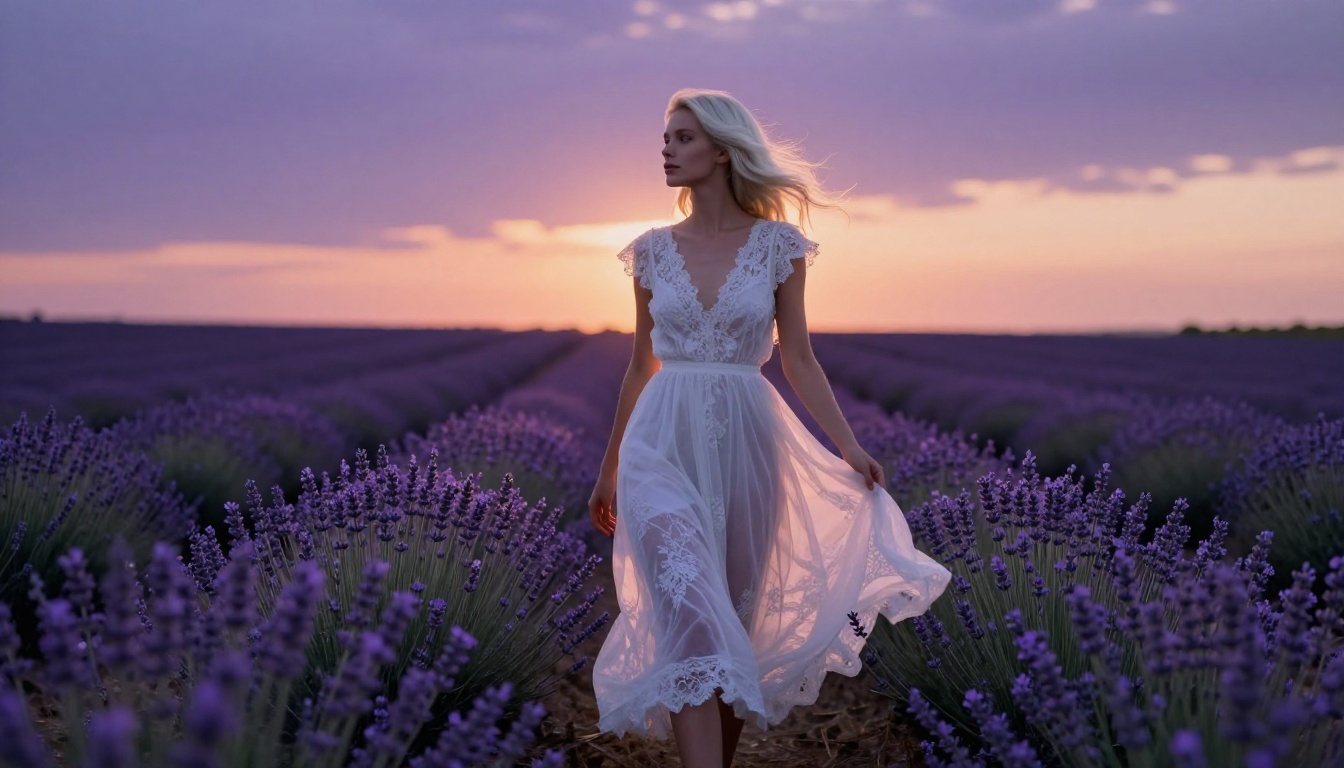
The adult AI tool market has grown fast. Here's what actually separates the platforms:
| Criteria | PicassoIA | Generic AI Tools |
|---|
| Models available | 91 text-to-image | 5 to 15 |
| Adult content support | Full, uncensored | Blocked or filtered |
| Unlimited generations | Yes (Image Editor Pro) | Rarely |
| Image quality ceiling | 8K photorealistic | Lower |
| Video generation | 87 models | Limited |
| Specialized editing | Inpainting, outpainting, face swap | Basic |
No Caps, No Blocks
The content filtering situation on most major AI platforms creates a frustrating experience. Users describe prompts that should produce acceptable artistic content being blocked, images being blurred after generation, or models degrading quality specifically when certain subjects appear.
PicassoIA operates under a different philosophy. The platform is explicitly built to support adult content creation within its guidelines, rather than treating it as an edge case to be suppressed.
91 Models, One Platform
The breadth of the model library matters beyond just having options. Different models genuinely produce different results for the same prompt. Having access to Seedream 4.5, Flux Kontext Fast, PicassoIA Image Editor Pro, and Stable Diffusion 3 within a single interface means you're never locked into one aesthetic. When one model misses the mark, another is one click away.
Start Creating Your Own
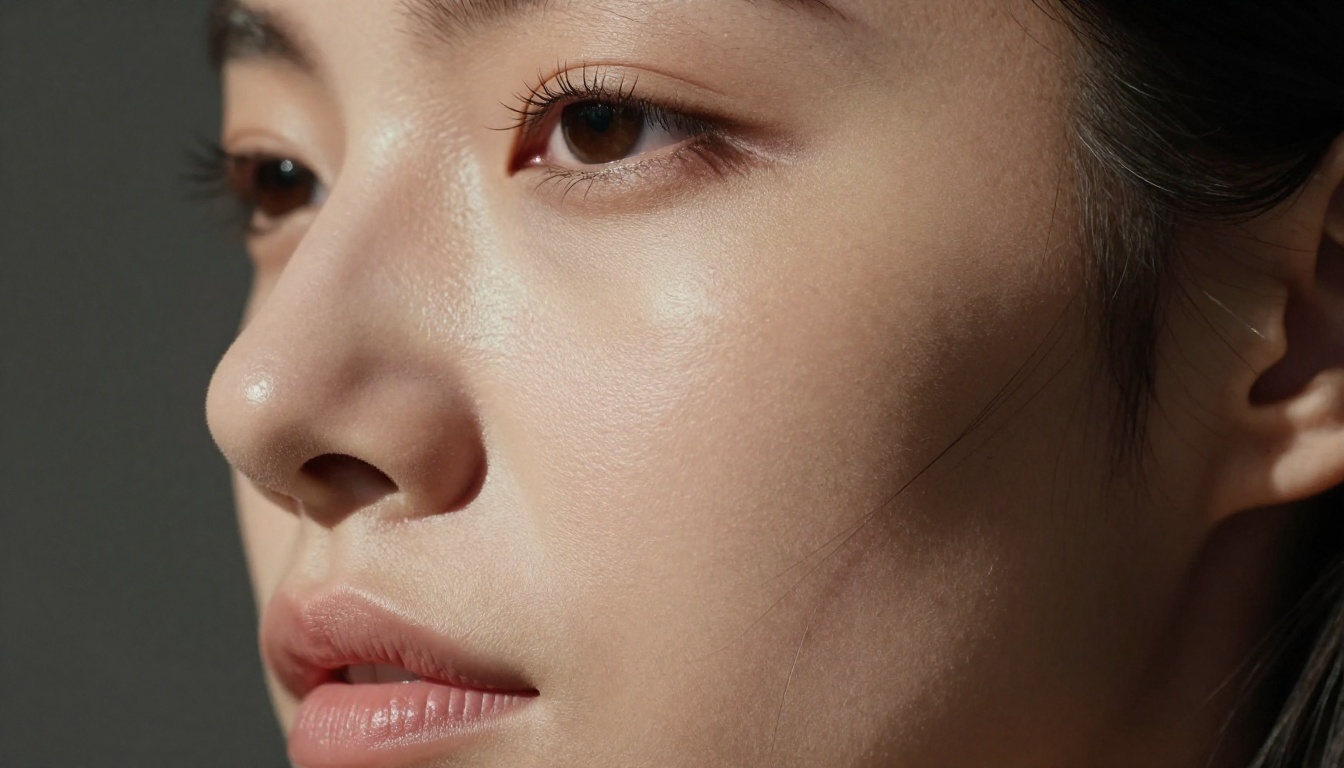
The images in this article were generated using prompts that anyone can write. The tools are live, accessible, and ready. If you've been settling for filtered results, blurred outputs, or the visual quality ceiling of mainstream generators, PicassoIA changes what's possible.
Start with Seedream 4.5 for your first generation. Use the prompt structure from this article. Run 5 variations. By the fifth image, you'll have calibrated your prompting style to the model's strengths and you'll see results that genuinely don't look like AI.
If you want unlimited creative freedom with no generation caps, switch to PicassoIA Image Editor Pro and stop counting credits.
The full model library, including all 91 text-to-image models and the platform's video and editing tools, lives at picassoia.com/en/all-models.
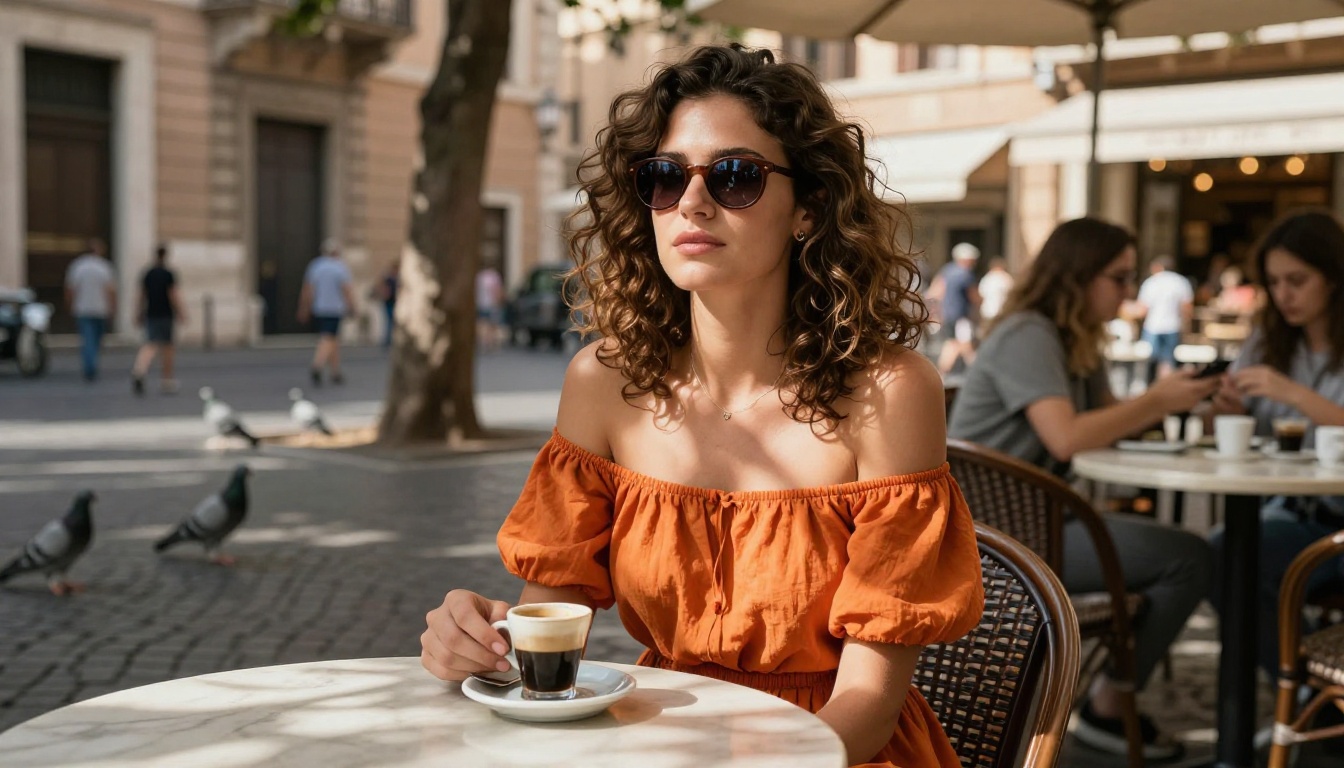
The adult AI tool that feels like magic isn't magic at all. It's a platform with the right models, the right infrastructure, and the right creative freedom. What you do with it depends entirely on your prompts.


