When you search for "AI image generation" today, you're bombarded with hundreds of models promising everything from photorealistic portraits to fantastical landscapes. Most deliver mediocre results at best—until you discover what Google's Nano Banana Pro actually does differently.
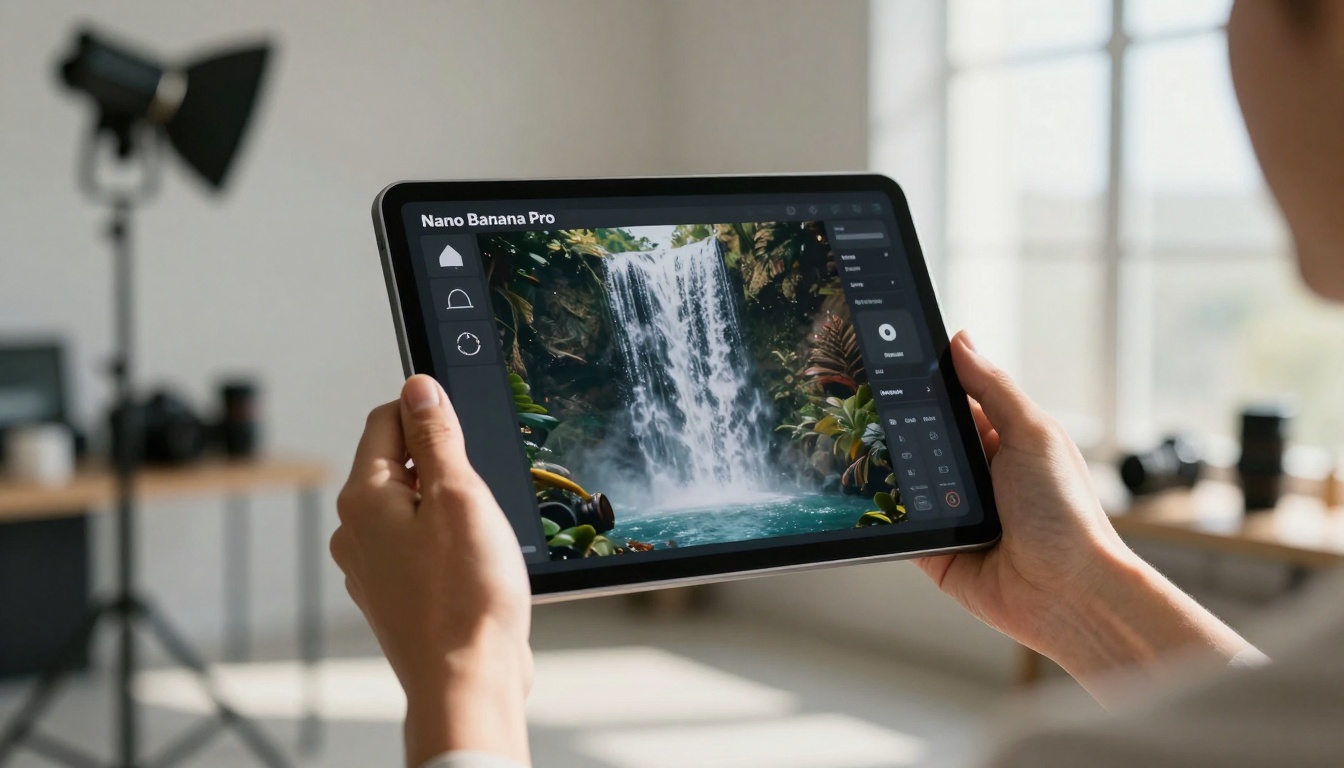
The difference isn't just about better algorithms or more training data. It's about understanding what creatives need and delivering it consistently. For photographers struggling with client demands, designers facing tight deadlines, and marketers needing high-quality visuals yesterday—Nano Banana Pro represents something different entirely.
What Nano Banana Pro Actually Does
Most AI image models follow a predictable pattern: input text, get image, hope for the best. Nano Banana Pro approaches the problem from the opposite direction. The model's architecture focuses on contextual understanding rather than literal interpretation.
💡 The key insight: When you describe "a woman in a red dress," most models generate a woman wearing red clothing. Nano Banana Pro considers why you need that image—editorial fashion spread, e-commerce product shot, portrait photography—and adjusts lighting, composition, and style accordingly.
The technical foundation combines three approaches that explain the superior results:
- Multi-modal training: Unlike text-only models, Nano Banana Pro was trained on paired data—text descriptions alongside professional photography metadata (aperture, lighting setup, lens choice)
- Style transfer learning: The model understands artistic movements, photographic styles, and design principles as separate dimensions it can manipulate independently
- Real-world physics modeling: Lighting behaves realistically, materials have proper textures, and compositions follow actual optical principles
Why This Model Changes Everything
The creative industry has been waiting for AI that doesn't just generate images but understands visual language. Nano Banana Pro delivers exactly that through several breakthroughs:
Consistent character generation - Need the same person across multiple scenes? The model maintains facial features, body proportions, and personal style across generations.
Scene continuity - Create a series of images that feel like they belong together, with consistent lighting, color grading, and artistic direction.
Professional-grade outputs - The images don't look like "AI art." They look like work from professional photographers, illustrators, and designers.
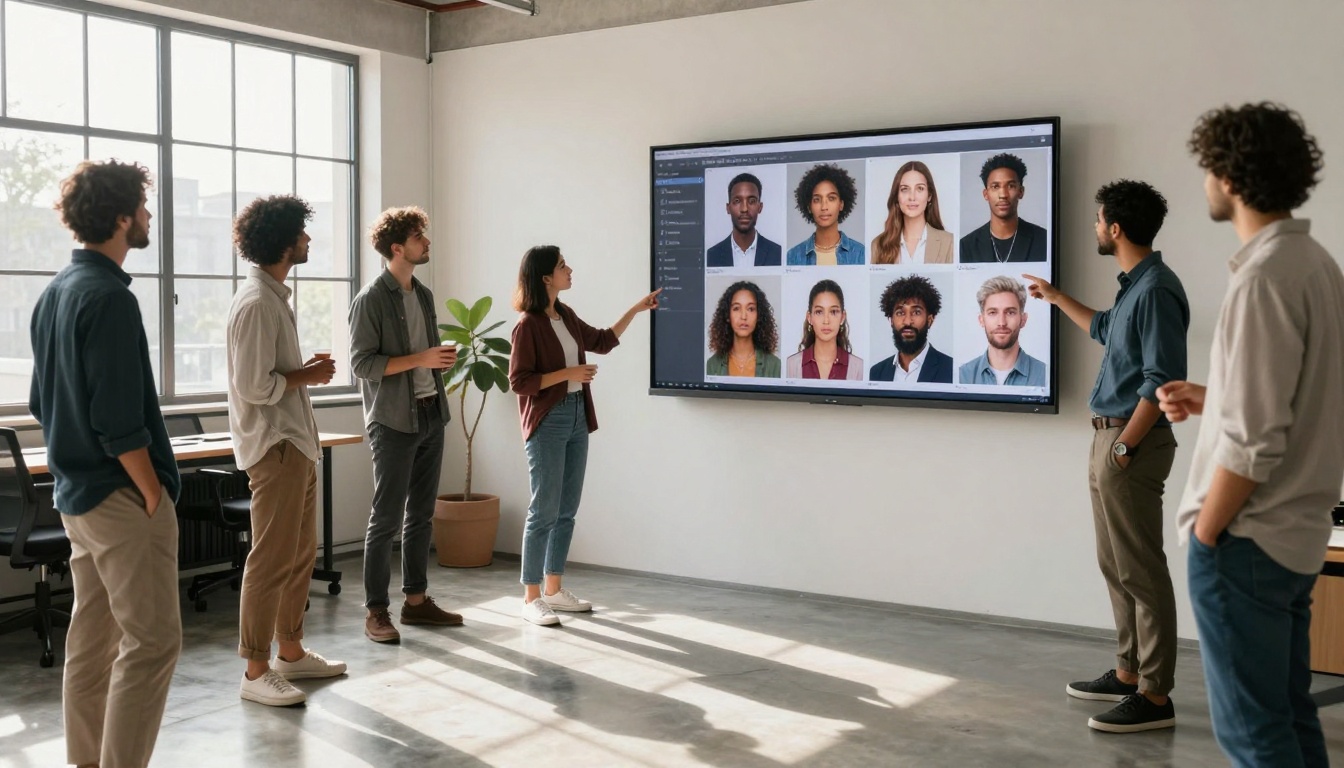
For agencies, this means scaling creative production without sacrificing quality. One designer can now produce what previously required a full team. For individual creators, it means professional results without professional budgets.
Image Quality: The Technical Breakdown
Let's examine what separates Nano Banana Pro from competitors like Flux or Stable Diffusion:
| Feature | Nano Banana Pro | Typical AI Models |
|---|
| Resolution | Native 4K+ output | Often upscaled from lower resolutions |
| Lighting Accuracy | Physically-based rendering | Basic shadow generation |
| Material Textures | Realistic surface properties | Generic "texture-like" patterns |
| Composition | Follows photographic rules | Random element placement |
| Style Consistency | Maintains across generations | Variable between runs |
The lighting system deserves special attention. Instead of generating shadows based on proximity, Nano Banana Pro calculates light behavior:
- Natural light sources (sun, windows) create proper falloff and color temperature shifts
- Artificial lighting (studio lights, practicals) follows actual wattage and diffusion principles
- Bounce lighting accurately reflects off surfaces with proper intensity decay
- Global illumination considers how light interacts throughout the entire scene
This attention to physical accuracy means images feel real because they follow real-world optical physics.
Speed vs Quality: Finding the Balance
One common misconception: high quality means slow generation. Nano Banana Pro challenges this assumption with a tiered processing system:
Fast preview mode - Generates lower-resolution versions in seconds for concept validation
Quality mode - Produces final-ready images in 15-30 seconds
Ultra mode - Additional processing for commercial-grade work requiring absolute perfection
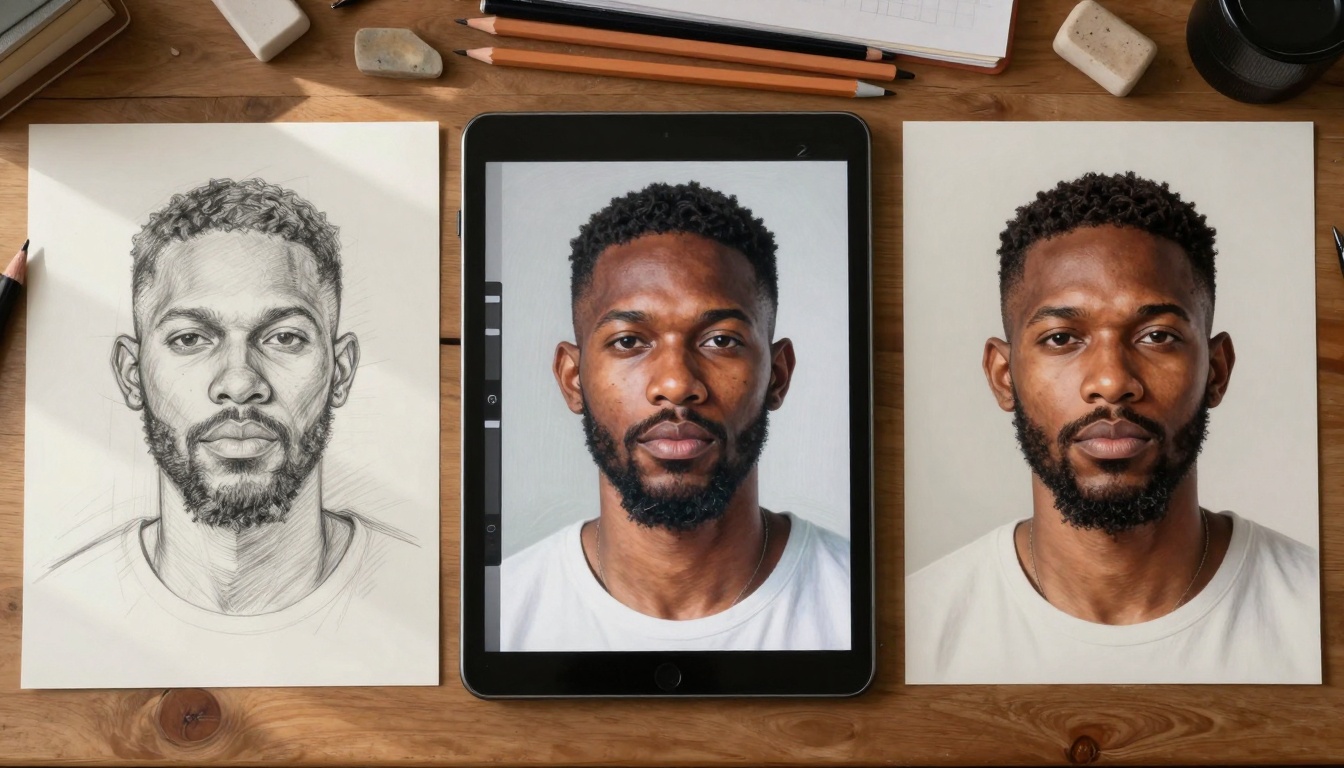
The workflow advantage becomes obvious when you need multiple variations:
- Generate 10 concept variations in fast mode (30 seconds total)
- Select the best 2-3 directions
- Generate full-quality versions of selected concepts (60 seconds)
- Make minor adjustments based on client feedback
This approach cuts traditional production timelines from days to hours while maintaining creative control.
Creative Applications That Work
Not every project needs AI-generated imagery. But for these specific use cases, Nano Banana Pro delivers exceptional results:
Product Photography Mockups
- Generate lifestyle shots with products in realistic environments
- Maintain consistent lighting across entire product catalogs
- Create variations for A/B testing without reshoots
Editorial and Publishing
- Generate illustrations that match publication style guidelines
- Create custom imagery for articles and blog posts
- Maintain visual consistency across issues
Marketing and Advertising
- Produce campaign imagery at scale
- Localize visuals for different markets
- Create variations for different platforms (social, web, print)
Game and Film Development
- Generate concept art with consistent style
- Create environmental references
- Produce character design variations
The commercial applications extend beyond creative fields:
- Real estate - Generate furnished versions of empty properties
- E-commerce - Create product images without expensive photoshoots
- Education - Produce custom illustrations for teaching materials
- Healthcare - Generate anatomical visualizations for patient education
Common Mistakes to Avoid
New users often stumble with the same issues. Here's how to avoid them:
Vague prompts produce generic results. Instead of "beautiful landscape," specify:
- Time of day and weather conditions
- Geographic features and vegetation
- Composition style (wide shot, intimate detail, etc.)
- Emotional tone (serene, dramatic, mysterious)
Ignoring style parameters wastes the model's capabilities. Always specify:
- Photographic style (documentary, fashion, fine art)
- Lighting setup (natural, studio, available light)
- Color treatment (warm, cool, desaturated, vibrant)
- Aspect ratio and focal length preferences
Over-editing results often makes images worse. The model generates balanced compositions—heavy post-processing can disrupt this balance.
Batch generation pitfalls - When creating multiple images:
- Start with a style reference image to establish visual direction
- Use consistent parameter sets across all generations
- Generate test batches before committing to full production
- Maintain a style guide document with successful parameters
How Nano Banana Pro Compares to Other Models
The AI image generation landscape includes several strong competitors. Here's how they stack up:
GPT Image 1.5
- Strengths: Excellent text understanding, good for conceptual work
- Limitations: Less consistent realism, slower generation times
- Best for: Editorial illustrations, conceptual art
Flux Pro
- Strengths: Fast generation, good for iterative work
- Limitations: Less photographic realism, style limitations
- Best for: Quick concept generation, design mockups
Qwen Image
- Strengths: Good for Asian aesthetics, cultural accuracy
- Limitations: Western style limitations, slower for complex scenes
- Best for: Culturally specific projects, regional marketing
P-Image
- Strengths: Very fast generation, good for basic needs
- Limitations: Quality ceiling, less photographic accuracy
- Best for: Social media content, rapid prototyping
Nano Banana Pro's competitive advantage lies in its photographic realism and style consistency. When you need images that could pass as professional photography rather than "AI art," this model delivers.
Practical Workflow Implementation
Integrating AI into existing workflows requires planning. Here's a proven approach:
Phase 1: Discovery and Testing
- Allocate 2-3 days for initial exploration
- Test with real project requirements, not abstract examples
- Document successful parameters and failed attempts
- Identify 3-5 reliable use cases for your specific needs
Phase 2: Integration Planning
- Map AI generation steps to existing workflow stages
- Identify quality control checkpoints
- Establish approval processes for AI-generated content
- Train team members on best practices
Phase 3: Production Implementation
- Start with low-risk projects
- Maintain human creative direction
- Use AI for execution, not conception
- Iterate based on real-world results
Phase 4: Optimization
- Refine prompts based on project outcomes
- Develop custom parameter sets for recurring needs
- Establish quality benchmarks
- Scale successful approaches across teams
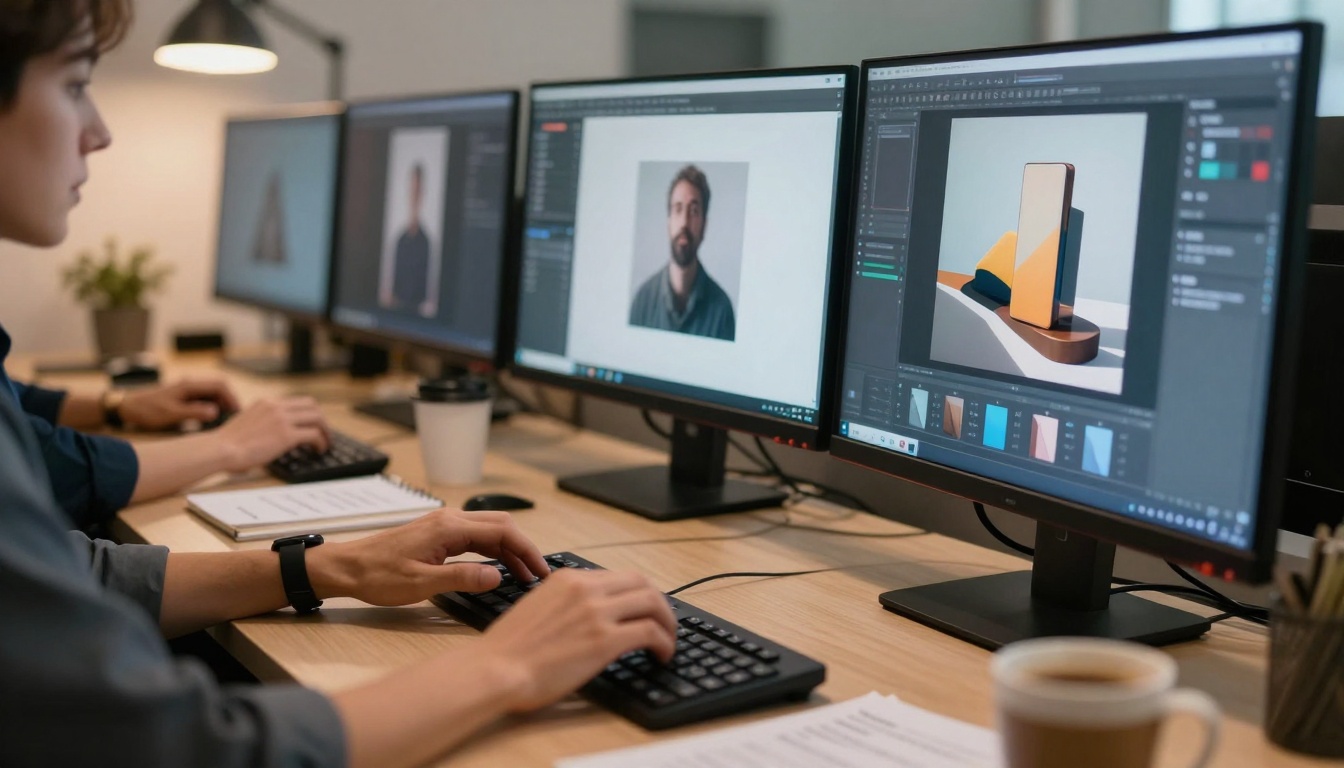
Critical success factors include:
- Clear creative direction - AI executes vision; humans provide vision
- Quality standards - Establish what "good enough" means for each project type
- Workflow integration - AI should save time, not create additional steps
- Team training - Everyone needs basic proficiency with the tool
Future Developments to Watch
The AI image generation field evolves rapidly. Here's what to expect next:
Real-time collaboration features
- Multiple users editing the same image simultaneously
- Version control and change tracking
- Collaborative prompt development
Advanced style transfer
- Extract style from reference images with single-click application
- Mix multiple style sources for hybrid results
- Style preservation across image series
3D integration
- Generate images with corresponding 3D depth maps
- Convert 2D images to basic 3D scenes
- Integrate with existing 3D software pipelines
Professional workflow tools
- Dedicated interfaces for photographers, designers, marketers
- Custom parameter sets for different industries
- Integration with professional software (Photoshop, Lightroom, etc.)
The ethical considerations will also evolve:
- Better attribution systems for AI-assisted work
- Clear guidelines for commercial use
- Improved content moderation without artistic restriction
- Transparency about AI involvement in final products
Getting Started Today
Beginning with Nano Banana Pro requires minimal setup:
- Access the model through PicassoIA's platform
- Start with simple prompts to understand basic capabilities
- Gradually increase complexity as you gain confidence
- Document everything - successful parameters are valuable knowledge
- Share learnings with your team to accelerate collective progress
First-week checklist:
- Generate 50-100 test images across different categories
- Identify 3 prompt formulas that consistently work for your needs
- Create a style reference library of successful outputs
- Establish basic quality standards for different use cases
- Test integration with one existing workflow
Common beginner questions answered:
"How much does it cost?"
Pricing varies by platform, but expect pay-per-generation or subscription models. Start with free credits to test before committing.
"What hardware do I need?"
Nothing special—runs in the cloud. Fast internet helps for large image downloads.
"Is there a learning curve?"
Yes, but shorter than learning professional photography or design software. Most users achieve usable results within hours.
"Can I use this commercially?"
Check the specific platform's terms, but most allow commercial use with proper attribution.
"What about copyright?"
Generated images typically belong to the creator, but legal frameworks continue evolving. Consult legal advice for commercial projects.
The most important step is simply starting. The AI won't replace human creativity, but it will amplify it. For photographers, it means shooting less and editing more creatively. For designers, it means faster iteration and broader exploration. For businesses, it means visual content at scale without proportional cost increases.
Nano Banana Pro represents more than another AI tool—it represents a new creative workflow paradigm. The images it generates don't look like computer output; they look like human creation. That distinction matters when quality determines commercial success.
Try generating your first image today. Describe something you've wanted to create but lacked the skills, time, or budget to produce. See what happens when technology understands not just what you say, but what you mean.


