It started with a single post. No brand deal, no boosted budget, no marketing team. Just a text prompt, an AI image generator, and a creator who accidentally tapped into something the algorithm was desperate to reward. Within 48 hours, that image had collected more traction than most accounts see in a year. People were not just saving it. They were recreating it. And the ones who understood WHY it worked? They built entire content strategies around it.
This is the breakdown of that prompt, and exactly how you can replicate the effect.
What the Algorithm Actually Wants
Before breaking down the prompt itself, you need to know one thing: the algorithm does not care about beauty. It cares about behavior. Saves, shares, comments, replays. Every major platform from Instagram to TikTok to X ranks content based on the actions it triggers, not the aesthetics it delivers.
This means a technically imperfect image that generates a visceral reaction will always outperform a flawlessly rendered piece that makes people scroll past.
It Is About Tension, Not Perfection
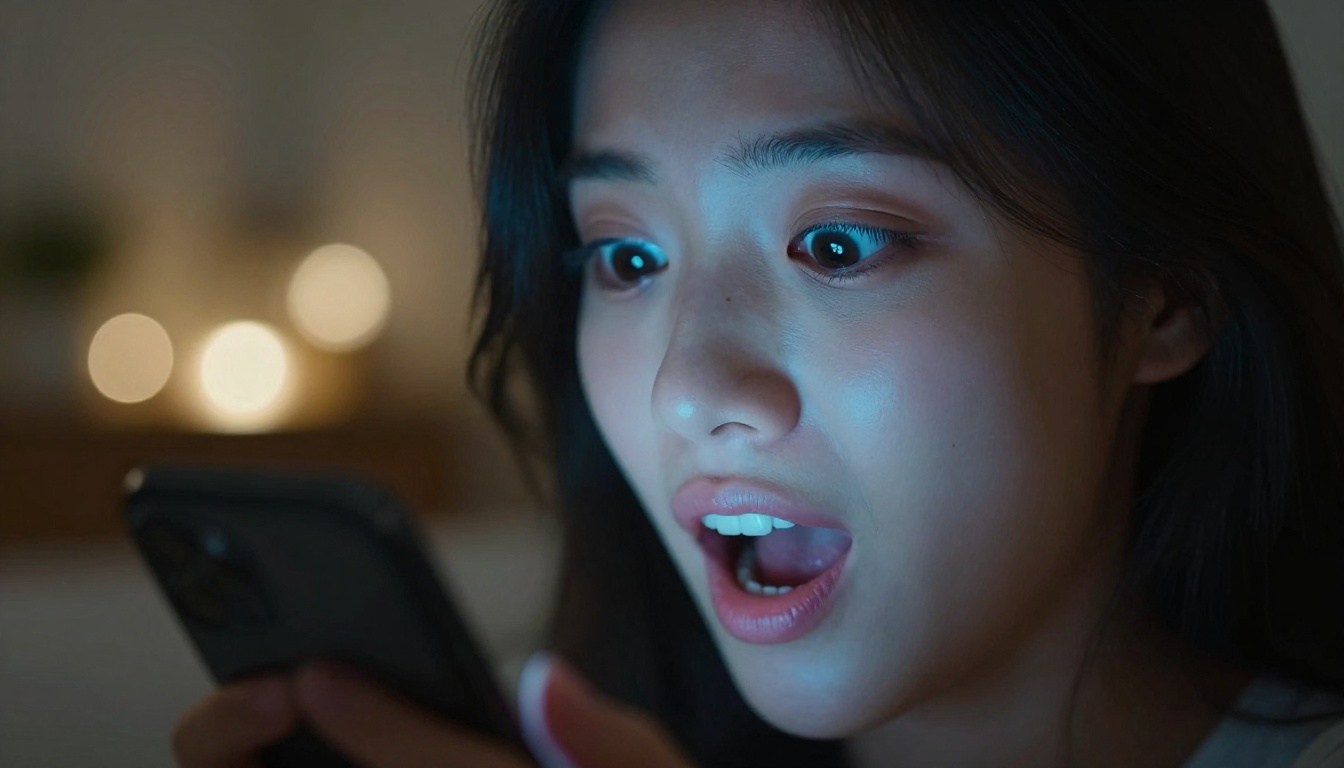
The highest-performing AI images share a common structural trait: they contain tension. A visual contradiction. A subject slightly out of place. Something that makes the brain pause for a fraction of a second and ask: "Wait, is that real?"
That pause is the algorithm's meal. The user stopped scrolling. The platform noticed. The content gets pushed further.
Why Most Prompts Underperform
Most people write prompts like product descriptions. "A beautiful woman in a red dress standing by the ocean at sunset." The image that comes out is competent, well-composed, and completely forgettable. There is no hook. No tension. No reason for a thumb to stop mid-scroll.
The prompts that break through do three things that generic ones do not: they introduce a specific emotional context, they add a visual contradiction or unexpected detail, and they anchor the scene in hyper-realistic specificity.
Specificity Is the Real Algorithm Hack
There is a direct correlation between prompt specificity and generated image impact. Vague prompts produce average images. Hyper-specific prompts produce images that feel like they were pulled from a real moment in time. And real moments in time are what people share.
Here is the structure of the prompt category that consistently breaks performance records across every major platform in 2027:
[Emotionally charged subject] + [unexpected physical context] + [hyper-specific environmental detail] + [a single anomalous element that does not belong]
Let's unpack each part.
The Emotionally Charged Subject
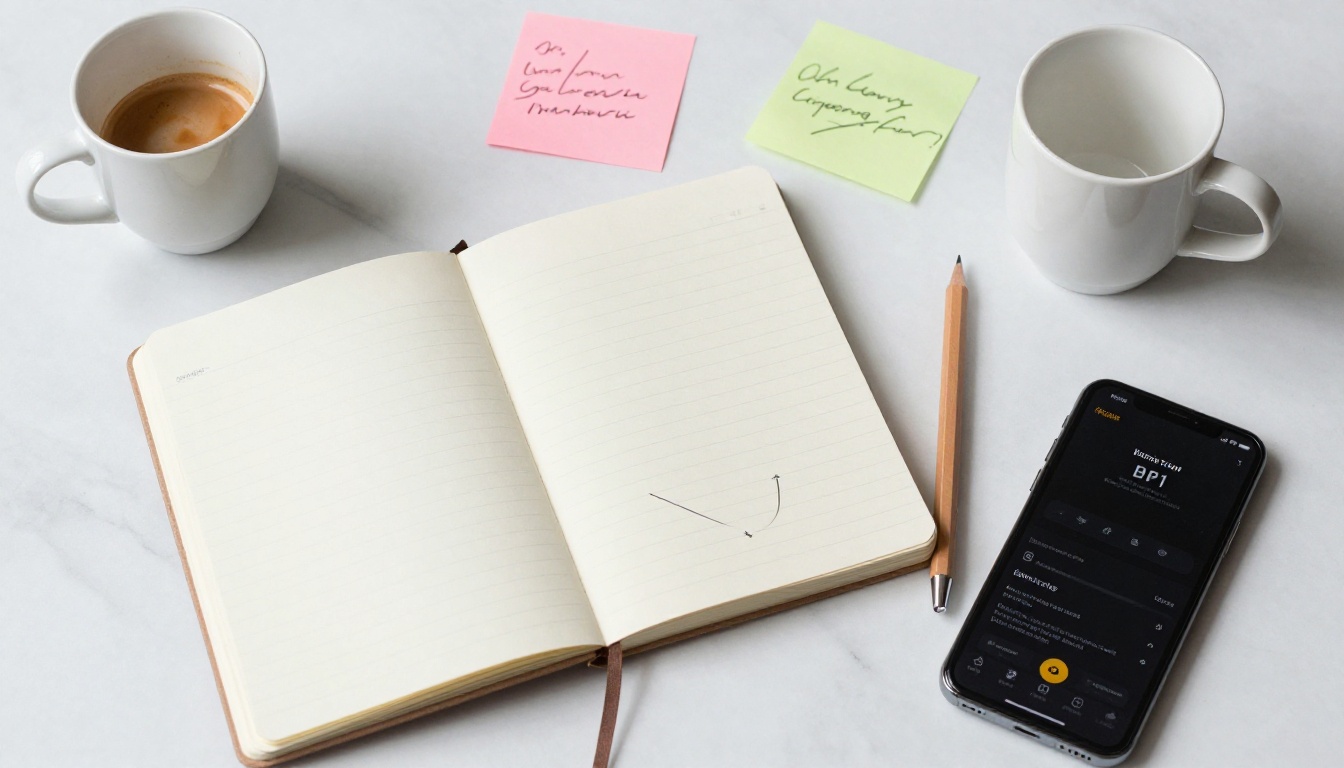
This is not just "a woman" or "a man." It is "a woman who just received life-changing news" or "a teenager on the last day before everything changed." The emotion is baked into the subject description itself, not left for the AI to infer. When the AI picks up the emotional weight, the micro-expressions, the posture, and the eyes all carry it.
The Unexpected Physical Context
The subject does something slightly wrong. Not dramatically wrong, just subtly out of place. A businesswoman eating street food in an alley. A child in formal clothes playing in mud. The brain processes this as authentic, because real life is full of small incongruities. Staged content is too perfect. Real content has friction.
The Anomalous Element
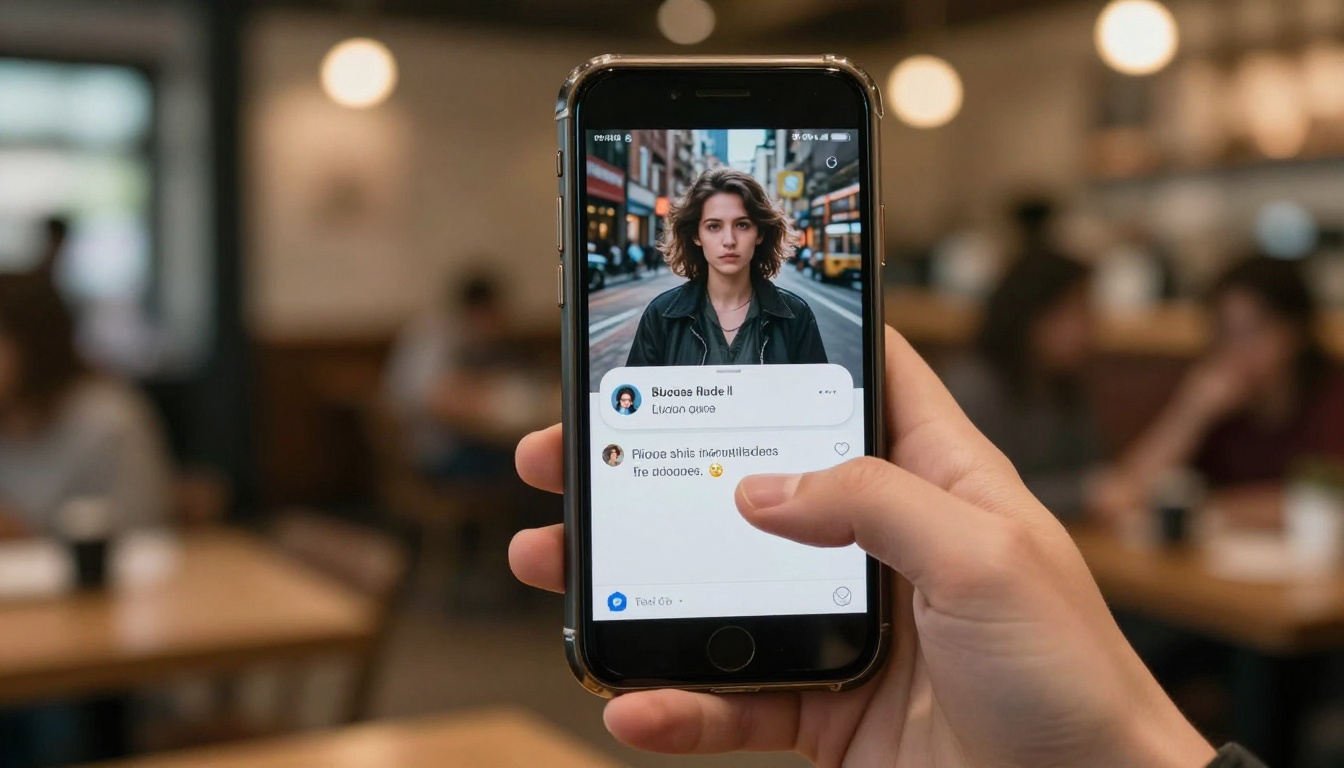
This is the detail that makes people comment. One specific thing that does not quite fit: a phone with a cracked screen in a luxury penthouse, a wilting flower in a wedding bouquet, a single out-of-place color in a monochrome scene. Comments flood in because people want to point it out. The algorithm reads those comments as signal gold.

The same prompt formula that dominates Instagram performs on TikTok, X, and Pinterest because it exploits the same fundamental user behavior across all of them: the pattern interrupt.
Instagram Stops the Scroll
Instagram's feed algorithm prioritizes time-spent-on-post. When a user stops and looks at an image for three seconds instead of half a second, the algorithm upgrades its distribution. Photorealistic AI images that contain a tension element consistently outperform polished but emotionless content because they hold attention.
TikTok Rewards the Second Watch
TikTok's core metric is completion rate and rewatches. A still image posted to TikTok that makes someone say "wait, is that real?" triggers a rewatch. Two rewatches tell the algorithm this content is worth distributing. The anomalous element in a viral prompt is specifically designed to trigger this behavior.
X Lives for the Hot Take
On X, the comment is king. An AI image that prompts debate, "Is this AI or real?", "Who made this?", collects replies that are algorithmically equivalent to shares. The best-performing AI images on X are almost always ones where the realism creates a moment of uncertainty.
Building Your Own Viral Prompt
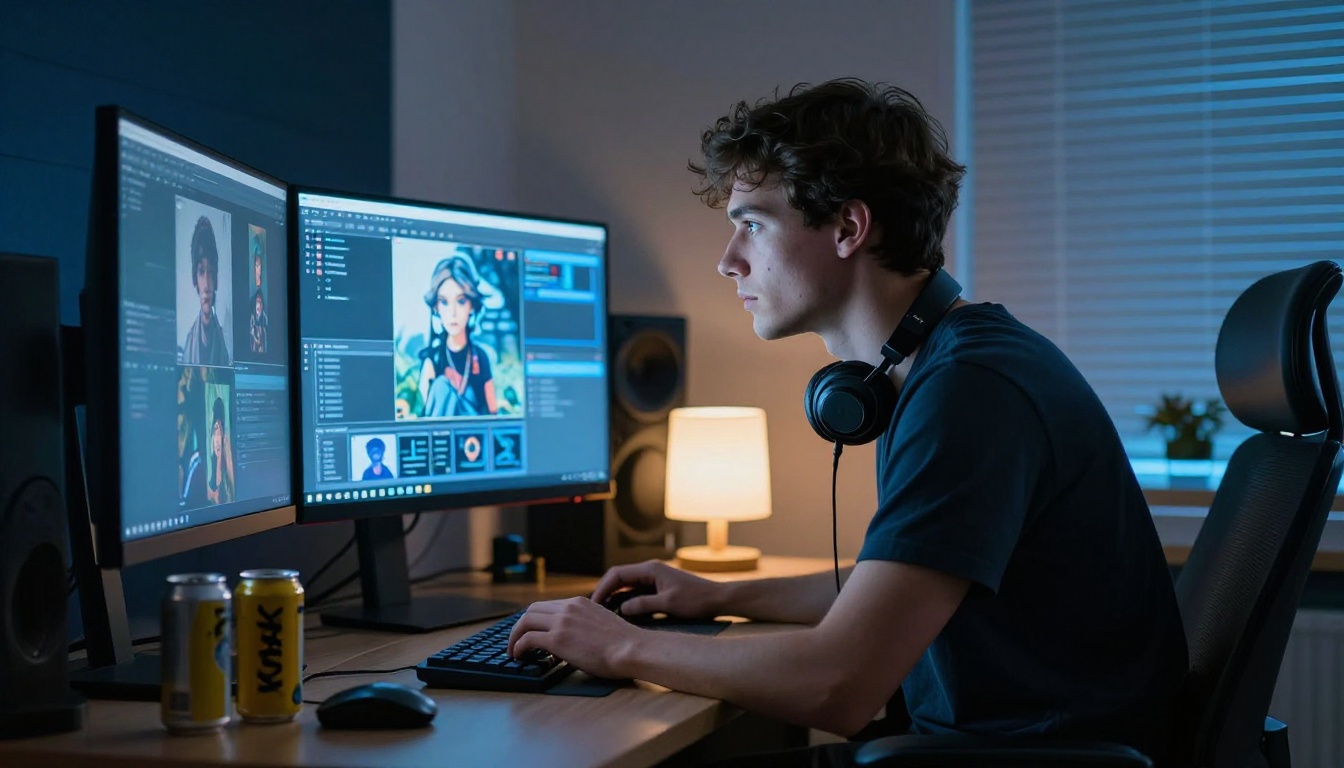
You do not need to reverse-engineer someone else's viral post. The formula is reproducible. Here is a repeatable three-step process for building prompts that perform.
Step 1: Pick a Tension Pair
Start with two things that should not be in the same frame together but could realistically coexist. This is not fantasy. This is social friction. Examples:
- A reflection of a luxury storefront in a rain puddle beside a street-food cart
- A child in formal clothes playing in mud
- A wedding couple eating at a roadside diner instead of a venue
The tension pair creates the visual hook before any detail is added.
Step 2: Add a Sensory Anchor
Most prompts describe what things look like. The best prompts describe what things feel like. Add one sensory-specific detail that makes the viewer feel the temperature, weight, or texture of the scene. "Steam rising from a paper coffee cup she is gripping with both hands" tells the AI to communicate cold, comfort, and quiet. The image carries an emotional temperature.
Step 3: One Detail That Does Not Belong
Every viral AI image has one. Introduce one object, color, or expression that is slightly inconsistent with the overall scene. It does not need to be dramatic. The brain notices inconsistency before it notices composition or color grading. That moment of noticing is what drives a stop, a save, a comment.
| Formula Type | Example Structure | Best Platform |
|---|
| Emotional Contrast | Subject in emotional state + wrong environment | Instagram |
| Hyper-Specific Moment | Micro-moment + extreme sensory detail | TikTok |
| The Unreliable Scene | Normal scene + one impossible or wrong detail | X (Twitter) |
| Cinematic Still | Movie-poster framing + genre-specific atmosphere | Pinterest |
| The Real-Fake | Maximum photorealism + barely visible AI artifact | All platforms |
Each of these formulas works best when combined with the right image generation model. The model you choose matters as much as the prompt itself.
The Right Models Change Everything
Not all text-to-image models respond to prompt nuance the same way. Some flatten emotional complexity. Others, specifically the newer photorealism-focused ones, pick up on emotional context and render it into the image.
GPT Image 2 for Raw Photorealism
GPT Image 2 is the model that currently produces the most convincing photorealistic results from emotionally complex prompts. Its ability to capture human expressions, lighting nuance, and environmental context makes it ideal for the "Emotional Contrast" and "Hyper-Specific Moment" formula types. When the prompt has emotional weight, this model carries it into the image.
Seedream 4.5 for 4K Detail
When you need the kind of image quality that makes someone zoom in, Seedream 4.5 delivers 4K-level output that holds up under scrutiny. The anomalous element only works if the rest of the image is convincing enough to make it feel real. Low-resolution output kills the effect. Seedream 4.5 eliminates that risk entirely.
Flux Krea Dev for the Authentic Look
Flux Krea Dev was built to avoid the over-polished AI aesthetic that users have learned to identify and skip. Its output has a tactile, slightly imperfect quality that reads as authentic rather than generated. For the "Real-Fake" formula, this model is the difference between a post that gets scrolled past and one that generates a "wait, is this real?" comment chain.
Wan 2.7 Image Pro for Cinematic Stills
Wan 2.7 Image Pro produces 4K output with cinematic composition that makes it the ideal choice for the "Cinematic Still" formula. Pinterest and Instagram respond particularly well to its output because it carries the visual weight of a film production still, not a generated image.
Recraft 20B for Style Variety
Recraft 20B gives you the widest range of stylistic output from a single model. When you want to test the same prompt across multiple visual treatments to find what performs best on a specific platform, Recraft 20B compresses that testing cycle significantly.
How to Use GPT Image 2 on PicassoIA
GPT Image 2 is available directly on PicassoIA without any account setup or API key. Here is the exact process for generating a viral-formatted image:
Step 1: Go to the GPT Image 2 page on PicassoIA.
Step 2: In the prompt field, apply the formula: start with your tension pair, add your sensory anchor, then place your anomalous element at the end of the description.
Step 3: Set the output ratio to 1:1 for Instagram feed posts, 9:16 for Stories and TikTok, and 16:9 for X banner-style posts.
Step 4: Run the generation. If the first output does not capture the emotional tension you described, add more specific emotional context to the subject description and regenerate. "A woman who has not slept in three days" produces a more specific result than "a tired woman."
Step 5: Before posting, zoom in to 100%. Check that the sensory detail you added is present and that the anomalous element is visible. If either is missing, refine the prompt and regenerate.
Tip: The most effective viral prompts are usually 60 to 100 words long. Shorter prompts leave too much to chance. Longer ones cause the model to drop details. The 60 to 100 word range is the sweet spot for photorealistic, emotionally specific output.
When Your Prompt Gets Copied
It will happen. A prompt that performs well gets screenshotted, shared in creator communities, and reproduced at scale within days. When that happens, the traction on the original image does not disappear. It compounds, because the copies point back to the original.
The correct response is to iterate. Post the refined version before the copies reach saturation. Keep two or three variations in draft so you can publish the next evolution before the current version gets overplayed.
The creators who build sustained audiences from AI content are not the ones who found one great prompt. They are the ones who treated the formula as a system and kept feeding it.
Build a Prompt Library
The most efficient approach to viral AI content creation is maintaining a personal prompt library organized by formula type, model performance, and platform. When you see a post performing well, note which formula it used. When you generate something that performs unexpectedly well, reverse-engineer it and file the structure.
Over time, this library becomes more valuable than any single viral post, because it represents tested knowledge about what your specific audience responds to on your specific platforms.
The Copy Problem on X
X presents a specific challenge because its repost mechanics mean a copied image can spread faster than the original. The solution is to be the first to post your own breakdown. "Here is the prompt I used" posts consistently outperform the image alone on X, because they turn passive viewers into active participants who want to try it themselves.
Collaboration Multiplies Reach
One of the most underused tactics in AI content creation is collaborative prompting. Two creators working on the same base formula but applying different anomalous elements can cross-post results and tap into both audiences. The content feels native to each account because it was actually created with that account's voice in mind, while the shared formula creates a visual thread that ties the posts together and drives users across both profiles.

Try It Right Now
The gap between knowing a formula and using it is the only thing standing between your next post and one that gets picked up by accounts ten times your size.
PicassoIA gives you direct access to GPT Image 2, Seedream 4.5, Flux Krea Dev, Recraft 20B, Wan 2.7 Image Pro, Flux Kontext Fast, and over 85 other text-to-image models, all in one place with no subscriptions or API setup required.
Pick your formula type. Write your prompt. Run it on two or three different models and compare outputs. Post the best one. Watch what the algorithm does with it.
The prompt that broke the algorithm was not magic. It was specific. It had tension. It had one thing that did not belong. And now you know exactly how to build it.


